


Welcome to VXDIAG Official Store
1. We are the Only VXDIAG Official Store in Aliexpress! All our products are 100% original directly from VXDIAG.
2. Advanced quality product, 2 years warranty, online lifetime technical support.
3. 3-7 days fast delivery from overseas warehouse.
4. Support wholesale price and drop shipping.
Looking forward to cooperate with you
Best wishes!
VXDIAG Team
FAQ:
1. What is the difference between the USB and WiFi version?
A: USB Version: Only supports USB connection (stable and best for long-duration programming);
WiFi Version: Supports both USB and WiFi connection for flexible wireless use.
2. Shows Error: No device on VX Manager.
A: Click the reconnect button and check there is Realtek USB from my computer-management-Device Manager-Network Adapters.
If cannot find it means the device is not inserted, please put the cable tightly to the USB port. There is a drip after few seconds means the device has started.
Click the reconnect button again and then VX manager will display the device serial number, indicating that the connection is successful.
3. The Device cannot Connect with the Vehicle?
A: Ensure the vehicle is turned on and in diagnostic mode. Check if the OBD2 port is properly connected, and verify that the USB connection is stable.
4. How to Resolve “License Expired” Issue?
A: 🌎Download VX Manager
Please download and install the latest version VX Manager via www.vxdiag.net.
🌎Update the Firmware
Connect device to laptop, laptop connecting network and open new VX Manager, click “Firmware” to update.
🌎Update the License
Click “Update license” to renew on VX Manager.
5. The Diagnostic Software Crashes or Becomes Unresponsive After Startup.
A: Verify that the computer meets the software’s system requirements Windows system.
It does not support Windows Home Edition, Windows XP, and may experience crashes when used in a virtual machine.
Please close antivirus software and firewalls, and try reinstalling the software.
6. How can i add other car license like for HONDA on this device?
A: Sorry for the inconvenience, VCX NANO is a single car brand VCI, if you need a VCX that allows being added with more car brand license, check VCX SE PRO.
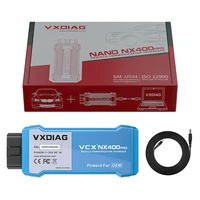
VXDIAG VCX NANO for Toyota for Lexus — Professional OBD2 Diagnostic & Programming Tool
Wide Vehicle Coverage
VCX NANO NX400 diagnostic scanner supports a comprehensive list for Toyota and for Lexus vehicles on 2000-now (depending on software version).
Dealership Full System Diagnostic
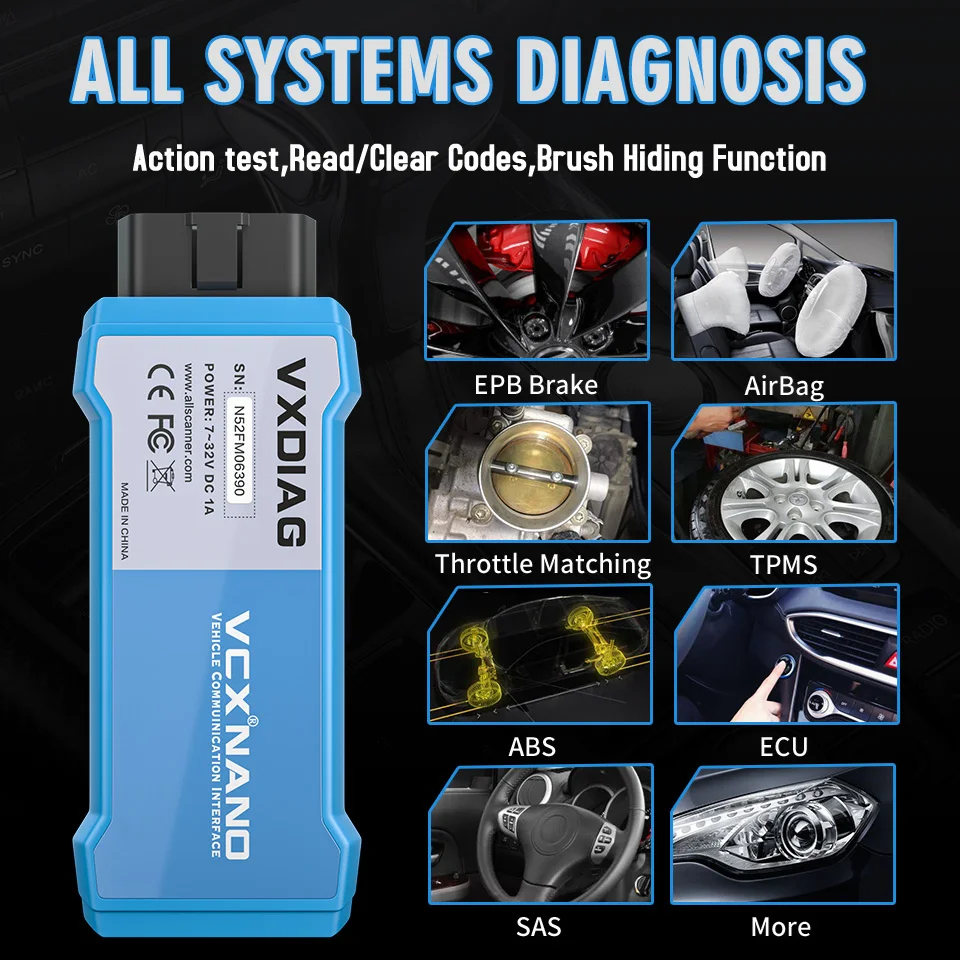
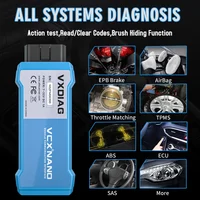
VCX NANO for Toyota for Lexus OBD2 scanner provides advanced diagnostic functions to read and clear trouble codes, perform health checks on vehicle systems, view live data streams, and conduct component testing.
ECU Programming
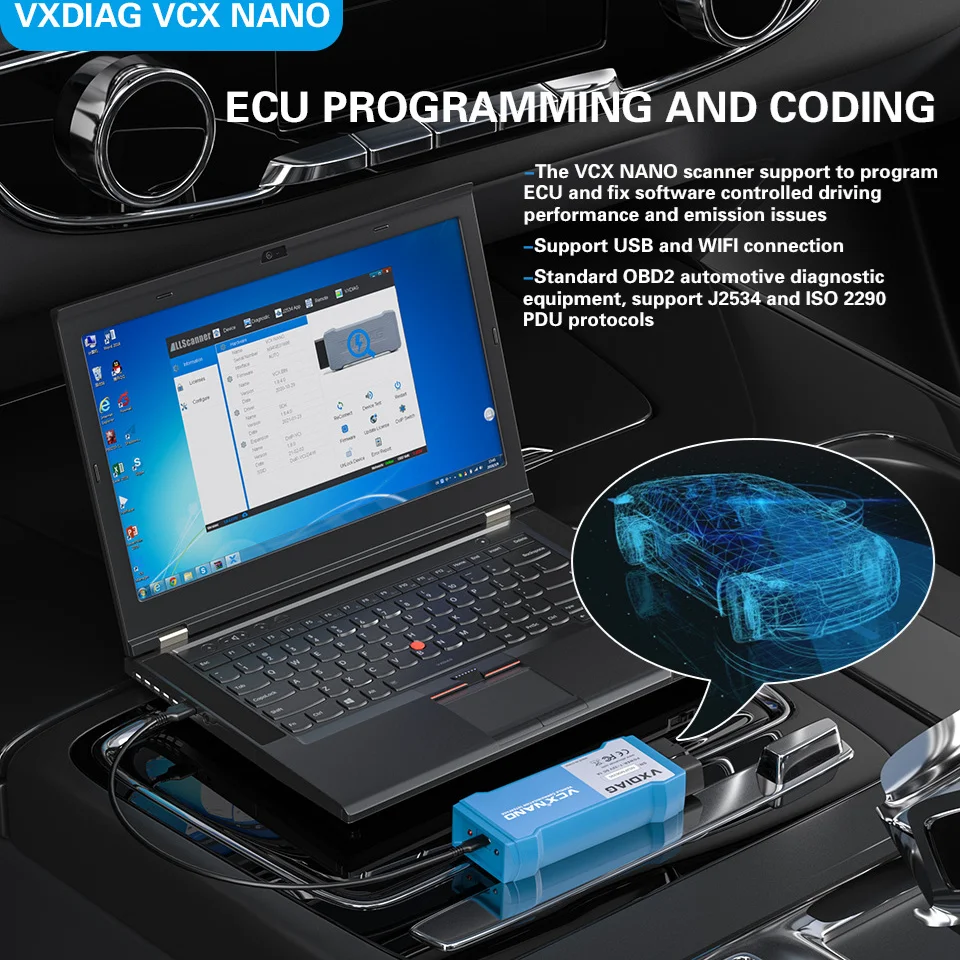
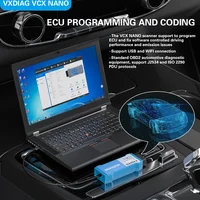
VCX NANO NX400 car diagnostic tool working with official software allows users to program and reprogram Electronic Control Units (ECUs) for Toyota and for Lexus vehicles for various purposes such as key programming, module replacement, and performance tuning. Note: an original online account is required for online function.
ECU Coding Customization
VXDIAG VCX NANO OBD2 scanner featuring with ECU coding, enables users to customize various vehicle settings and functions, such as door lock behavior, lighting controls, and comfort features, based on user preferences.
Multi Maintenance Services
VCX NANO diagnostic scanner supports various maintenance service functions, such as providing detailed maintenance schedules, service procedures, and technical information necessary for performing repairs and service tasks for Toyota vehicles.
License Lifetime Free Updates
VCX NANO comes with lifetime license free updates in VX Manager, you can update license in VX Manager any time.
Note: VCX NANO is a single brand VCI, if you need a VCI that allows being added with more car brand license, please check VCX SE.
Note: We don’t provide software link, please get it from legal channel.
WiFi & USB Cable Connection
There are 2 options for you to better choose you need.
1. WiFi Wireless Connection for Unlimited Length
You can move freely within a ranger of 33 to 66ft or even farther while performing operations.
2. USB Cable Diagnostics for High Stability
During complex operations, such as ECU Programming, it can prevent data loss, better suited for handling complex tasks or large volumes of data.
How to Use the VXDIAG VCX NANO for Toyota for Lexus?
Please make sure that your computer windows system is Windows Ultimate or Professional System and close the firewall and antivirus.
1. Download and Install the Diagnostic Software:
you can obtain the official software through legitimate channels. Please follow the installation steps provided in the software package.
2. Connect VCX NANO to Laptop and Car:
please connect the VXDIAG VCX NANO to your computer via USB cable and connect the OBD2 interface of the device to the vehicle’s OBD2 port. Ensure that the device’s indicator light is on, indicating that the device is successfully connected.
3. Download and install VX Manager from VXDIAG Official Website via www.vxdiag.net:
Use VX Manager to update the firmware and license to the latest and then download PASSTHRU and Vehicle-Specific Drivers.
4. Start Diagnosis with Your Car:
Connect device with laptop and car and then open the installed diagnostic software, the software will automatically detect and display the vehicle information.
Select the “Fault Diagnosis” option to enter the diagnostic interface. Choose the system to be diagnosed (e.g., engine, ABS, airbag, etc.). The software will automatically scan the vehicle’s systems, read fault codes, and display the diagnostic information.
To perform programming or coding, you need to obtain an online subscription account for the corresponding diagnostic software. Select the “Programming” or “Coding” function in the software. Follow the prompts to choose the appropriate module and operation steps. Before performing programming or coding, ensure that the vehicle’s battery is fully charged, the internet connection is stable, and avoid disconnecting during the process.
OE-Level ECU Programming
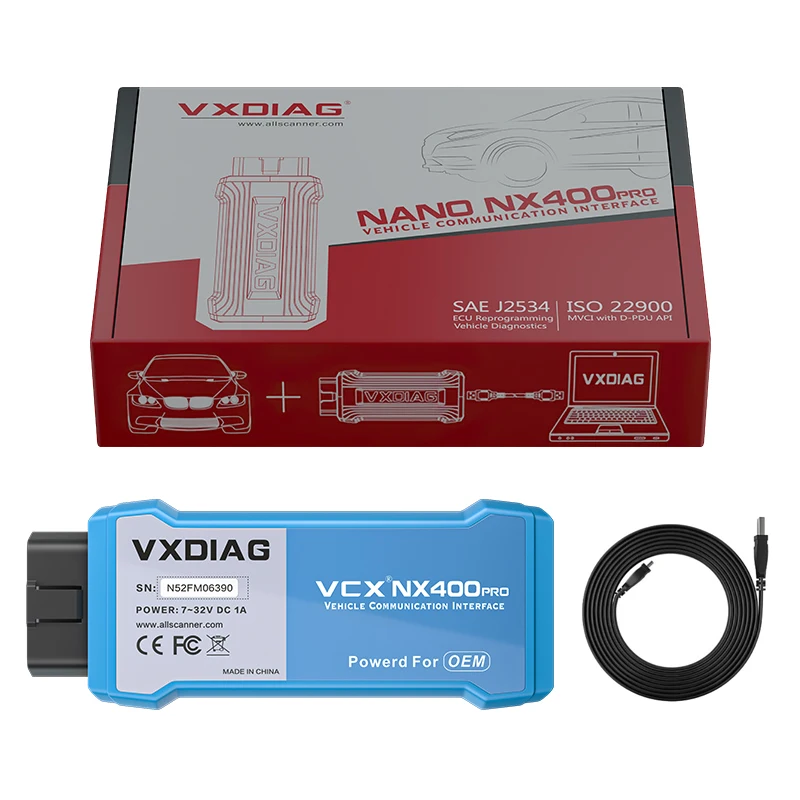
1.VCX NANO for Toyota for Lexus J2534 Pass-Thru ECU Programming Tool can be used with PC to perform ECU coding/ programming features. It helps you program blank ECUs, refresh high-end functions, update vehicle ECU software etc., greatly improving the applicability of vehicles.
2.Work with PC, VCX NANO for Toyota diagnostic tool is fully compliant with SAE J2534-1 & J2534-2 standards, supporting major OEM diagnostic tools, it speeds up reprogramming and diagnostics, saving time and boosting efficiency.
Factory-Level ECU Coding
VCX NANO can perform online coding to flash the hidden features, personalized settings, or disable the annoying functions, such as turn off the back up beep, turn the seat belt buzzer off. And reprogram the adaptive data for certain components after repairs or replacements. After a component is replaced, to alter the configuration so that the new actuators can be recognized by related vehicle systems.
Attention: buyer need have an original online account to perform programming and coding.
Dealership-Level Diagnostics
VXDIAG VCX NANO for Toyota OBD2 scanner full system diagnostic tool can quickly test every system modules status and make faster diagnosis & maintenance via reading/clearing fault codes, viewing live data stream and freeze frame, as well as reading ECU information etc., which only costs you a few minutes to finish full scanning.
With VCX NANO, you can learn to perform complex diagnostic functions with that will give you a lot more power over the ins and outs of your car to figure out what is going on with your modern computerized vehicle, so that you can get it fixed and get back on the road in due time.
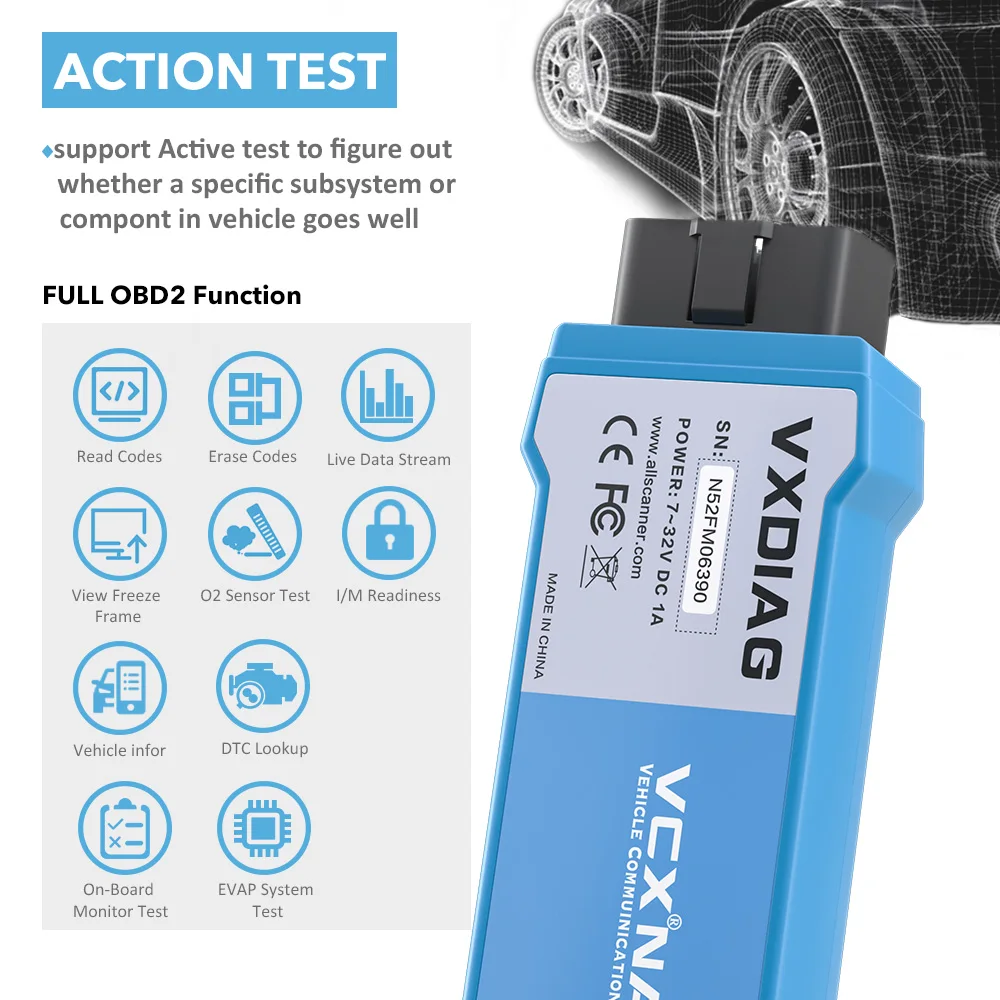
Bi-Directional Control & Active Test
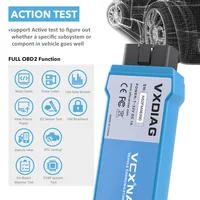
VXDIAG VCX NANO for Toyota bidiectional scanner can drive the solenoid valves and relays to control various subsystems or components, to perform active tests (Also known as actuation tests and component tests) for troubleshooting, to check whether they are working properly, quickly find out the exact cause of the vehicle failure, thus saving diagnosis time.
Such as: Wipers, Door lock/unlock, Horn, Light Tests, Cooling Fan Test, Fuel Pump, A/C Relay, etc.
Multi Hot Maintenance Services
VXDIAG VCX NANO for Toyota for Lexus comes with various scheduled service and maintenance, including maintenance light reset, throttle learning, steering angle learning, brake pad reset, tire pressure reset, ABS exhaust, battery matching, gear information learning, injector coding, DPF regeneration, headlight matching, gearbox learning, suspension matching, sunroof initialization, A/F adjustment, electronic pump start, release transportation mode, tire modification, door and window calibration, start-stop setting, language setting, seat calibration, shielding failure, etc.







Reviews
Clear filtersThere are no reviews yet.