
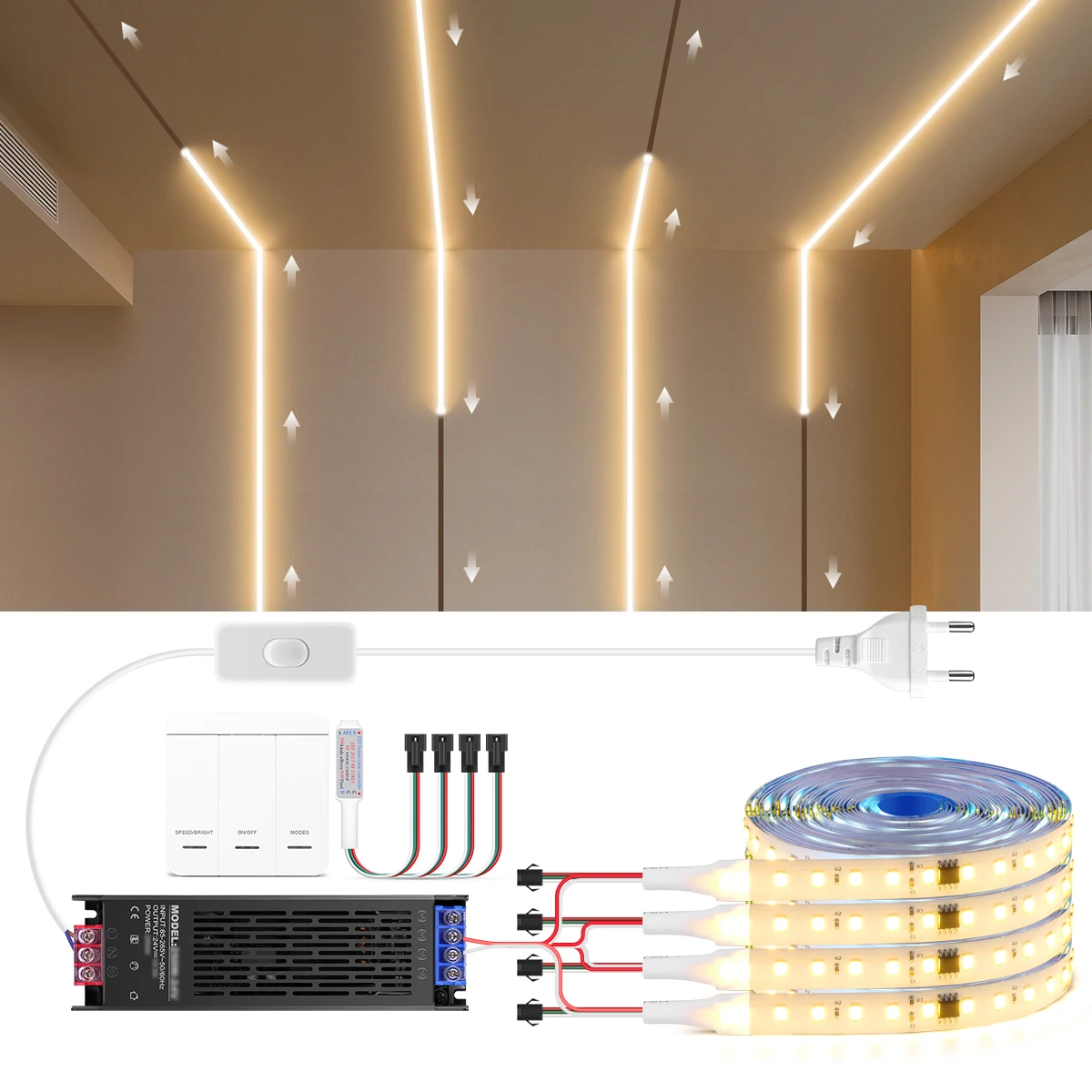

How to pair Remote to the Receiver,make them working independently ?
Step 1: Turn on the power supply.
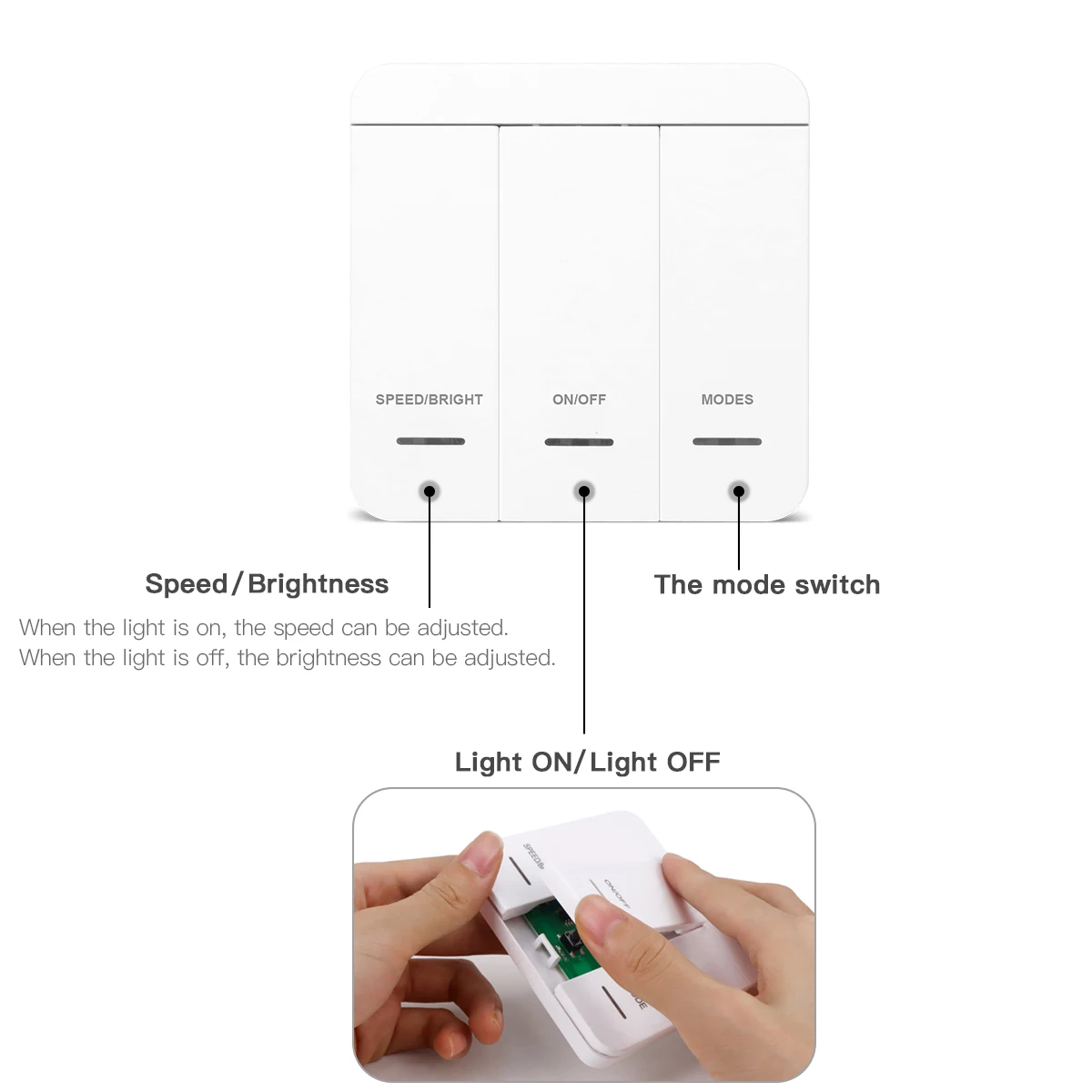
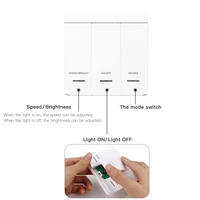
Step 2: Long press “Mode”keys 3seconds within 2seconds after powering ON.
Step 3: Sucessfully if the led strip quick flash 3 times.
1pc receiver can be controlled by max 6pcs panel remote.
How to Setting Pixels?
Step 1: Turn OFF the lights
Step 2: Long press “Mode” keys 5 seconds,press “Speed” keys to increase the pixels quantity, Press “Mode” keys to decrease the pixels quantity.
Step 3: Press ” ON/OFF” to save, Exit.
Default factory setting is 80pixels,max up to 3200pixels. If you found some led strip is not light, please kindly do pixel setting as above steps.
Specifications:
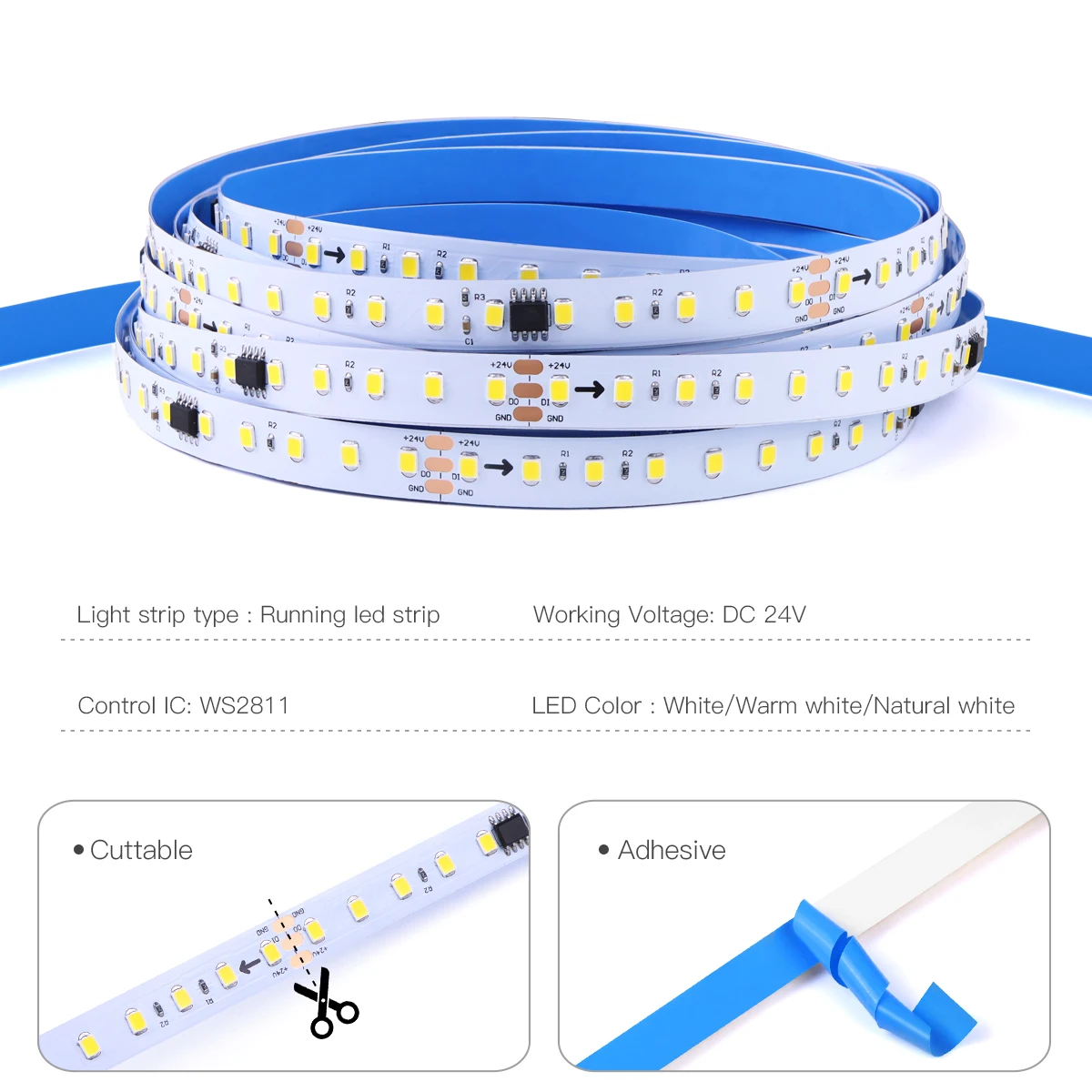
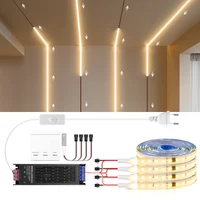
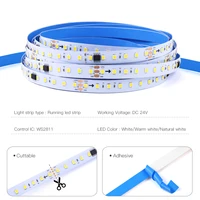
LED Type: SMD2835 + WS2811 IC
LED QTY: 120LEDs/M
Working Voltage: 24V DC
Waterproof: NO
Length:5M/10M
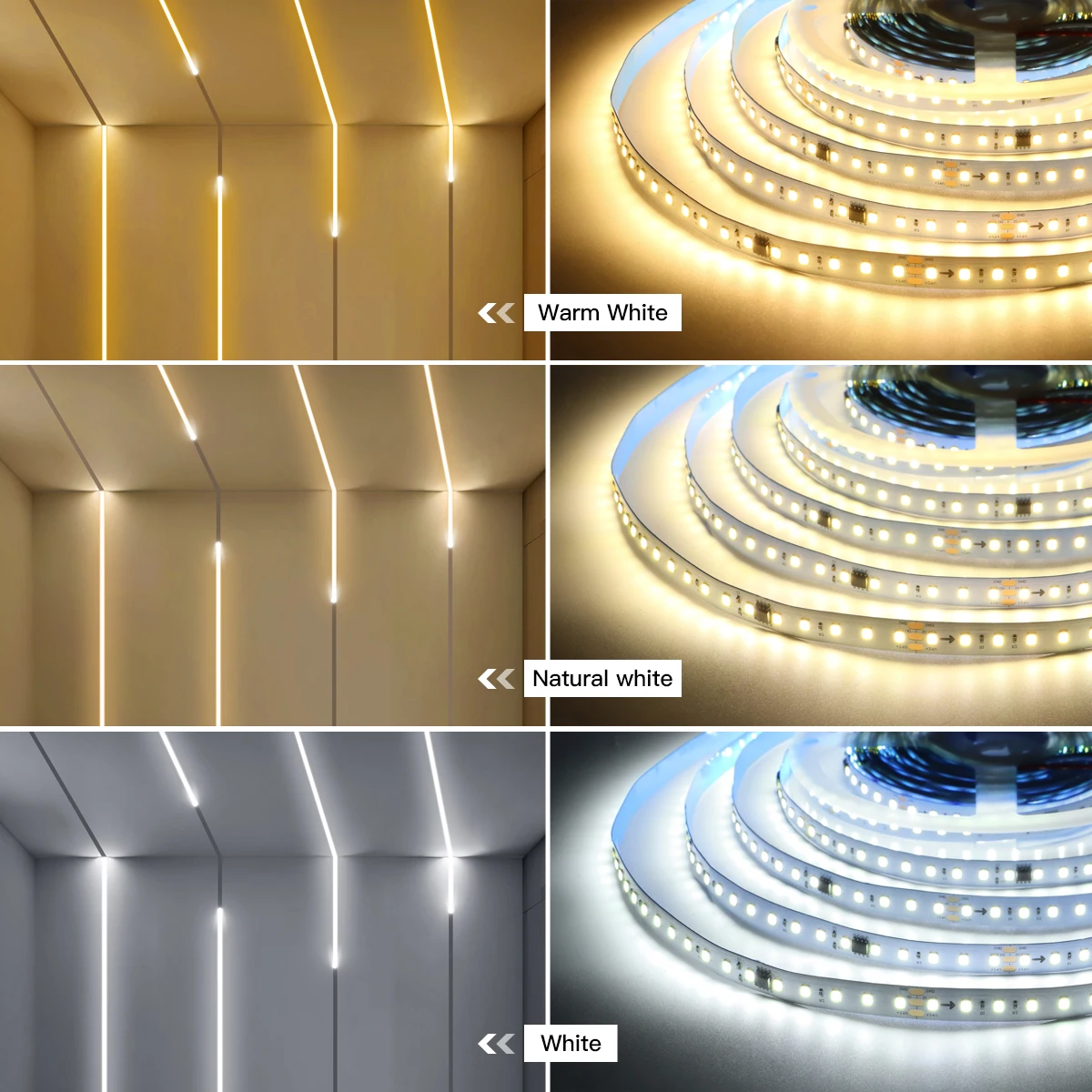
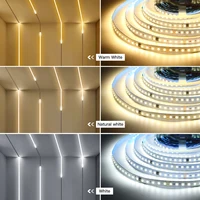
Color: White (6000K6500K)/Warm White (3000K3500K)/Natrual White(4000K-5000K)
Control IC: 8PCS WS2811 / Meter
Wireless RF Controller:
1.Powered by 12V 27A Battery
2.Max control 2048 Pixels(IC)
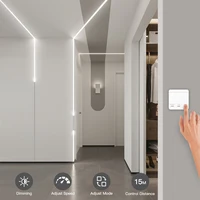
3.Speed/Brightness is adjustable
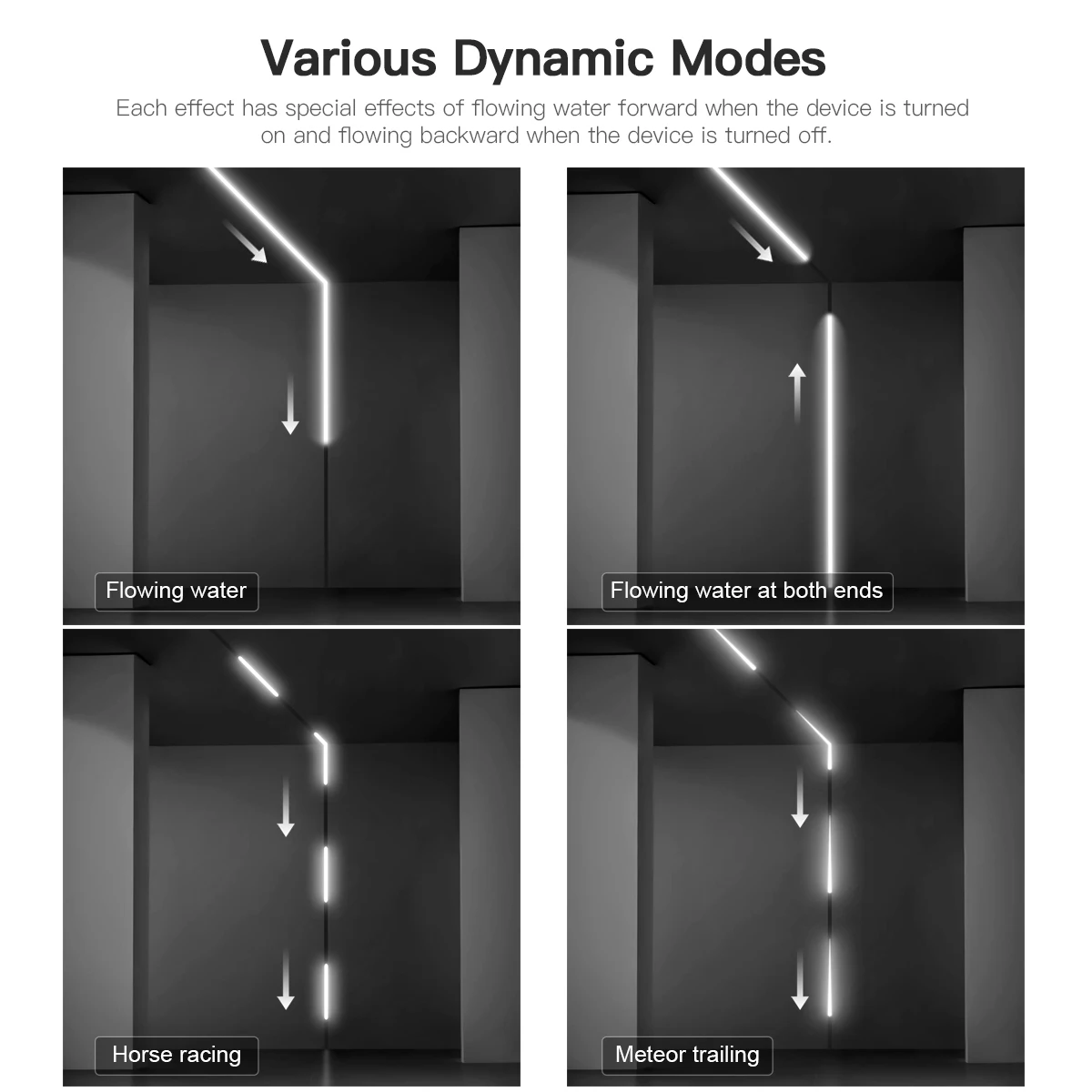
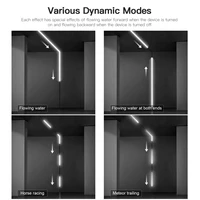
4.10-20 Kinds of different modes changable
5.With Double-side tape on the back,easy to install at anywhere
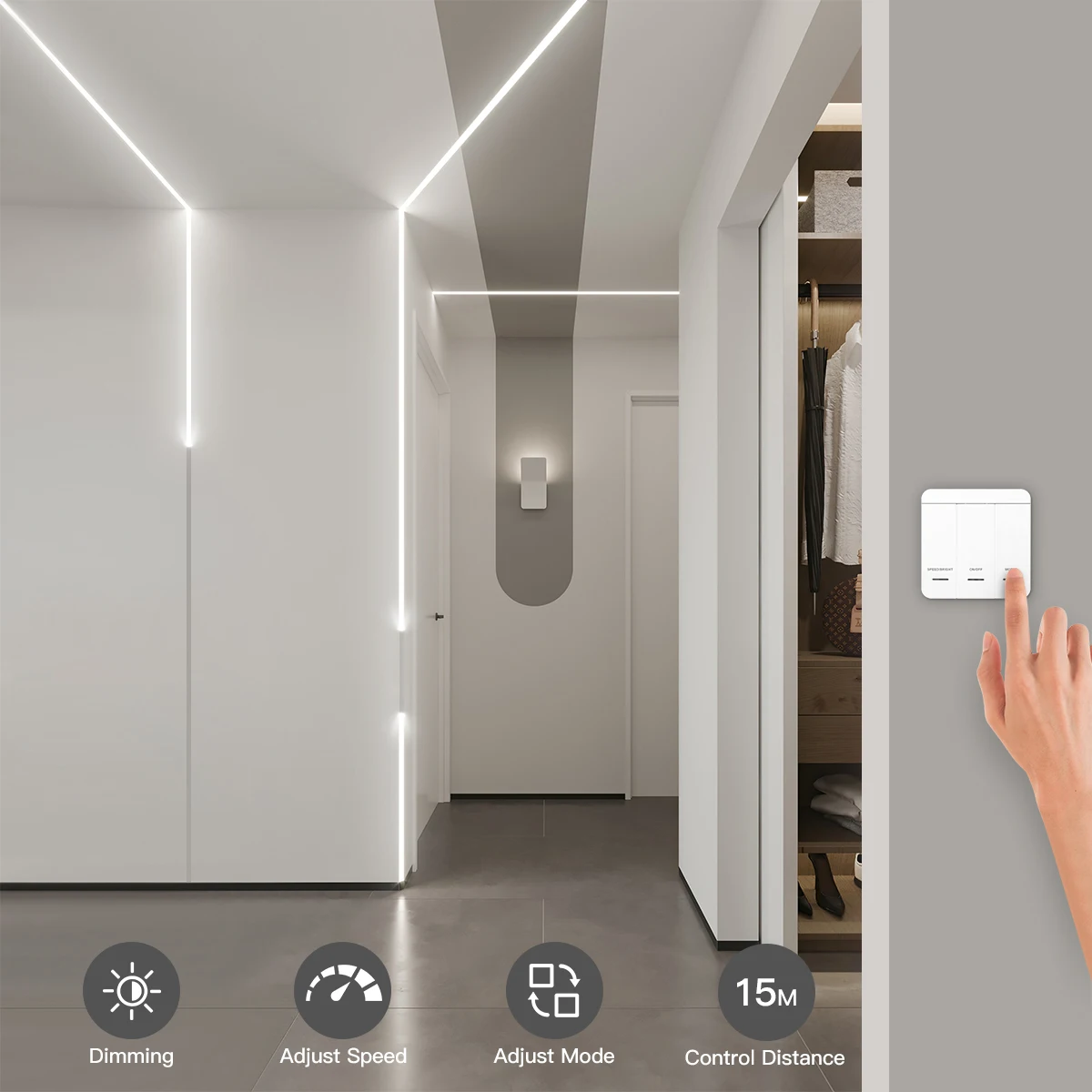
6.15m remote Control distance







Reviews
Clear filtersThere are no reviews yet.