
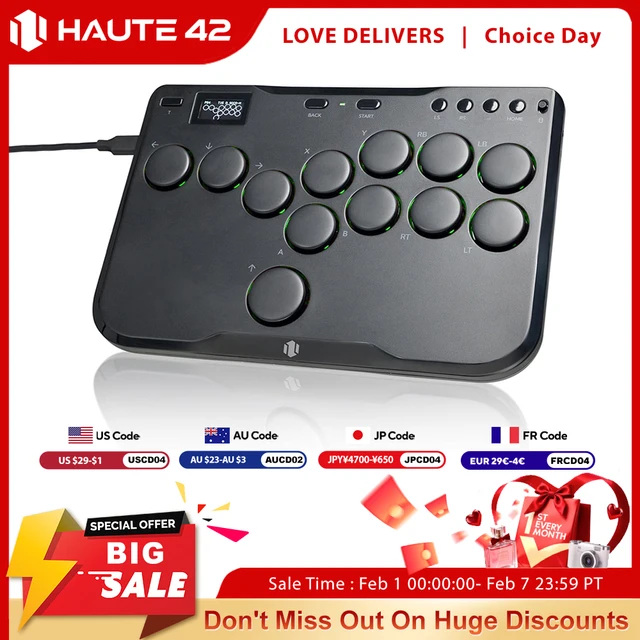
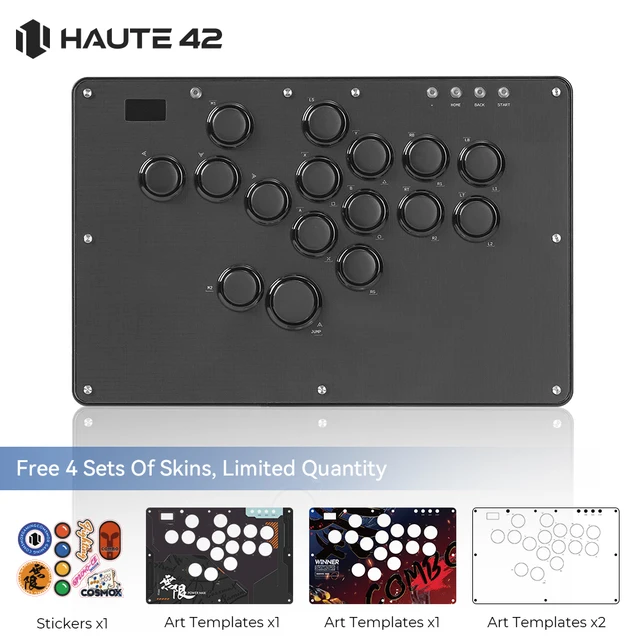


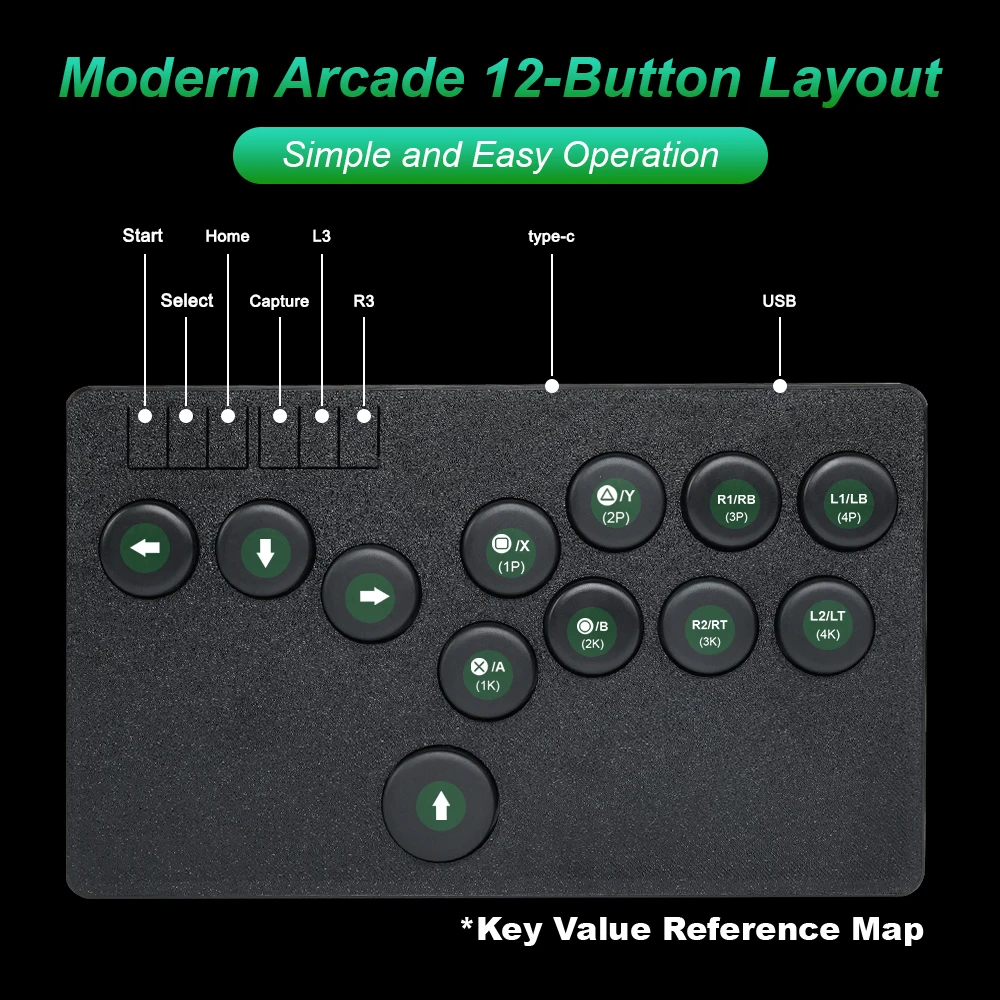



Flatbox Arcade Stick Controller:
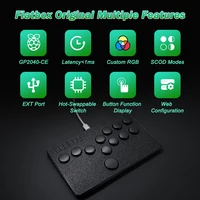
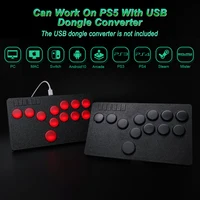
Flatbox is a gamepad for the Raspberry Pi Pico and other boards based on the RP2040 microcontroller, and provides high performance with a rich feature set across multiple platforms. GP2040-CE is for PC/ MiSTer/Android/Raspberry Pi/Nintendo Switch/PS3/PS4 (in games that support legacy controllers)
Made In 3D Printed
The Flatbox Controller shell is 3D printed and it will be lines on the surface. Please pay attention to buy if you mind.
Compatible With Multiple Platforms
Note:Enabling for PS4 mode only supports 8 minutes and will automatically disconnect. You can contact customer service staff to provide technical support.
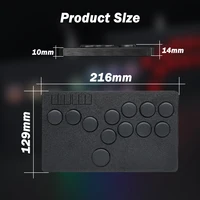
Product Size
L*W*H=216*129*10MM
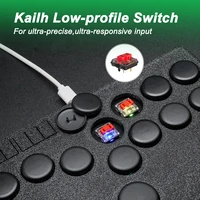
Hot-swappable Switches Are Available
Pink Switch / Purple Switch / Red Switch / Brown Switch / White Switch (the sound becomes louder from left to right, and the force required to trigger the button also gradually becomes louder)
Flatbox LED Model
Please note that the LED version controller doesn’t update the official “GP2040-CE” firmware on github,otherwise it will cause the controller to the display does not light up or crash.
Please use our firmware.if you want to update file,you can contact us.
Flatbox Controller Manual
Kailh CHOC Switch Parameter Details
Packing List:
1*Flatobx Controller
1*Keycap Puller
1*2M Type C USB Cable
This product is based on the open source project flatxbox:
jfedor2/flatbox: Low profile hitbox-layout fightstick (github.com)
GP2040-CE Open Source Firmware Link:
OpenStickCommunity/GP2040-CE (github.com)
For more details about the GP2040-CE documentation, please refer to:
//gp2040-ce.info/#/usage
Features
•Selectable input modes – X Input, Direct Input, and Nintend Switch.
•Overclocked polling rate for less than 1 ms of input latency in all modes.
•Multiple SOCD cleaning modes – Up Priority (a.k.a. Stickless), Neutral, and Second Input Priority.
•Left and Right stick emulation via D-pad inputs as well as dedicated toggle switches.
•Dual direction via D-pad + LS/RS.
•Reversed input via a button.
•Built-in, embedded web configuration – No download required!
FAQ
Q:The Hitbox Controller cannot use the arrow keys in the menu ?
A: The reason is that the hitbox arrow keys are set to the left/right analog stick mode, that is, LS/RS. Switch the direction mode to DP to see the operation method below.
Hitbox’s controller direction mode is divided into three types:
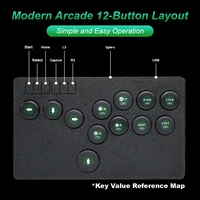
1. D-Pad (DP): Press “S1 + S2 + DOWN ” button to switch
2. Emulate Left Analog stick (LS): Press “S1 + S2 + LEFT”
3. Emulate Right Analog stick (RS): Press “S1 + S2 + RIGHT”
Q: How does the Turbo button work?
A:Dear friends, Turbo is off by default, you need to go to the web page settings. For specific operations, please refer to the link:
Q: The Home button does not work, what should I do?
A: Dear friend, the Home button cannot be recognized in xinput mode. It is recommended to switch to ps4 or switch mode
Q: Can I customize the color of the LED? Or only the options shown on the page?
A:Dear friend, led is rgb light and can be set on the webpage by yourself. For specific operations, please refer to the link: //gp2040-ce.info/#/web-configurator?id=led-configuration
Q: How to set SOCD?
A: Dear friend, please refer to the link for specific operations: //gp2040-ce.info/#/web-configurator?id=socd-selection-slider
Q: When the flatbox controller is reinserted, the platform or mode of the last game is defaulted, or should it be reselected?
A: Dear friend, it is the platform or mode selected last time by default.
Q: Does it support using the PS5 platform?
A: Dear friends, it only supports playing PS4 games on PS5 platform. Cannot play PS5 games.
Q: Does Flatbox Controller have Bluetooth-Compatible function?
A: Sorry friends, it is wired, no bluetooth-compatible function
Q: Does it have screen recording function?
A: Sorry friends, it does not have screen recording function.
Q: Can Flatbox Hitbox Led Controller turn off the lights and the screen is still bright?
A: Dear friend, it can. If you need a tutorial, you can contact our customer service staff
3D Printed Hitbox Controller Replacement Shell For Flatbox Joystick
Shells and keycaps of different colors can be matched arbitrarily, and the 3D printing material is durable. Support custom color







Reviews
Clear filtersThere are no reviews yet.