

Question: Can’t add device to zigbee2mqtt?
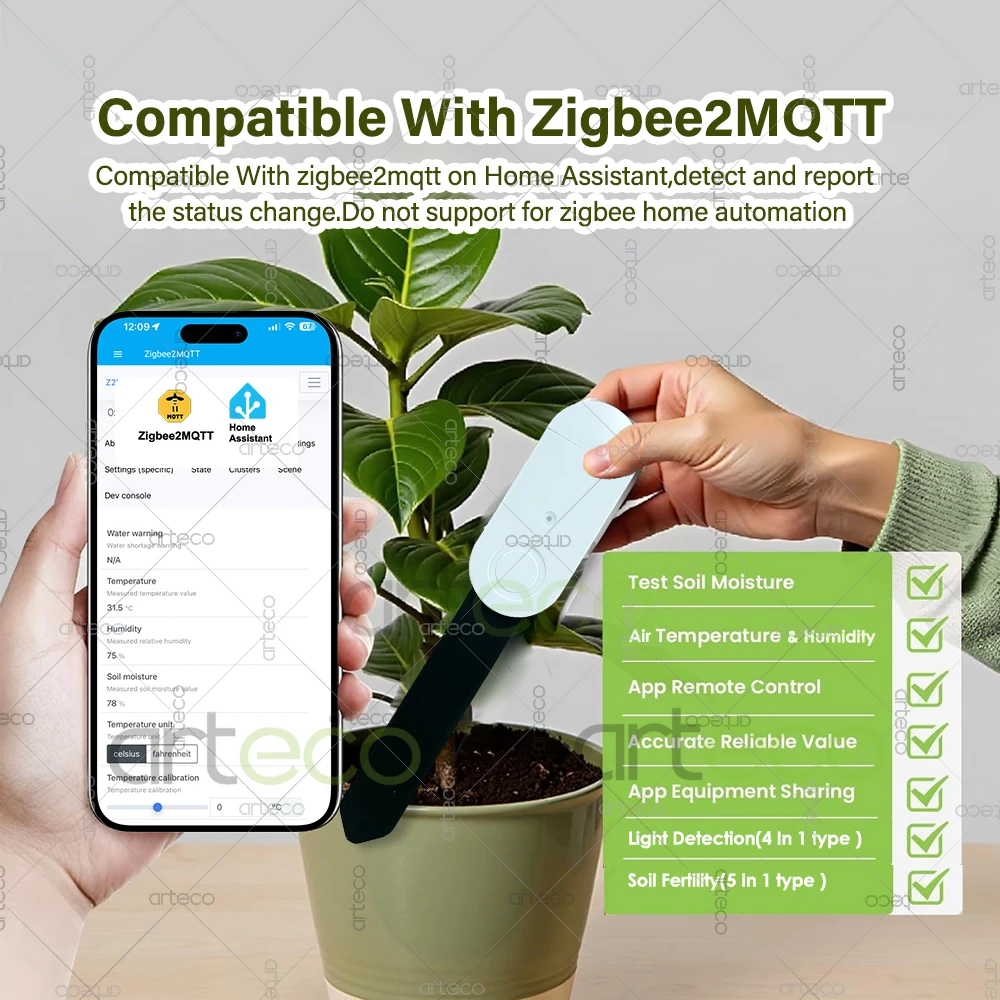
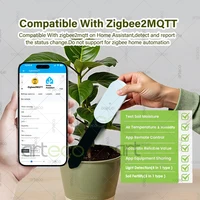
Answer :It has something to do with the Zigbee2MQTT version,your z2m is old version and have not been updated. Please update the version to newest Zigbee2MQTT version, then reset and add device on Zigbee2mqtt.
What is the difference between two version ?
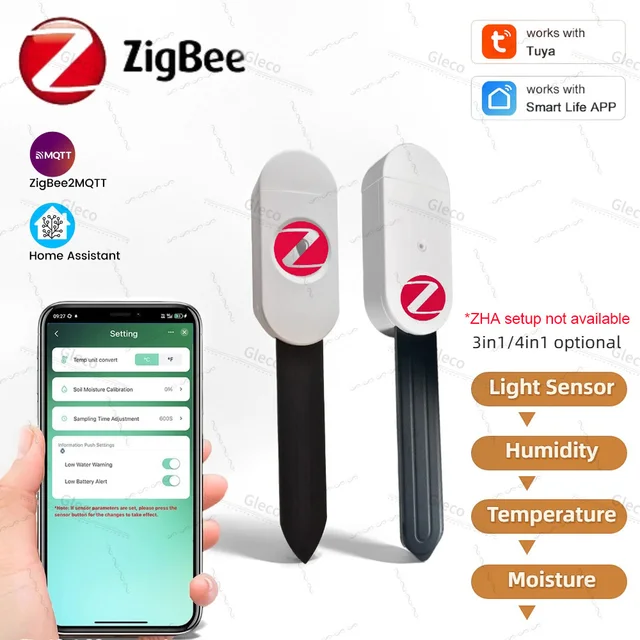
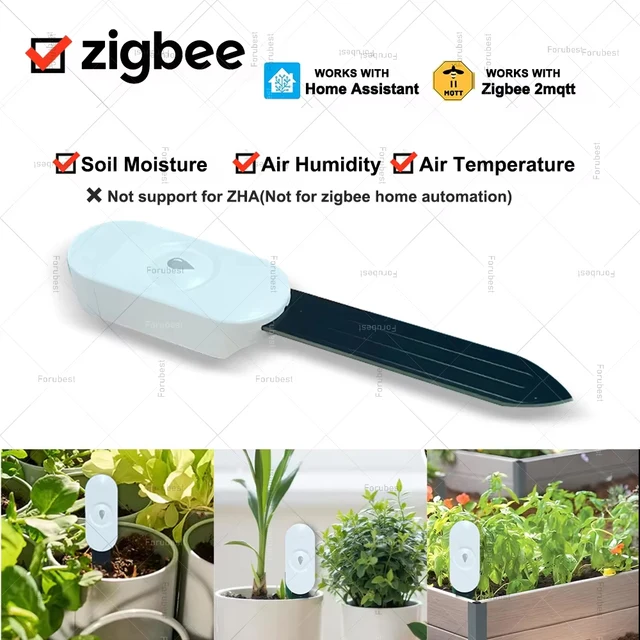
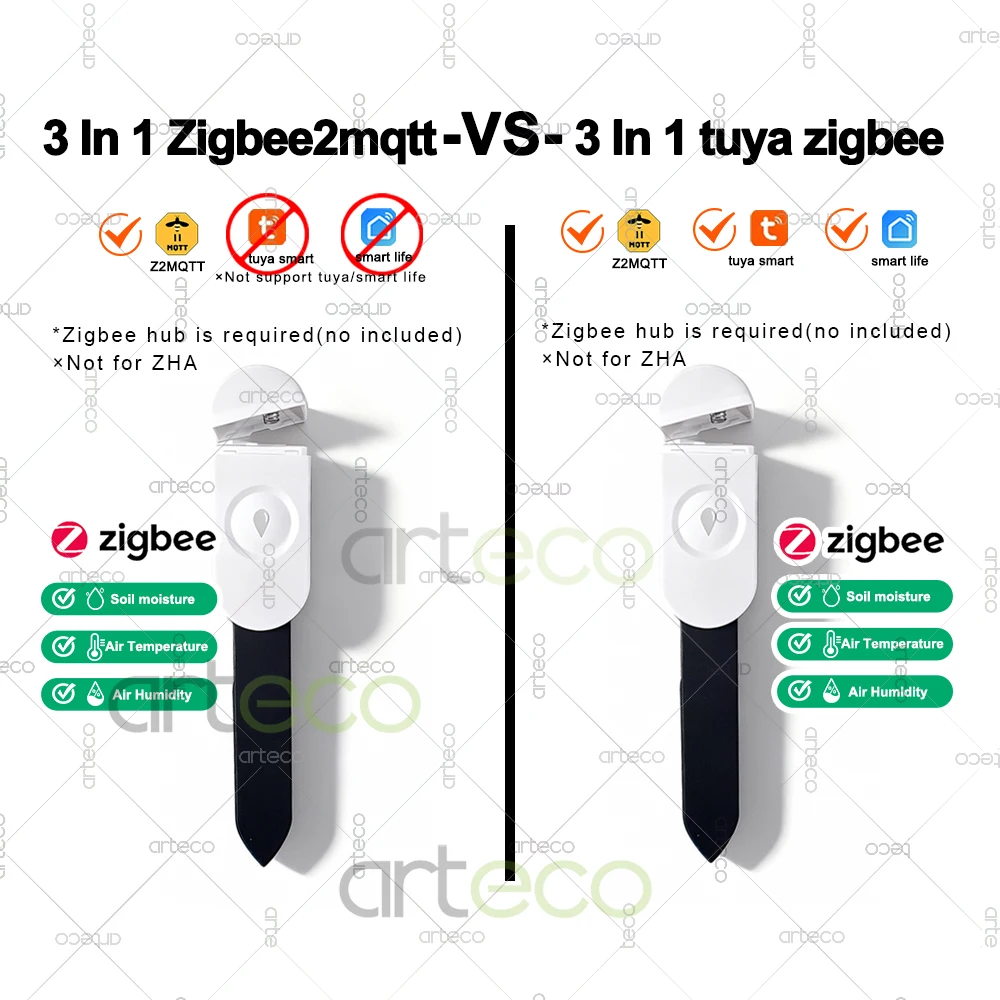
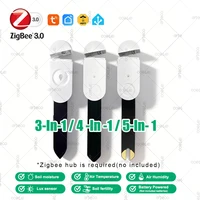
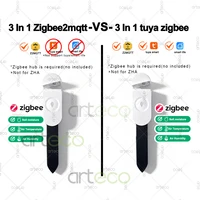
*3 In 1 Zigbee2mqtt : Zigbee hub required.Can only work with Zigbee 2mqtt in home assistant,not work for ZHA.
*3 In 1 tuya Zigbee: Zigbee hub required.You can use it with tuya zigbee gateway (Using tuya app/smart life app). Support work with Zigbee 2mqtt on home assistant. Not work for ZHA.
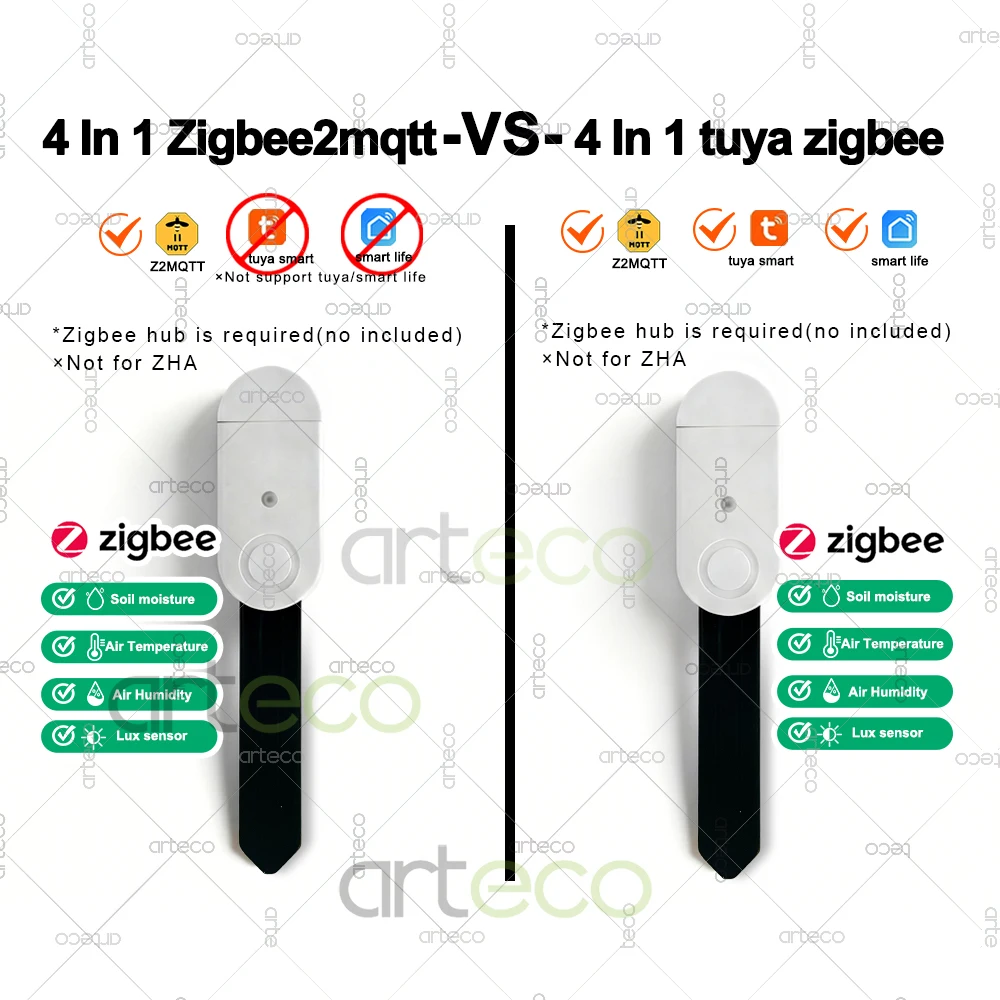
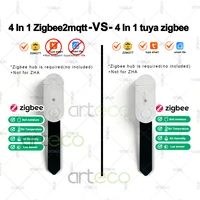
*4 In 1 Zigbee2mqtt : Zigbee hub required.Can only work with Zigbee 2mqtt in home assistant,not work for ZHA.
*4 In 1 tuya Zigbee: Zigbee hub required.You can use it with tuya zigbee gateway (Using tuya app/smart life app). Support work with Zigbee 2mqtt on home assistant. Not work for ZHA.
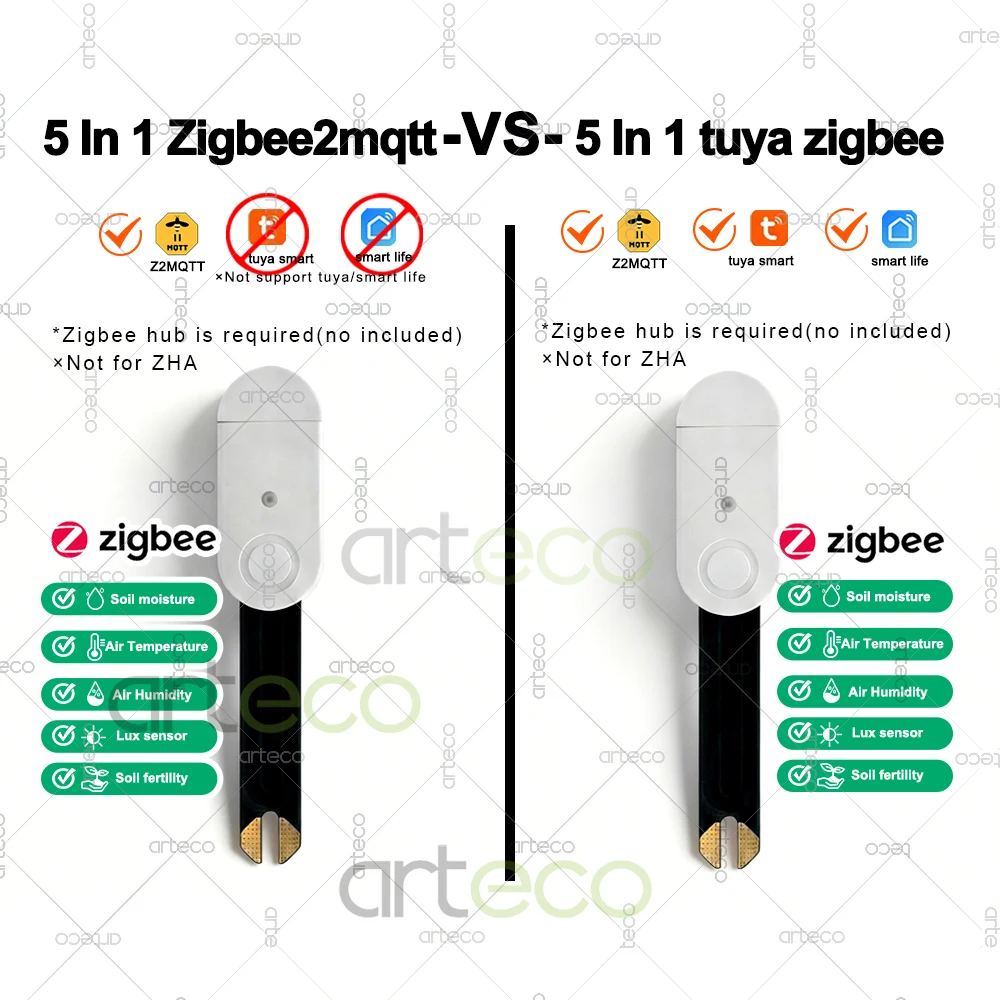
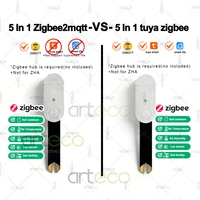
*5 In 1 Zigbee2mqtt : Zigbee hub required.Can only work with Zigbee 2mqtt in home assistant,not work for ZHA.
*5 In 1 tuya Zigbee: Zigbee hub required.You can use it with tuya zigbee gateway (Using tuya app/smart life app). Support work with Zigbee 2mqtt on home assistant. Not work for ZHA.
Note: Not support voice control
Parameters
Item: Zigbee Soil Moisture Humidity Temperature Tester
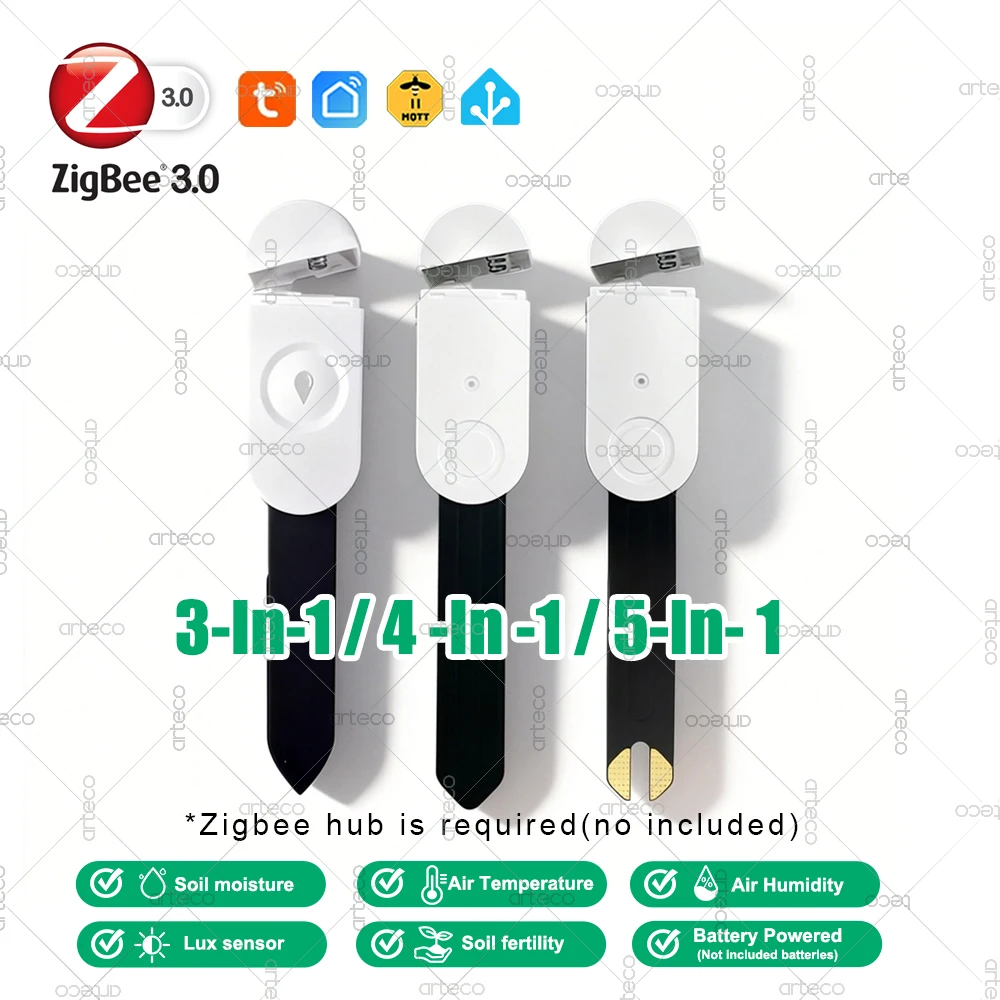
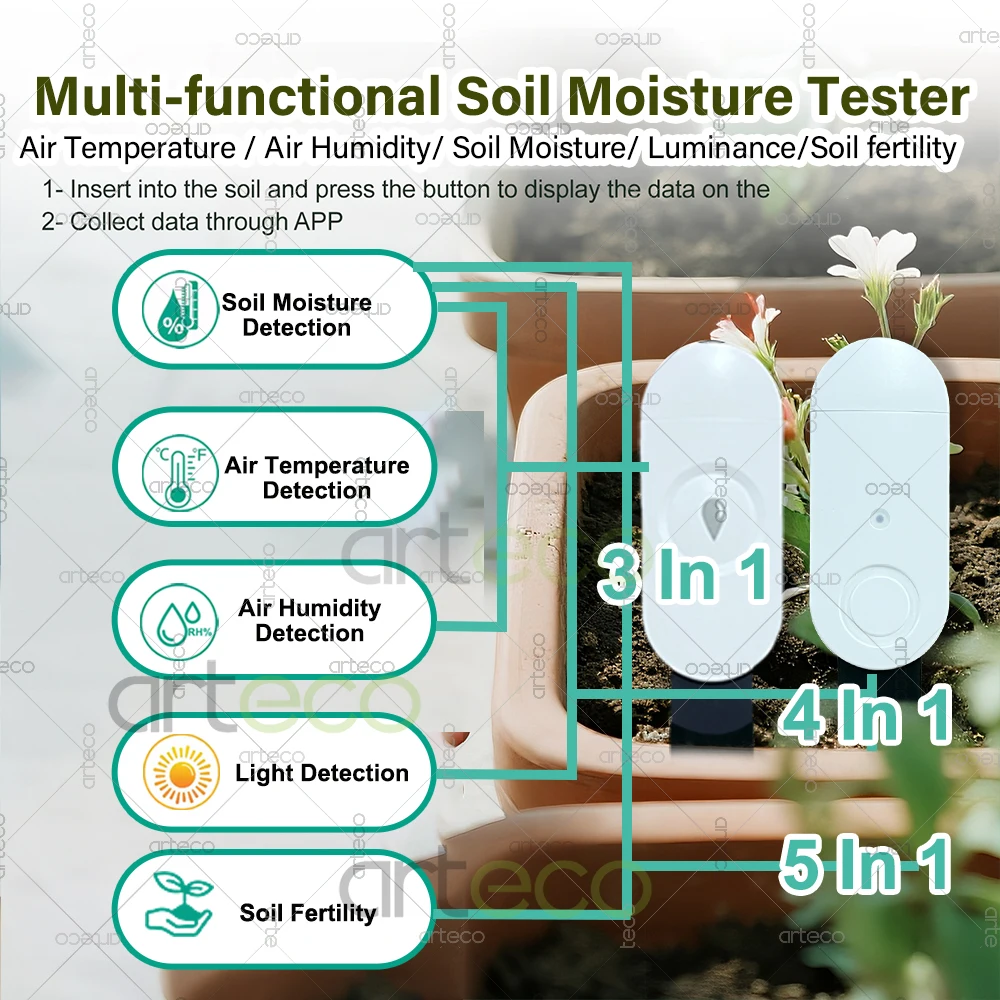
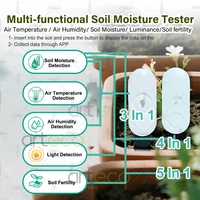
3 In 1 function : Soil moisture detection +Air temperature + Air Humidity
4 In 1 function : Soil moisture detection +Air temperature + Air Humidity + Luminance Detection
5 In 1:Air Temperature / Air Humidity/ Soil Moisture/ Luminance/soil fertility
Battery Type: 2 x LR03 AAA(not included)
Wireless Protocol: Zigbee 3.0(need zigbee gateway)
Soil Moisture Range:0%~100%
Soil Moisture resolution: 3%
Temperature Resolution: 0.1℃
Humidity Resolution: 3%
Light intensity Resolution: 1lux (only 4 in 1 version/5 in 1 version have this function )
Temperature Measurement Accuracy: ±0.5℃
Humidity Measurement Accuracy: ±5%
Working Voltage: DC3V
Standby Current: ≤20uA
Do not support for alexa or google assistant voice ,no voice control .
Installation Instructions
1. Before inserting the sensor into the soil,please ensure that the surface of the “soil moisture sensor” is clean.
2.Insert the sensor into the soil for no less than 2/3. Ensure that the sensing surface of the moisture sensor is in contact with the soil.
3. After insertion, wait for about 30 seconds~ 1 minute to detect the moisture level.
4. When the moisture value differs by 3%, the air temperature value differs by 0.3°C, and the air humidity value differs by 5%, the data will be uploaded to the APP.
5. Support create smart scene with other related zigbee products.







Reviews
Clear filtersThere are no reviews yet.