

SIZE
Selling Point
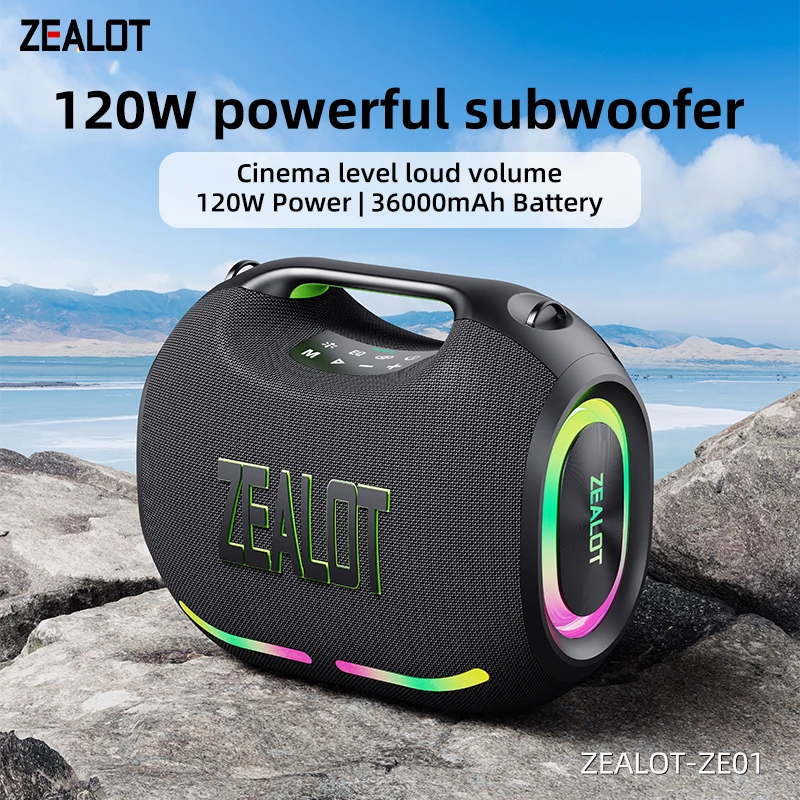
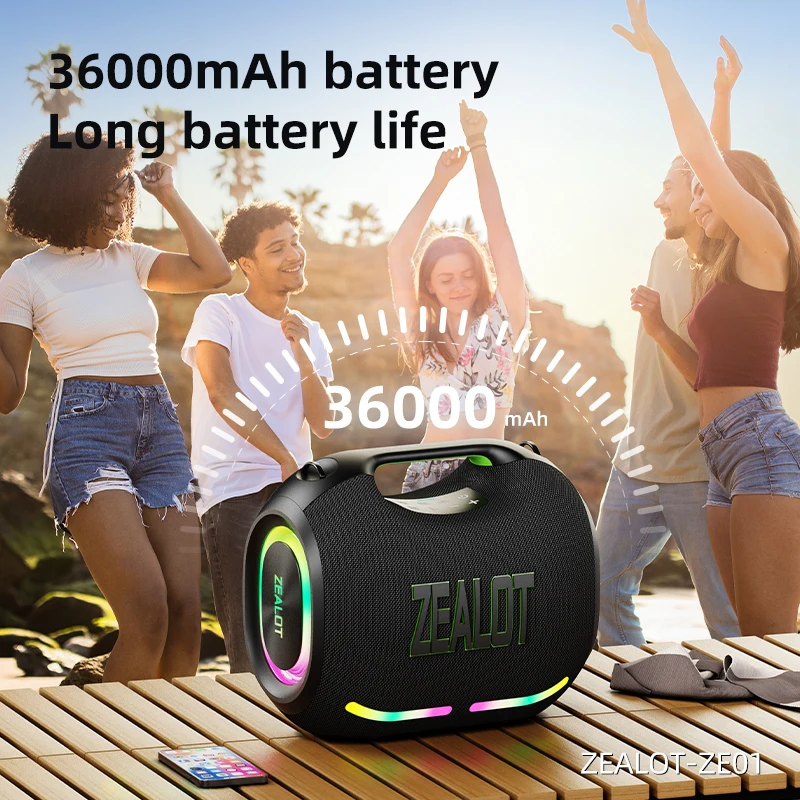
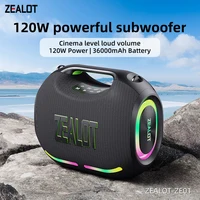
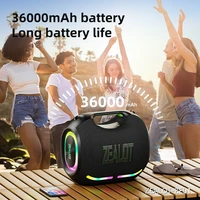
Battery capacity: 36000mAh
Bluetooth version: 5.4
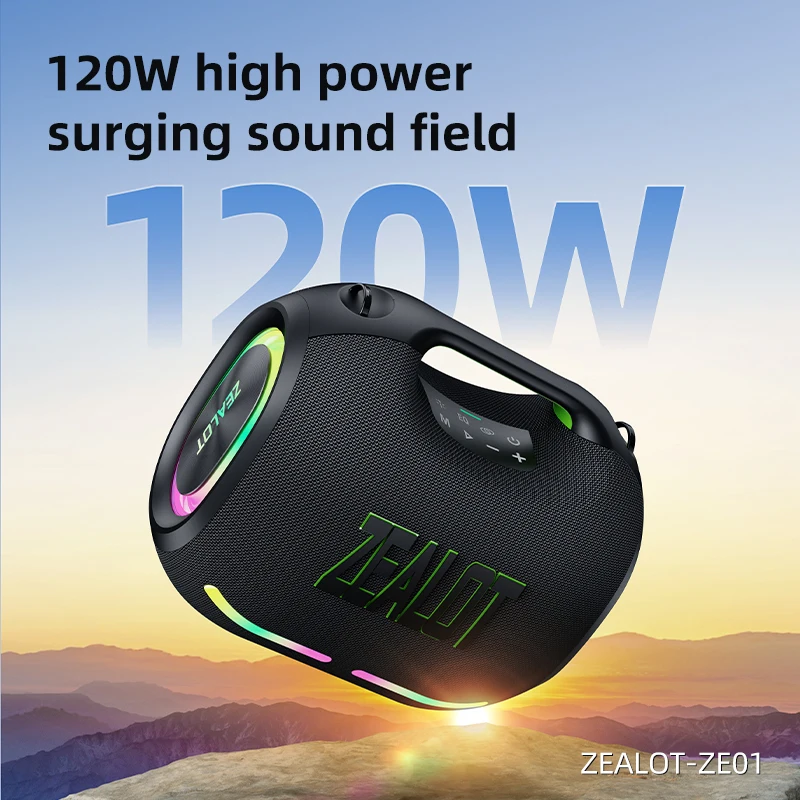
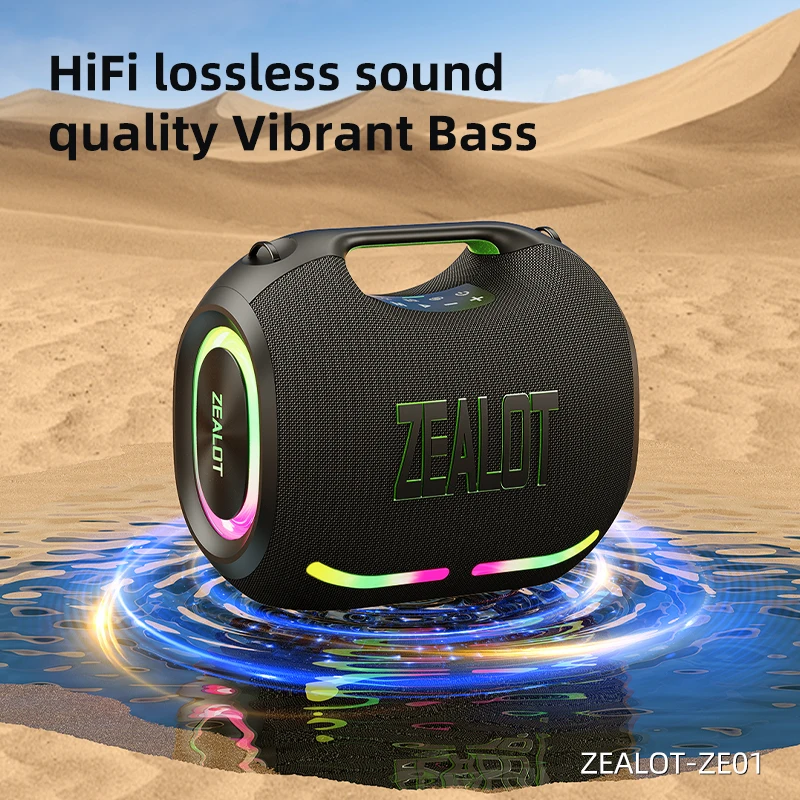
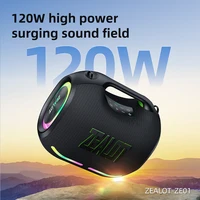
Speaker: 120W
Transmission distance: 10m
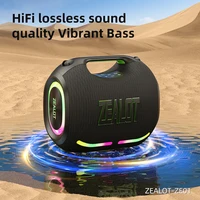
Frequency response: 20Hz-20KHz
Signal to noise ratio: ≥ 90dB
Working voltage: 11.1V
Distortion:< 1%
Charging voltage: DC5V,5A
Charging interface: type-c
TF card playback: 10h
Standby time: ≥ 30 days
Mobile power output: 5v2a
Charging time: slow charging 5.5-6.5h/45w fast charging 2.5-3h
Fast charging standard: PD2.0 45W 5V@3A / 9V@3A / 12V@3A / 15V@3A / 20V@2.25A
QC2.0 18W 5V@3A / 9V@2A / 12V@1.5A
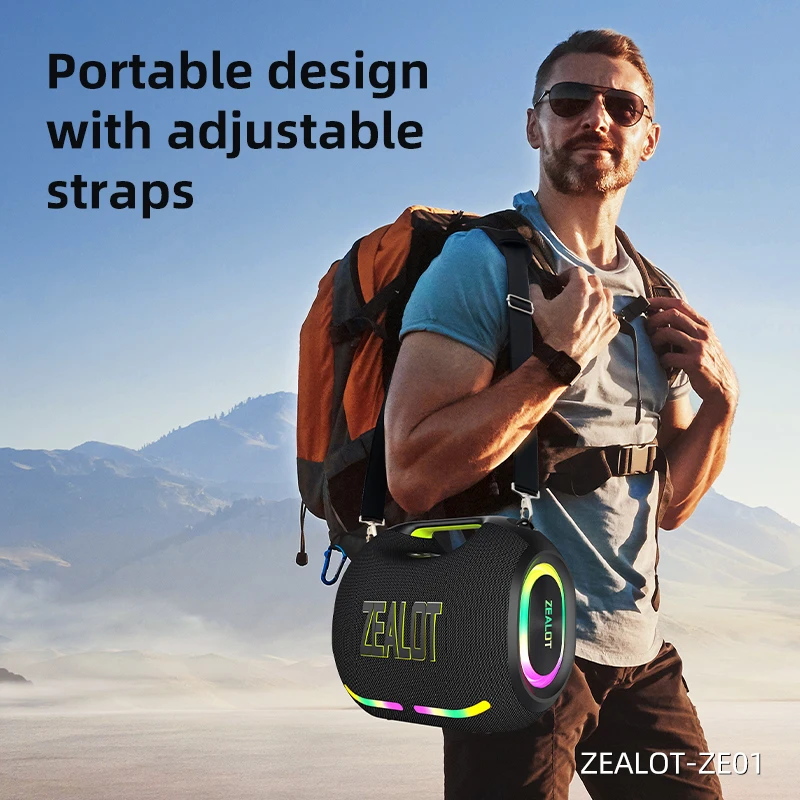
Weight:5.89kg
Size:36cm x 32cm x 23.2cm
Packaging List:
1 x Zealot ZE01 bluetooth speaker
1 x USB charging cable
1 x English Manual
FAQ
1, What should I do if I can’t turn on my computer?
After receiving the speaker, please charge it first, and then it can usually turn on normally.
2, What should I do if I can’t charge the battery?
Sometimes the battery may be in a state of waiting to be activated due to low temperature and other conditions. Usually, after continuous charging for 1 hour, the charging status will return to normal.
3, What should I do if the sound cannot be output?
Usually it’s a formatting issue when playing music. Please adjust the music format to MP3.
4, What should I do if I can’t connect or pair with Bluetooth?
Please disconnect other Bluetooth devices on your phone first, and then search for devices to connect.
5, What should I do if there is no sound after Bluetooth connection?
Please check if the speaker volume and phone volume have been adjusted to the lowest level. If there is no problem with the volume, please check if music is playing on the phone.
6, What should I do if I can’t adjust the volume?
Please check if the volume of the speaker is already at its maximum. If both the phone and speaker are at their maximum volume, it is impossible to adjust it.
7, What should I do if I can’t connect the microphone?
At present, only S32 and S53 models have built-in microphone function, while other models do not have built-in microphone. If you really need it, please choose the model with microphone.
8, What should I do if my SD card is not recognized?
Usually it’s a format issue with the storage card. The storage card needs to be adjusted to FAT32, and music usually needs to be adjusted to MP3 format so that it can be recognized properly.
9, How to connect to TV?
Usually, it can be connected to a TV through an AUX data cable.
10, How to set the standalone working mode?
As long as the mode you choose works properly, it usually does not actively switch modes, such as MP3 mode. If you cannot read music continuously, it will automatically switch to a mode that can be used normally.







Reviews
Clear filtersThere are no reviews yet.