



Description:
Product Specifications:
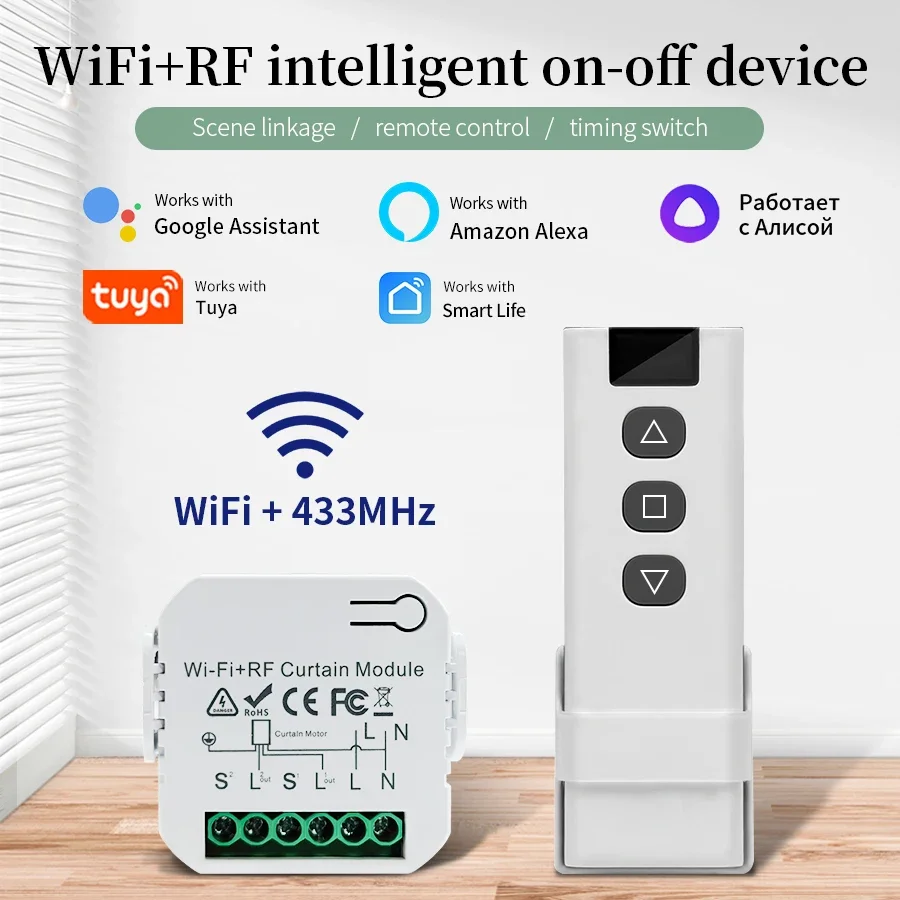
Product name: WIFI curtain switch switch, switch
Rated voltage: 100V-240VAC
Standby power consumption: 0.2W
Load power: 16A
Frequency: RF433MHZ
Shell material: ABS
Working temperature: -20-55℃
Specifications:
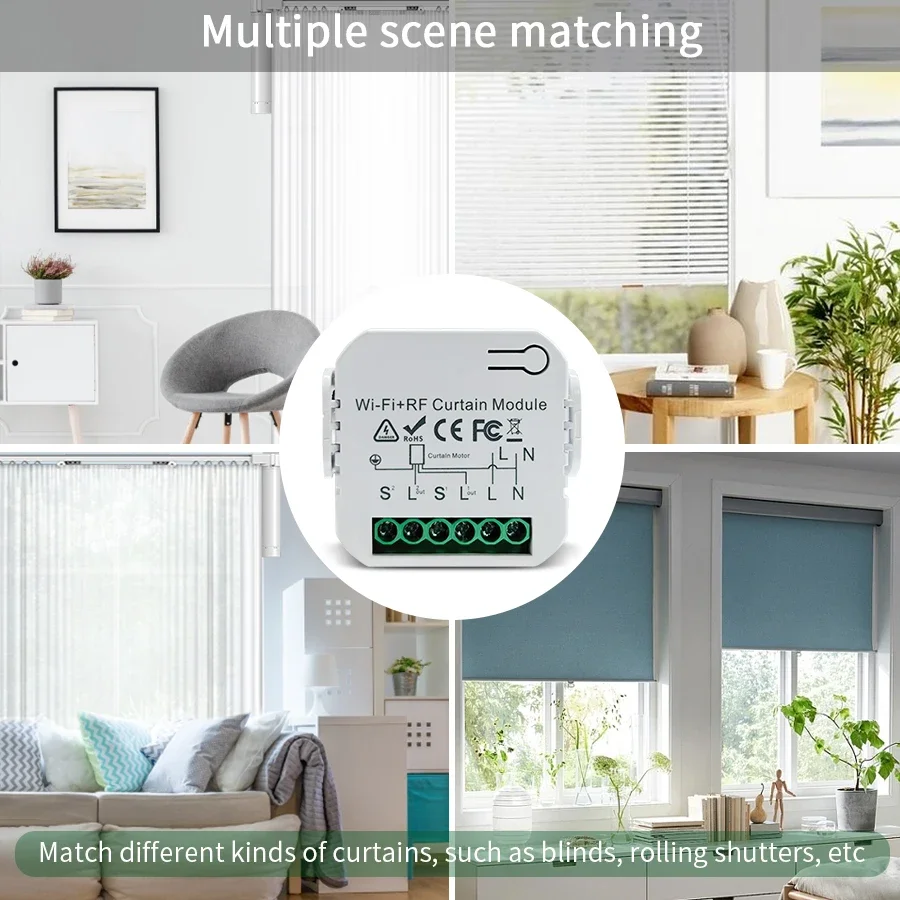
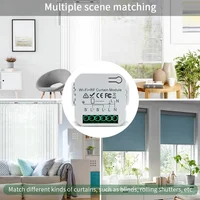
[Use with Much More Convenience with stop function on traditional switch] A really good substitution for a more new smart roller blind switch to work with your traditional curtain switch to realize intelligence. Press your traditional curtain switch once after switch to up/down (On the same button) to manually stop your curtains easily. Also, it can be connected with your roller blinds shutter motor to cleverly control your curtains.
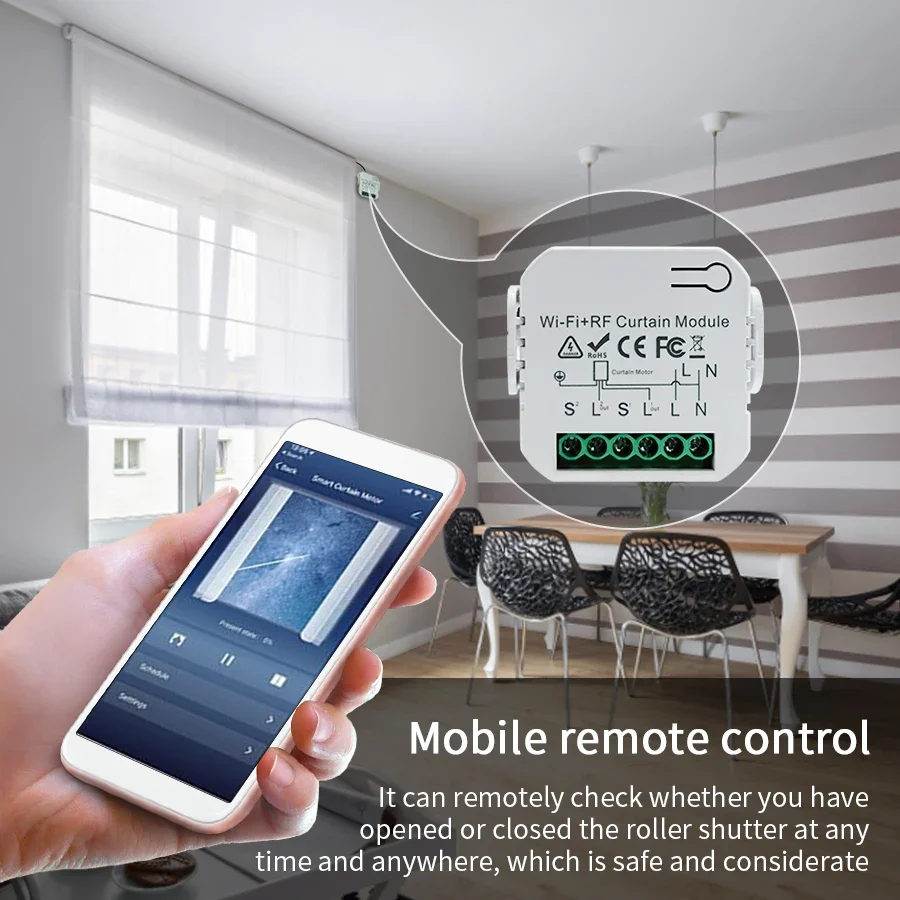
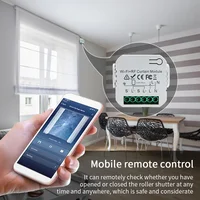
[RF and Wireless Remote Control with a much easier pairing mode] For adding the device with WiFi and Bluetooth connected: Able to remotely control your connected devices on your smartphone wherever you are. (Compatible with Android & iOS for Smart Life and Tuya App.) More importantly, this curtain switch module built-in RF433 frequency, so it Can be controlled with remote switch.
[Hands-free Voice Control] Compatible with Amazon Alexa and Google Home for easy voice control, providing your smart life for controlling blinds with much more convenience.
[Voice control] Once you have this switch, you can control it with Amazon Alexa(Amazon echo/dot/tap) or Google Assistant for voice control.
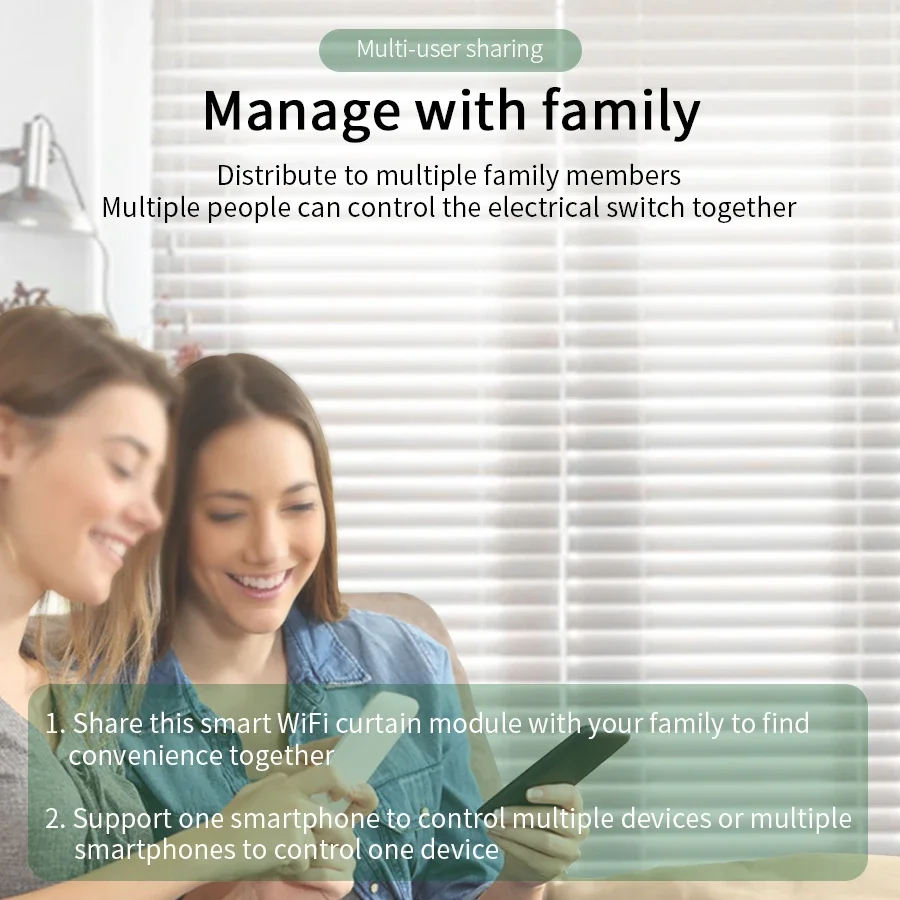
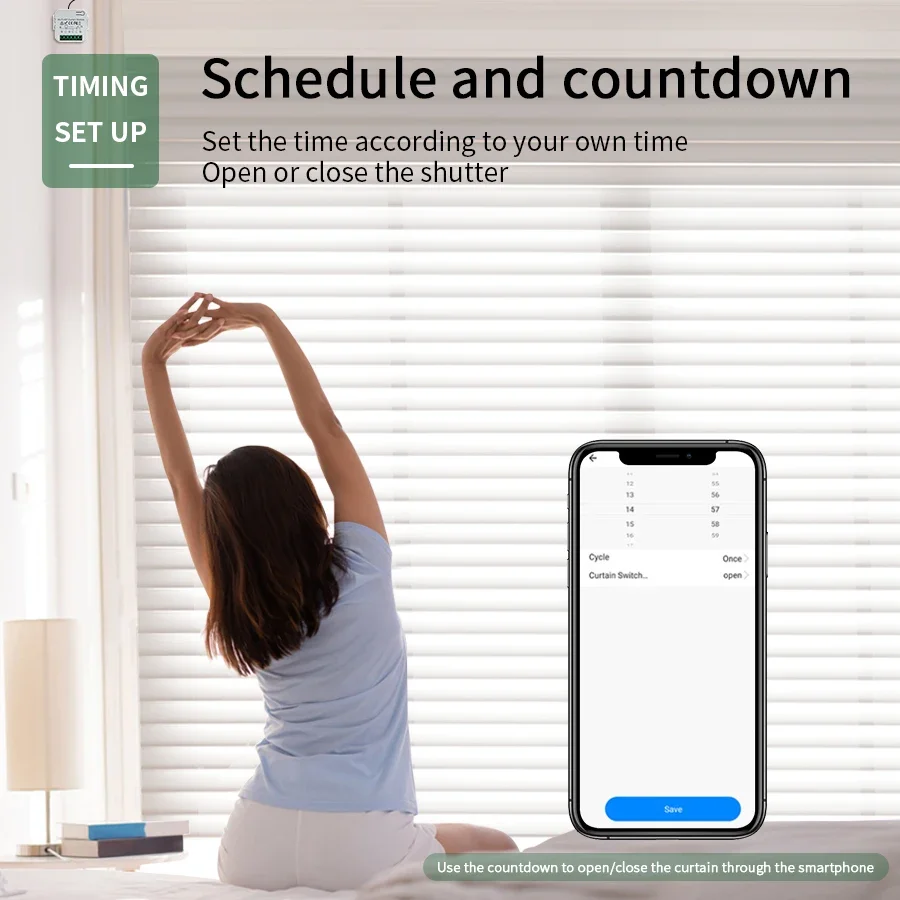
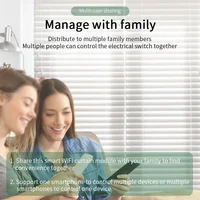
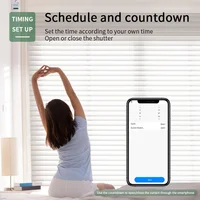
[Timer Setting and Family Sharing] Take full control of your blinds intelligently with the timer function on your App, which allows to open/close them at a specific time automatically. Even share device to your family members to connect the devices together, support one mobile control more and multiple phones one.
How to get the signal
Step 1: Press the learning button(on the Receiver) 1 times . Wait for 3 seconds;
Step 2: Press the button on the remote control. Wait for 3 seconds. Succeed.
How to clear the signal
Press the learning button(on the Receiver) 8 times. Wait for 3 seconds;







Reviews
Clear filtersThere are no reviews yet.