

Purchase Notes:
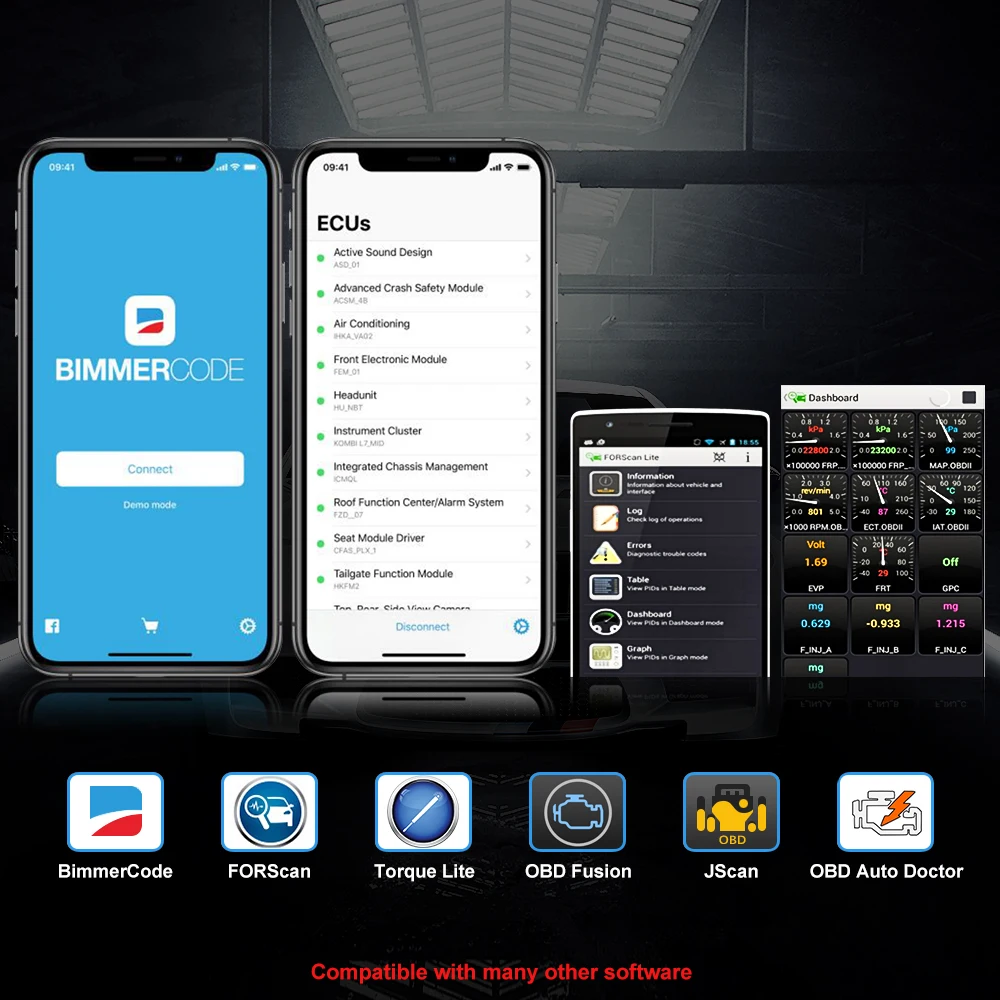
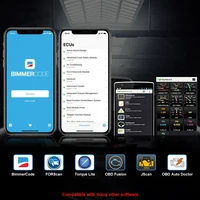
1. Our products support popular software such as: BimmerCode/ Torque/ Forscan/ JScan/ Auto Doctor/OBD Fusion etc.
2. We only sell adapters to be compatible with these software, but some of the functions of the software or the software itself are not free, you need to pay additional fees to the software company
3. If your mobile phone is IOS, when you use BT4.0 Version, please connect to BT directly in the software, Don’t connect to BT in phone settings.
4. If you are using MC BT version on Android, you need to press the switch first, and then search for BT: vlinker MC- Android
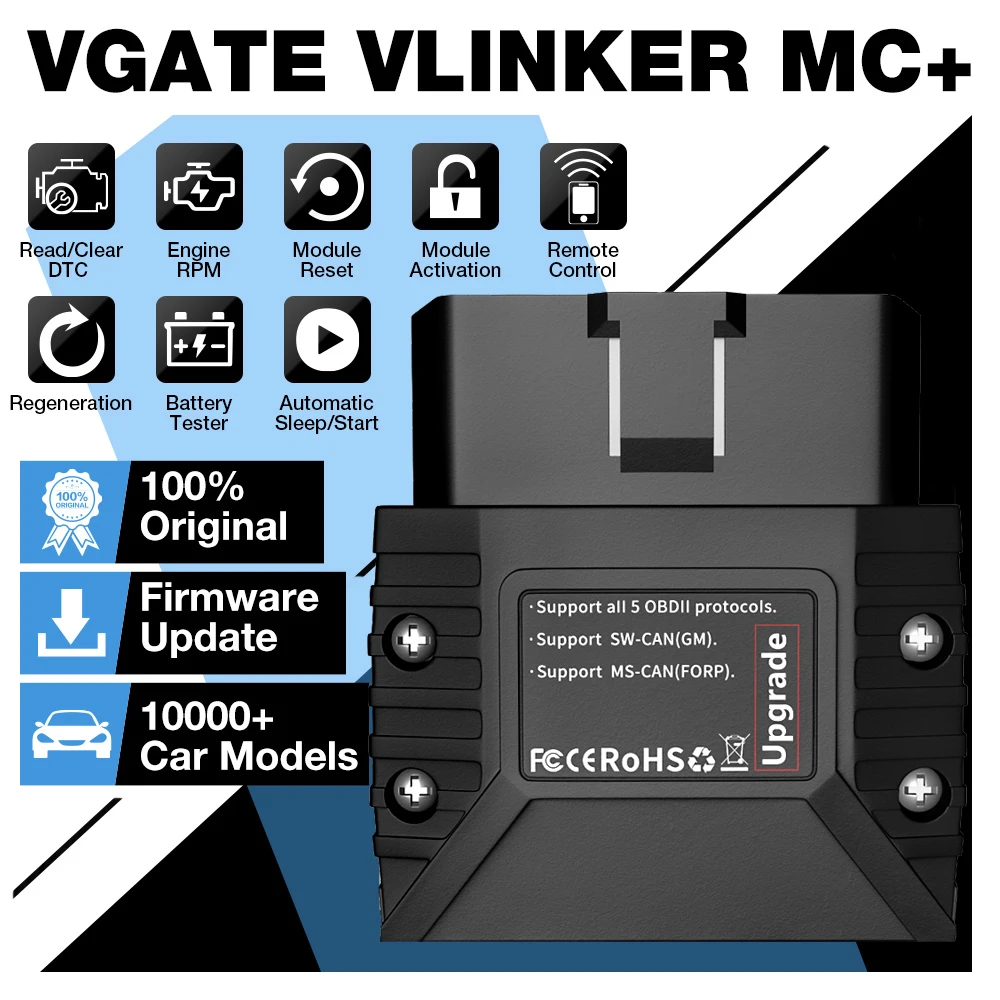
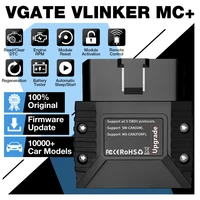
Original Vgate vLinker MC MC+ ELM327 BT4.0 OBD 2 OBD2 Scanner for BimmerCode FORScan For IOS/ Android PK OBDLINK ELM 327
100% Original Vgate vLinker MC BT3.0/ Vgate Vlinker MC+ BT4.0
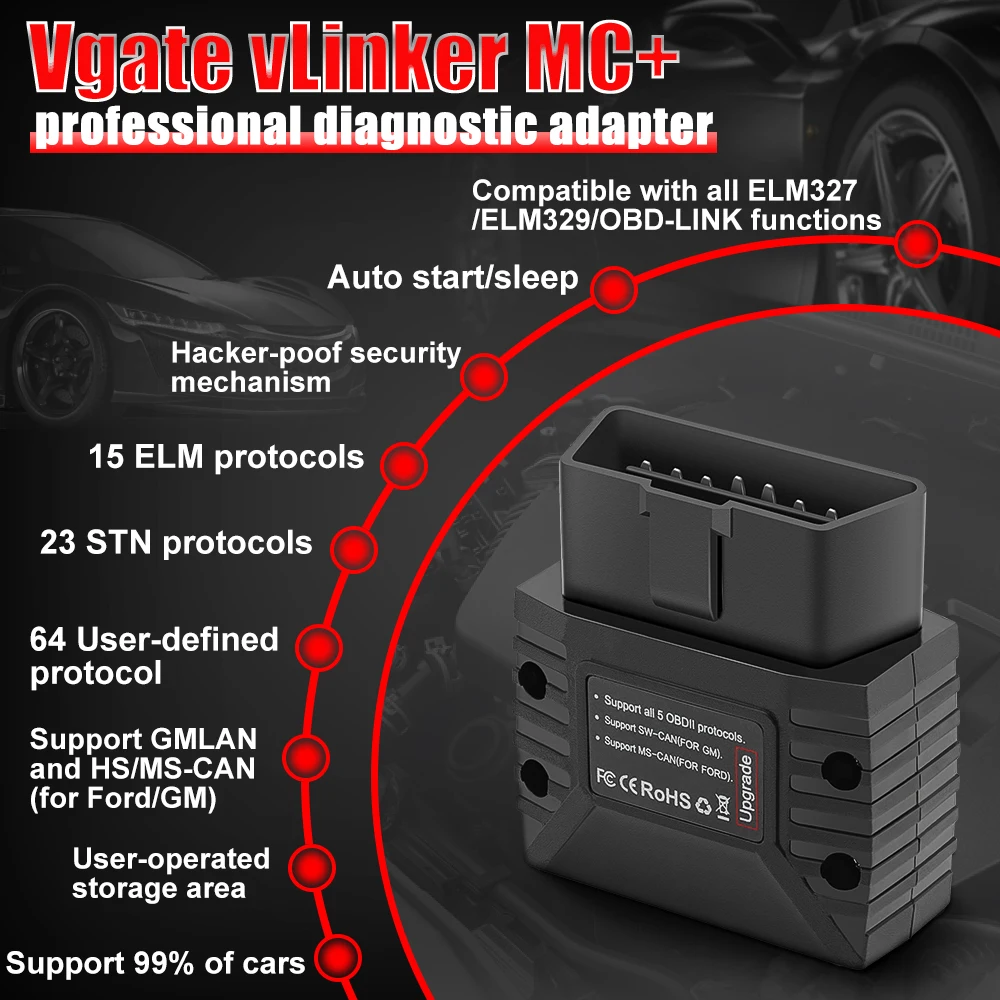
1. Compatible with 99%+ world car models
2. Data buffer up to 2K bytes, UART baud rate increased to 230. 4 Kbpsc
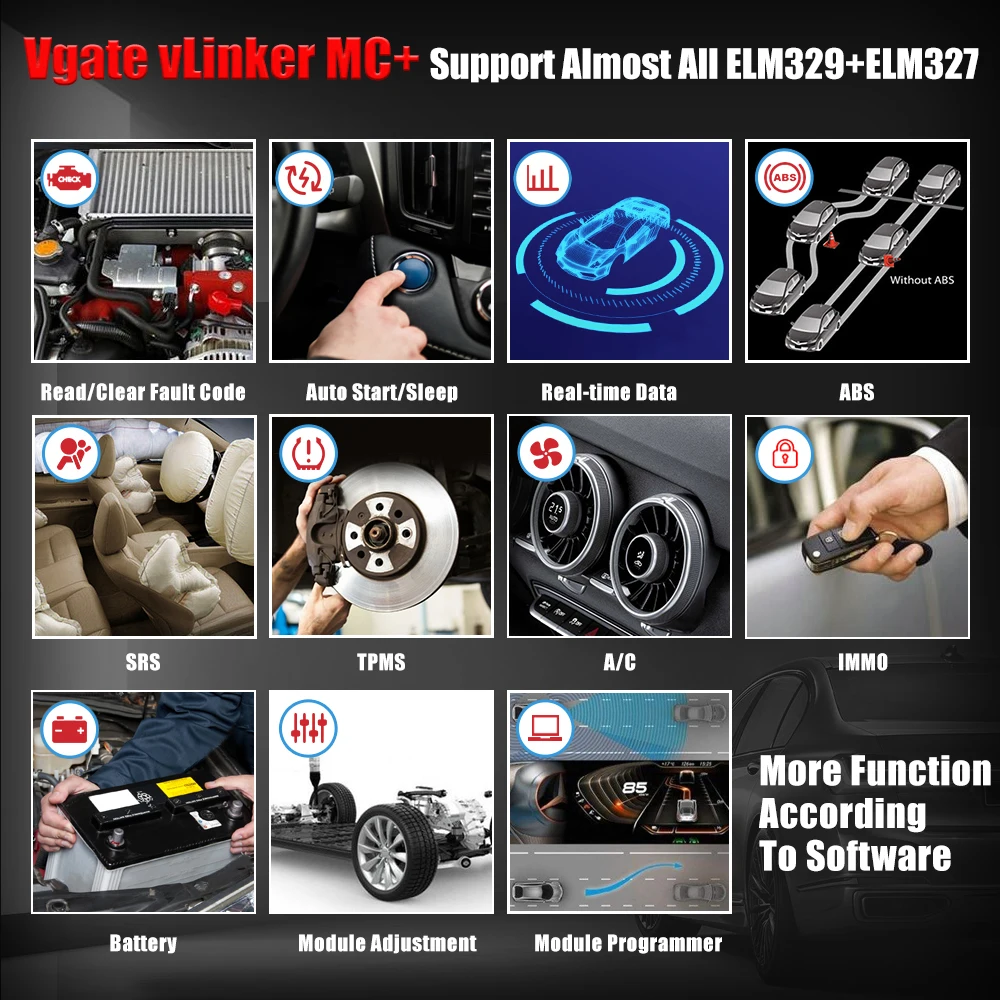
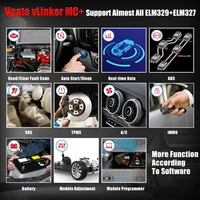
3. Support Almost All ELM327/ELM329/OBDLINK Adapter Software
4. Automatic sleep and start to reduce power consumptione
5. OBD2 Standard Protocols+More protocols
6. Support user-defined commands
7. Request bytes up to 48 bytes
8. upport Firmware Update
9. Support user-defined APP
10. Support GMLAN and HS/MS-CAN (for Ford/GM)
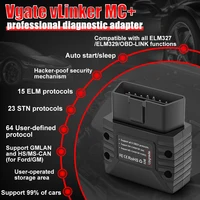
11. 15 ELM protocols/23 STN protocols/64 User-defined protocol
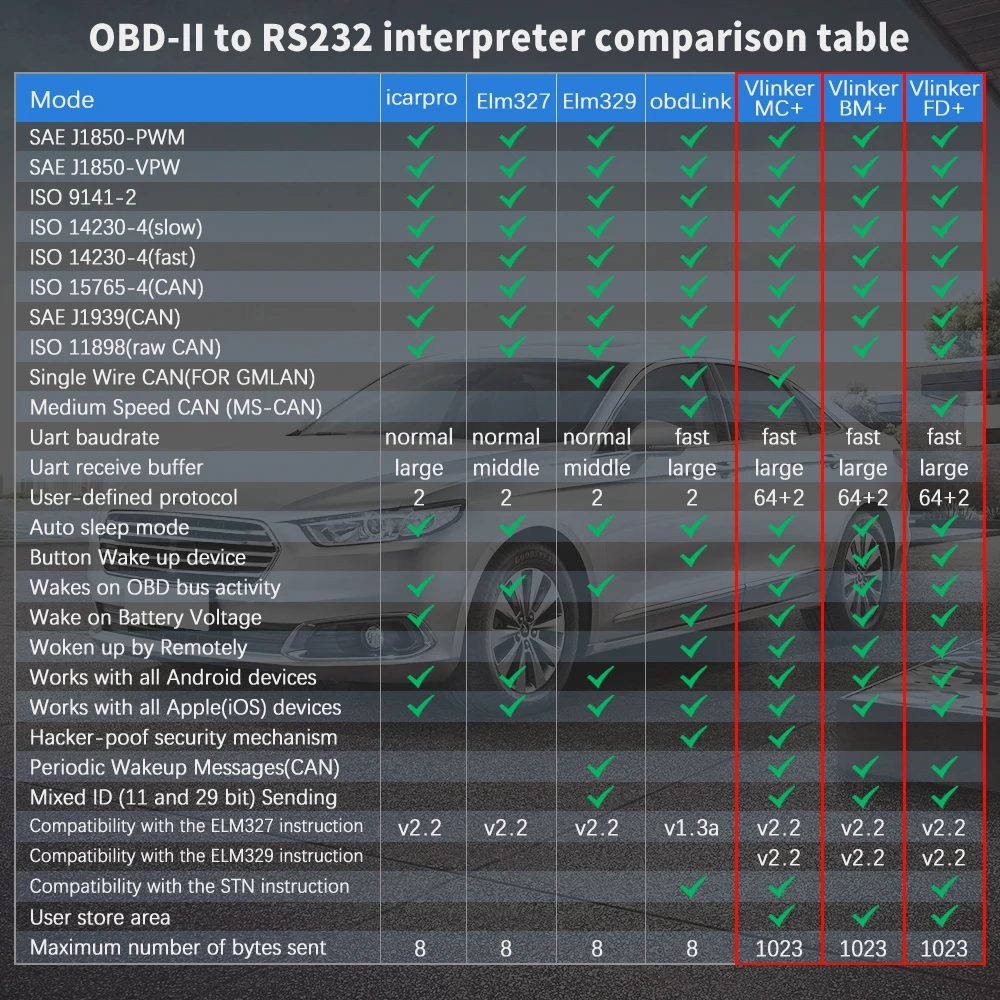
Vgate vLinker MC+ BT3.0/ BT4.0 Support Multiple Protocols:
–15 ELM format protocols;
— 23 STN format protocols;
— Up to 64 user-defined protocols.
OBDII 5 Standard Protocols:
— SAE J1850 VPW
— SAE J1850 PWM
— ISO 9141-2
— ISO 14230-4
— ISO 15765-4 CAN
Additional Protocols:
— SAE J1939 CAN
— ISO 11898 (raw CAN)
— for GMLAN Single Wire CAN
— for Ford Medium Speed CAN (MS CAN)
These protocols cover almost 99% of the OBDII Cars on the market
Vgate vLinker MC BT3.0/ MC+ BT4.0 Support Software (APP)
Perfect compatibility: For Bimmercode/ For Torque/ For Forscan/ For JScan/ For Auto Doctor/ For OBD Fusion etc. 99% APP Software
Please Note: We only sell adapters. If you need to charge for some functions of the software you choose, this money is paid to the software developer, not to us.
Rich instruction set, compatible with more APP software:
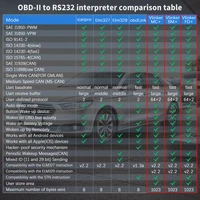
— Fully compatible with ELM’s AT command set;
— Fully compatible with STN’s ST command set;
— Expanded 7 AT commands for HS-CAN, MS-CAN, SW-CAN;
–39 VT macro commands, some instructions are equivalent to the effect of several AT and ST instructions, simplifying the communication steps.
— Compatible with ELM and STN power management solutions.
— Support for instructions, UART silence, battery low voltage, OBD bus silence, etc. Up to 5 ways to go to sleep;
— Support UART active, battery voltage drop, OBD bus active, key, etc. Up to 5 ways to wake up from sleep mode.
— Device sleep power consumption is less than 2 mA.
— OBD request byte up to 48 bytes, can meet the needs of some special long framecommunication.
— UART data buffer up to 2K bytes, baudrate increased to 230.4Kbps.
— 256-byte storage unit
— More than 100,000 erasable times
— Read and write operations on any unit in the storage area by using the VT command
— Mix ID Sending” mode of CAN protocol.
— Optional formatted send data according to protocol
— Multiple WM sequence settings
— Support AT command to manually set WM sequence
— Support for specifying a protocol or a full protocol-wide temporary WM sequence
— Support for a permanent link between a protocol and a private WM sequence
— Secure bootloader for easy firmware updates
Typical Applications:
• Vehicle telematics
• Fleet management and tracking applications
• Usage-based insurance (UBI)
• OBD data loggers
• Automotive diagnostic scan tools and code readers
• Digital dashboards
Special Function of Vgate vLinker MC+ BT4.0/ MC BT3.0
— Fully automatic identification of vehicle protocols, quick reading of vehicle information
— Fully automatic standby/ start, no manual switch button required
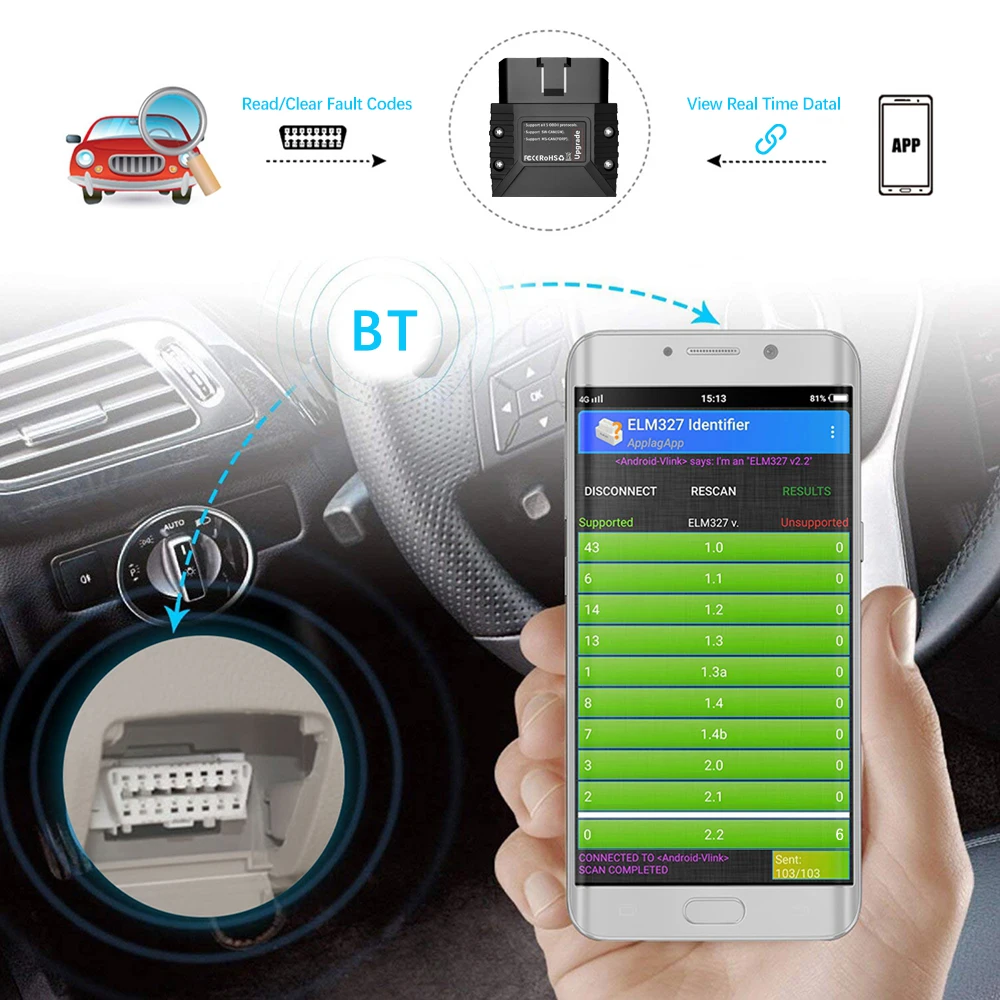
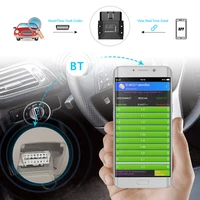
How to Connect Vgate vLinker MC+ ? Vgate vLinker MC+ Bluetooth 4.0/3.0 :
1. Turn on theIgnition in the car
2. Plug in the adapterinto the OBD Port
3. Turn on Bluetooth (Bluetooth only needs to be turned on)
4. Open OBD Auto Doctor choose “Extras”,cick “Connectivity”, choose “Bluetooth”and “vLinker MC+” Drop out software and Enter again.
Vgate vLinker MC+ BT4.0/ BT3.0 Packing List :
1 x Vgate vLinker MC BT3.0 or Vlinker MC+ BT4.0
1 x User manual







Reviews
Clear filtersThere are no reviews yet.