


Introduction
100% Brand New, Good Quality
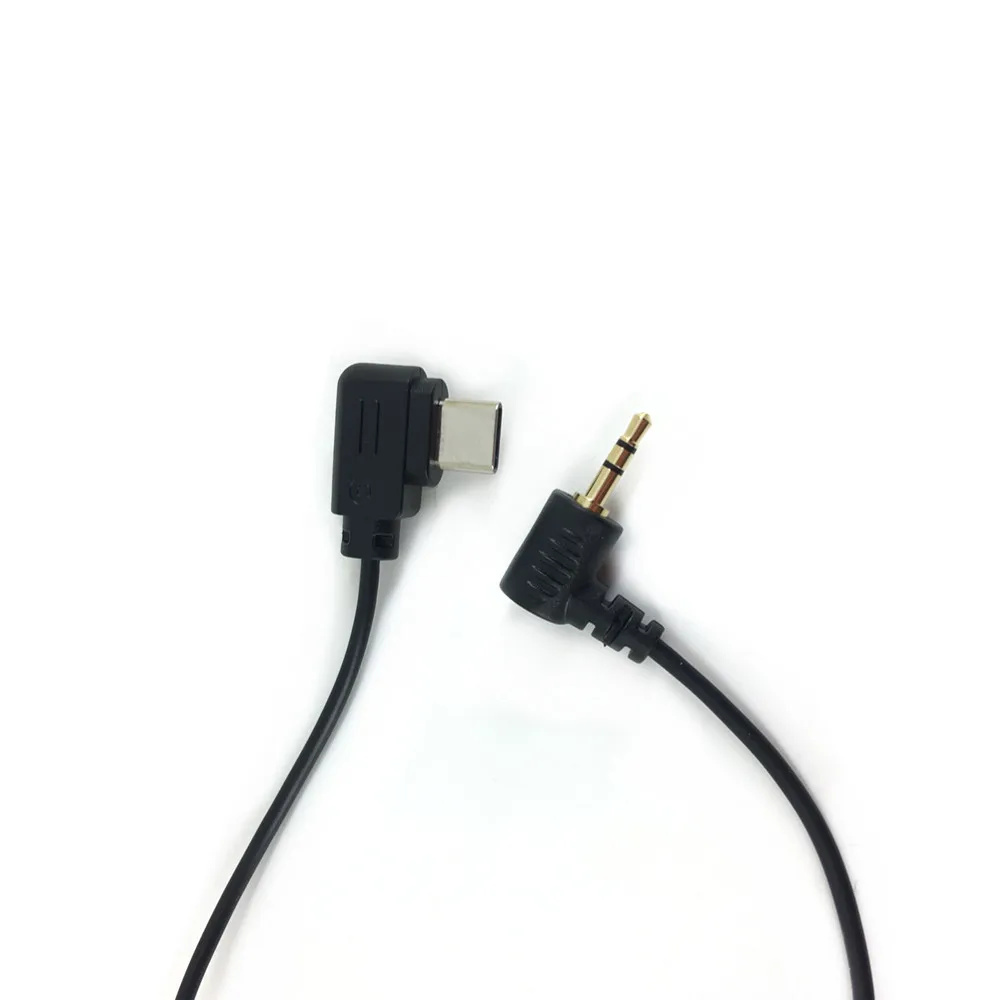
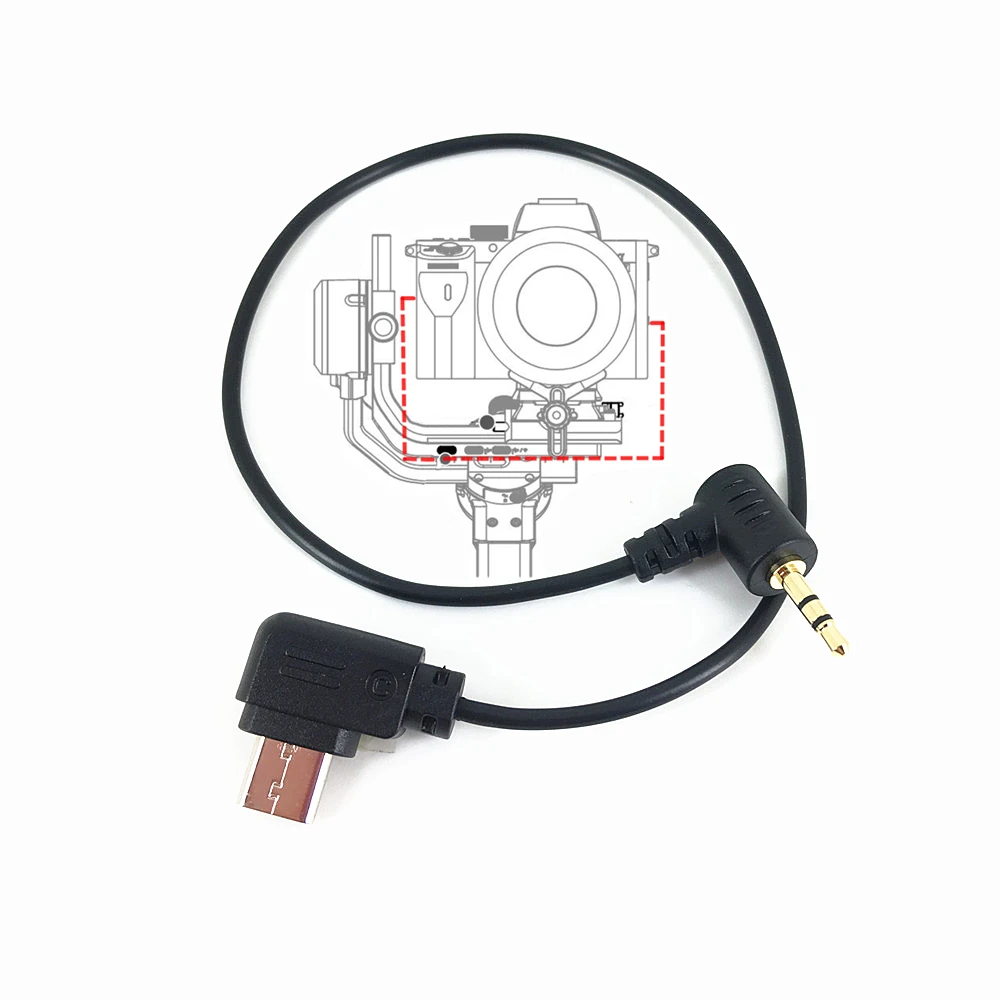
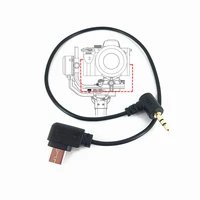
It connects the camera control port of Ronin SC/ RSC 2/ RS 2 to the 2.5mm Port on specified CAN0N cameras to control the camera
Lightweight and Durable, easy to carry and store
It enables Ronin SC/ RSC 2/ RS 2 to control CAN0N cameras to record videos, take photos, autofocus, etc.
Specification
Color: Black
Material: PVC
Total Length: About 9.84 inch (25cm)
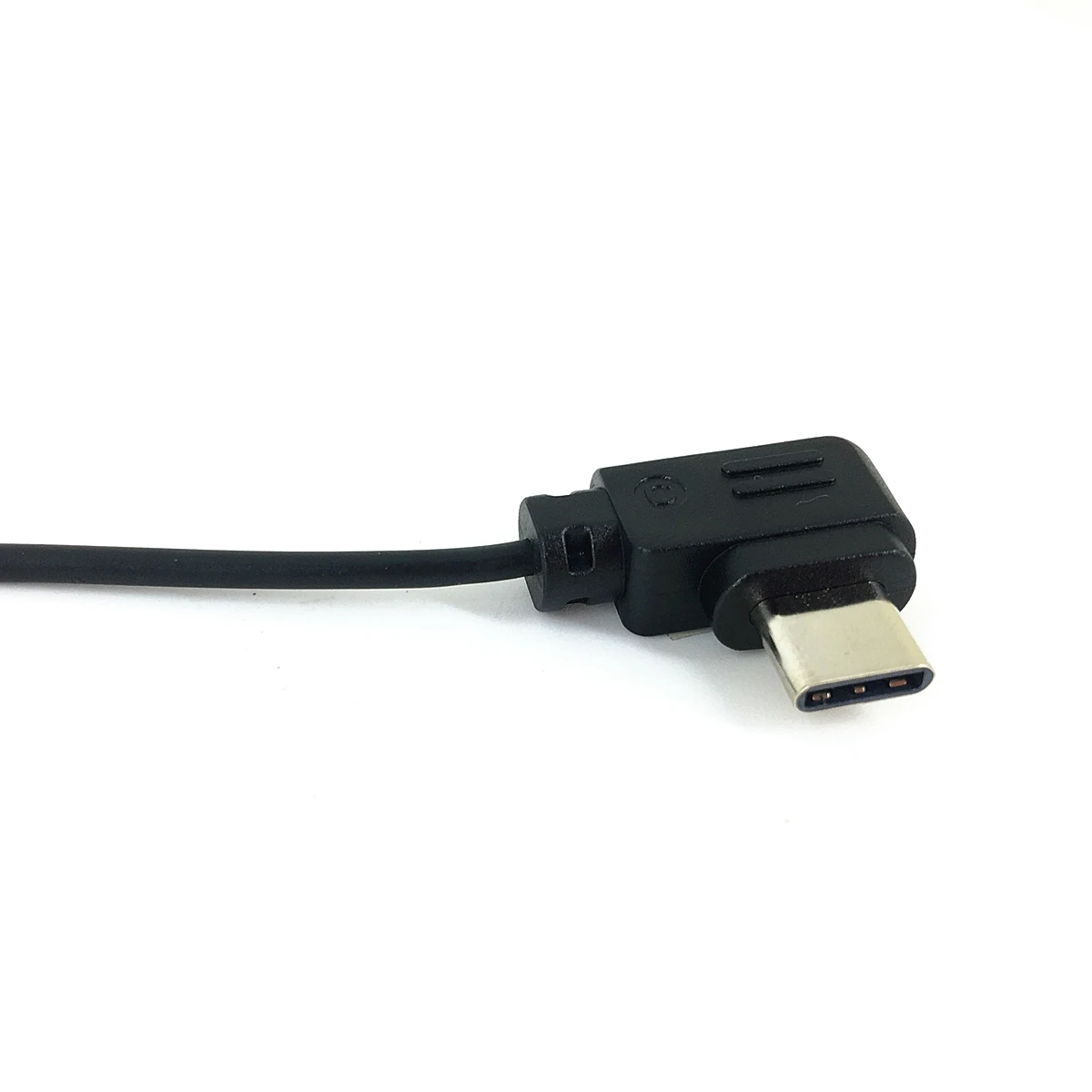
One End: USB-C, also called Type-C
Another End: 2.5mm, same as the plug of CAN0N E3 shutter cable
Manufacturer: third-party, not from DJI
How to use
After completing the cable connection, Turn on the stabilizer, then turn on the camera
Suitable for
DJI Ronin SC, RSC 2, RS 2, RS 3 Pro, RS 3, RS 3 Mini, RS4, RS5 stabilizer
Used to control following Cameras with 2.5mm port to Focus and Timing / Delay/ Panorama and other functions in the Ronin APP.
FUJIFILM: X-T4, X-T3, X-T2, X-T30, X-T20, X-E3 (NOT FIT TO X-H1)
CAN0N: E0S R, E0S RP, E0S M5. It also fits to 80D/ 70D/ 77D/ 700D/ 800D/ 760D/ 750D/ 650D/ 1100D/ 1300D/ 1500D/ M5/ M6, etc. (most of them only work with PHOTO, not for VIDEO)
Note:
1. The functions depend on camera and stabilizer both, not our product. Such as 80D/77D/800D/M6, they support Recording Function but not allow TRACK. Only shutter functions may work with old cameras.
2. Some cameras may not be able to shoot when proper focus has not been achieved due too focus speed or in a complex environments such as low light situations. If there’s an issue with the shutter or rec button not responding properly in these situations, manual focus mode is recommended.
3. When using intelligent functions such as Timelapse, it is recommended to turn off the camera’s image confirmation (CAN0N) to reduce system latency.
Package Include
1 X Control Cable
(Note: The stabilizer in the video is not included)







Reviews
Clear filtersThere are no reviews yet.