
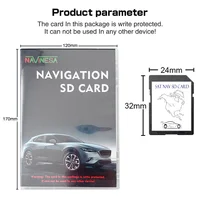
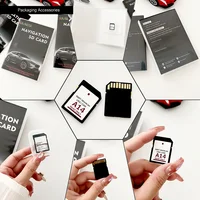

Notice:
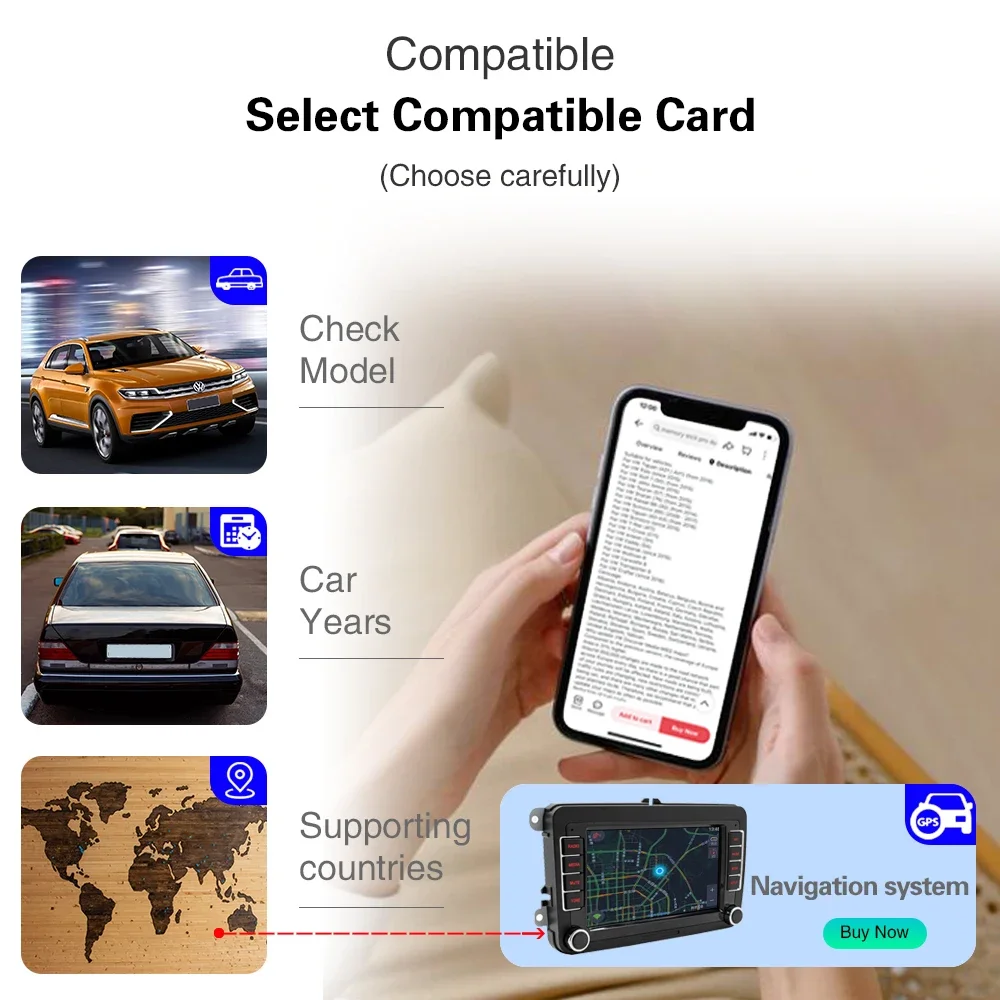
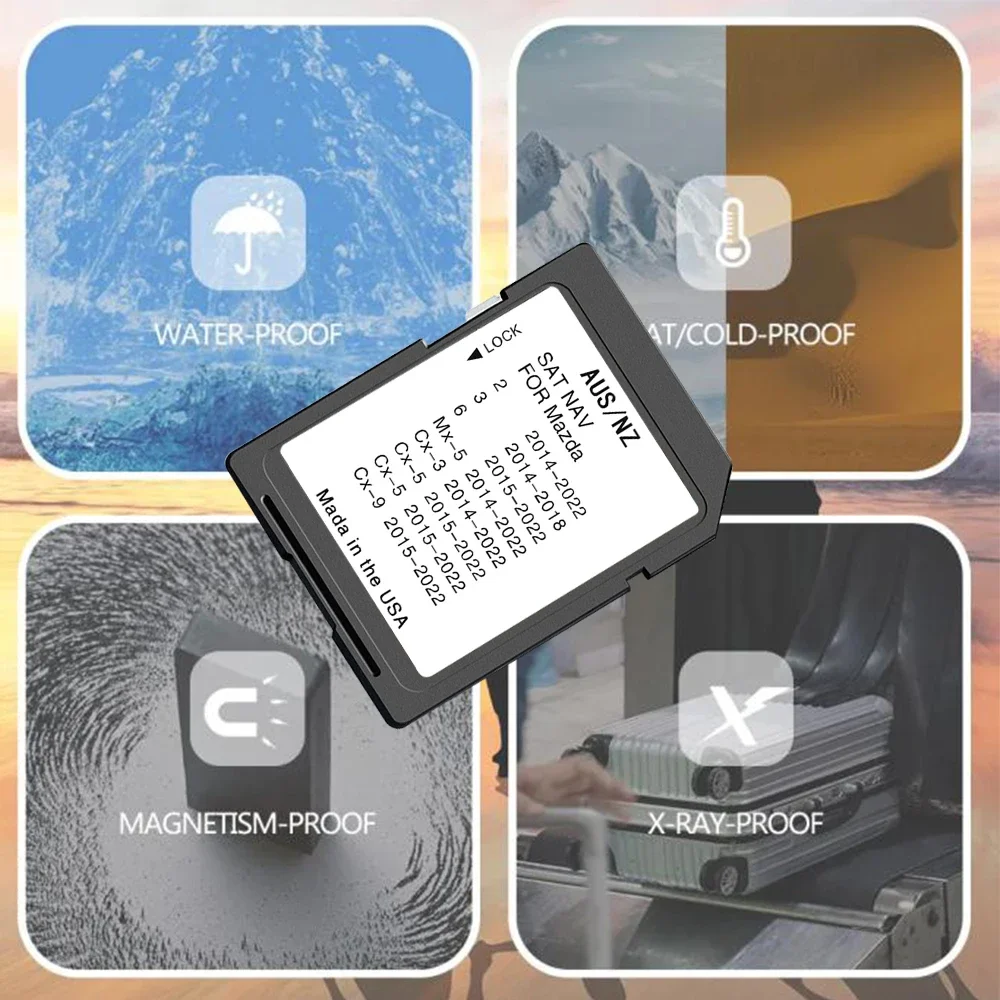
Dear buyer, please carefully read whether your model is compatible with the model we provide before you order.
If you ignore this information and make an error,we will not bear the freight sent back.
(1).Your car needs to be equipped with a satellite navigation system to use it, otherwise nothing will happen after inserting the card.
(2).Compatible with Mazda vehicles imported from Japan. If your Mazda is exported from Japan and your firmware has *JP* letters at the end – you need toinstall the firmware for your region first.
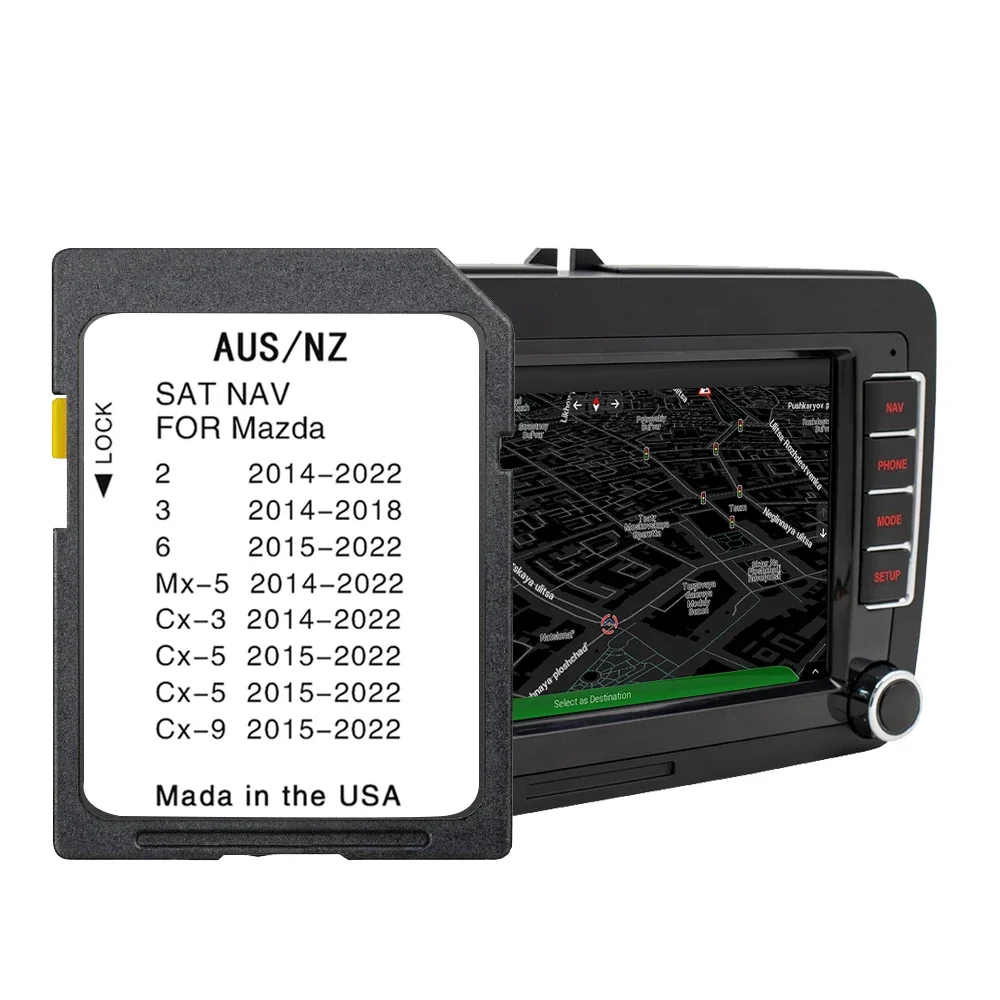
(3).Mazda’s fully integrated Navigation SD card works seamlessly with your Mazda Connect system Bringing you maps, directions and more – all displayed on your car’s touch screen.
(4).Supports ZIP code / Post code, Address, Coordinates, Driver Alerts, Active Speed, Current Speed & Estimated Arrival Time, Intelligent Route Planning, Fast and Accurate GPS Tracking, SD card is unused and guaranteed to work.
Compatibility:
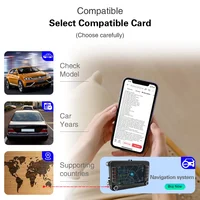
Please check compatibility BEFORE purchase:
(Cars with Mazda Connect 1 navigation system)
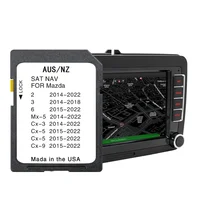
· 2014 – 2024 Mazda 2
· 2014 – 2018 Mazda 3
· 2015 – 2024 Mazda 6
· 2014 – 2024 Mazda CX-3
· 2014 – 2024 Mazda MX-5
(works only with 7.5-8.5 inches display with Mazda Connect System / main menu on photo above)
· 2015 – 2024 Mazda CX-5
· 2017 – 2024 Mazda CX-8
· 2015 – 2024 Mazda CX-9
Not compatible with the following vehicles:
· Mazda CX-5 (since 2020 Mazda Connect System 2) with 10.25 inches / 26 cm display)
· Mazda CX-8 (since 2020 Mazda Connect System 2) with 10.25 inches / 26 cm display)
· Mazda CX-9 (since 2020 Mazda Connect System 2) with 10.25 inches / 26 cm display)
Countries included:
Australia, New Zealand.
How to install:
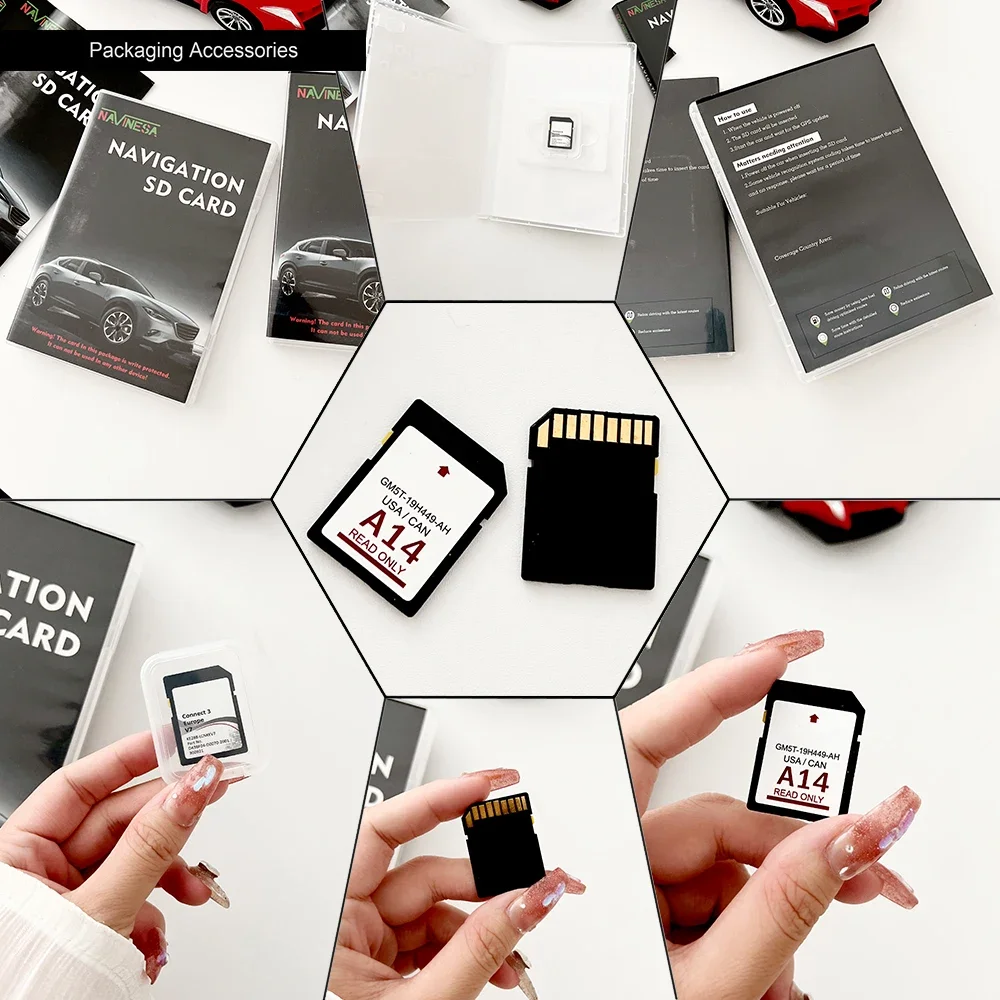
(1).When the vehicle is powered off, insert card.
(2).Turn your ignition on and click the Navi button.
(3).After entering the navigation menu, you wil be prompted to lock the SD card to your vehicle. Click “Yes”.
(4).You are good to go!







Reviews
Clear filtersThere are no reviews yet.