

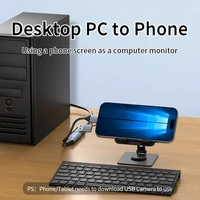


How to use phone/tablet as a monitor for PC or TV Box or Nintendo Switch?
1. Please confirm that Phone/Tablet USB-C Port support OTG function
2. Phone/Tablet download the app ‘ USB Camera ‘
3. Connect TV box or Computer to Capture Card HDMI, Connect Phone/Tablet to Capture Card USB-C
4. Open Phone/Tablet the app ‘ USB Camera ‘
5. There will be a prompt requesting access to the phone:
1>. We need to obtain camera permission to capture images from external cameras – Choose ‘OK’
2>. ‘ USB Camera ‘ Wants to access your camera—-Choose ‘While using the app ‘ or ‘Only this time’
3>. Allow ‘ USB Camera ‘ to assess USB Video? —Choose ‘ OK ‘
4>. We need to obtain microphone permission to read OTG external device audio – Choose ‘OK’
5>. ‘ USB Camera ‘ Wants to access your microphon—-Choose ‘While using the app ‘ or ‘Only this time’
Specifications
Brand: Unnlink
Name: HDMI to USB/Type-C Video Capture Card
Input: HDMI(4K30fps)
Output: USB/Type-C(1080P60fps-record)
USB version: USB2.0
Shell: Alloy
Package
1*Video Capture Card
1*Manual
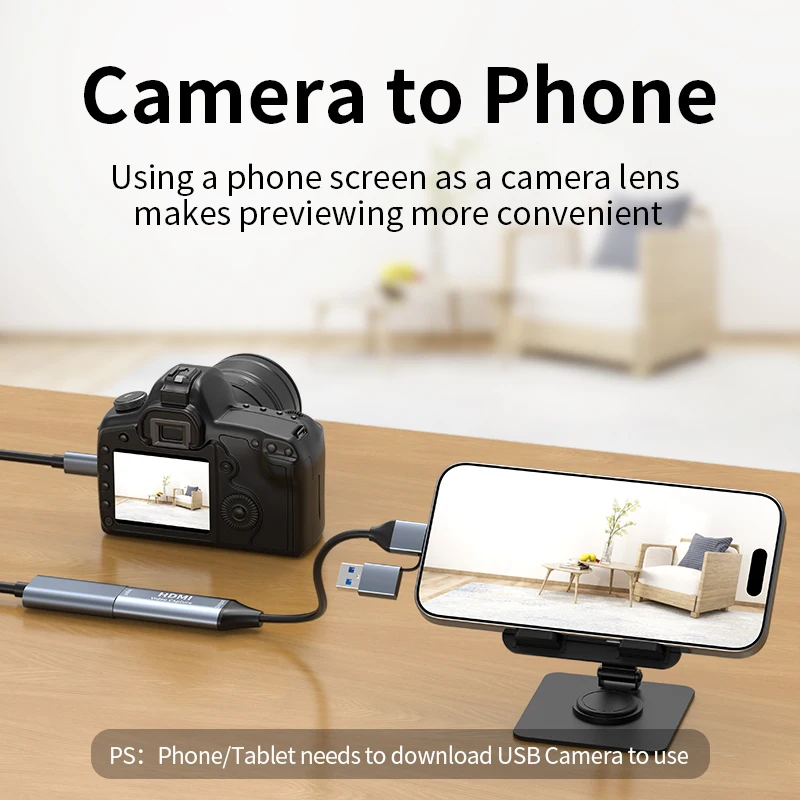
Camera to Phone
Using a phone screen as a camera lens makes previewing more convenient
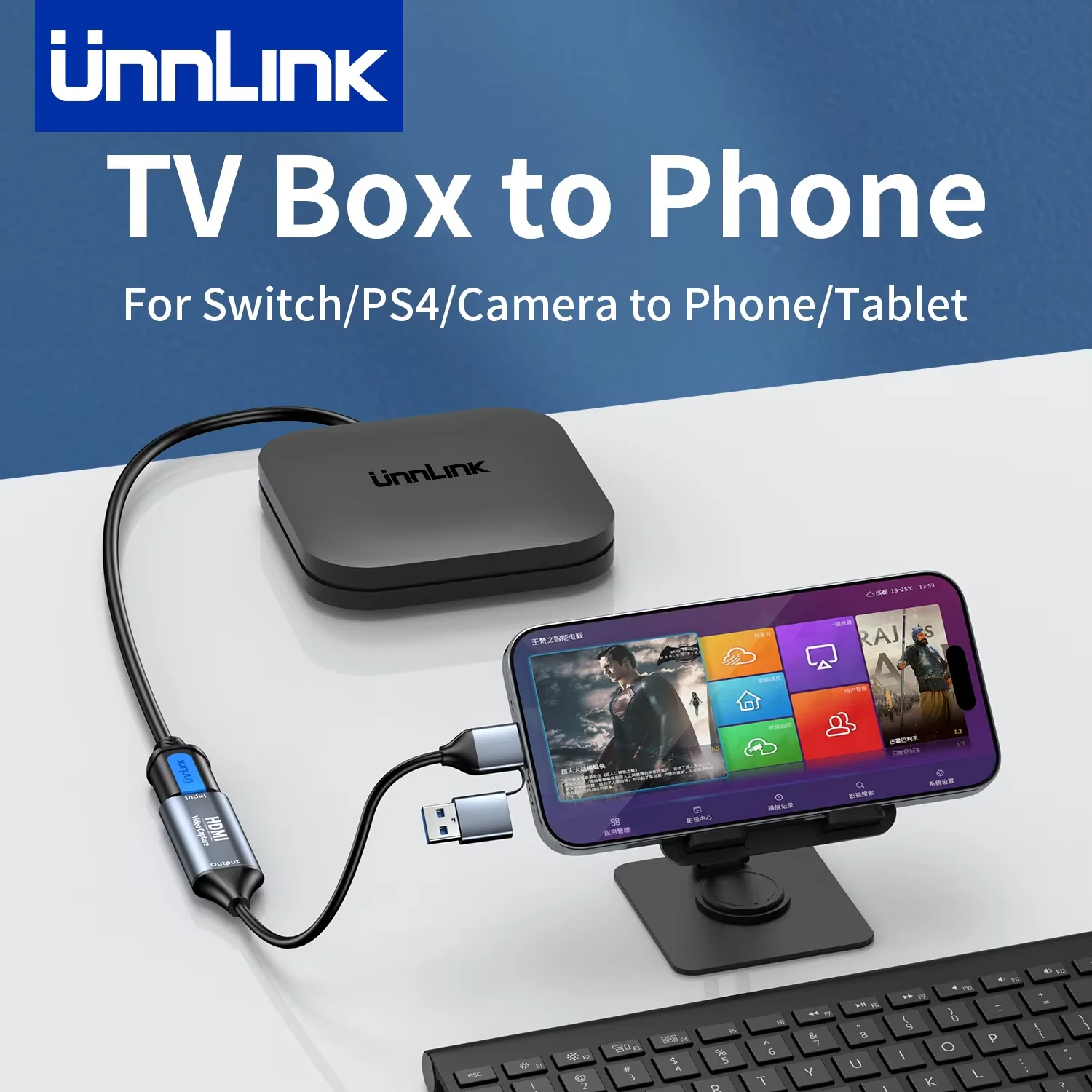
TV Box to Phone
Using a phone screen as a TV box screen makes debugging easier
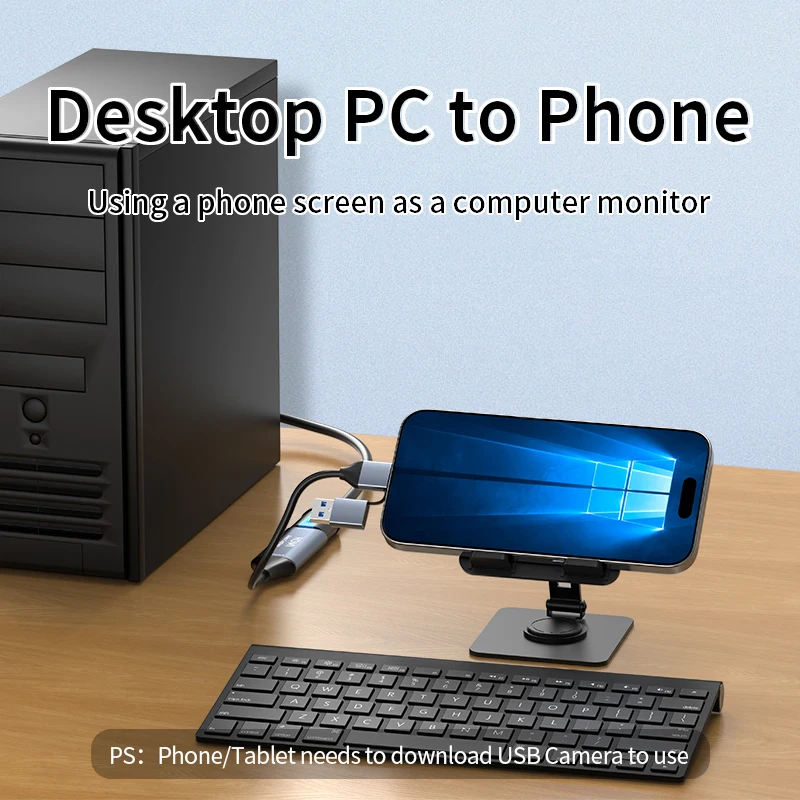
Desktop PC to Phone
Using a phone screen as a computer monitor
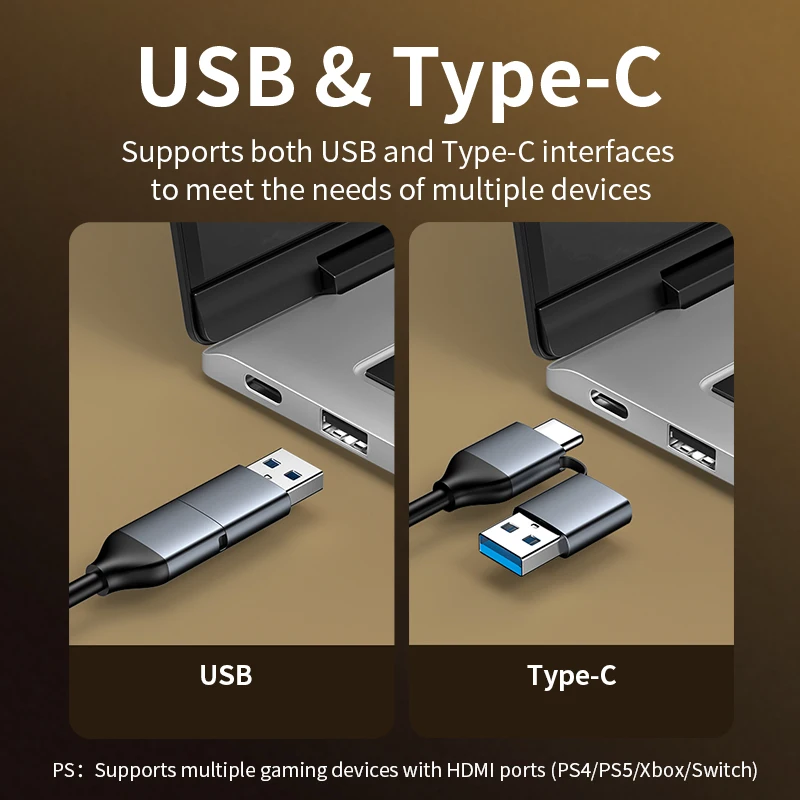
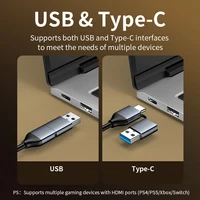
2 In 1 USB+Type-C Interface
USB/Type-C 1080P 60fps Recording
HDMI 4K 30fps Input
Powerful Chip
Equipped with a high-performance chip, stable picture transmission, low latency
Widely Compatible
OBS Operation







Reviews
Clear filtersThere are no reviews yet.