
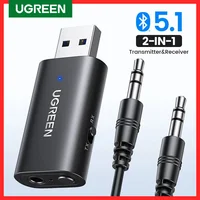
2-IN-1 Bluetooth5.1
Receiver & Transmitter





 Overview
| Weight | 15 lbs |
|---|---|
| Dimensions | 3 in |
| Brand Name |
UGREEN |
| Content |
AUDIO |
| Origin |
Mainland China |
| Interface |
USB |
| Wireless Type |
Bluetooth |
| High-concerned chemical |
None |
| WIFI Standard |
None |
| Model Number |
CM523 (60300) |
| Support Memory Card |
No |
| High Definition Support |
None |
| Package |
Yes |
| Support AAC |
No |
| Support Apt-x |
No |
| Sound Track |
Double |
| Certification |
CE, FCC, SRRC, IC, TELEC,BQB |
| Product Name |
Bluetooth Receiver & Transmitter / Bluetooth Receiver / Bluetooth Transmitter, Bluetooth AUX Adapter / Bluetooth Adapter / Bluetooth Wireless Adpter |
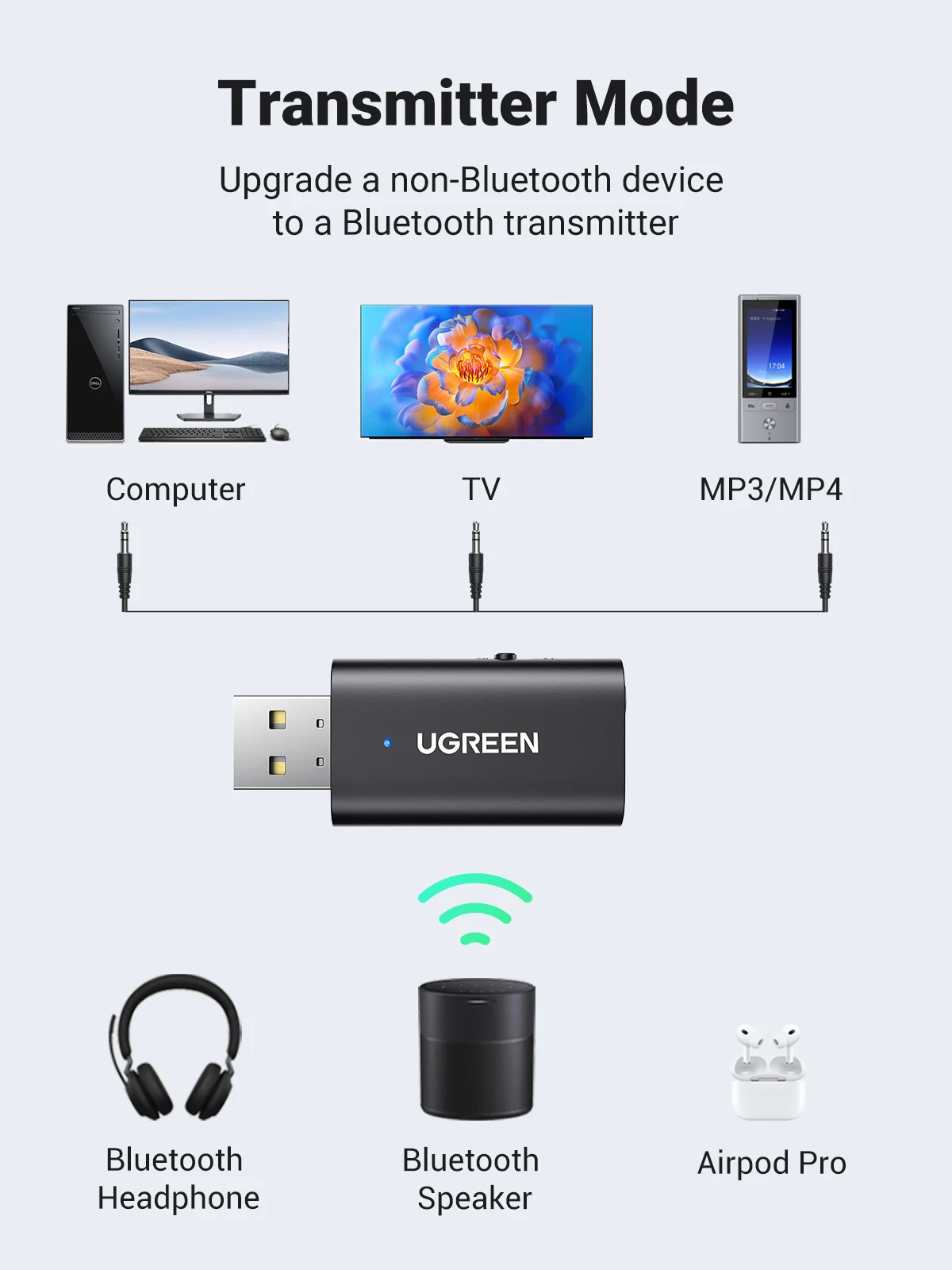
| Working mode |
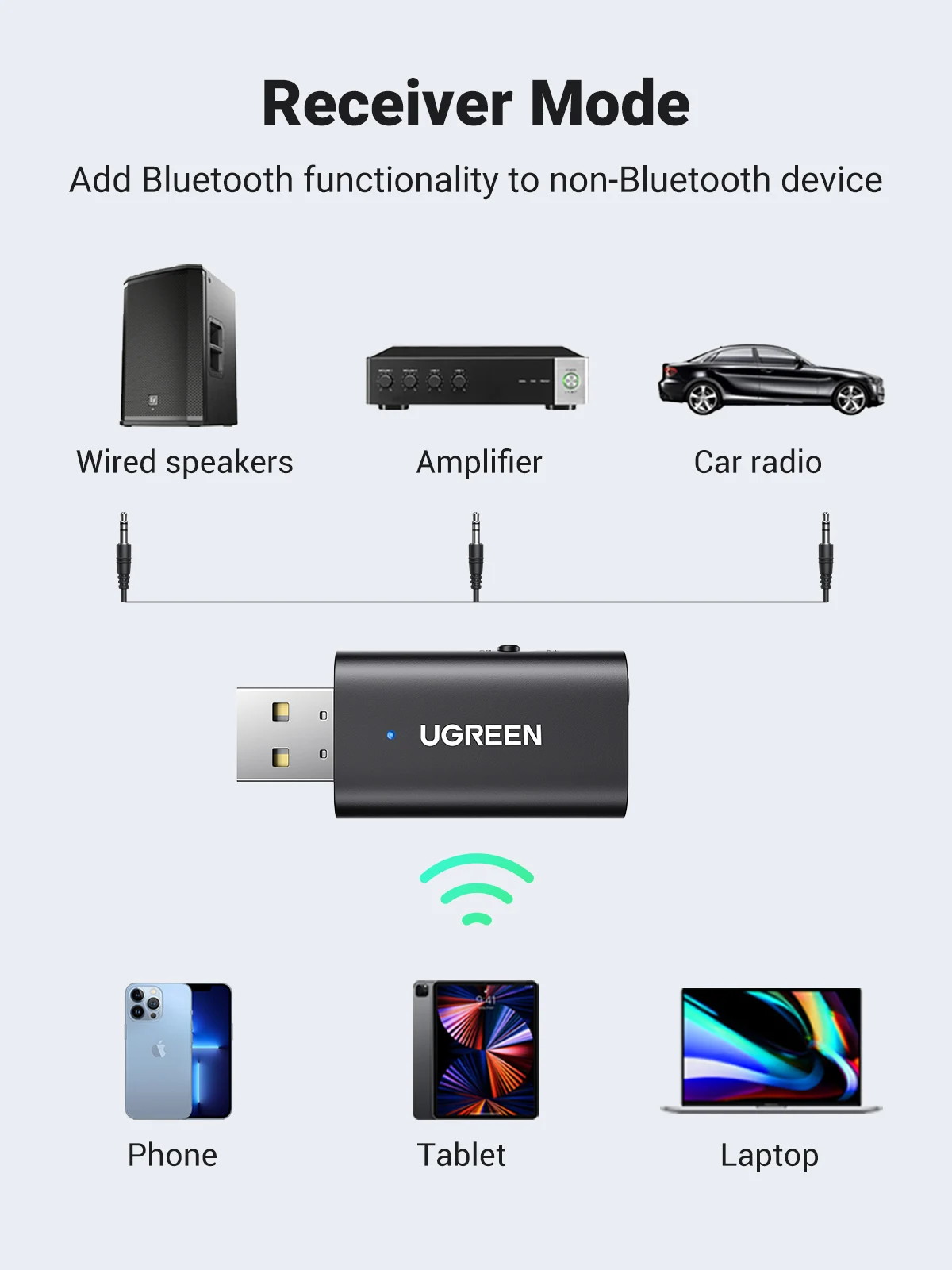
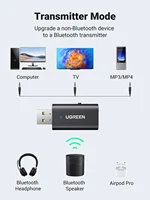
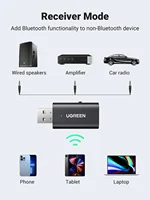
Receive mode (RX) & Transmit mode (TX) |
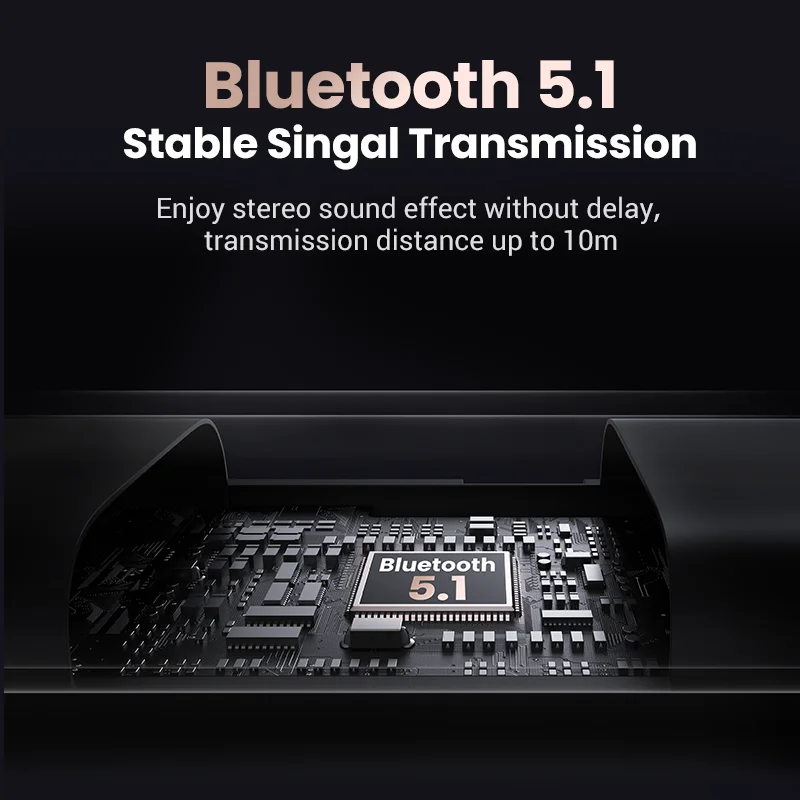
| Bluetooth version |
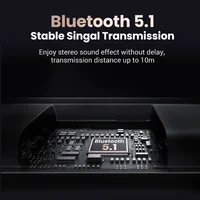
Bluetooth 5.1 |
| Bluetooth protocol (RX) |
A2DP |
| Bluetooth protocol (TX) |
A2DP,AVRCP,HSP,HFP |
| Operating frequency |
2.400GHz-2.4835GHz |
| Audio encoding technology |
SBC |
| Transmission distance |
10m |
| SNR (TX) |
≥80dB |
| SNR (RX) |
≥90dB |
| Response frequency |
20-20KHz |
| Audio sample rate |
Supports up to 16bit/44.1kHz |
| Power supply requirements |
USB-A interface power supply, specification: DC5±0.25V, ≥200mA |
| Driver Installation |
Plug & Play |
| Power on/off operation |
Plug in and power on / Unplug and power off |
| Function 1 |
Power isolation function |
| Function 2 |
Force pairing function |
| Function 3 |
Button reconnection function |
| Function 4 |
Factory settings can be restored by pressing the function key 5 times in a row in power-on mode. |
| Function 5 |
Indicator light |
| Function 6 |
RX mode support connect 2 devices at one time |







Reviews
Clear filtersThere are no reviews yet.