
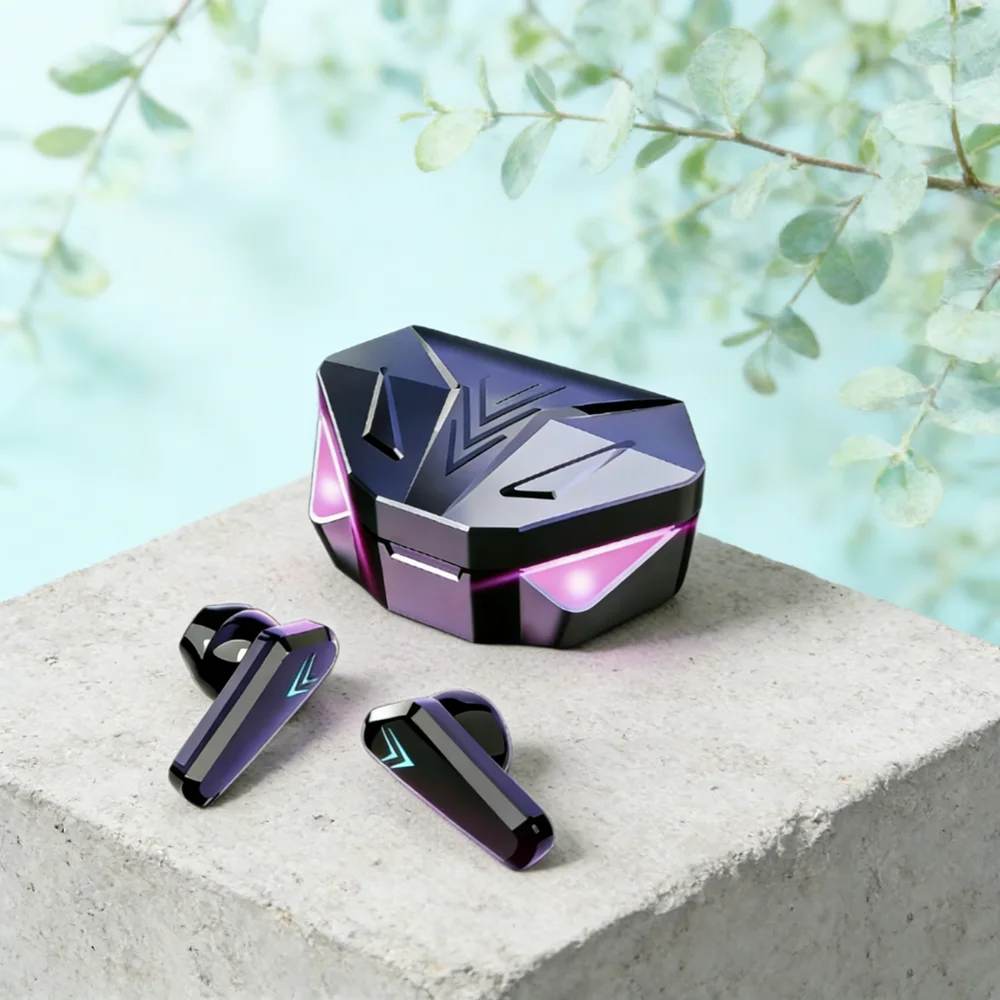
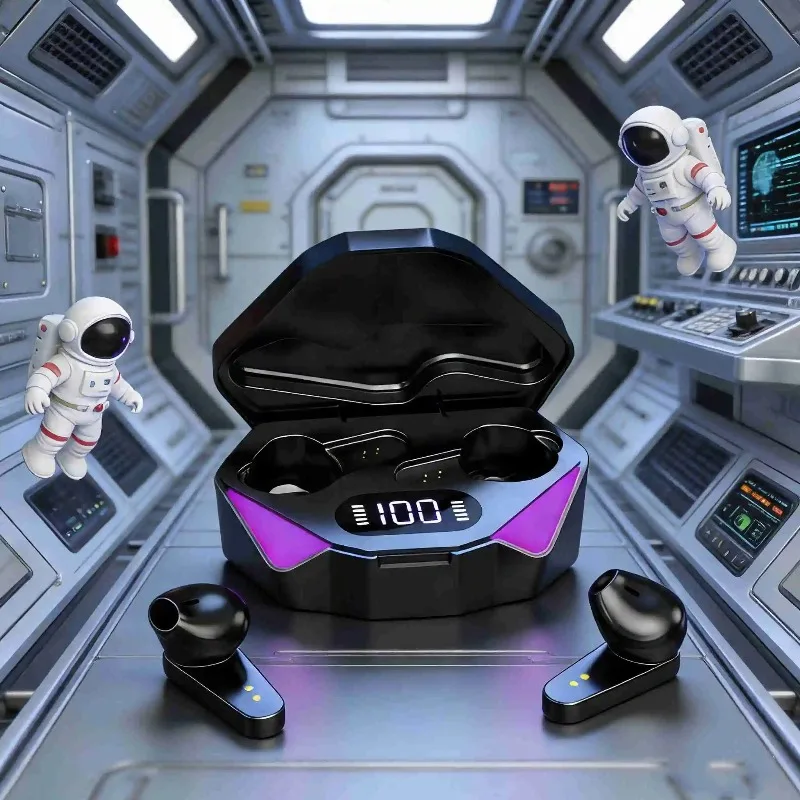
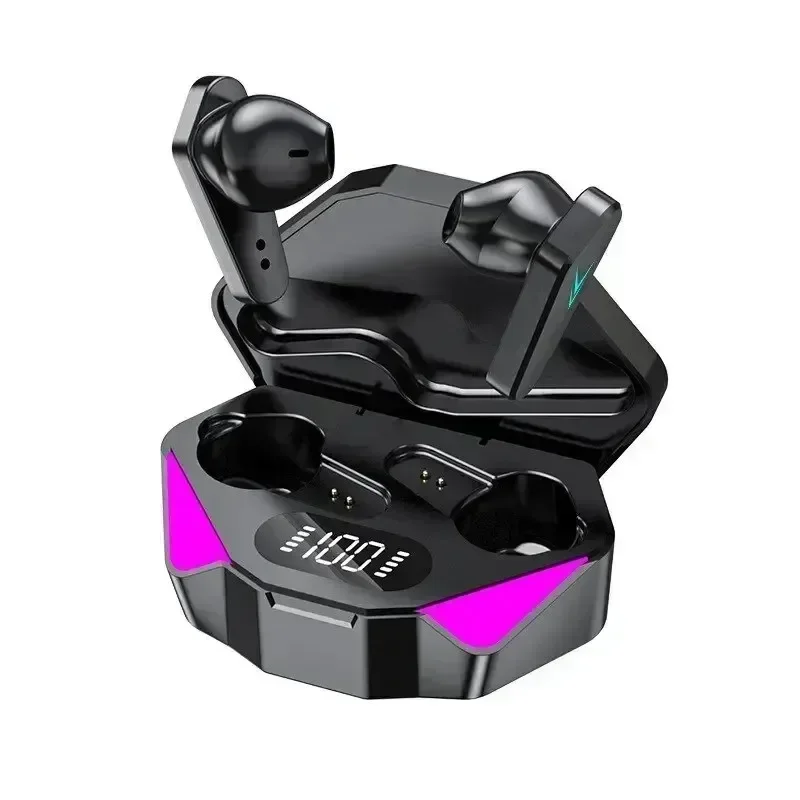
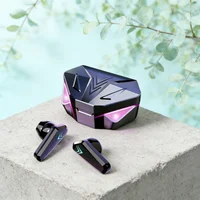
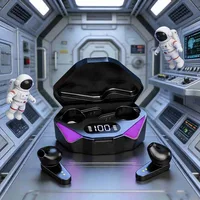

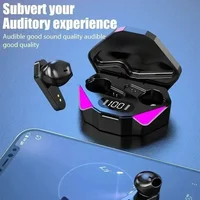
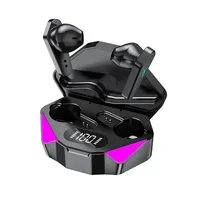

• Low Latency of 65Ms :Enjoy seamless audio with a low latency of 65Ms, ensuring that you don’t miss a beat.
• Wireless Bluetooth Connectivity :Say goodbye to tangled wires and enjoy the freedom of wireless connectivity with Bluetooth.
• In-Ear Style :Get a comfortable and secure fit with the in-ear style design, perfect for gaming and on-the-go use.
• Volume Control :Adjust the volume of your music or calls with ease using the built-in volume control.
Specification
Impedance: 32
Weight (body weight): 80 grams
Speaker size: 12mm
Working time: approximately 5-6 hours
Standby time: approximately 180 hours
Frequency response: 20Hz-20KHz
1. Turn on the Bluetooth headset and set it to pairing mode.
2. Turn on Bluetooth function on the device that needs to be connected.
3. Search for available Bluetooth devices on the device.
4. Select the Bluetooth headset you want to connect to.
5. Wait for the connection between the device and Bluetooth headphones to be established.
Notice
When charging, you need to cover the charging compartment earphone to charge normally. If you open the charging box, the earphone will not charge
【Notice】:
When using headphones, do not use too much volume. Excessive volume can cause hearing damage and is permanent. Once hearing is damaged, it can no longer be restored. Therefore, fans who listen to music at high volume for a long time or often in high decibel environments should pay special attention. The common symptom of hearing impairment is tinnitus. If this phenomenon occurs, it is best to take a day or two off and not use headphones.







Reviews
Clear filtersThere are no reviews yet.