

NOTE:
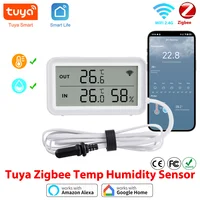
1. There are two versions available. Please select the correct one.
2. The WiFi version requires a 2.4GHz WiFi network.
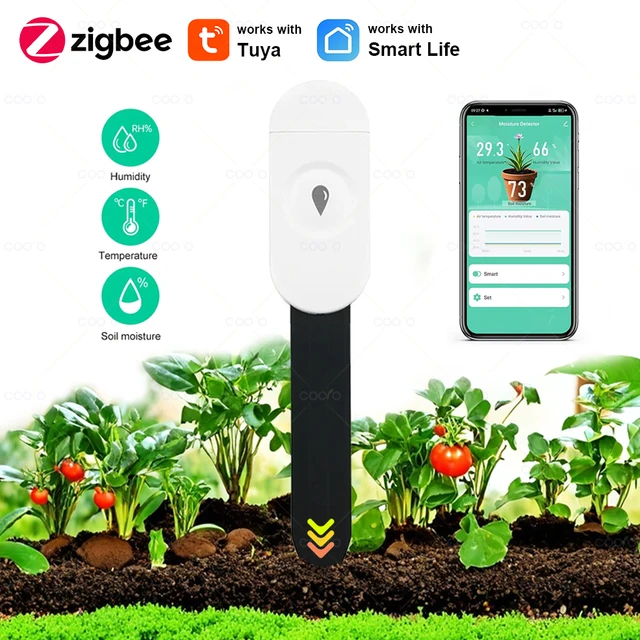
3. The Zigbee version only supports Tuya Zigbee. It requires a Tuya Zigbee gateway to function. Zigbee 2MQTT is not supported.
4. Home Assistant is not currently supported.
Product Features:
1. High precision
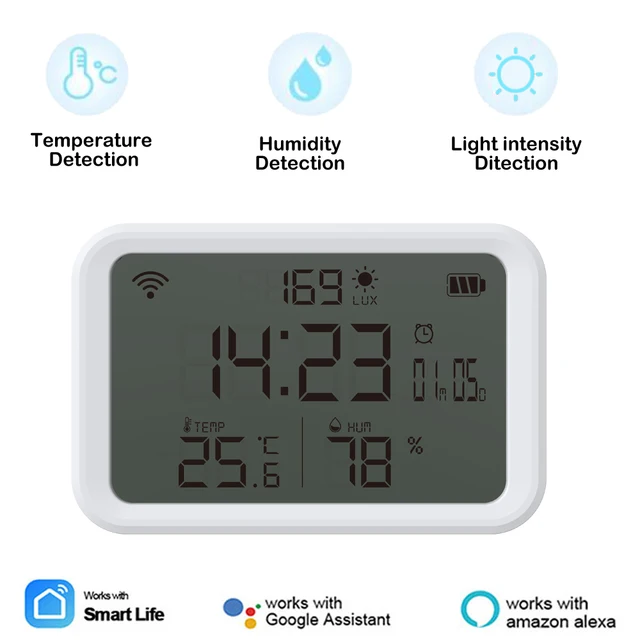
The Sensor uses top suppliers. It can guarantee the high precision of the measurement data.
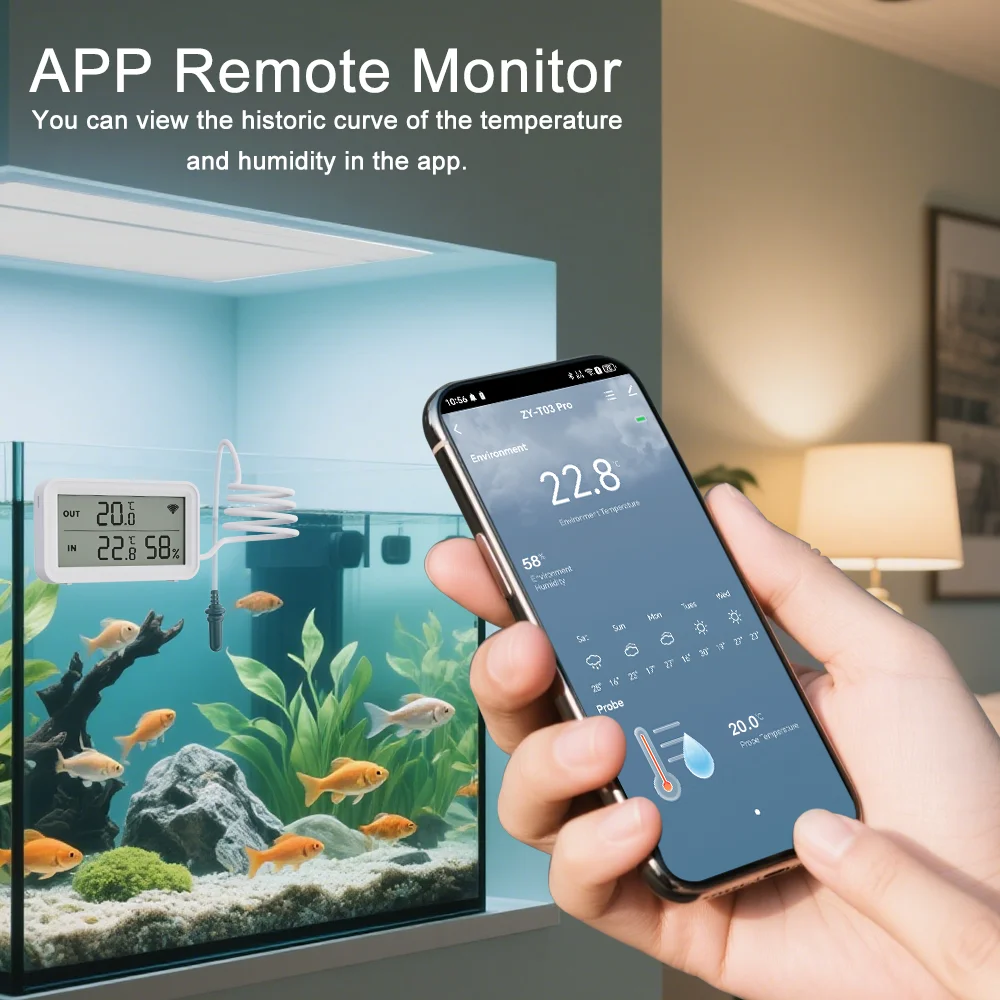
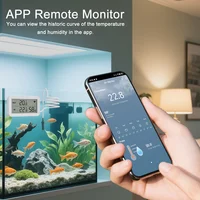
2. APP Remote monitor and Recording
The sensor will report when the temperature and humidity.Record the temperature and humidity changes on the APP, and use the graphics to show you.
3. External Sensor
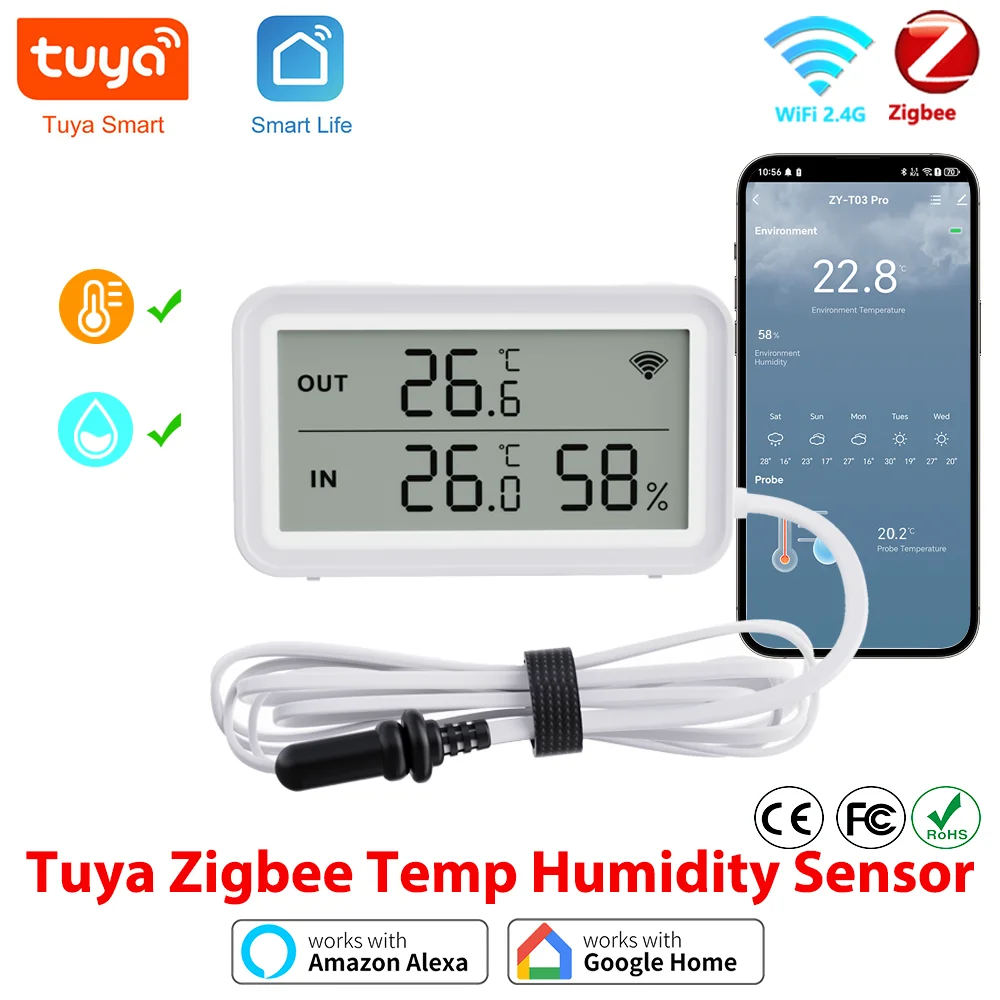
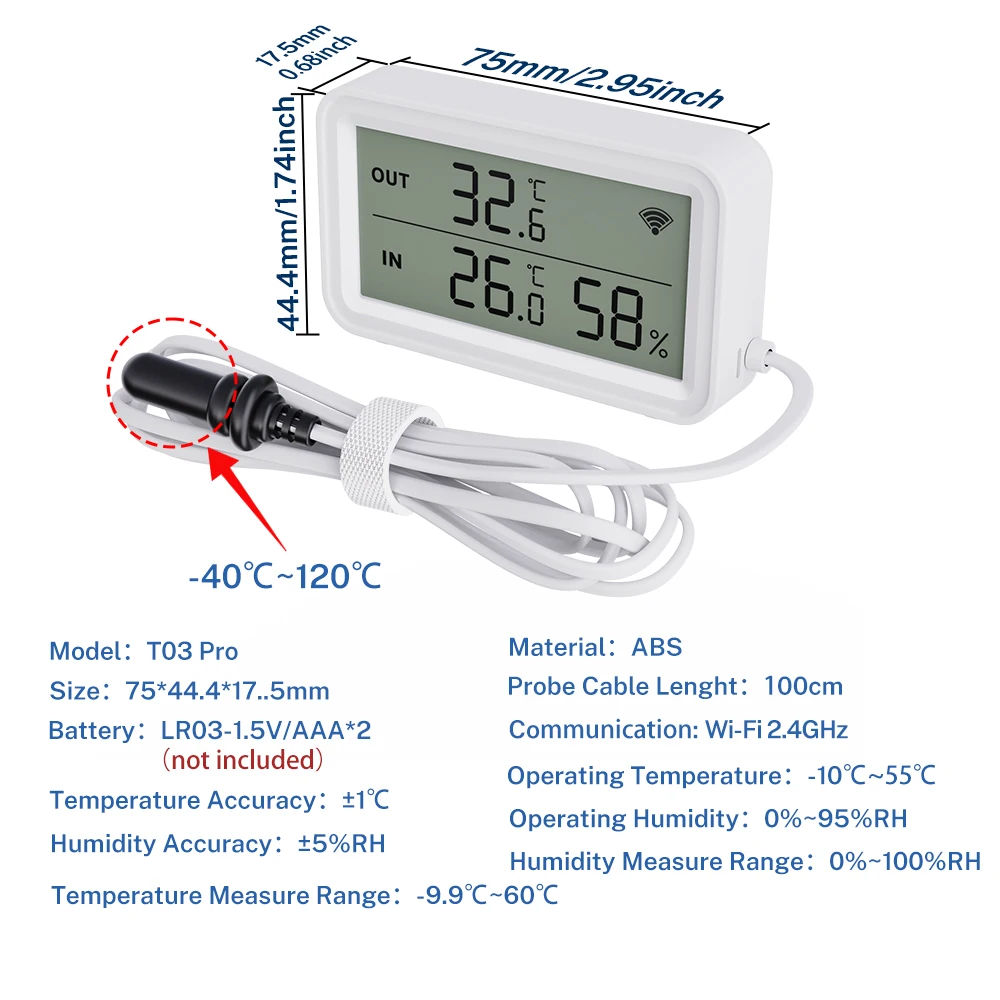
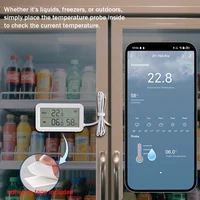
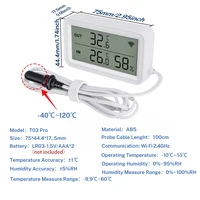
External sensor, with a wire length of 100cm. Temperature measurement range -40 ℃~120 ℃.
4. Wide viewing angle
We have carefully designed the viewing range of the LCD screen, compared to other types of similar products, our viewing angle is wider.
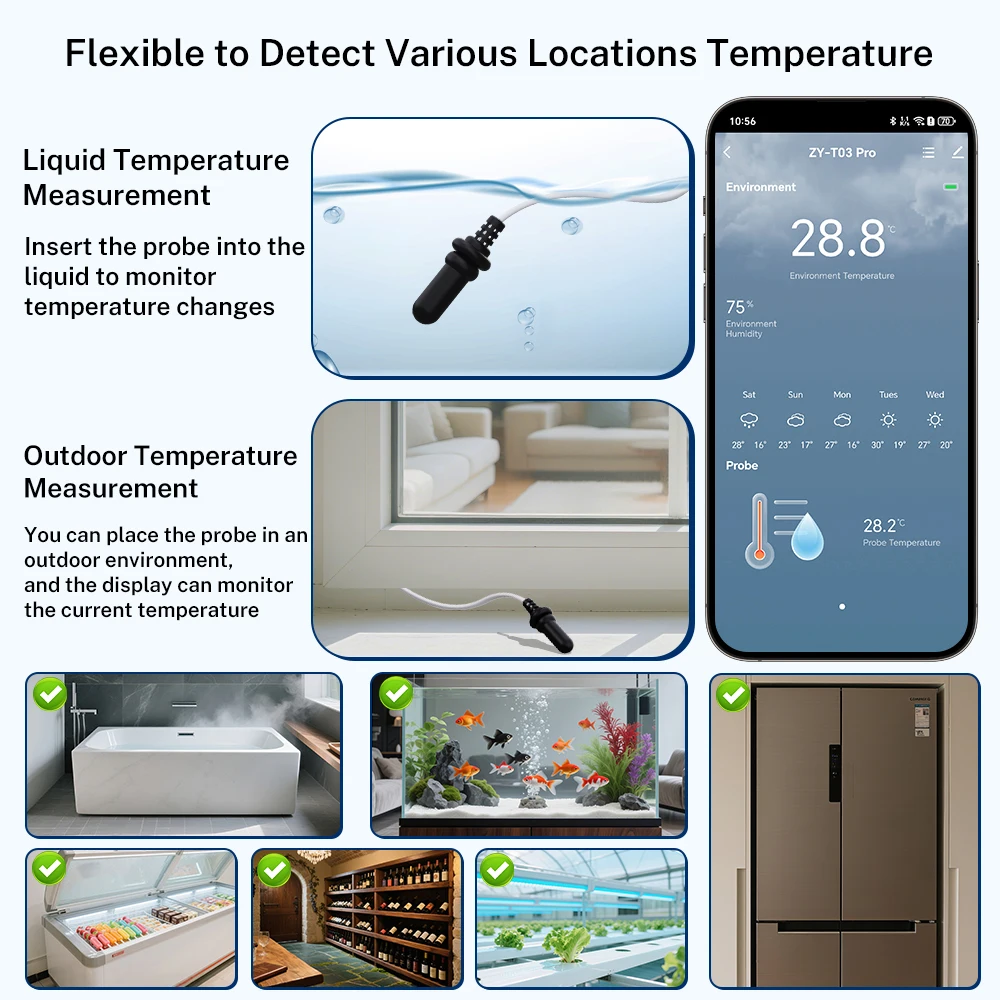
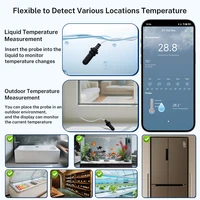
Flexibly detect temperature at various locations
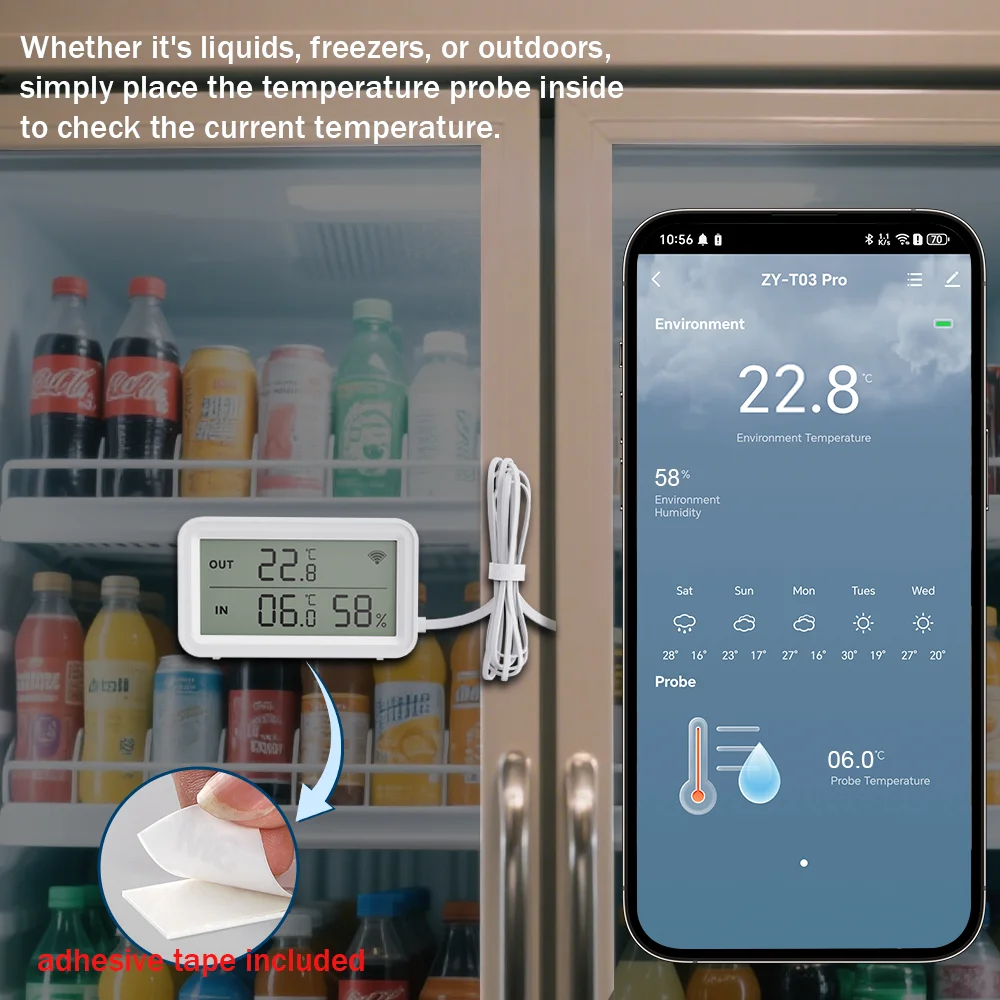
Whether it’s liquids, freezers, or outdoors, simply place the temperature probe inside to check the current temperature.
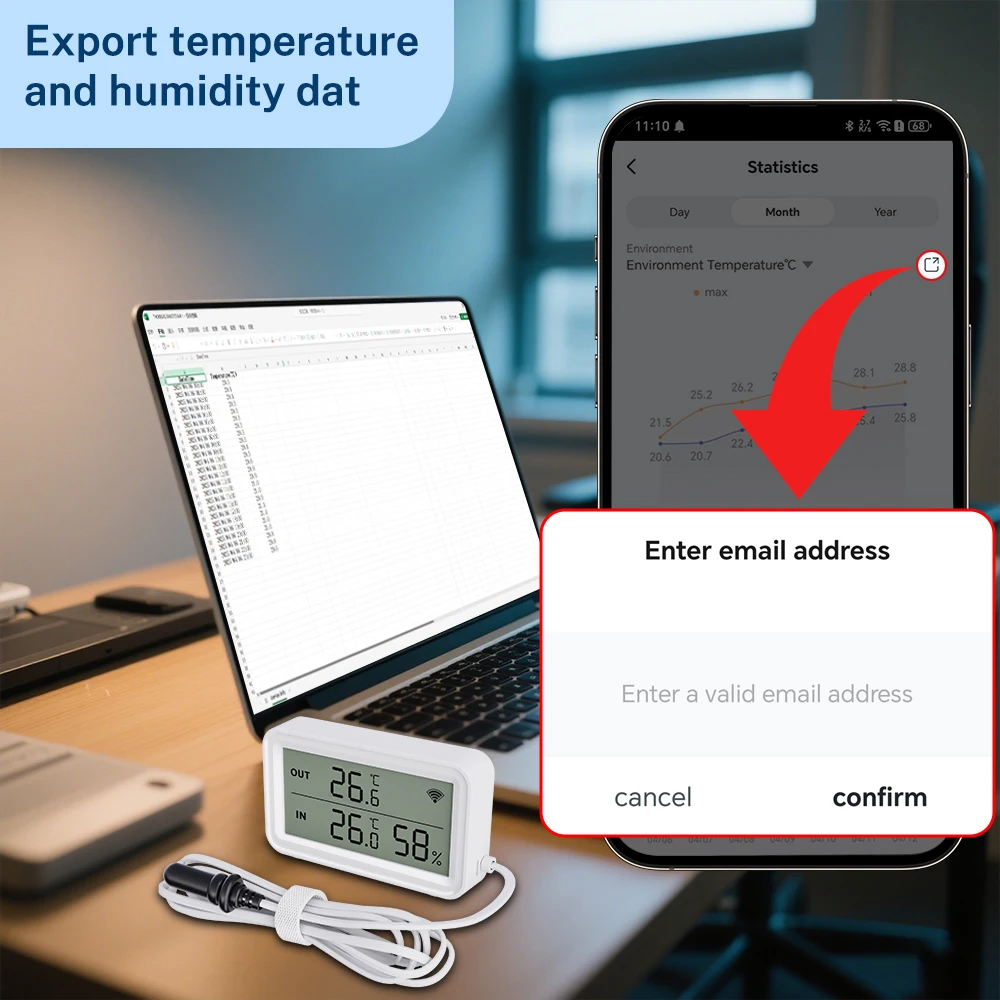
Data Storage&Export
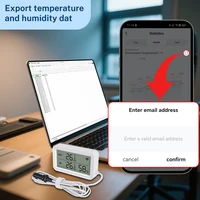
You can view the maximum and minimum values for any hour, year, month, or date at any time, and the data can also be exported as a file.
Create intelligent linkage
High-precision and real-time monitoring help you complete different linkage strategies. For example, if the temperature reaches 32.6 degrees Celsius, than turn on the air conditioner through our universal remote control. Or turn on the humidifier when the humidity is less than a certain value.
NOTE: Other devices need to be purchased separately. Other devices are use Same APP.
Temperature & Humidity Alarm
You can preset the range for the temperature and humidity in the Scene page, when the temperature or humidity reaches the range, you will receive alarm message on mobile.
Work with Alexa, Google Home
After connecting Alexa and Google home, you can query the current temperature and humidity by voice.
NOTE:
1. Because Alexa and Google home do not provide corresponding development interfaces, the temperature and humidity cannot be displayed correctly or not displayed on them.
2. It is not possible to create a Route or an automated process on Alexa or Google Home by temperature or humidity. (Only support to create an automated process in Smart Life or Tuya Smart)
3. But you can query the current temperature and humidity by voice.
Product Parameters
Technical features
About Update Frequency
1. The sensor uses a trigger mechanism. When the temperature or humidity changes to the set value, the sensor will report the data immediately. Generally, the data is updated once an hour.
2. The sensor cannot set the update report data frequency.
3. The sensor cannot set alarm. The alarm function is set on the APP.
If you need to update data in real time, please purchase a USB powered version(TH06/TH16).
About Proper Selection and Use of Batteries
1. Only LR03-1.5V alkaline battery can be used (1.2V rechargeable battery may cause the equipment to detect wrong voltage and report low voltage)
2. Batteries of different models or brands cannot be mixed.
3. New and old batteries cannot be mixed.
4. It is prohibited to use inferior batteries.
Otherwise: 1. Configuration fails; 2. Battery consumption is too fast.
How to obtain high-quality battery? Please buy in a regular supermarket or chain supermarket.
Note: After the device configuration is completed, it needs to be placed in a position where the wireless signal is good, otherwise the device signal power will become larger, which will lead to excessive battery consumption.
About Network Testing
Devices using the network consume a lot of power. To ensure the service life of the battery, the device will stop using the network when it does not need to report data
Therefore, it is meaningless to test the network signal of sensors in APP.
Error on temperature and humidity
1. All temperature and humidity sensors will have certain errors, please note. The temperature error of this sensor is ± 1 ℃, and the humidity error is ± 5% RH. Any value within this range is normal.
2. The sensor error and manufacturing process will meet, and there will also be some errors between products of the same model.
3. According to Newton’s third law, heat conduction takes a certain time. The sensor needs 30 minutes or 1 hour to be consistent with the room temperature, and the measurement will be accurate.
Historical curve of temperature and humidity
1. The minimum granularity of historical data (daily chart) is 1 hour, and the minimum granularity of exported data is also 1 hour.
2. Days of historical data are stored for 7 days.
3. The value of historical data is the average value. That is, the average value of a minimum granularity time.
Support for third-party smart speakers
1. Because the third-party smart speakers (Google Home/Alexa) do not have control panels corresponding to temperature and humidity sensors,
Therefore, the APP of third-party smart speakers may not display the temperature and humidity correctly.
But we have developed voice query function. Therefore, the current temperature and humidity can be queried by voice
2. Route or automatic process related to temperature and humidity cannot be established on the third-party smart speakers.
3. The device does not support Yandex Alice.
Trigger mechanism of temperature and humidity in automatic process
We used Edge Triggered (ET)
That is, the action can only be triggered if the condition crosses the set condition.
A: For example, turn on the light when the automatic setting temperature is greater than 25 ℃.
A.1. When the temperature rises from below 25 ℃ to 25 ℃, the automatic process can trigger the ON light.
A.2. After the automatic process is set, the temperature is always above 25 ℃, and the lamp is not turned on.
B: For example, when the automatic setting temperature is less than 20 ℃, turn on the light.
B.1. When the temperature drops from above 20 ℃ to 20 ℃, the automatic process can trigger the start lamp.
B.2. After the automatic process is set, the temperature is always below 20 ℃, and the lamp is not turned on.
When will the battery consume quickly
1. The correct type of battery is not selected, or the battery is mixed.
2. The sensor shall be installed at the location where the ambient temperature or humidity changes dramatically. In this environment, the device will frequently start the network to report data.
3. The sensor is installed in a low temperature environment for a long time (such as less than 0 ℃), and the battery performance will decline rapidly at this temperature.
4. The sensor is installed at a location where the network signal is very poor. When the network signal is poor, the equipment will increase the transmission power of the signal, resulting in increased power consumption.
5. The equipment is in a high humidity environment for a long time, which will corrode the battery and cause battery leakage.
FAQ
Q: What are the necessary conditions for using it?
A: Firstly, you must have a smartphone to install the app. Secondly, If you purchase a Wi-Fi version, it need Wi-Fi at 2.4GHz and the Wi-Fi router needs to be constantly online. If you purchase the Zigbee version, it requires Tuya Zigbee Hub or Tuya Multi-Mode Gateway.
Q: Why do we need to use new batteries when configuring?
A: It should be noted that Wi-Fi connections consume a lot of power. During the configuration process, the device needs to keep the Wi-Fi function on. If old batteries are used, the device may not function properly due to a decrease in battery power. Ultimately leading to configuration failure
Q: How do I know my Wi-Fi router has a frequency of 2.4GHz?
A: Most routers come with a 2.4GHz frequency band, and this information is usually marked on the router’s nameplate. Some routers default to turning off the 2.4GHz frequency. Please refer to the router’s manual to turn on the 2.4GHz frequency.
Q: Can I control it through 2G, 3G, 4G, 5G mobile networks?
A: YES. Operating Smart IR Remote through APP means that as long as your mobile phone can access the Internet (no matter what communication mode), APP can control it.
Q: What do I need to pay attention to when installing it?
A: 1. Please ensure that the signal (Wi-Fi Version required Wi-Fi 2.4Ghz) at the installation location is good. 2. The sensor is not waterproof and can only be used indoors.
Q: What kind of battery can I use?
A: LR03-1.5V Alkaline battery. Especially in the Wi-Fi version, Wi-Fi connections require a lot of power, so it is necessary to have a high-quality battery to maintain its normal operation, and our product has a low battery warning.
Q: Why does the network testing function on the device properties page always fail?
A: In order to save power, the sensor will shut down the network for sleep when it is not necessary. The network testing function requires the device to be online and requires power consumption for long-term testing, and the battery of the sensor cannot guarantee long-term operation. When testing the network, the sensor is sleeping, so it will fail, and we believe it is also meaningless. Of course, the sensor will start reporting data at a fixed time, or when the temperature or humidity changes exceed the set value, the triggering mechanism will wake up the sensor to start the network and send data.
Q: Why can’t I see the screen clearly after tilting?
A: YES. These types of screens all have an optimal viewing angle, and our product has the largest viewing angle among products of the same type. What is its viewing angle of 50 °.
Q: Can multiple people use it?
A: YES. There are two methods: 1. You can use the sharing function to share with your friends or family.
2. You can create a virtual home on the app and invite your family or friends to join.
Q: What do I need to do when configuration fails? If I purchase a Wi-Fi version.
A: 1. Check whether the remote control is powered on or not. And ensure that the indicator light of Smart IR Remote is in fast flashing mode.
2. Check whether your mobile device is connected to 2.4GHz Wi-Fi network.
3. Ensure that Smart Life has Bluetooth permission and confirm that the phone has Bluetooth turned on (some phones have low-power Bluetooth in GPS, if so, please ensure that the location information is turned on)
4. Check your network connectivity, make sure the router is working properly.
5. Make sure the Wi-Fi password entered is correct when adding remote control.
6. Confirm that the Wi-Fi router does not have restricted access features, such as Mac address whitelist.
7. If Wi-Fi 2.4GHz and 5GHz use the same SSID, you can try changing the name and have your smartphone connect to Wi-Fi 2.4GHz.
8. If the configuration still fails, please turn off your phone’s Bluetooth, long press the Smart IR Remote Reset Button for 5 seconds to switch the device’s indicator light to slow flashing mode, and then add it using AP mode. Select the slow flashing indicator light option on the add page to enter AP mode, and the APP page will guide you through the operation.
Q: How should I configure my Smart Speaker / Alexa / Google Home / Yandex Alice ?
A: Smart IR Remote cannot directly connect to third-party smart speakers. They need to provide account links and support through the “Skill” function. You can use the following methods: Smart Life ->Me ->Third-Party Services. But the necessary condition for these is that you have already configured Smart IR Remote to Smart Life.
Q: Why are third-party pages different from Smart Life pages?
A: We are using Tuya’s solution, and the pages on Smart Life are customized. But neither we nor Tuya can customize third-party pages, we can only use their internal default page display.







Reviews
Clear filtersThere are no reviews yet.