


Specification:
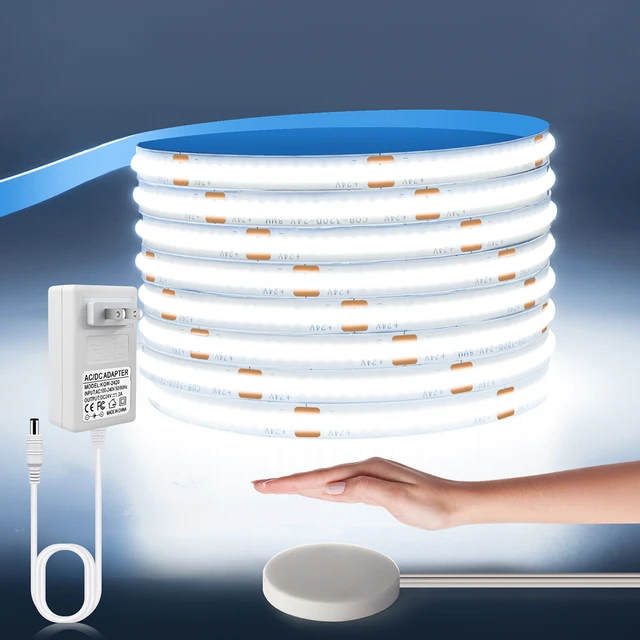
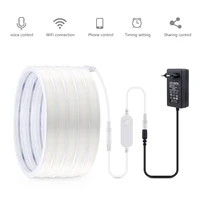
Type: WiFi COB LED Neon light Strip
Input Voltage:DC24V
Light Color:Warm White/White/Natrual White
Color temperature: Warm White(3000K), Natural White(4000K), Cool White(6500K)
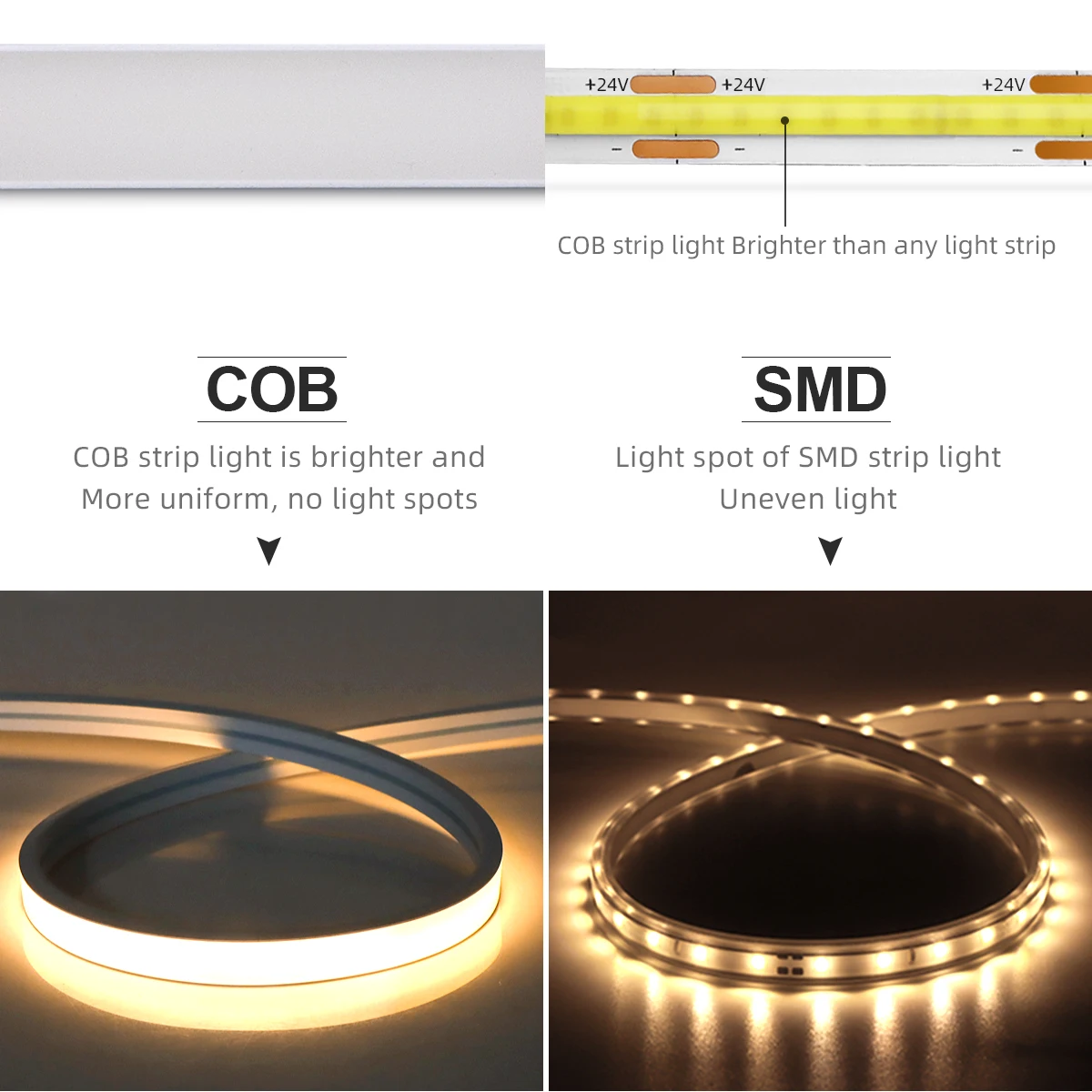
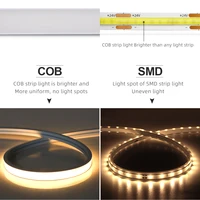
LED type: COB
LED QTY: 320LEDs/M
Length: 1M/2M/3M/4M/5M/10M
App: Tuya or Smart Life
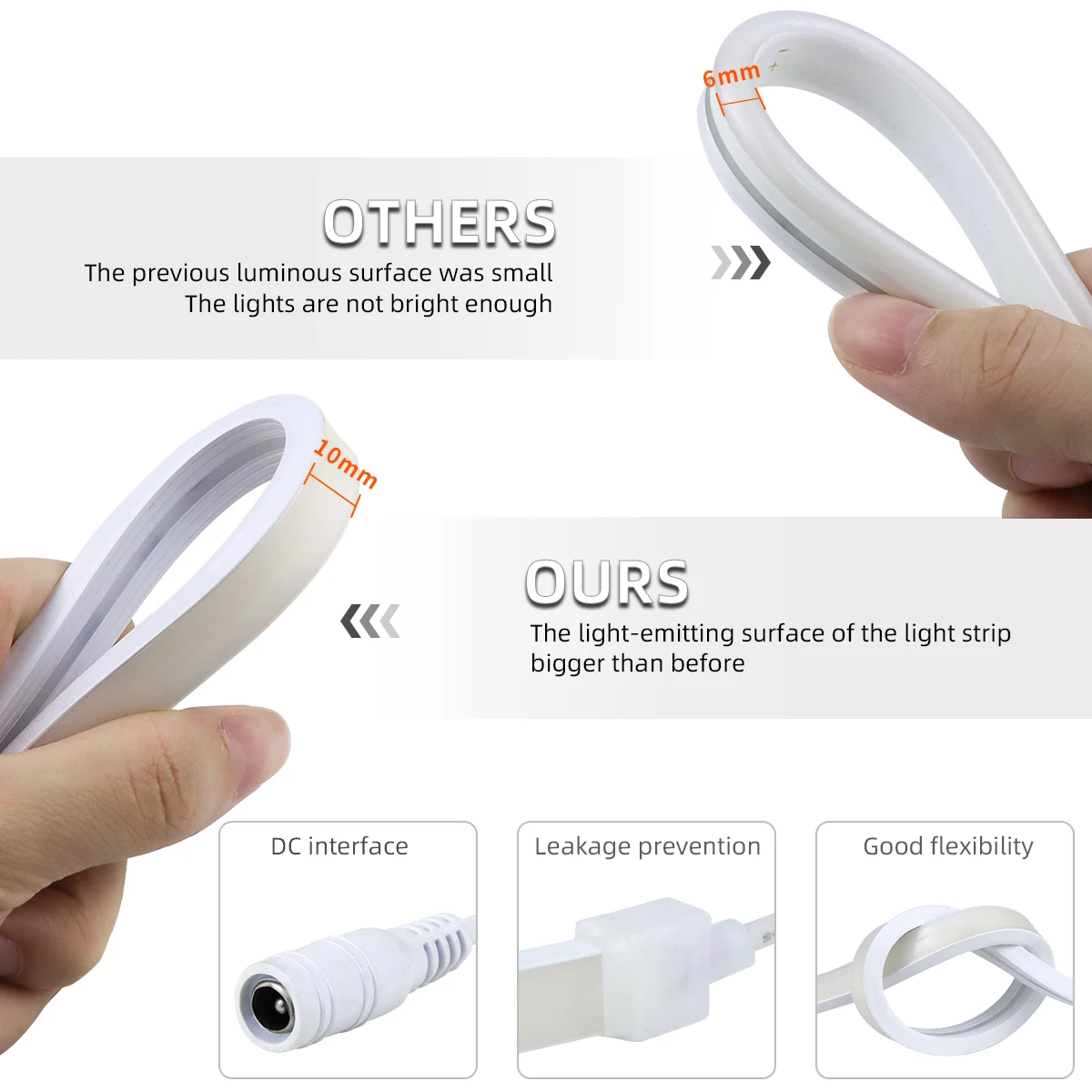
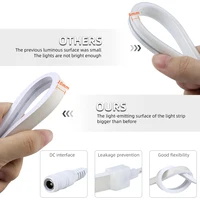
Size: 11MM X 6MM
Material: 100% pure silicone tube (fireproof and waterproof)
Power:9W/M
Waterproof: Waterproof IP67
Long life: >50,000 hours
Features:
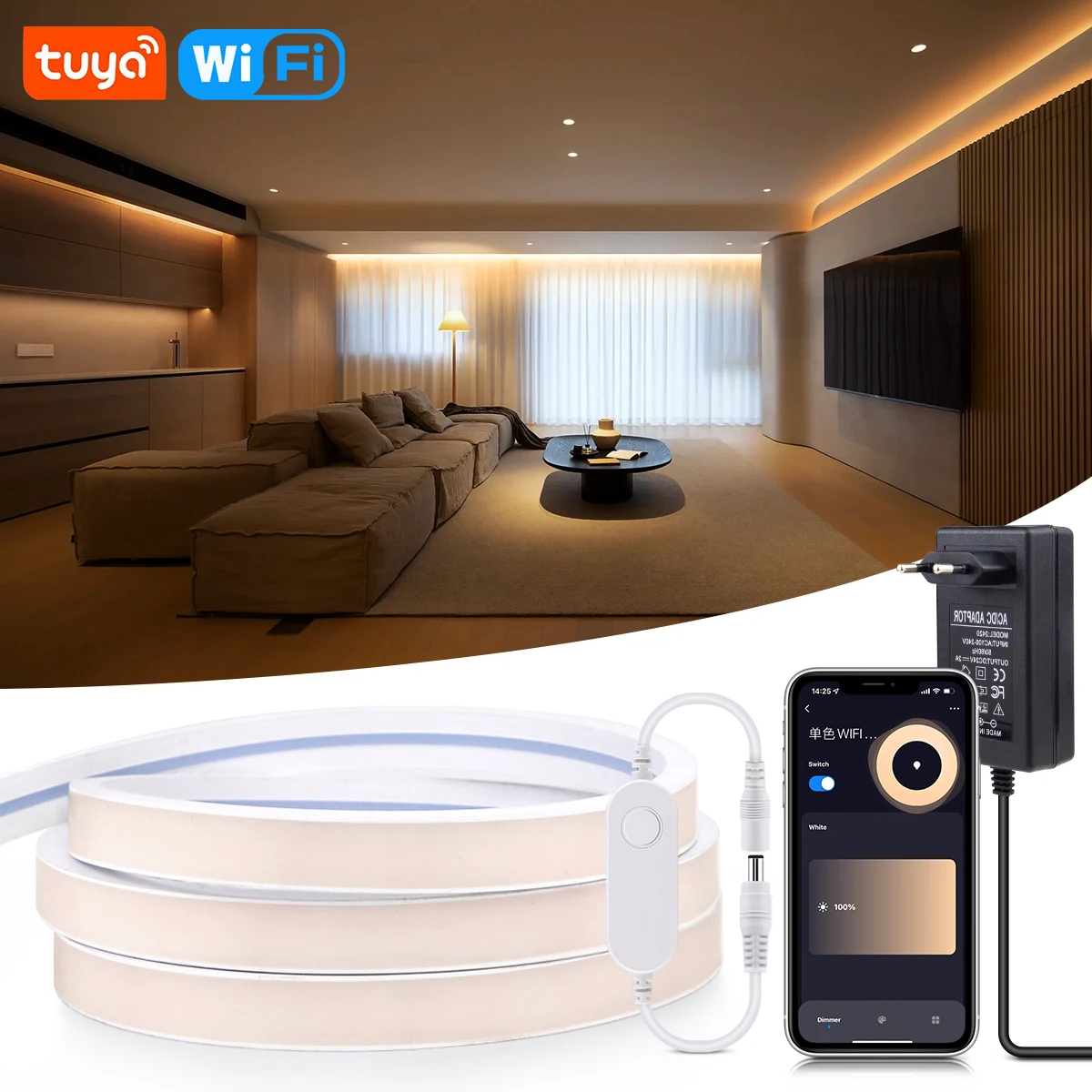
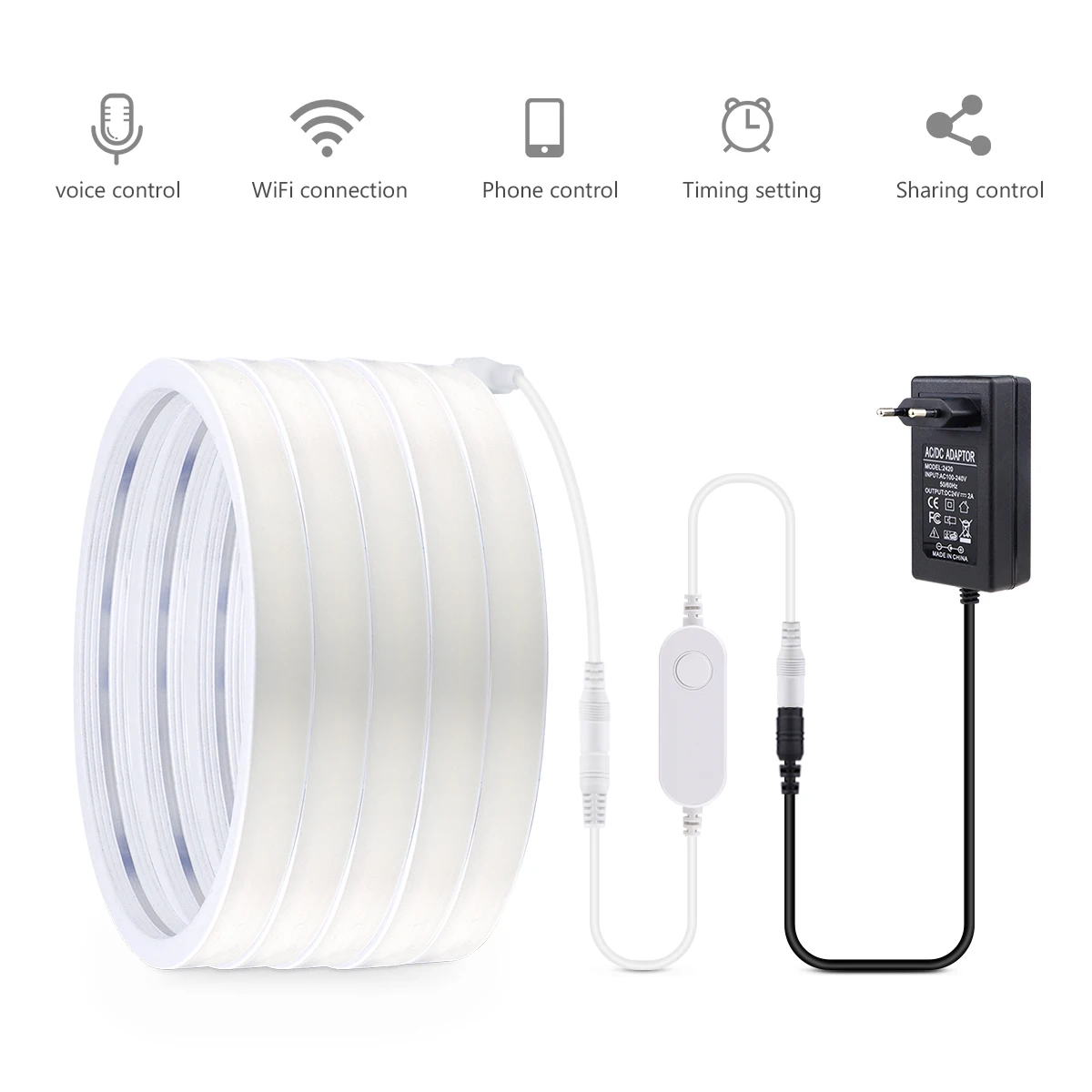
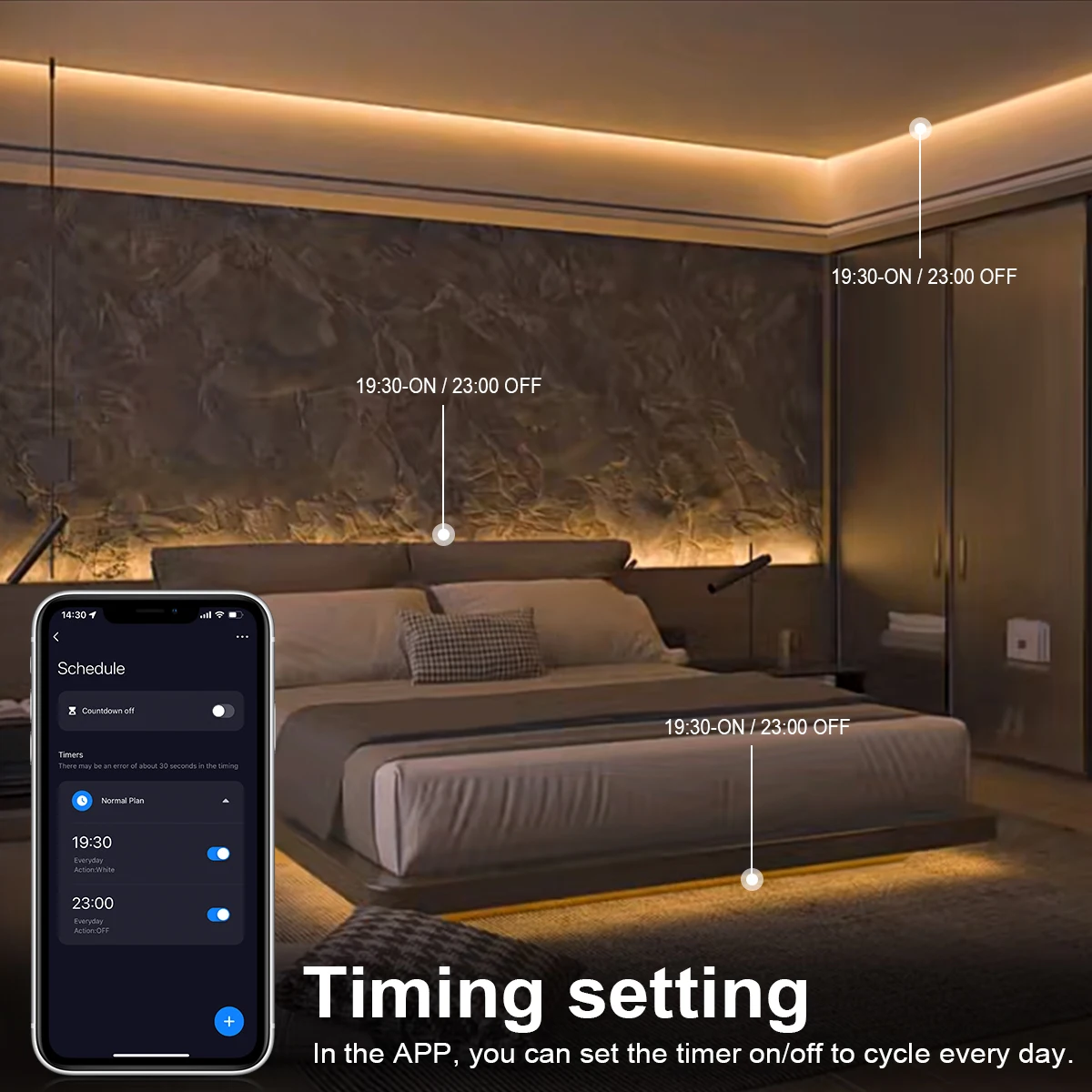
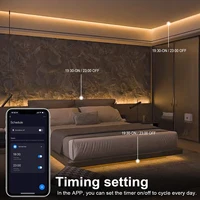
【Remote Control】 Even you are not at home, you can control your smart led strip on/off with your phone via Tuya or Smart Life App. Easily set schedule for your smart led strip. Customize your home light system, like setting lights to come on at dusk or turn off at sunrise. You can create a group for all of your smart led strip and control them all with just one command. Works with 2.4GHz Wi-Fi network.
【Voice Control】 Control your smart led strip via your voice with Google Assistant . Just give a voice command to turn on/off or dim/brighten your light, No hub required and easy to install. No need subscription.
【Energy Saving&Wide Usage】With LED technology, Save your electricity charge with newest lighting technology. This bulb can be used on anywhere you need colorful light such as home indoor lighting, hotel, meeting room, museum, restaurants, bar, cafe, holiday
Know about Tuya APP
Step 1: Search “Tuya” or “Smart Life “on Phone to download it.
Step 2: Connect the bulb to your local 2.4G WIFI with your phone connecting to it.
Step 3: Set up your Tuya account. Add Device>Lighting devices and confirm the device in the App.
Step 4: Easy Mode or AP Mode(Press on/off button of the device 5 times)
Tips–App
Be sure that you are using 2.4GHz WiFi when connecting with the smart bulb. And WiFi must be detectable status. Many routers have 5 GHz and 2.4 GHz network and your phone will always automatically connect to the 5 GHz network. So, you have to completely turn off your 5 GHz network by going to your router settings (enter the router IP address into your internet browser, usually something like 192.168.1.1), forcing your phone to connect to the 2.4 GHz network.
In addition, the router encryption mode must be WPA2-PSK type and the authentication type must be AES.







Reviews
Clear filtersThere are no reviews yet.