
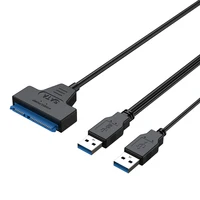
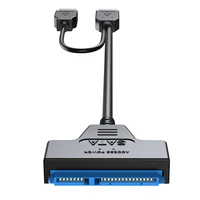
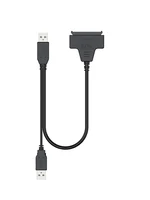
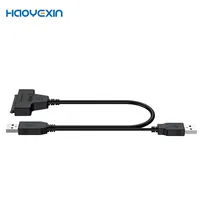

Of course. This is a very common and useful adapter cable. Let’s break down what this product is, what it does, and what you need to know before using it.
What This Cable Is
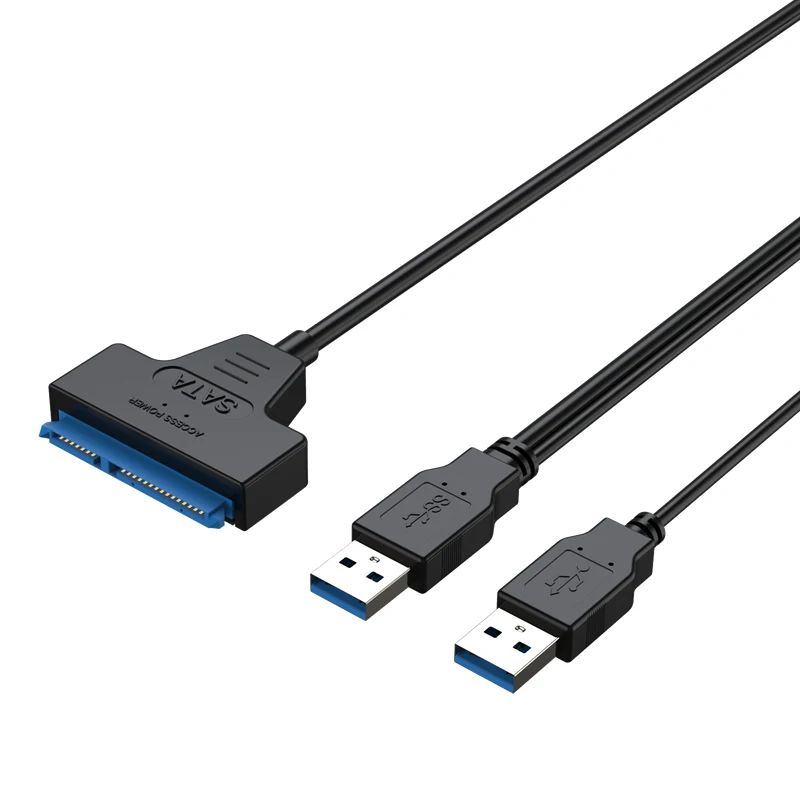
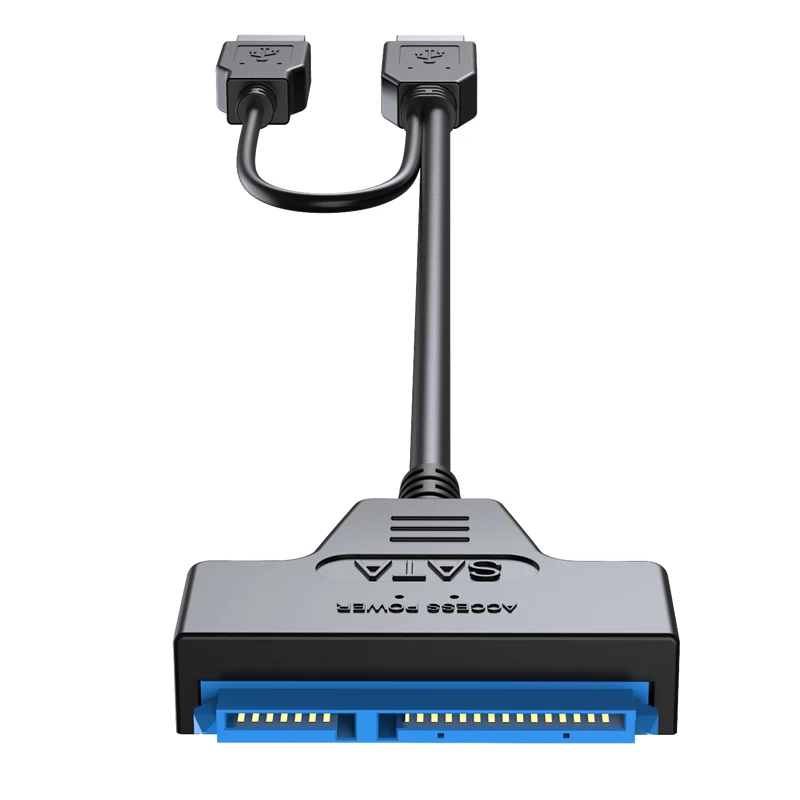
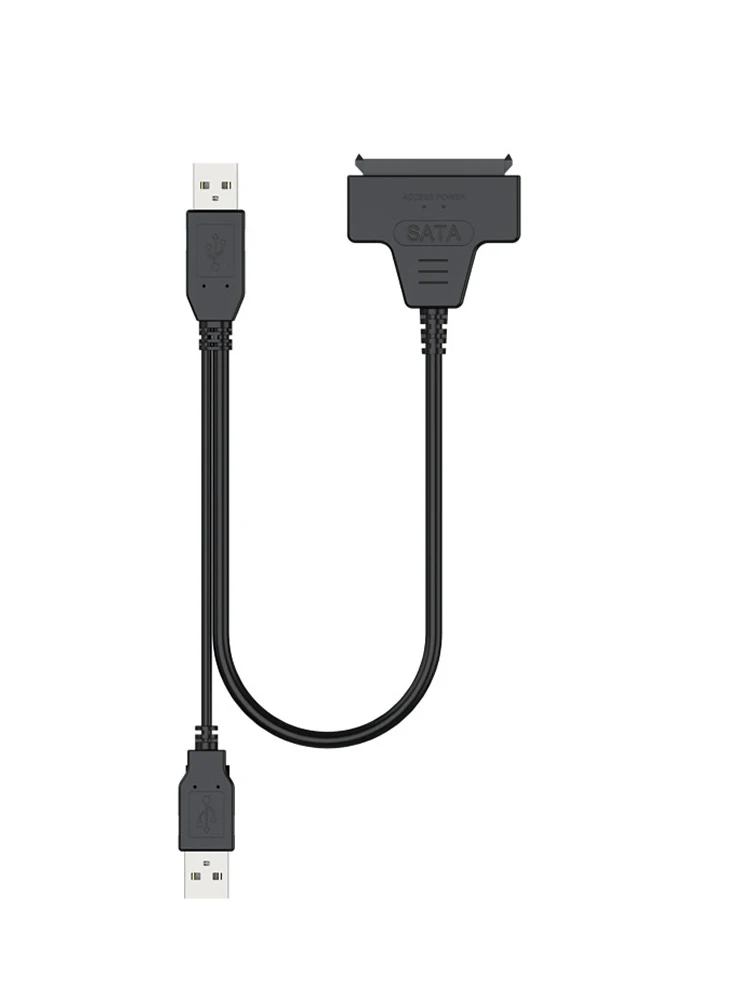
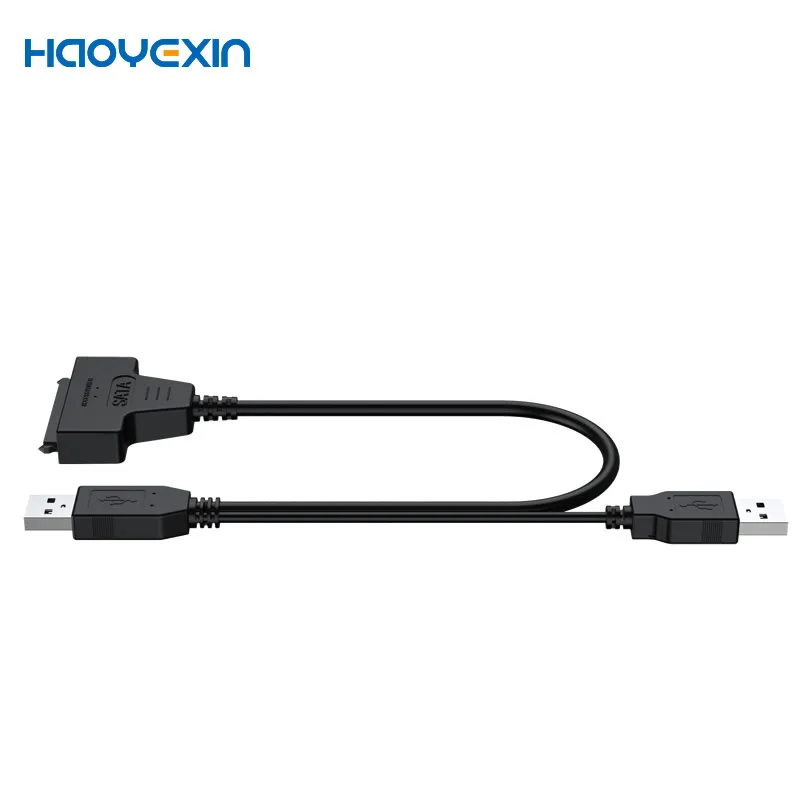
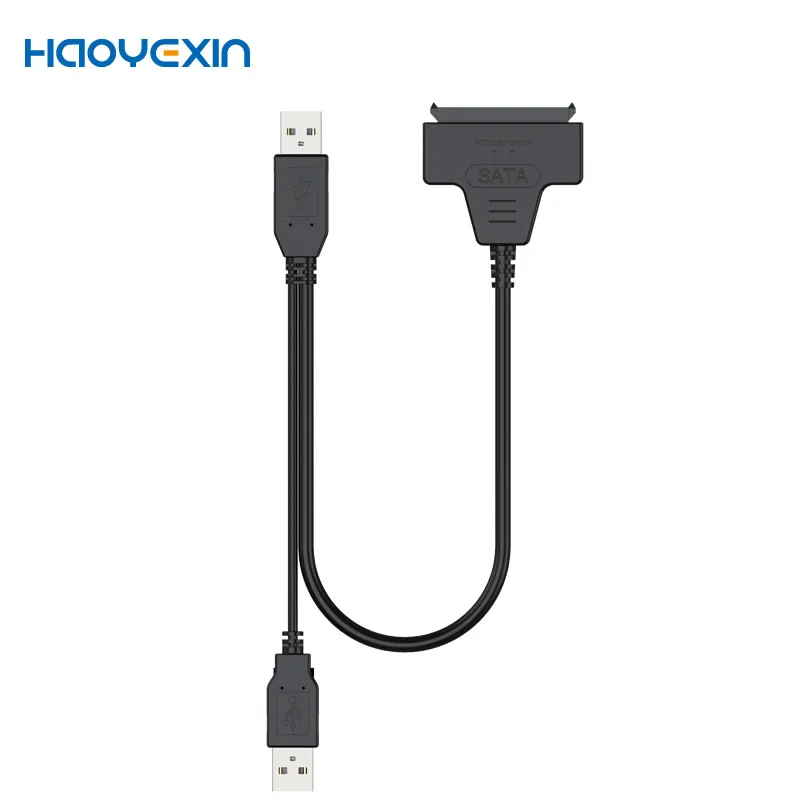
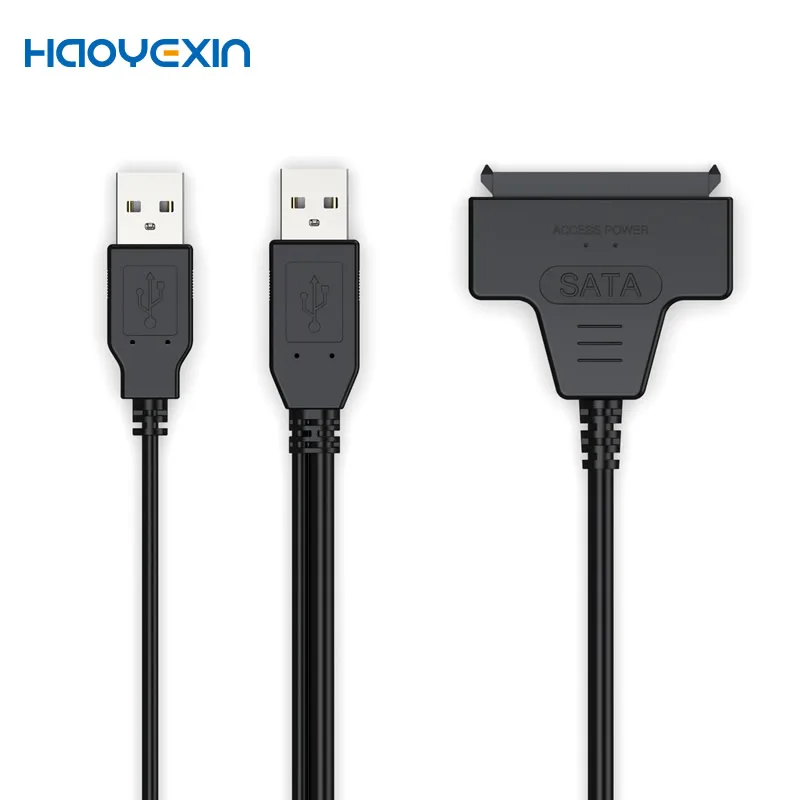
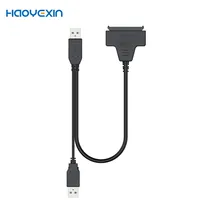
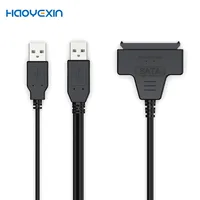
This is a SATA to USB adapter cable. Its primary purpose is to allow you to connect a 2.5-inch SATA hard drive (HDD) or solid-state drive (SSD) to a computer’s USB port externally, as if it were an external hard drive.
It’s essentially the core component inside an external hard drive enclosure, but without the case. You just plug and play.
Key Features & Specifications Explained
1. Compatibility: 2.5-inch HDD/SSD
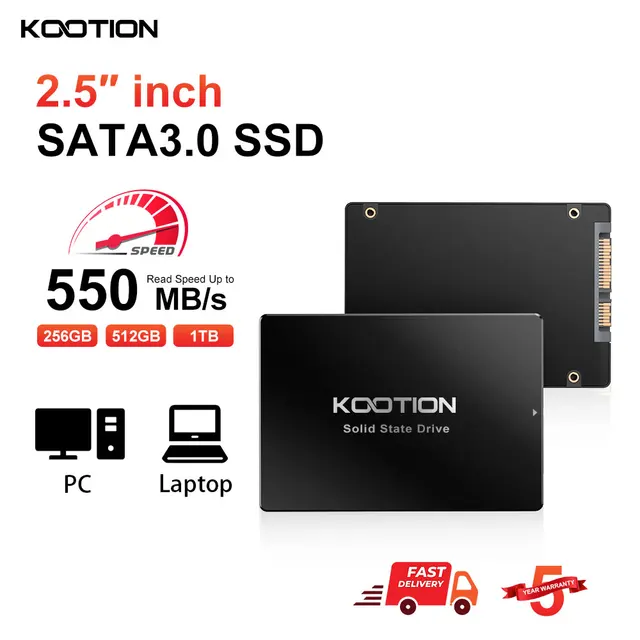
· Why only 2.5-inch? This is the most important limitation. 2.5-inch drives (common in laptops) get all the power they need directly from the USB port.
· Not for 3.5-inch Drives: Larger 3.5-inch desktop drives require more power (12V) than a USB port can provide. They will not work with this simple cable and will need an external power adapter.
2. Connector: SATA 3 (22 Pin)
· This refers to the combined SATA data and power connector used by 2.5-inch drives. The standard SATA data port (7-pin) and the SATA power port (15-pin) are merged into a single, compact 22-pin connector, which is what this cable is designed for.
3. Speed: Up to 6 Gbps
· This is the speed of SATA III (the drive’s interface). In theory, this is the maximum speed your SSD or HDD can operate at.
· The actual speed you get will be limited by the USB standard on your computer.
4. USB Standards: USB 3.0 / 2.0
· USB 3.0 (Blue Connector): Offers speeds up to 5 Gbps. This is the ideal connection for modern SSDs and HDDs to get good performance.
· USB 2.0 (Black Connector): Offers speeds up to 480 Mbps. It will work, but it will be very slow, making it unsuitable for running an OS or transferring large files. It’s a fallback for older computers.
Common Use Cases
· Data Recovery/Migration: Quickly pulling files off an old laptop hard drive.
· Expanding Storage: Using an internal SSD/HDD as extra external storage.
· Cloning Drives: Using disk cloning software to copy one drive to another.
· Troubleshooting: Testing if a drive is functional without installing it inside a computer.
· Game Console Upgrades: Using it to format and initialize a new SSD for a PlayStation or Xbox before internal installation.
What to Watch Out For & Potential Issues
1. Power is Critical: As mentioned, this cable is only for 2.5-inch drives. If your drive has an unusual power draw (e.g., some high-performance 2.5″ HDDs), it might be unstable. If the drive spins up but isn’t detected or disconnects randomly, it’s likely a power issue.
2. Durability: The drive is completely exposed. Be careful not to bump it or shock it while it’s powered on.
3. Cable Quality: Cheap, no-name cables can be unreliable, leading to slow transfer speeds, disconnections, or failure to detect the drive.
4. Driver Issues: For most modern drives on Windows 10/11 and macOS, it should be “plug and play.” Older operating systems or unusual drive formats might need drivers.
Recommendation
This type of cable is an incredibly handy tool to have in your tech toolkit. It’s perfect for:
· DIY enthusiasts
· IT professionals
· Anyone who upgrades their laptop or console storage
Before you buy, just confirm:
· “I am connecting a 2.5-inch SATA HDD or SSD.”
· “My computer has a USB 3.0 (or better) port (usually blue) for good performance.”
If you need a more permanent, protected solution for a drive, consider buying an external enclosure instead, which is essentially this cable built into a protective case.
SATA to USB 3.0 / 2.0 Cable Up to 6 Gbps for 2.5 Inch External HDD SSD Hard Drive SATA 3 22 Pin Adapter USB 3.0 to Sata III Cord







Reviews
Clear filtersThere are no reviews yet.