


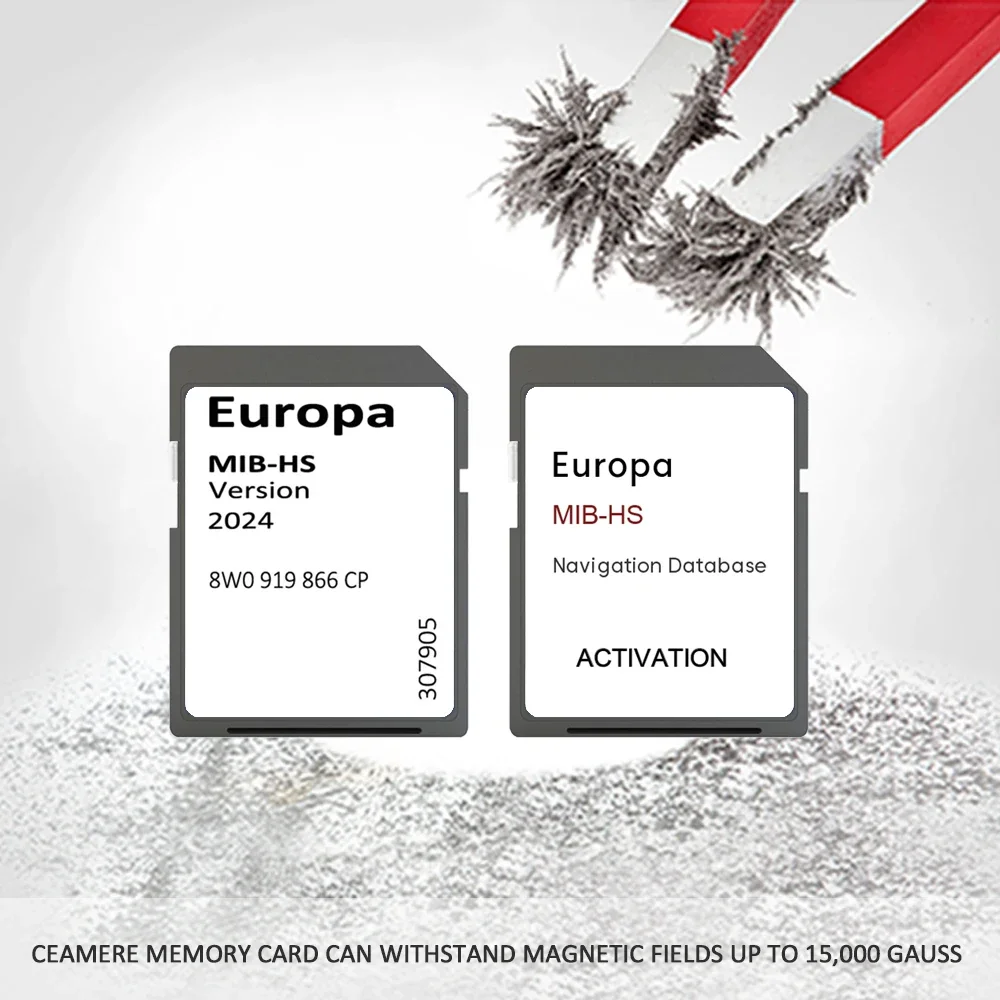
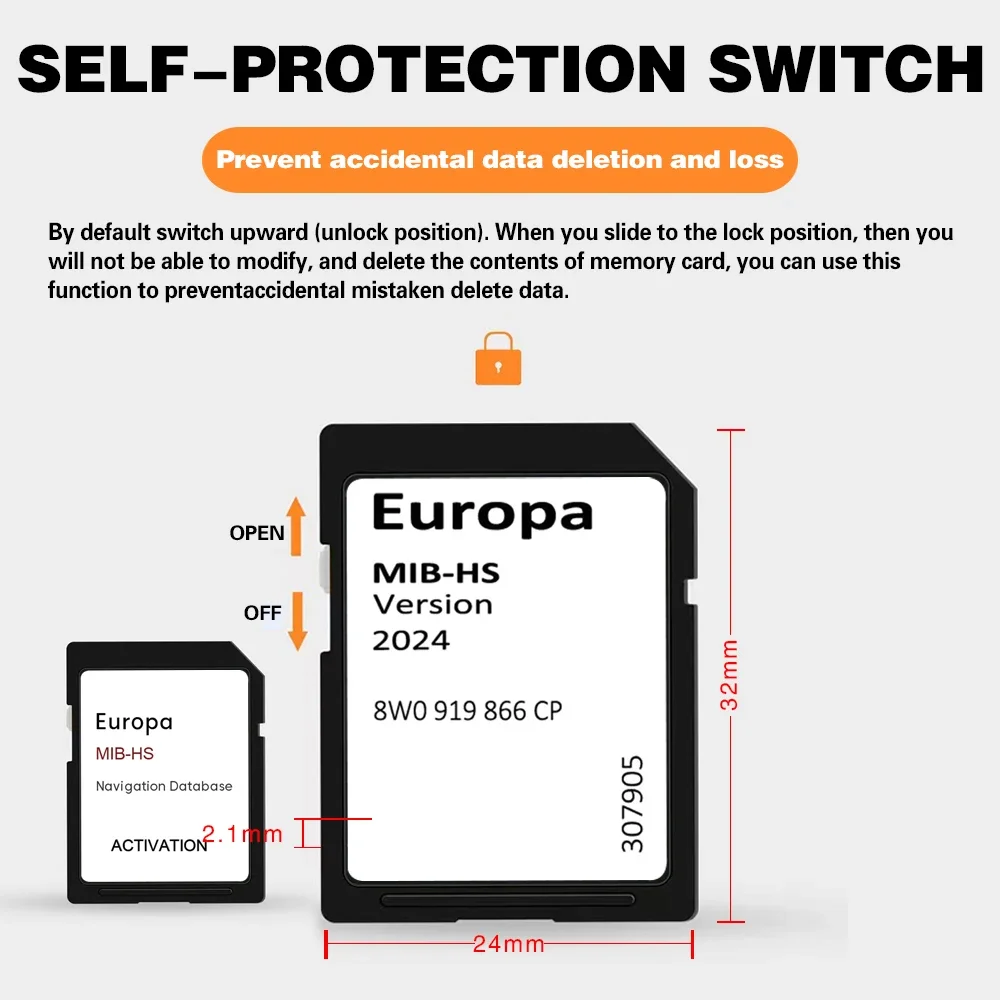
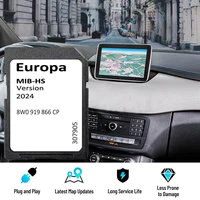
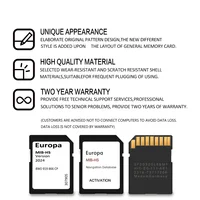

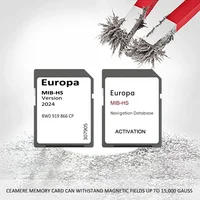
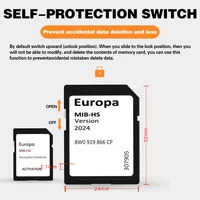

(1). Dear buyer, please carefully read whether your model is compatible with the model we provide before you order.
(2). If you ignore this information and make an error,we will not bear the freight sent back.
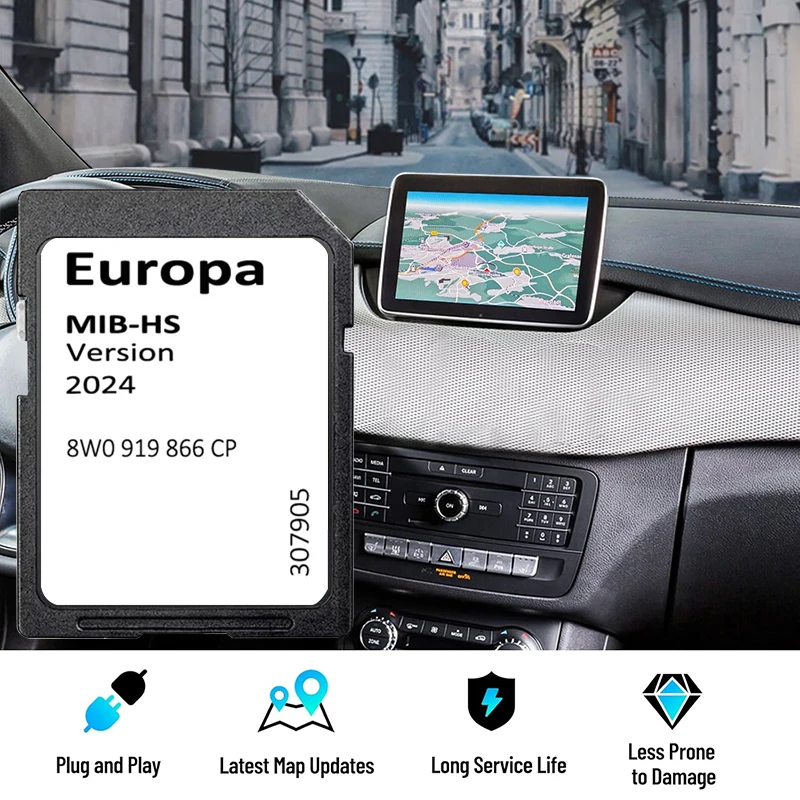
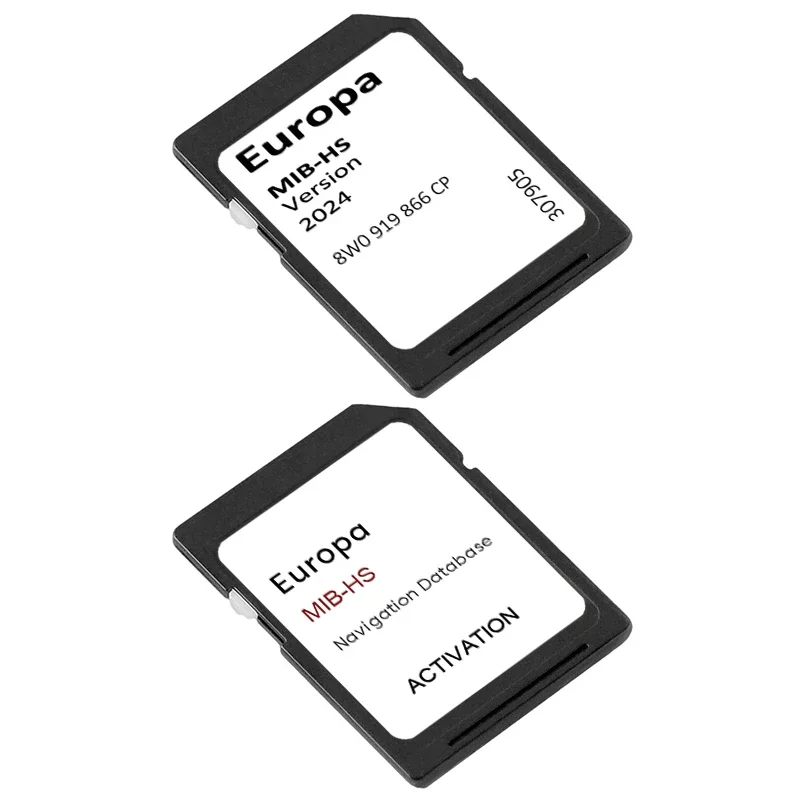
(3). SIMPLE TO INSTALL! Just insert the SD card + Activation card in the slot and follow the on-screen instructions.
(4). Map: 2024.
(5). Maps: Europe, All Updates are genuine (OEM) Audi.
(6). If you have previously ordered a set of 2 SD cards from us (activation sd card + navigation 2024 sd card), then when updating to the 2024 maps, you only need to order the navigation 2024 sd card.
(7). If you have not previously ordered activation cards from us, you will need a set of 2 cards (activation sd card + navigation 2024 sd card).
(8). I don’t currently have navigation enabled from factory. What do I need to do?:
Its possible you may need to make some coding changes so the navigation will display on the MMI screen. These simple changes that can be done with VCDS/OBD11 or similar tools. If you car is already equipped with navigation then this is not required.
(9). This update activates CarPlay and Android Auto in select Audi vehicles.
Compatibility:
Please check compatibility BEFORE purchase:
· (2015 – 2020) Audi A3
· (2015 – 2020) Audi A4
· (2015 – 2020) Audi A5
· (2015 – 2020) Audi S3
· (2015 – 2020) Audi S4
· (2015 – 2020) Audi S5
· (2015 – 2020) Audi RS3
· (2015 – 2020) Audi RS4
· (2015 – 2020) Audi RS5
· (2015 – 2020) Audi Q2
· (2015 – 2020) Audi Q5
· (2015 – 2020) Audi SQ2
· (2015 – 2020) Audi SQ5
· (2015 – 2020) Audi RSQ2
· (2015 – 2020) Audi RSQ5
Compatible media versions always begin with MHS2, please see an example below:
· MHS2_ER_xxx
· MHS2_ER_AU_xxx
Countries included:
Andorra, Austria, Belgium, France, Germany, Gibraltar, Great Britain, Ireland, Liechtenstein, Luxembourg, Monaco, Netherlands, Portugal, Spain, Switzerland, Albania, Austria, Bosnia & Herzegovina, Bulgaria, Croatia, Czech Republic, Denmark, Estonia, Finland, Greece, Hungary, Italy, Latvia, Liechtenstein, Lithuania, Macedonia, Montenegro, Norway, Poland, Romania, San Marino, Serbia, Slovak, Slovenia, Sweden.
Part number: 8W0 919 866 CP
This update replaces the following list of previous editions:
Version 2024 Reference 8W0 919 866 CP
Whats Included:
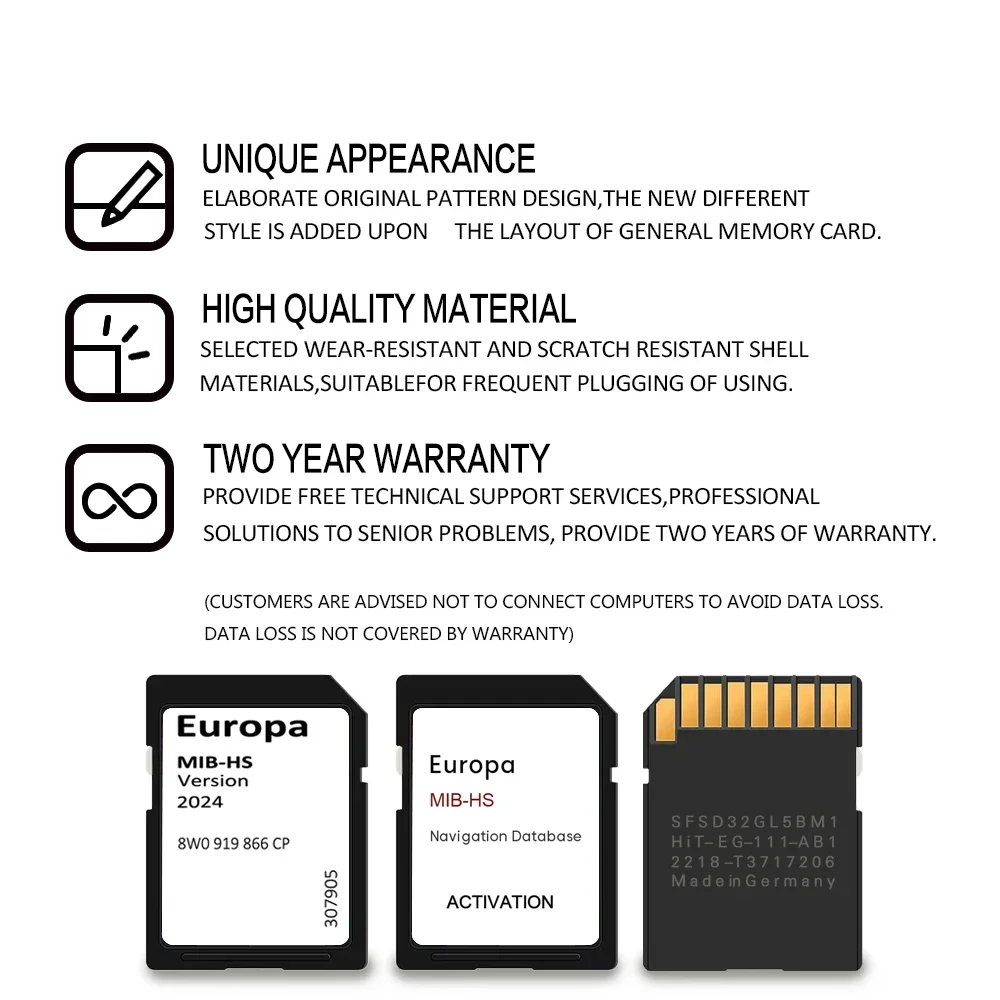
1x Audi Maps License SD Card
1x Audi MMI MHS2 (MIB-HS) 2024 Navigation Europe & UK Maps Sat Nav SD Card
1x Set of Installation Instructions
How to install:
1. Query and identify the types of navigation systems
2. Insert the SD card + Activation card according to the instructions in the user manual
3. Enter navigation mode and wait for it to appear on the screen
Types of Audi navigation systems – how to identify:
1. Enter in the RED Engineering menu by holding NAV in the up position + RADIO in the down position at same time for approx. 5 seconds and release.
2. Select “Version Information”
3. Your version information will be display on screen (example as below)







Reviews
Clear filtersThere are no reviews yet.