

PRODUCT SPECIFICATION
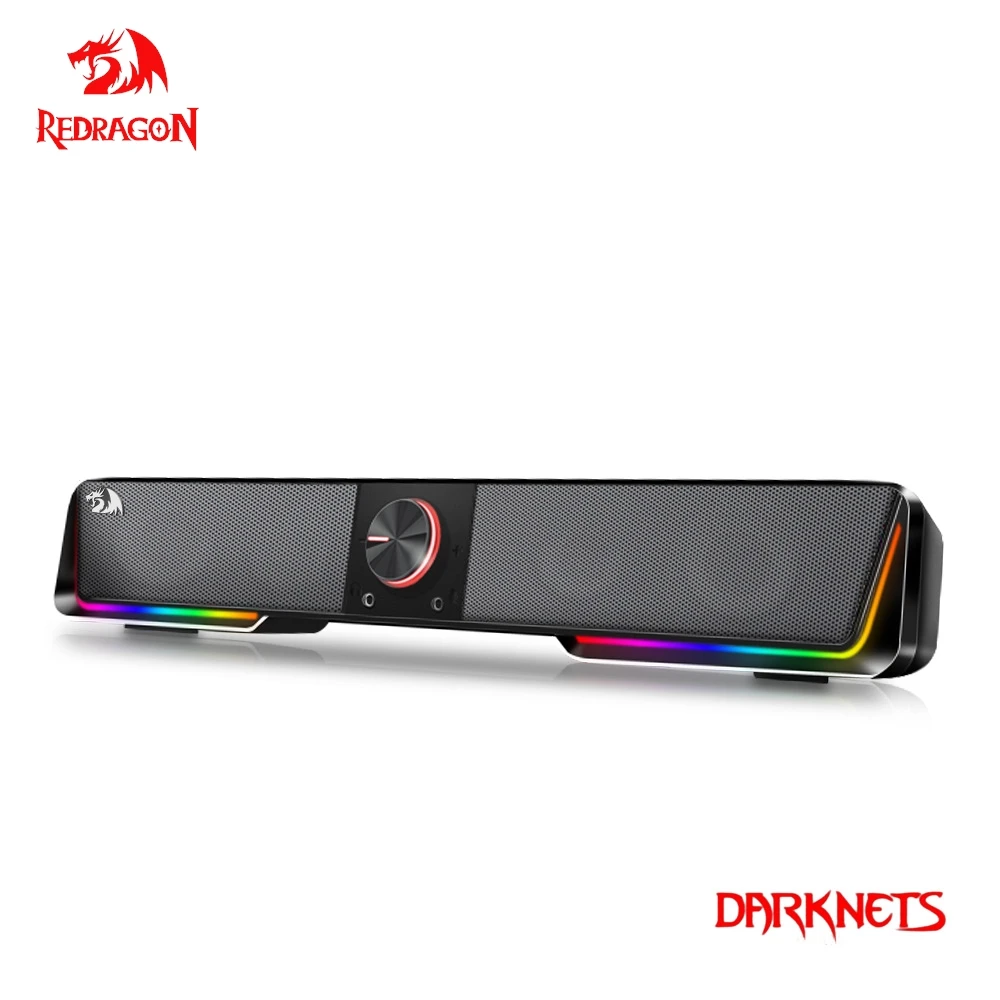
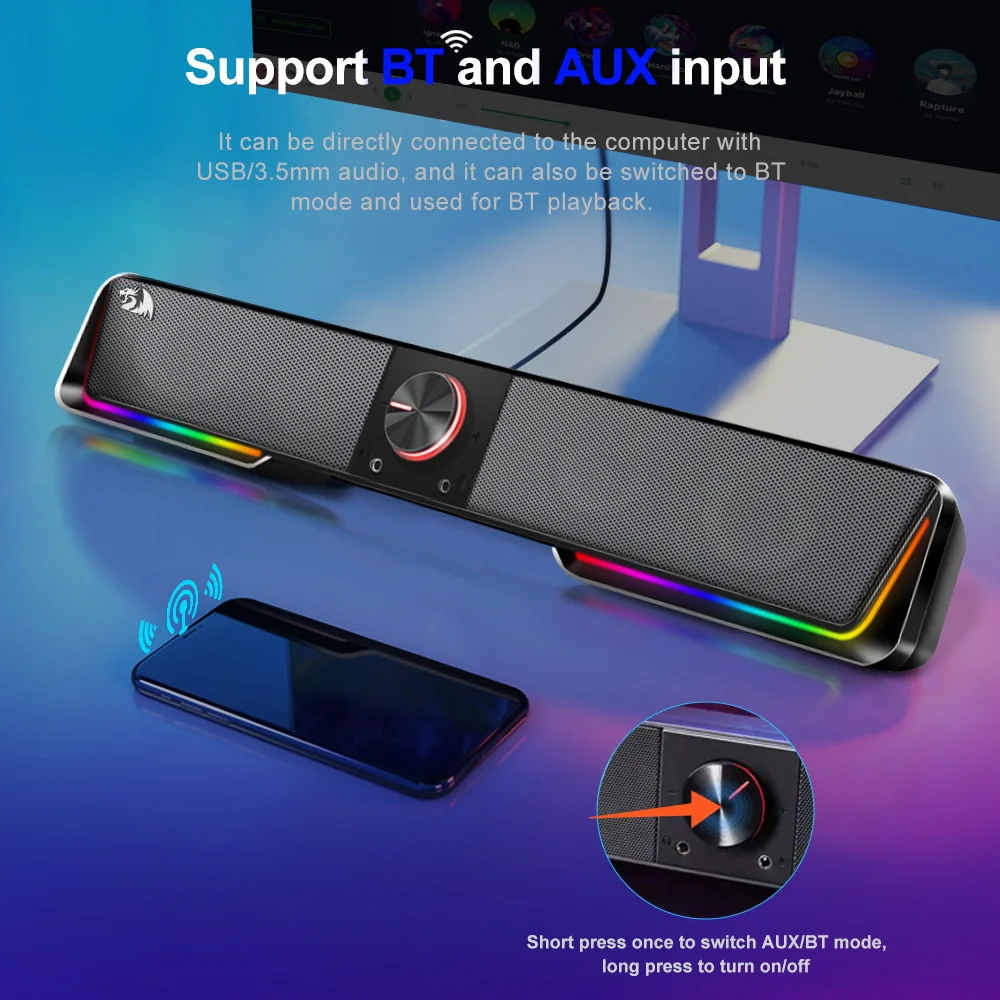
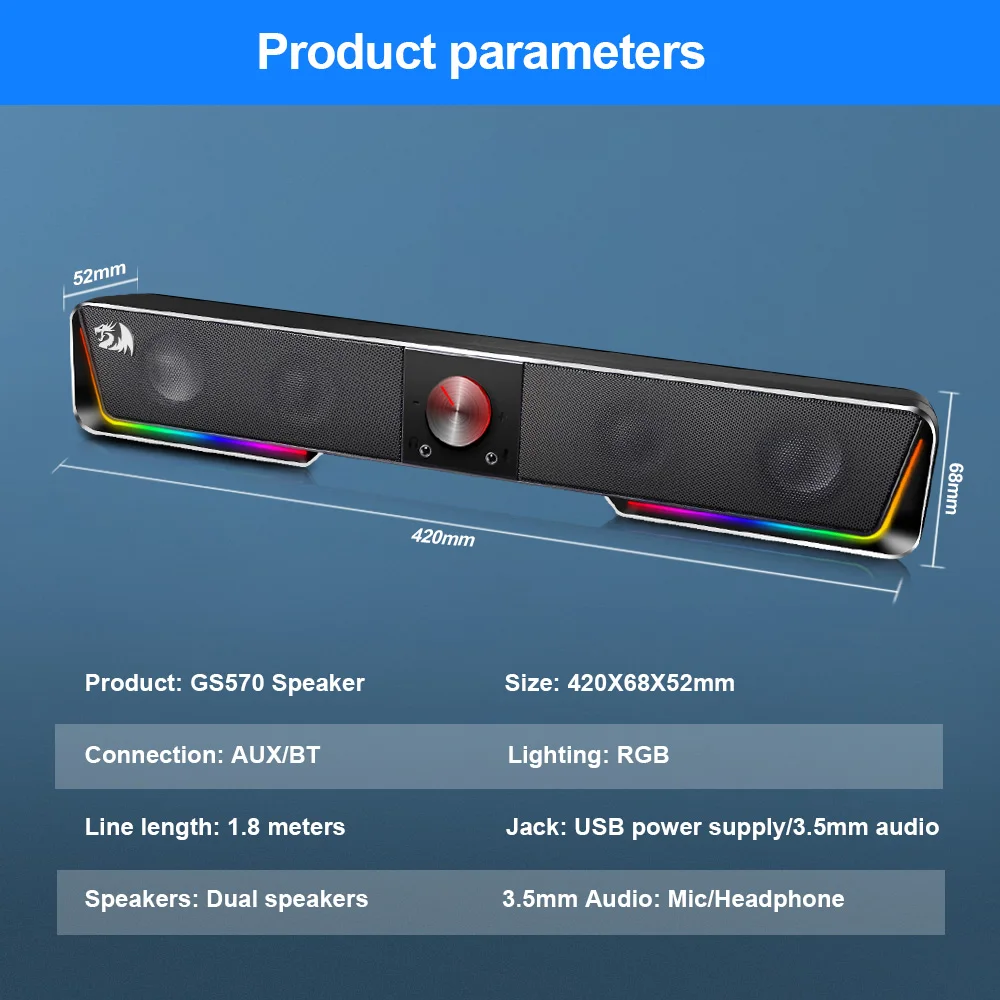
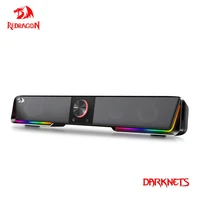
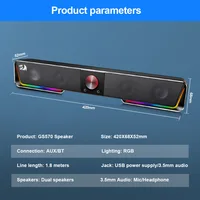
Redragon sound bar packs Audio prowess with finely tuned dual 1.5W drivers to bring sound to life for a fantastically dynamic Audio experience Support BT and AUX input RGB lighting,Easily turn on/off the light or change the color mode with the touch button on the top Wired Connection to other devices via the 3.5 mm aux cord Remarkably compact computer speaker is slim enough to sit flat below monitors to save space keep your desk clutter free
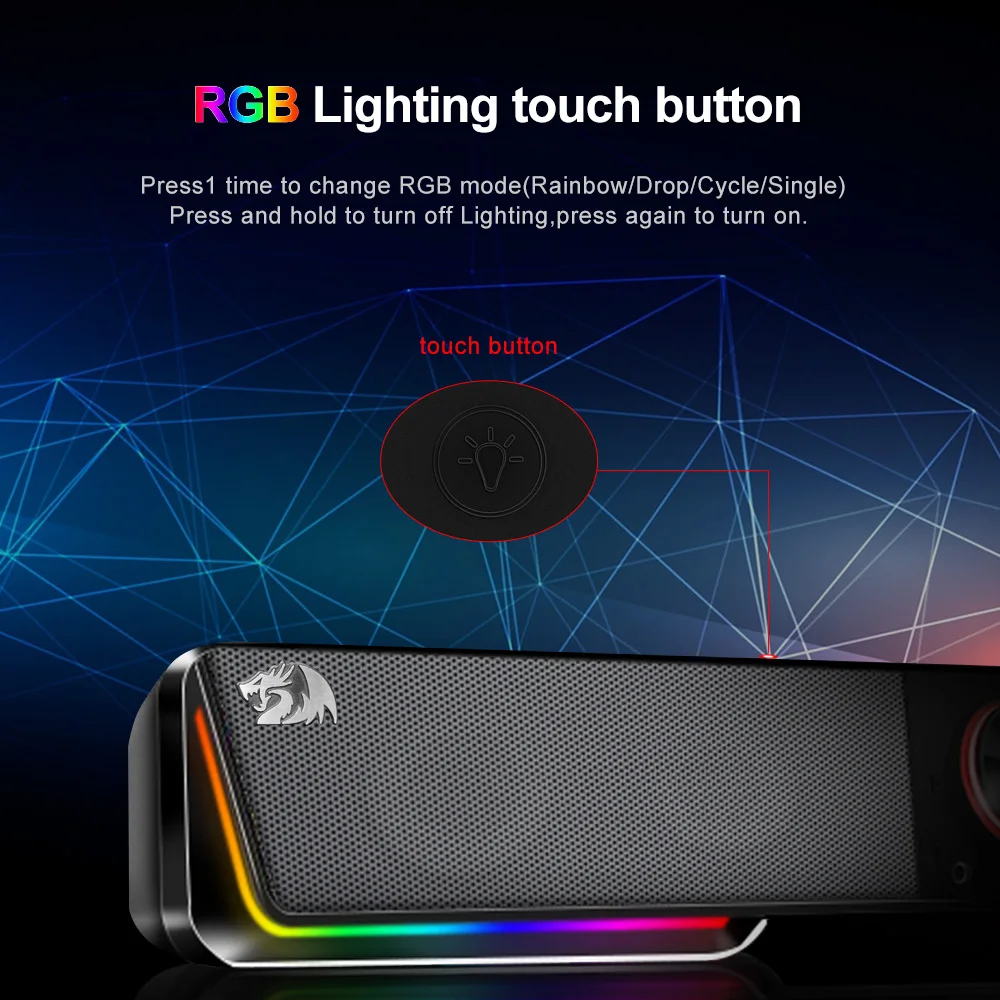
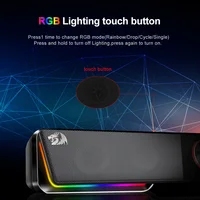
1.RGB Lighting touch button:
Press 1 time to change RGB mode(Rainbow/Drop/Cycle/Single)
Press and hold to turn off Lighting,press again to turn on.
Press 1 time to change RGB mode(Rainbow/Drop/Cycle/Single)
Press and hold to turn off Lighting,press again to turn on.
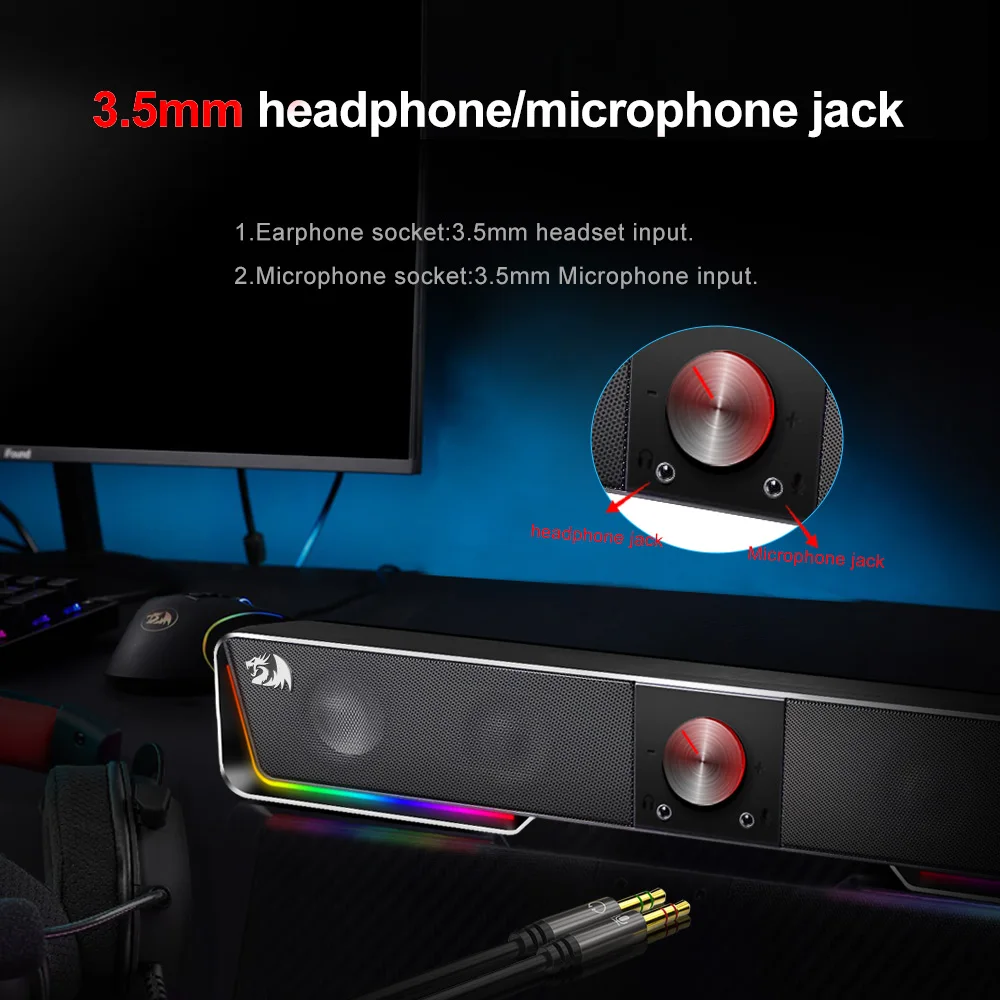
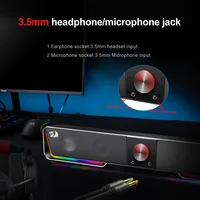
2.Earphone socket:3.5mm headset input.
3.Volume knob:Use the volume control to adjust the sound.
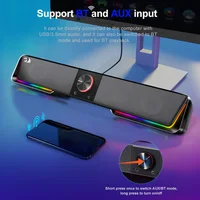
Power on/off:Press and hold to turn on /off speaker.
Play mode button:Press 1 time to switch between BT and AUX mode.
Power on/off:Press and hold to turn on /off speaker.
Play mode button:Press 1 time to switch between BT and AUX mode.
4.Microphone socket:3.5mm Microphone input.
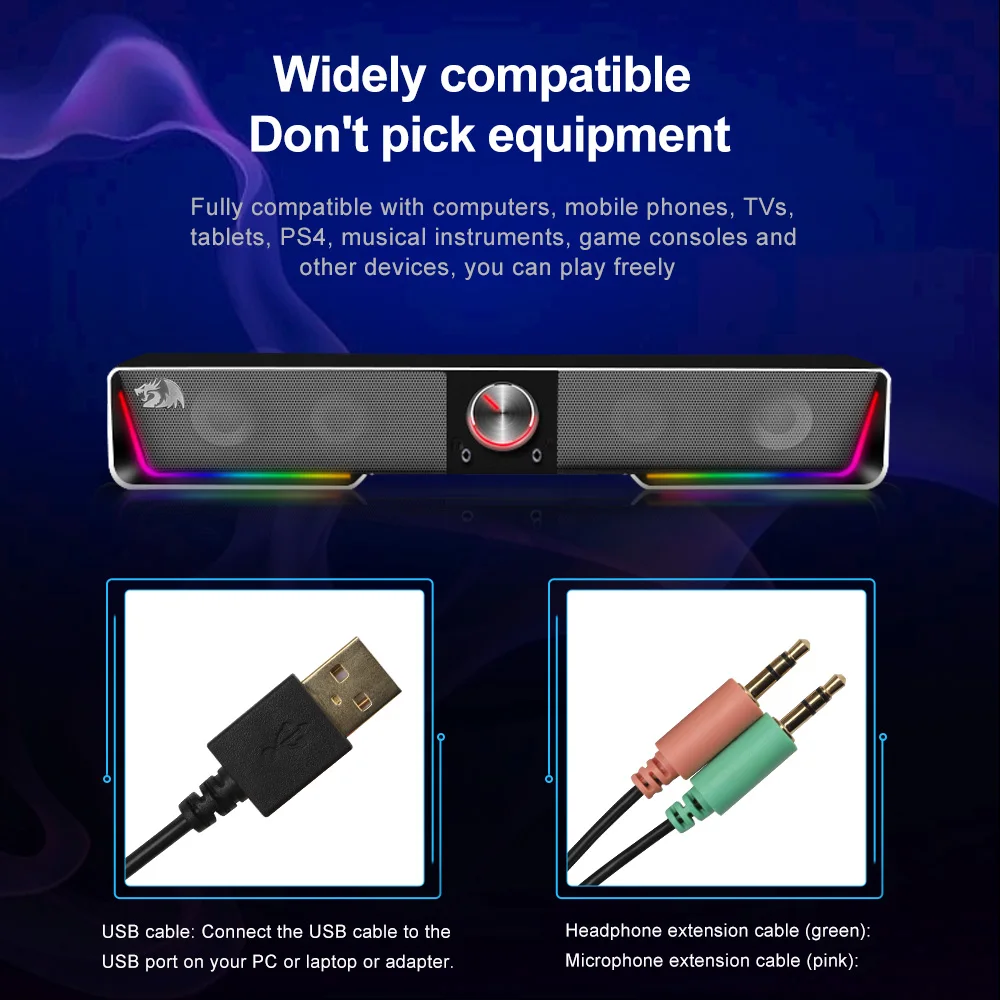
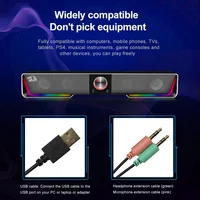
5.USB cable: Connect the USB cable to the USB port on your PC or laptop or adapter.
6.Heaphone extension cable(green):
Connect the 3.5mm audio cable to your PC or laptop,then connect your headset 3.5mm plug into the 3.5mm headset input.
Connect the 3.5mm audio cable to your PC or laptop,then connect your headset 3.5mm plug into the 3.5mm headset input.
7.Microphone extension cable(pink):
To integrate with microphone,connect the 3.5mm microphone extension cable to your PC or laptop microphone input port,then connect your microphone to the 3.5mm microphone input.
To integrate with microphone,connect the 3.5mm microphone extension cable to your PC or laptop microphone input port,then connect your microphone to the 3.5mm microphone input.







Reviews
Clear filtersThere are no reviews yet.