
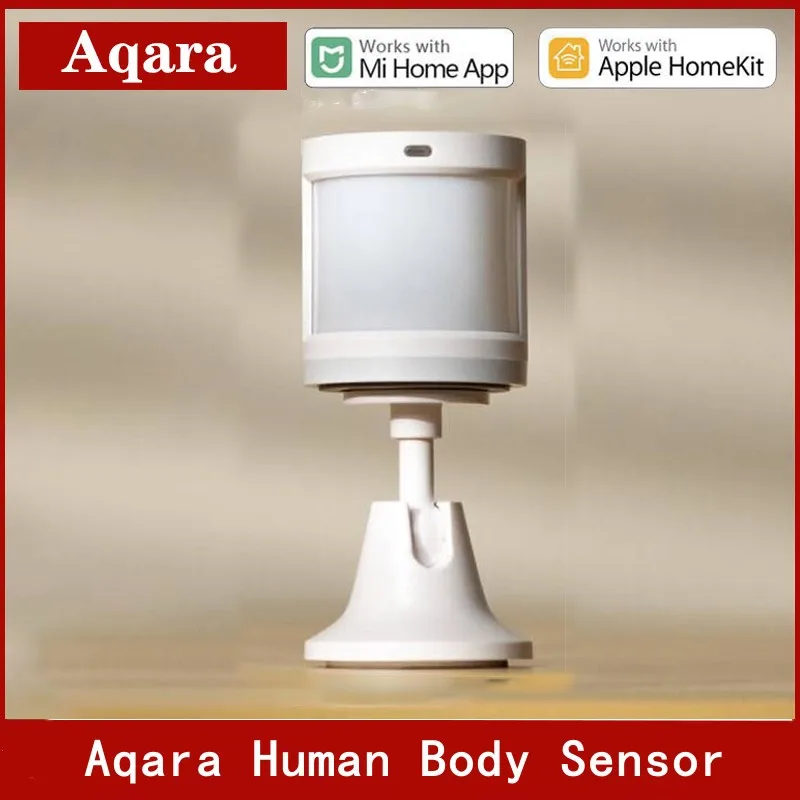





Original Infrared Motion Sensor Human Body Sensor by Xiaomi APP Control for Smart Home Kit Home Security
When the Akara human body sensor is not functioning normally, how to judge that the connected human body sensor is valid and can work normally?
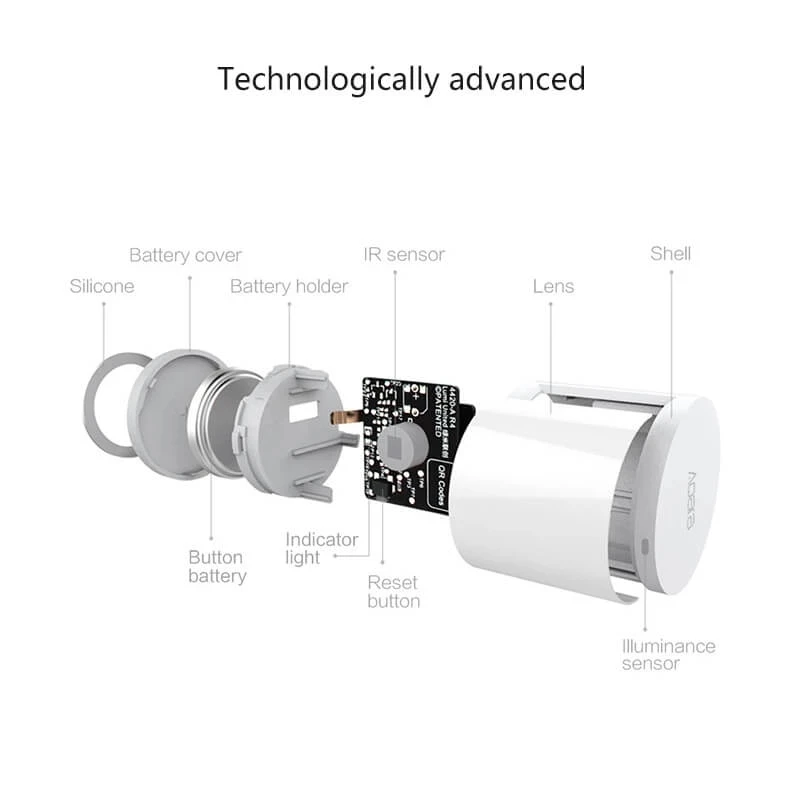
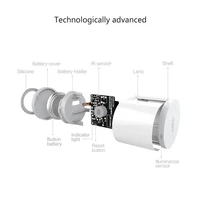
Click the reset button of the human body sensor, and the gateway will emit a sound “connection is normal”, which means that the communication between the sensor and the gateway is normal; if there is no prompt, please move the sensor closer to the gateway and try again, if there is still no sound, the sensor may be broken Deleted or the battery is exhausted, please refer to the method of adding a sub-device or the method of battery replacement to add a sub-device or replace a new battery:
What is the reason for the connection failure of Acala human body sensor? How should I reconnect?
1. The operation is wrong, please re-add the device according to the method of adding the device; 2. The distance from the gateway is too far, move the device closer to the gateway and then add the device again; 3. The gateway exceeds the sub-device load, please add the device to other Under the gateway that has not exceeded the load.
Why is the Akara human body sensor often offline?
Possible reasons: 1. The device is far away from the gateway, please verify the distance between the sensor and the gateway, and install the device close to the gateway; 2. The battery is low or dead, please replace it with a new battery: 3. ZigBee installation On metal surfaces, the signal is disturbed.
Where and how should the Acala human body sensor be installed?
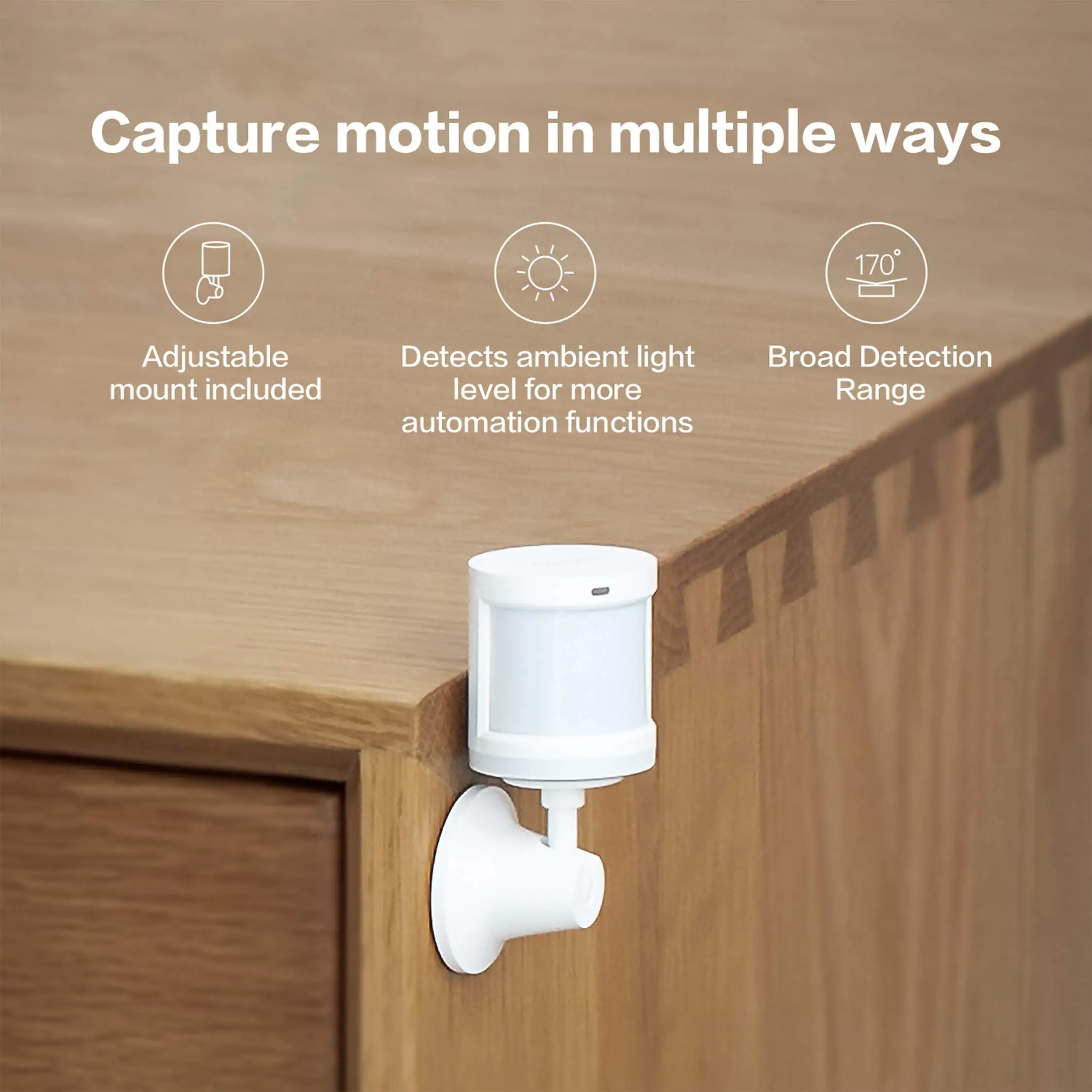
1. Installed in areas that need to detect whether there are people, such as living room, bedroom (please refer to the human sensor detection distance in the manual when installing.
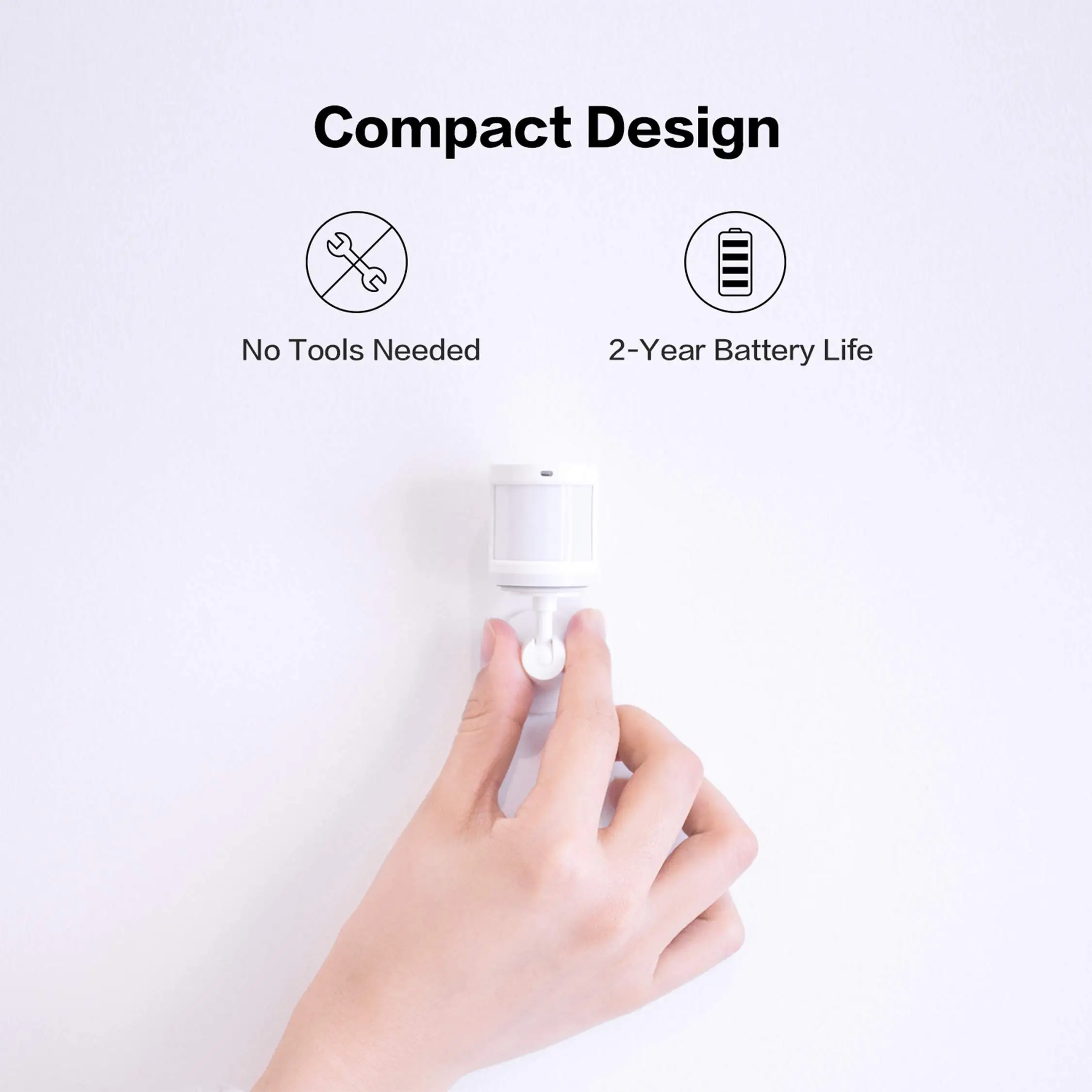
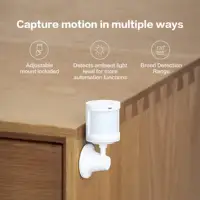
2. It can be placed on the coffee table, shoe cabinet, desk surface, etc., but it must be close to the edge (the recommended installation height is 1.2m~2.1m);
3. Do not place it on a metal surface, and do not place a shield in front of the human body sensor.
When a pet enters the detection area of the Aqara human body sensor, the sensor will not be triggered?
Yes, if you don’t want to be triggered by pets, you can install the human body sensor at a higher place according to the detection range diagram described in the manual, so that the sensor will not be triggered when the pet moves on the ground. (For specific installation methods, please refer to manual)
The Acala human body sensor does not respond, and the indicator light does not flash when the reset button is clicked. What is the reason?
Possible reasons: 1. The battery is exhausted; 2. The PCB board is damaged; 3. Crash
The Akara human body sensor does not respond, but the indicator light flashes normally when the reset button is clicked. What is the reason?
Possible reasons: 1. The Pir probe or related lines are damaged; 2. The interval between triggering once a minute; 3. The human body induction interval is extended to 10 minutes in the sub-health mode or storage mode; 4. The lens is damaged
Why is the human body sensor not sensitive?
The body sensor senses once a minute by default, and enters a dormant state after being triggered, and will be triggered again after 1 minute, and may just be in a dormant state during operation.
The Akara human body sensor triggers sometimes with short intervals and sometimes with long intervals. What is the reason?
(Within one hour after entering the network (new network access mode). The sensor triggers once every 5 seconds, and waits for an hour without any triggering, and automatically enters the normal user mode. At this time, the sensor triggers once every minute
How to reset Aqara human sensor? Under what circumstances is it reset?
1. Press and hold the reset button of the device for 3 seconds, the indicator light will flash 3 times, and the factory settings will be restored: 2. When the bound sensor is re-bound to another gateway, the sensor needs to be reset first, so that the sensor can be connected with The new gateway is successfully bound.







Reviews
Clear filtersThere are no reviews yet.