



More FAQ.Please check it at the end.
MQT65 Product Parameters
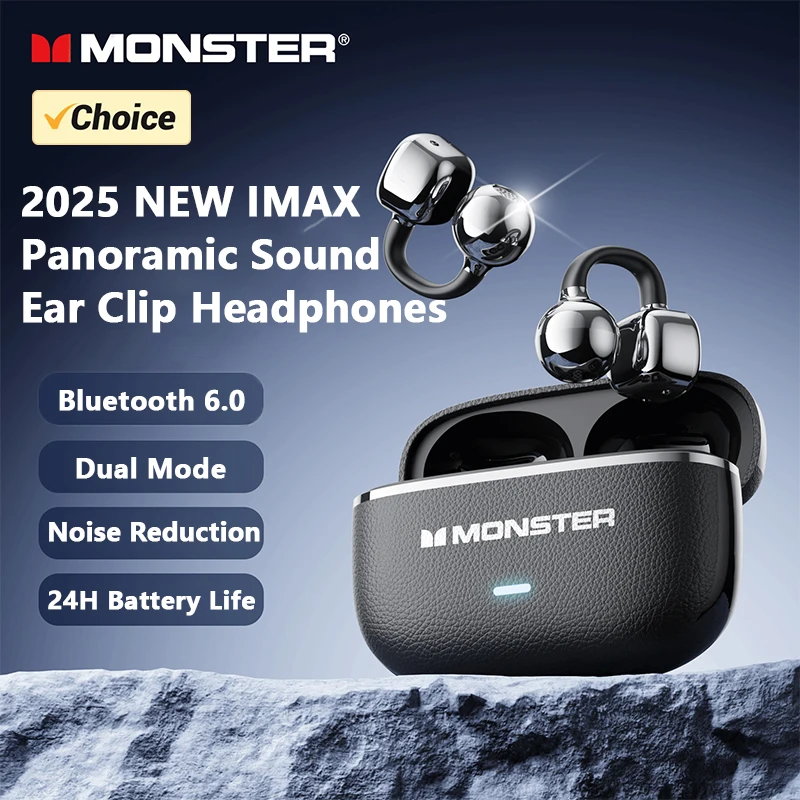
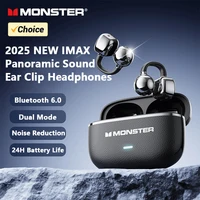
1.Name:Open Ear Clip Wireless Headphones
2.Model:MQT65
3.Wireless version:v6.0
4.Connection range:≥10M
5.Weight of a single earphone:3.5g
6.Headphone battery capacity:25mAh
7.Input:DC5V/220mA
8.Headphone charging time:about 1.5 hours
9.Charging case battery capacity:220mAh
10.Charging port:Type-C
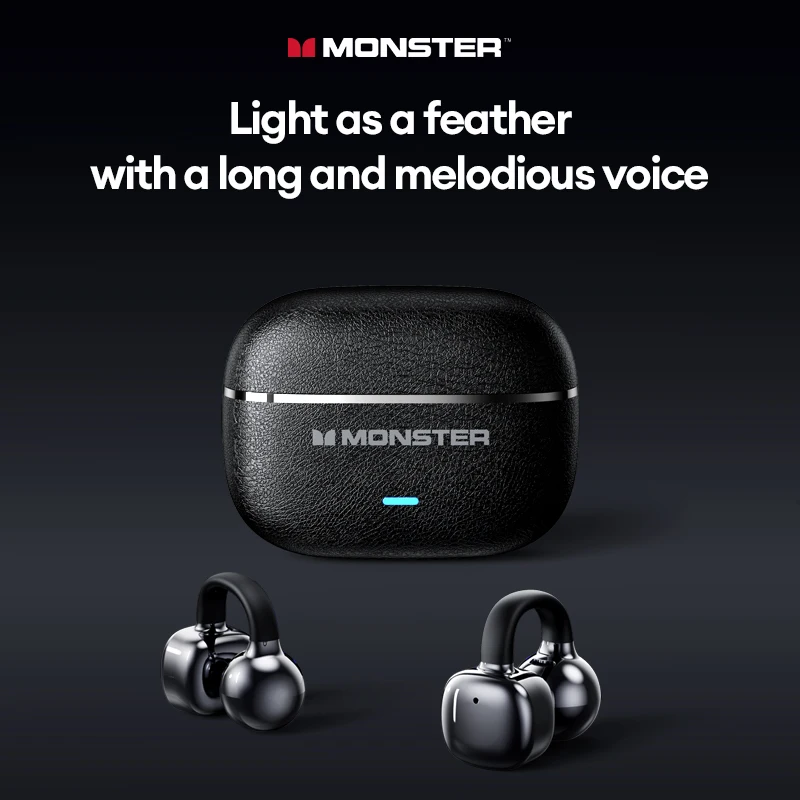
Monster MQT65
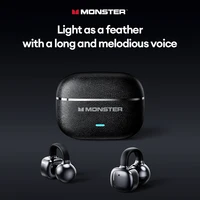
Light as a feather with a long and melodious voice
1.[IPX5 Water & Sweat Resistance]:
Professional-grade water and sweat protection suitable for running, cycling, and other intense workouts.
2.[Long Battery Life / Compact & Powerful]:
220mAh high-density battery supports 4 hours on a single charge and about 24 hours with the charging case for all-day use.
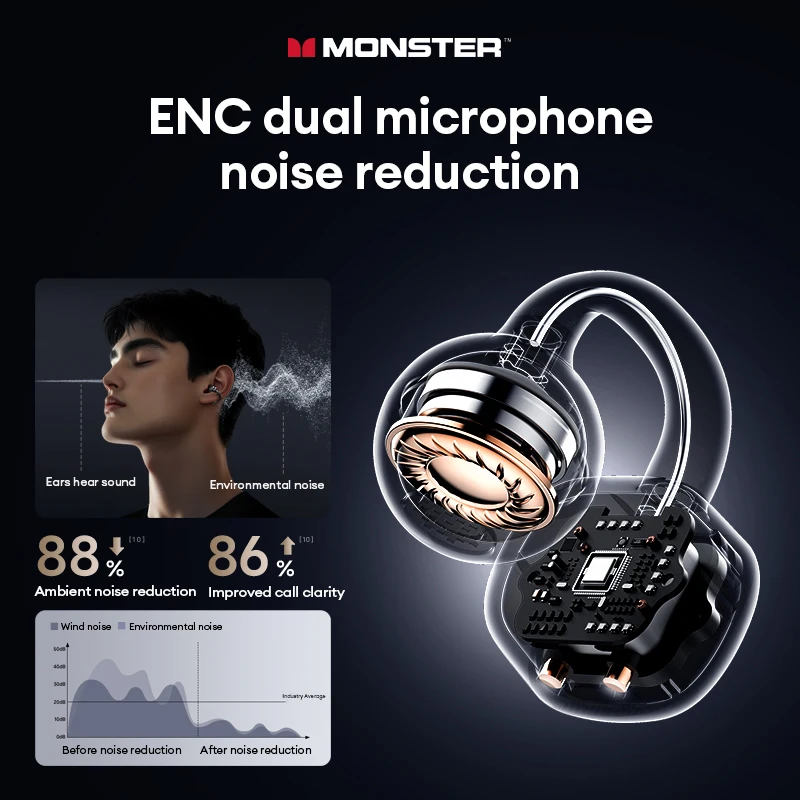
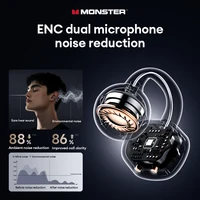
3.[Intelligent ENC Dual-Mic Noise Reduction / 88% Noise Filtering]:
Smart noise recognition filters out up to 88% of background noise, ensuring clear calls with 86% reduced ambient sound interference.
4.[Bluetooth 6.0 Flash Connection / 0.045s Ultra-Low Latency]:
Equipped with Flash Link technology for fast, stable pairing and super low latency, perfect for smooth gaming and video sync.
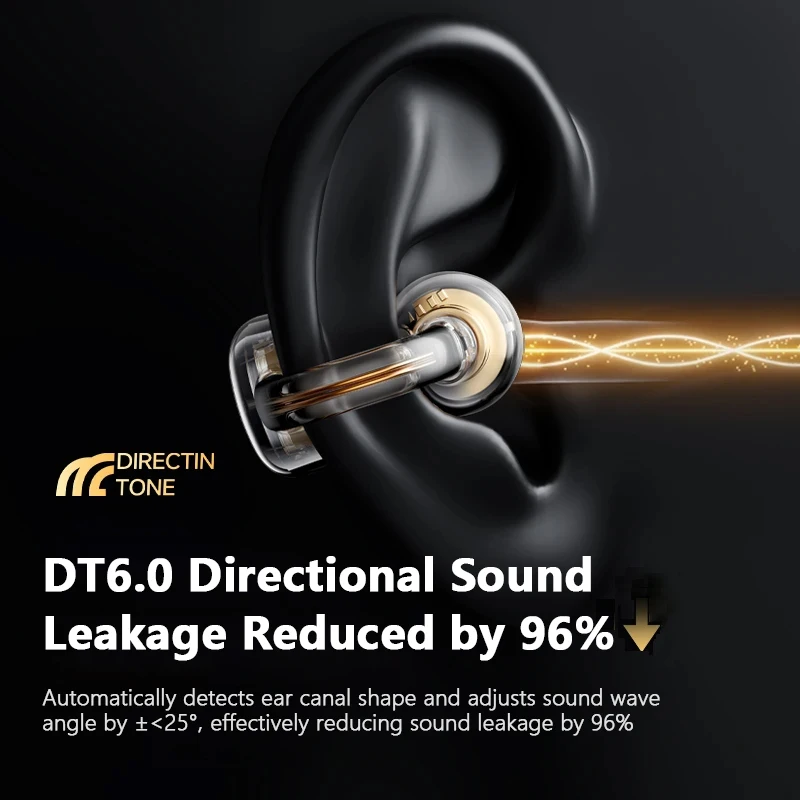
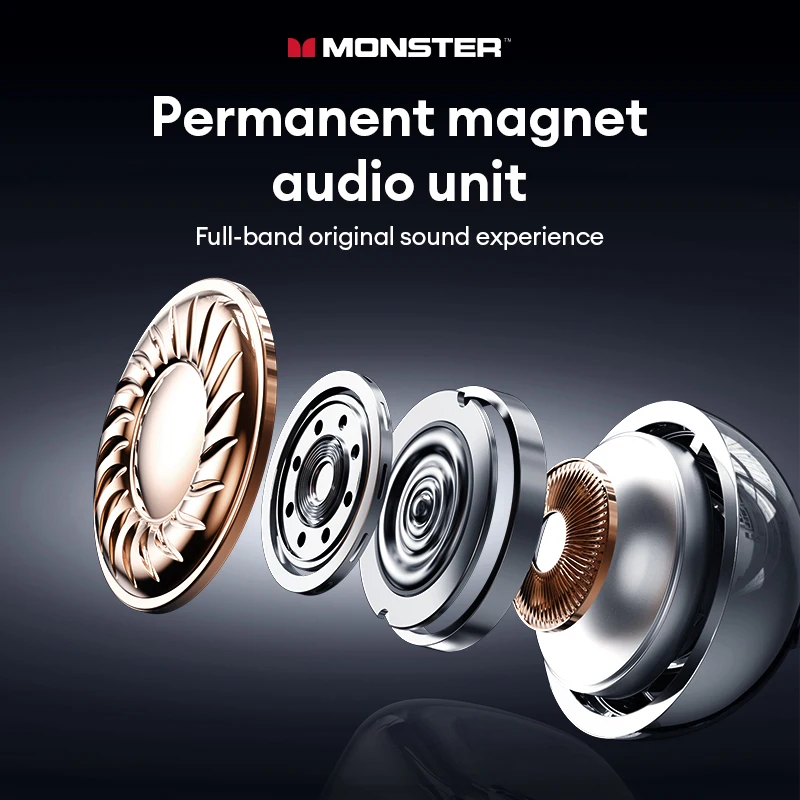
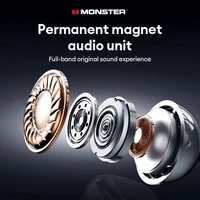
5.[Bone Conduction IMAX Theater Sound / Hi-Pure Lossless Audio]:
New directional sound wave focusing delivers immersive surround sound with pure, detailed original audio.
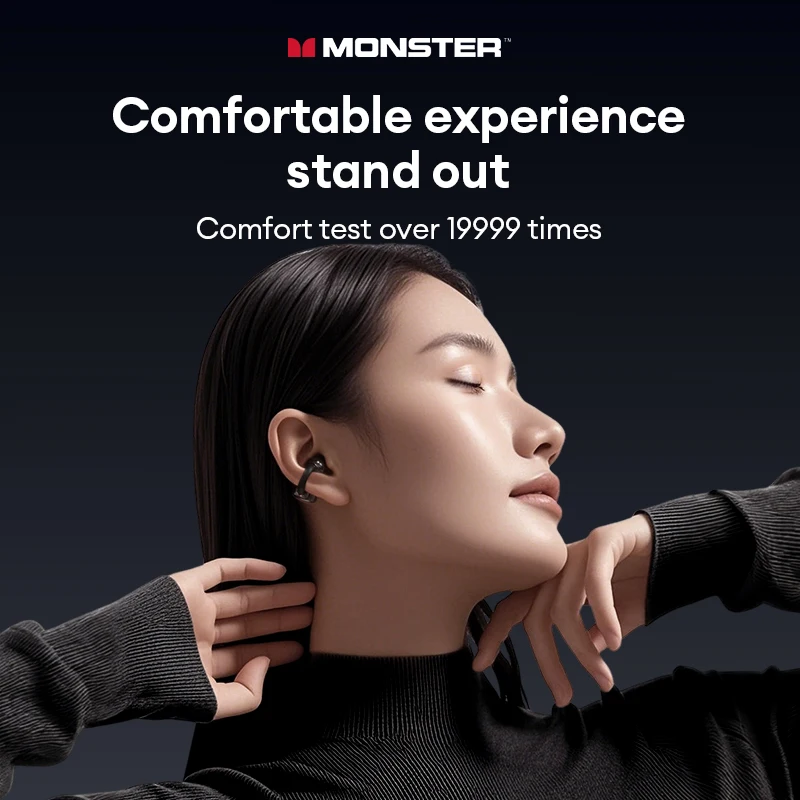
6.[Ultra-Light Ear Clip / Comfortable Fit]:
Ergonomically designed with premium leather texture, tested over 20,000 times for stable, secure, and all-day comfortable wear without falling off.
Specification:
[Product model]:Monster MQT65
[Bluetooth version]:6.0
[Charging time]: About 1.5 hours
[Endurance time]:About 24 hours
[Charging port]: Type-C
[Battery capacity]: 25mAh(Headphone) 220mAh (Charging Case)
[Connection range]:10M
[Weight of a single earphone]: 3.5g
What’s in the box:
Packing box*1
Charging case*1
TYPE-C Charging cable*1
Earphones*2
FAQ:
Q: What should I do if the headset received unable to turn on?
A: Confirm that the charging case has power left.If charging case power off, please put the earphones in charge case and charging for 1 hour and try again.
Q: What should I do if Sound comes from only one earphone?
A: Put both earphones back into the charging case and close the cover, then take them out again to check whether both ears have sound. If only one earphone still has sound, please restore the factory settings for both earphones.
Q: How to solve the problem that the mobile phone prompts that it cannot connect?
A: Delete the pairing record on the mobile phone, and then search for pairing and connect again.
Q: How to solve the problem that there is no sound when listening to music or calling?
A: There is a settings icon on the right side of the Bluetooth connection name on Android phones. Click to enter, turn off the mobile phone audio and media audio, and then turn them on again. If there is still no sound, please re-pair the earphones with the mobile phone.
Q: Why is there a delay in video or games?
A: Affected by factors such as the use environment, network and mobile phone Codec, there will be different degrees of delay when the mobile phone transmits audio data to the earphone.
Q: How to solve the problem of stuck or intermittent sound?
A: If there are a lot of Wi-Fi, 5G or 4G signals, high-power electrical appliances around, it may cause stuck and intermittent sound. Please Change the environment or re-pairing can solve the problem.
Other Tips:
1. Before using the earbuds, please read the manual carefully and keep it for future references.
2. The earbuds need to be fully charged prior to first-time use.
3. lf the earbuds are left unused for over two weeks, please recharge.
4. Please use the chargers made by qualified manufacturer.
5. lf earbuds fail to be found by phone, please re-turn them connectable or restore factory settings.
6. lf a program error of phone occurs, please turn off and on Bluetooth function or reboot the phone.







Reviews
Clear filtersThere are no reviews yet.