
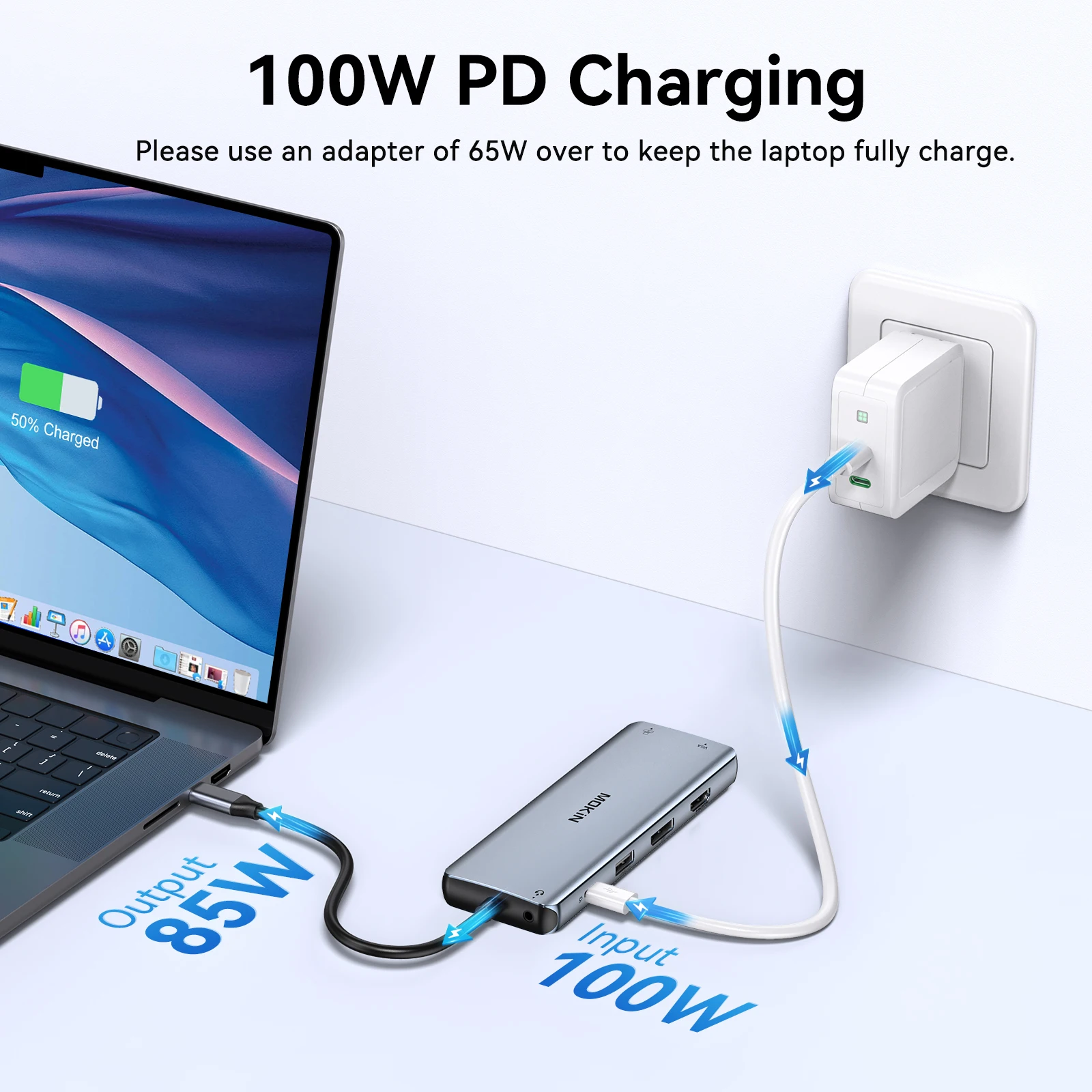
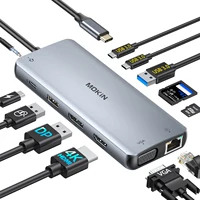
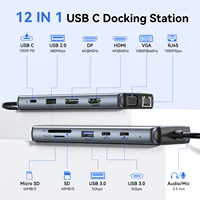
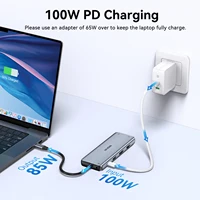

Power Delivery 3.0: Max 100W charging, auto-adjust to the suited power. Such as 87W for Mac.
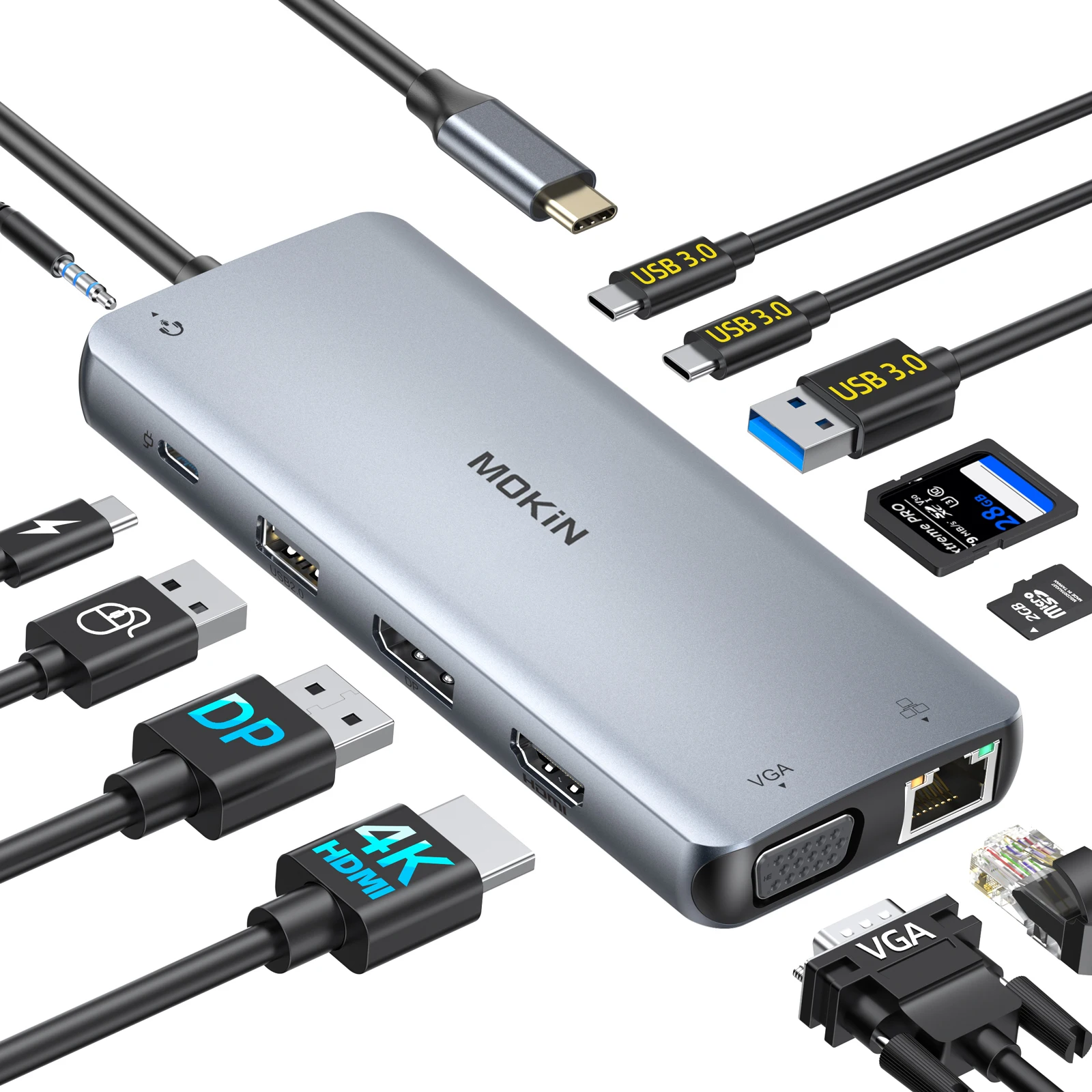
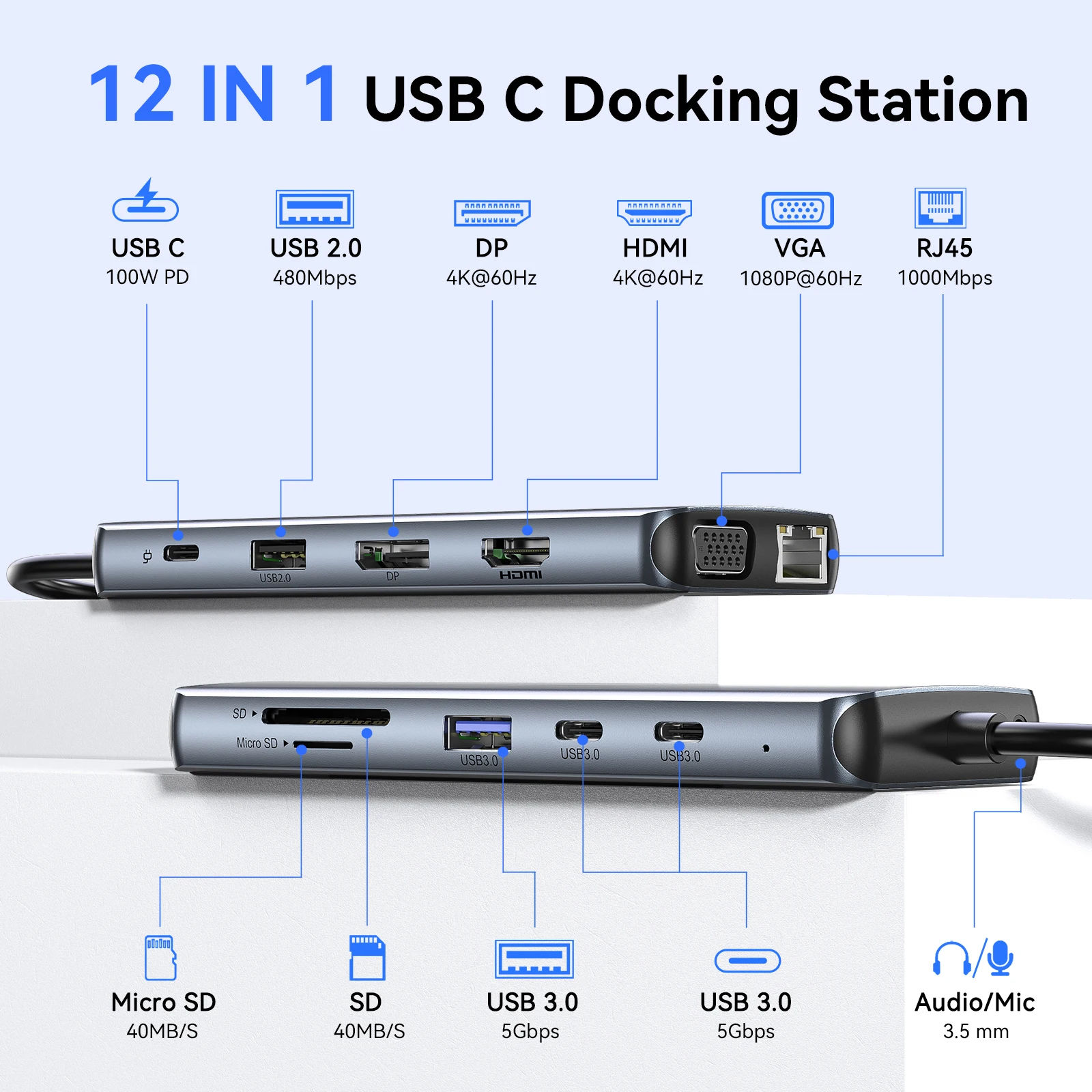
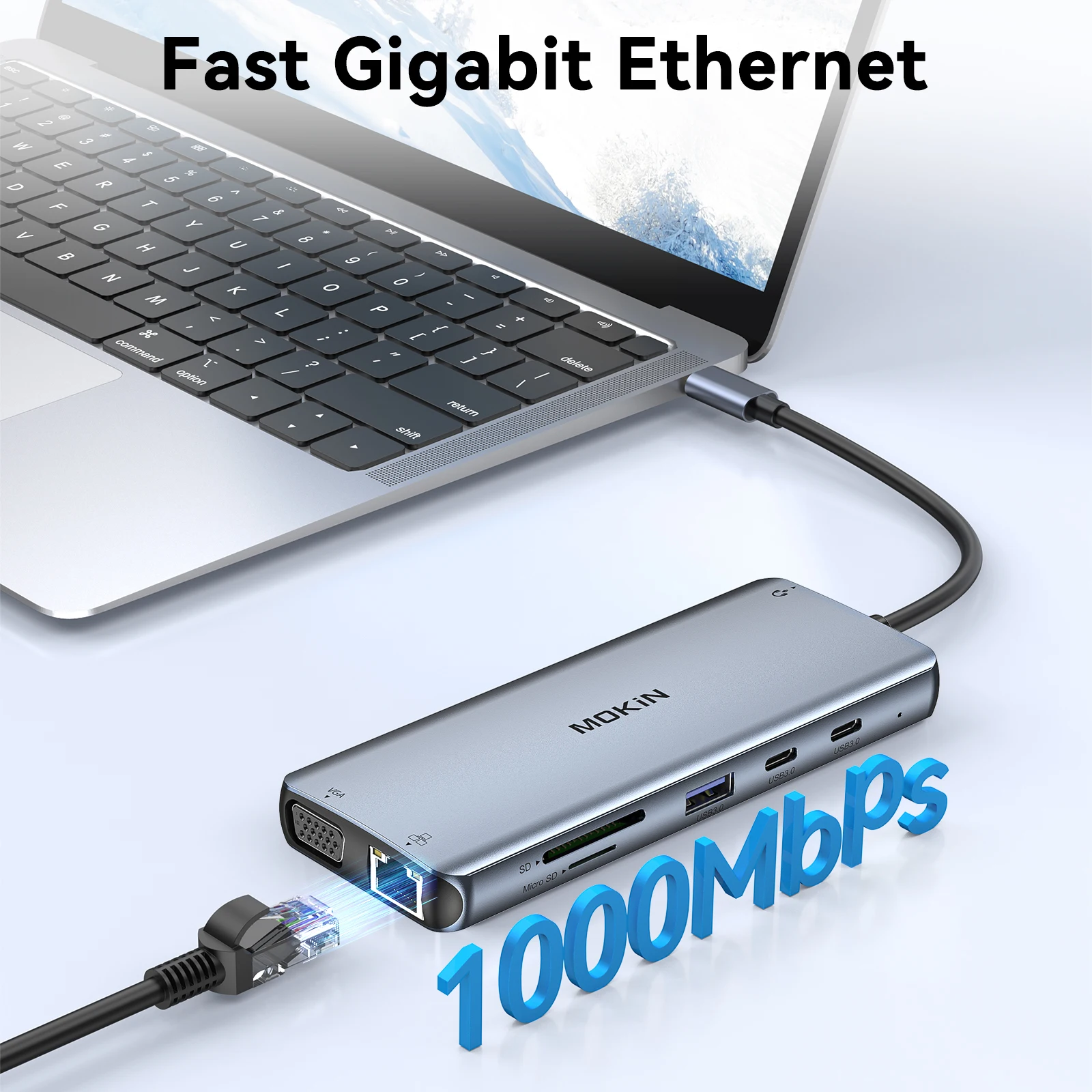
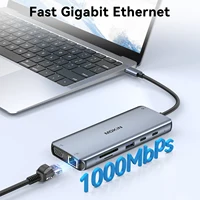
1*Ethernet interface:RJ45 1Gbps
Power Delivery 3.0: Max 100W charging, auto-adjust to the suited power. Such as 87W for Mac.
1*Ethernet interface:RJ45 1Gbps
Power Delivery 3.0: Max 100W charging, auto-adjust to the suited power. Such as 87W for Mac.
1*Ethernet interface:RJ45 1Gbps
Audio Port:3.5mm Audio/Microphone (TRRS, CTIA Standard)
Power Delivery 3.0: Max 100W charging, auto-adjust to the suited power. Such as 87W for Mac.
Important note:
-
1.Triple Display: One display of HDMI1 output, one display of VGA+DP, one screen of laptop.
-
2.Triple Display(MST) for Windows: only support the Triple display for Windows. Mac OS DOSE NOT support MST. 3840×2160@30hz output only available when using HDMI or DP display or mirror the three displays.In extend mode, each will be limited to a maximum resolution of 1080P.
-
3.Mac OS System: For Apple laptop, its not support extend 2 different screens, displays are Mirror mode only which is limited by Mac itself, means that the two external monitors are same, but laptop screen can display different content from them.
-
4.Not support some usb c devices: To use this product the host USB-C port from your device must support DisplayPort Alt Mode and Power Delivery. For using display function, please confirm the type c port on your laptop supports video output. so please let us know if your devices are not in the compatibility list of user guide.
-
5.4K HDMI Display: The final resolution of HDMI output depends on your host devices. (Only when your devices support 4K resolution, the video output will be 4K). Use HDMI 2.0/DP1.4 or above cables for optimum performance.
【Avdance Chip】
NOTE:
We understand that there is currently a wide variety of notebooks available.
Kindly checking and make sure that your device has one of Thunderbolt 3/4, full-function USB C port (supports Displayport/ DP Alt mode), USB 4.0.
FAQ
Q1. Why the Resolution can’t achieve 4K@60HZ ?
A:Makesure both your monitor and host laptop support 4K@60Hz video output, otherwise, and only using single HDMI will achieve 4K@60HZ.
Q2.Sometimes WiFi stopped working while hard disk connected to hub, how to do?
A:2.4Gnetwork is easily disturbed. You can switch to 5G network. Or you can adjust the placement of the hard disk, move to suitable place.
Q3. If display stopped after connect high current hard disk, how to do?
A: Must be charged. Please supply power by power adapter.
Q4. What to do if the HDMI monitor is not recognized by your laptop
A:1. Make sure your laptop’s USB C port supports DisplayPort/video output.
2. Check your HDMI cable and monitor. (Connect the monitor to the laptop directly, see if it works)
3. Provide sufficient power supply from the USB C hub.
Q5. Why is the screen sometimes black?
A:The reason why the screen is black is that the power consumption of the docking station is too high, so you need to charge the laptop through the charging port on the docking station, so you can solve the problem of black screen of the display.
Enjoy 7 days to return if any quality problems.
✔ 24 Hours Delivery Time
Most items will be shipped within 24 hours.
✔ 1 Year Warranty
All products have 1 year warranty from our store.
✔ 24 hours Online Service
All emails will be answered with in 24 hours.







Reviews
Clear filtersThere are no reviews yet.