
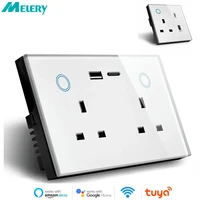

Melery UK Plug Smart WiFi Socket PD20W 16A with Power Monitoring, Works with Alexa & Google Home – Tuya App Controlled
🌟 Elevate Your Home to Smart Living Easily!
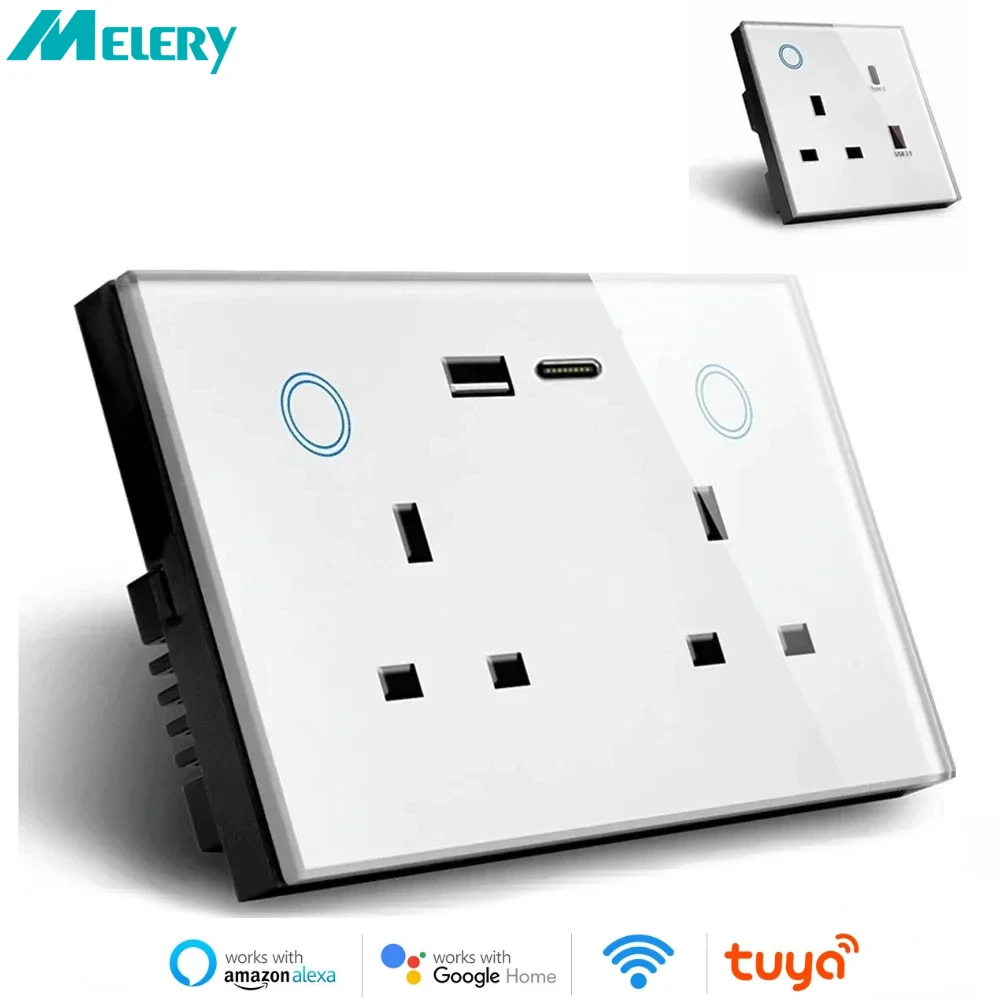
Introducing Melery UK Standard Smart WiFi Wall Socket—equipped with dual 16A AC outlets, PD20W fast-charging USB port, and real-time power monitoring. Seamlessly control your devices via Tuya/Smart Life App, Amazon Alexa, or Google Home. No hub required, making smart home transformation simpler than ever!
✨ Key Highlights You Can’t Miss
-
Melery Brand & UK 16A Design: Authentic Melery smart socket, 16A high-current support for powerful appliances. Perfectly fits UK sockets, sleek white glass panel adds a modern touch to any room—living room, bedroom, kitchen, or office.
-
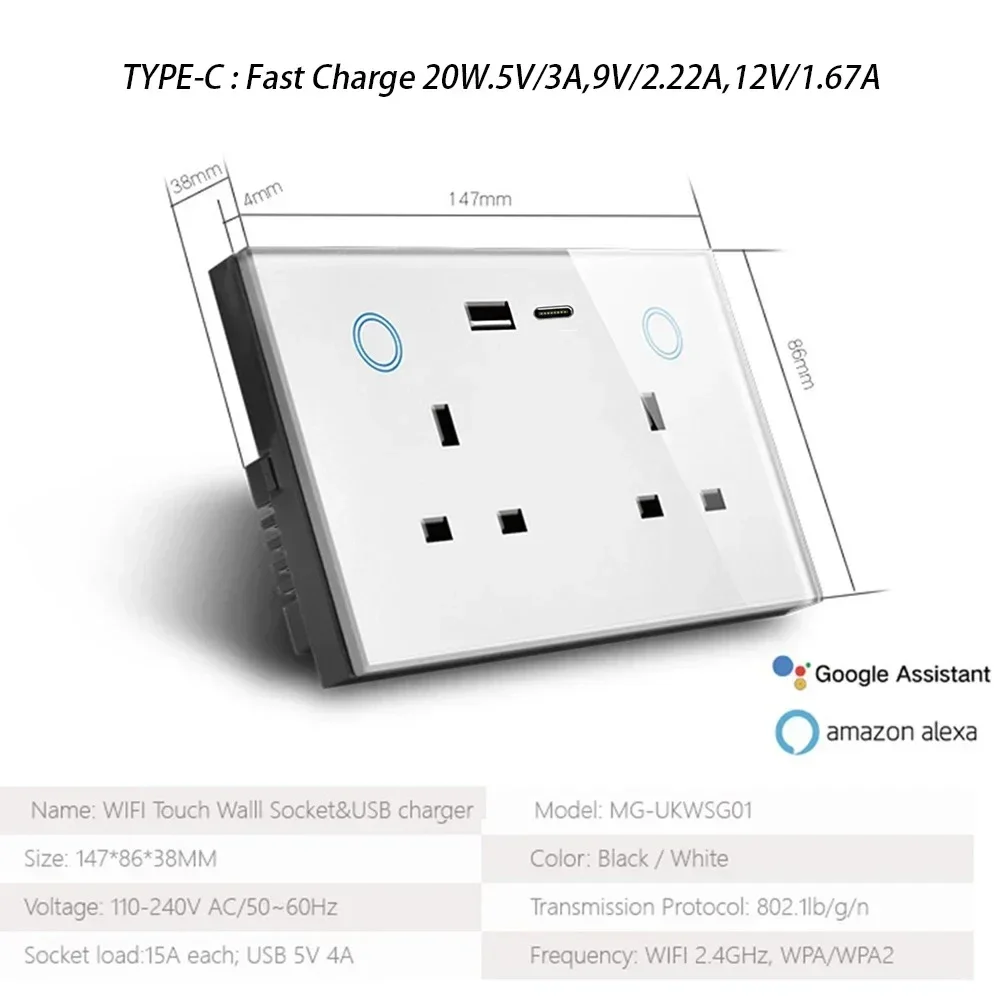
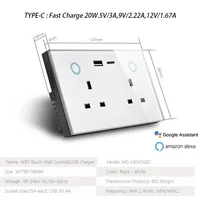
PD20W Fast Charging: USB port supports max 2.1A per port and total 4A output, with PD20W fast charge for iPhone, Samsung, and other smartphones/tablets.
-
Real-Time Power Monitoring: Track electricity usage of connected devices via App—know how much energy your appliances consume, save power and reduce bills.
-
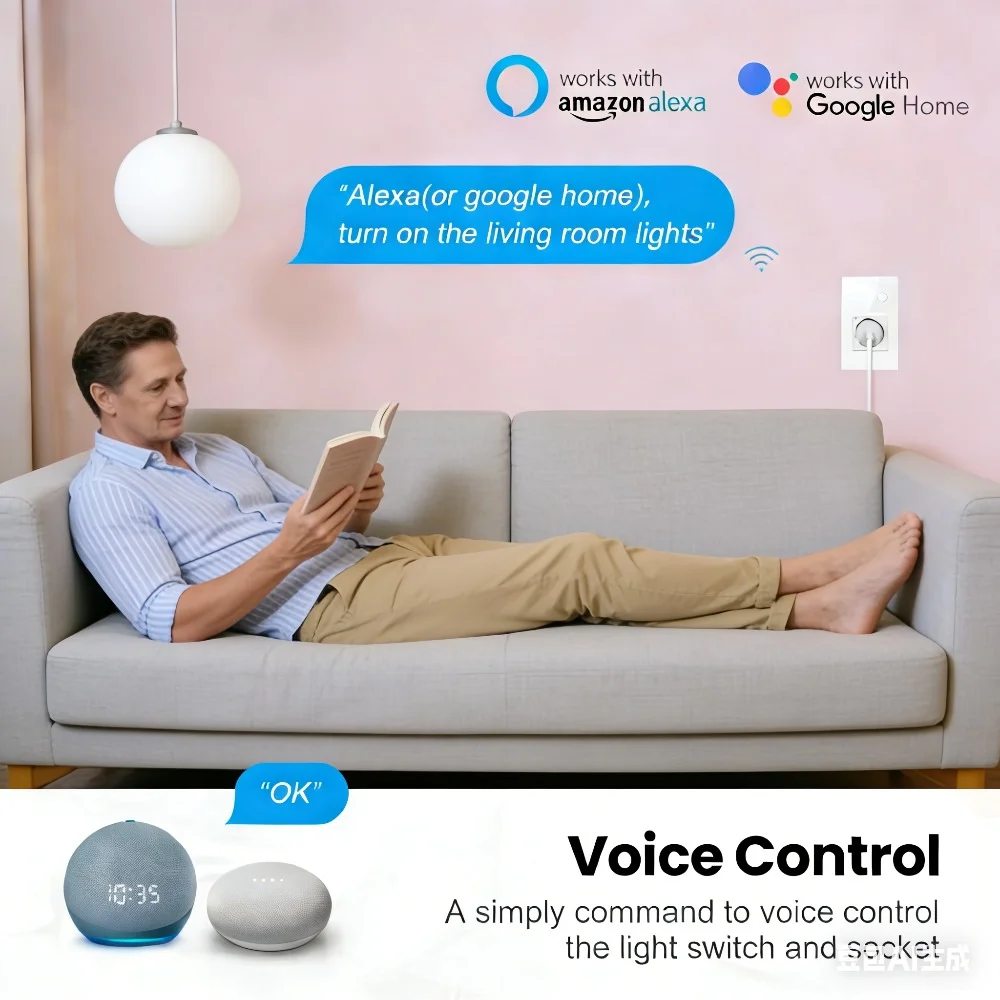
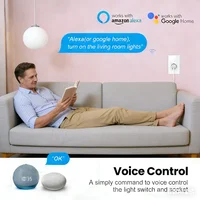
Voice Control Compatibility: Works with Amazon Alexa (Echo, Echo Dot) and Google Home. Just say “Alexa, turn on the coffee maker” for hands-free convenience.
-
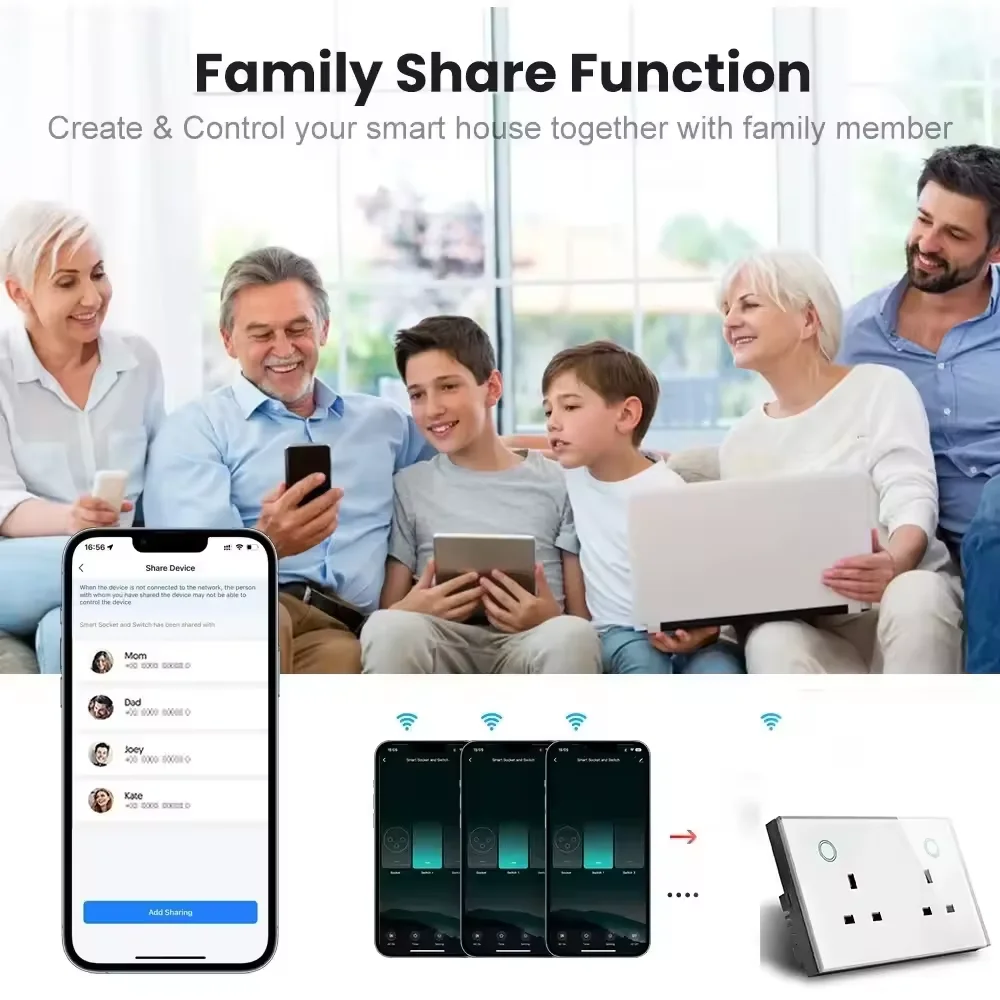
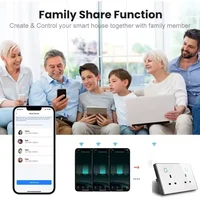
Remote Control Anywhere: Control your devices via Tuya/Smart Life App (iOS & Android) even when you’re away from home—never worry about forgetting to turn off appliances again.
-
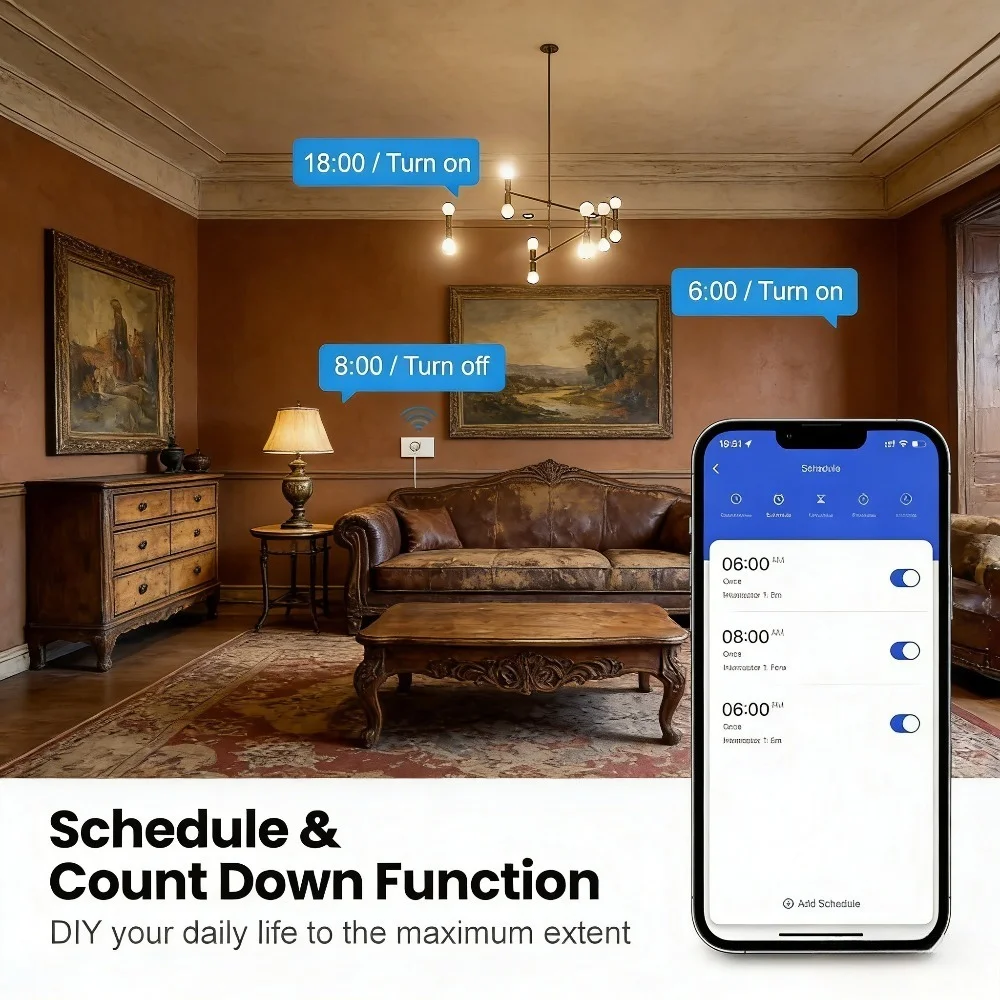
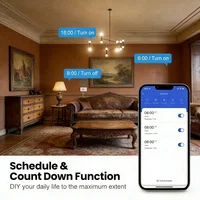
Smart Scheduling & Timing: Set custom schedules or timers for devices. Let the lamp turn on at dusk, the kettle start boiling before you wake up, or the heater shut off automatically.
-
High Safety Standards: Made of flame-retardant PC material, with over-voltage, over-current, and short-circuit protection. FCC, CE, ROHS, RED certified for safe use.
📱 Easy Setup: 4 Steps to Smart Control
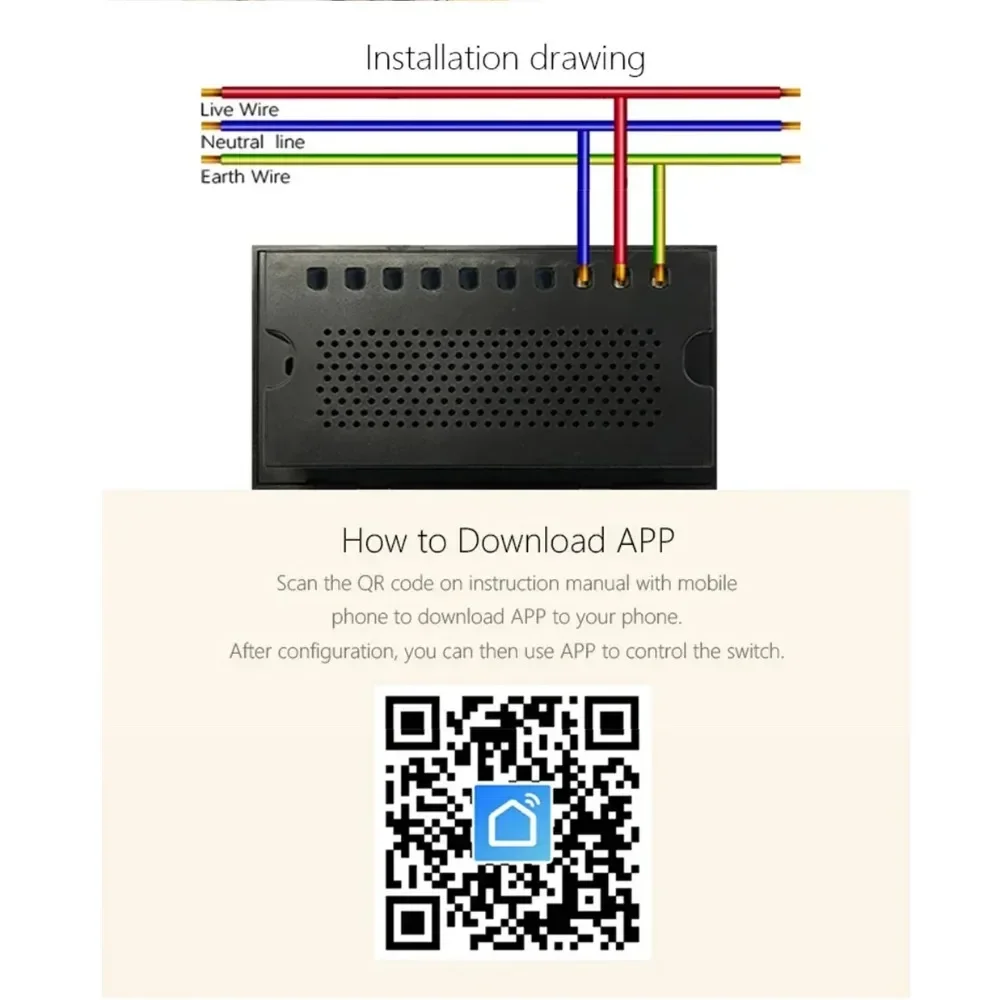
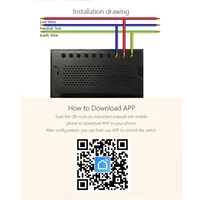
Step 1: Download the App
Search for “Tuya Smart” or “Smart Life” on Apple App Store (iOS 9.0+) or Google Play Store (Android 4.4+), then install and register an account.
Step 2: Power On the Socket
Plug the smart socket into a standard UK wall outlet. The indicator light will flash rapidly (2 times per second), indicating it’s in pairing mode.
Step 3: Pair with the App
1. Open the App, tap “+” in the top right corner, then select “Socket” under “Electrical Products”.
2. Enter your home 2.4GHz WiFi network name and password (5GHz WiFi is not supported).
3. Confirm the socket’s indicator is flashing, then tap “Next”—the App will automatically connect to the socket. Wait 1-3 minutes until pairing is successful.
2. Enter your home 2.4GHz WiFi network name and password (5GHz WiFi is not supported).
3. Confirm the socket’s indicator is flashing, then tap “Next”—the App will automatically connect to the socket. Wait 1-3 minutes until pairing is successful.
Step 4: Connect to Alexa/Google Home
For Amazon Alexa:1. Open Alexa App, go to “Skills & Games”, search for “Tuya Smart” or “Smart Life” and enable the skill.
2. Log in with your Tuya/Smart Life account to link devices.
3. Say “Alexa, discover devices”—Alexa will find your smart socket. Assign a name (e.g., “Living Room Lamp”) for easy voice control.For Google Home:1. Open Google Home App, tap “Add” > “Set up device” > “Works with Google”.
2. Search for “Tuya Smart” or “Smart Life” and log in with your App account.
3. Follow the prompts to sync devices. Now you can control via voice commands like “Hey Google, turn off the kettle”.
2. Log in with your Tuya/Smart Life account to link devices.
3. Say “Alexa, discover devices”—Alexa will find your smart socket. Assign a name (e.g., “Living Room Lamp”) for easy voice control.For Google Home:1. Open Google Home App, tap “Add” > “Set up device” > “Works with Google”.
2. Search for “Tuya Smart” or “Smart Life” and log in with your App account.
3. Follow the prompts to sync devices. Now you can control via voice commands like “Hey Google, turn off the kettle”.
🔧 Technical Specifications
|
Parameter
|
Details
|
|
Plug Standard
|
UK Double Socket + Single USB Port
|
|
Color
|
White
|
|
Dimensions
|
(L)147 × (W)86 × (H)38mm
|
|
Net Weight
|
191g
|
|
Material
|
Flame-Retardant PC + Glass Panel
|
|
Voltage Range
|
90-250V AC
|
|
Max Current
|
16A per AC Outlet; USB: Max 2.1A per port, Total 4A
|
|
USB Charging
|
PD20W Fast Charging Supported
|
|
WiFi Frequency
|
2.412~2.484GHz (802.11b/g/n)
|
|
Security Protocol
|
WEP64/WEP128/TKIP/CCMP(AES); WEP/WPA-PSK/WPA2-PSK
|
|
Standby Power
|
≤0.3W
|
|
Working Temperature
|
-30℃ ~ 60℃
|
|
Certifications
|
FCC, CE, ROHS, RED
|
🔌 Wide Compatibility with Home Appliances
Melery smart socket supports max power up to 3520W (16A×220V), compatible with more high-power UK home appliances:
-
Small Appliances: Coffee maker, kettle, toaster, microwave, portable heater
-
Lighting: Table lamp, floor lamp, string lights, LED bulbs
-
Electronics: TV, router, audio system, phone/tablet chargers
-
Others: Humidifier, dehumidifier, aquarium pump, etc.
📦 Package Included
-
1 × Melery UK Smart WiFi Wall Socket
-
2 × Mounting Screws
-
1 × English User Manual
💬 Why Choose Melery Smart Socket?
✅ No Hub Needed: Directly connect to WiFi, save extra cost.
✅ Power Monitoring: Track energy usage and cut unnecessary bills.
✅ PD20W Fast Charge: Quickly charge your mobile devices.
✅ Voice & Remote Control: Convenient operation anytime, anywhere.
✅ Safe & Reliable: Flame-retardant material and multiple protections.
✅ Power Monitoring: Track energy usage and cut unnecessary bills.
✅ PD20W Fast Charge: Quickly charge your mobile devices.
✅ Voice & Remote Control: Convenient operation anytime, anywhere.
✅ Safe & Reliable: Flame-retardant material and multiple protections.
Customer Support: If you encounter any pairing or usage issues, please contact us immediately. We provide 24/7 technical support and 12-month warranty.







Reviews
Clear filtersThere are no reviews yet.