
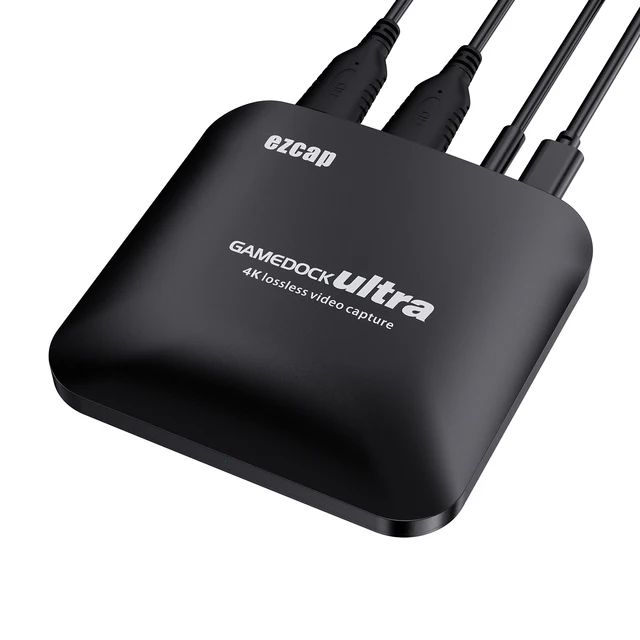
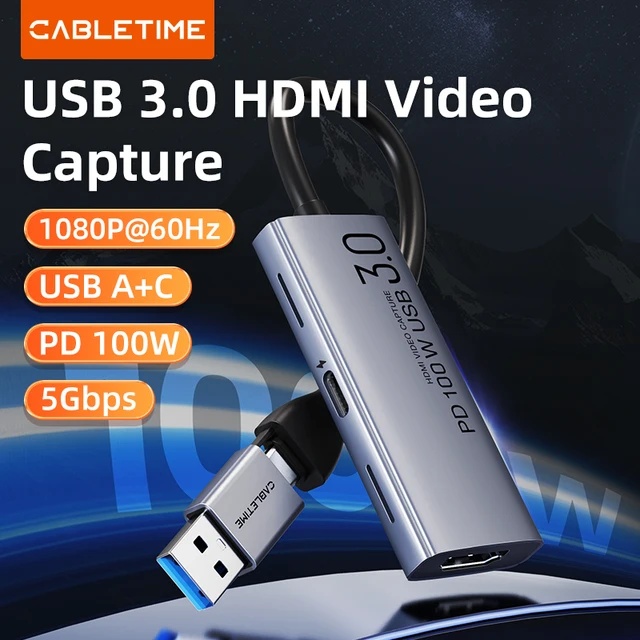
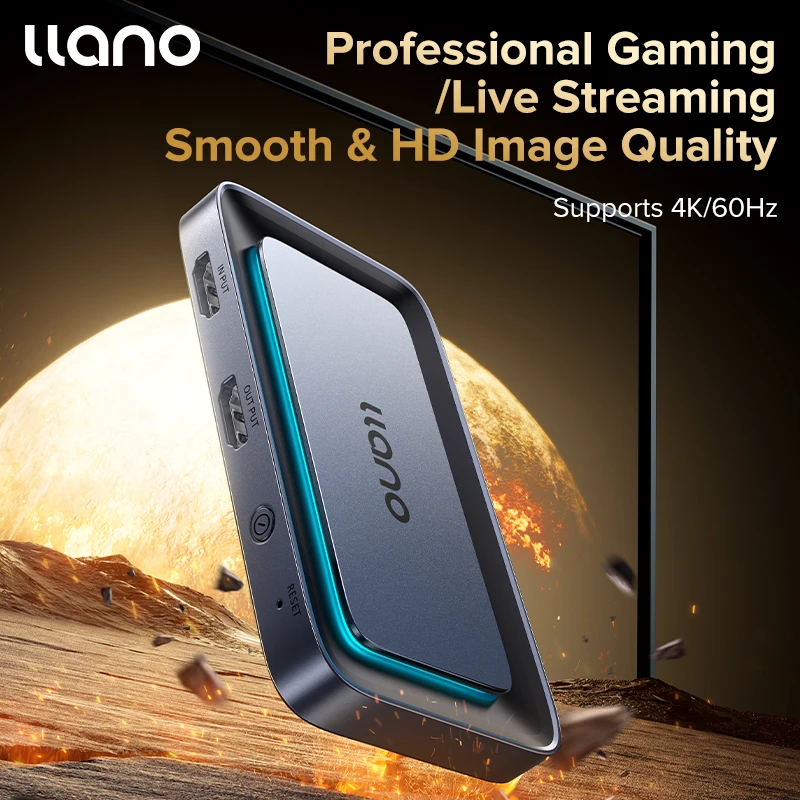
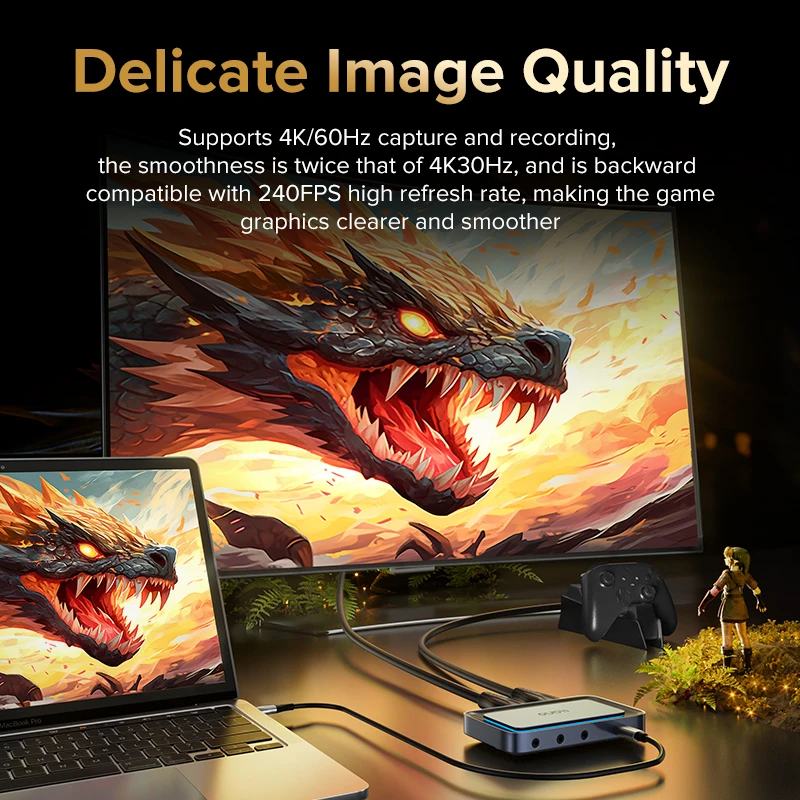


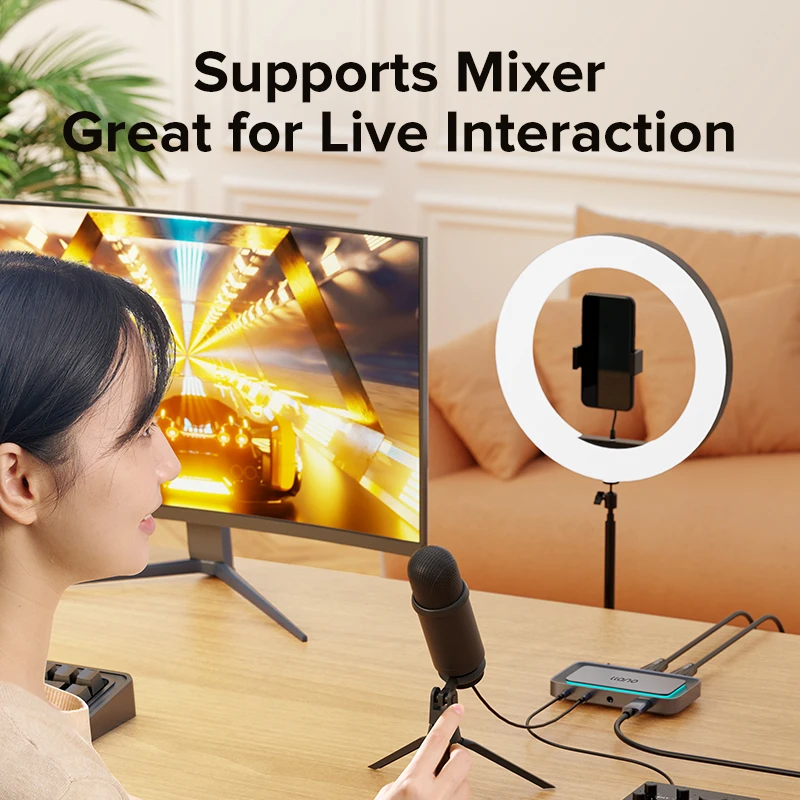
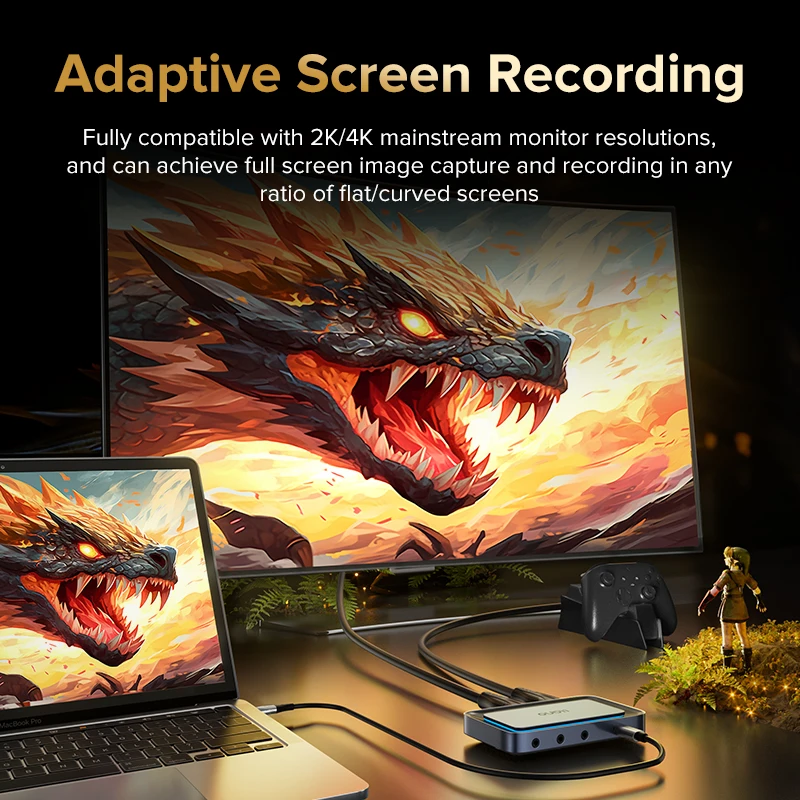



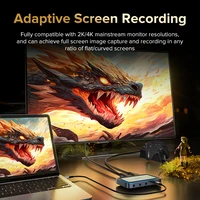

Brand: llano
Brand: HDMI video capture card
Input interface: HDMI IN(4k/60hz)
Loop out interface: HDMI OUT(4k/60hz)
Capture interface: USB-C
Audio interface: 3.5mm audio output
Audio output: 3.0mm microphone output
Driver: Multi-system driver-free
Warranty: 1 year
User Instructions
1.Instructions for PS Game Users
PS series game users should turn off HDCP protection in advance before connecting the capture card. When the device is turned on by default, images cannot be displayed. The specific method of turning it off is as follows.
Enter PS4 Settings → System → Enable HDCP → Cancel/Turn off
Enter PS5 settings → Host → HDMI → Enable HDCP → Cancel/Turn off → Restart PS5
2.Instructions for Mobile Phone/Set-top Box Users
If the capture set-top box and mobile phone cannot be used, please contact the mobile phone/set-top box customer service to manually turn off the HDCP function
3.Instructions for Apple Users
If you use Apple’s original lightning to HDMI adapter and cannot capture images, please confirm whether the iPhone version is 16.0.0. Please contact customer service for details.
FAQ
1.What devices does the provided USB-C to USB-A+C data cable support?
It supports connecting to laptops, desktop PCs, mobile phones, tablets, Switch/PS/NS/Xbox and other mainstream devices for data capture.
2.Does it support iPhone 15, iPad or Apple computer capture?
Yes, it supports
3.Does the product require specific capture software to use?
There is no requirement for capture software. OBS studio, XSplit, Potplayer and other software can be used.
4.Will it get hot/laggy/frame drops during long-term live streaming?
We conducted an uninterrupted live streaming simulation test for 14 consecutive natural days and found no overheating issues, the operation was stable, and there was no delay or lag. The product uses an aluminum alloy shell + heat dissipation holes + large-area thermal grease, which has excellent stability/thermal performance.







Reviews
Clear filtersThere are no reviews yet.