
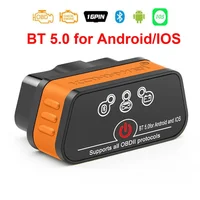

Konnwei ELM327 V1.5 Bluetooth 5.0 OBD2 Scanner ELM 327 V1 5 OBDII Auto Car Diagnostic Tools ODB2 OBD 2 Code Reader
Purchase Notes!!!
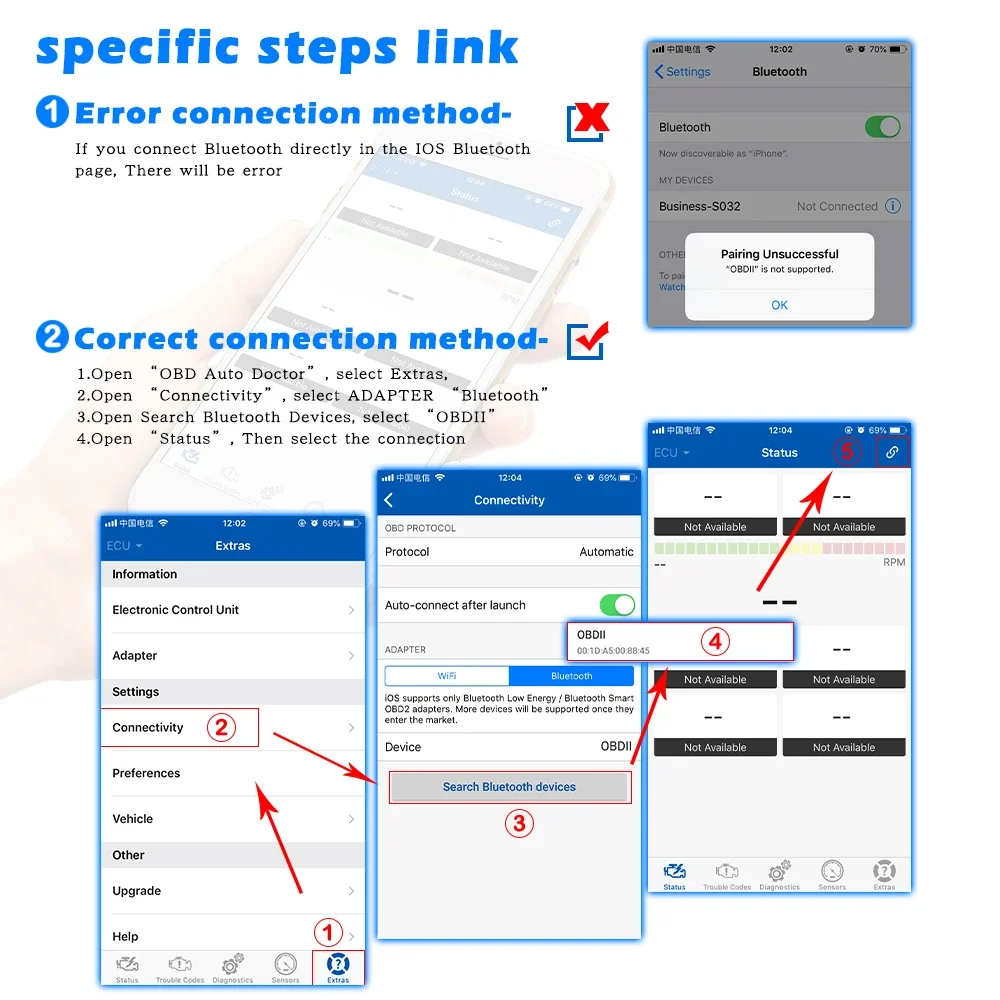
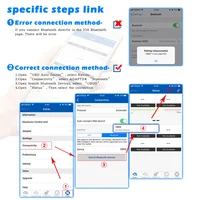
Some customers have feedback that the bluetooth will not connect when they connect to IOS,please follow the tips:(The IOS system cannot support Bluetooth 5.0 ELM327 connection on the Bluetooth page)
1.Plug in the KW901 to the OBD2 interface,and Open the IPhone’s Bluetooth first
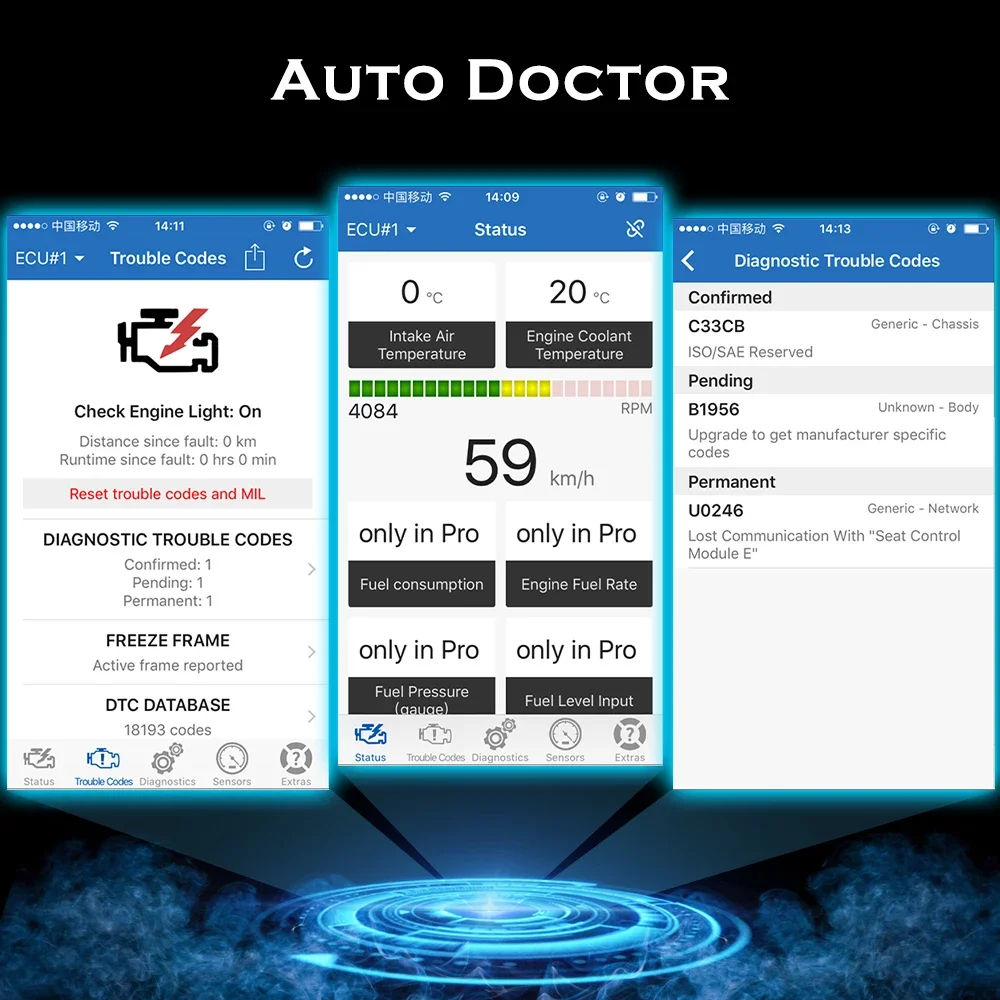
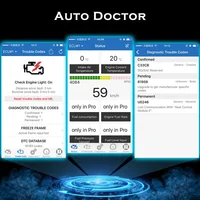
2.Open the software(like AUTO Doctor)
3.Choose “Extras”,then click “Connectivity “,choose”Bluetooth”,and click “Device”,choose “Konnwei”
4.Connect Bluetooth in the”Connectivity “,then refresh software
For IOS Connection method:
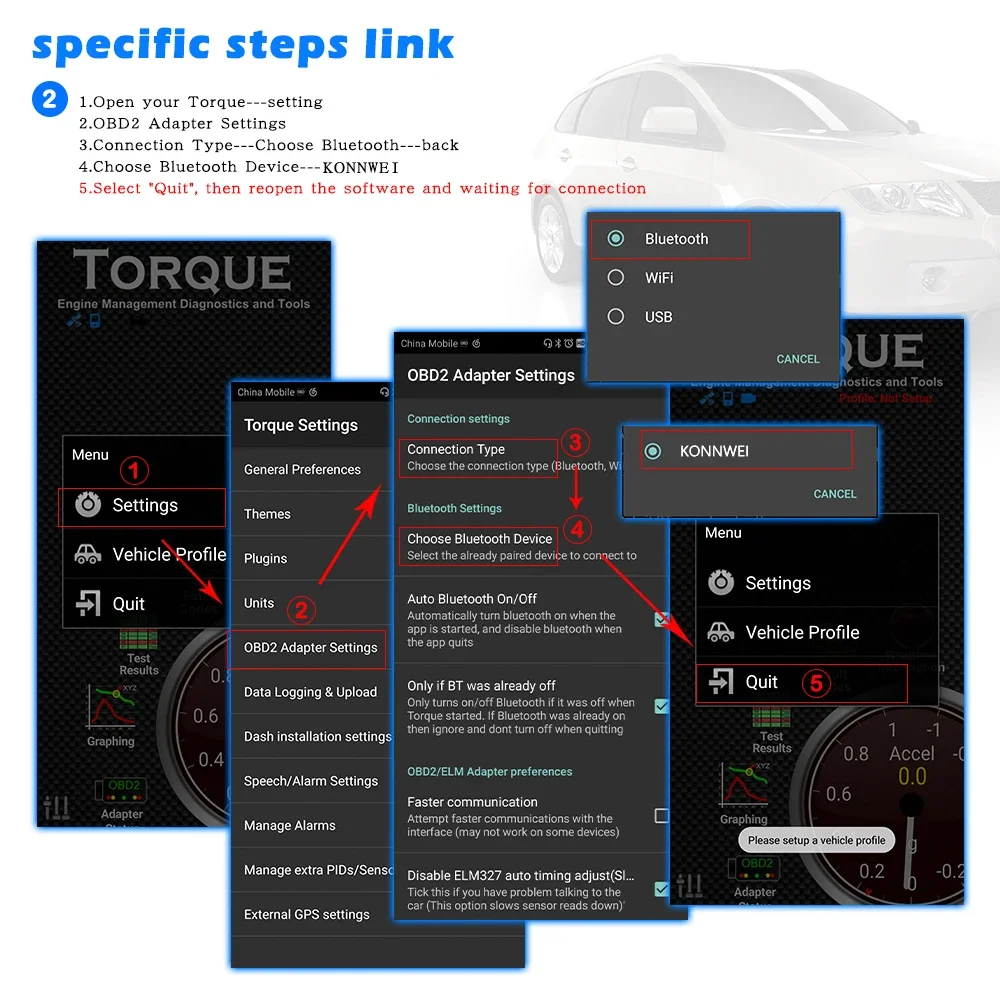
For Android Connection method:
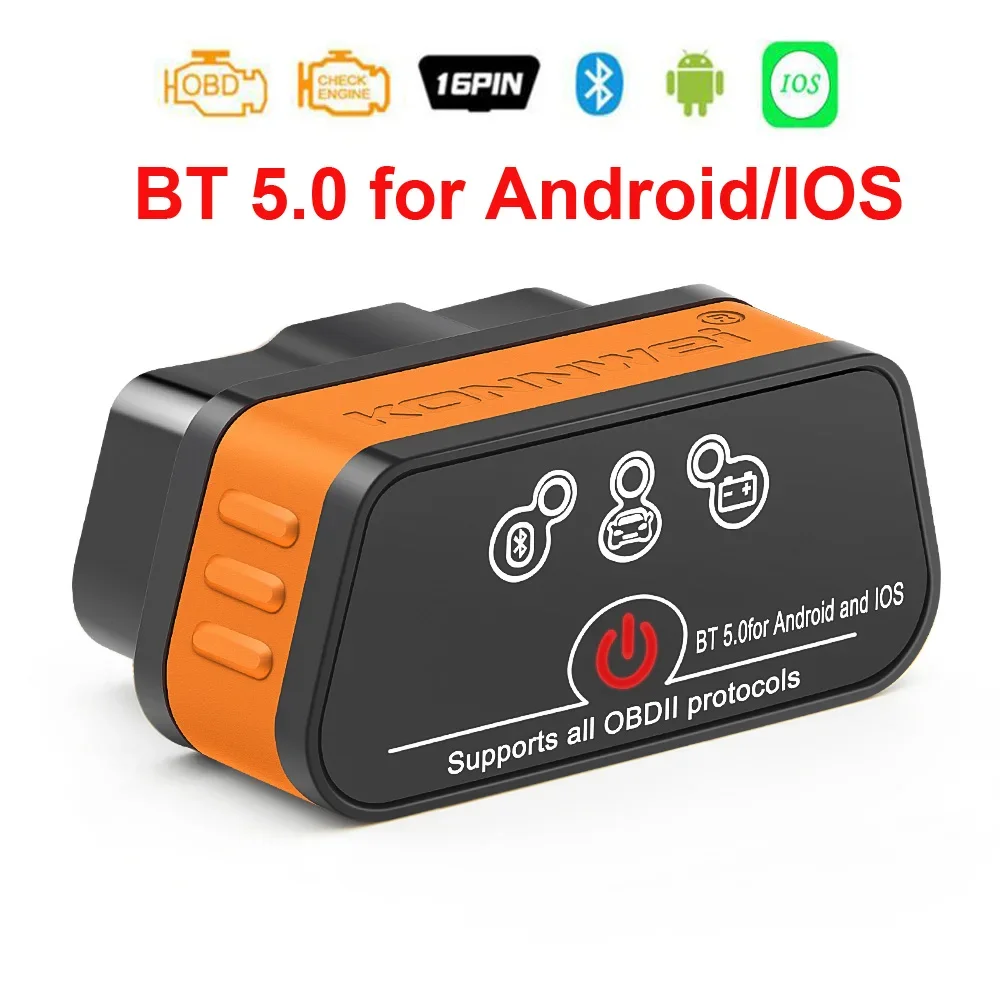
ELM327 V1.5 (Bluetooth BT5.0 )Features:
* Small size, compact structure. Plug and never unplug* Stable wireless connection via Wireless BT5.0* No wires or batteries (adapter is powered by the 12V Vehicles battery)* 30 Minutes without communication, it will automatically go to sleep mode.* Ultra low cumsumption in sleep-mode, less than 10MA* Supports ALL OBDII protocols, widest coverages* The adapter uses the fast communication mode , up to 30PID/S.* True ON-OFF button, you can press button to turn off the elm if not in use.
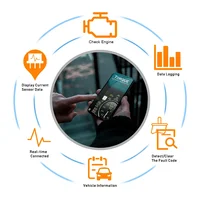
ELM327 V1.5 (Bluetooth BT5.0) Function List:
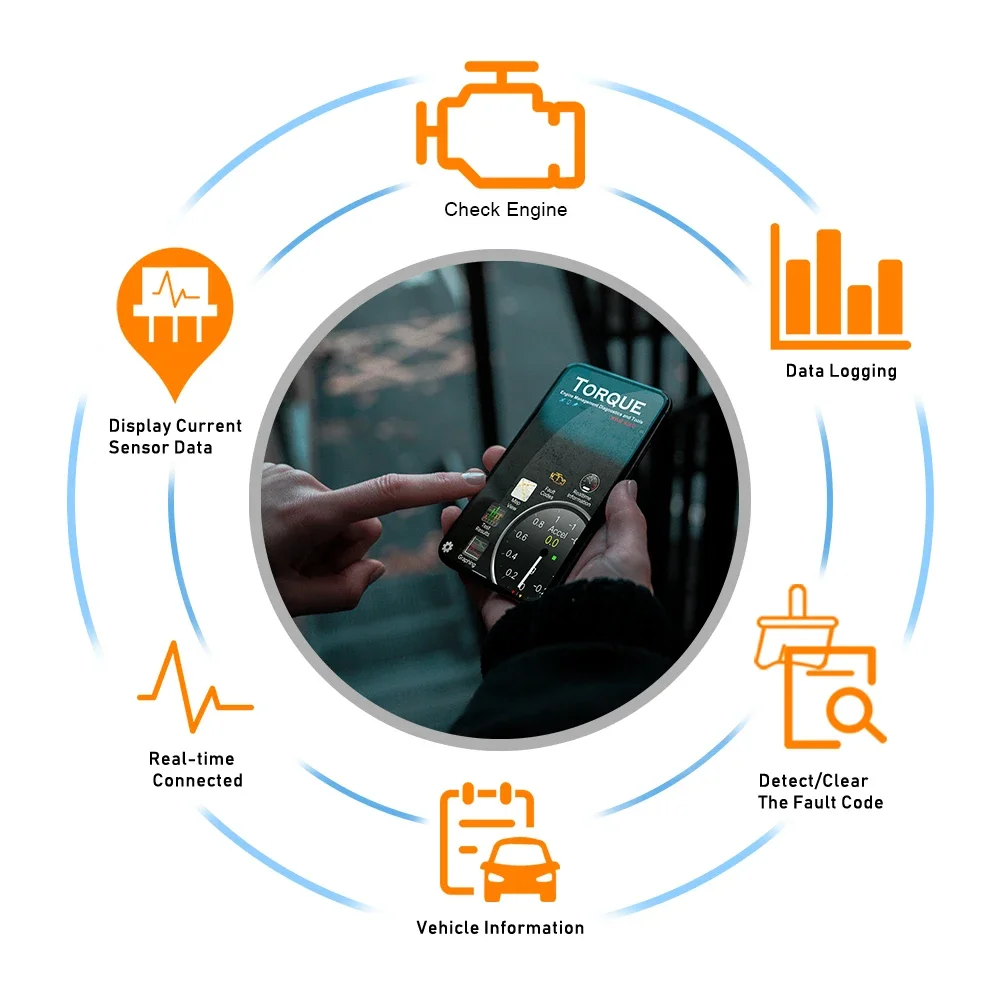
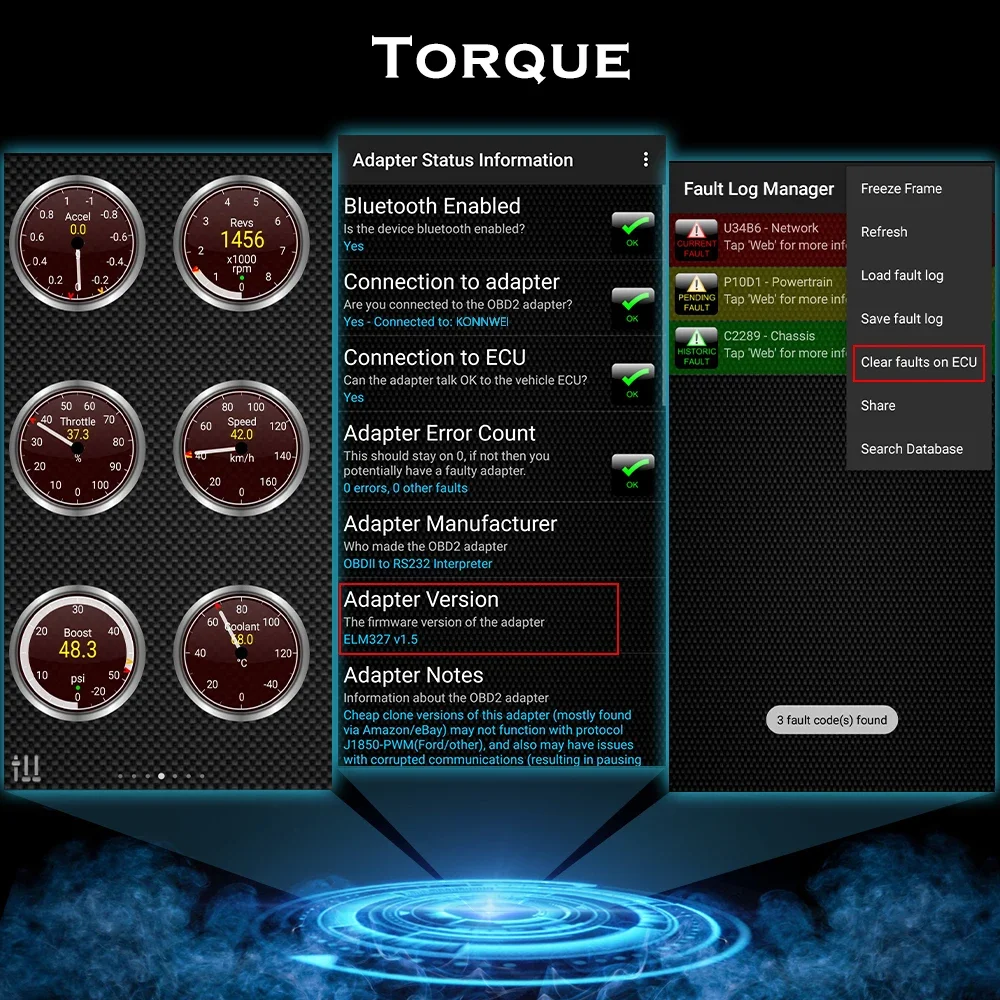
1.Read diagnostic trouble codes, both generic and manufacturer specific
2.Clear trouble codes and turn off the MIL (“Check Engine” light)
3.Display current sensor data, including:
4.Engine RPM
5.Calculated Load Value
6.Coolant Temperature
7.Fuel System Status
8.Vehicle Speed
9.Short Term Fuel Trim
10.Long Term Fuel Trim
11.Intake Manifold Pressure
12.Timing Advance
13.Intake Air Temperature
14.Air Flow Rate
15.Absolute Throttle Position
16.Oxygen sensor voltages/associated short term fuel trims
17.Fuel System status
18.Fuel Pressure
How to setup B-luetooth pairing: BLE5.0 Dual mode version
For Android users:
Home screen
Go to setting page
Select V-LINK Default password is “1234”
Device paired
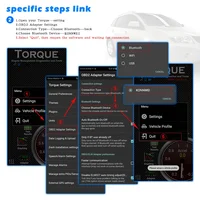
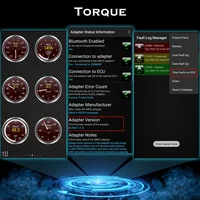
Run Torque app
Go to Torque app OBD II adapter setting
Choose connecion type>Bluetooth
Choose B-luetooth device>V-LINK
Exit Torque app completely
Run Torque app
Connected
For iOS users:
Home screen
Go to setting page
Click on B-luetooth function
(Device name is invisible)
Run Accurate app
Go to Accurate app setting page
Select B-luetooth and connect
Exit Accurate app and run again
Connected
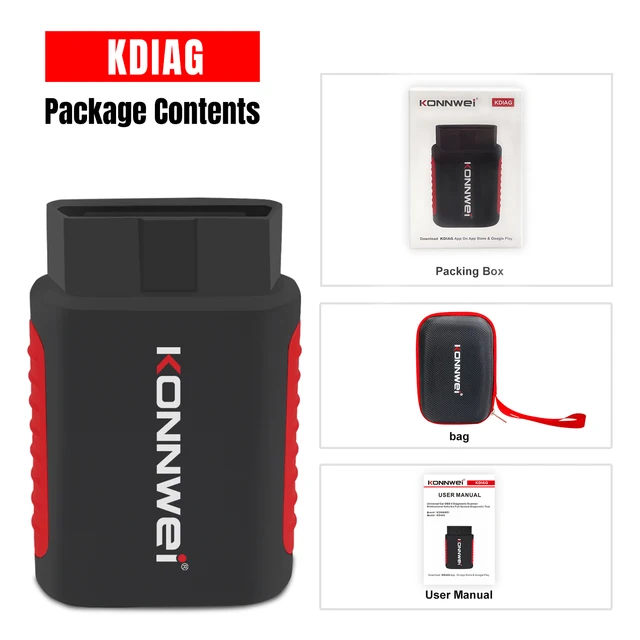
PACKING LIST
1x KW902 Wireless BT5.0 scanner (pic18f25k80 chip set)
1x English User Manual
KONNWEI Universal Car Mini OBD2 Scanner KW905 Car Engine Analyzer Bluetooth5.0 OBD2 Engine System Diagnostic Tool
KW906 bluetooth car OBD2 code reader applies for all 12V gasoline and Diesel vehicles/hybrid electric vehicles, it’s a 16 Pin plug that plugged into the vehicle OBD port.
KONNWEI KW905 OBD2 scanner
comes with an ON/OFF switch to prevent constantly disconnecting your unit from the OBDII port. It also support high speed communication and low power sleep mode. By connecting with phone, the
OBD2 scanner can quickly read car engine emissions data and check drive cycle verification.
Features: KW905 BT5.0 car OBD2 diagnostic scanner is able to detect and interpret these protocols automatically. It also provides support for high speed communications and a low power sleep mode.
KW905 BT5.0 measuring only 5*4*2.5cm. It also comes included with a power switch built-in to prevent the need for having to constantly disconnect your unit from the OBDII port.
KW905 Wireless Bluetooth OBD2 Diagnostic Scanner
With proper software installed in the host device, you may have following parameters read out from your vehicle:
* Vehicle Speed
* RPM
* Fuel Consumption*
* Engine Coolant Temp
* Fuel Pressure
* Calculated Engine Load
* Throttle Position
* Intake Manifold Pressure
* Air Intake Temp
* Timing Advance
* Mass Air Flow
* Fuel Level
* Barometric Pressure
* EVAP System Vapor Pressure
* Fuel Trim
KW905 Support Cars
is compatible with 1996 and later 12V vehicles, which are OBD2 certified.
KW905 How To Use?







Reviews
Clear filtersThere are no reviews yet.