




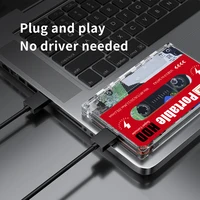

★Main Features
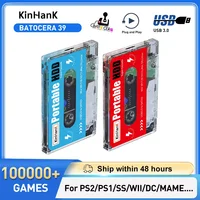
•Brand: KINHANK
•Game:122000+Games(2T)/110000+Games(500G)
•Emulators:PS3/PS2/WII/WIIU/MAME/DC/SS etc.
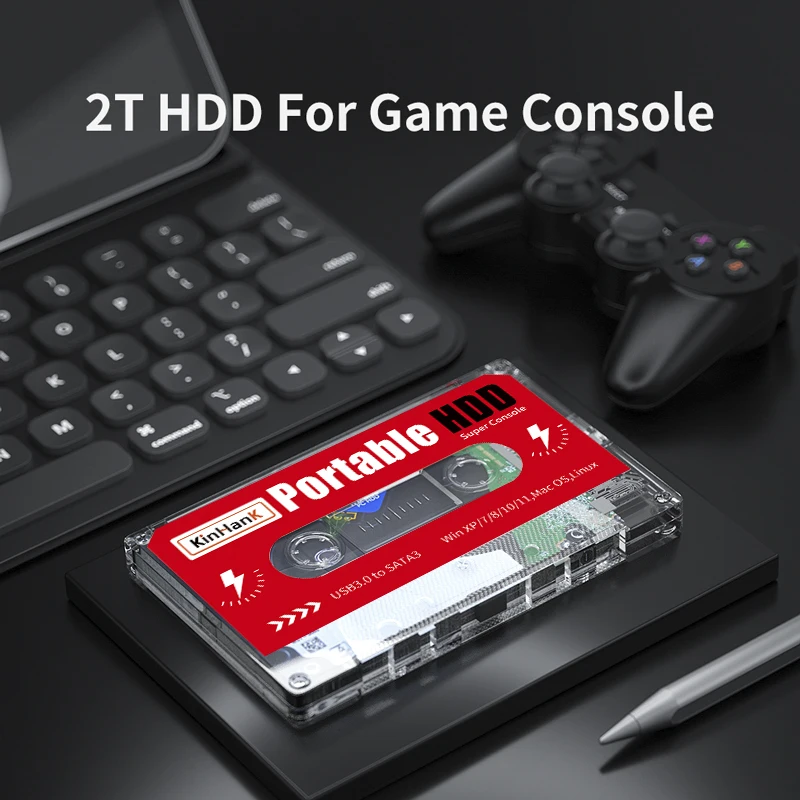
•Size: 120mm*77mm*15mm
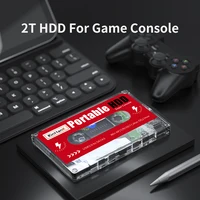
•Capacity: 2TB/500GB
•Form factor: 2.5 inches
•Interface: USB 3.0 interface
•Support system: windows 7-11/Mac OS(Part models)
NOTICE: This hard drive will only work with X86_64 hardware(32bit or 64bit) and Intel-based Apple
Computers, any ARM-based device(Windows Surface series, Mac with power PC CPU, or M1 and above CPU) will not work.
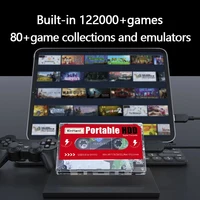
◉Pre-installed 100000+ Classic Games & 5000+3D games
2TB HDD pre-installed with 122000+ games and 500GB HDD pre-installed with 110000+ games, they can run PS3/PS2/WII/DC/NAOMI/MD/MAME, etc.
➼How to enter the game system?
1. Connect the hard disk to your PC and press ESC or Delete after pressing the power button
2.You will boot into the BIOS, find the first boot option, select the hard disk
3. Save and exit, and you will successfully enter the game system
For Mac users, press and hold the option key.
◉USB 3.0, The Fastest Transfer Speed
The USB3.0 read and write speed has been greatly improved, escorting the gaming experience.The fast transfer speed makes the game data transfer faster and the game runs more smoothly. With the perfect Batocera system, it runs PS3/PS2/PSP/DC/SS/N64 more smoothly.
◉High Compatibility
Compatible with Windows XP、Wind ows Vista,Win7-11/Mac OS 10.2 and above(Part models).Turn your old computer into a game console.
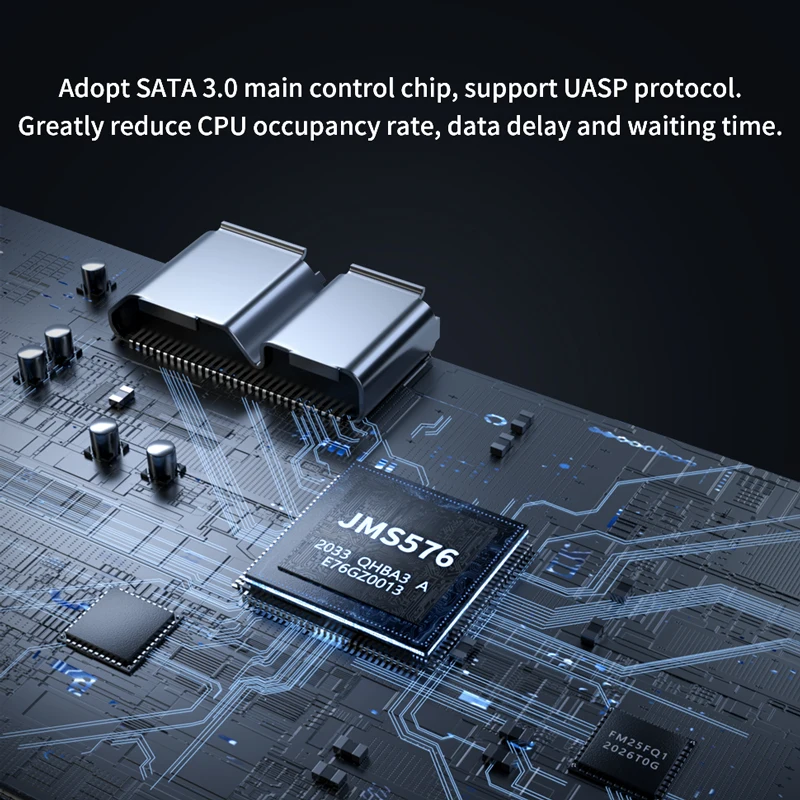
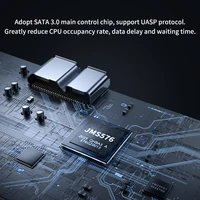
◉SATA 3.0 chip
It adopts SATA 3.0 main control chip and supports UASP protocol, which greatly reduces CPU occupancy rate, data delay and waiting time. The game runs more smoothly.
◉10 Min Smart Sleep
LED indicator,monitor working status at any time.reducing the loss of hard disk.
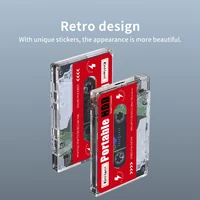
◉Retro Design
With unique stickers,the appearance is more beautiful.
Q&A
◉How to check hard disk capacity?
1. Enter the game system
2. Press the “start” key to enter the main menu to find the system settings
3. Select the “Information” option and click to enter
4. Then you can see system disk usage
◉What is the difference between 500G and 2T?
Due to the different storage space, although they have a similar number of games, the game content is different. 500G has more retro small games, while 2T has more large-scale 3D games built in.
◉Why can’t my computer detect the hard drive?
Since logistics collisions may cause poor contact of the hard drive, you can reinsert the hard drive and connect it to the USB 3.0 port of the computer.
◉Why can’t the game system start?
Due to the large number of computer models, some computers cannot be started from external devices. You can turn off the “Secure Boot” option in BIOS.
◉How to get the game list?
Please contact our customer service representatives.







Reviews
Clear filtersThere are no reviews yet.