

NOTE: If you encounter any problems during use, Please contact my store: JMCQ Store, Address: //www.aliexpress.com/store/1101399813.
I will reply to you within 12 hours and help you solve any problems!!! Please contact us, we are a professional team and we will be dedicated to serving you!
Incompatible mobile phone models:
Please note that if your phone model is one of the following brands and models, we do not recommend that you purchase it as there may be compatibility issues.
Samsung: S20, S23, Note20, Galaxy A20 (Model SM-A205g), m22, A54, S22+
Huawei: P40 Pro, P30, P30Pro, P30 lite MARLX1A, Mate 20, Mate20 Pro, Psmart2019POT-LX1, nova 5t, MATE LITE 10
Xiaomi: 12 Pro, 11 Lite, 9, Redmi9
Oppo: Reno2, Reno 2z, A16s, etc.
Note: If you want the product to have the DVR function, which means a front-facing camera, please choose the MT-03 model. If you choose the cheaper MT-04 model, this one does not have the DVR function and does not have a camera. Please be aware of this and do not make a wrong purchase.
2. The Type-C interface of each product cannot be used. For better waterproofing, we have blocked the Type-C interface. Please do not use the Type-C interface. You need to use our charging cable to turn on the machine normally, otherwise the machine will not function properly.Key Features:
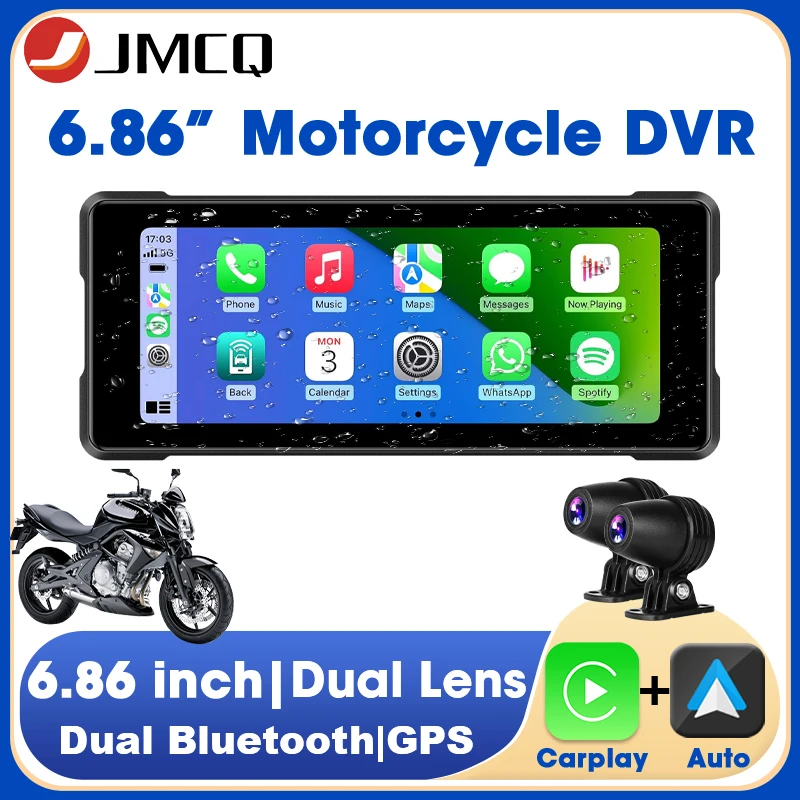
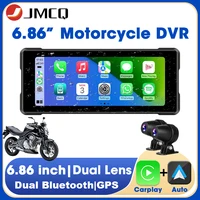
6.86″ IPS Touch Screen
1280*480 HD Resolution, 24:9 Music & Navigation at the same screen
Maximum brightness level of 1,000 nits
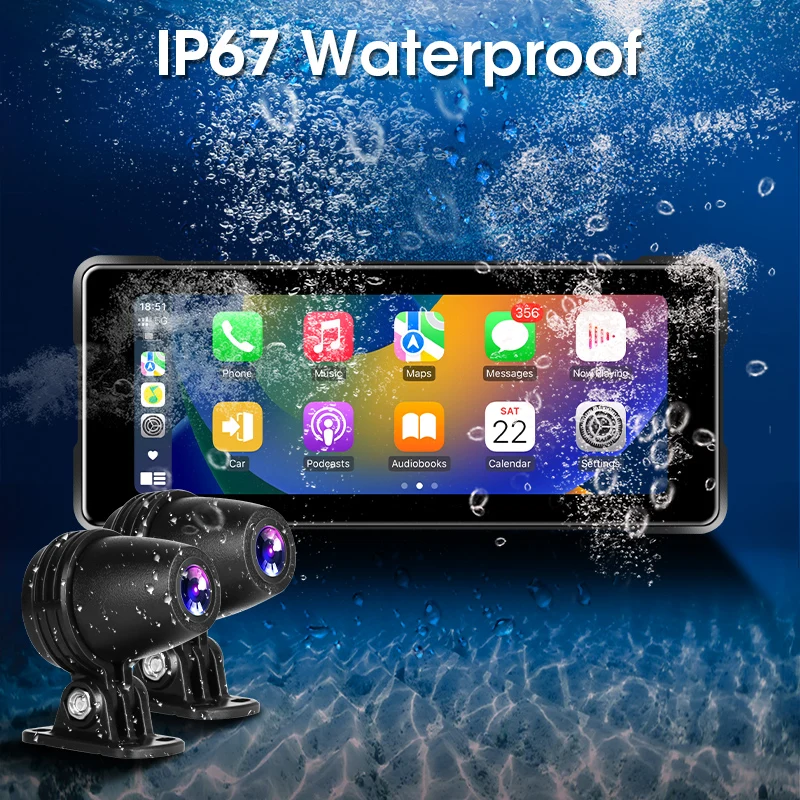
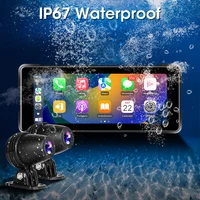
IPX7 Waterproof Rating
Supports Full HD 1080P Video Playback(Optional)
Supports to Tire pressure Sensors (Not Included)
Supports to MicroSD card (Not Included)
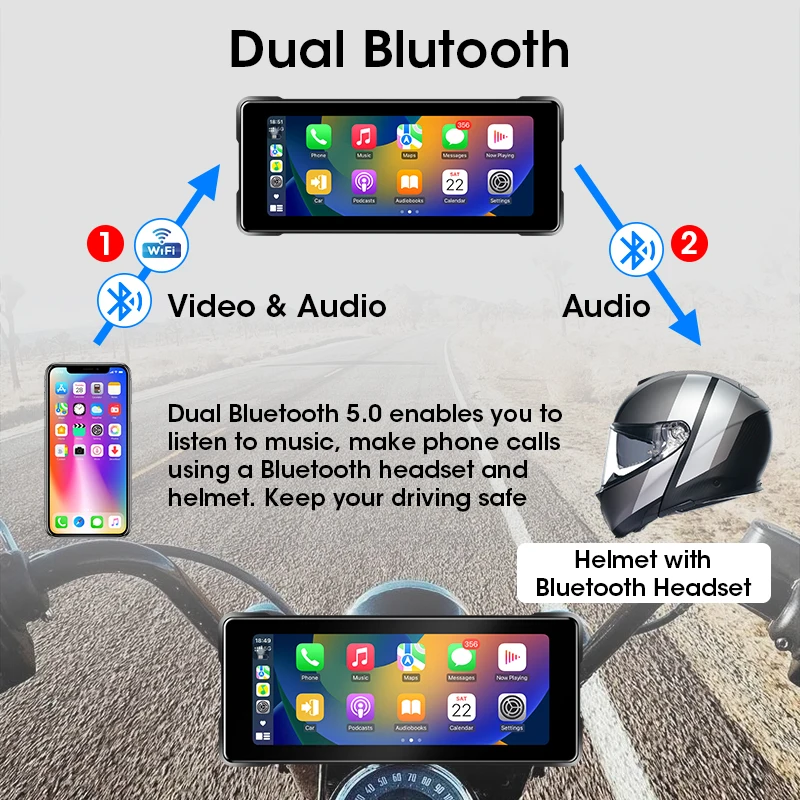
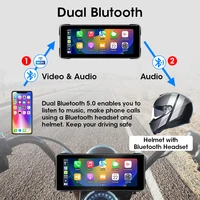
Built-in Dual Bluetooth – Hands-free Calls, BT Music, Phone Book Sync, Display Call History
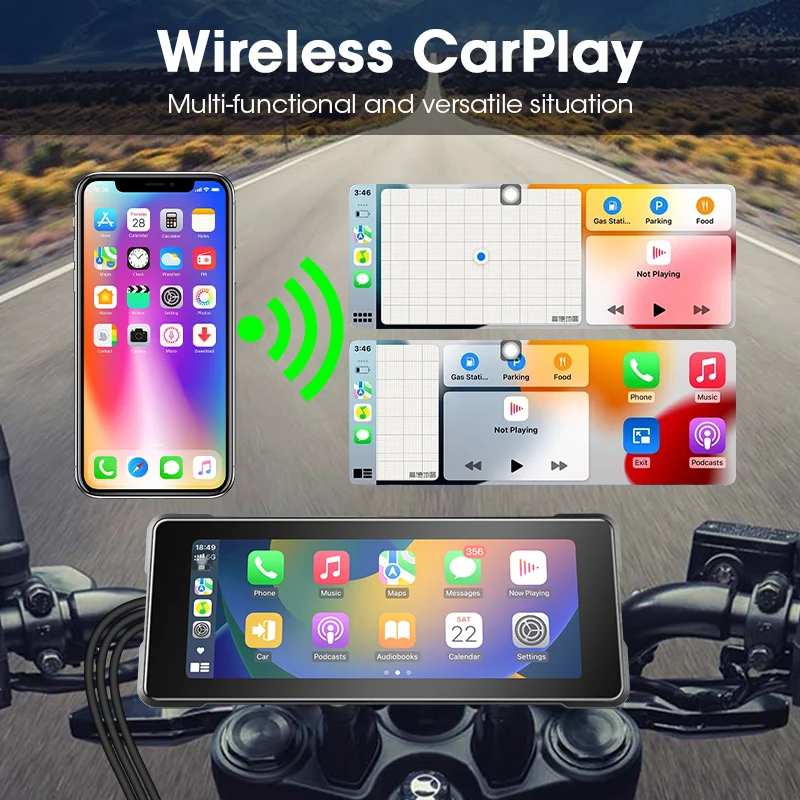
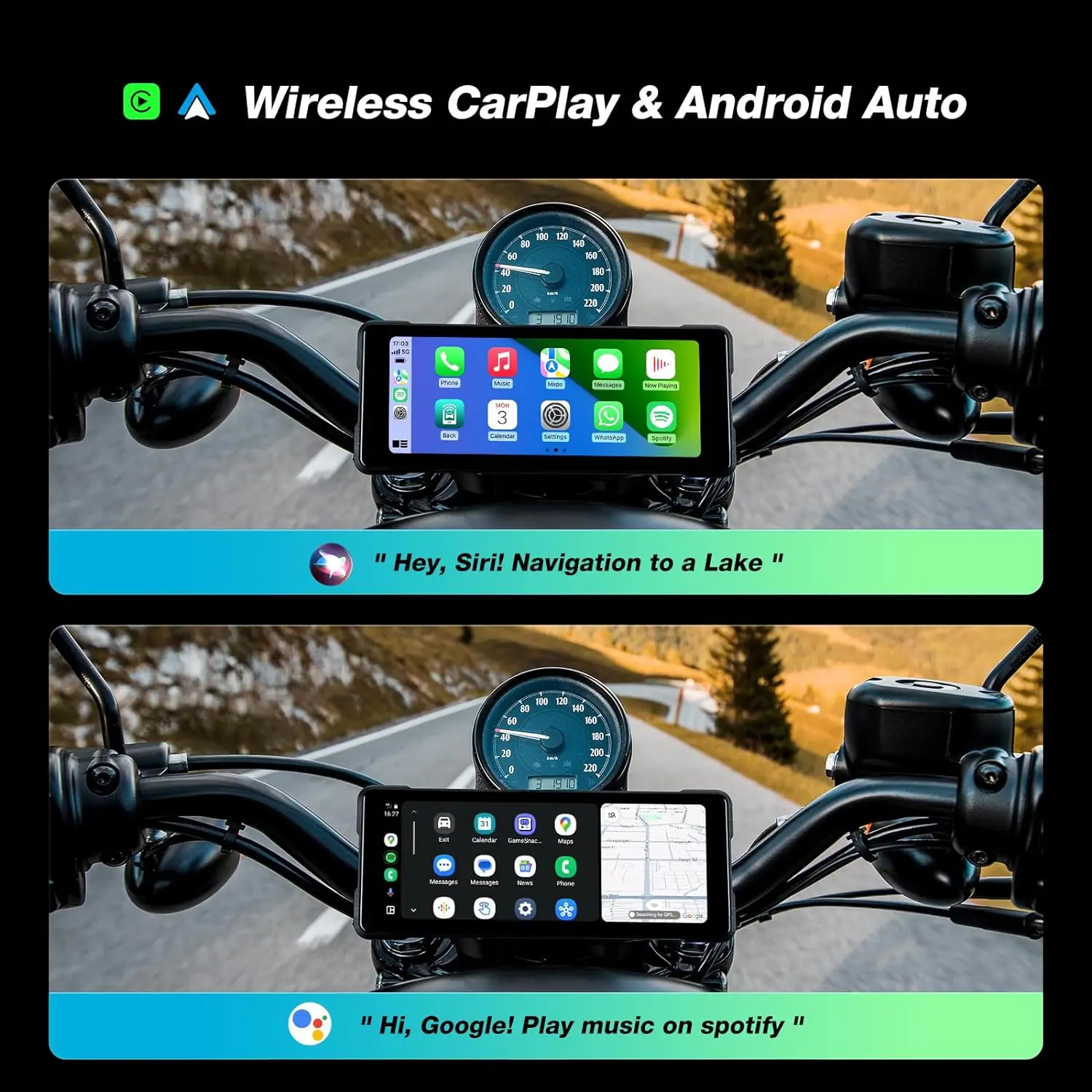
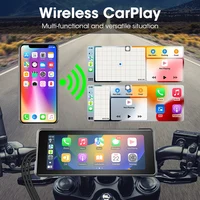
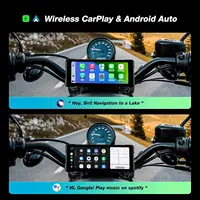
Built-in Wireless CarPlay – Bluetooth Connection
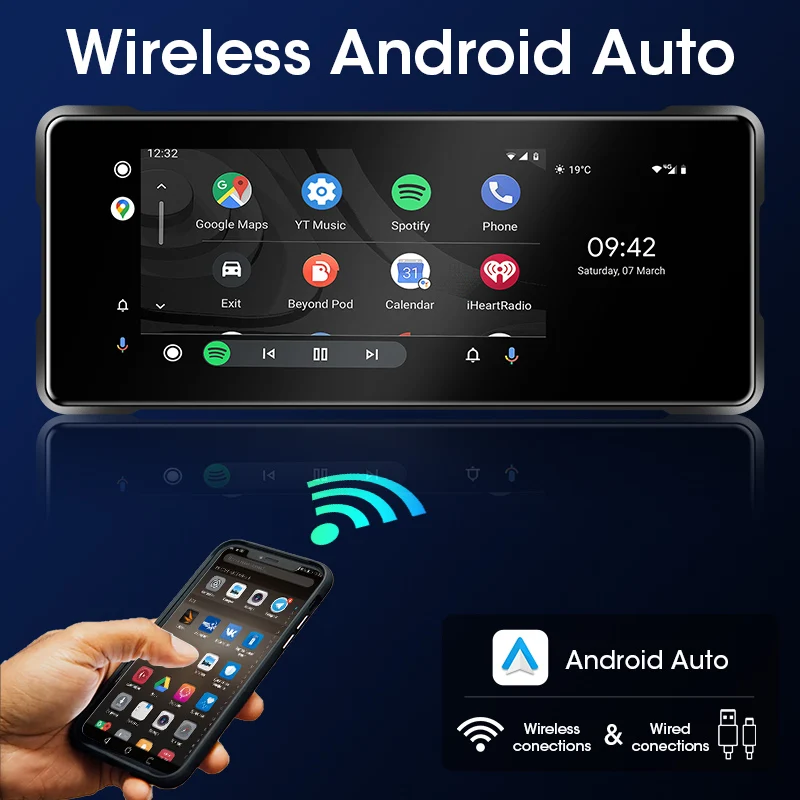
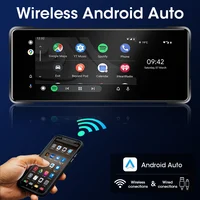
Built-in Wireless Android Auto – Bluetooth Connection
Helmet connection method: ① Connect your phone to the Carplay machine via Bluetooth, and connect to Carplay or Android Auto. ② After successful connection, use your phone’s Bluetooth to connect to the helmet’s Bluetooth.
1. When using the CarPlay feature, you can listen to music, use navigation maps, answer calls, and other functions
2. The DVR recording function cannot be used in Carplay mode. If you want to use the recording function, you need to exit Carplay and enter the DVR software on the main interface. After entering the software, you can use the recording function
3. When connecting the lens, pay attention to matching the color of the cables. The green cable should be connected to the green cable, and the blue cable should be connected to the blue cable.
4. There are front and rear lenses, and using the front lens requires manually switching to the front lens mode.
5. This product has two card slots, DVR and CARD. Please be sure to insert the SD card into the DVR slot. If inserted into the CARD slot, the DVR function will not work. This is using video://video.aliexpress-media.com/seller/play/5000212894389.mp4.Please use original cables and do not use other cables. The power supply of the product cannot be directly connected to the motorcycle or electric vehicle battery, otherwise it may cause short circuit or power outage of the product.
Please connect in the following correct way.
1. Our machine must use the original ACC power cord provided in the packaging box. Do not use any other power cords to start it. The installation diagram for the power supply is included in the accessories.
2. If the machine fails to start, it is usually due to insufficient voltage supplied by the cigarette lighter power cord. Please check if the voltage reaches 12V. If it does not, please contact us to replace the cigarette lighter power cord.
Hand Free & Voice Command
Android Auto and CarPlay can be used wirelessly, so you just pair the devices and then keep the smartphone in the pocket or the backpack. The interface should load automatically, and you can then interact with Android Auto and CarPlay using touch and voice.
You can use a headset to talk on the phone and listen to voice guidance in Google Maps by connecting via Bluetooth to the device.
Be careful:
Here is the correct wiring diagram. Please do not directly connect the power cord to the motorcycle battery, as connecting it to the battery can cause battery loss and result in the motorcycle losing power.
FAQ:
1. No matter what questions you have, you can consult our customer service. Please contact: JMCQ Store, address:
//www.aliexpress.com/store/1101399813,Please contact us.
2. All products are Linux systems and do not support downloading software. Please be aware of this before purchasing.
3. It is worth noting that the product itself does not have navigation software. If you want to use the navigation function, please connect Bluetooth to enter CarPlay mode or Android Auto mode. In Carplay mode or Android Auto mode, you can use navigation/phone/messaging/voice/listening functions.
4. Please use our original cables to power on the machine, and do not use Type-C cables to power on the machine For better waterproofing, we have blocked the Type-C port. Please do not use it.
5. If you find that the machine is not turned on when using our cables, please first check if the motorcycle voltage is 12V. Our machine requires a 12V voltage and a 1-3A current environment before it can be turned on and used. If the voltage reaches 12V but still does not turn on, please check if the positive and negative cables are connected incorrectly. The red cable should be connected to the positive pole of the motorcycle, and the black cable should be connected to the negative pole of the motorcycle. This isthe correct wiring video:
//video.aliexpress-media.com/seller/play/5000234918079.mp4 .
6. Repeated restarts of the machine may be caused by a voltage below 6V. Please check the voltage and reuse it. This is a video of low voltage and repeated restarts: //video.aliexpress-media.com/seller/play/5000241970190.mp4 .
7. Our machine requires a voltage of 12V and a current of 0.3A or above to start up normally. Even if the voltage reaches 12V, if the current is less than 0.3A, it cannot be turned on. This is a video showing that the power cannot be turned on when the voltage is below 12V and the current is less than 0.3A: //video.aliexpress-media.com/seller/play/5000255372369.mp4.
8. Connecting Carplay/Android Auto may cause disconnection, possibly due to poor Bluetooth/WiFi signal on the phone. Restarting the machine before use can solve this problem.
9. Each product has IP67 waterproof function, making it easy to use the machine even on rainy days. However, it should be noted that each product should not be exposed to rain for more than 2 hours, as prolonged exposure to rain can cause internal short circuits on the screen. Please be aware. If your machine has been exposed to rain for more than 2 hours, please place it in a dry and ventilated place to air dry for 5 hours to restore normal operation.
10. To connect Carplay/Android Auto, you need to use your phone’s Bluetooth. Please ensure that your phone’s Bluetooth signal is good. If the Bluetooth signal of the phone is poor, it is normal to experience lag when using Carplay/Android Auto.
11. If you receive a package and find that the packaging box has been stepped on or damaged by someone else, it is definitely caused by violent transportation. Please do not rush to give a business trip review or file a dispute. You should contact our customer service: //www.aliexpress.com/store/1101399813. We will solve your problem as soon as possible. Please contact us.
12. If you receive a product and find that its screen has been scratched, it must be due to violent transportation causing friction on the machine. Don’t worry, because our product has a protective film on the surface, the screen won’t be scratched. You just need to remove the protective film, and the screen with the protective film removed can also bewaterproof.
13.Dear customer, if you notice that the screen seems to be damaged, please don’t worry. The surface of the screen has a protective film. The damage you mentioned is likely the wear of the protective film. You can remove the protective film or replace it with a new one, and then the screen will remain intact.
14.Electronic Instruction Manual: Dear customer, if you need the English version of the electronic instruction manual, please contact our after-sales email address ae@jansite.cn. We will send the English version of the electronic instruction manual to your email.







Reviews
Clear filtersThere are no reviews yet.