
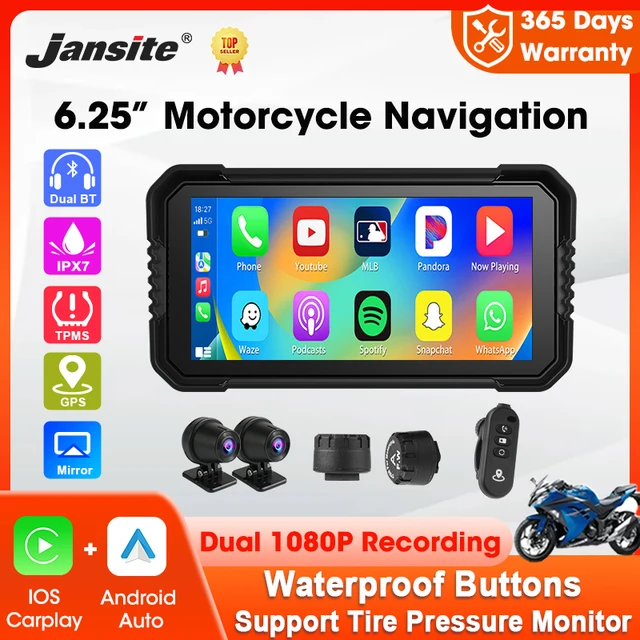
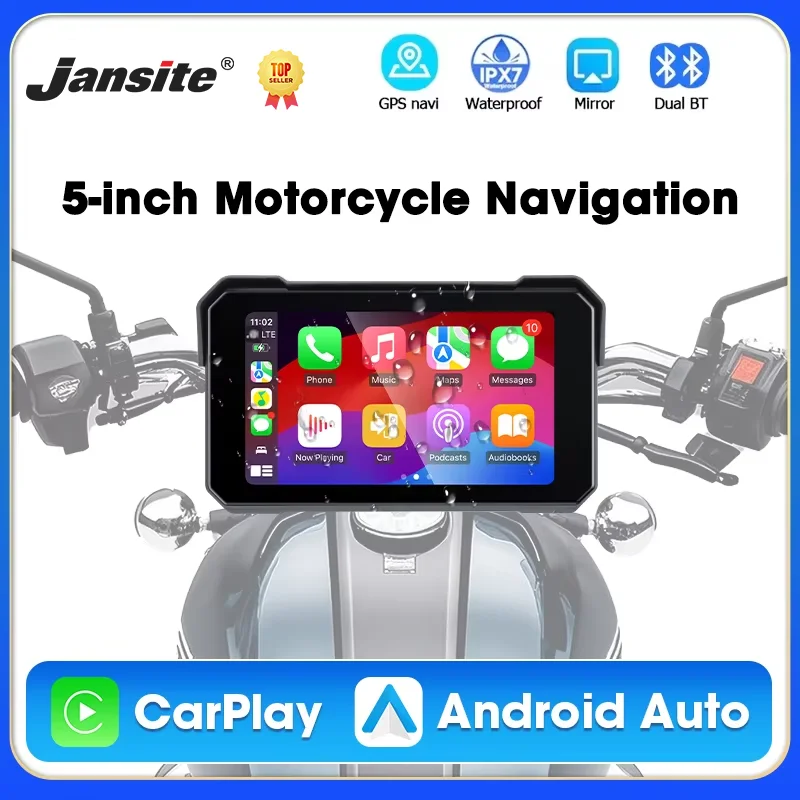
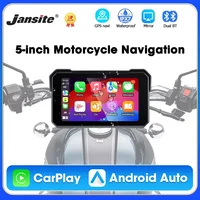
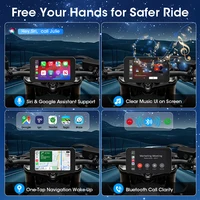
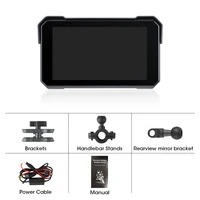

5 inch motorcycle carplay screen
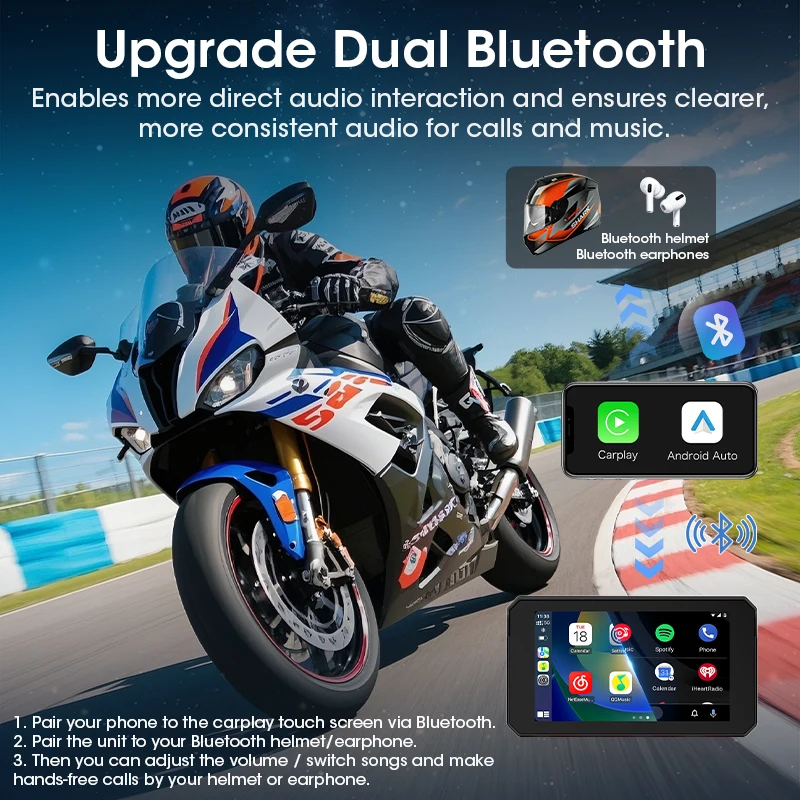
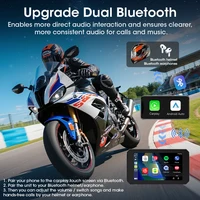
How to Setup Bluetooth Helmet Earphones?
Step 1: Connect your phone to the product’s Bluetooth and successfully connect CarPlay/Android Auto.
Step 2: Use your Phone to search the bluetooth device of the helmet earphones, then connect it.
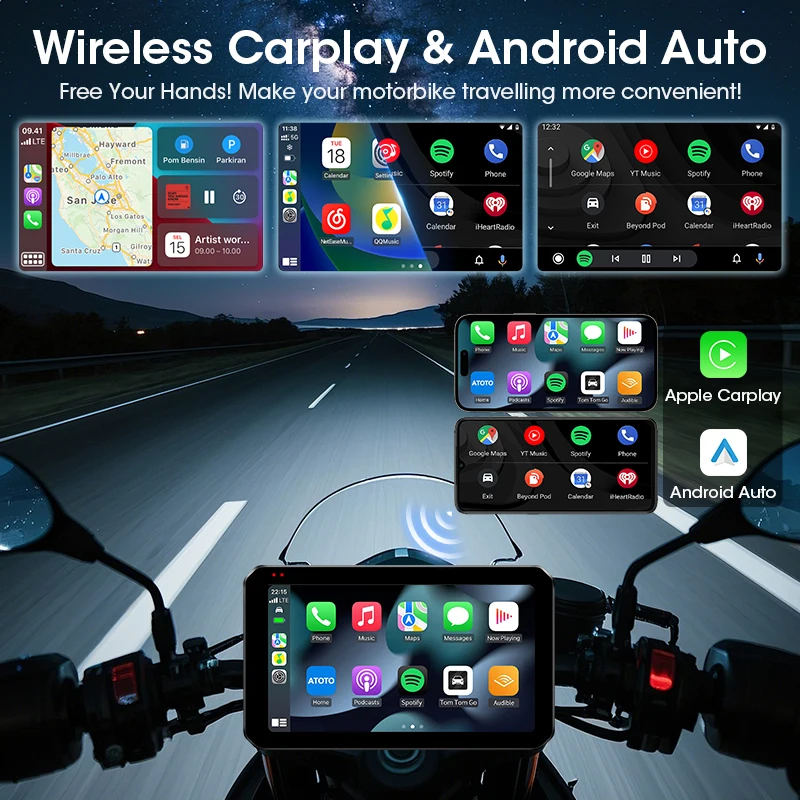
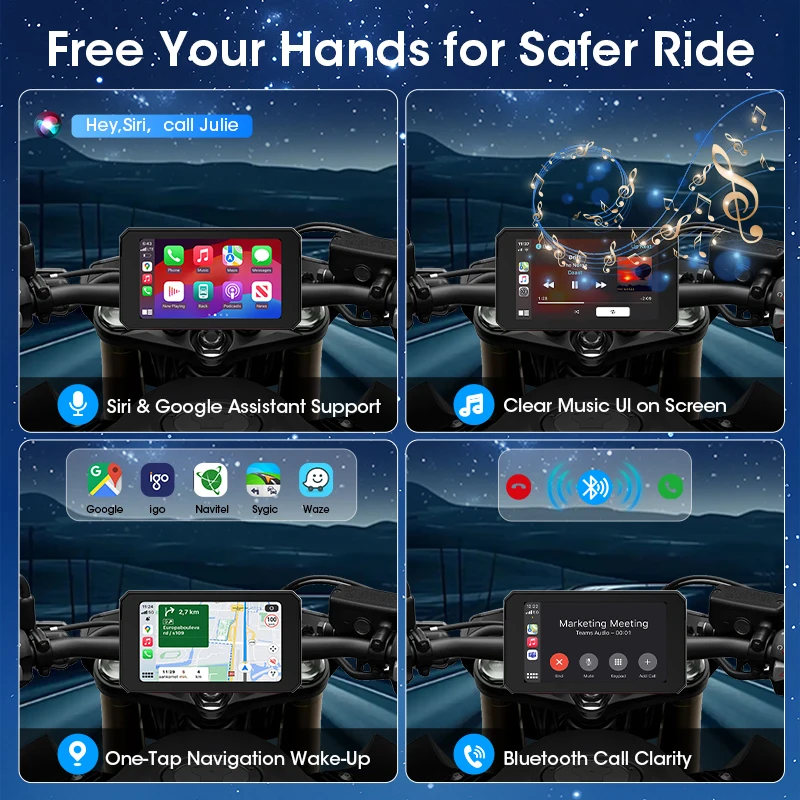
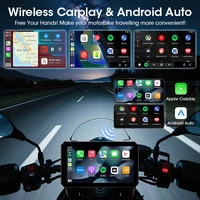
Support Wireless CarplayWireless Android Auto and Android phone mirroring
Buyer Q&A:
1.
Q:What input power supply?
A:12V voltage 3A required for startup, please use our original power cable; If power is supplied from the Type C port using the USB cable, the device will restart due to insufficient voltage.
2.
Q: Does the product has built-in speaker?
A:No, the product doesn’t have built-in speaker. Only support listen music via bluetooth earphones.
3.
Q: How do I make the Carplay or Android auto connection?
A:Step 1: Click Carplay/Android Auto to enter the connection page
Step 2: Turn on the bluetooth of the Phone, search for the bluetooth device name “CAR-BT xxx”, pair it and click use Carplay/Android Auto.
4.
Q:How to Setup Bluetooth Helmet Earphones?
A:Step 1: Connect your phone to the product’s Bluetooth and successfully connect CarPlay/Android Auto.
Step 2: Use your Phone to search the bluetooth device of the helmet earphones, then connect it.
5.
Q:What languages are support?
A:The monitor supportEnglish, Chinese, Japan, Korean, French, German, Italian, Spanish, Turkish, Polish, Russian, Hebrew(עִבְרִית)
6.
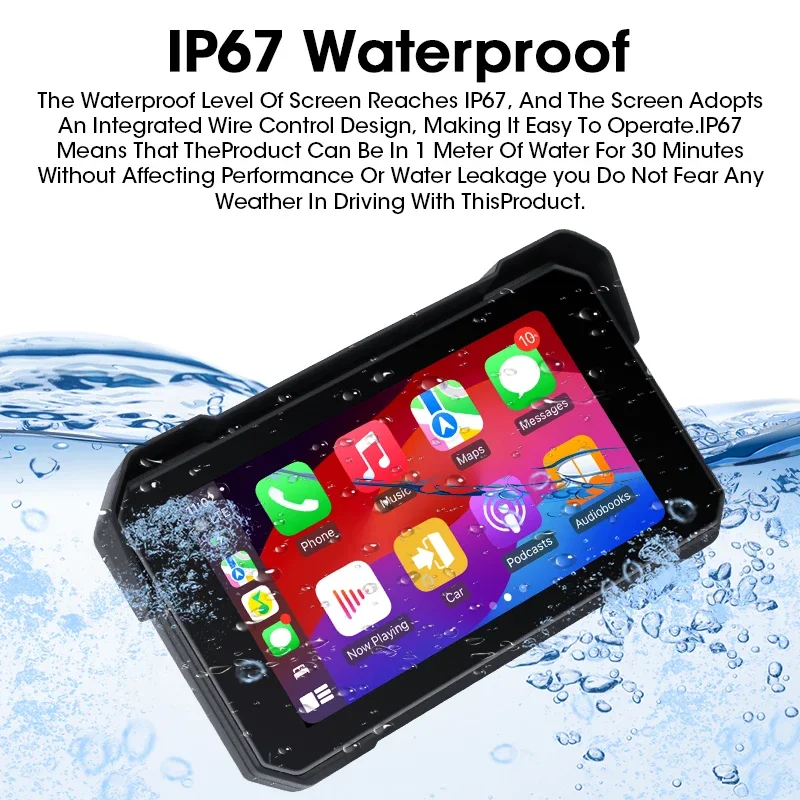
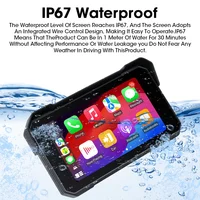
Q:Is it waterproof?
A:Yes, it is waterproof, but please try to not use the electronic products on rainy days. Devices cannot be 100% waterproof, and if water enters, it may cause short circuits and the screen unusable.
7.
Q:Does it have a built-in power module?
A:It does not have a built-in power module, so after it is reset, the date and time will not match, but it retains Bluetooth. Once CarPlay is automatically connected, it will synchronize time from iPhone.
8.
Q:Can I use Carplay and Android auto at the same time?
A:No, Carplay and Android auto can’t work at the same time.
9.
Q:Can i Can I download APK by the WIFI with it?
A:the product doesn’t have Android System,can’t support download APK.it Support WIFI,which only used to connect carplay or android auto and transfers data with phone via WiFi,ensure stable connection, automatic connection
10.
Q:What Phone version supports Wireless Carplay/Android Auto?
A:For iPhone: Support IOS 10 or above system.
For Android: Support Android 11 or above system.
HuaWei Phones are not supported.
11.
Q: Is there a quality guarantee?
A:Yes, we have a 365 days warranty period. Please purchase at any time. If you have any problem, please contact our customer service via this link(//www.aliexpress.com/store/1101186048)
12.
Q:Does the screen touch support wearing gloves
A:No, Do not support wearing gloves for touch, wearing gloves will affect touch sensitivity.
13.
Q:Whys the device can’t turn on?
A:12V voltage and 3A current are required for startup; If the device can’t turn on, please check the voltage of your motorcycle.
14.
Q:Why the device can’t turn off?
A:Black cable connect to the negative pole, red cable connect to ACC power supply and not directly to the battery. Wiring it to the ACC power means it will turn off when you turn off you motorcycle.







Reviews
Clear filtersThere are no reviews yet.