
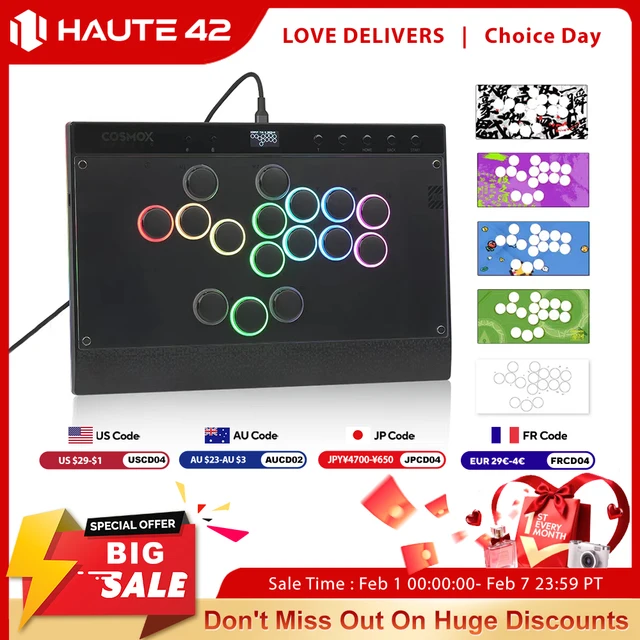
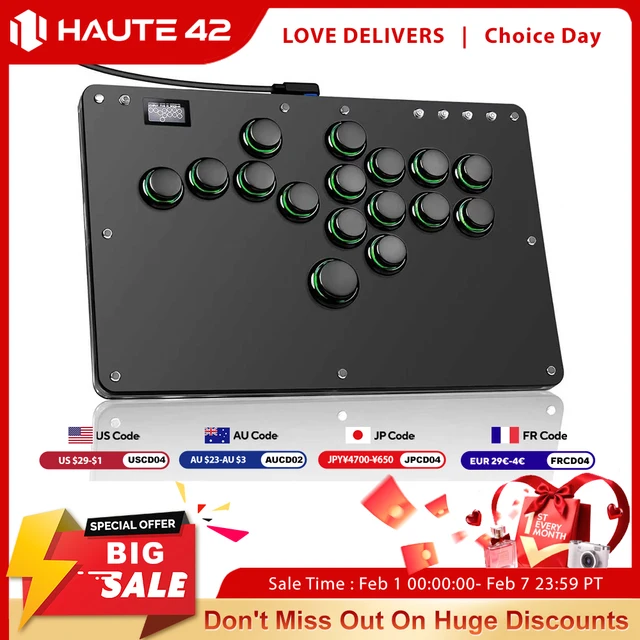
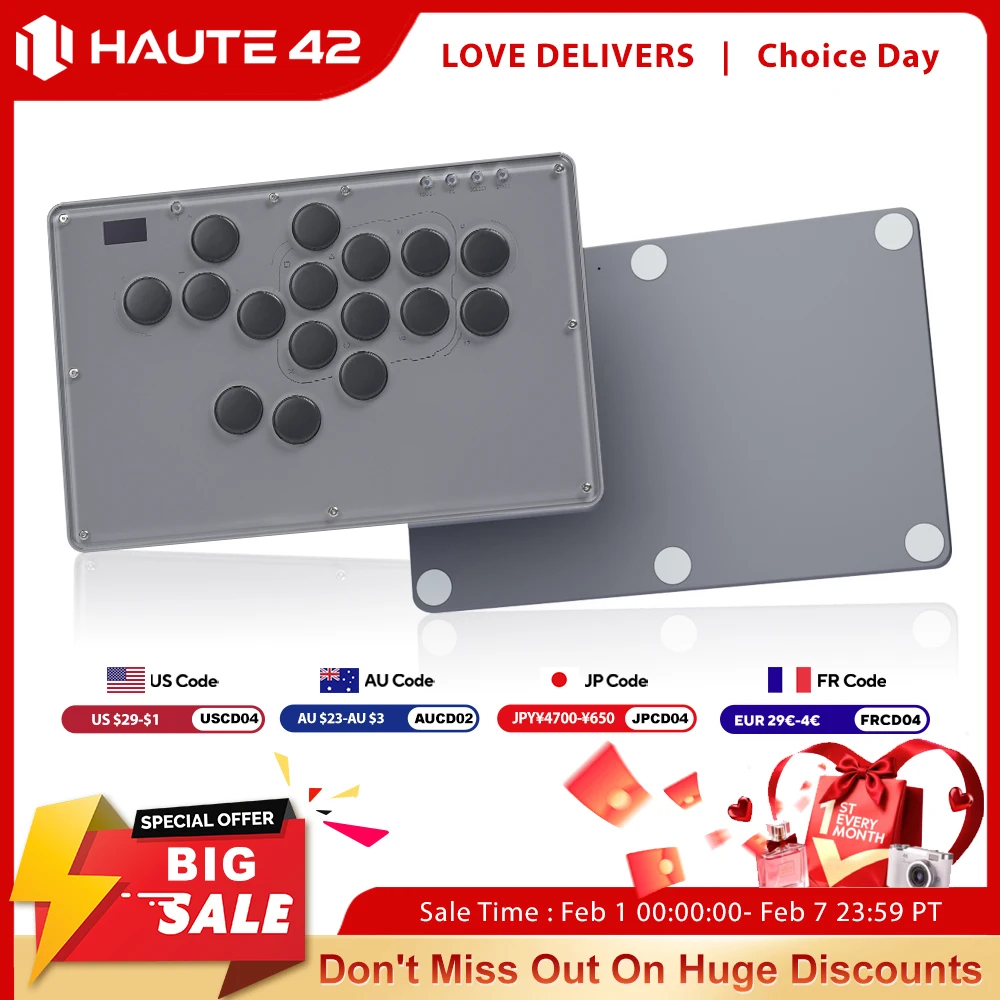



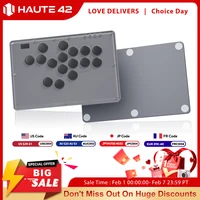

Haute42 V16 Joystick Hitbox Leverless Controller Hitbox Fightstick For PC/PS4/PS5/Switch Grey Stickless Arcade Stick Controller
Product Description
Working voltage: 5V
Link method: USB Type-C
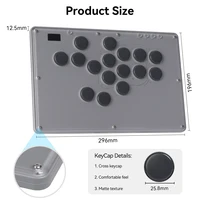
Product size: 296mm * 196mm * 12.5mm
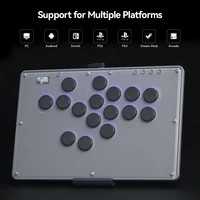
Supported Platforms : pc /ps3/ps4/switch/ Android/Steam
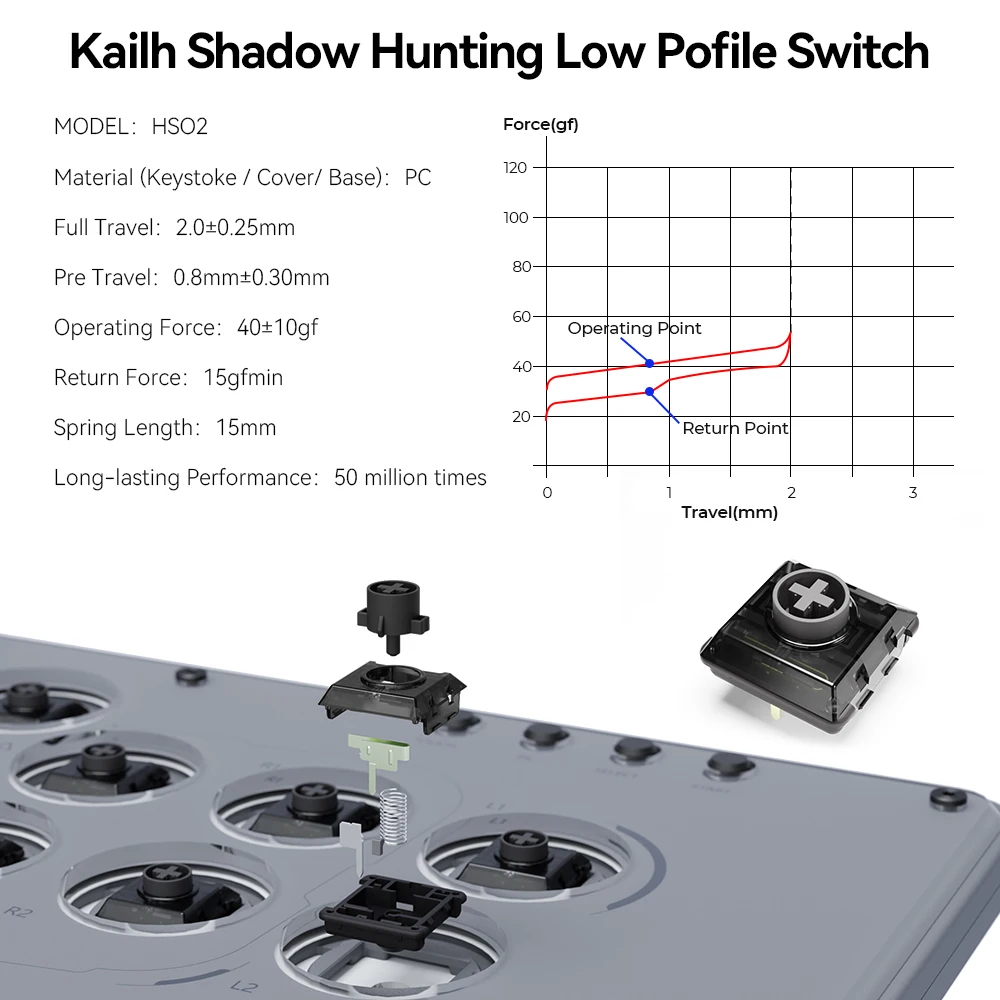
Product Specifications:1Mini Keyboard,1Data Cable Type-C,1Keycap Puller, 1 extra switch
Characteristic:
Dual core ARM Cortex-M0+@ 133MHZ
Supported by dedicated QSPI bus, up to 16MB off chip flash memory
Fully connected AHB crossover switch
Integrated 264kB on-chip SRAM in six independent groups
40nm process node manufacturing, low dynamic power consumption, and low leakage
1ms delay, no frame leakage rate above 95%
Supports firmware updates
more functions and compatibility coming soon
01 Compatibility
B — Xinput mode (Windows/Steam)
A — SWITCH mode
X — PS3 / Dinput mode (Raspberry Pi / Android)
Y — PS4 mode (Compatible with PS4 games on PS5 console)
RT — KEYBOARD mode
Input Mode
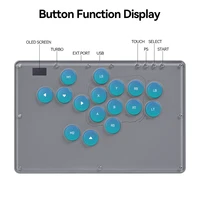
To change the input mode, hold one of the buttons(as shown above) as the controller is plugged in.
Tips:
This product defaults to Xinput mode,Input mode is saved across power cycles.
If there are games that do not compatible the above input modes , you can enter the Web Configurator to modify them for normal use
PS4/PS5 Mode
About PS4 8 minute disconnection,there are two ways, one is insert a dongle or a officially authorized PS4 wired controller to the EXT.port,We don’t have a recommend one,there are too many choices,maybe you can discuss with other nice players in haute42 group,ficial Website:www.haute42.com
Web Configurator
This product contains a built-in web-based configuration application which can be started up by holding START when plugging your controller into a PC. Then access //192.168.7.1 in a web browser to begin configuration.
04 RGB LED Setting
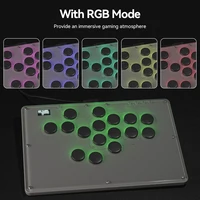
●BACK + START + X Next Animation
●BACK + START + A Previous Animation
●BACK + START + Y Brightness Up
●BACK + START + B Brightness Down
●BACK + START + RB LED Parameter Up
●BACK + START + RT LED Parameter Down
●BACK + START + LB Pressed Parameter Up
●BACK + START + LT Pressed Parameter Down







Reviews
Clear filtersThere are no reviews yet.