

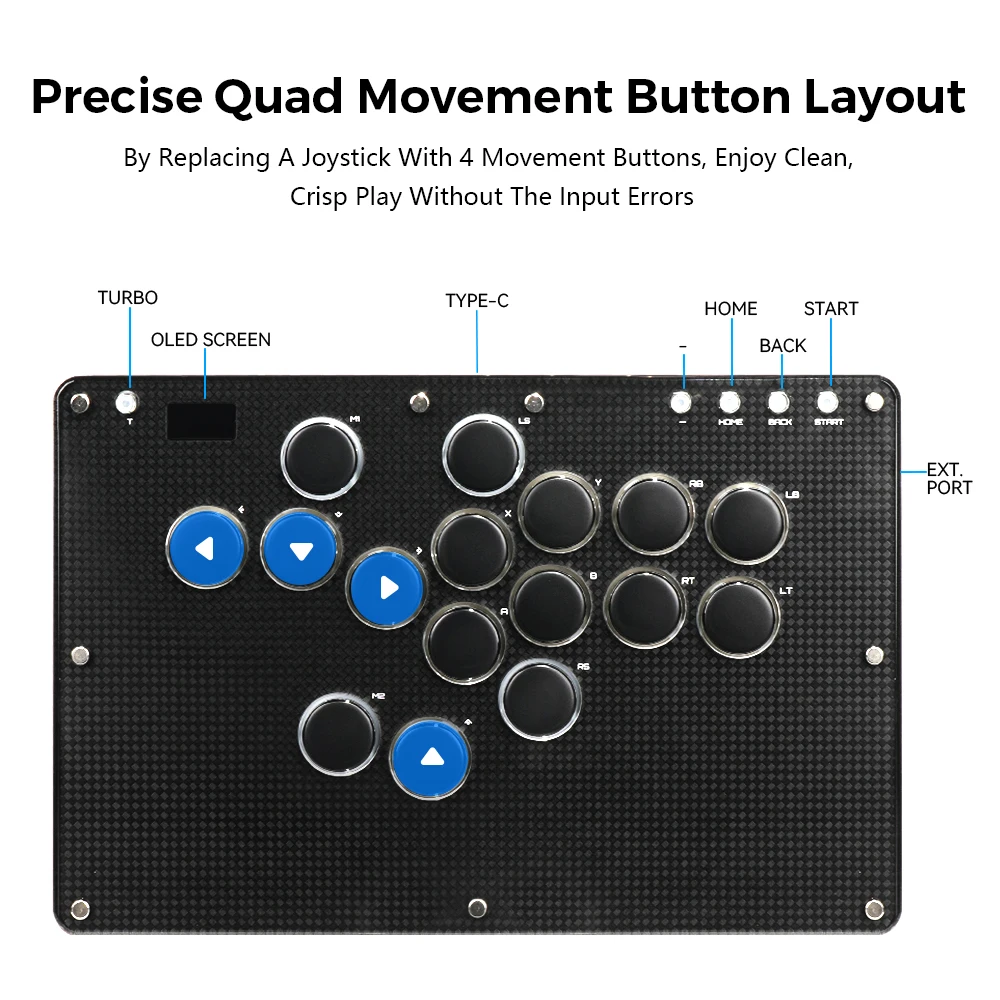


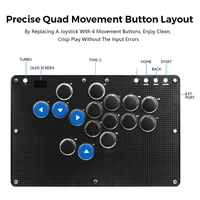
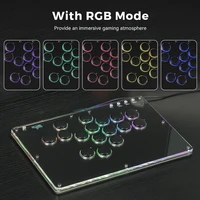

Note : If you want to connect PS4/PS5, you need to purchase a converter, which does not support direct connection
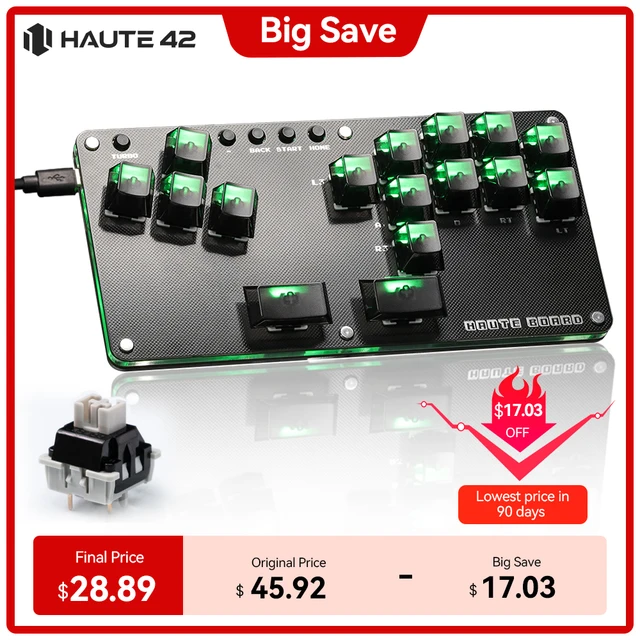
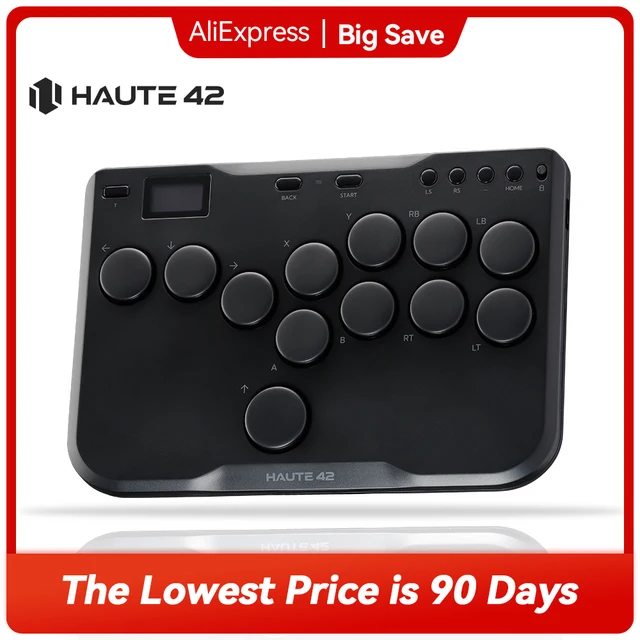
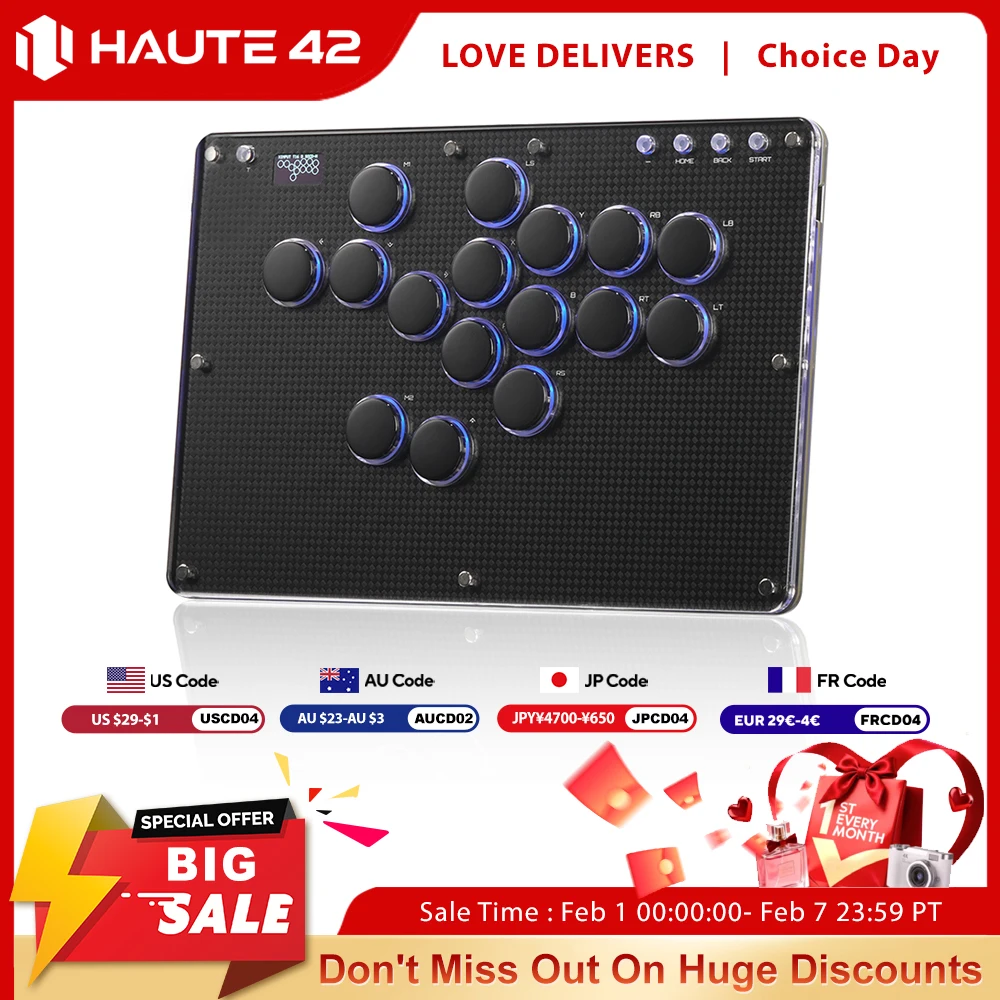
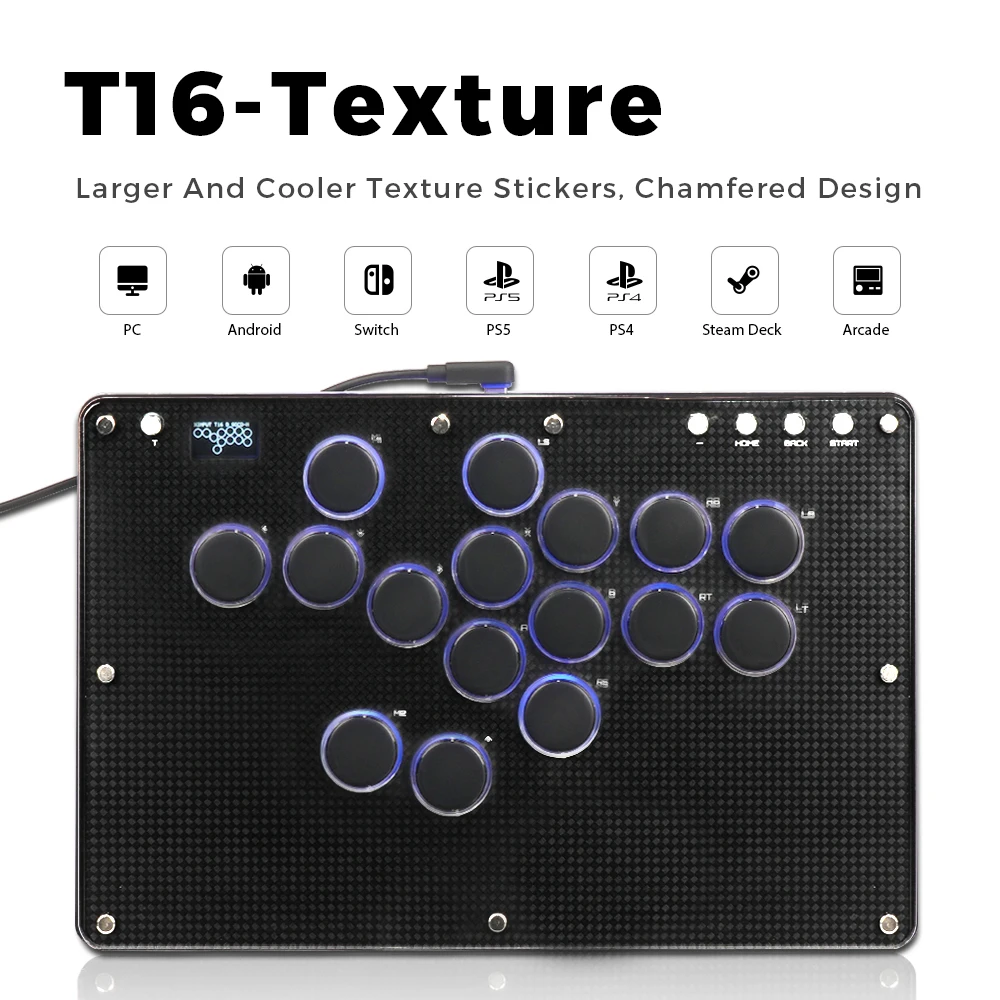
Haute42 T16-Texture Stickless Arcade Stick Controller Hitbox Leverless Controller For PC/PS4/PS5/Switch Arcade Hitbox Keyboard
Product Description
Working voltage: 5V
Link method: USB Type-C
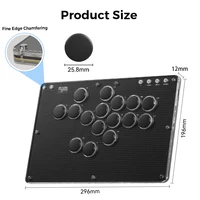
Product size: 296mm * 196mm * 125mm
Supported Platforms : pc /ps3/ps4/switch/ Android/Steam
Product Specifications:1Mini Keyboard,1Data Cable Type-C,1Keycap Puller,6 Anti Slip Pads
01 Compatibility
B — Xinput mode (Windows/Steam)
A — SWITCH mode
X — PS3 / Dinput mode (Raspberry Pi / Android)
Y — PS4 mode (Compatible with PS4 games on PS5 console)
RT — KEYBOARD mode
Input Mode
To change the input mode, hold one of the buttons(as shown above) as the controller is plugged in.
Tips:
This product defaults to Xinput mode,Input mode is saved across power cycles.
If there are games that do not compatible the above input modes , you can enter the Web Configurator to modify them for normal use.
Web Configurator
This product contains a built-in web-based configuration application which can be started up by holding START when plugging your controller into a PC. Then access //192.168.7.1 in a web browser to begin configuration.
TURBO
Hold TURBO,then press the button which you need to be set for turbo function,then this button will be continuous sending while you press it,to cancel this turbo key,just repeat the privious step.
The turbo key that set will be cleard when power off.
These keys can be set as a Turbo key: A / B / X / Y / LB / RB / LT / RT
04 RGB LED Setting
●BACK + START + X Next Animation
●BACK + START + A Previous Animation
●BACK + START + Y Brightness Up
●BACK + START + B Brightness Down
●BACK + START + RB LED Parameter Up
●BACK + START + RT LED Parameter Down
●BACK + START + LB Pressed Parameter Up
●BACK + START + LT Pressed Parameter Down







Reviews
Clear filtersThere are no reviews yet.