
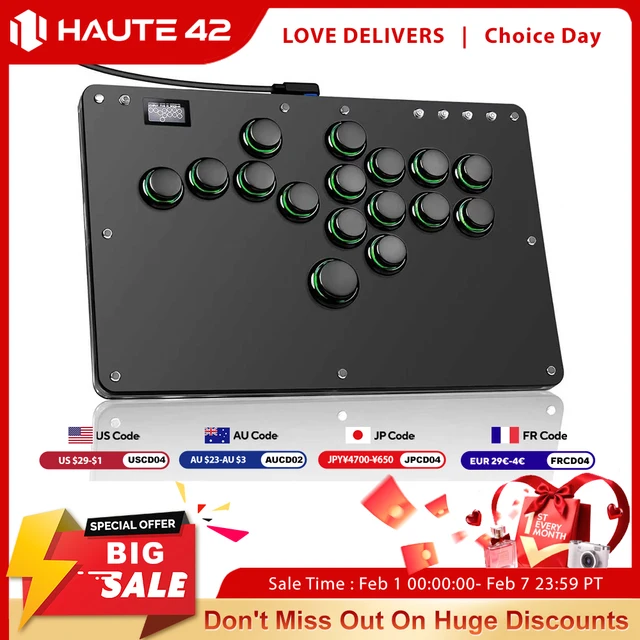
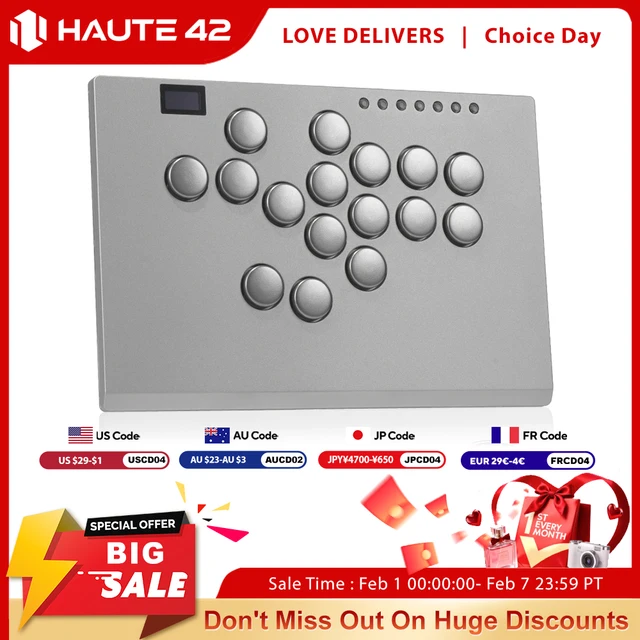
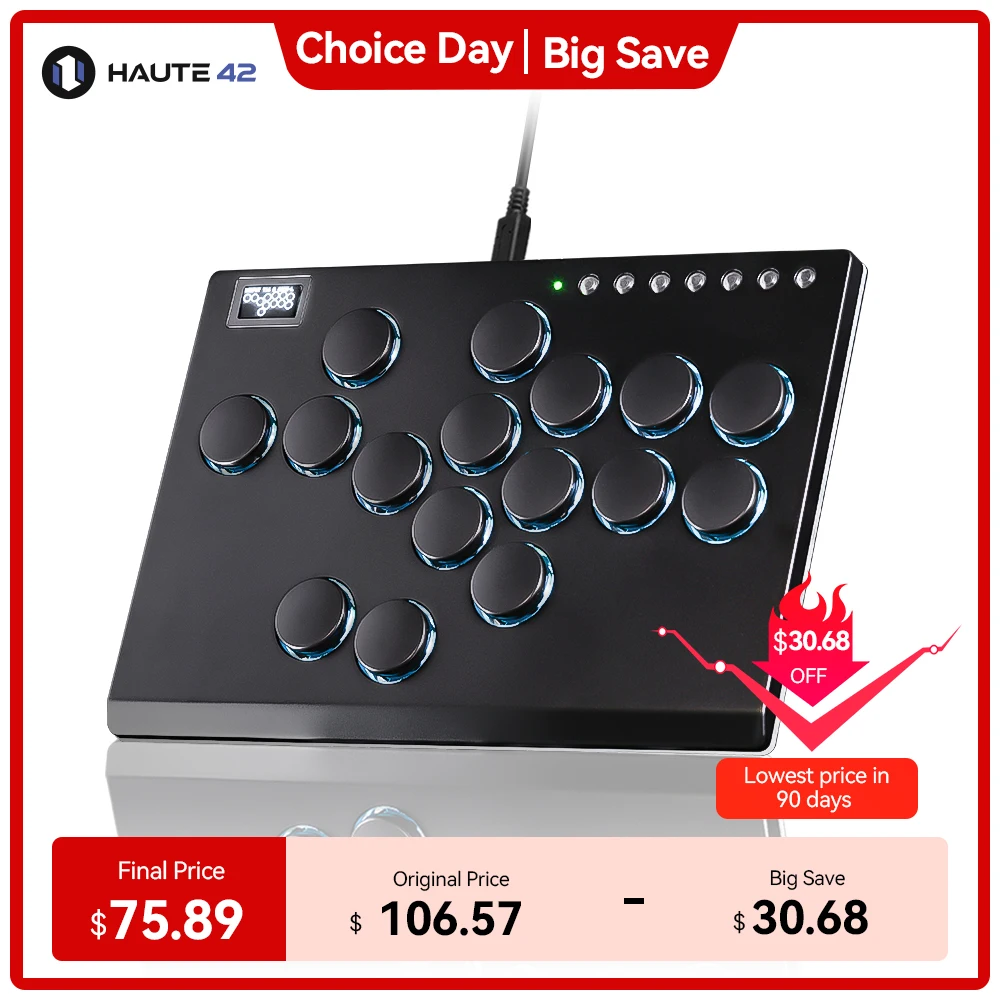

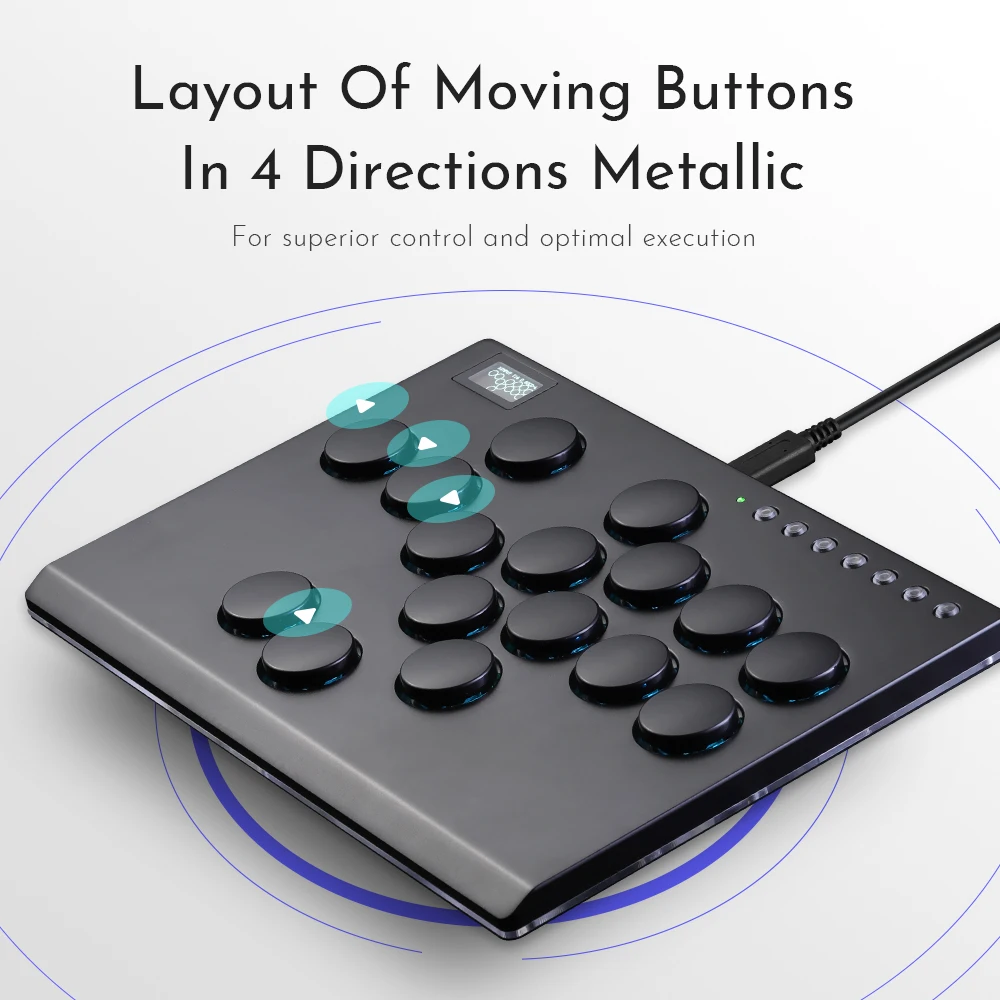


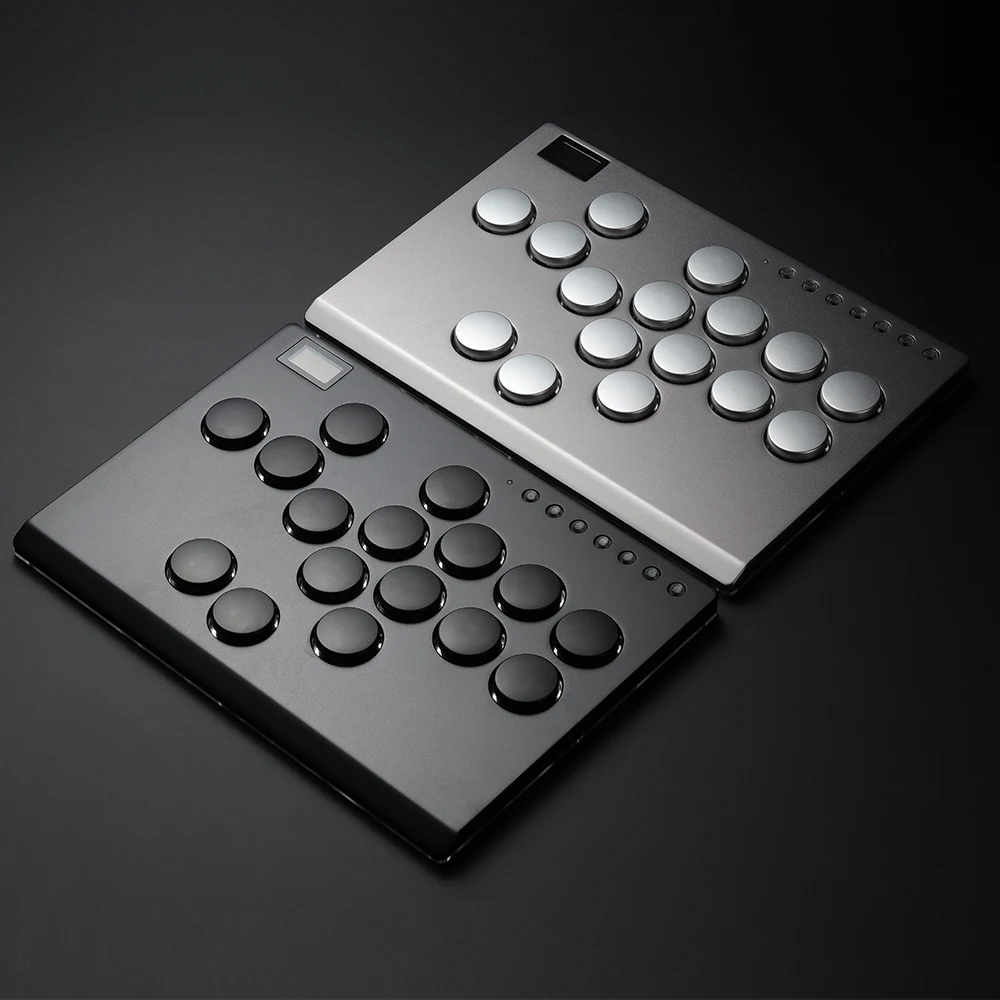

Haute42 All Metal Joystick Hitbox Controller Arcade Fighting Stick For PC/Ps3/ Ps4 / Switch/Steam Mini Hitbox Keyboard Control
Product Description
Working voltage: 5V
Link method: USB Type-C
Product size: 240mm * 166mm * 12.6mm Key cap Size:25.8 mm
Supported Platforms : pc /ps3/ps4/switch/ Android/Steam
Product Specifications:1Mini Keyboard,1Data Cable Type-C,1Keycap Puller, 4 anti slip pads
HautePad M series
Ten years of gaming peripheral experience
Carefully crafted portable Hitbox
Take you back to the arcade er
The heart of combat never stops!
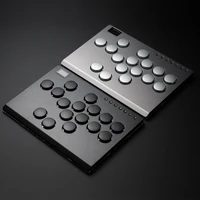
This is an all metal hitbox keyboard, Adopting CNC Aluminum Alloy
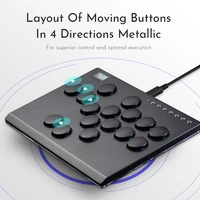
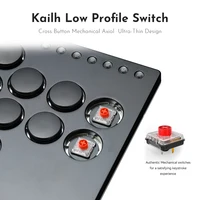
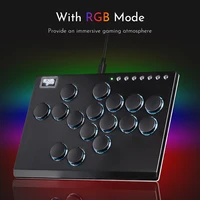
Anodizing Process ultra-thin, not bulky at all, compact and easy to carry, featuring low axis switches. Featuring a cool appearance with RGB mode. Perfect for fighting games, worth having!
Adopting a cost-effective combat chip, the Raspberry Pi RP2024 main control chip
Dual core ARM Cortex-M0+@ 133MHZ
Supported by dedicated QSPI bus, up to 16MB off chip flash memory
Fully connected AHB crossover switch
Integrated 264kB on-chip SRAM in six independent groups
40nm process node manufacturing, low dynamic power consumption, and low leakage
1ms delay, no frame leakage rate above 95%
Supports firmware updates
more functions and compatibility coming soon
01 Compatibility
B — Xinput mode (Windows/Steam)
A — SWITCH mode
X — PS3 / Dinput mode (Raspberry Pi / Android)
Y — PS4 mode (Compatible with PS4 games on PS5 console)
RT — KEYBOARD mode
Input Mode
To change the input mode, hold one of the buttons(as shown above) as the controller is plugged in.
Tips:
This product defaults to Xinput mode,Input mode is saved across power cycles.
If there are games that do not compatible the above input modes , you can enter the Web Configurator to modify them for normal use.
PS4 Mode
This product will be disconnected at 8 minutes after connecting to the PS4/PS5 console.
You can avoid this 8-Minute Timeout by uploading the verification files which required for PS4 mode. More details, please check on the official website:www.haute42.com
Web Configurator
This product contains a built-in web-based configuration application which can be started up by holding START when plugging your controller into a PC. Then access //192.168.7.1 in a web browser to begin configuration.
TURBO
Hold TURBO,then press the button which you need to be set for turbo function,then this button will be continuous sending while you press it,to cancel this turbo key,just repeat the privious step.
The turbo key that set will be cleard when power off.
These keys can be set as a Turbo key: A / B / X / Y / LB / RB / LT / RT
04 RGB LED Setting
●BACK + START + X Next Animation
●BACK + START + A Previous Animation
●BACK + START + Y Brightness Up
●BACK + START + B Brightness Down
●BACK + START + RB LED Parameter Up
●BACK + START + RT LED Parameter Down
●BACK + START + LB Pressed Parameter Up
●BACK + START + LT Pressed Parameter Down
D-Pad Modes
You can switch between the 3 modes for the D-Pad while the controller is in use by pressing one of the following default combinations:
● BACK + START + DOWN = D-Pad
● BACK + START + LEFT= Emulate Left Analog stick
● BACK + START + RIGHT= Emulate Right Analog stick
D-Pad mode is saved across power cycles.
Invert D-Pad Y-axis
A toggle is available to invert the Y-axis input of the D-pad, allowing some additional input flexibility. The default hotkey to toggle is to press
● HOME + START + RIGHT = Y-axis inversion
This is a temporary hotkey mapping for this feature, so keep an eye on updated releases for this to change.
SOCD Modes
Simultaneous Opposite Cardinal Direction (SOCD) cleaning will ensure the controller obeys certain directional input rules when sending inputs to the computer/console. Users can choose 1 of the 3 SOCD Modes while the controller is in use by pressing one of the following button default combinations:
● HOME + START + UP = Up Priority mode
Up + Down = Up, Left + Right = Neutral (Standard stickless behavior).
● HOME + START + DOWN = Neutral mode
Up + Down = Neutral, Left + Right = Neutral
● HOME + START +LEFT =Last Input Priority (Last Win)
Hold Up then hold Down = Down, then release and re-press Up = Up. Applies to both axes.
The selected SOCD mode is saved across power cycles.







Reviews
Clear filtersThere are no reviews yet.