

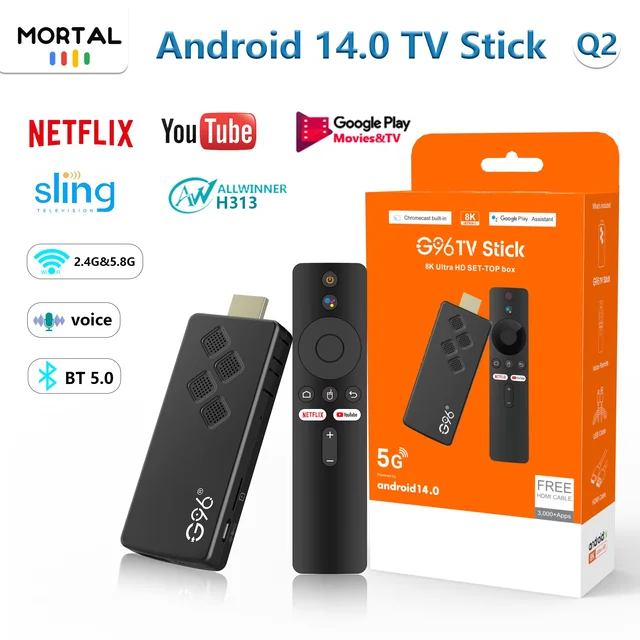
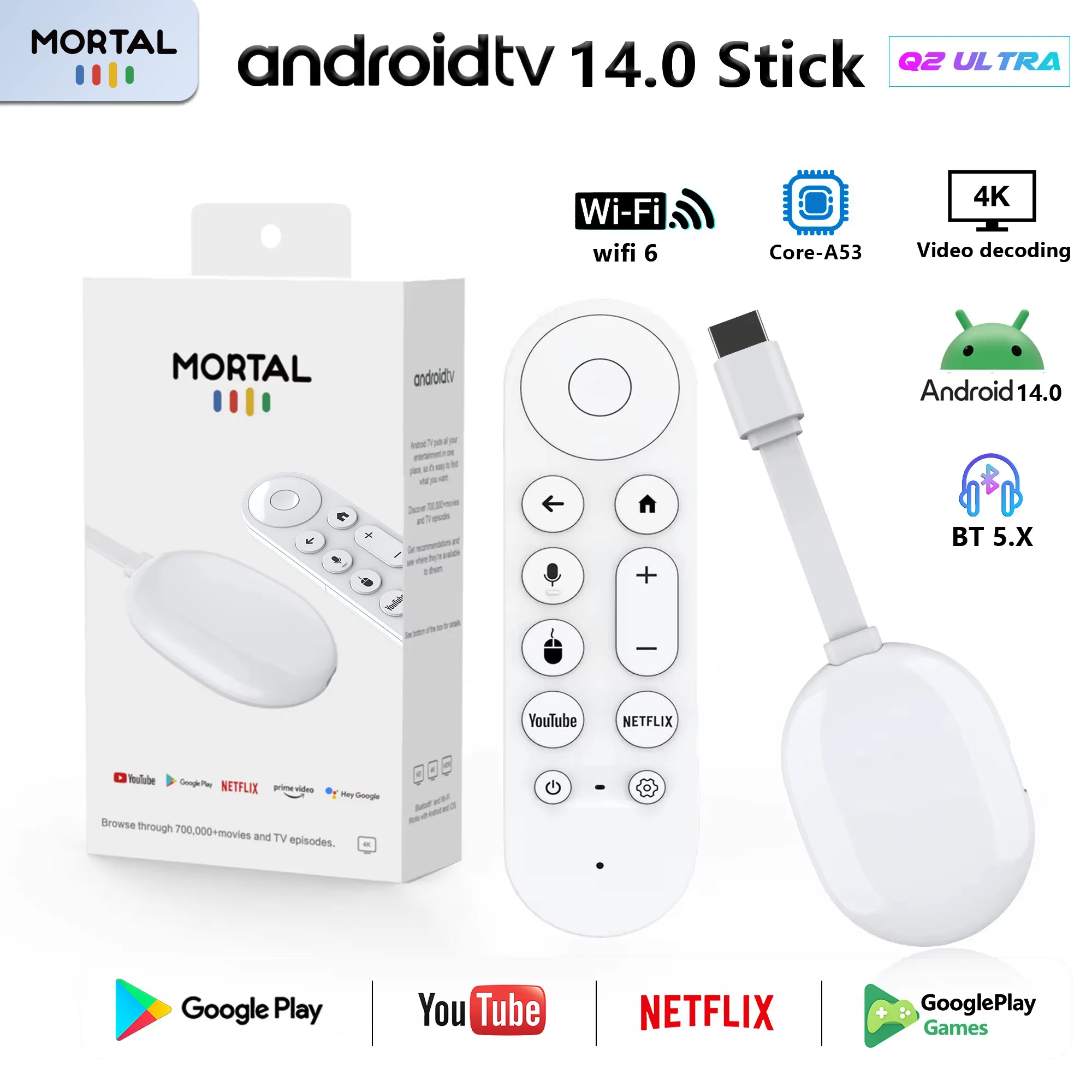
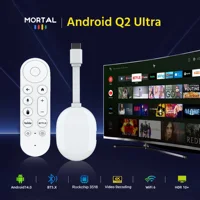
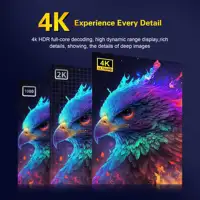

New Mortal Android 14.0 BT5.X 4k Smart TV Stick Q2 Ultra Rock3518 2GB RAM 16GB ROM Q2 Ultra TV Stick Dual Wifi 6 TV Dongle
How to install Q2 Ultra TV Stick?
1: Connect the HDMI port of the TV Stick to the HDMI port of the TV.
2: Connect the TV Stick to a 100-240V power socket using a 5V, 2A power plug
3: Wait for the machine to start automatically, open the network settings, connect to the network, and you can surf the Internet normally.
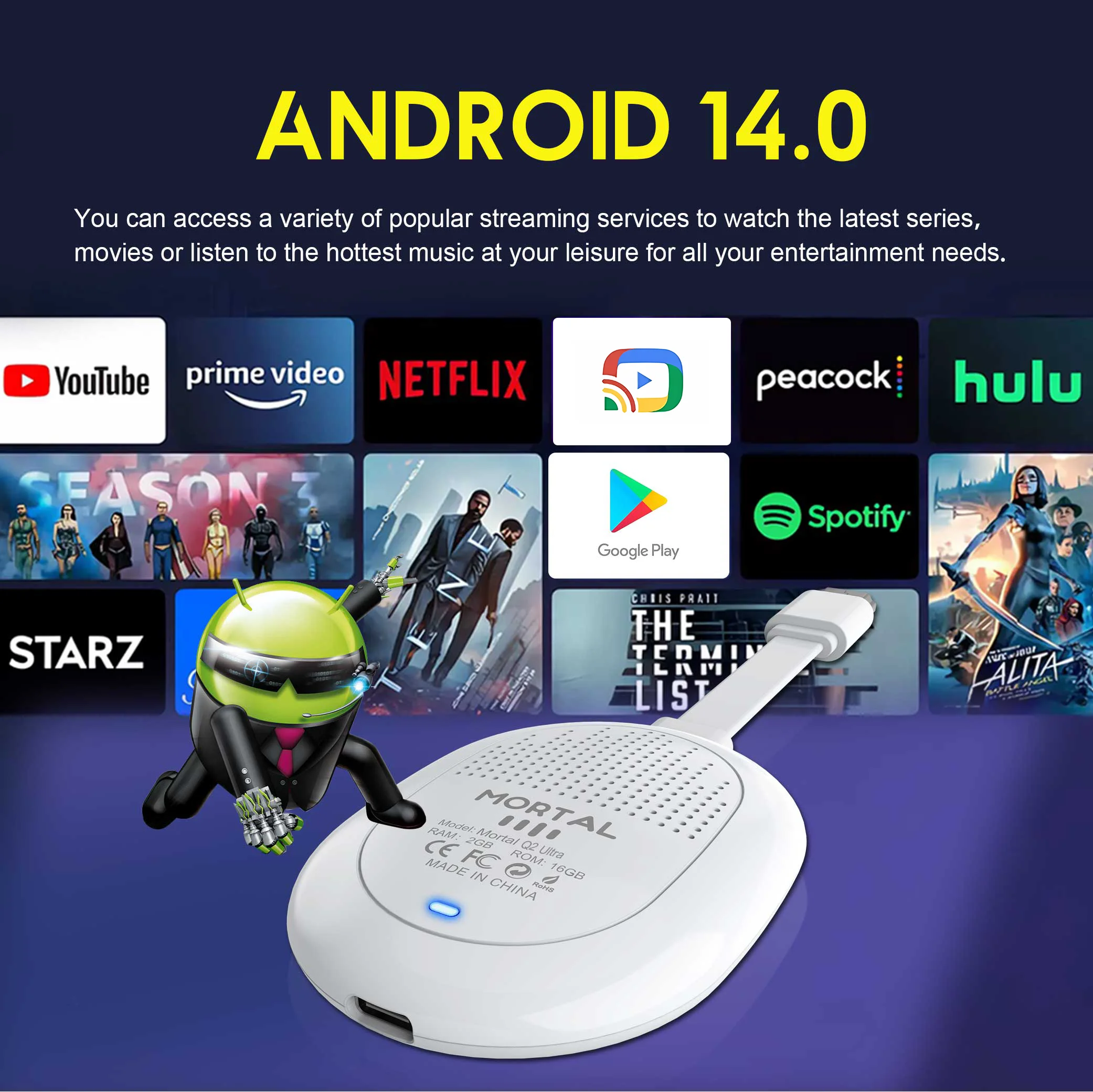
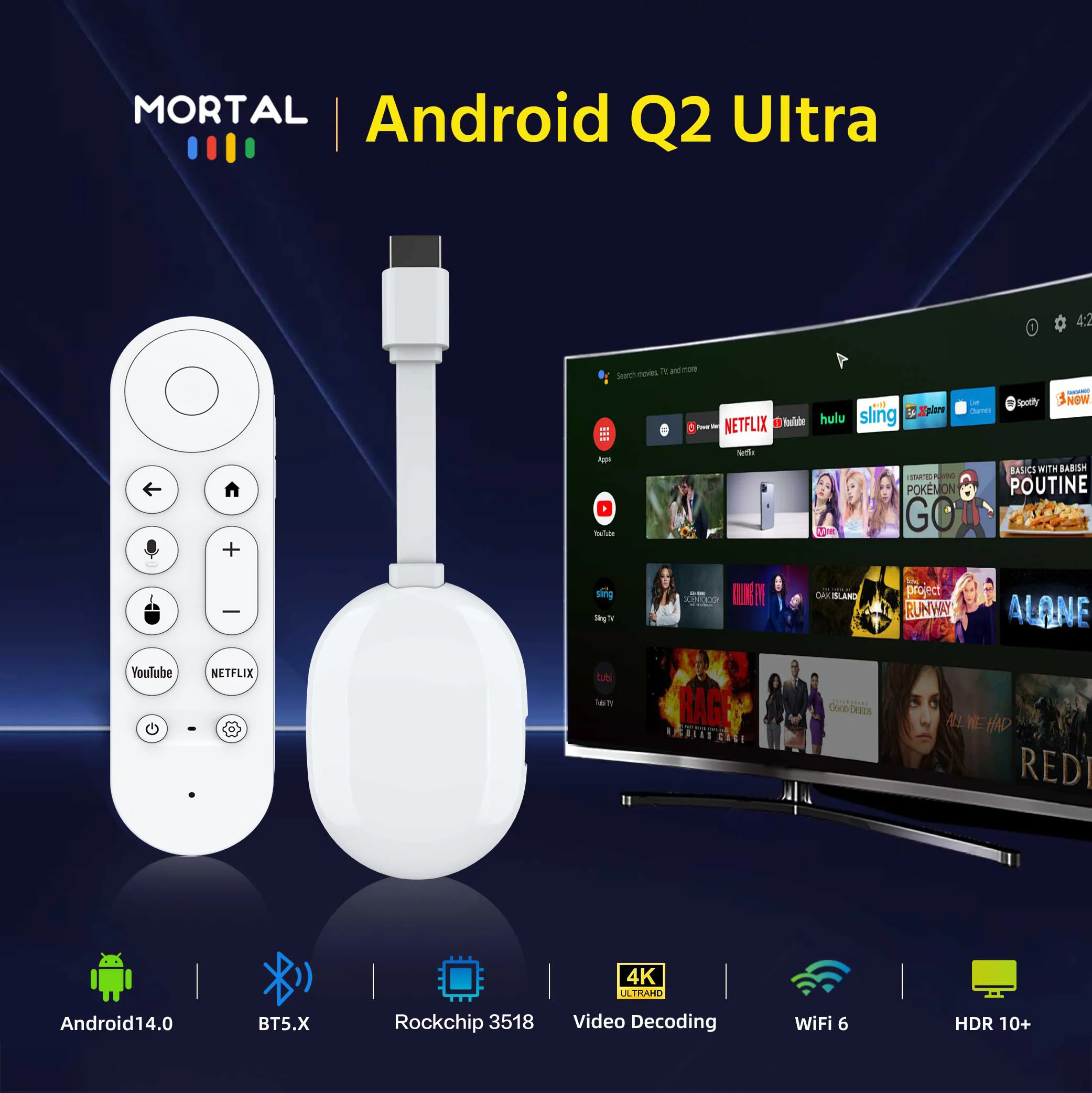
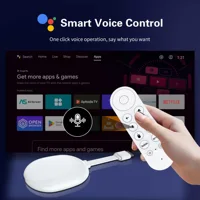
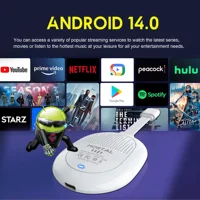
It comes pre-installed with Android 14.0, and multiple applications can be accessed through the App Store. The Bluetooth voice remote control, screen mirroring, and customizable home screen make navigation easy and convenient.
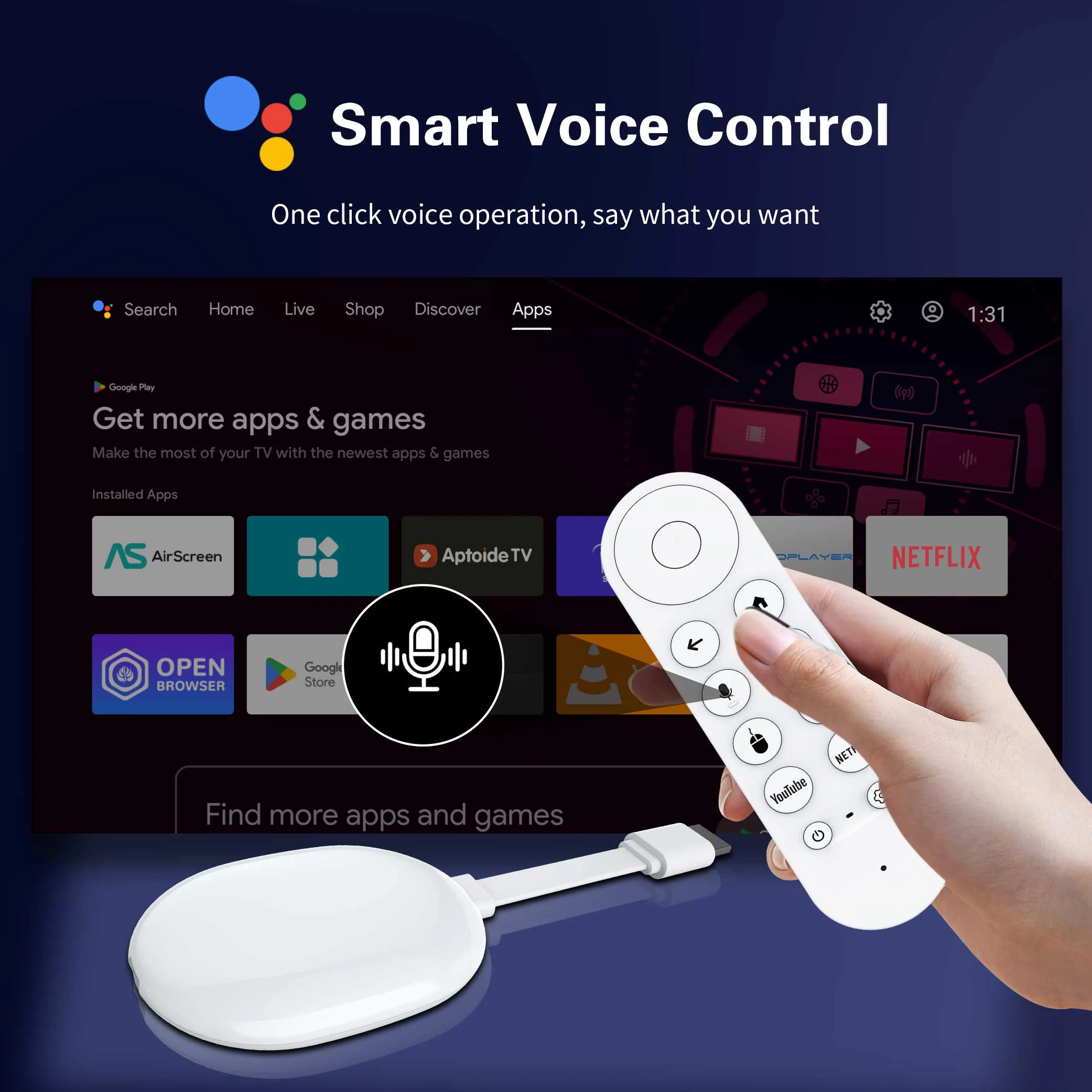
Android TV Stick comes with an improved Bluetooth remote control. Unlike ordinary infrared remote controls, the latest Bluetooth remote control doesn’t require focused aiming for each click. You can navigate directly to the application list or open some supported applications with one click, which is quite convenient.
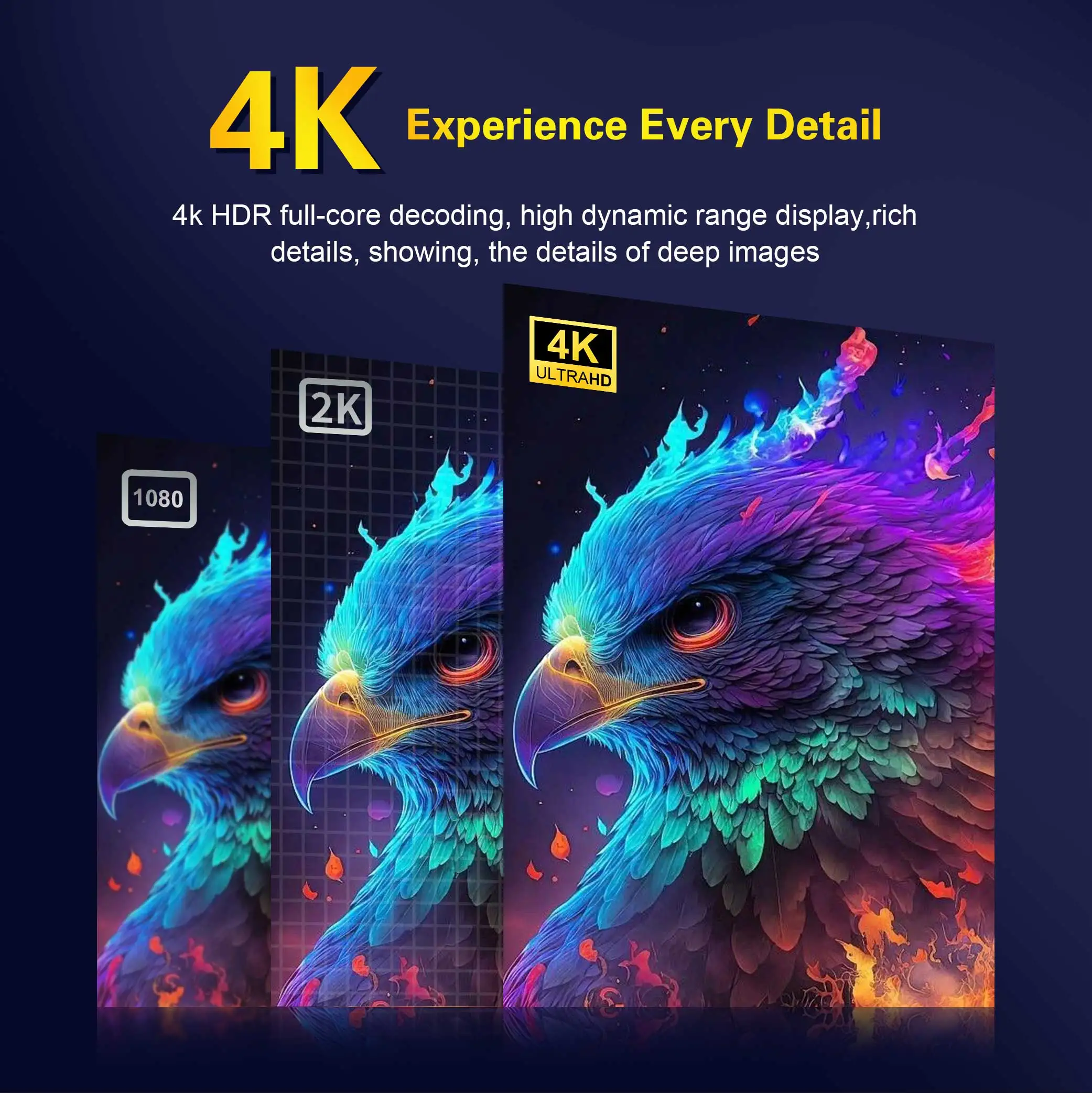
This new Android TV stick supports high-speed dual-band 2.4G/5.8G Wi-Fi connection, providing a secure, low-latency network to ensure that the Android TV stick runs smoothly and seamlessly, allowing you to enjoy 4K movies.
Q2 Ultra TV stick can install more applications. Powered by the faster Rock3518 chip, it delivers a fluid experience and near-instantaneous responsiveness in most daily tasks.
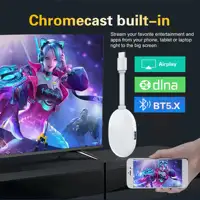
Wireless screen mirroring
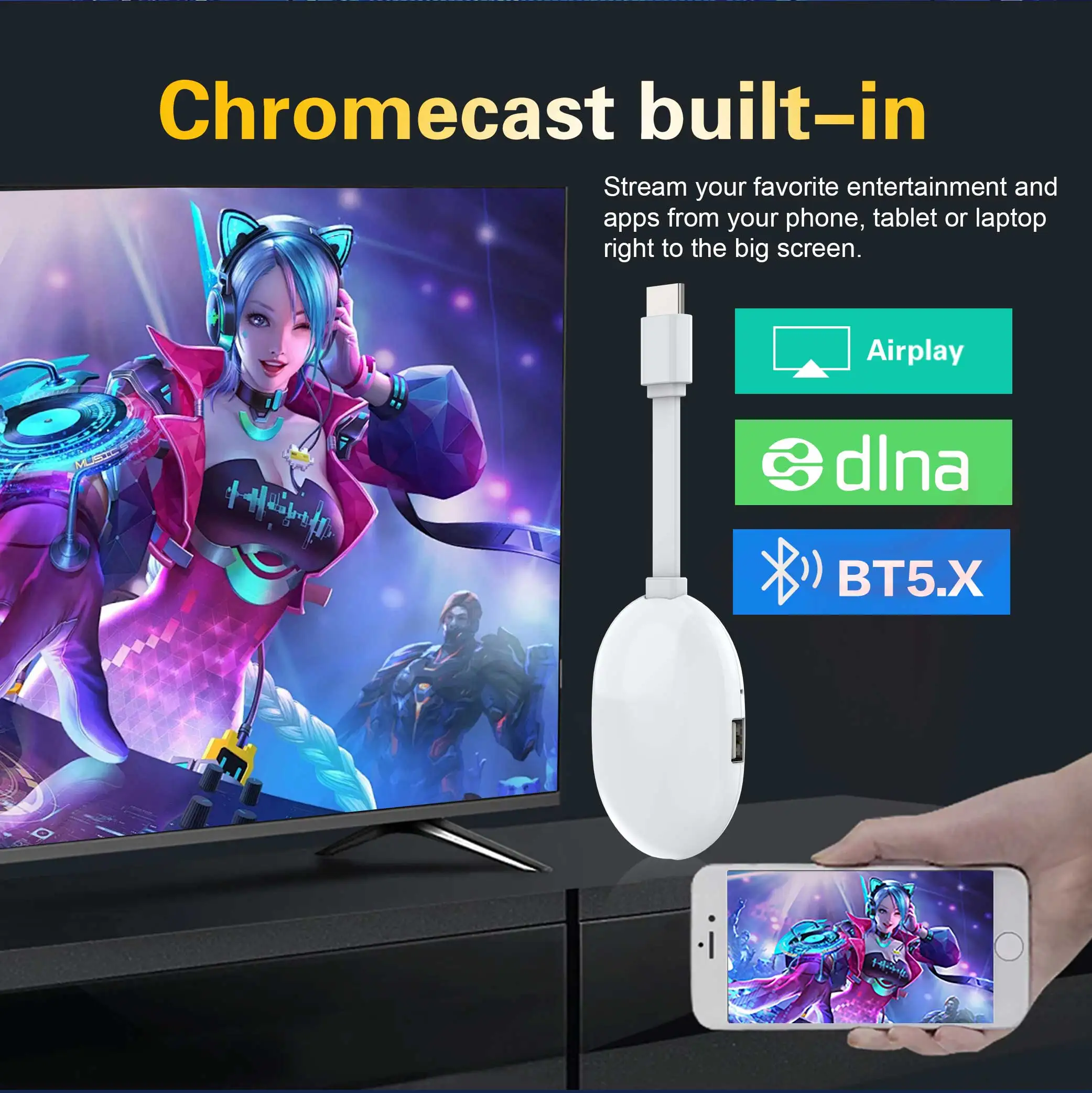
You can connect iOS, Windows, and Android devices through Airplay and DLNA software to easily display videos and photos on mobile phones and tablets.
What’s in the TV stick
1*Mortal Q2 Ultra TV stick
1*USB power cable(5V,2A)
1*Voice remote control
1*manual
1*Packaging Box







Reviews
Clear filtersThere are no reviews yet.