
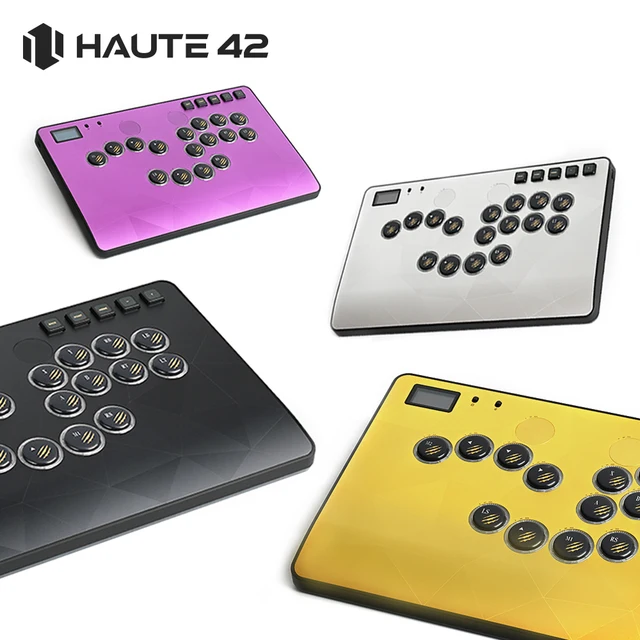
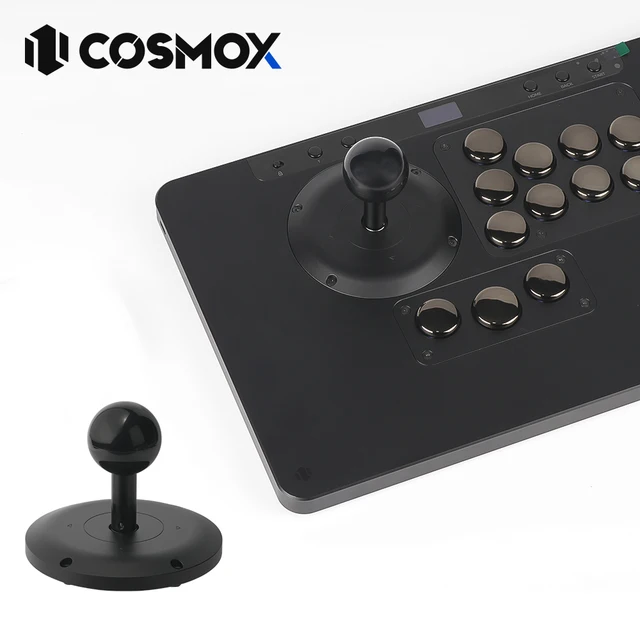



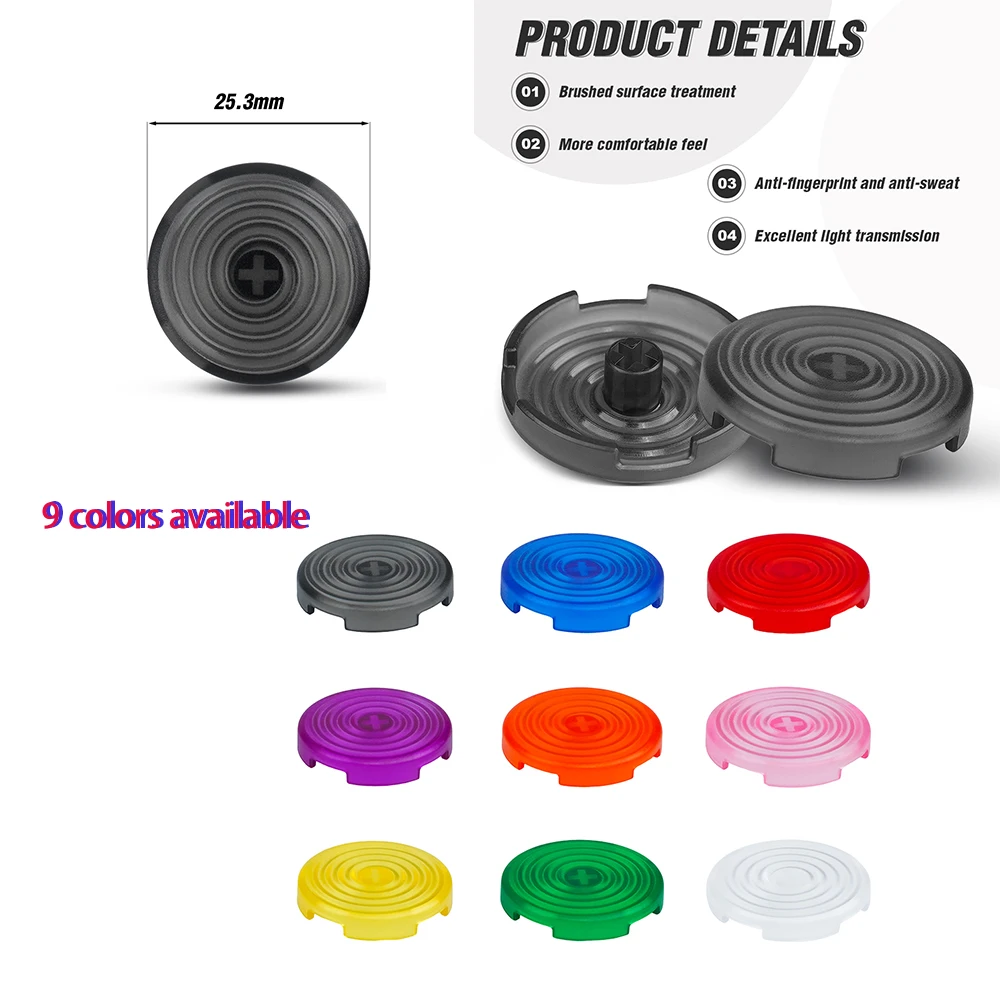



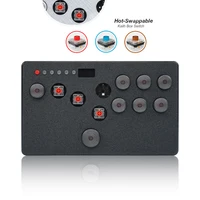

Mini Flatbox HitBox Controller For PS4 FightStick Hot Swap Kailh Switch Arcade Joystick For PC/PS3/Nintendo Switch
Flatbox is a gamepad for the Raspberry Pi Pico and other boards based on the RP2040 microcontroller, and provides high performance with a rich feature set across multiple platforms. GP2040-CE is for PC/ MiSTer/Android/Raspberry Pi/Nintendo Switch/PS3/PS4 (in games that support legacy controllers)
Join Us The Discord://discord.gg/BXeWntUJ8B
Feature:
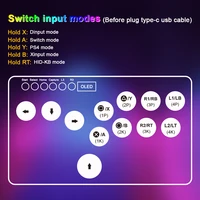
• Supports 5 input modes: for XInput/Nintend Switch/PS4/PS3 and Keyboard
• Multiple SOCD cleaning modes – Up Priority (a.k.a. Stickless), Neutral, and Second Input Priority.
• Left and Right stick emulation via D-pad inputs as well as dedicated toggle switches.
• Dual direction via D-pad + LS/RSDual direction via D-pad + LS/RS
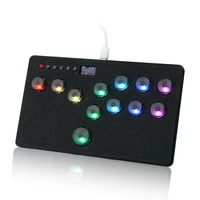
• Multiple LED profiles and Multi-functional OLED display support
•Overclocked polling rate for less than 1 ms of input latency in all modes.
Full documentation:
//gp2040-ce.info/#/usage
Firmware
GP2040-CE_0.7.2_FlatboxRev4_LED.uf2_.7z
NOTE
Enabling for PS4 mode will allow you to use GP2040-CE for PS4 with an 8 minute timeout. If you have the necessary files to upload in for PS4 Mode it will authenticate to a native for PS4 device and not time out after 8 minutes.
We are unable to provide the key files required for ps4 controllers
Batter mode(Support OLED display)
Press the TURBO key and press the key to trigger the switch
• Batter can be set to (X/Y/R1/L1 A/B/R2/L2)
• Speed is adjusted 1-60 times per second (uniform adjustment)
Turn on/off Batter mode :Hold TURBO+(X/Y/R1/L1 A/B/R2/L2)
• Hold TURBO + UP to increase speed
• Hold TURBO + DOWN to slow down the speed
• The speed has a memory function, but the batter status is cleared when the connection is disconnected
Firmware Updates
The hitbox keyboard comes preinstalled with the latest GP2040-CE firmware. lf you’d like to update to the latest firmware, perform the following steps:
1.Download the latest version of GP2040-CE for the Pico Fighting Board from //github.com/OpenStickCommunity/GP2040-CE
2. Unplug your hitbox from the computer.
3. Press and hold the white BOOT button on the Pico while plugging into the computer.
4. Copy the GP2040-Pico Fighting Board. uf2 file to the RPI-RP2 drive that appeared when connecting the Pc
5. Once the update is complete the hitbox will restart and again be detected as a controller.
Advanced Configuration
The GP2040 firmware has a built-in configuration app which runs from a local webserver on the Pico. To access the configuration app from a computer
1. Hold START while plugging the controller into a computer.
2.Open a browser and navigate to//192.168.7.1
You now have access to adjust controller settings, configure RGB LEDs, reset settings, etc







Reviews
Clear filtersThere are no reviews yet.