

●Hello, friend, thank you for visiting our store. In order to meet the needs of different customers, our purchase page has multiple options to choose from.
We provide 4 option:
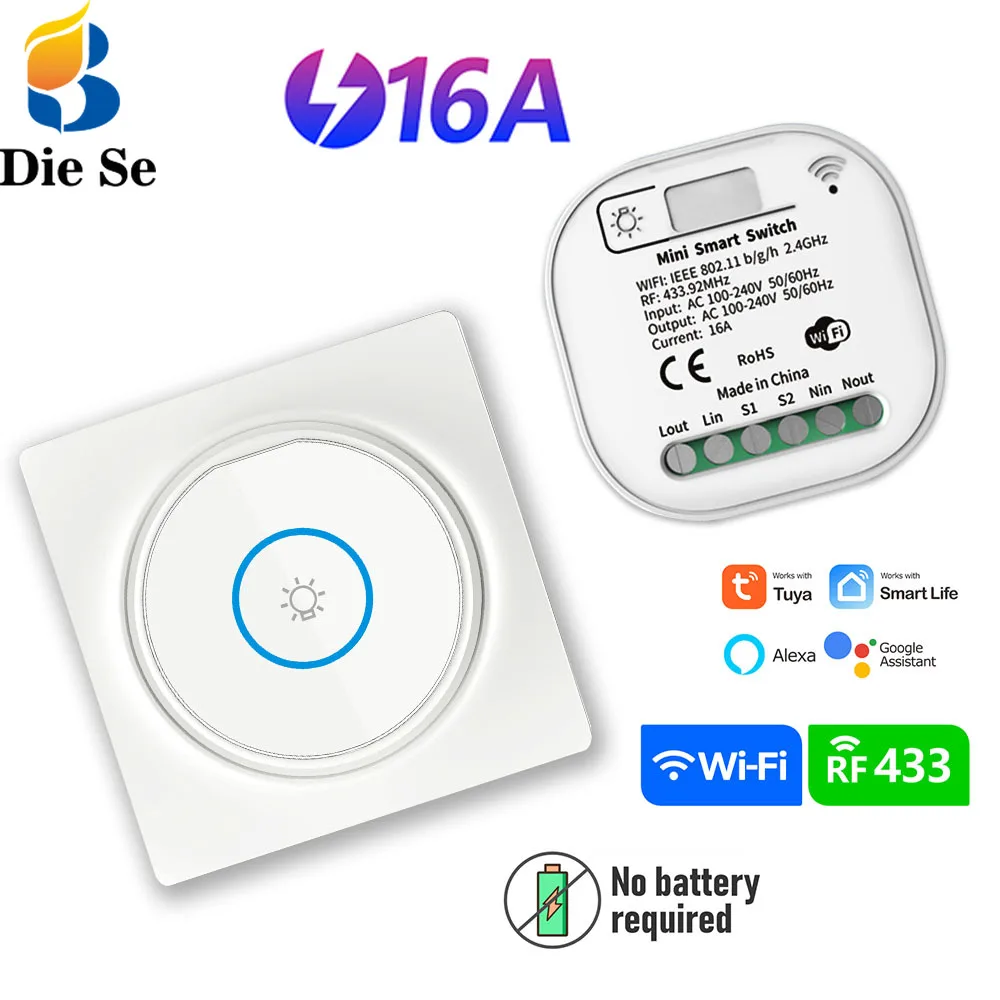
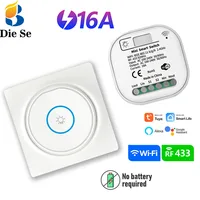
▶”1 receiver 1 switch”=1pcs wifi + RF self powered receiver and 1pcs wireless switch(no batter needed),
▶”1 receiver 2 switch”=1pcs wifi + RF self powered receiver and 2pcs wireless switch(no batter needed)
▶”1pcs receiver”=1pcs wifi + RF self powered receiver,
▶”1pcs wireless switch”=1pcs wireless switch(no batter needed),
a total of 4 options, please buy according to your own needs, thank you.
●If you purchase more than two items at a time, you will get a 3% discount (you can add the products to the shopping cart first and then pay together)
●Self-generating switches can only be used with specially customized self-generating receivers. If you only buy one self-generating switch or receiver, it is very likely that you will not be able to use it, even if you own other wireless switches or receivers.
▶The wires reserved on the wall are not well positioned or not enough.
▶ There is no dual control switch on the stairs, so the lights cannot be turned off upstairs or downstairs.
▶ Reluctance to get up and turn off lights (or other devices) in winter
▶ The elderly have difficulty moving. There is no light switch next to the bed. It is inconvenient to get up and go to the toilet at night. It’s too dark and it’s easy to fall over.
▶ Too many wires are too messy, which increases safety risks.
▶ Device is not smart enough
▶ Used batteries of remote controls or wireless switches are difficult to dispose of and are not environmentally friendly.
***********************************
●Our products can solve your problems
♦wireless switch remote control
✔Connect our receiver with your device (such as LED, light, fan and so on), you can use the wireless self powered switch to control your device remotely✔
♦Make your device smart
✔Connect your light bulbs and other devices to our products, and your devices will become smart products. You can use the mobile app to control the device anytime, anywhere, and even set the device to automatically turn on/off at a certain time, etc..✔
♦Environmental friendly
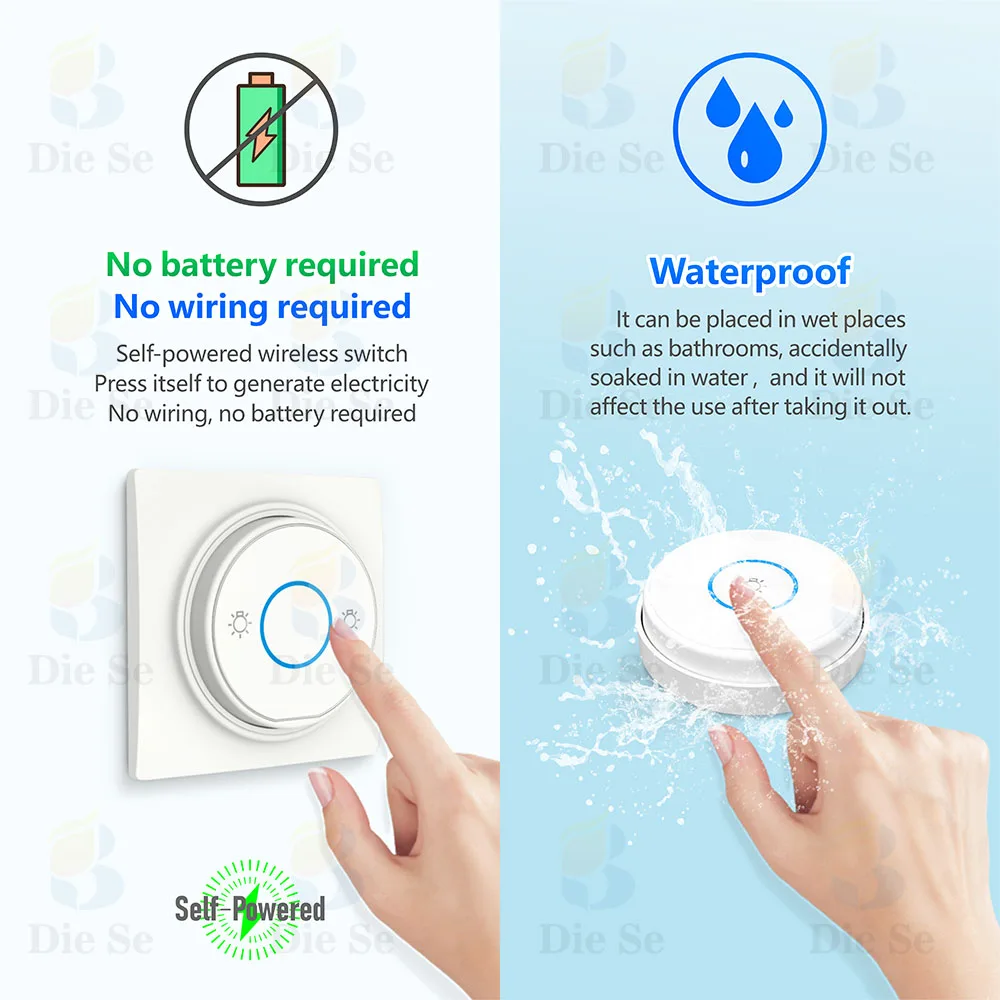
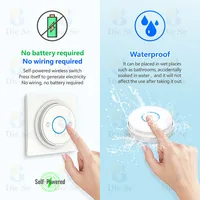
✔Self-generating wireless switch requires no batteries to operate✔
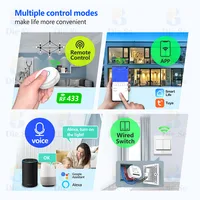
♦Compatible with Alexa Google Home
✔You can use voice control to turn on your device✔
♦Ultra-long remote control distance
✔Remote control distance from 3 meters to 50 meters,The fewer obstacles, the farther the remote control distance is✔
♦Safety
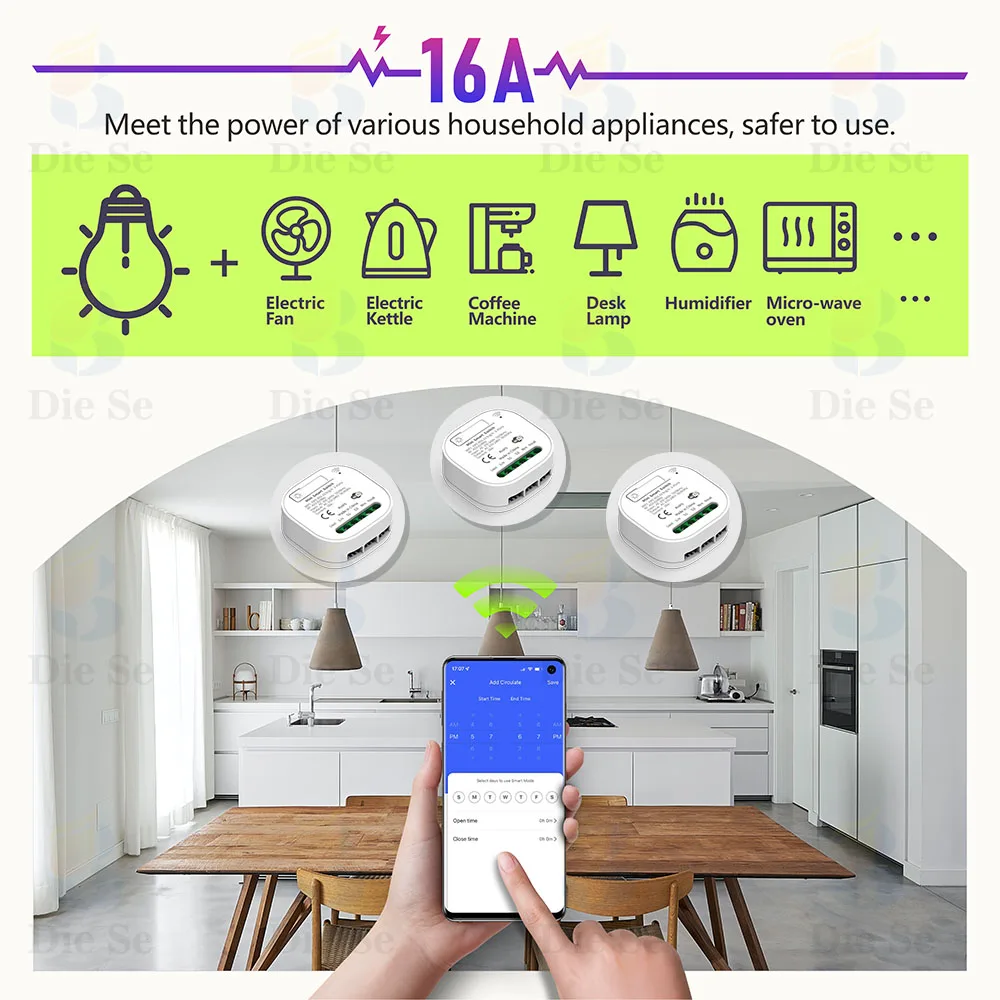
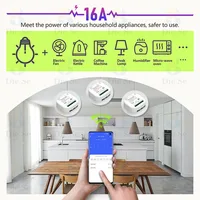
✔The receiver is equipped with a 16A relay, which meets the usage conditions of most electrical appliances.✔
♦ Supports Multiple wireless switch
✔One receiver can be controlled by multiple (less than 5pcs) wireless switch✔
●about the self powered switch
▶The working principle of the wireless self-generating switch is to use energy harvesting technology to convert the trace kinetic energy generated by pressing the switch into electrical energy to form an energy supply for signal transmission. At the same time, it uses RF433 radio frequency technology to realize wireless control of the switch on lamps and other equipment.
▶Parameters of self-generating switch
RF frequency : 433MHz
Transmitting range : Open space is more than 50 meters
Battery : no battery needed
Panel fluorescence : Yes
Size:86*86*13mm
Color:white
●about the wifi + rf self powered receiver
Working voltage:AC85~240V
Size:47*42*23mm
Max Load:16A
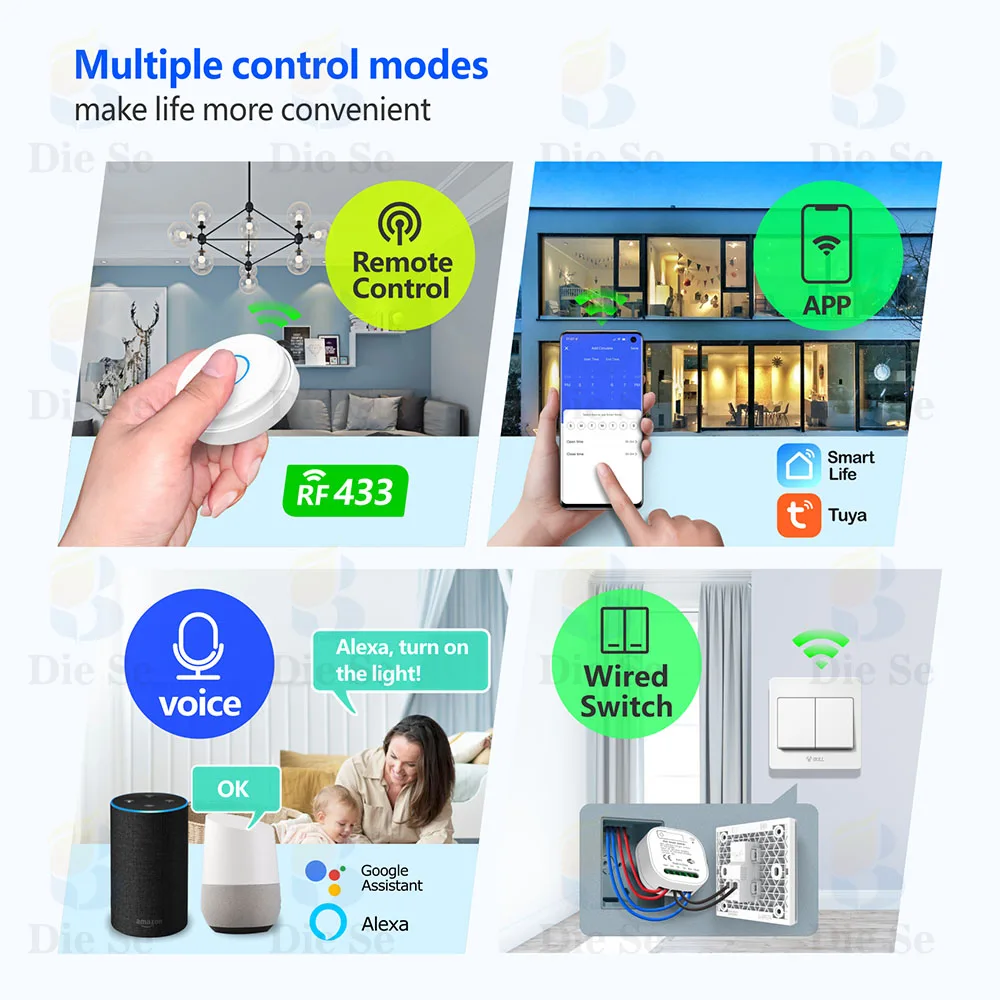
Control mode: RF remote control / App control / Voice control
RF frequency:433MHz
Working temperature:30~+80
Receiving Sensitivity:97dbm
Amount of storage remote controls:25 pieces
RF Operating mode:ASK superheterodyne wireless reception
Wi-fi:IEEE 802.11 b/g/n
Compatibility:APP for IOS and Android.
Access intelligent speaker:Amazon Alexa / Google home
Remote operating mode:Toggle Mode
▶Multiple control methods, such as tuya/smart life app, voice control, wireless switch control, wire switch control
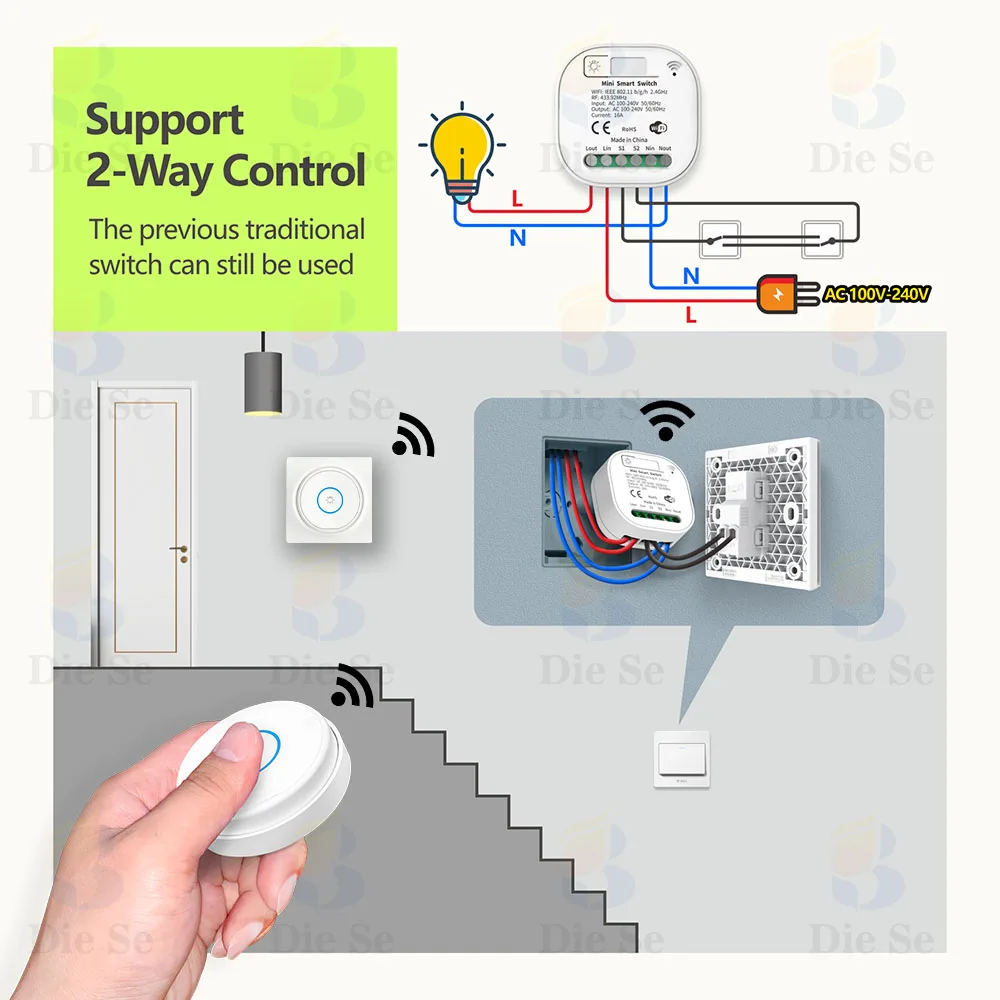
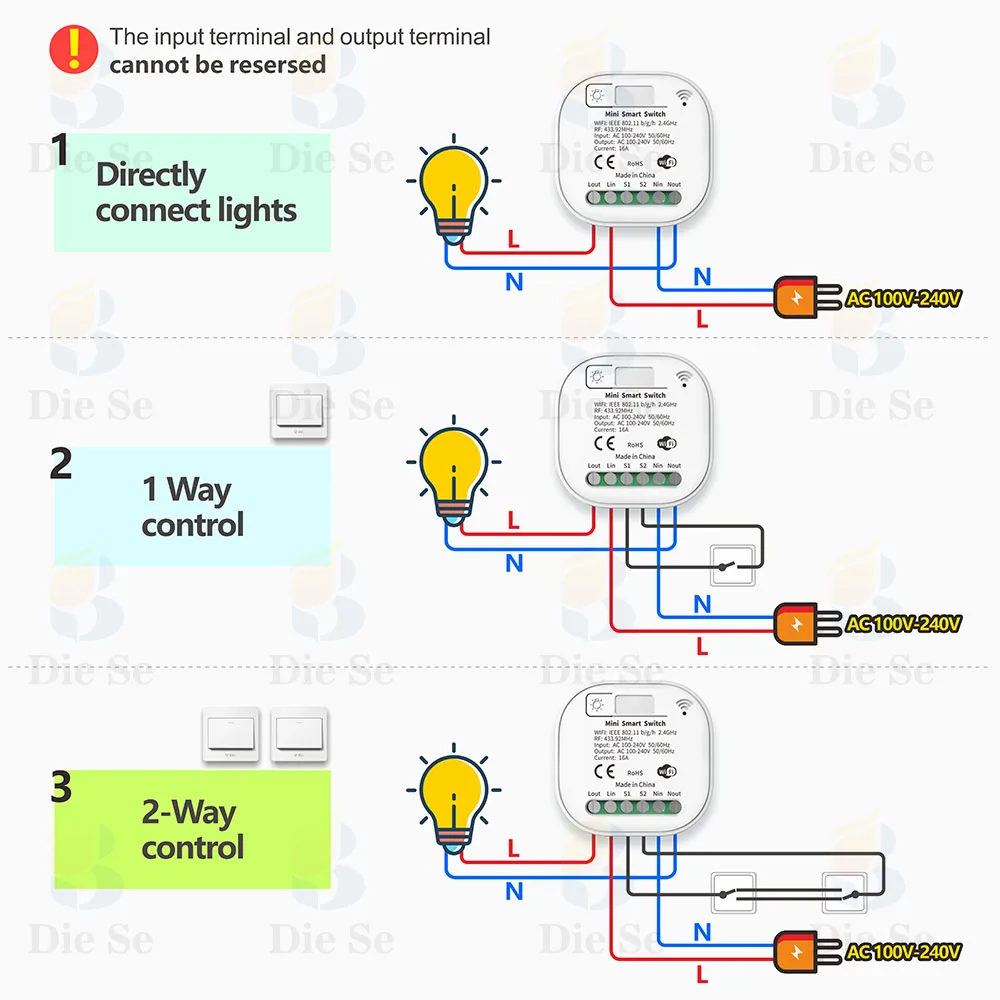
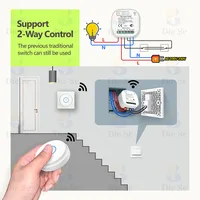
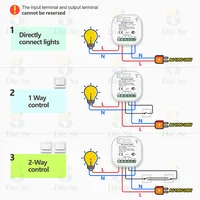
●Circuit Diagram
You can choose from a variety of different connection methods according to your needs, including traditional switches.
▶How to Set up
✔433MHZ wireless switch signals
How to get the signals
Step 1: Press the learning button(on the Receiver) twice . the indicator will light on,Wait for 3 seconds;
Step 2: Press one button on the remote control. Wait for 3 seconds. Succeed.
How to clear the signals
Only one step :Press the learning button(on the Receiver) 8 times. Wait for 3 seconds;
✔WIFI signals
How to get the WIFI signal
1: Search “Smart Life or Tuya Smart” on APP store, Google Play or scan the QR code on user manual to download and install it.
2: Press the button on switch until the indicator light flash. You can also hear a voice too.
3: Open “Smart Life or Tuya Smart App”, discovery and add device in the app, and then finish configuration according to the guide.
✔Alexa signals
How to get the Alexa signal
1. Modify device name so your Amazon Alexa can easily recognize the name. For Example: Living Room Lamp, Bedroom Light.
2. Use Alexa App or Computer to set up your Amazon Alexa.
3. Select ‘Skills’ and search for ‘Smart Life’ on Menu. Enable Skill and type in your login info to link the account
4. Ask Alexa to discover devices. Then you can control your devices by voice.







Reviews
Clear filtersThere are no reviews yet.