
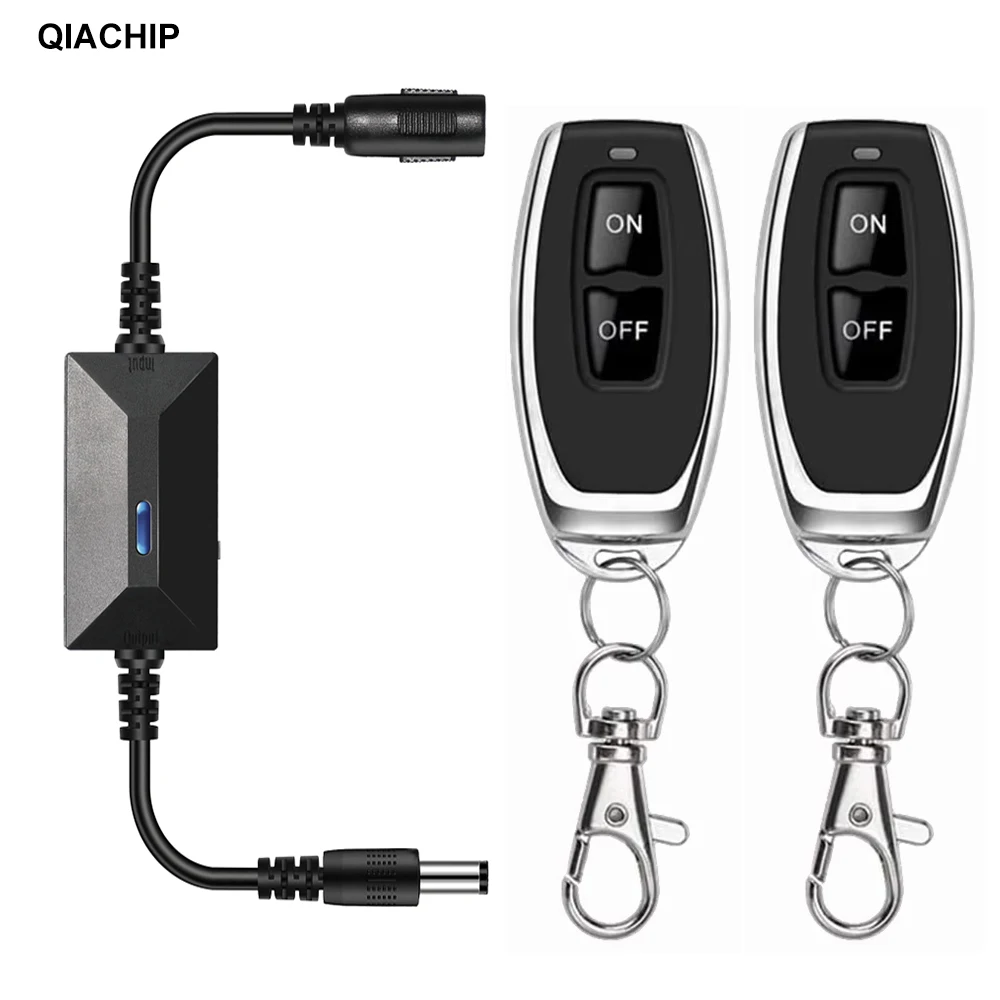
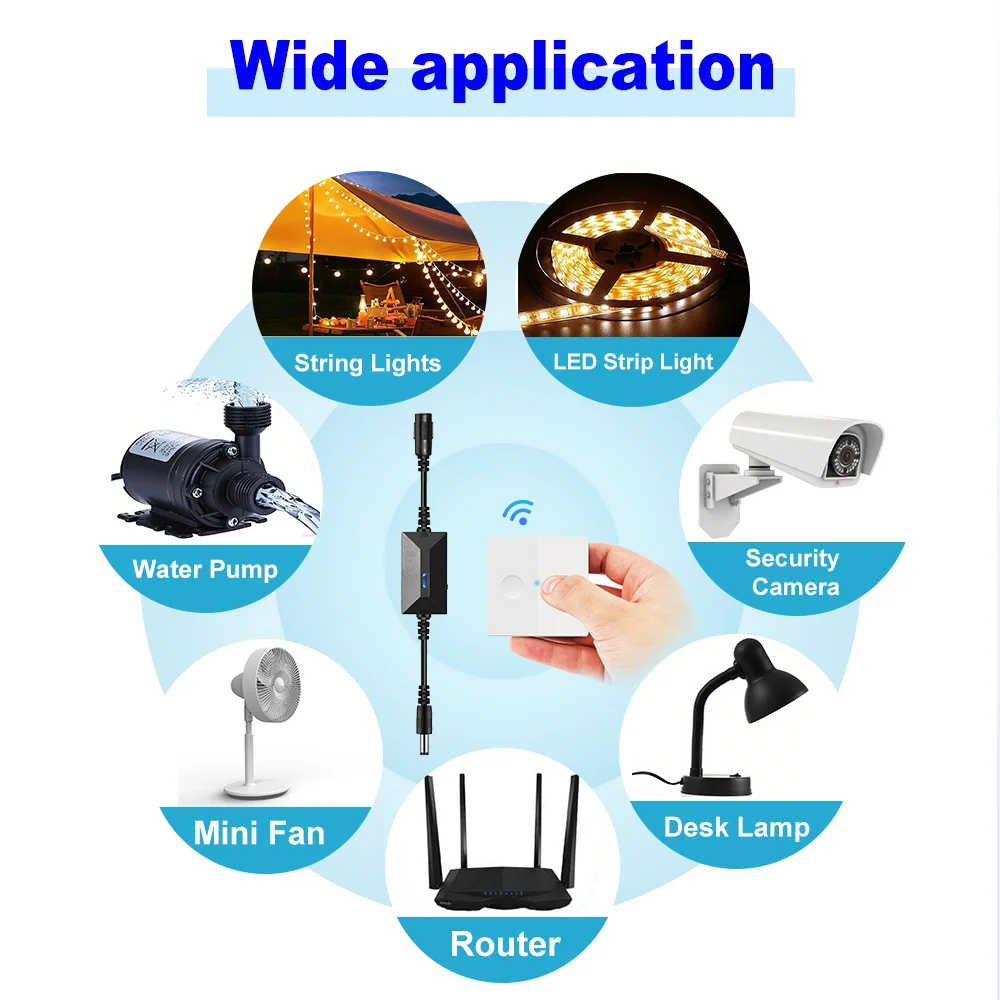
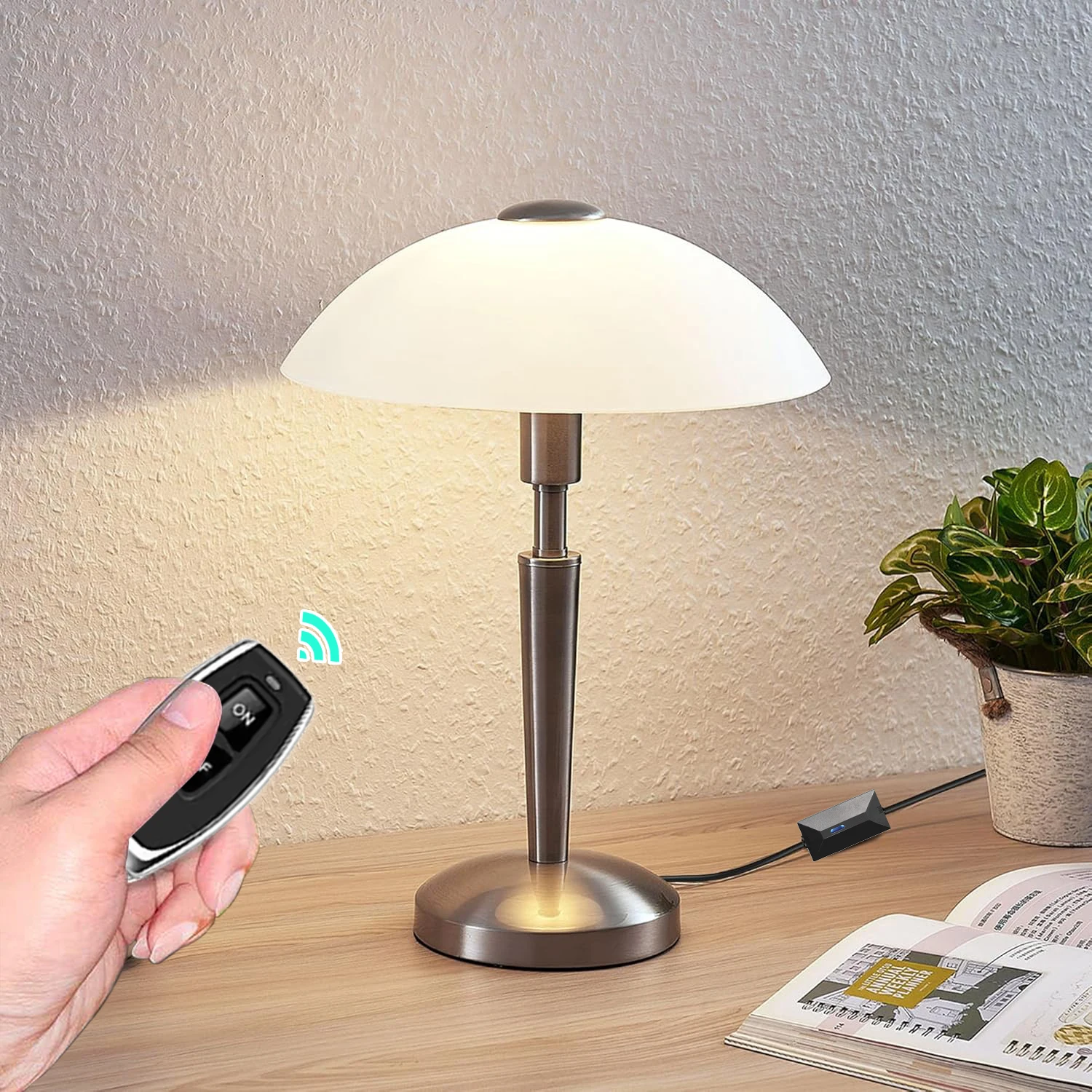
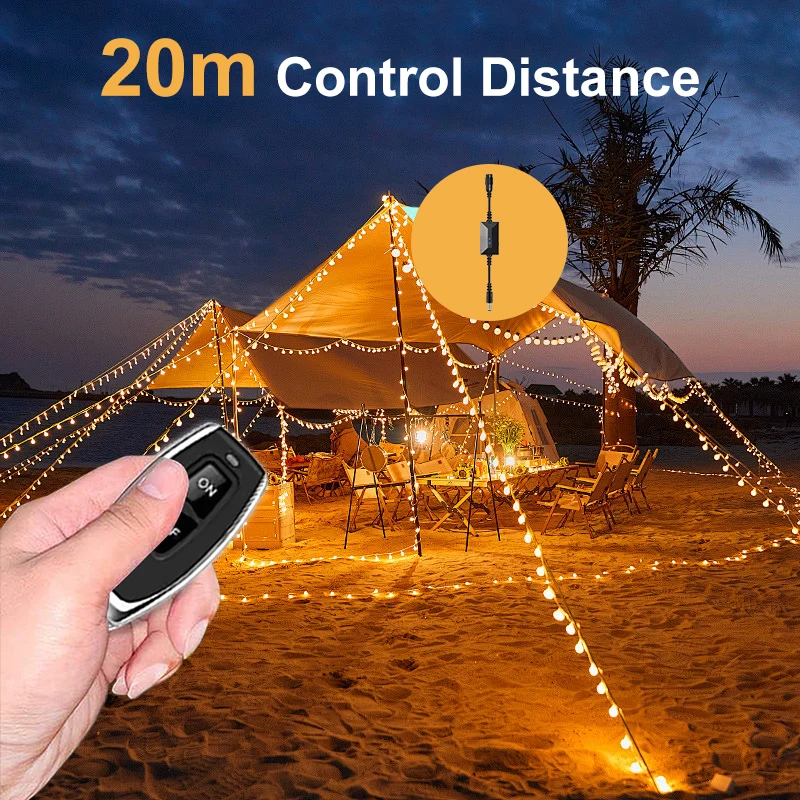
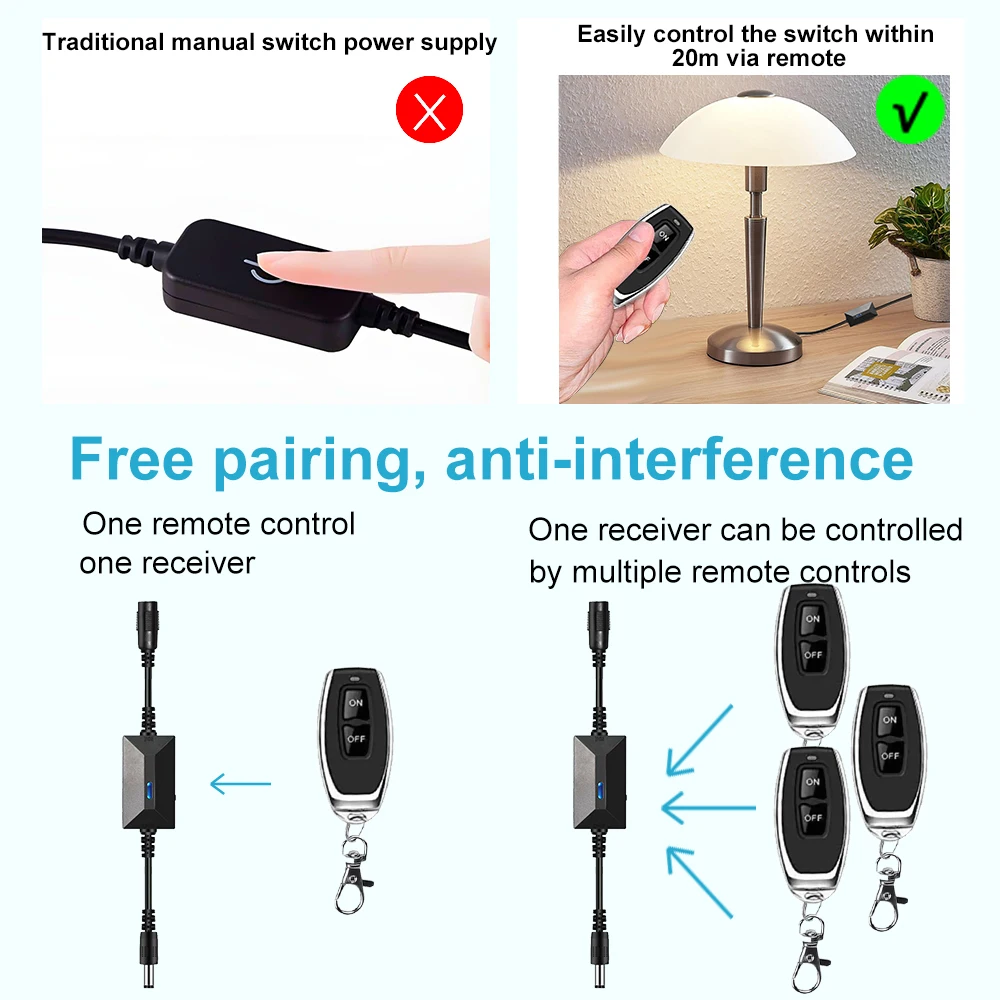
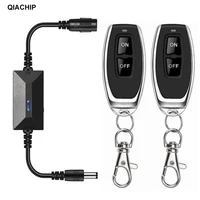
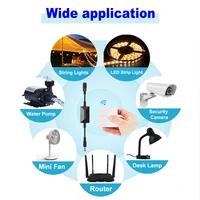
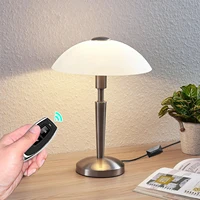
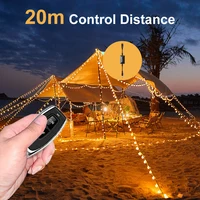
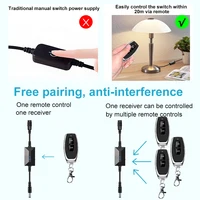
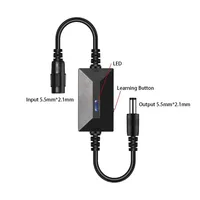

This product is suitable for USB charging cables with only positive and negative poles. Suitable for USB lights, USB light strips, USB fans, USB humidifiers, and more.
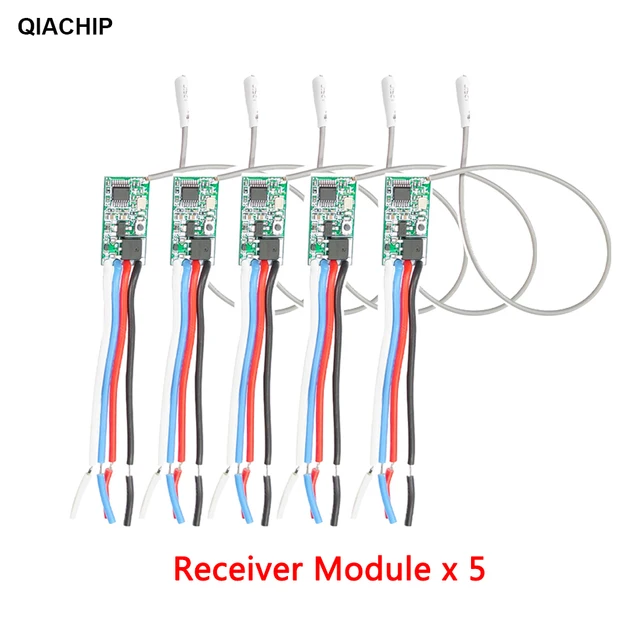
Receiver:
Model: KR-DC
Operating voltage:5V-24V
Maximum load: 2A
Static current: 5mA
RF frequency: 433MHz
Receiving sensitivity: ≥-107dBm
Work mode: Momentary mode/Toggle mode/Latching mode
Transmitter:
Working voltage: DC6V (Including)
Operating Current: ≤ 8mA
Working frequency: 433.92MHz
Modulation Mode: ASK (AM)
The transmission power: ≤ 100mW
Emission Distance: 50m in open space
Operating Mode
You can match the Remote Control with the Receiver Switch Module in 3 modes.
Remote mode 1: Momentary Mode
Press and hold on one button -> ON; Release the button -> OFF
Details:
Press one button (on the remote control) , the relay (on the receiver board) turn to switch-on ;
Release the button, the relay turn to switch-off .
Remote mode 2: Toggle Mode
Press one button -> ON; Press the same button again -> OFF
Details:
Press one button (on the remote control) once , the relay (on the receiver board) turn to switch-on ;
Press the same button again , the relay turn to switch-off.
Remote mode 3: Latched Mode
Press button “A” -> ON; Press button “B” -> OFF(at the same time another channel ON)
Details:
Press one button (on the remote control) once, the relay (on the receiver board) turn to switch-on ;
Press the another button, the relay turn to switch-off( at the same time another channel ON ).
Set Up
– Part 1:Delete the existing data about remote mode
Note: When you receive our products, it maybe set in one remote mode randomly, that because each product got test when it can be arranged to shipment.So, please delete the existing data about remote mode for the first application.
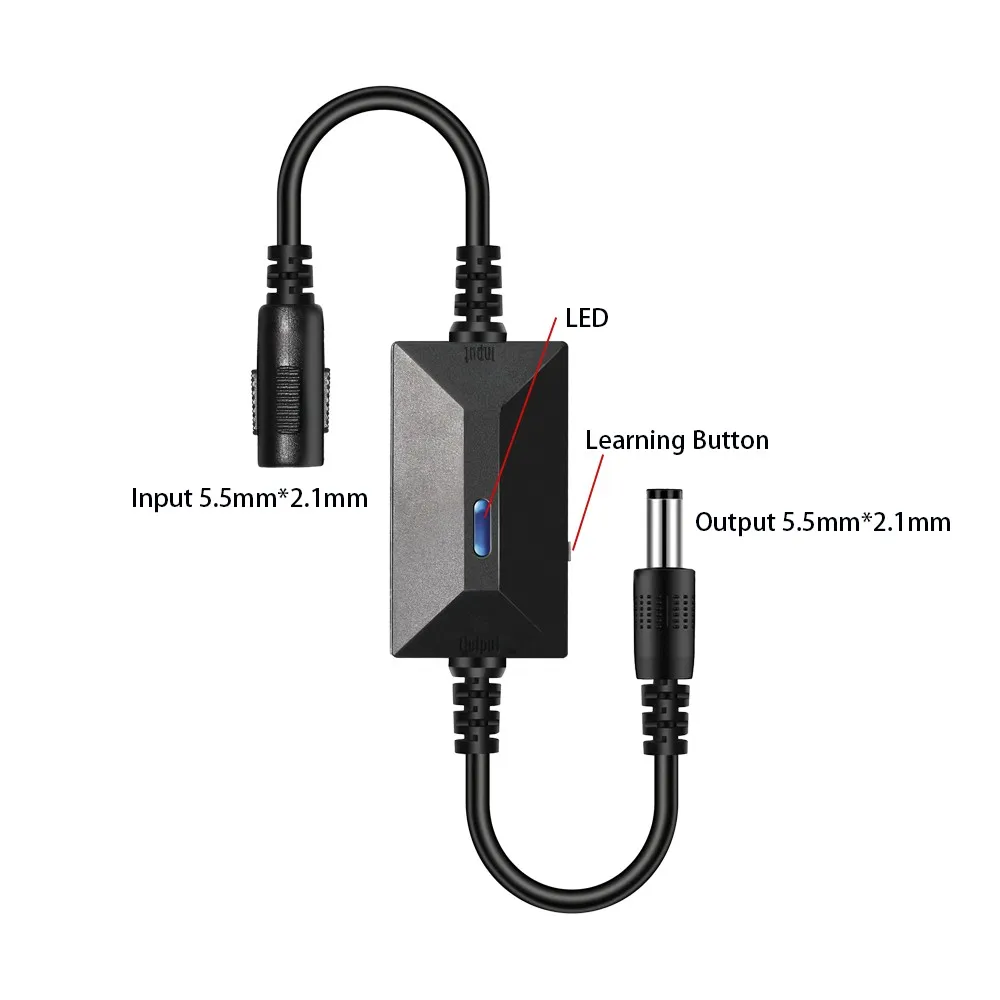
Press the learning button on the Receiver Switch Module board 8 times , the existing data are deleted successfully.
After deleted the data, all the remote control cannot work any more.
– Part 2: Set up the Remote Mode
Set up : Momentary Mode
STEP 1
Press the learning button on the Receiver board once.
Wait for a moment , the LED will turn off , indicating you entered the learning state.
STEP 2
Press one button on the Remote Control , the LED on the receiver board will flash on then off indicating the button was learned.
STEP 3
Press another button on the Remote Control, watching the LED go on and off again.
Wait 3 seconds, the LED will turn on again, indicating system is ready for use.
Set up :Toggle Mode
STEP 1
Press the learning button on the Receiver board twice.
Wait for a moment , the LED will turn off , indicating you entered the learning state.
STEP 2
Press one button on the Remote Control, the LED on the receiver board will flash on then turn off , indicating the button was learned.
STEP 3
Press another button on the Remote Control , watching the LED go on and off again.
Wait 3 seconds, the LED indicator will turn on again , indicating system is ready for use
Set up :L atched Mode
STEP 1
Press the learning button on the Receiver board 3 times.
STEP 2
Press one button on the Remote Control,
STEP 3
Press another button on the Remote Control
Wait 3 seconds, the LED indicator will turn on again , indicating system is ready for use







Reviews
Clear filtersThere are no reviews yet.