
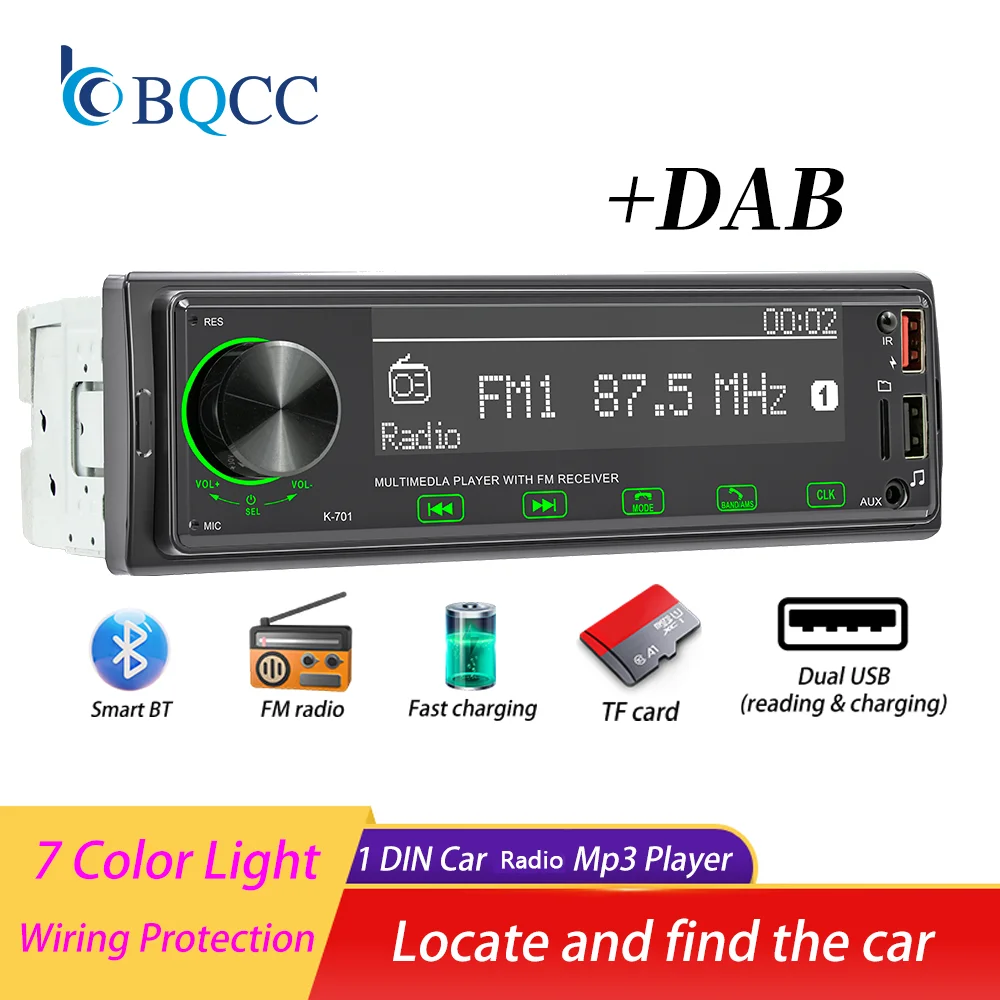
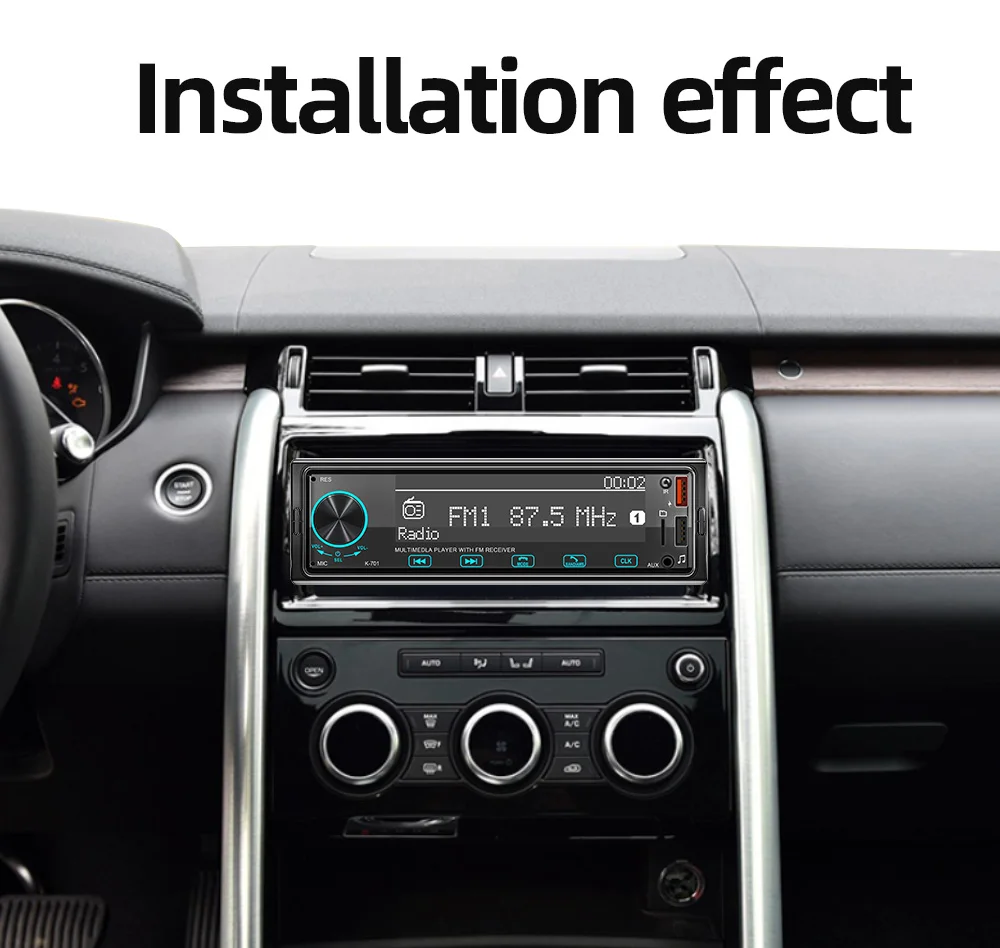
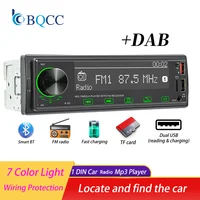
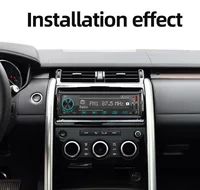
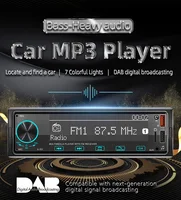
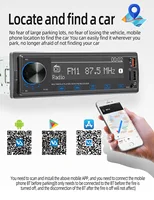

BQCC 1 DIN Car Radio AUX/TF Card/U Disk Play/BT/Colorful button lights/Car MP3 Player
☆ Why choose BQCC?
1. Fast Delivery
After your payment is verified, our local European and American stores will ship from our local warehouses in the EU and the US within 24 hours. Whether you are in Europe or the US, our delivery service can meet your needs!
2. Quality Assurance
All our products go through strict quality checks before shipping. You can rest assured that the quality is top – notch!
3. Caring After – sales Service
If your product malfunctions within one year of receipt, don’t worry. Just reach out to our 24 – hour customer service team first. Once verified, we’ll send you a replacement right away!
4. BQCC Brand Introduction: BQCC is one of the top ten brands with more than 2 million fans. In the past ten years, we have served more than 5 million users worldwide and are deeply loved by customers. We are constantly committed to the innovation of car multimedia player radio hardware and software, aiming to bring you a unique and personalized experience. We also continue to update firmware, software, user interface and navigation map. If you encounter any product quality issues, please feel free to send an email to bqcc.cpyu@gmail.com. We will respond promptly and help you!
Function
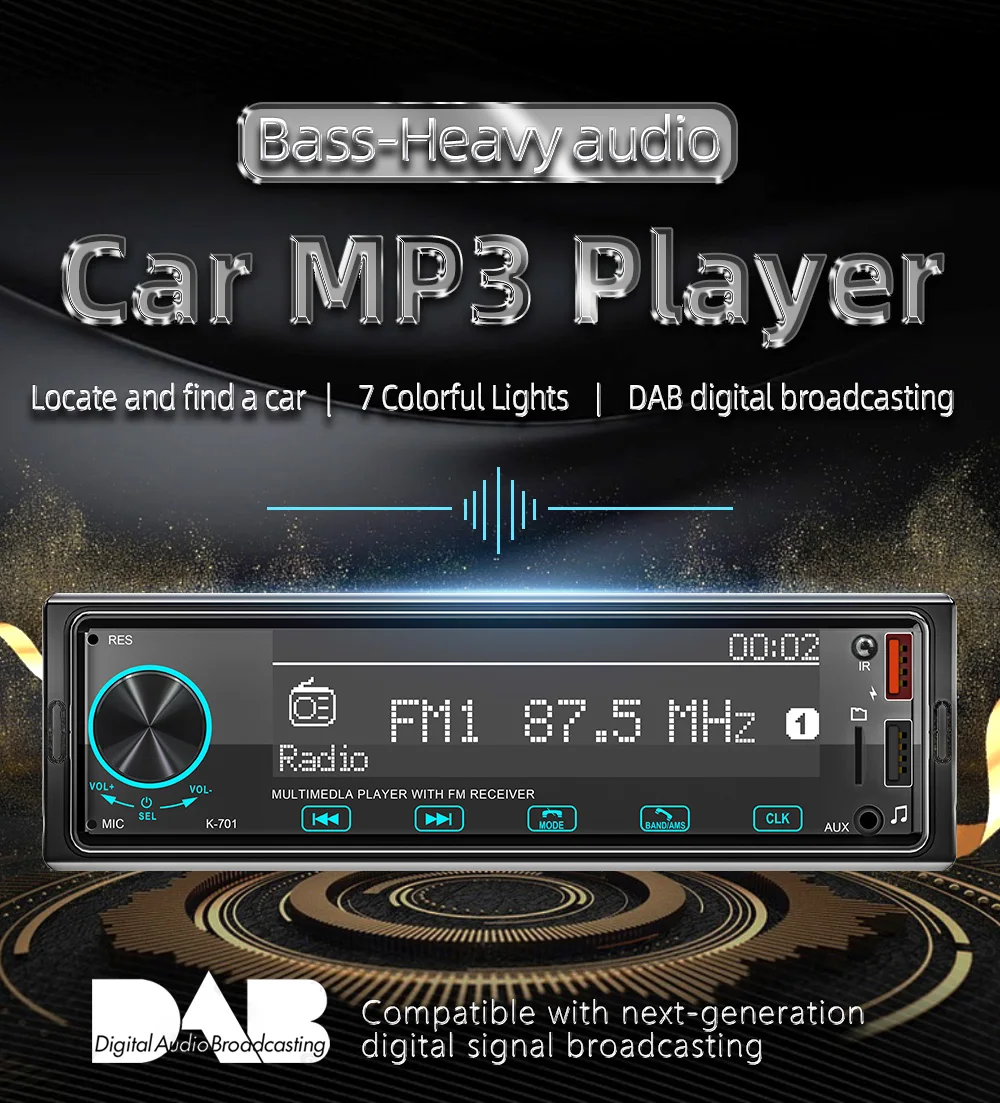
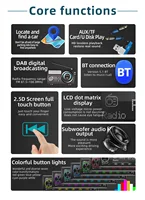
1 Din Version, LCD display, fits most vehicle types.
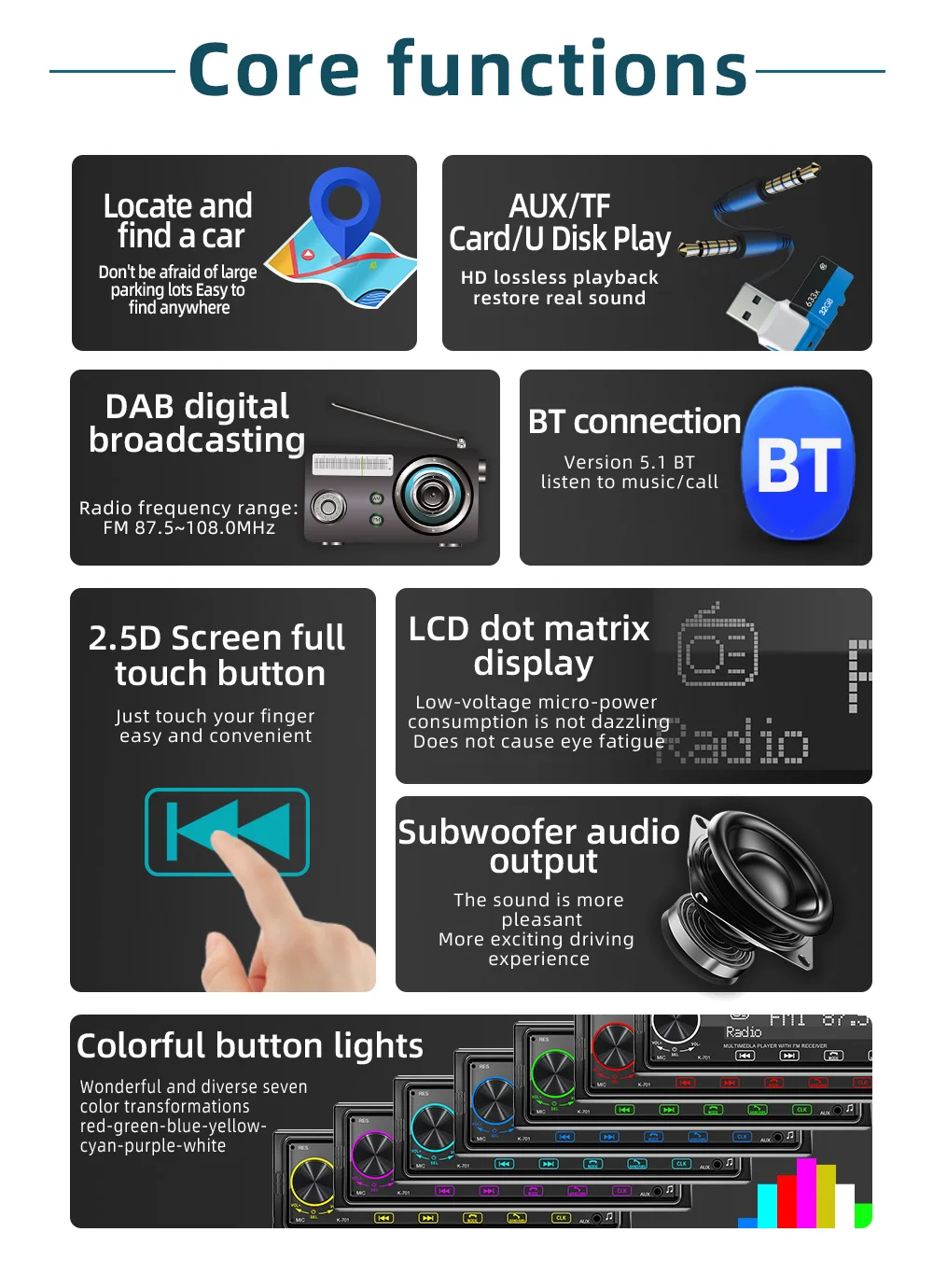
Support high-capacity TF card and U disk (up to 32GB) music playback.
Support MP3 / WMA fidelity lossless audio format.
Support AUX audio input, mobile phones / MP3 / MP4 / MP5 / navigation audio playback through the machine in the car.
Built-in one USB charging port, it can charge all kinds of mobile devices such as smartphones, tablets, map3, mpa4, etc.
Support file playing function, which can be classified as pop songs, classical songs, children, and other favorite songs to create different folders in the memory card inside were easy to play.
Multiple EQ Scene Selection: jazz, rock, pop, classical, etc.
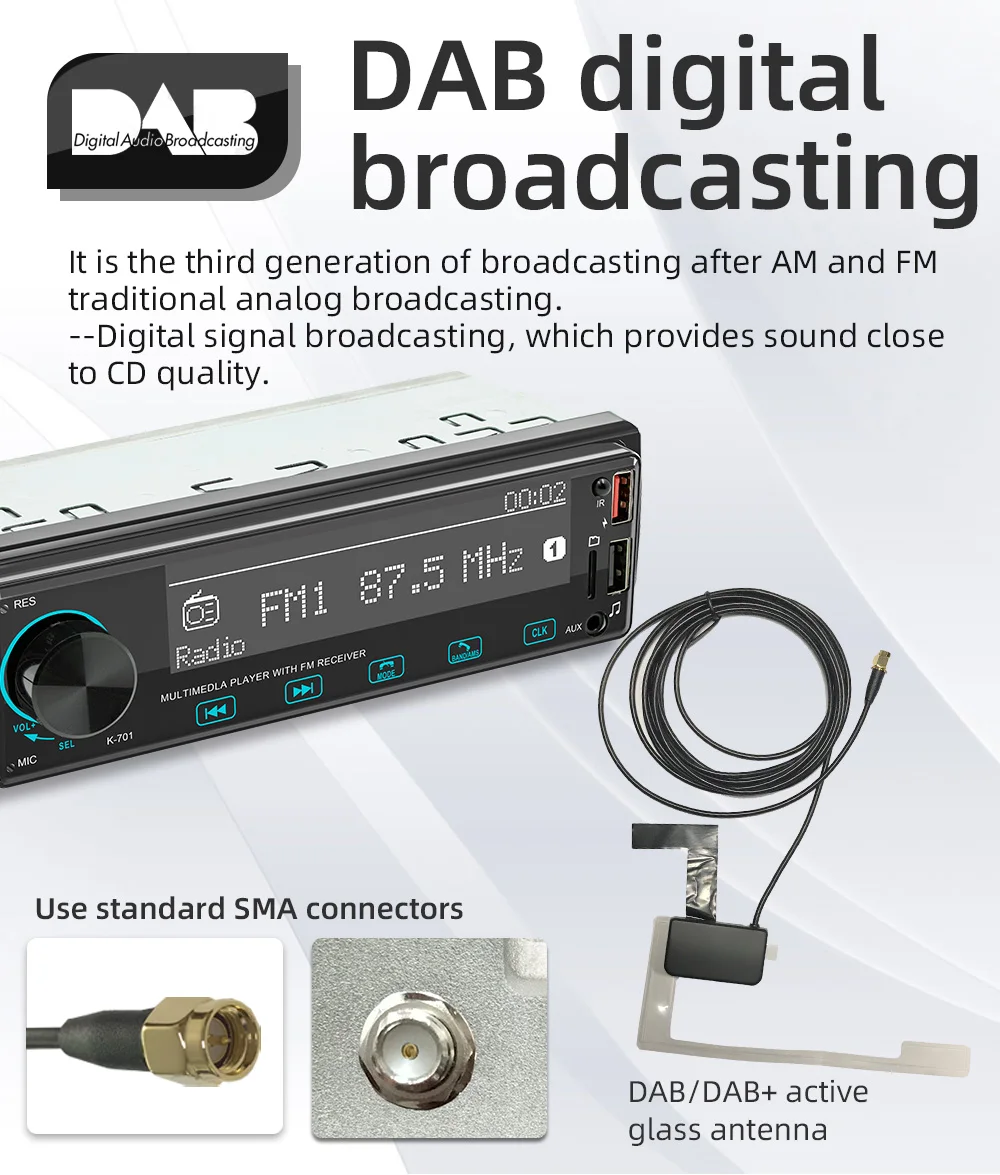
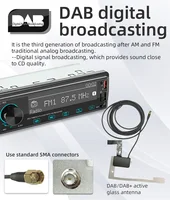
Integrated DAB + radio tuner: Thanks to the integrated DAB + module, you can enjoy digital radio on your BQCC system. Digital > DAB + radio brings a new level of sound quality.
Basic parameters
Model: K-701 DAB
Type: Car MP3
Software solution: A5900
Radio frequency: FM 87.5~108MHz AM 522~1620KHz (optional standard radio frequency of each country)
Radio IC: 4732
Amplifier IC: TDA7388
Output power: 60Wx4
Working voltage: 12~14.4V
Working temperature: -10~60℃
Bluetooth version: Version 5.1 (default name: CAR BT)
Performance parameters
CPU: A5900
Screen size: LCD dot matrix screen (110×28MM)
Dimension parameters
Installation size: 178x50mm
Shell size: 188x58mm
Host depth: 65MM
Color box size: 210×80×135 mm
Weight parameters
Single unit weight: 0.538 KG
Language parameters
English
FAQ:
Q1.Why the car radio can’t turn on?
1>Please check the Voltage of the car radio: DC 12V
2>When you test this car radio, you can combine the red and yellow wires and connect them to the positive side of the power supply. The black line to the negative power supply.
3>Replace the same type of insurance to test the car radio.
Note: Please must use our power cables to connect our car radio, it is not possible to insert the original car plug directly into our machine.
Q2.Why the car radio will show time after we turn off this?
>That time clock is a function for the car radio, that can’t be removed. In fact, a car radio had been turning off, saves time is more convenient for people to see,
>If you didn’t need this, you need to unplug the power positively and negatively
Q3.Why hasn’t sound in the car radio when playing music?
>1. When you are not using our original audio cable, please check if your audio cable is suitable for our camera.
>2. Please check if there is any collision between the lines.
>If the line is connected, there will be no sound when the speaker cable touches the speaker cable. There is also no sound when the power cord touches the speaker cable.
>If the problem is still here, please use a single speaker to connect a group of audio cables to test the car radio. The four-speaker cables are connected separately to see if there is any sound.
Q4.Why can’t search FM?
>1. No radio antenna was inserted.
>2. Please check if the radio antenna is plugged in. Please insert more antennas several times to make it well contacted.
>3. The signal of your location is not good. Please go to a better place to test again.
>4. The radio antenna on the car is broken/has no effect; please replace the radio antenna and test it again.
Q5.Why can’t connect the Bluetooth to the car radio?
>1. Open the phone settings interface, open the Bluetooth in the Bluetooth function, search for Bluetooth devices, and find the player’s Bluetooth model to be paired; if you need a pairing code, enter 0000; if not, try 1234 or 123456.
>2. Please try to use another mobile phone to test this function. All methods are correct and still cannot use Bluetooth, Please unplug the plug on the back of the player and plug it in after 3 minutes.
Q6. How to update GPS Map?
>1. First of all, you need to download the map update APK from our website or anywhere else, or use a mobile phone to do WIFI hotspots to download and install directly. You can also use online navigation. Then you need to copy them to the GPS ROM and set the navigation path to the navigation program by setting.
Q7.Is it possible to listen to music or radio while using navigation ?!
>1. Yes, it is possible to listen to the radio or music while using the navigation system. Clayton devices are using a unique technology that makes listening to music happen when you are using the navigation system.
Q8.Do these units support steering wheel control ?!
>1.Yes of course. For each different car model, there is a different CAN-Bus ( Optional ) that comes with the unit to match the unit to the vehicle amplifier and steering wheel control.
Q9.Can we install the DVD Units ourselves?
>1. We will provide all the wires for the navigation, Power wire (Plug and play), RCA wires (with 7 ports), Reversing video input wire & wifi & Bluetooth antenna, GPS antenna, two USB wires
>2. It is preferred that the installation be done by a professional person. We are not responsible for the damages that might occur to the dashboard of the car while installing the device. So it is better that a professional person installs the unit on the cars.







Reviews
Clear filtersThere are no reviews yet.