

Main
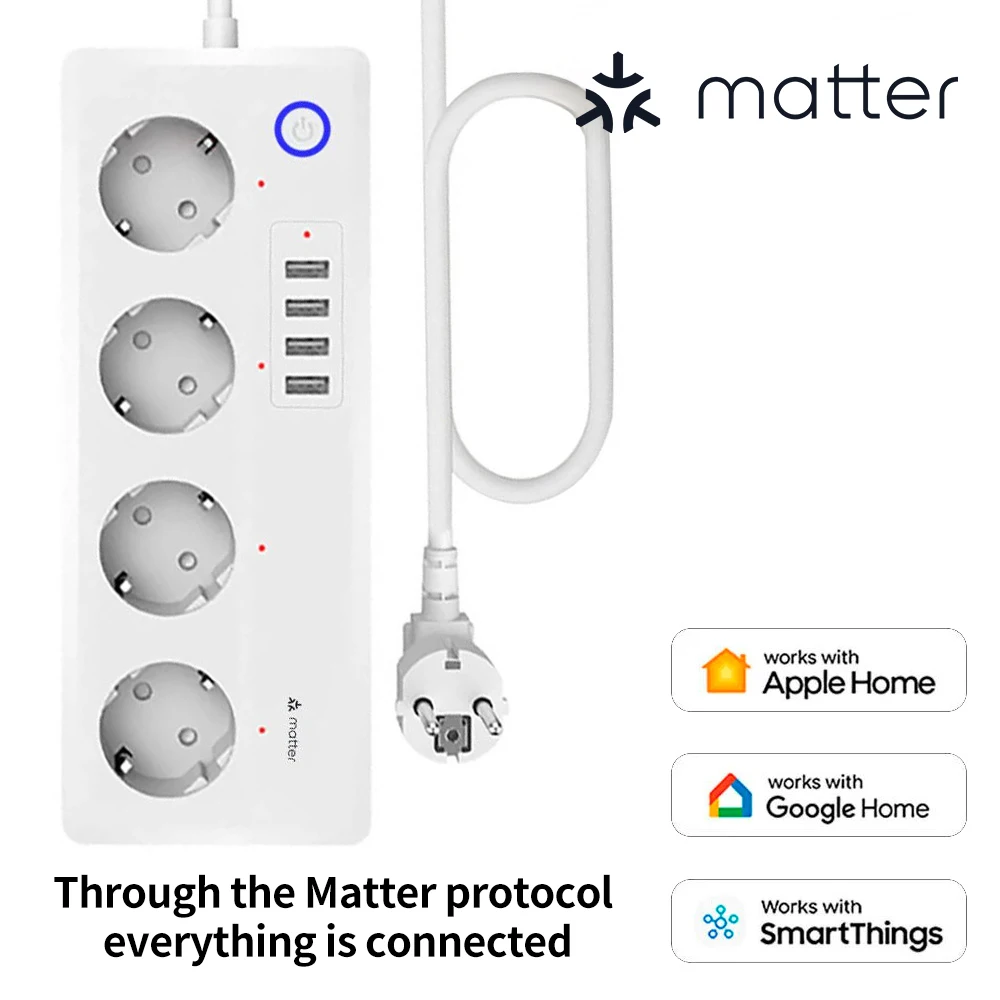
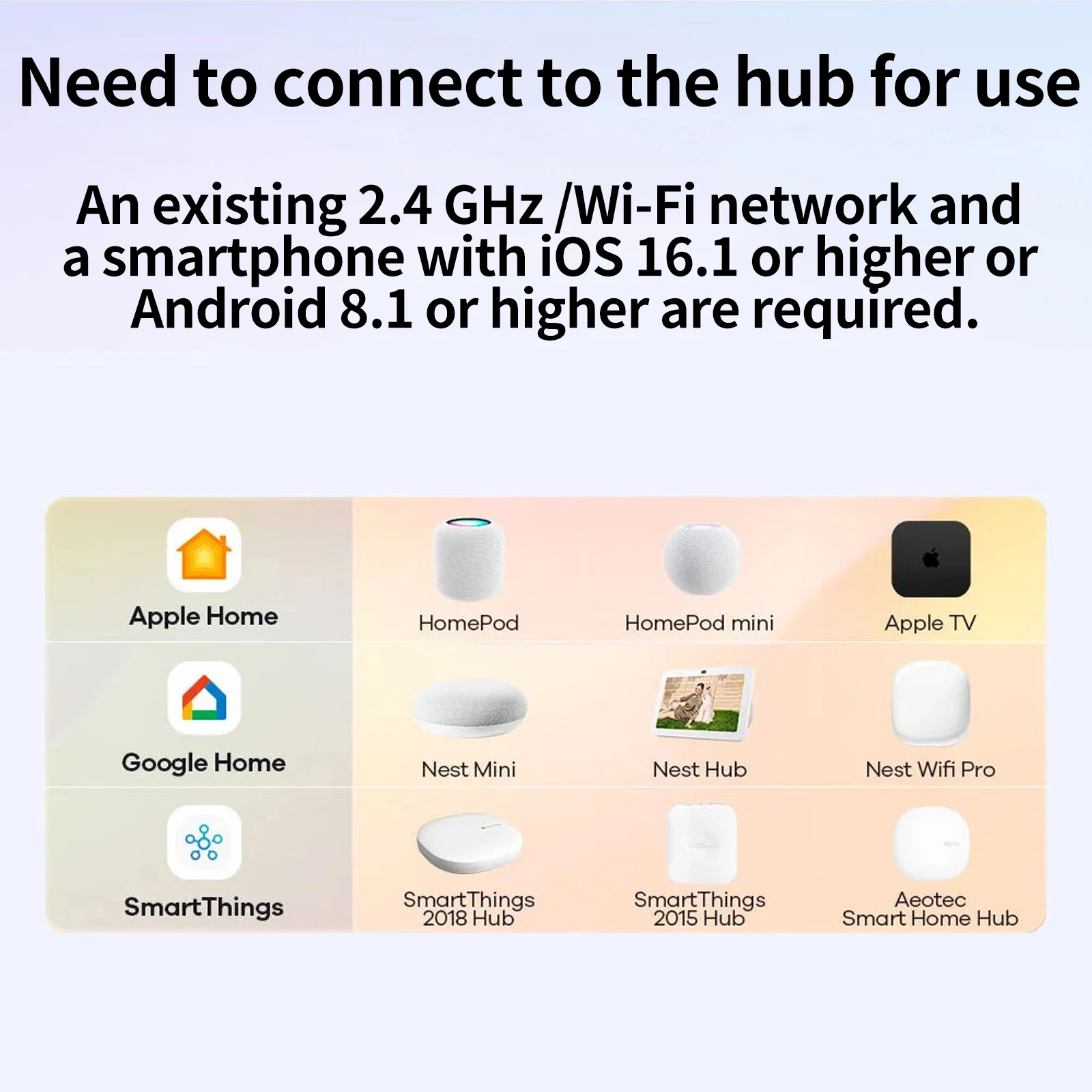
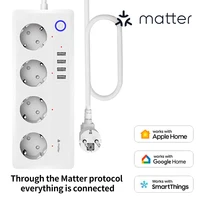
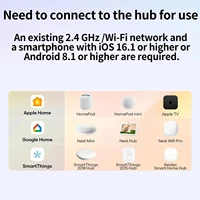
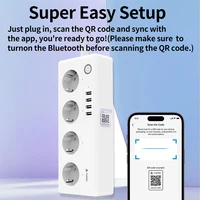
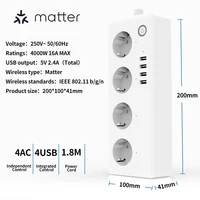
This smart power strip supports Matter protocol, to use it, you need to have a matter control center, such as: Apple Home, Google Home, or SmartThings.
Multiple intelligent control modes
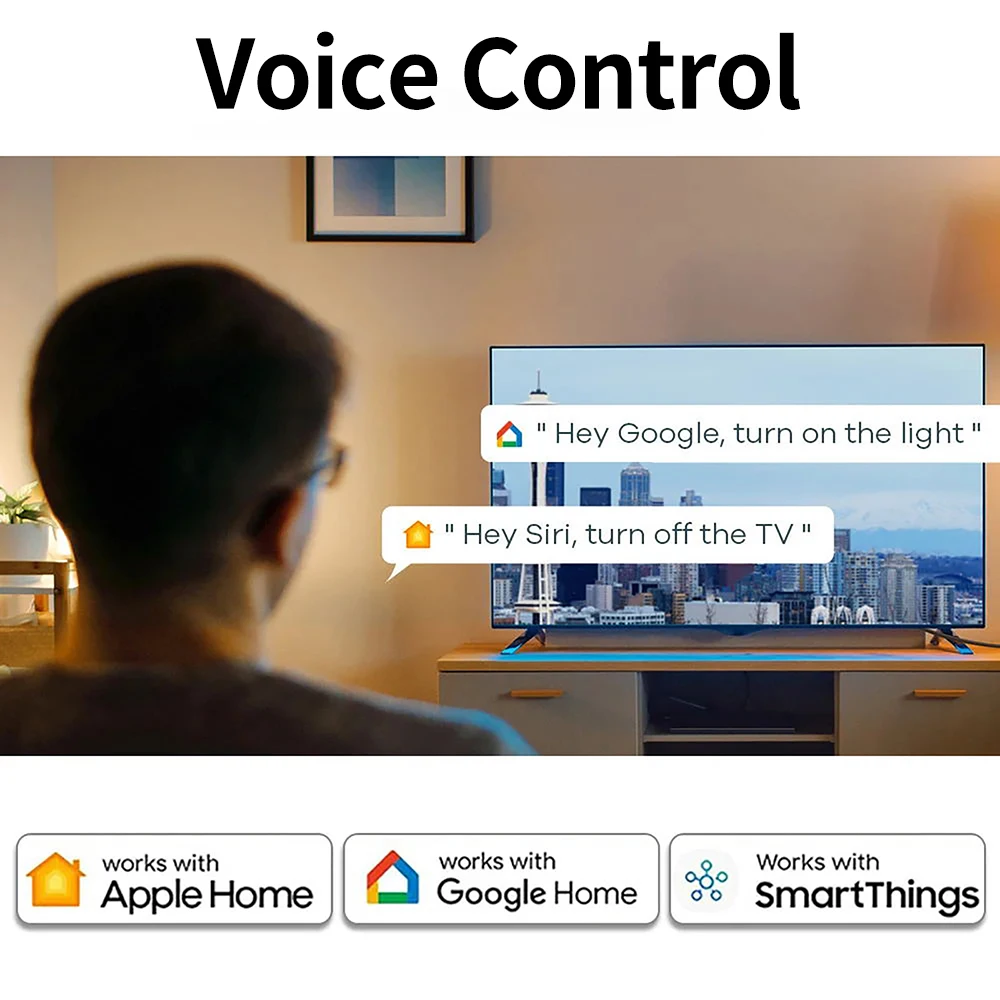
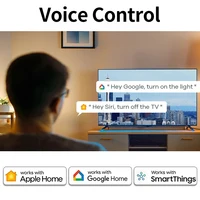
If you have connected Apple Home/Google Home/SmartThings, you can control the appliances in your home through voice control, freeing up your hands. You can also use the app to remotely control and turn on/off household appliances. If you are worried about forgetting to turn off the device you are using or charging, you can set a timer/countdown or pre-planned task, and the device will automatically turn off or on, seamlessly integrating smart technology into your beautiful life.
Safety is visible
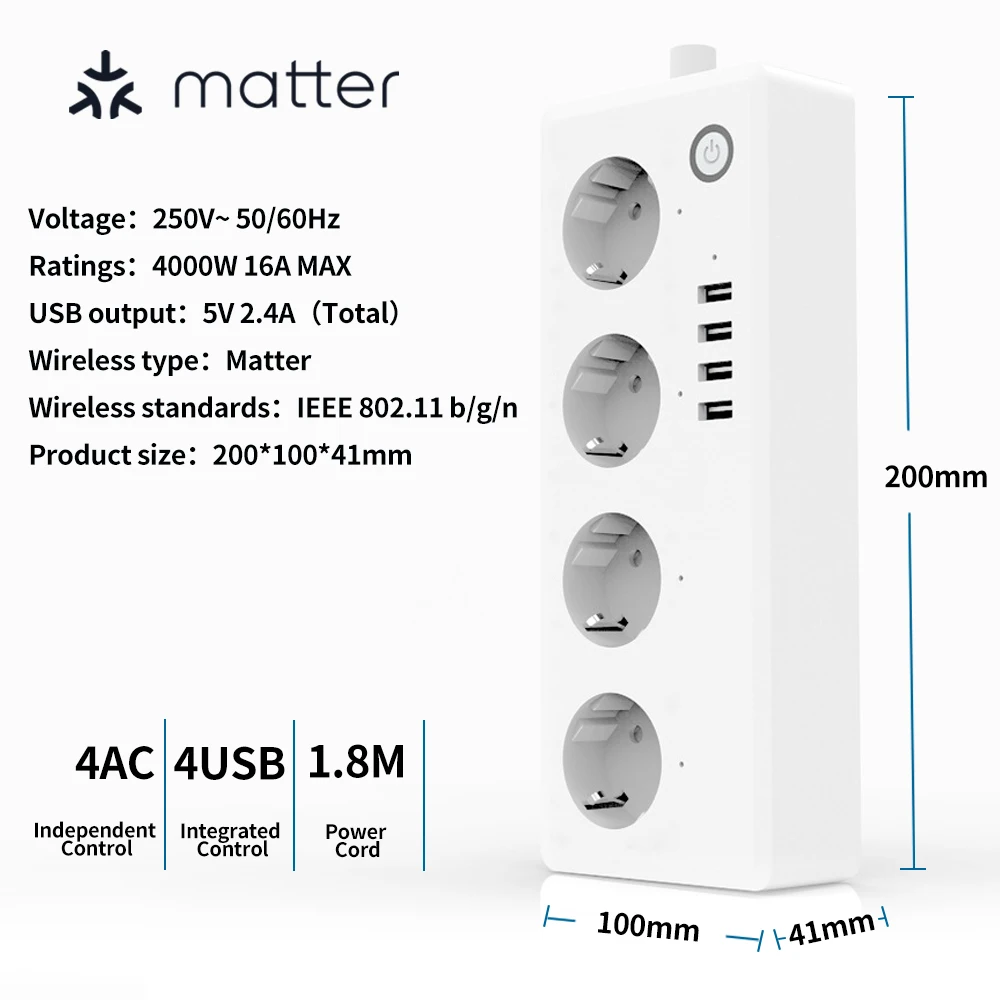
The intelligent power strip is made of V0-grade PC+ABS flame retardant material, which can withstand high temperatures of approximately 750°C. It has a 1.5 square copper wire and supports a maximum power of 4000W. It also comes with a safety door and four USB ports with charging identification chips, supporting fast charging for mobile phones, tablet computers, and other electronic devices.
Why Choose Matter?
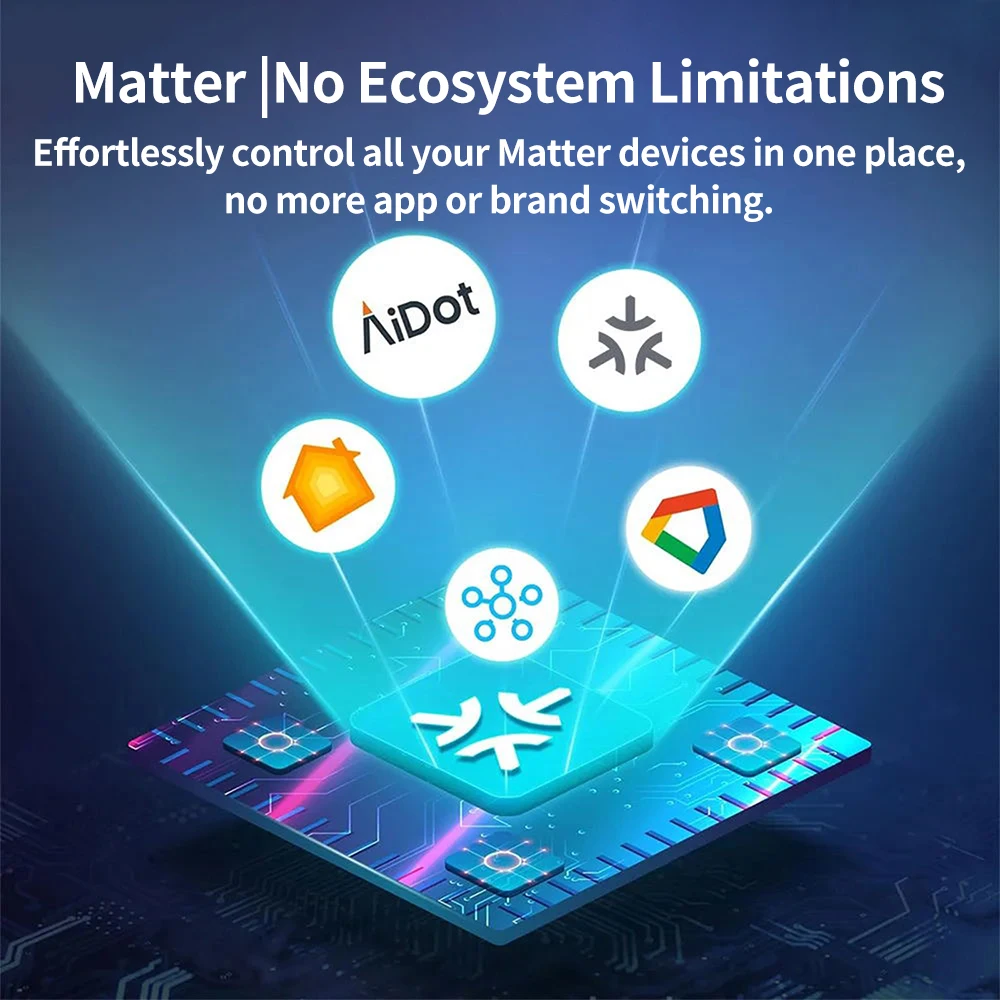
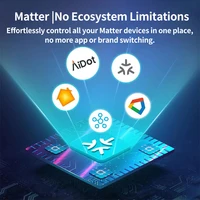
1.The core advantage of the matter protocol is the seamless operation of different products, which can be used on a unified platform.
2.The matter protocol allows devices to be compatible with multiple mainstream smart Home ecosystems, including but not limited to Apple Home, Google Home, SmartThings.
How to install and use it?
Take ‘SmartThings’ for example:
1.Install ‘SmartThings’ app and log in.Bind SmartThings
Control Center(For example: Smartthings Station, Smartthings hub).
2. Make sure the power strip is in waiting confguration mode(blue led flashing).
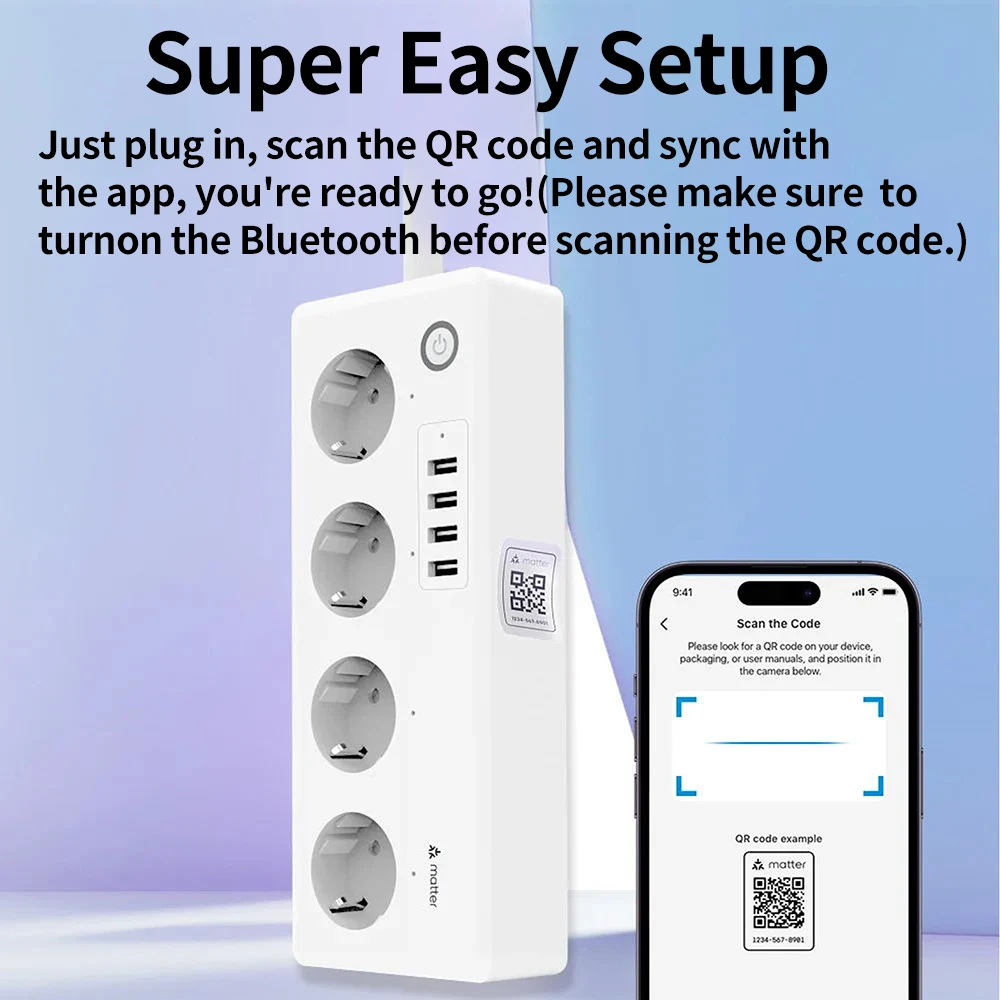
3.Tap ‘+’ button upper right on the home page,select’Add device’then select ‘Partner devices’,click’Add’, select ‘Matter, then scan QR code on the product.
4. Follow the prompts to select Wi-Fi and enter the correct Wi-Fi password, then wait for the Configuration to complete.
5. Finally, the blue LED will be stop blinks and stays on, then the power strip will be added successfully.
For more information about other gateways using, please refer to the manual.







Reviews
Clear filtersThere are no reviews yet.