
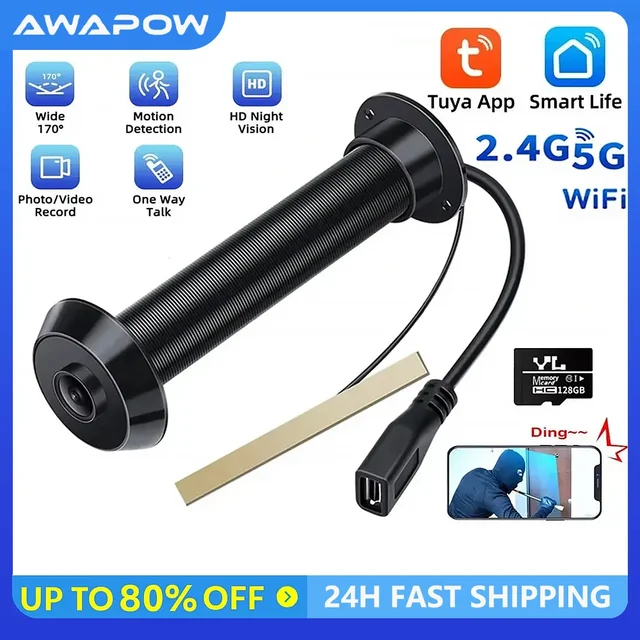
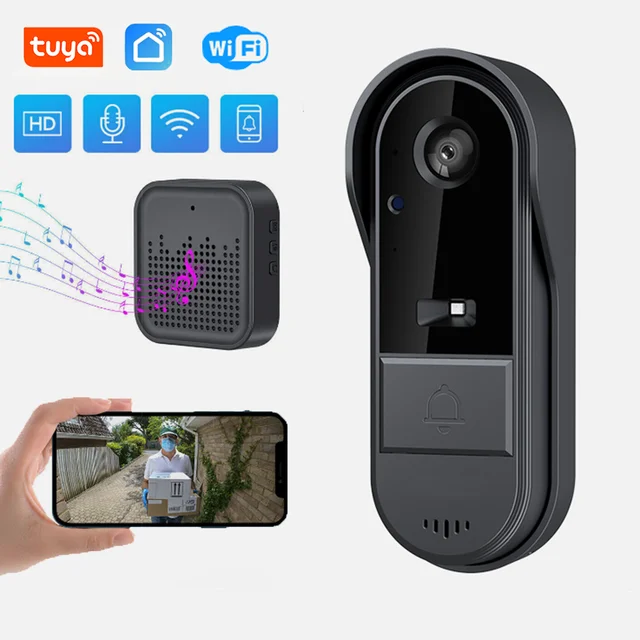
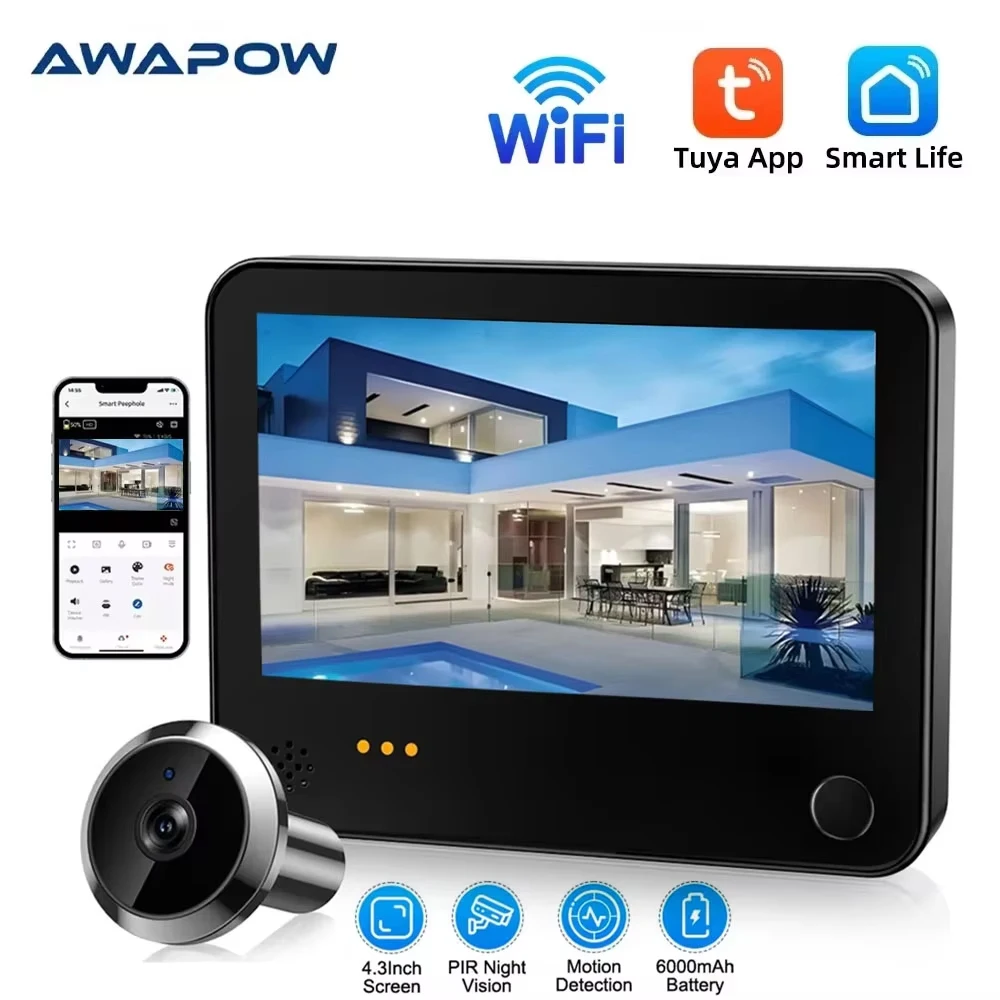
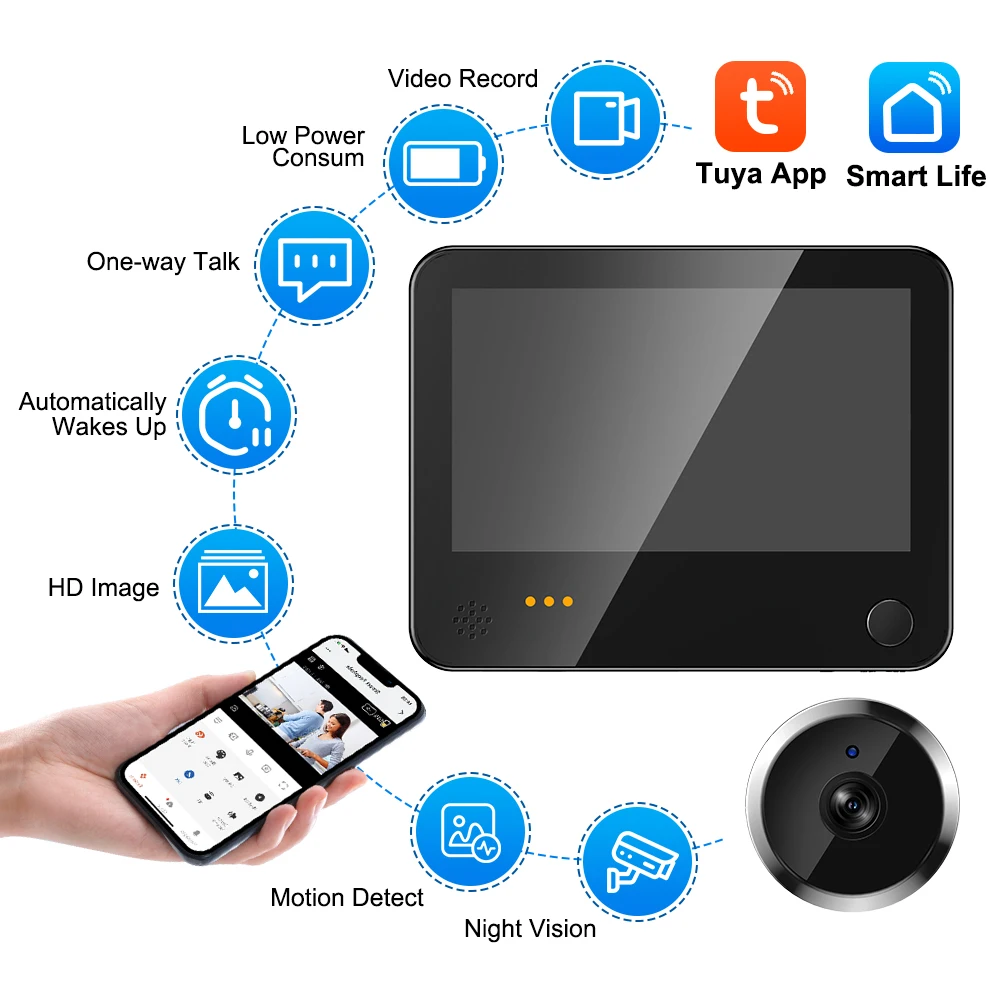
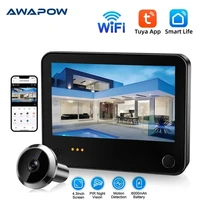
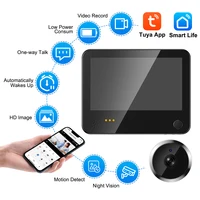

Awapow 4.3inch Wireless Doorbell Tuya Smart Digital Door Camera WiFi Peephole Viewer 1080P PIR Motion Detection Door Viewer
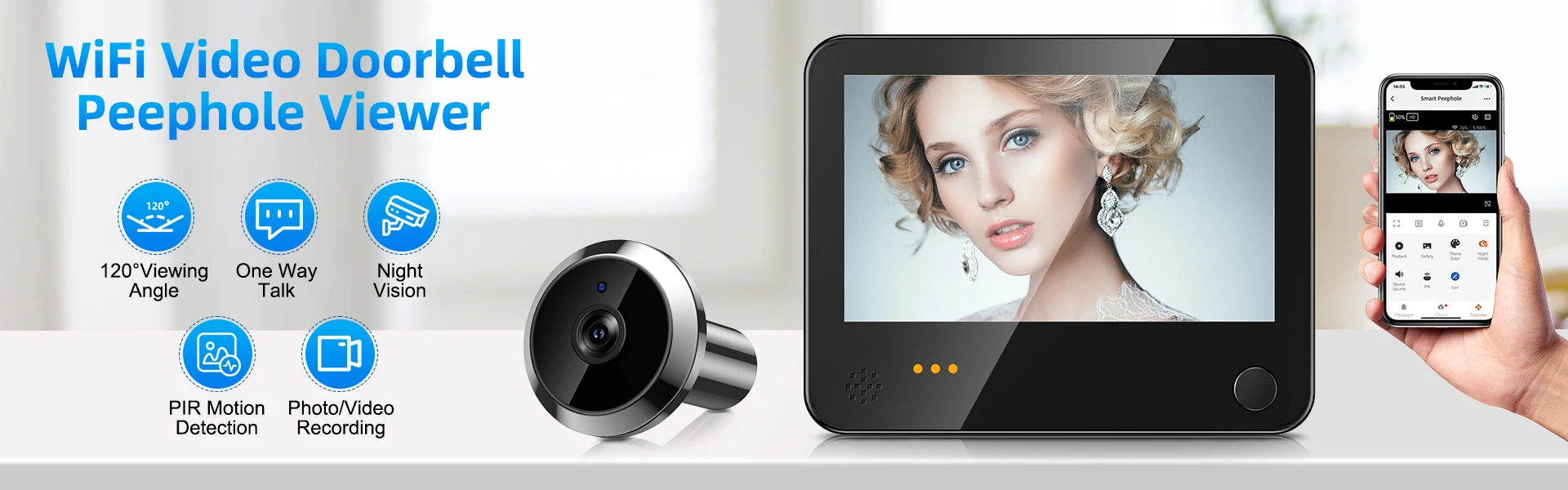
Specifications:
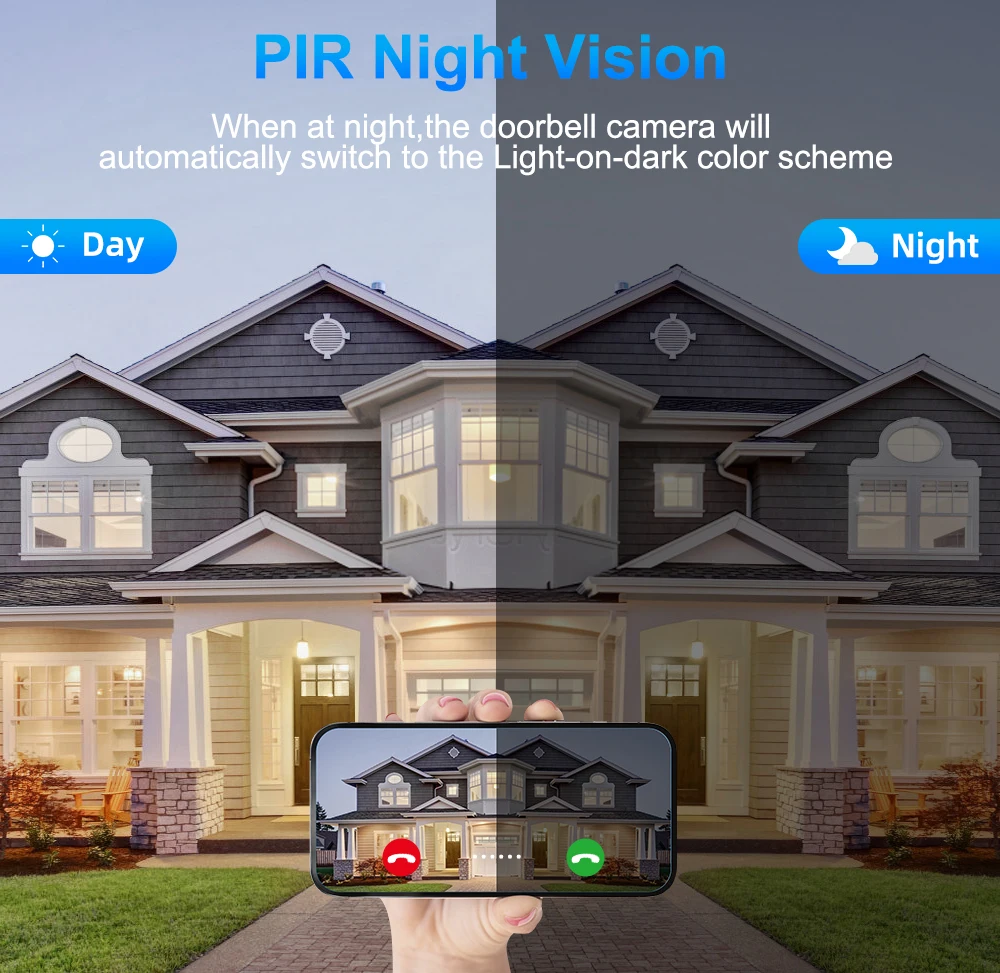
PIR Night Vision
When at night,the doorbell camera will automatically switch to the Light-on-dark color scheme.Even at night, you can monitor the outdoor environment.
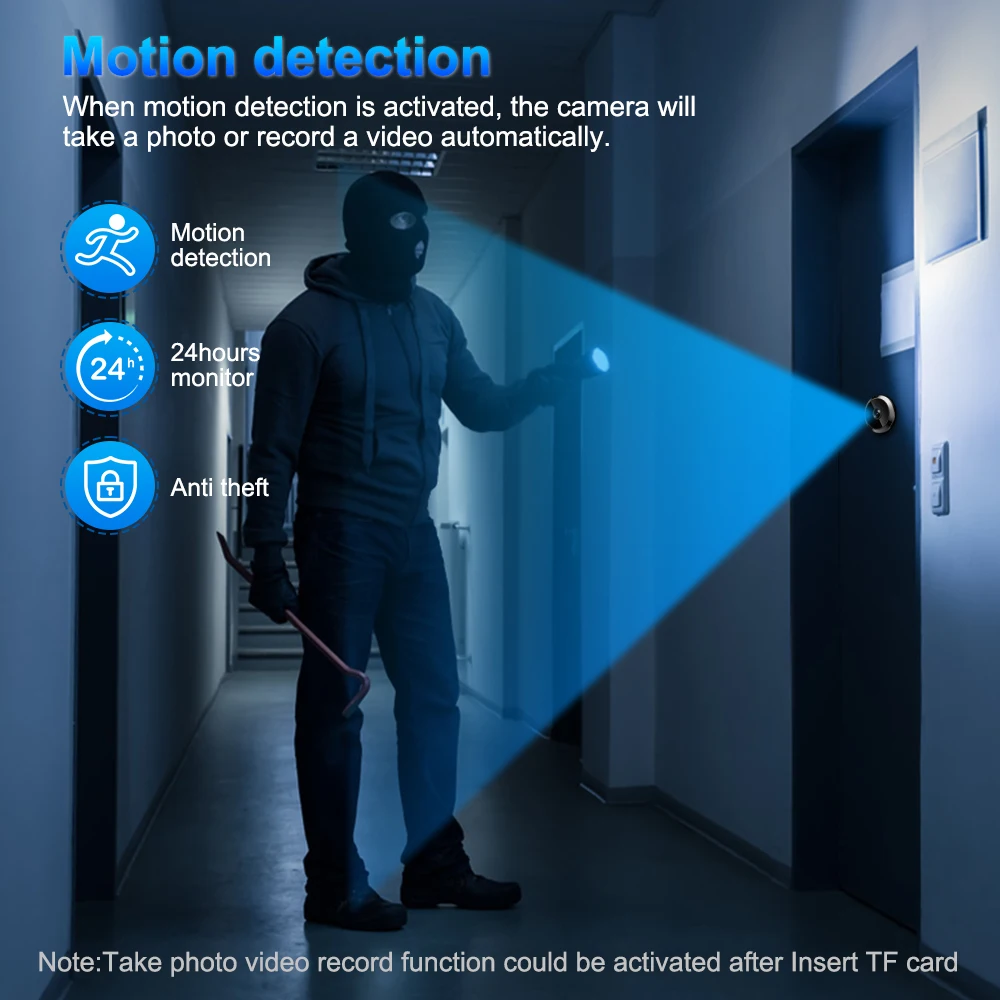
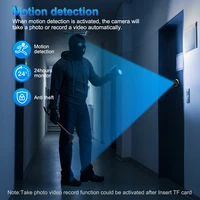
 Motion detection
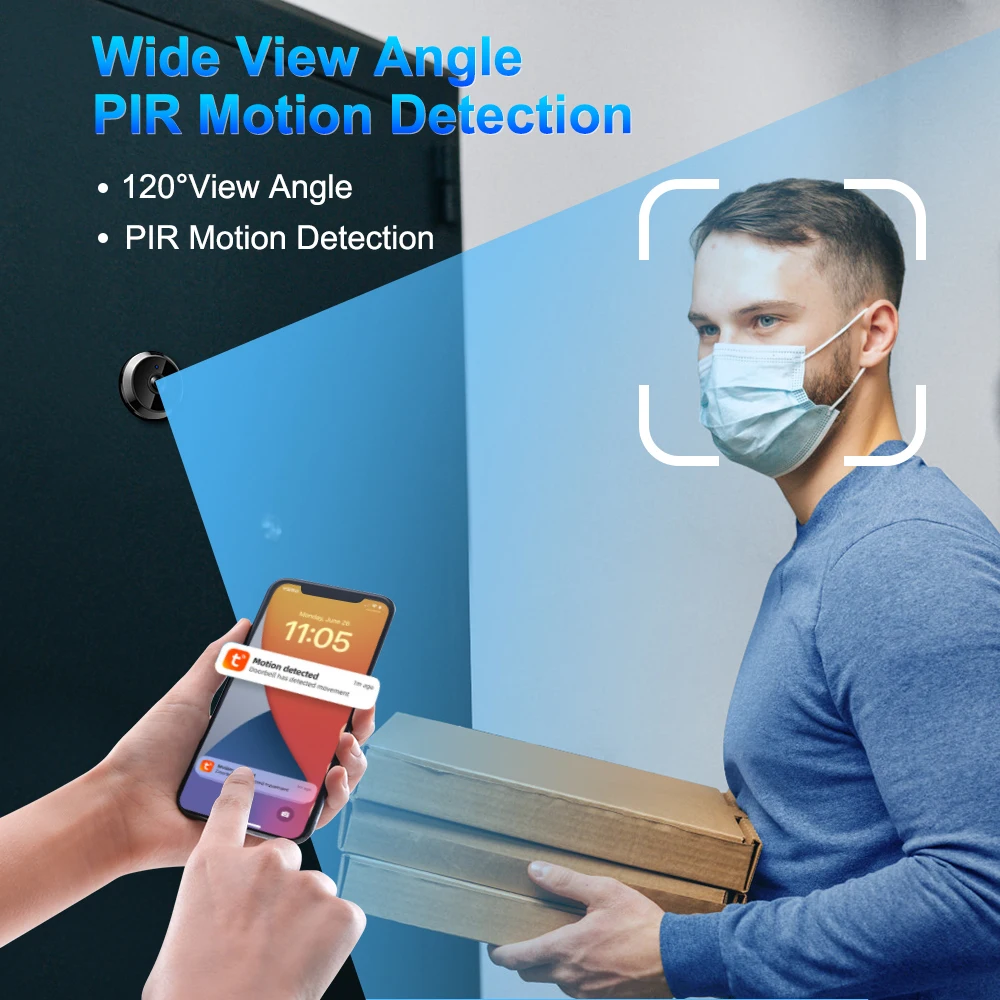
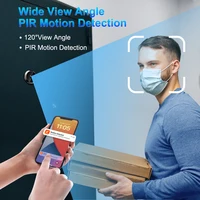
When motion detection is activated, the camera will take a photo or record a video automatically.
Motion detection effective distance:1-2m.
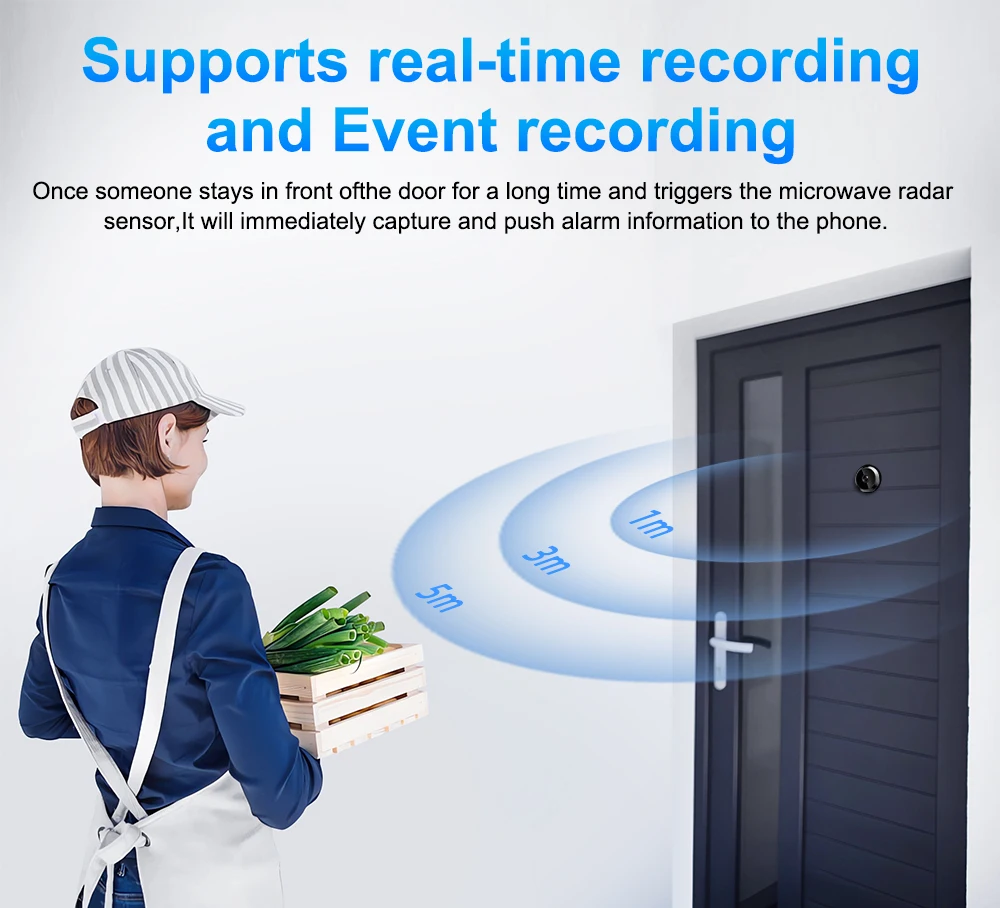
 Microwave Radar Human Body Detection

Once someone stays in front ofthe door for a long time and triggers the microwave radar sensor,It will immediately capture and push alarm information to the phone.
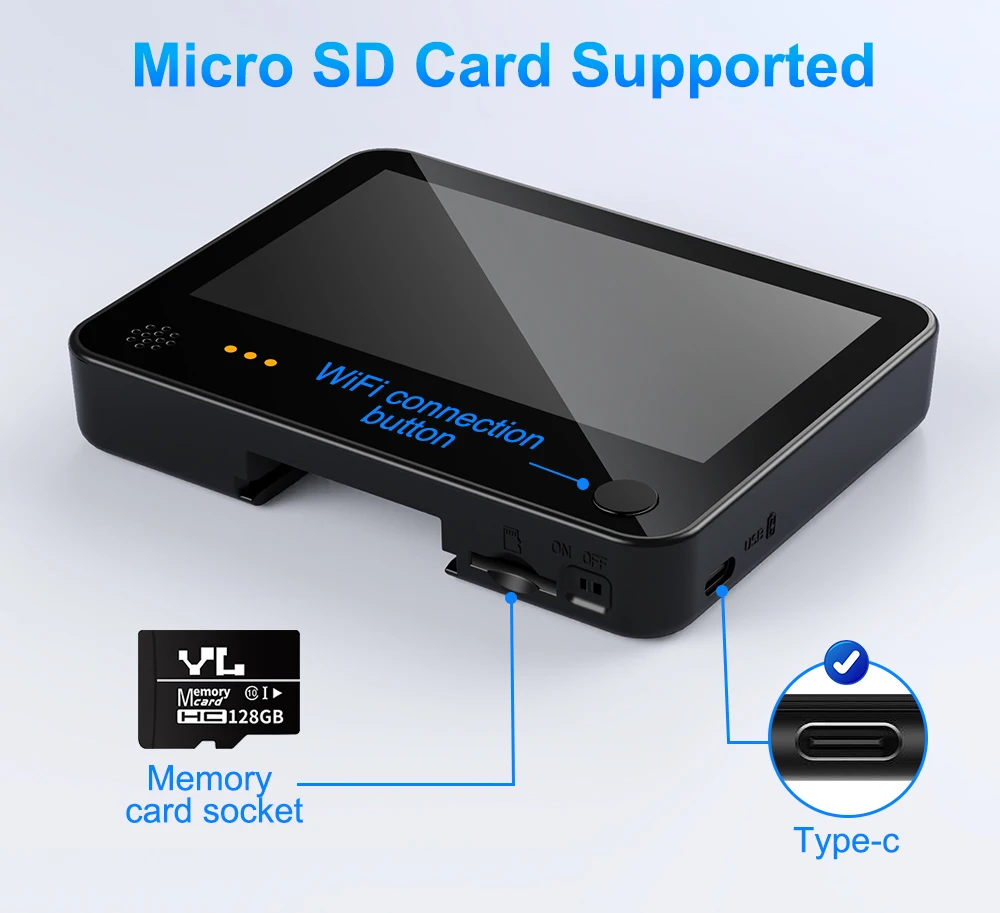
Support TF card,up to 128G Real time recording: The screen is constantly working, monitored 24 hours a day,and playback can be watched anytime,anywhere Event recording:Automatically capture and record when there is a change at the entrance,and remotely push messages
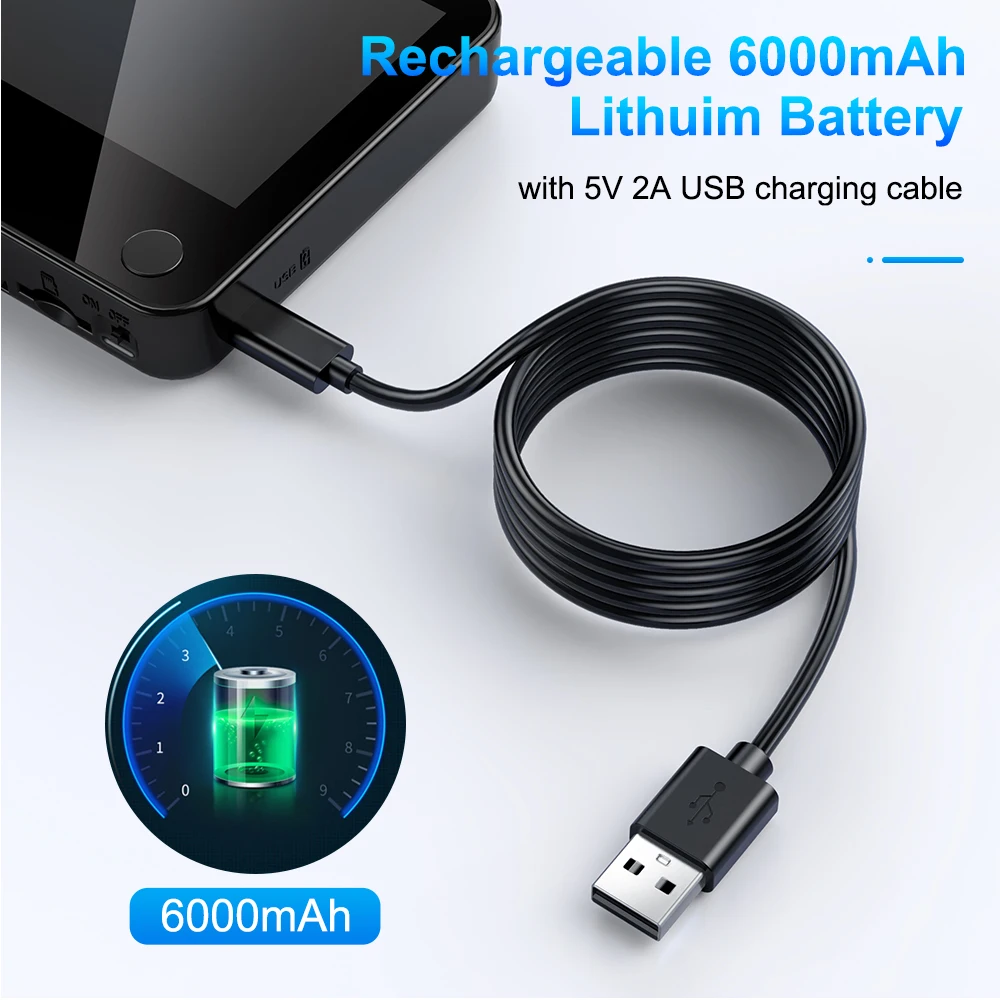
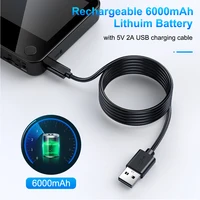
 Reachargeable 6000mAh Lithuim Battery With 5V 2A USB Charging Cable
Built-in 6000 mAh rechargeable large capacity battery supports 30 days long standby (usually 3-5 calls per day), low battery reminder and USB port charging. 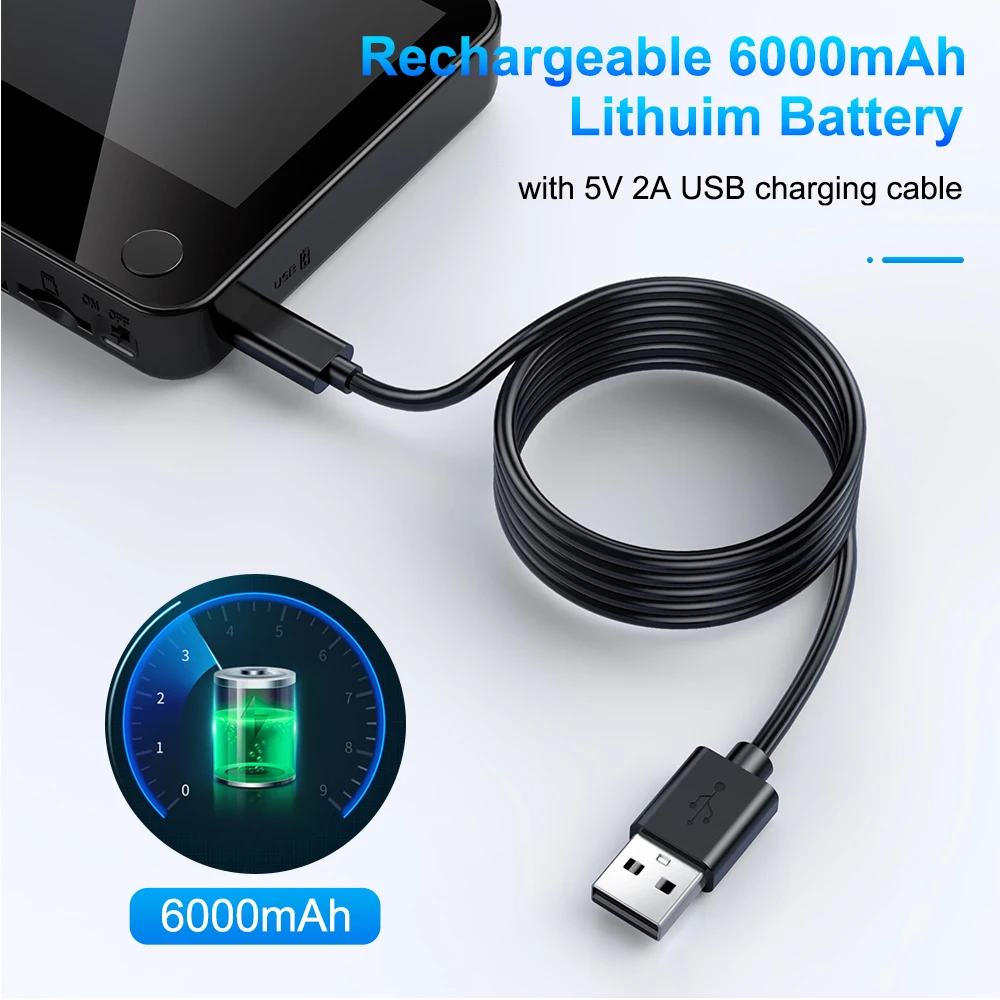 Installation steps
Stpep 1:Select a screws that fit the thickness of the door and insert the bolt Machine
Stpep 2:Pass the cable through the peephole outside the door
Stpep 3:After straightening out the lines as shown in the figure;Thread the screws through hang plate
Stpep 4:Tighten the fixed screws in sequence
Stpep 5:Buckle the doorbell wire in the correct direction
Stpep 6:Install the doorbell host on the hanging plate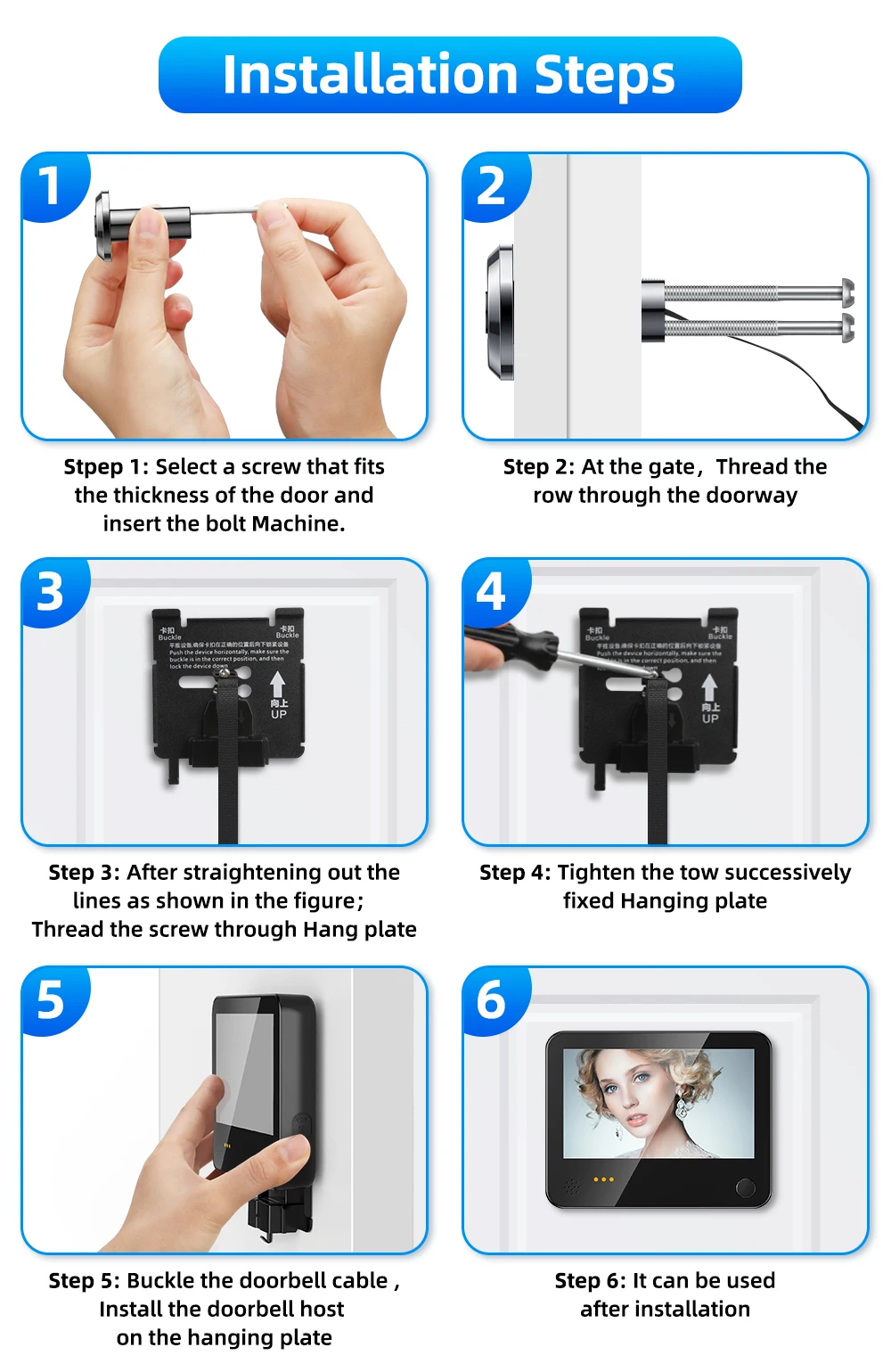

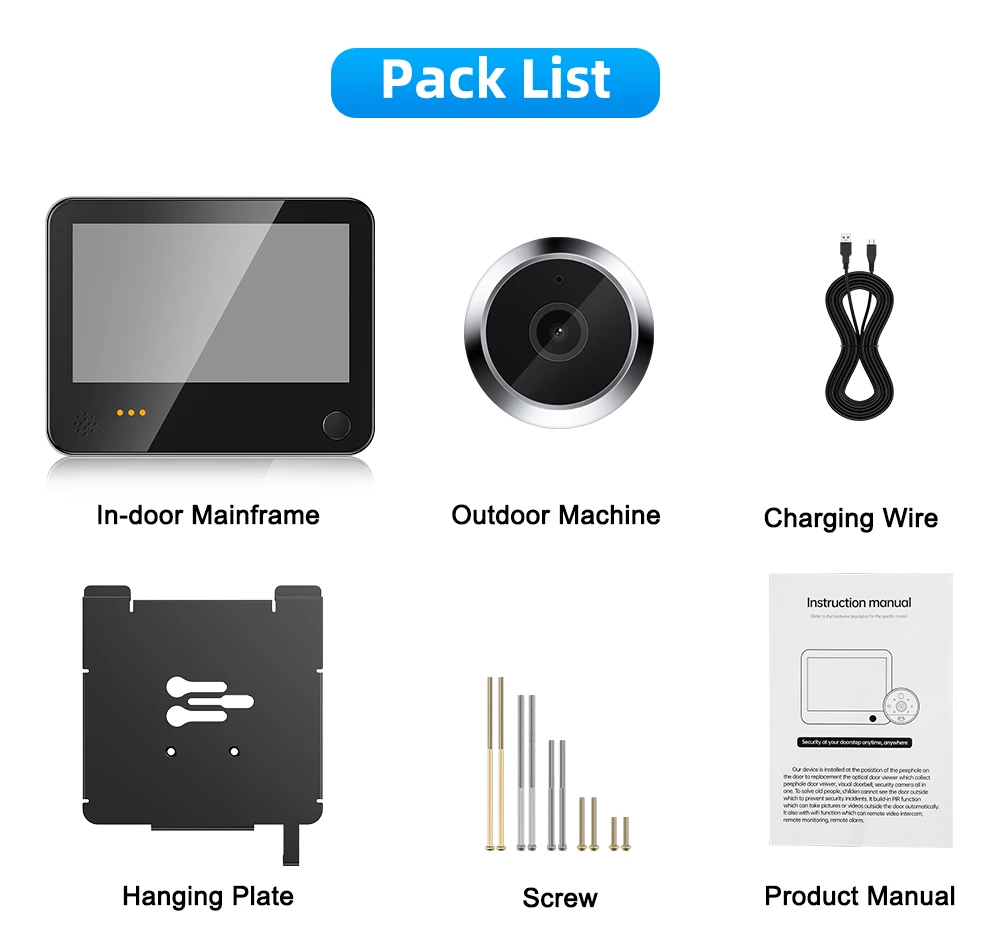
4.3inch Tuya Doorbell Camera Q&A:
Q1: Why is the doorbell host unable to display images when turned on?
–Inserting cable while the host is turned on cannot display images. Please insert the cable while the host is turned off; If the ribbon cable is damaged due to creases, the host will also be unable to display images. The cable of the peephole can be replaced. You can contact customer service to replace the cable
Q2: What specification of charger does the doorbell host use?
–The doorbell host needs to use a low-power 5V1A charger, and using a fast charger will burn out the doorbell host. The manufacturer only equipped a charging cable without a charging head. If you need a European or American standard 5V1A charging head, please contact customer service
Q3: Why is the peephole camera unable to connect to WiFi?
–Please ensure that your phone is connected to a 2.4G network. The 5G network cannot connect to the doorbell. Please enter the correct password during the connection process. When the camera scans the QR code on the phone, you need to press and hold the power button on the doorbell host to reset the doorbell and keep it waiting for WiFi connection.
Q4: Why does the peephole camera disconnect from the phone?
–Unstable network signals may cause them to disconnect. You can delete connection records on your phone and reset the doorbell to reconnect them.
Q5:Why is the power consumption of the doorbell host very fast?
–The power consumption of the doorbell host depends on the frequency of use of the doorbell host. You can lower the sensitivity of motion sensing in the tuya app to put the doorbell host in low-power mode.
Q6:Why can’t the camera store videos?
–The doorbell needs to use a memory card with the format FAT, and its transmission rate should reach C10. If someone stays at the door for a long time, the camera will record a video and store it in the memory card. You can view it in the playback section of the tuya aap page on your phone. The camera is unable to record videos 24 hours a day.







Reviews
Clear filtersThere are no reviews yet.