

Please review in detail
1.Power Supply: Connect the device to a power source using a USB Type-C cable。
2.Connection Method: Connect the gateway to your home 2.4GHz band router via an Ethernet cable, ensuring your phone and the gateway are on the same network. Press and hold the button on the gateway until the indicator light flashes to enter pairing mode, then use the mobile app to connect. Use the AVATTO app; supports Tuya/Smart Life. (WiFi needs to be 2.4G)。
3.Homekit: First, connect to the AVATTO app, then open the Apple Home app and scan the QR code on the device to add it。
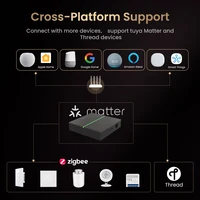
4.Voice Control: After the gateway connects to Zigbee version devices, those Zigbee devices can be connected to Alexa or Google Home for voice control。
5.Customer Support:If you have any issues, please contact our store’s customer service promptly. Our professional support team will help resolve your problem。
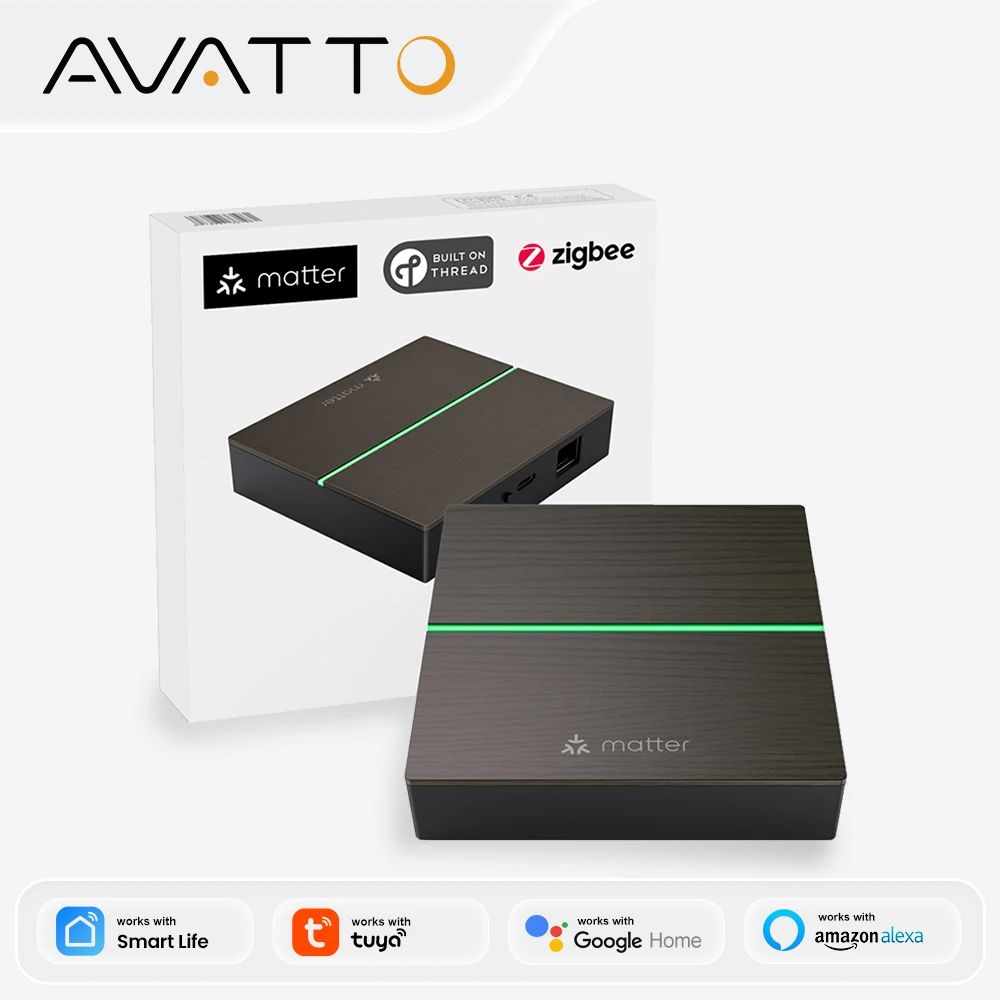
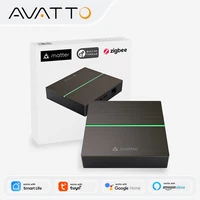
AVATTO Wired Matter Gateway
Bridging Smart Home Life
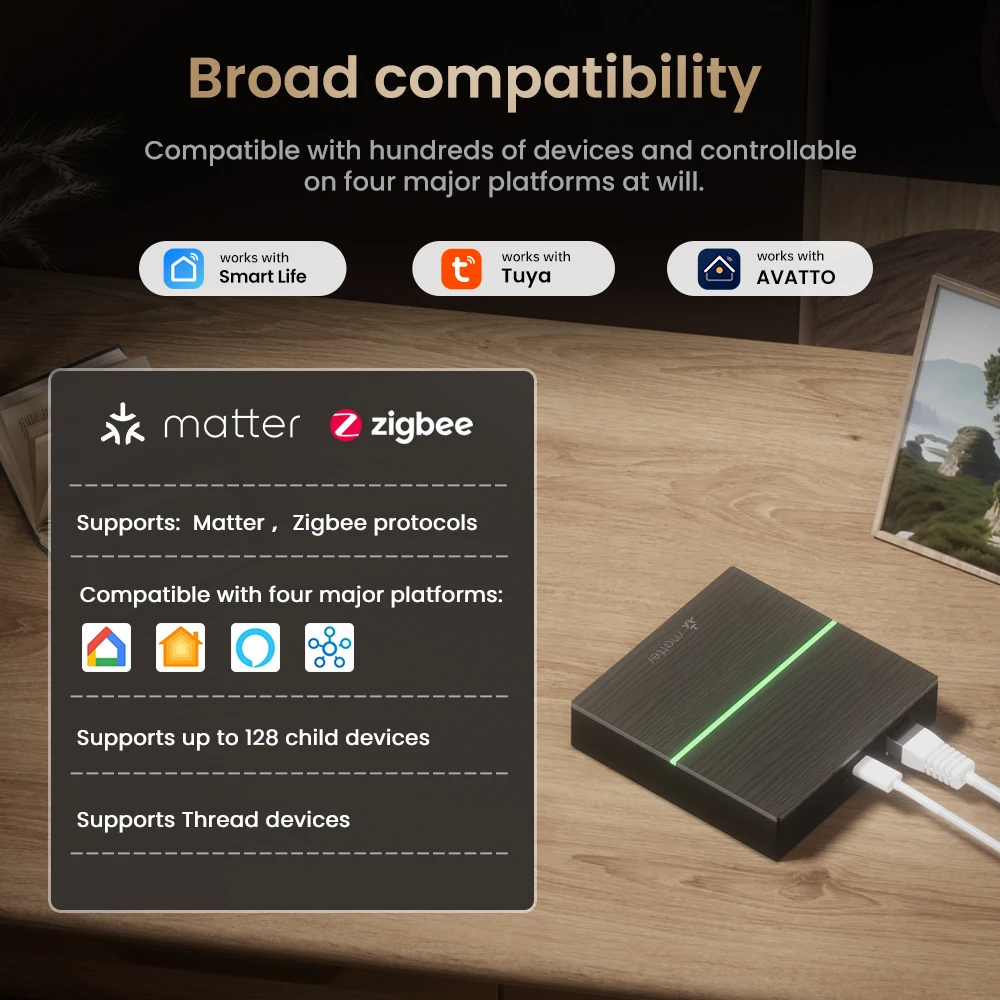
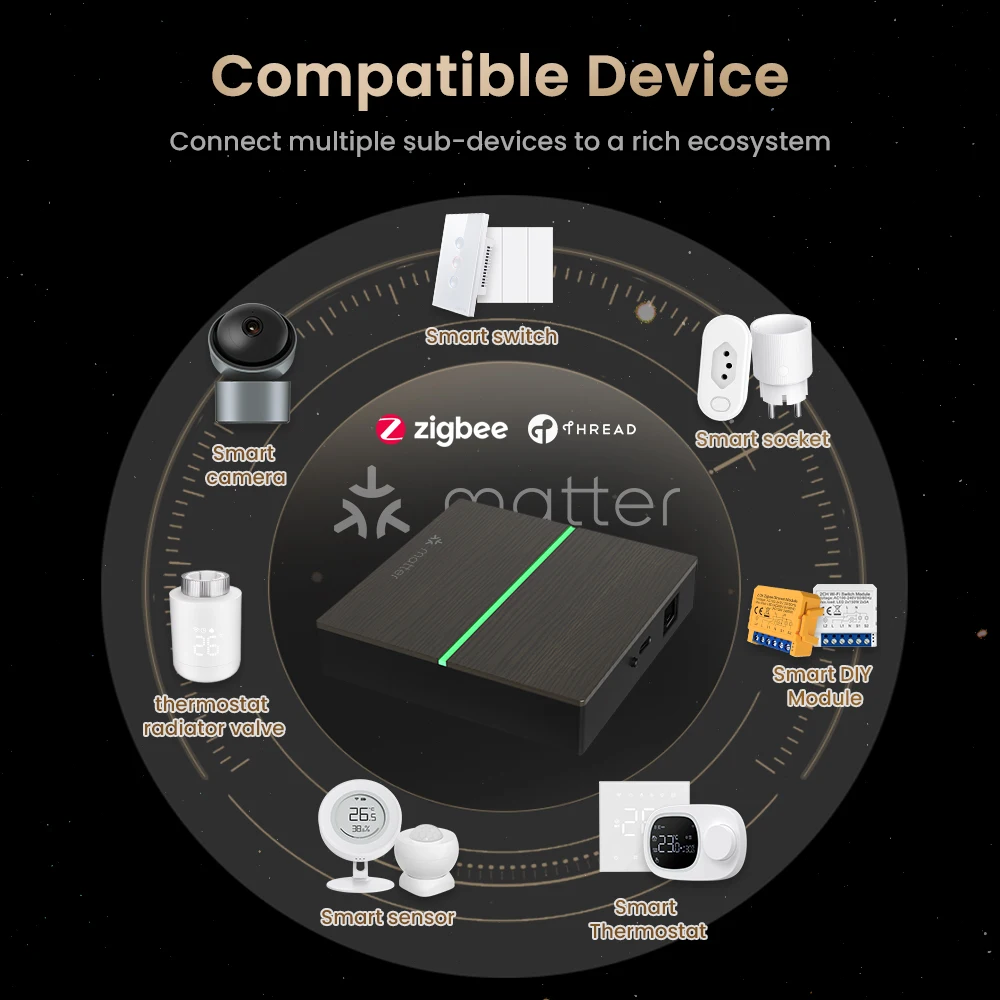
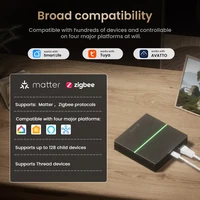
Broad compatibility
Compatible with hundreds of devices and controllable on four major platforms at will
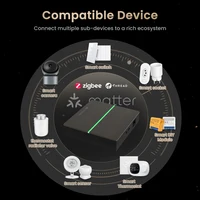
Compatible Device
Connect multiple sub-devices to a rich ecosystem
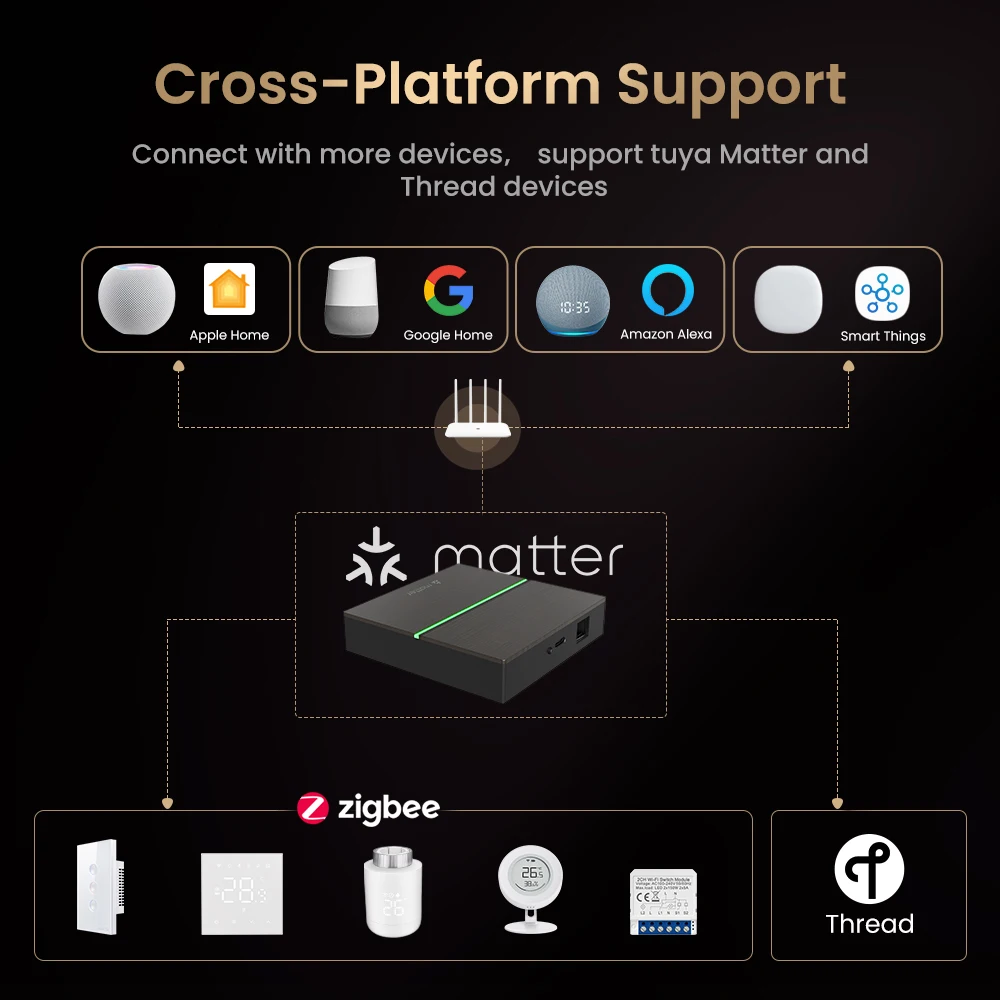
Cross-Platform Support
Connect with more devices, support tuya Matter and Thread devices
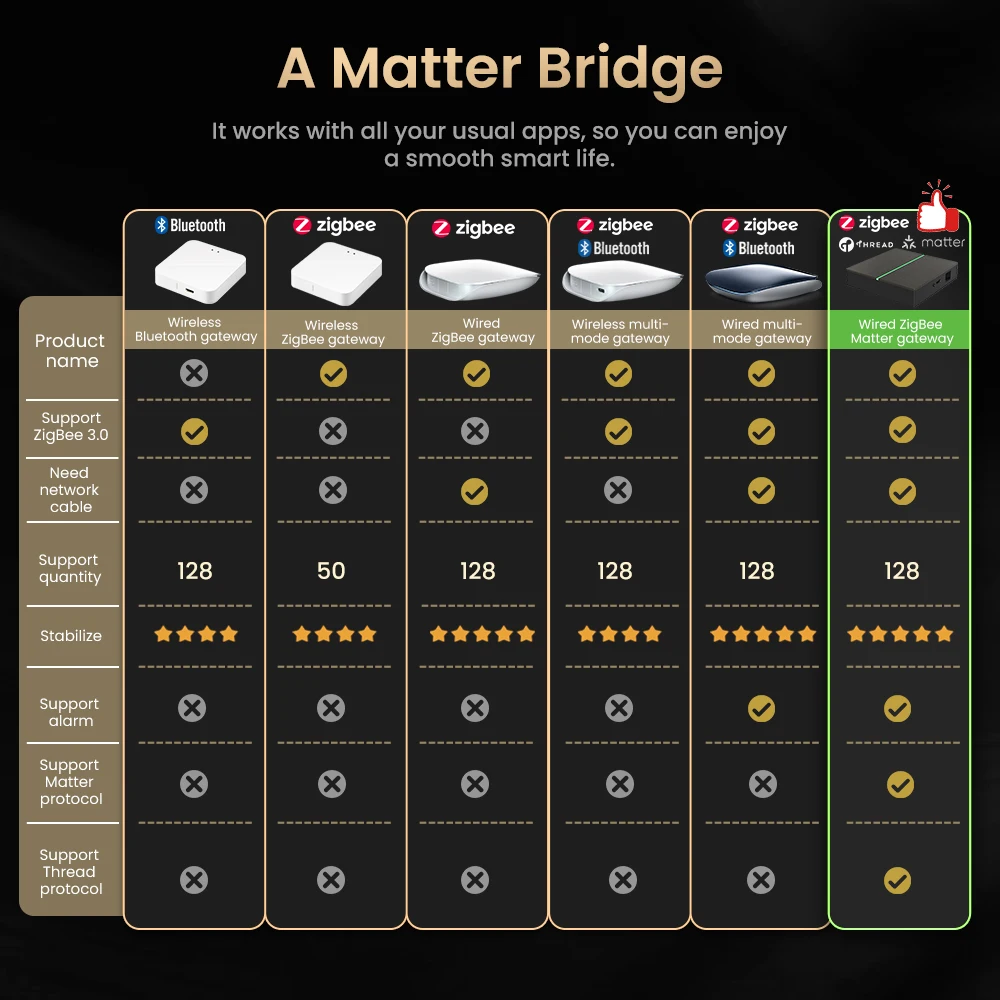
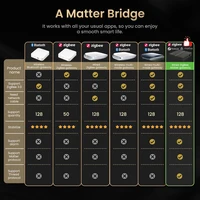
A Matter Bridge
It works with all your usual apps, so you can enjoya smooth smart life
Accidental Erasure Protection
If you reset the gateway button and don’t connect it to another app or homepage within 3 minutes,
the device connects back to the original homepage
More Stable Signal
LAN Network Connection ,Broad Coverage and stable connection signal
High Security
Utilizes advanced TLS mutual authentication to ensure secure data transmission,
protecting your privacy from breaches
Connection Methods
Connect the phone and gateway to the same WIFI network→ Download /open the APP
→Add the device to the APP→Constant green after the device is successfully added
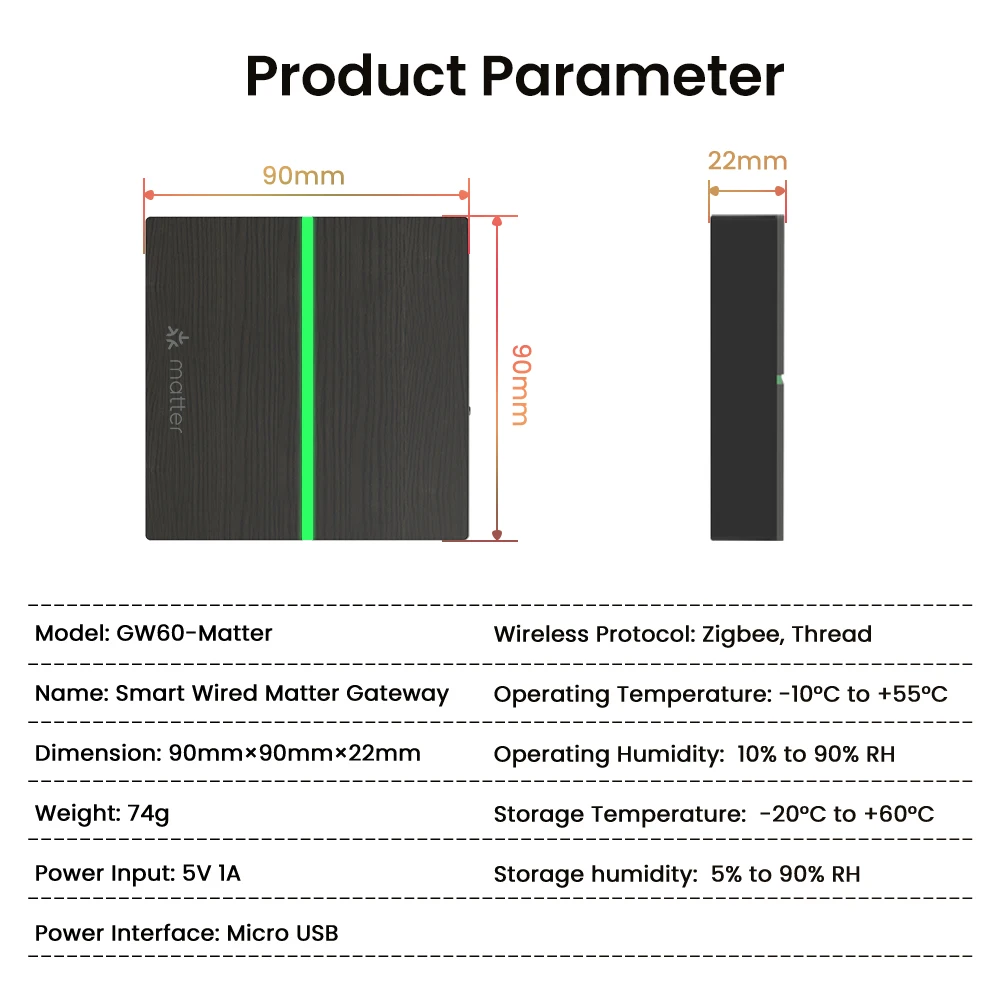
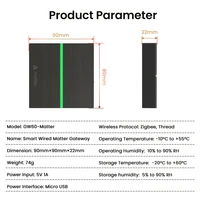
Product Parameter







Reviews
Clear filtersThere are no reviews yet.