
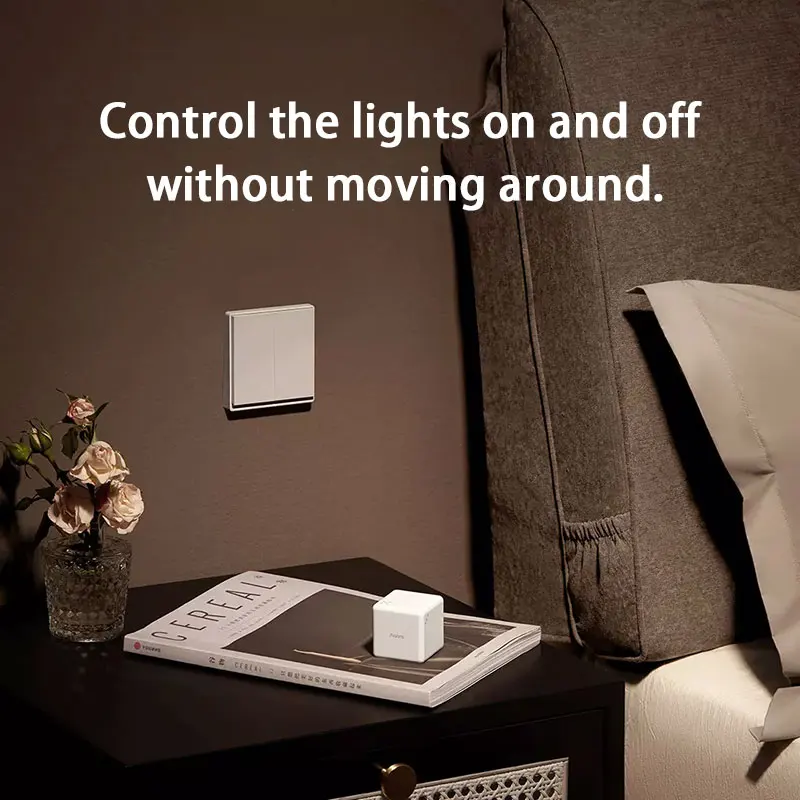
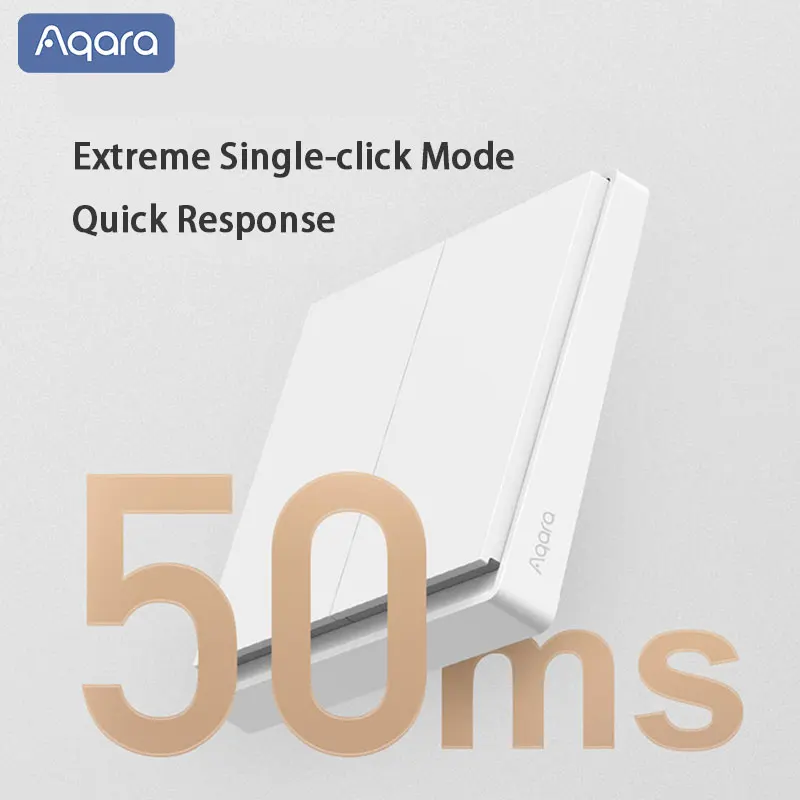
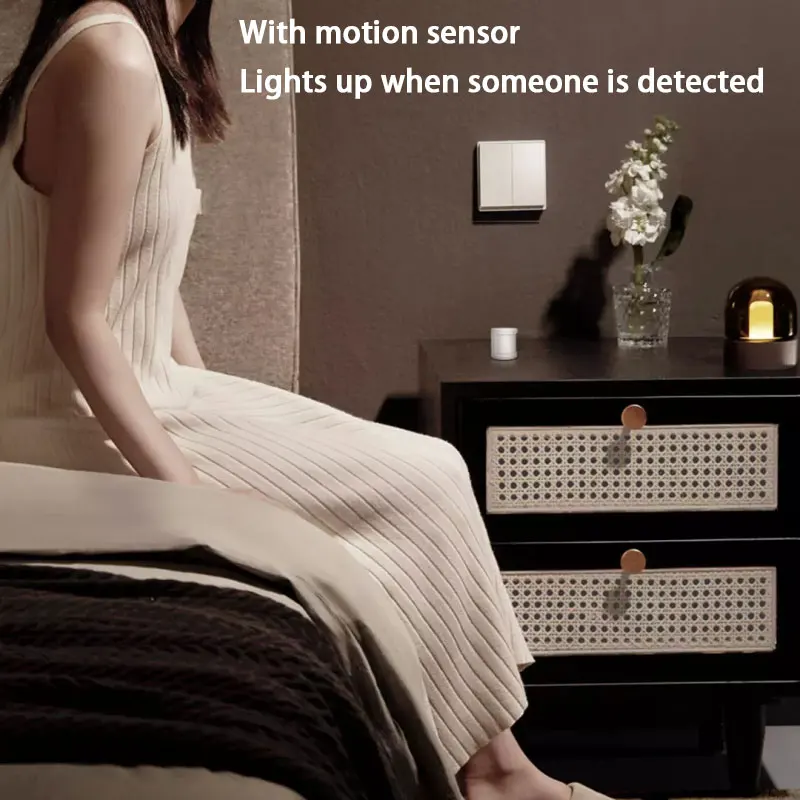
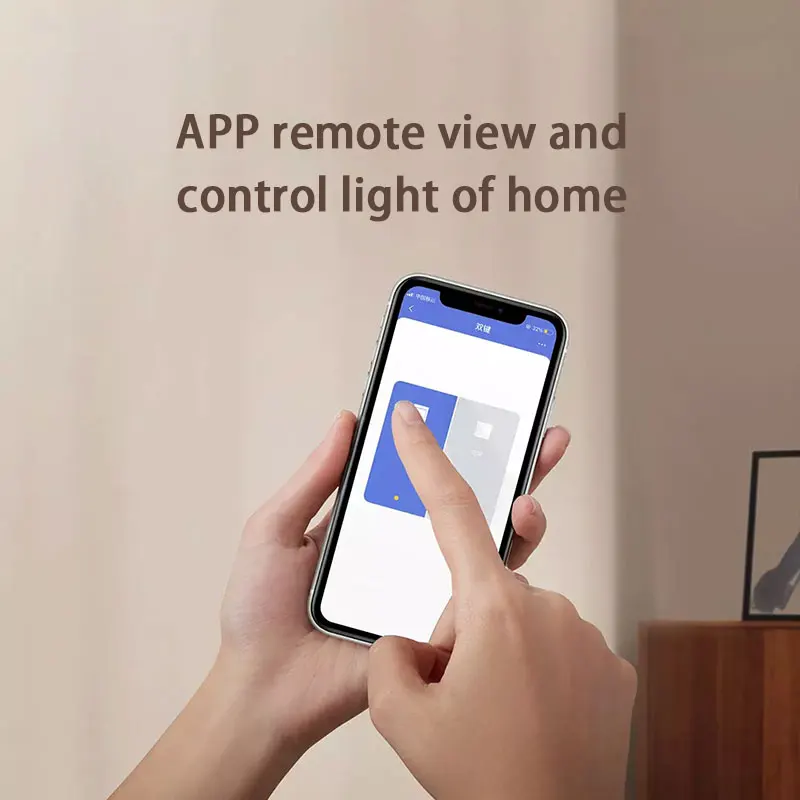
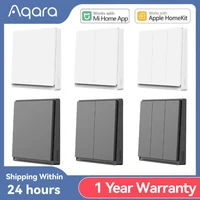
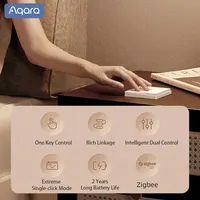
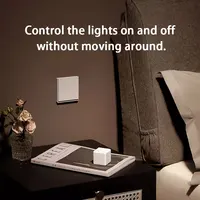
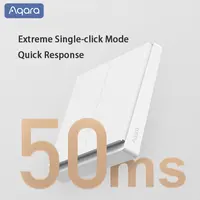

Aqara Smart E1 Wall Switch ZigBee 3.0 Wireless Smart Home Light Button No With Neutral Fire Wire For Xiaomi Mi Home Homekit APP
Please Note:
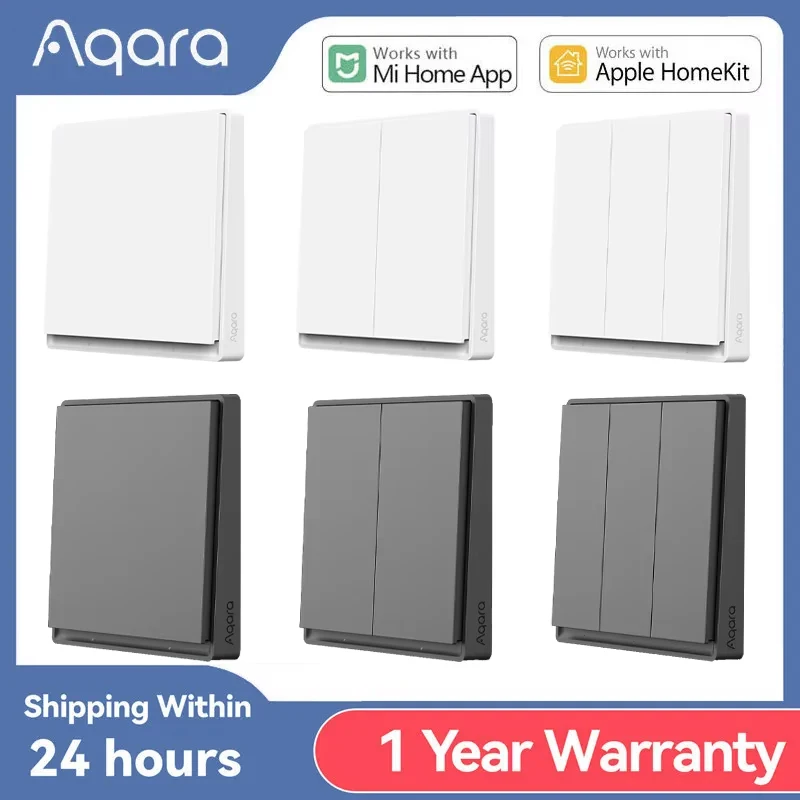
2) This link has 3 specifications (With neutral switch, No neutral switch, wireless switch) and two colors (white and grey), please check the specification and color you need to buy before purchasing.
3) The back of 1key and 2key are round, and the back of 3key is square
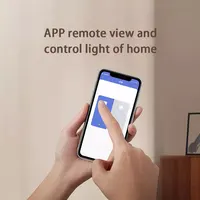
4) If you want to connect the switch on the mobile app, please connect the Aqara ZigBee hub gateway in the app first, the hub gateway needs to be purchased separately..
5) This switch must work with Aqara ZigBee 3.0 gateway to be used in mobile APP. Compatible gateways (Gateway M1S 2022, Gateway M1S (2nd Generation) Gateway M2, Gateway M2 2022, Gateway E1, Gateway M100, Smart Hub M3, Camera G3 gateway version) and more.
Main feature
Note: The wall switch can connect the wire, can control any bulb throught the wire ; or control by phone APP .
while the wireless key cannot wired, only can control mijai smart bulb or light through phone APP
1 ) WIRELESS VERSION
Note: This switch has to work with zigbee Gateway hub to achieve smart remote control function
Features :
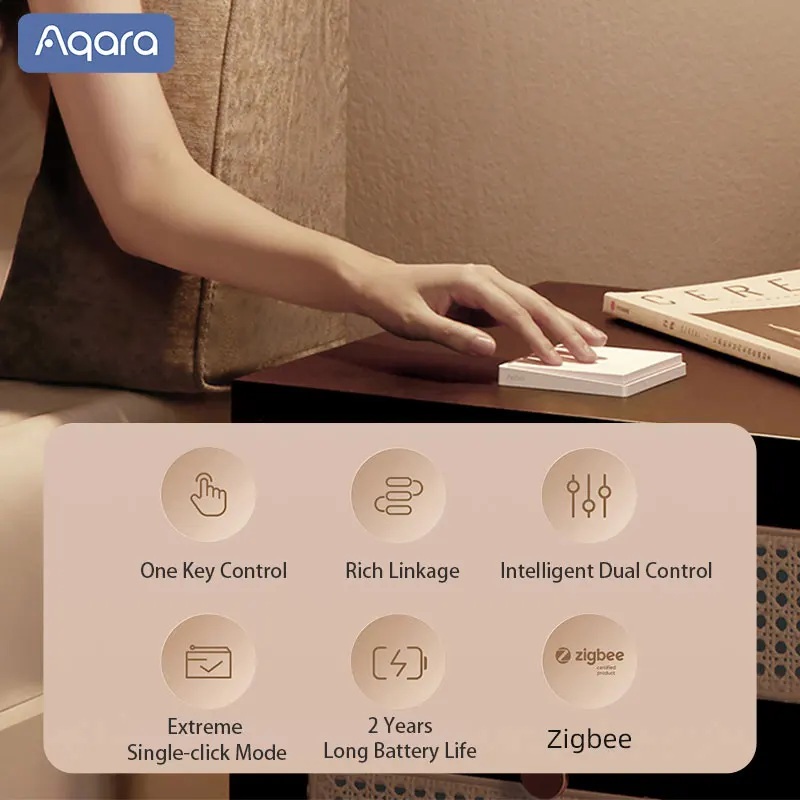
Cannot be wired, match with xiaomi or aqara smart bulb or light through ZigBee 3.0
* model ( wireless 1key : WXKG16LM , wireless 2key :WXKG17LM )
* Portable, realize controlling everywhere
* Wireless connection: ZiGBee 3.0
* Built-in CR2032 battery
* support APP : mi home , aqara home , homekit .
2) Aqara Smart Wall Switch E1 (No Neutral)
Single Rocker ( 1 key )
Model: QBKG38LM
Dimensions: 86 x 86 x 30.15mm
Wireless Connectivity: Zigbee 3.0
Rated Voltage: 220V–, 50Hz
Rated Power: Max 1100W, Min 3W
Operating Temperature:0°C~40°C
Operating Humidity: 5~95% RH. No condensation
Double Rocker (2 keys)
Model: QBKG39LM
Dimensions: 86 x 86 x 30.15mm
Wireless Connectivity: Zigbee 3.0
Rated Voltage: 220V~,50Hz
Rated Power: Max 1100W, Min 3W
Operating Temperature:0°C~40°C
Operating Humidity: 5~95% RH. No condensation
3) Aqara Smart Wall Switch E1 (With Neutral)
Single Rocker ( 1 key )
Model: QBKG40LM
Dimensions: 86 x 86x 30.15mm
Wireless Connectivity: Zigbee 3.0
Rated Voltage: Max 10A220V~, 50Hz
Rated Power: Max 1100W
Operating Temperature:0″ C~40″ C
Operating Humidity: 5~95% RH. No condensation
Double Rocker (2 keys)
Model: QBKG41LM
Dimensions: 86 x 86 x 30.15mm
Wireless Connectivity: Zigbee 3.0
Rated Voltage: Max 5A 220V~, 50Hz
Rated Power: Max 1100W
Operating Temperature:0″ C~ 40 C
Operating Humidity: 5~95% RH. No condensation
FAQ:
–Aqara wireless switch E1 installation position and precautions?
The Agara wireless switch E1 can be affixed to a wall or placed on a desktop. As metal has a debilitating effect on wireless signals, it is not recommended to install wireless switches on metal doors. As a doorbell, a wireless switch can be mounted on the wall next to the metal door. (Please refer to the installation instructions for details)
–What is the maximum installation distance between Aqara wireless switch E1 and the gateway?
In different indoor environments, the working distance between sub-devices and gateways is different. For use in everyday home environments, it is recommended that the distance between the sub-device and the gateway be no more than 10 m and that there be no more than two concrete walls in between.







Reviews
Clear filtersThere are no reviews yet.