

Product features:
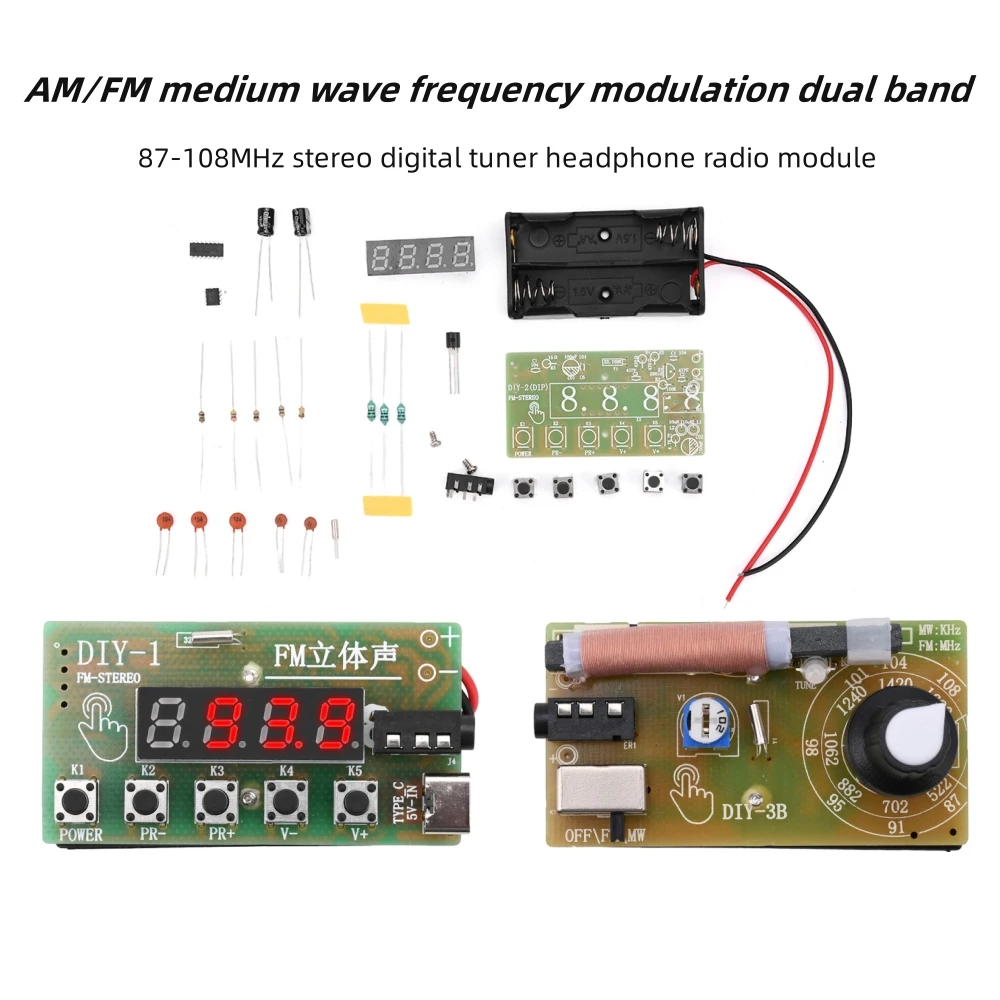
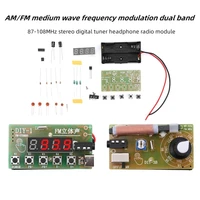
1. Using high-quality PCB boards, you can choose to solder finished products or DIY loose parts kits to make it yourself.
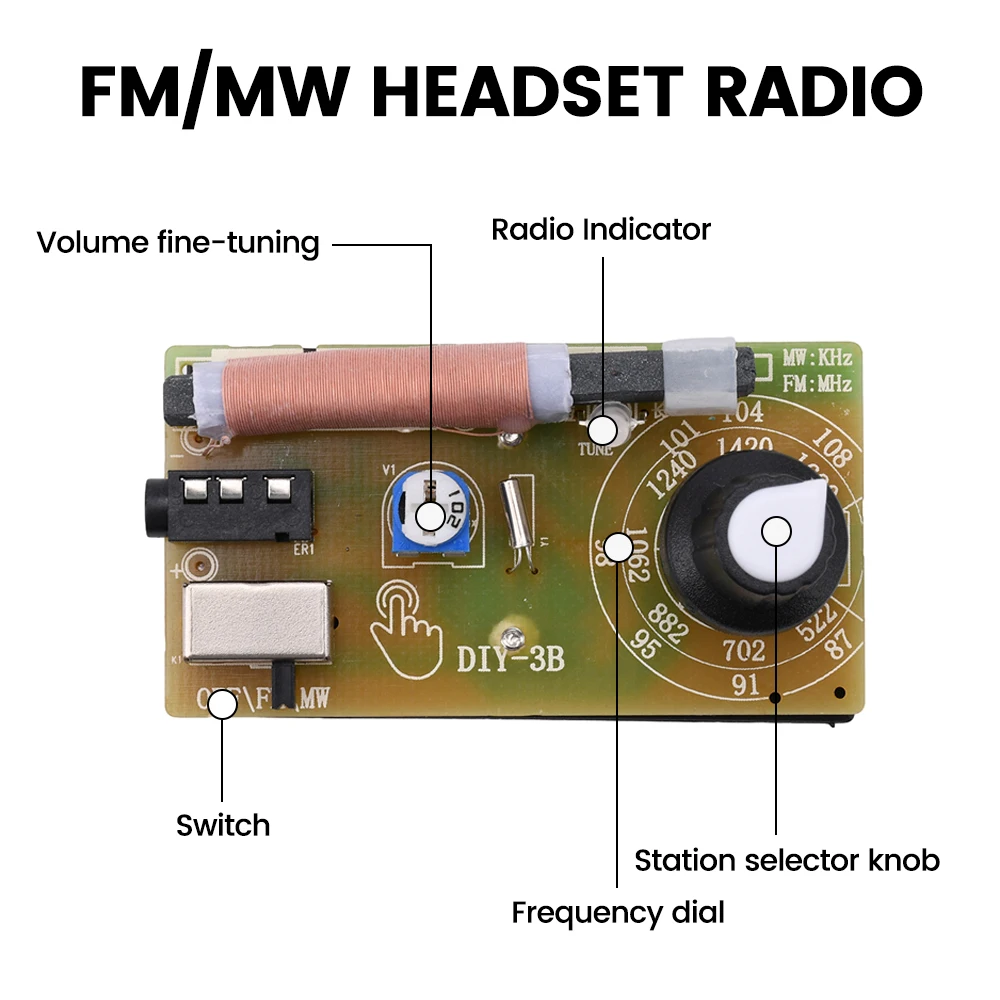
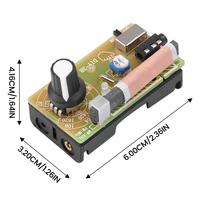
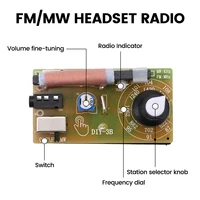
2. Multiple styles are available, including AM/FM hand tuned and FM band stereo digital tuned options.
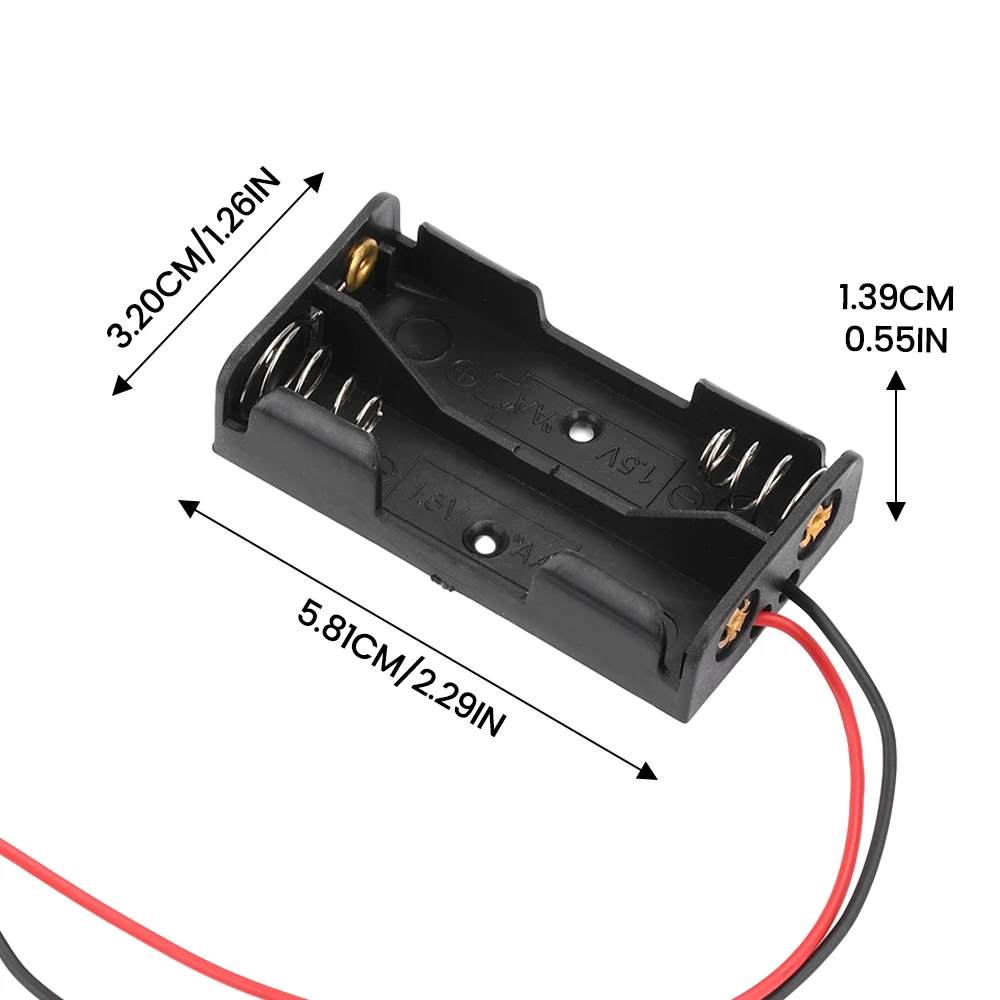
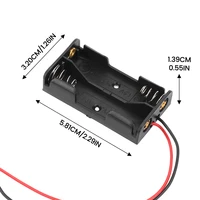
3.2 power supply methods, manual adjustment model with AA battery power supply, stereo digital tuning model can support AA battery power supply or TYPE-C port power supply.
4. Easy to use, insert two batteries or TYPE-C port to input DC 5V power, press the power switch button to insert stereo headphones, and you can enjoy stereo programs.
5. DIY kits contain a variety of electronic components, which can be used to learn electronic circuits and cultivate hands-on skills.
Product parameters:
Band type: AM/FM medium wave frequency modulation dual band
Power supply mode: battery powered/TYPE-C interface
Input voltage: Battery 1.5V * 2; TYPE-C interface DC5V
Frequency coverage: 87.0-108.0MHz
Noise limiting sensitivity:- 5dBu
Audio output power: 20Mw
Stereo Separation: 26dB
Signal to noise ratio: 54dB
Neighbor frequency suppression ratio: 34dB
Volume range code: 0 → 15 segments
Number of storage stations: 0 → 63
Battery model: AA [No.5 battery] (batteries are not included in the shipment)
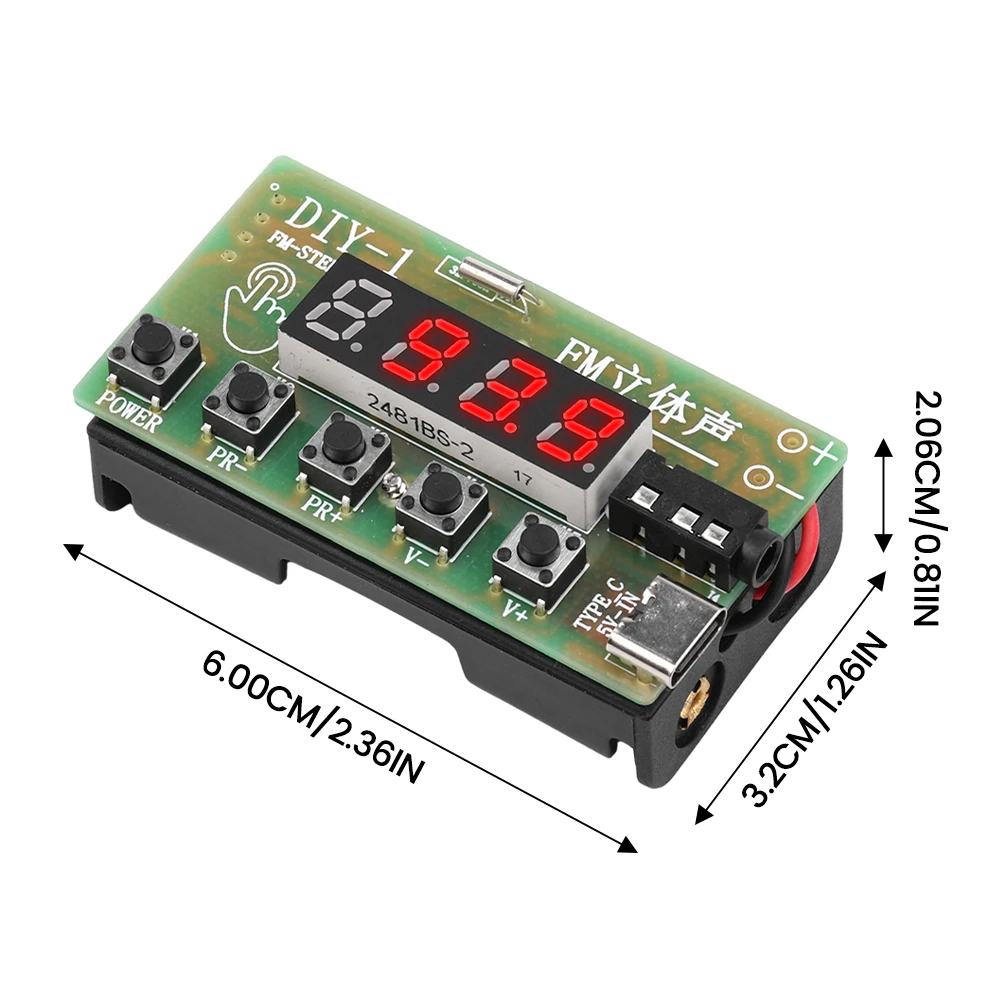
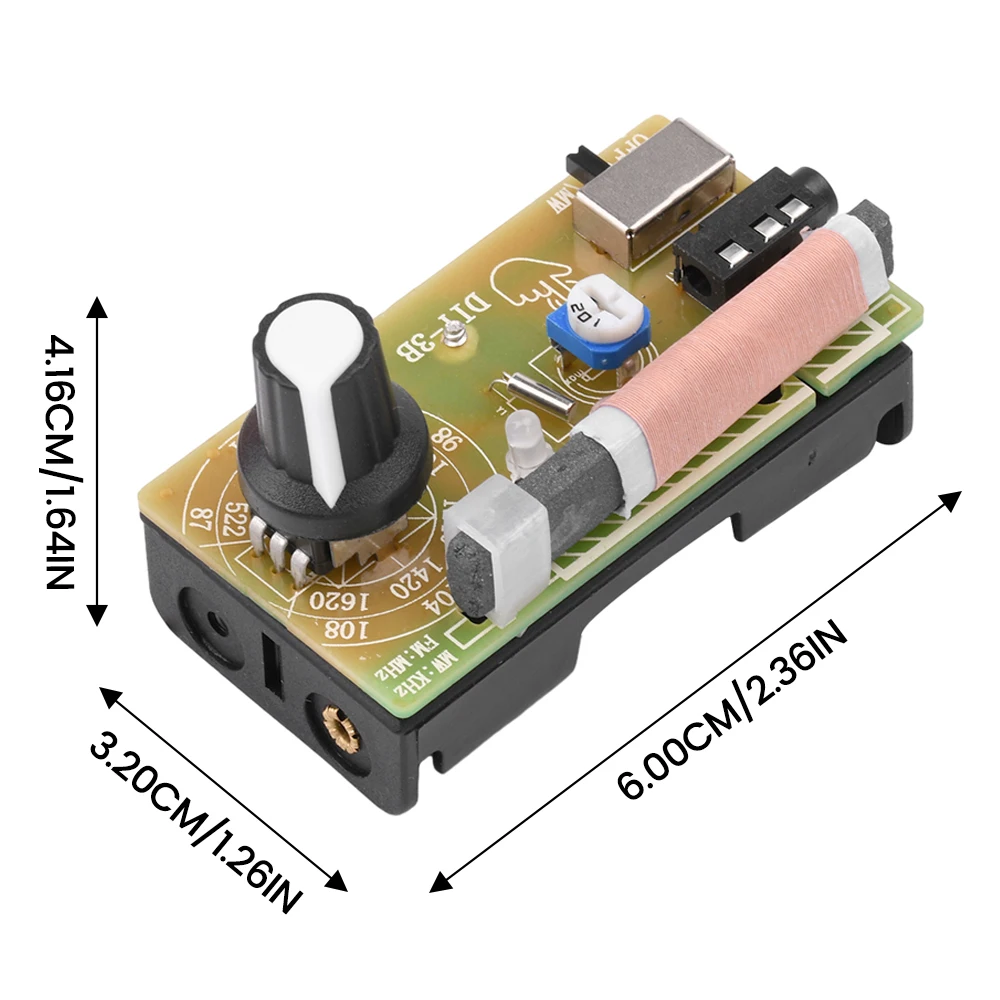
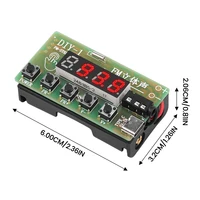
PCB board size: 60mm * 32mm
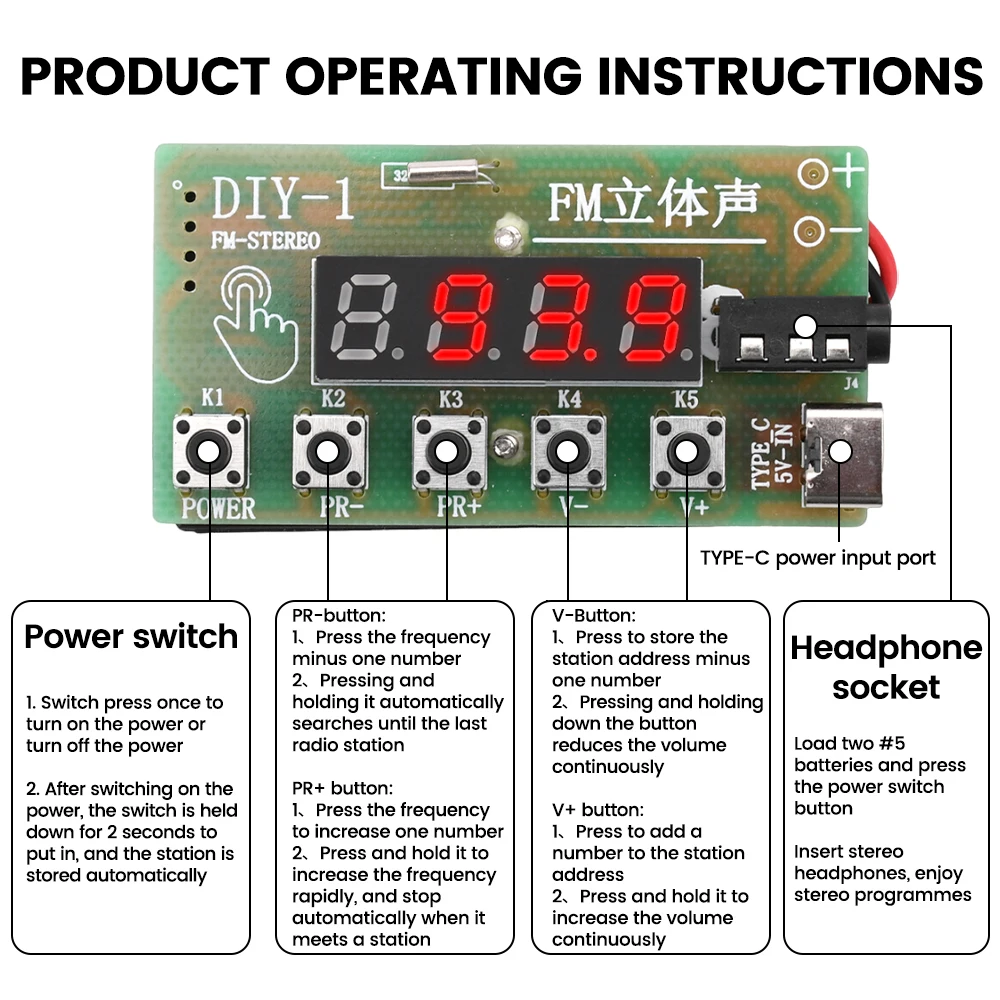
Earphone socket: Ordinary 3.5mm diameter headphones can be used. Insert two AA batteries or TYPE-C port to input DC 5V power. Press the power switch button to insert stereo headphones and enjoy stereo programs.
Operation manual:
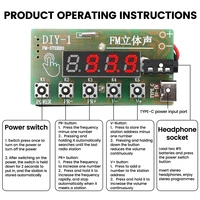
1. For the first time, install the No. 5 battery (some models support TYPEC), then plug in the headphones and go to a high or open place;
2. Press the power button (the first one on the left), the display screen will light up, and the headphones will receive radio or “rustling sound”;
3. Press the power switch for two seconds and release it. The product enters automatic channel search mode, and the display screen shows the progress of the search. If a radio station is encountered, it will be automatically stored;
4. Press the FP button once to decrease the frequency by one number, hold it down to quickly decrease the frequency, and it will automatically stop playing when encountering a radio station;
5. Press the FP+button once to increase the frequency by one number. Press and hold to quickly increase the frequency. When encountering a radio station, it will automatically stop playing;
6. Press the V – button once to reduce the station address by one number. Hold down and hold the button to quickly decrease the volume until you can no longer hear the radio station sound;
7. Press the V+button once to increase the station address by one number. Hold down and hold the button to quickly increase the volume until the radio station reaches its maximum volume;
&Anti drowsiness function: After 59 minutes of power on without any button operation, the anti drowsiness function will be activated and the radio power will be automatically turned off within 60 seconds. The product will enter sleep mode and pause!
Product List:
Package 1:
Radio module * 1 (welded finished product)
Package 2:
DIY radio kit * 1 (unwelded, customer needs to weld it themselves)







Reviews
Clear filtersThere are no reviews yet.