

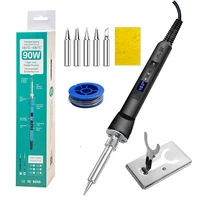

US plug is 110V EU plug is 220V, don’t choose wrong voltage
Model: 919 Series Electric Soldering Iron
Voltage: 220V/110V
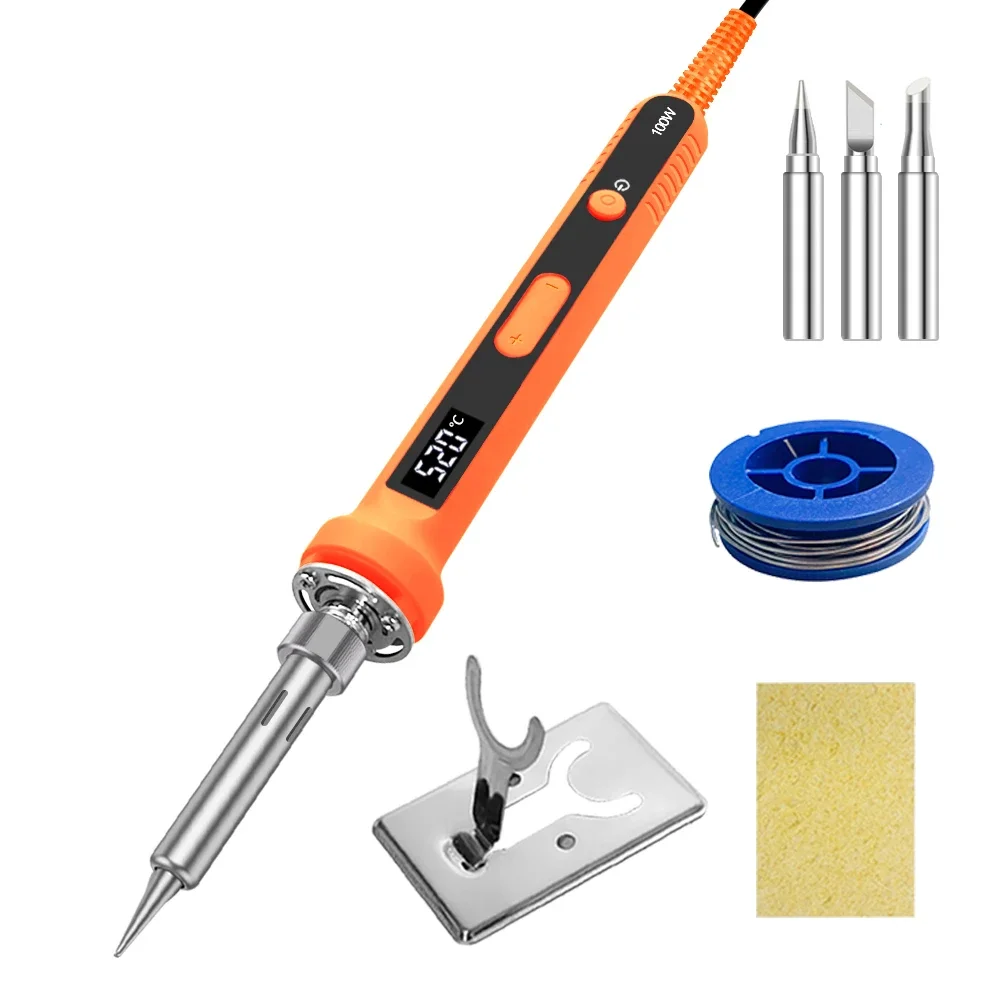
Power:100W/90W
Temperature range: 180-500℃.200-600℃
Heating core: plug-in ceramic heating core
220V heating core resistance: 270Ω
Gross weight: 0.15kg
Soldering iron tip: Only use 907 series soldering iron tip
Temperature calibration method: long press the up and down 2 keys to calibrate the temperature, there are 2 double calibration temperature functions
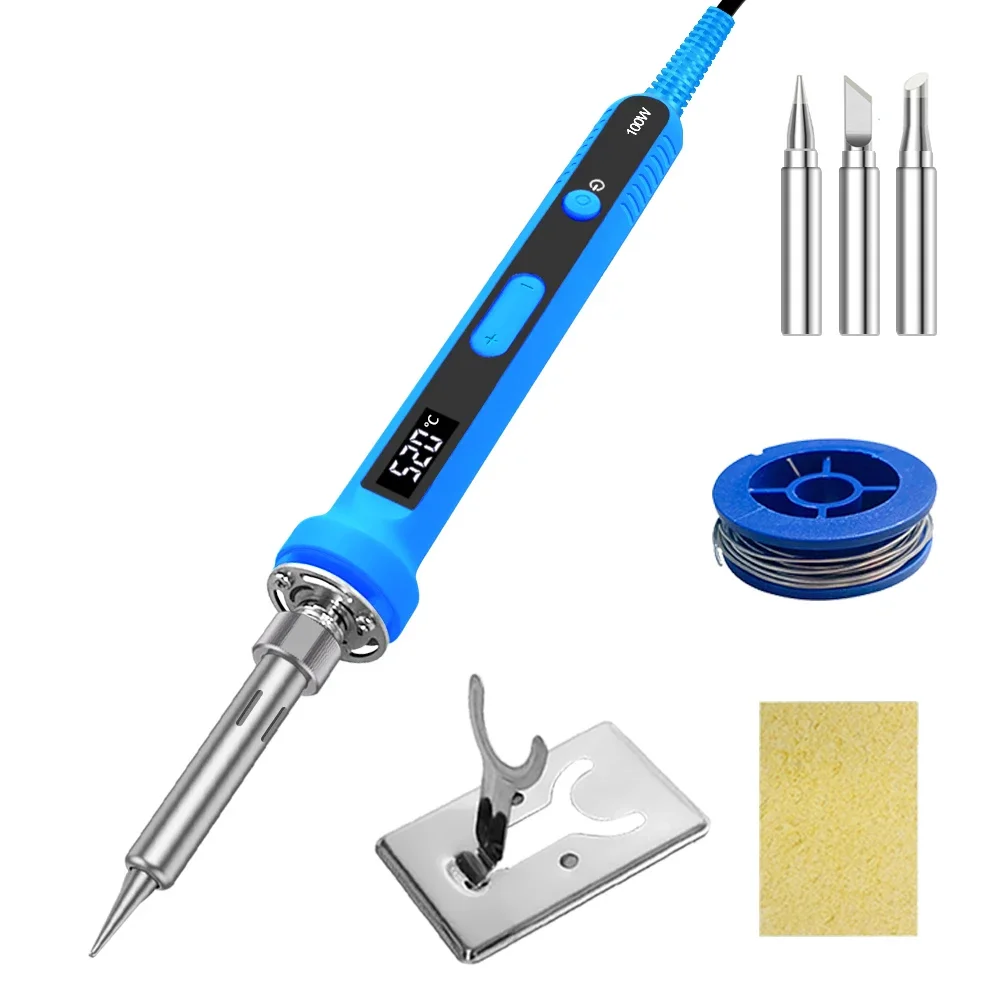
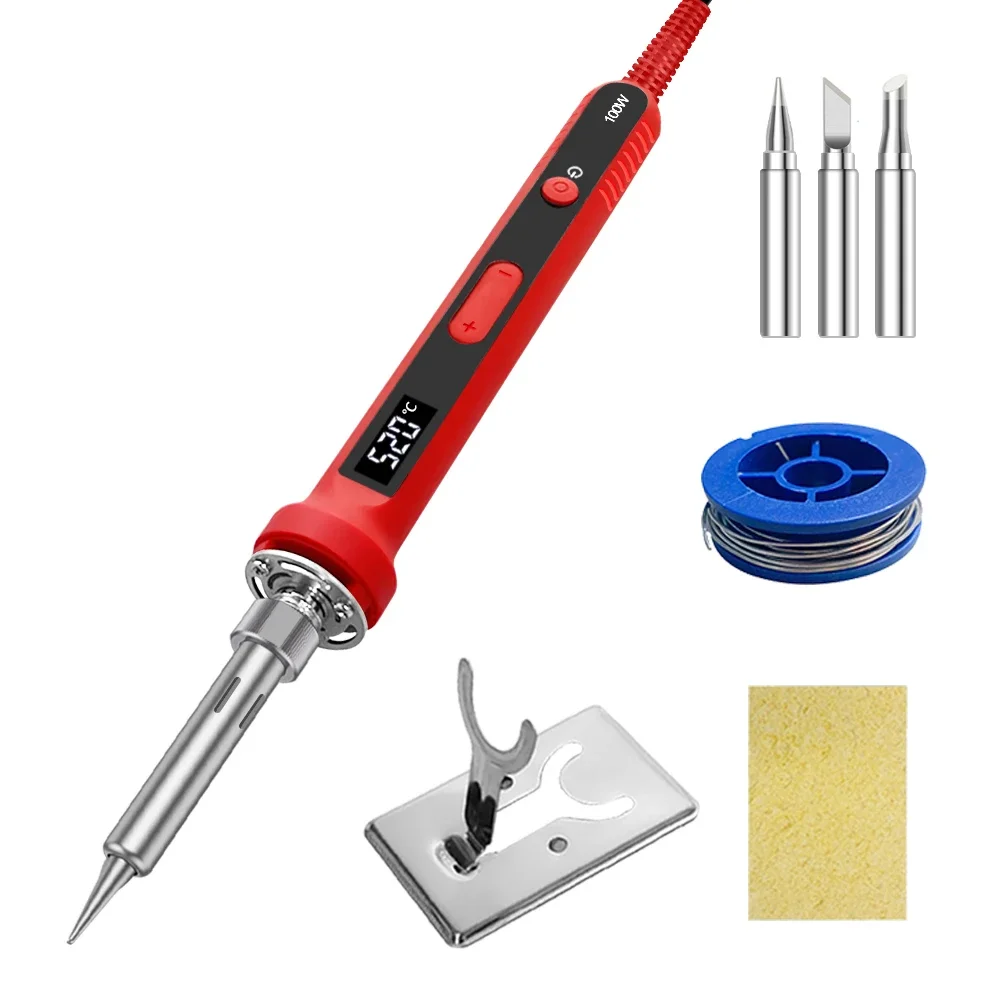
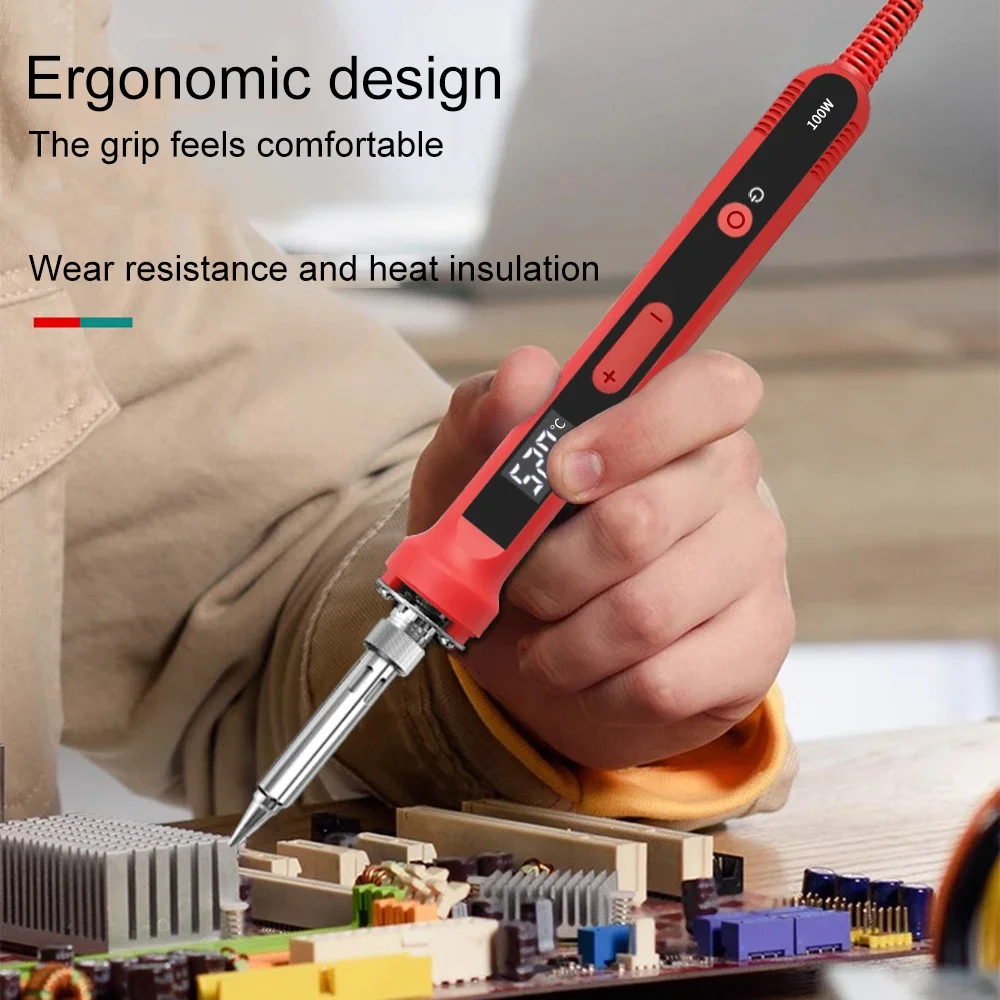
100W 919 Series soldering iron
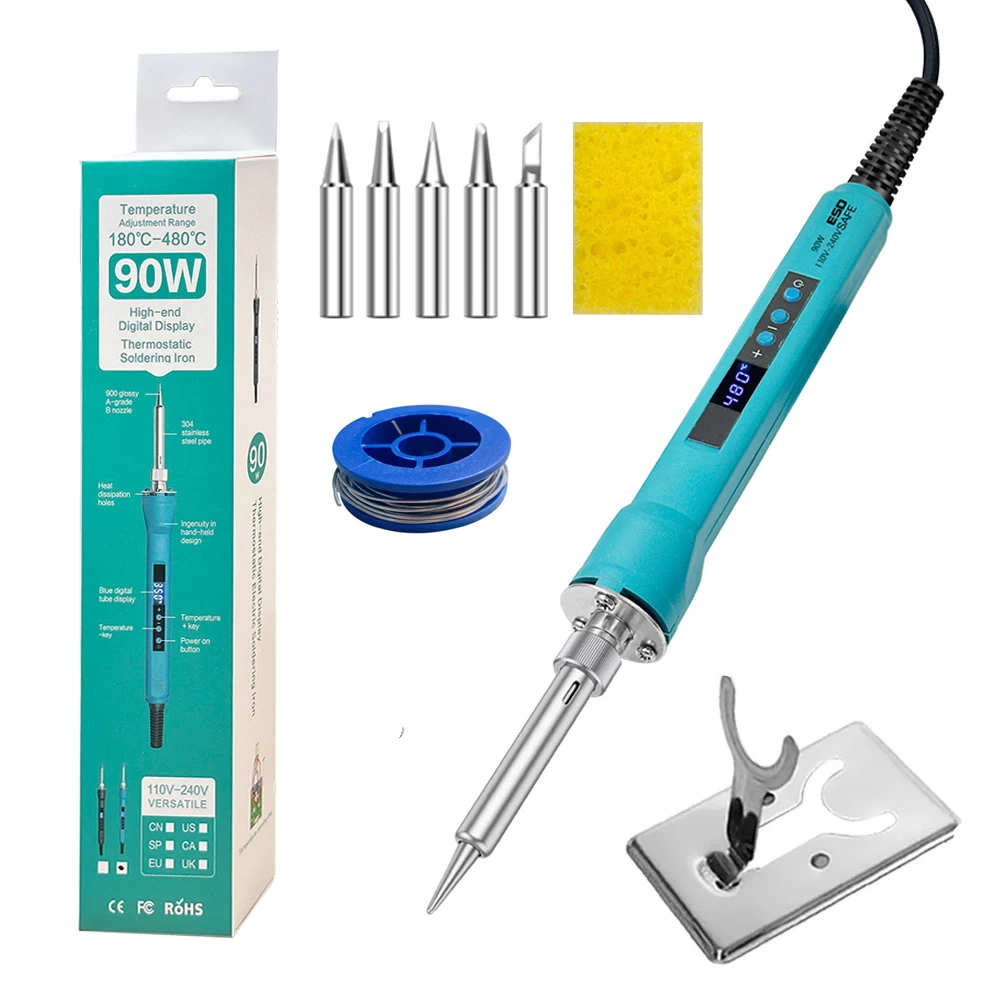
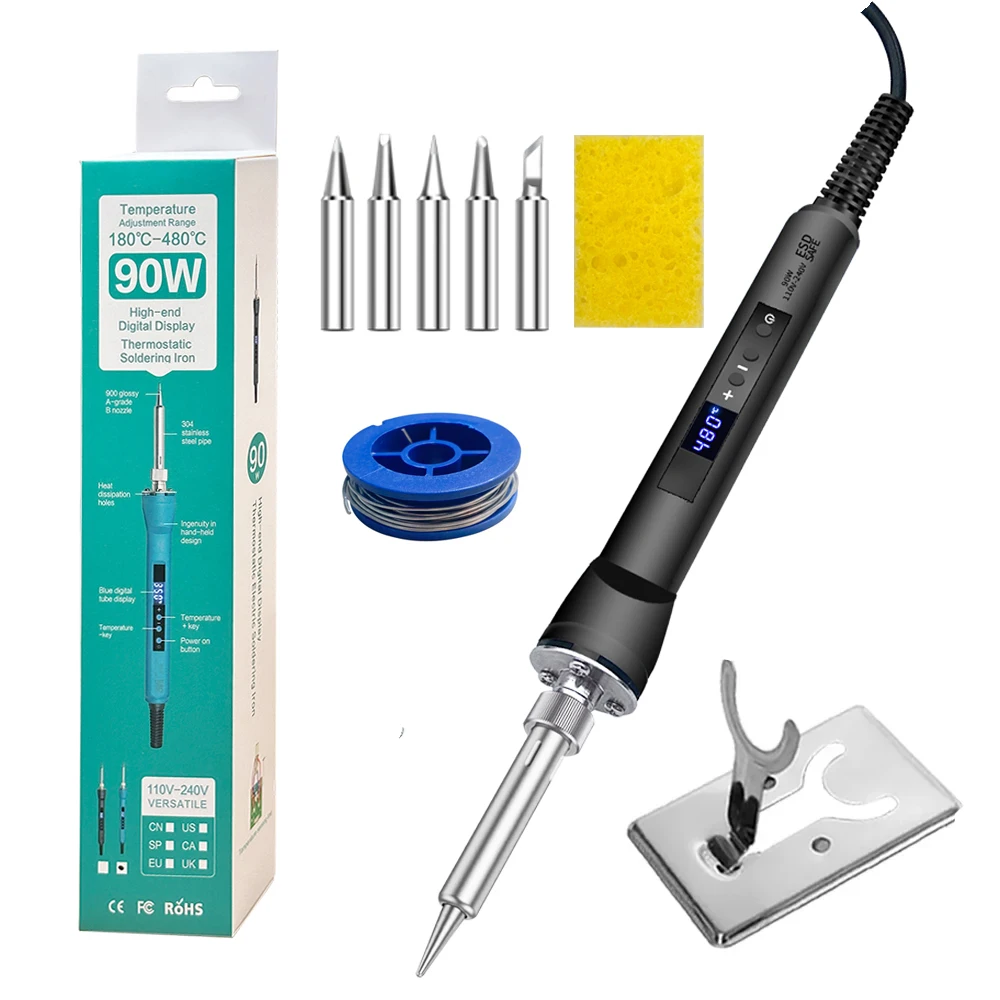
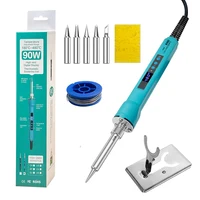
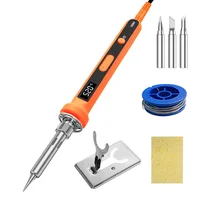
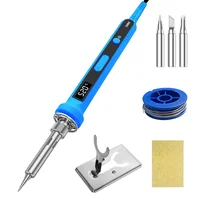
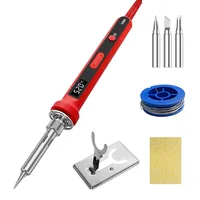
90W digital Soldering Iron set kit temperature adjustable welding tool set fast heating 4 wire heating element
Feautres:
1. Power: 90W
2. Temperatures adjustable:180°C-480 °C (356 °F-896 °F)
3. screen digital
4.Turn on and off
5. Temperature calibration
6.Temperature conversion
7. Larger size handle ,easy to hold and operate.
8. 4 wire heating element ,more durable and accurate temperature.
Instructions for use:
1. Turn on and off: Press and hold the power button to enter the working heating state, and the digital tube displays the current soldering iron temperature in real time. When the temperature rises to the set temperature, the soldering iron temperature will be constant at the set temperature. Press and hold the power button in the power-on state, and the digital tube displays the OFF soldering iron and enters the standby state.
2. Temperature adjustment: Use buttons to adjust the temperature adjustment. Press the button + temperature rise when the power is turned on.
• Press the button The temperature drops. The temperature changes once every time the button is pressed. Press the temperature to continuously change. When it is adjusted to the required temperature, release it. The digital tube flashes three times to save the data and enters the heating constant temperature state. Temperature adjustment range is 180°C-480°C (356°F-896°F)
3. Temperature calibration: When the digital tube is not plugged in (the digital tube is black screen), press + at the same time, and plug in again. At this time, the digital tube enters the temperature calibration mode, press + again, and – to calibrate the soldering iron temperature, and the calibration temperature range is -99°C~+99°C. After the temperature calibration is completed, save the data after the current set temperature is flashed three times and then exited.
4. Temperature conversion: In standby state (digital tube displays OFF), press the + and – keys at the same time. At this time, the digital tube enters the temperature mode and switches and presses the + or – keys to switch degrees Celsius °C and degrees Fahrenheit °F. After the temperature mode switch is completed, the data is saved three times and then exits.







Reviews
Clear filtersThere are no reviews yet.