

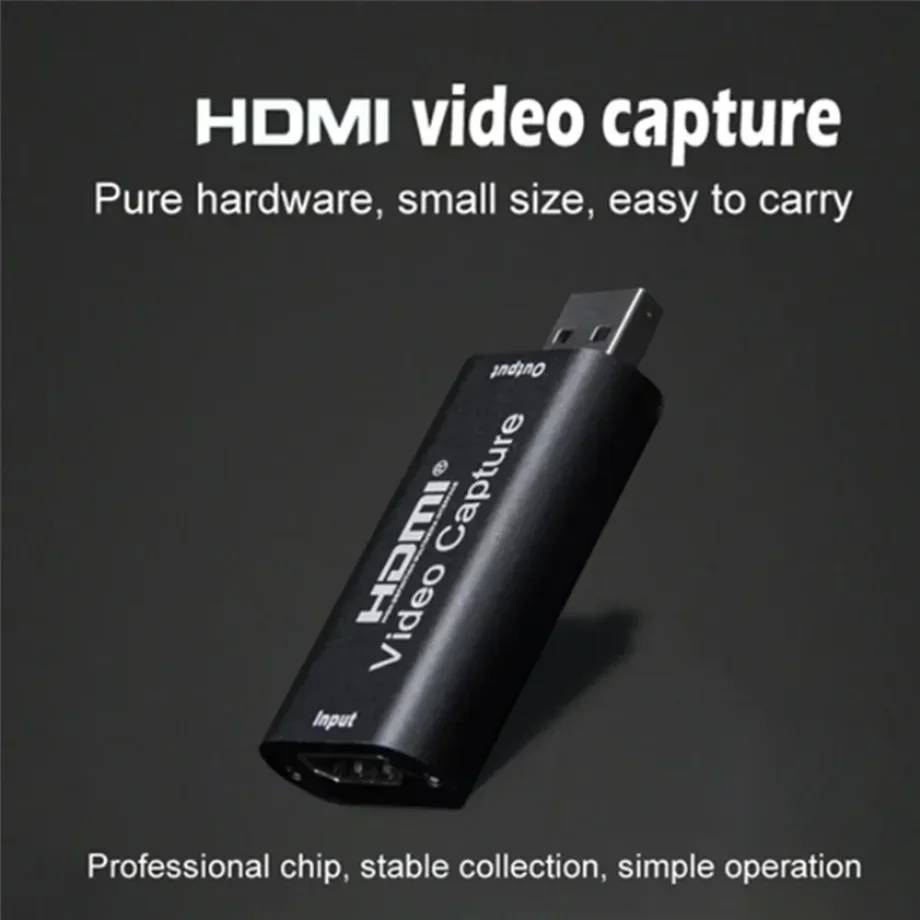
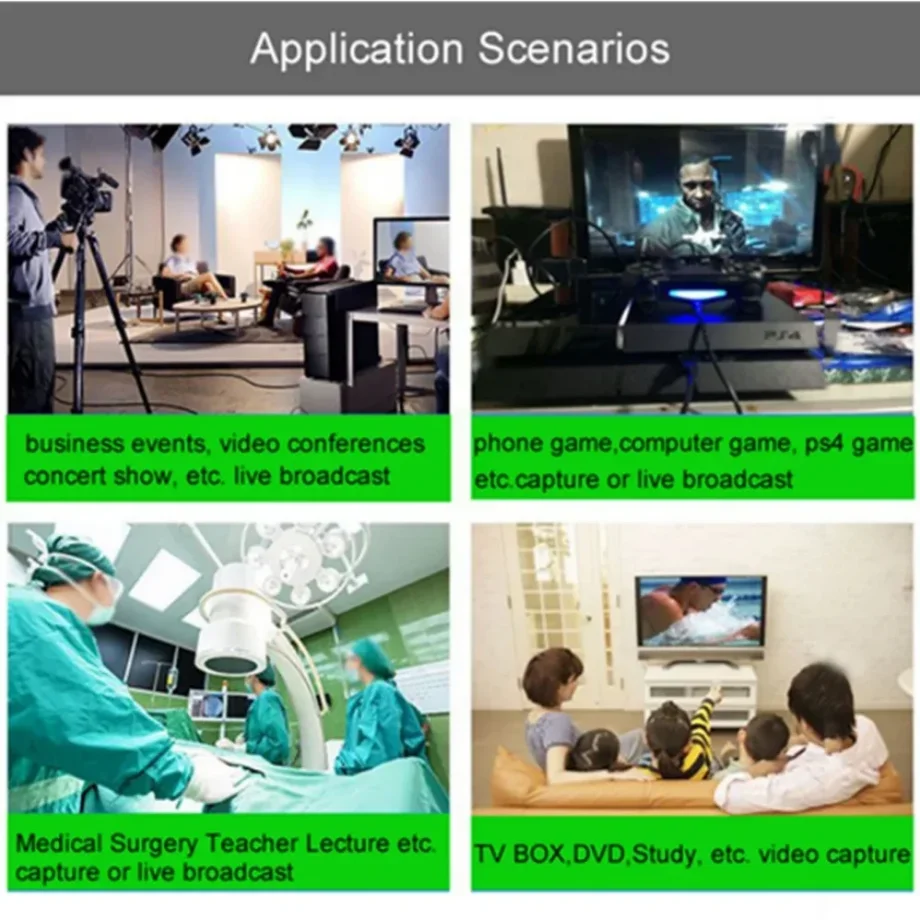

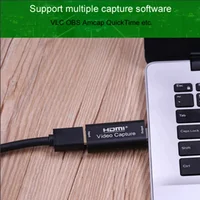
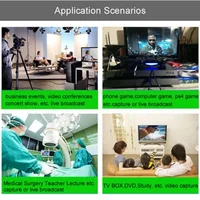

The video capture can capture both HDMI-compatible video and HDMI-compatible audio, sending audio and
video signals to computers and smart phones for preview and storage. Suitable for high definition
acquisition, teaching recording, medical imaging, etc.
Features:
The video capture can capture both HDMI-compatible video and HDMI-compatible audio, sending audio and
video signals to computers and smart phones for preview and storage. Suitable for high definition
acquisition, teaching recording, medical imaging, etc.
* Support input max resolution 3840×2160@30Hz;
* Support output max resolution 1920×1080@30Hz;
* Support 8/10/12bit deep color;
Support AWG26 HDMI-compatible standard cable: input up to 15 meters,
(1080P and below resolution);
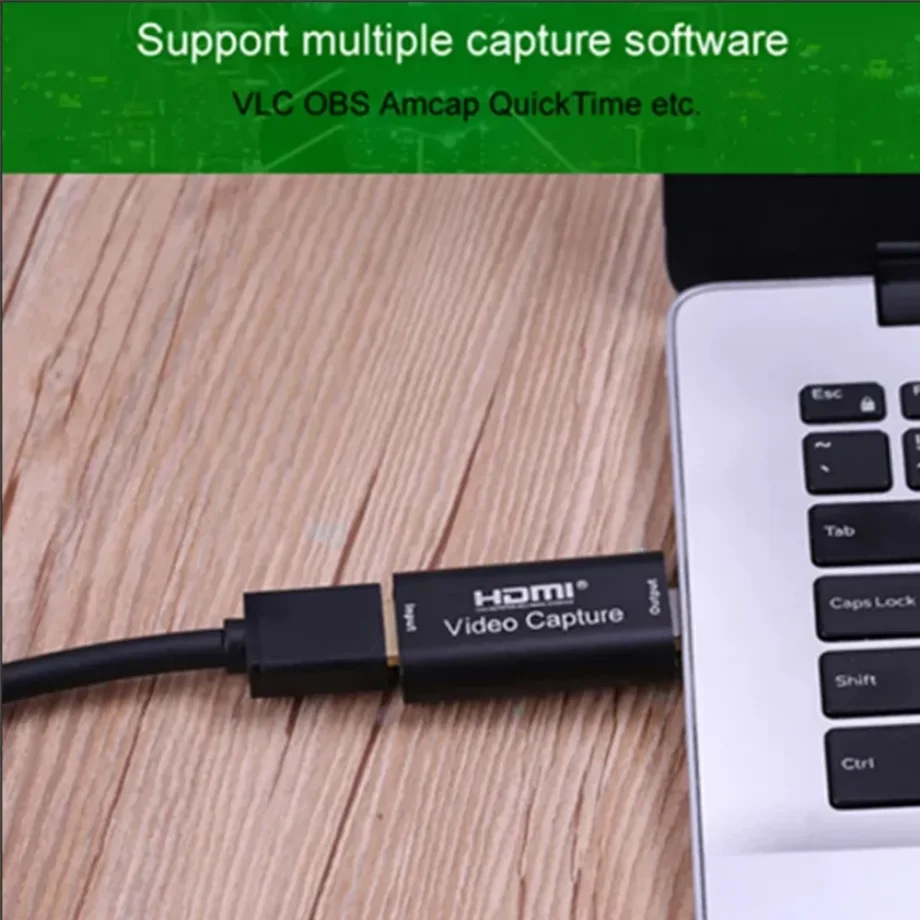
* Support most acquisition software, such as VLC,OBS ,Amcap, etc;
* Support For Windows,For Android and For MacOS;
* Conform to USB Video and UVC standard;
* Conform to USB Audio UAC standard;
* Without external power supply, compact and portable.
Specifications:
HDMI-compatible resolution : Max input can be 3840×2160@30Hz
Support video format: 8/10/12bit Deep color
Video output format : YUV,JPEG
Video output resolution : Max output can be 1920×1080@30Hz
Support audio format : L-PCM
Input cable distance .: ≤15m,AWG26 HDMI-compatible standard cable
Max working current : 0.4A/5VDC
Operating Temperature range : (-10 to +55℃)
Dimension (L x W x H) : 64x28x13 (mm)
Note:
Computer hardware configuration requirements
CPU: for PC i5-3400 or above ;NB i7-3537U 2.0GHZ or above
Graphics card: PC NVIDIA GT630 or above;NC NVIDIA GT735M or above
Run memory: 4G RAM
Package included
1* Video capture
1* user manual
Connection and Operation
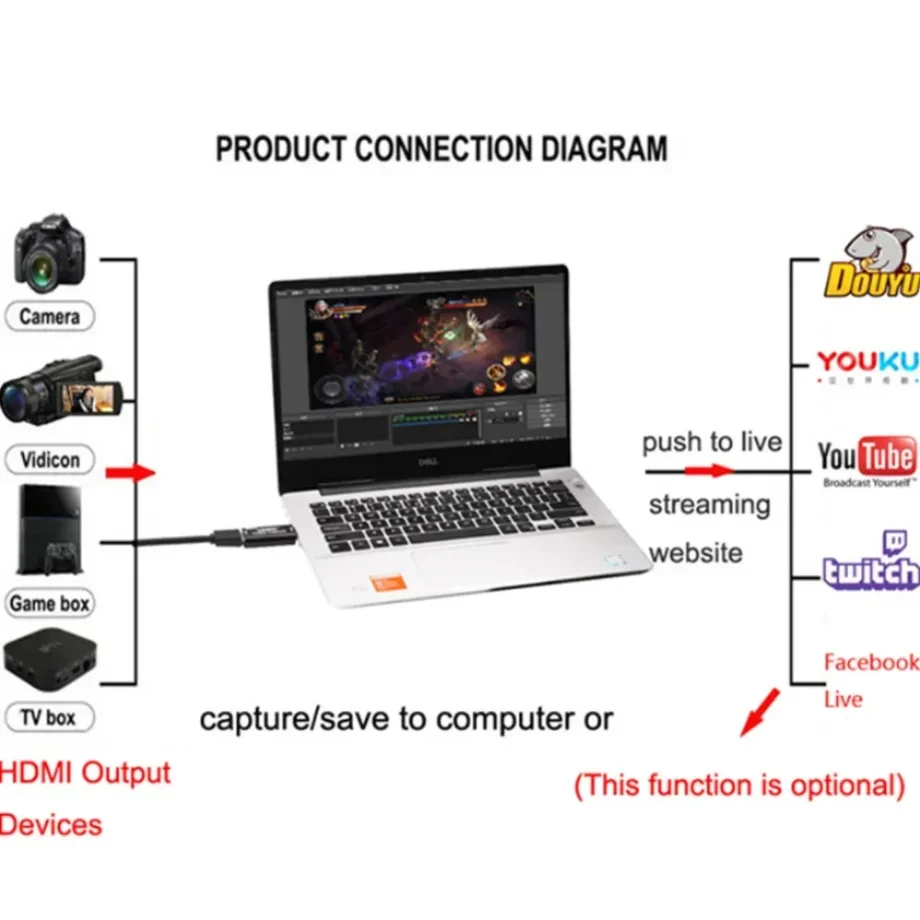
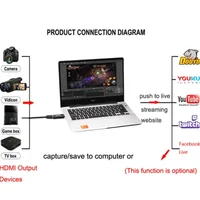
1: Connect the UHD signal source to the HDMI-compatible input of the video capture with
one HDMI-compatible cable.
2: Connect the computer to the usb port of the video capture with usb cable.
3: Operation steps for USB video capture(OBS): Open the software→Choose sources of
“Video capture Device”→Set the size of image→Choose “Studio Mode”(double window)
→Choose “Start Recording”.
Operation Example as below







Reviews
Clear filtersThere are no reviews yet.