
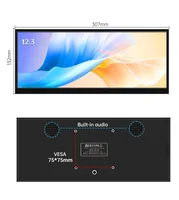
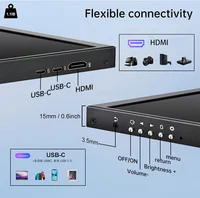

12.3inch non touch
Screen Type:Industrial Grade
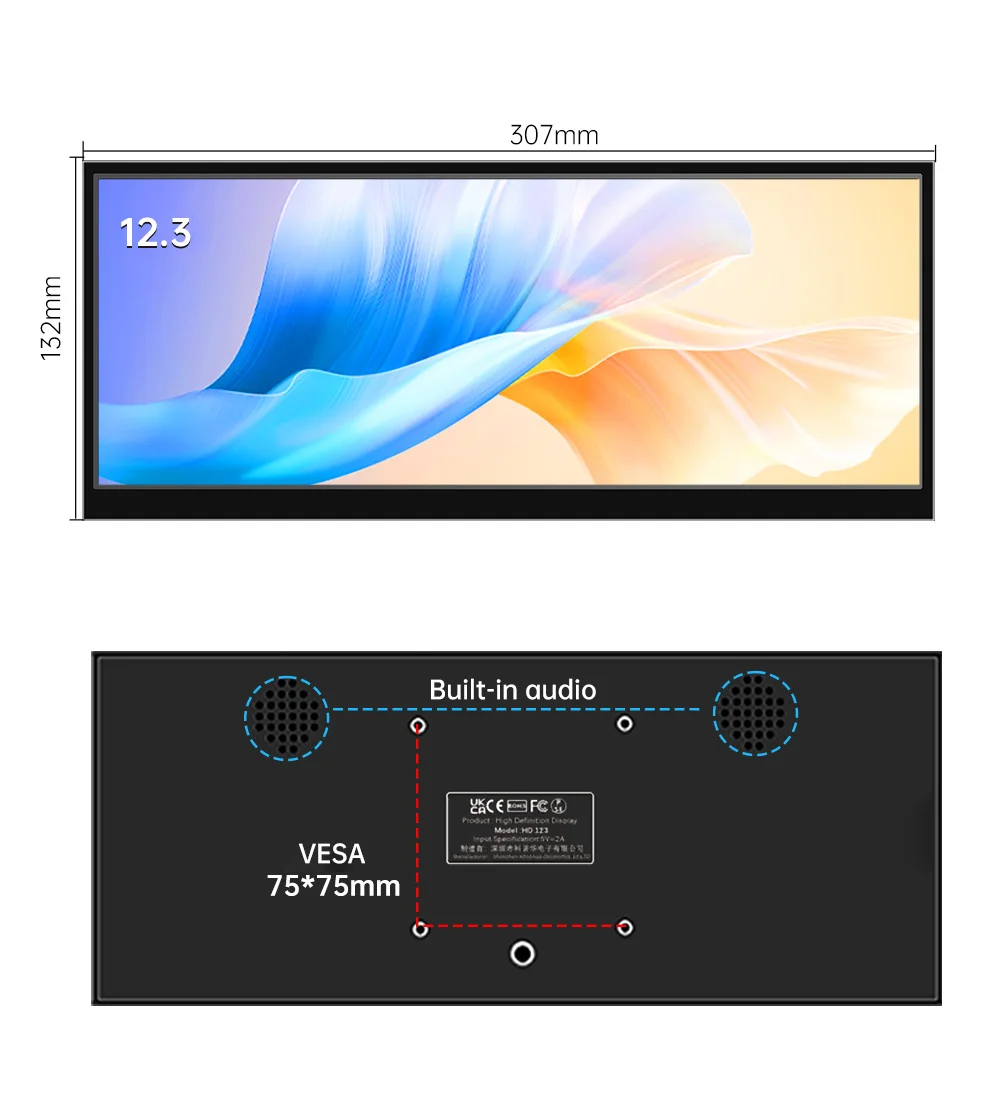
Product Size:307*132mm
Country of origin: China
Signal Type: LVDS(2-channel8-bit)Connector,
50-pin StoragePixel number:1920*720
Temperature:-30~85 °C
Panel size: 12.3 inches
Operating Temperature:-30~85 °C
lPSRefresh rate: 60Hz
Viewing angle:85/85/85/85
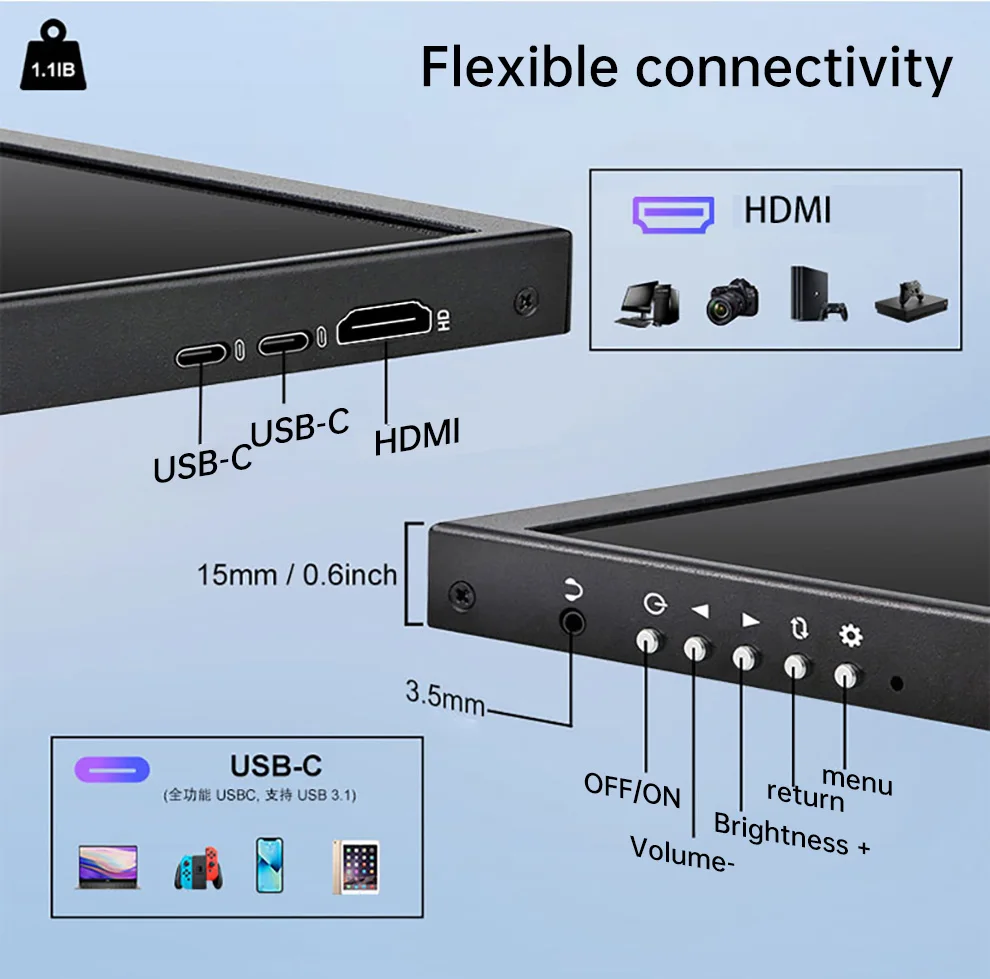
Package:Screen*1HDMl cable*1 USBType-C cable*1 Full-function Type-C*1
【Device Connection Guide】
HDMI Signal Input Mode:
Step 1 (Signal Transmission): Connect monitor to computer via HDMI cable
Step 2 (Touch Control): Additional Type-C cable required to enable touchscreen
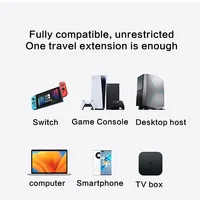
Type-C Signal Input Mode (For Mobile):
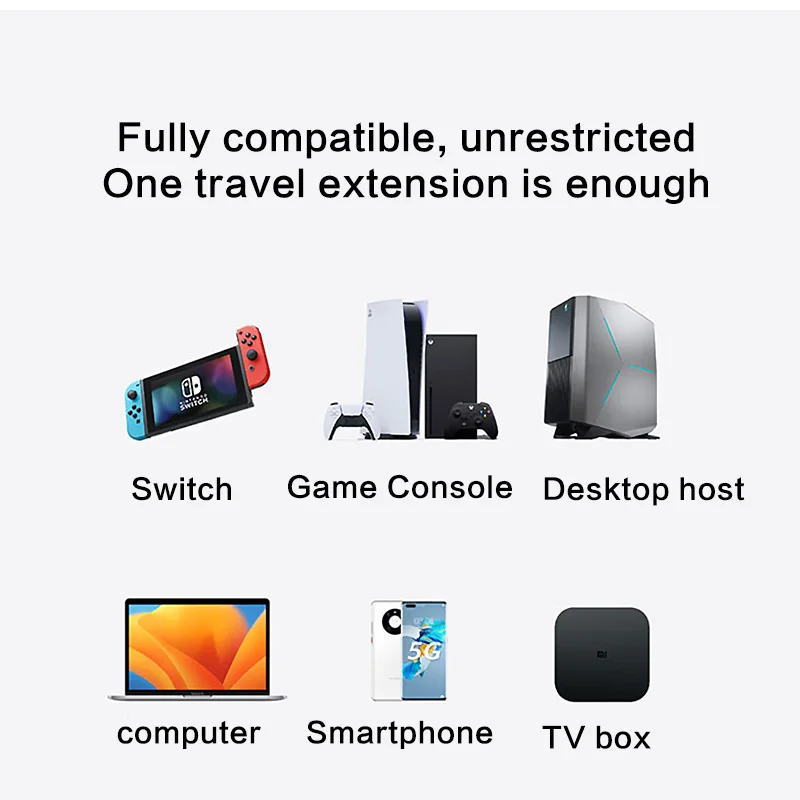
Prerequisite: Phone’s Type-C port must support USB 3.1 AV transmission
Connection Solutions:
Basic: Single Type-C cable connection (no external power)
Enhanced: Type-C to Type-C cable + PD 20W adapter if underpowered
Important Notes:
① Extra cables/adapters sold separately
② Not compatible with any Apple devices (iPhone/iPad/iPod/iMac etc.)
If you find that touch is working on your main screen instead of on our screen. Need to switch settings: Windows System Settings, MAC no settings required
1. Open the computer control panel, click on the small icon in the upper right corner to view, 2. Find the tablet settings, click on the settings, 3. Pay attention to the text on the screen, click Enter to switch the touch.
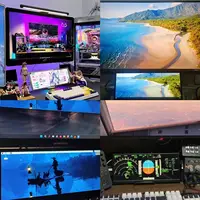
Real users using sharing







Reviews
Clear filtersThere are no reviews yet.