
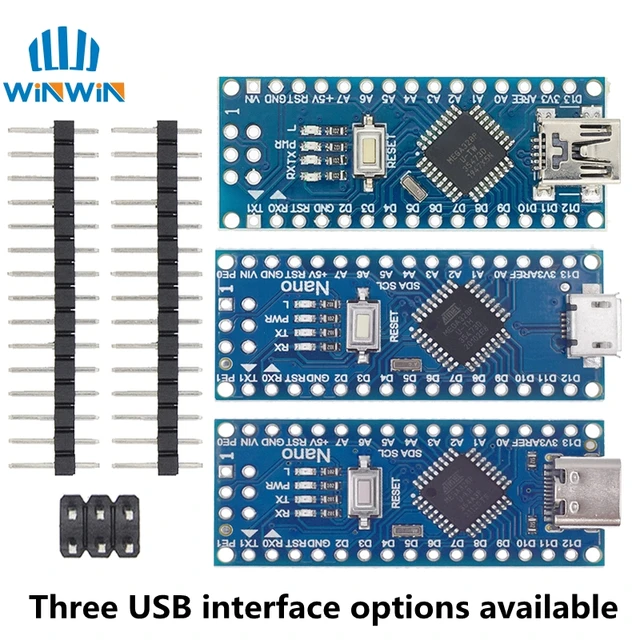
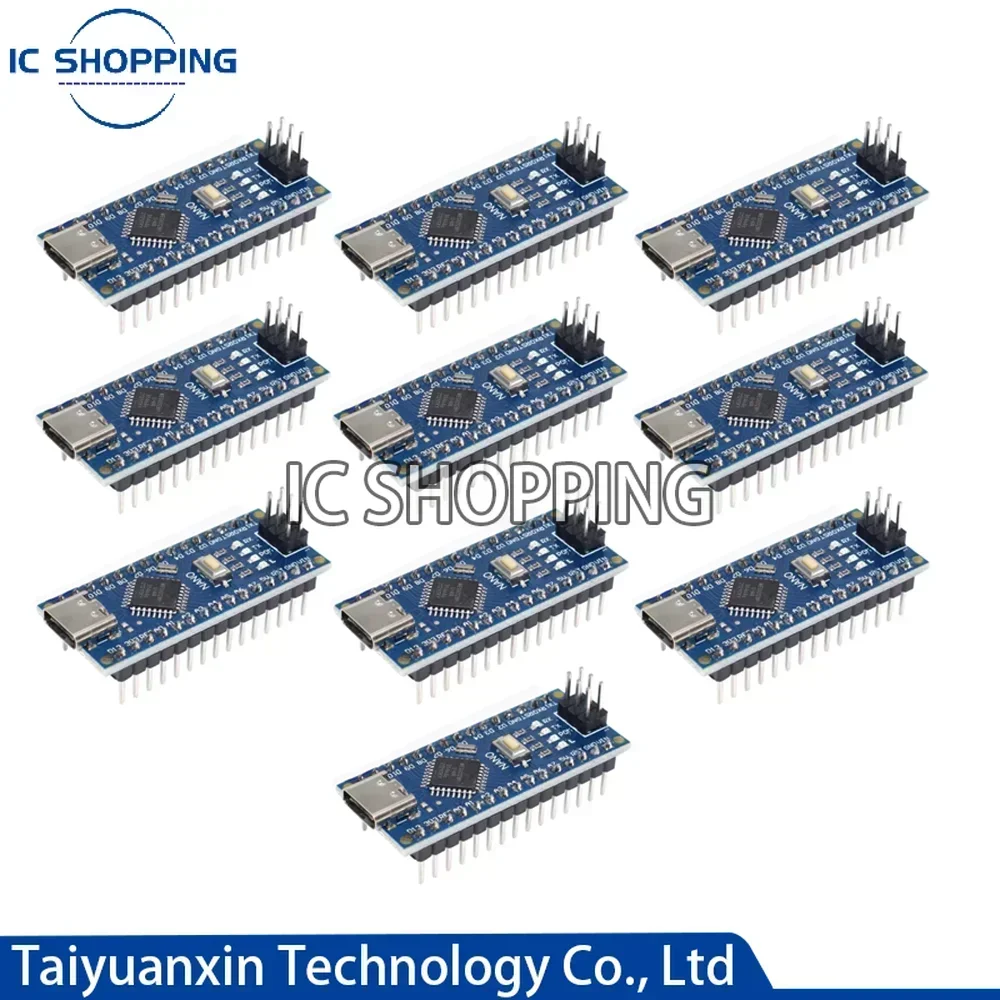
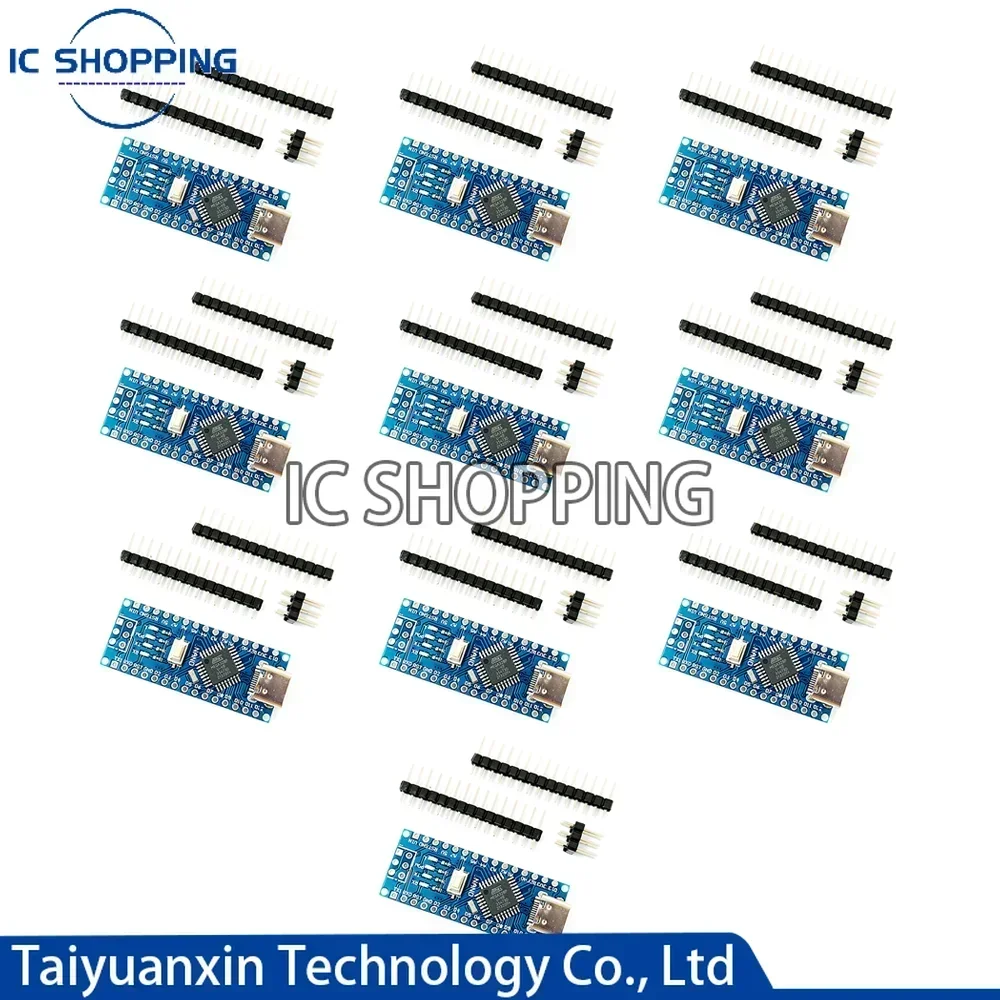
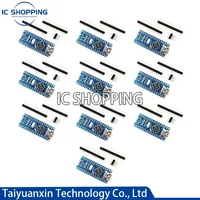

TypcC plug weld 1:10PCS NANO TYPE-C MODULE(weld)+10PCS TYPE-C Interface connection line
TypcC plug un-weld 1:10PCS NANO TYPE-C MODULE(un-weld)+10PCS TYPE-C Interface connection line
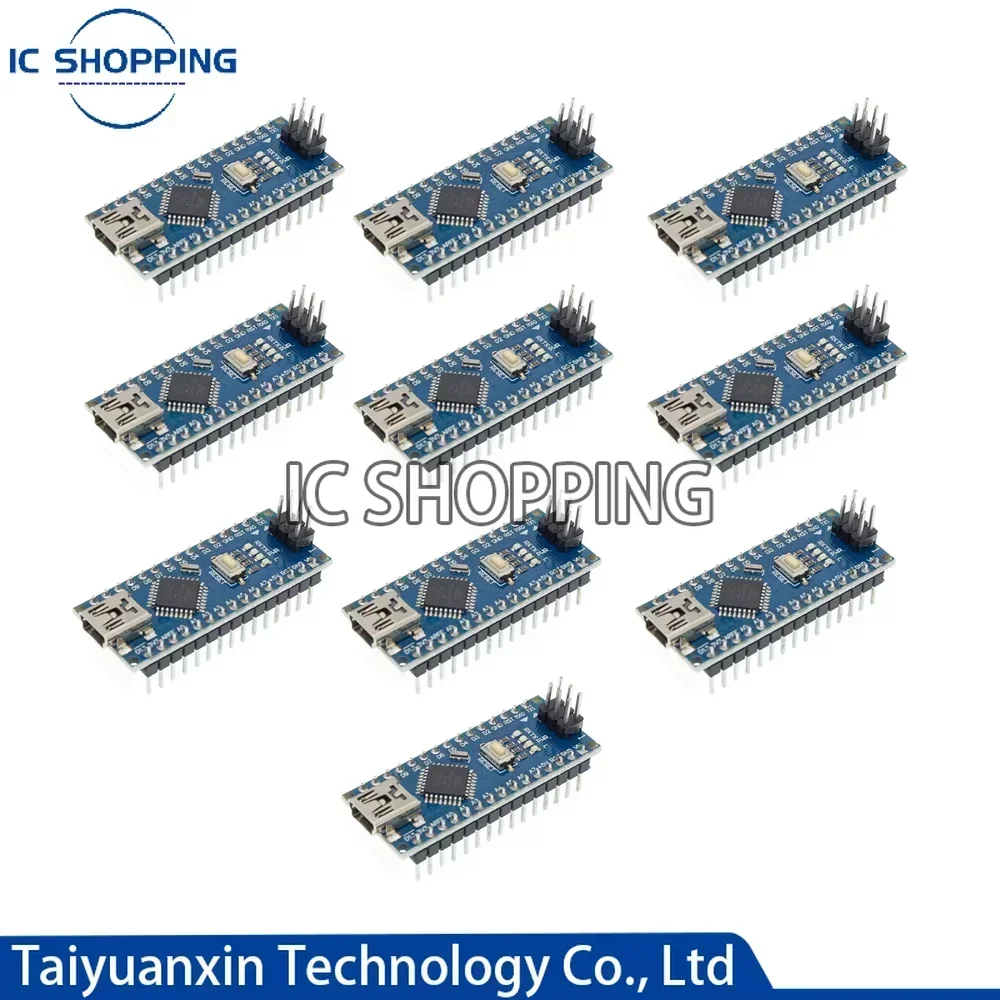
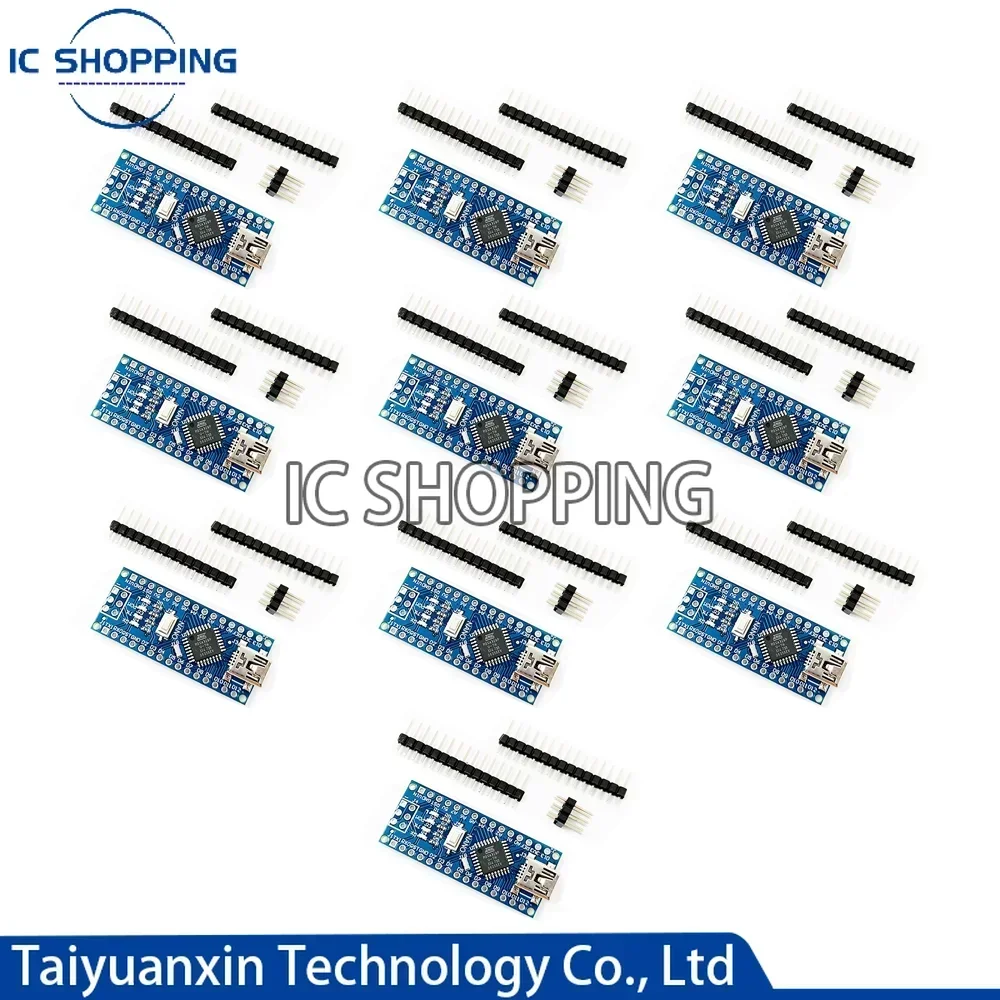
Mini plug weld 2:10PCS NANO MINI MODULE(weld)+10PCS MINI Interface connection line
Mini plug un-weld 2:10PCS NANO MINI MODULE(un-weld)+10PCS MINI Interface connection line
Mirco plug weld 3:10PCS NANO micro MODULE(weld)+10PCS micro Interface connection line
If you buy it ,butit dont work,please watch the video.————————————————————————————-
Instructions:
1. Downloaded IDE
Download link: //arduino.cc/en/Main/Software (copy and open)
2. Download the USB chip driver
Download link:
//pan.baidu.com/s/1CdKjLH5sW3cuDG8namhM3Q?pwd=k7hl
Withdrawal Code:k7hl
3. Plug in the NANO development board, the driver will be installed automatically
4. Select the board NANO in die
5. Select the COM port, this can be queried in my computer, the port in your uno development board just now
6. It is best to choose first, the routine program that comes with arduino, burn it in
Circuit diagram reference
Nano3.0 //arduino.cc/en/uploads/Main/ArduinoNano30Schematic.pdf
Hardware design file (Eagle file)
Nano3.0 //arduino.cc/en/uploads/Main/ArduinoNano30Eagle.zip
Test tutorial: //xwdz.lanzous.com/ipVwgdoljda







Reviews
Clear filtersThere are no reviews yet.