

Dear customers who have pre-ordered the USB-C version of DSpico,
We are happy to inform you that all DSpico orders placed on or before February 8, 2026 will be fully shipped between February 9 and February 10.
Thank you very much for your support and trust. We truly appreciate it!
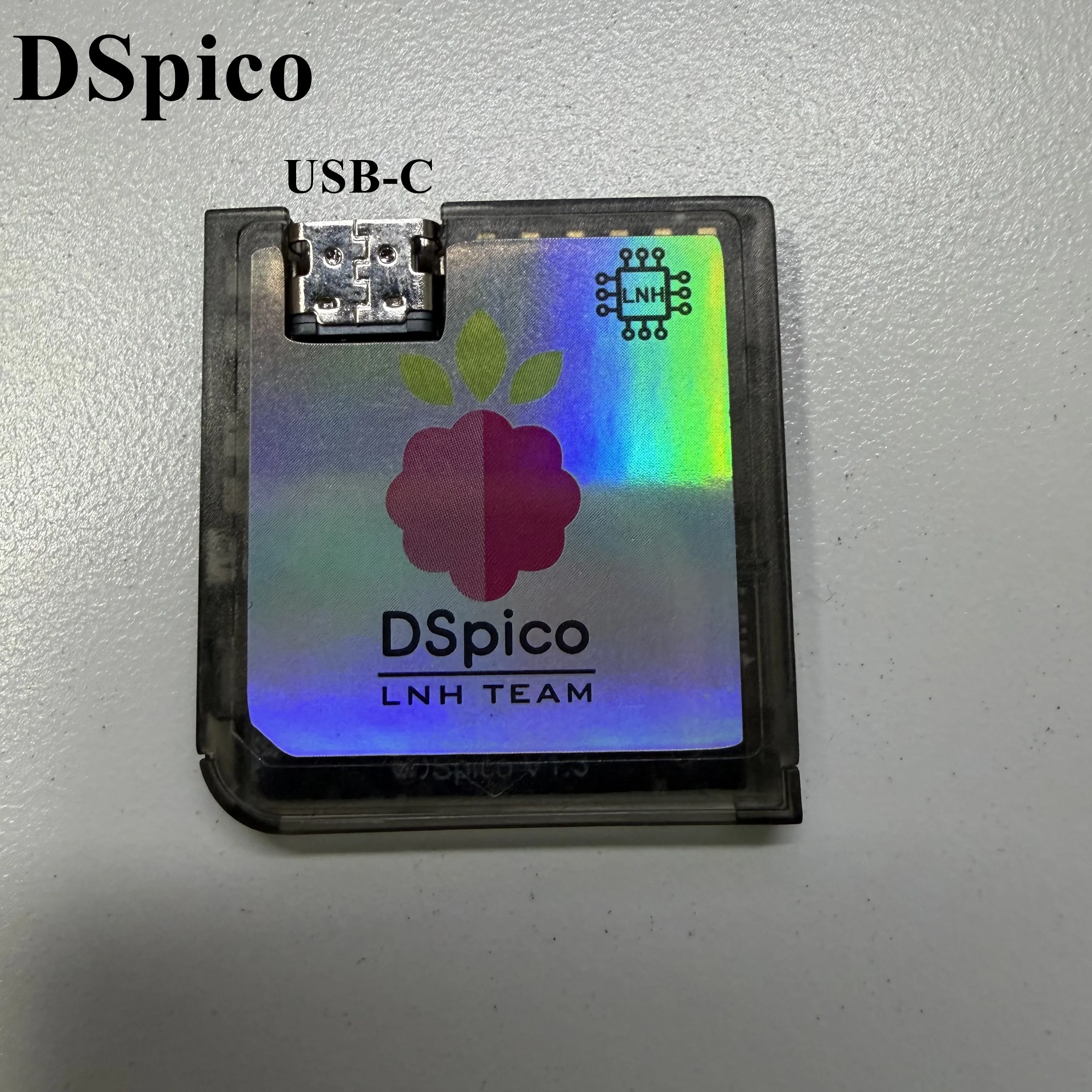
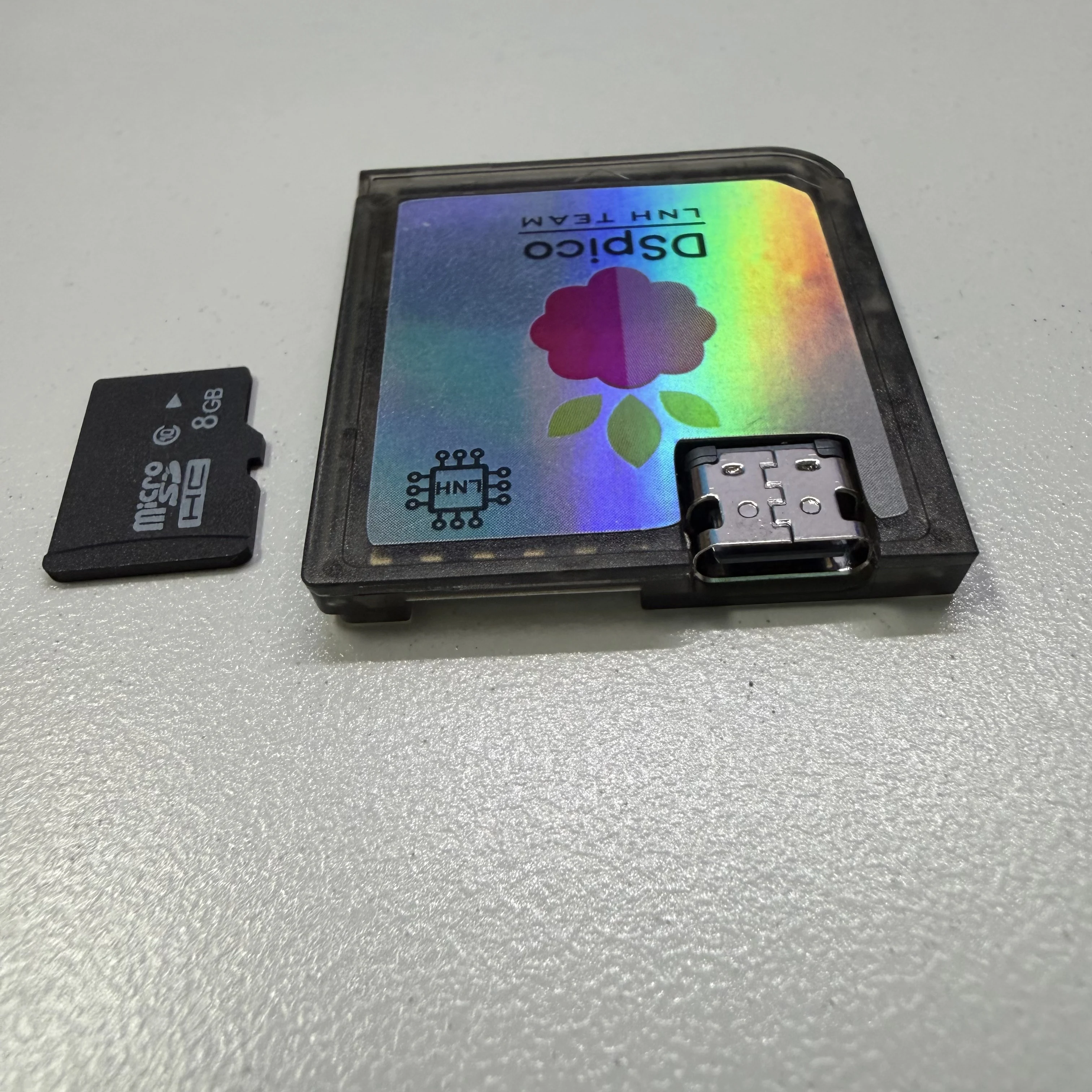
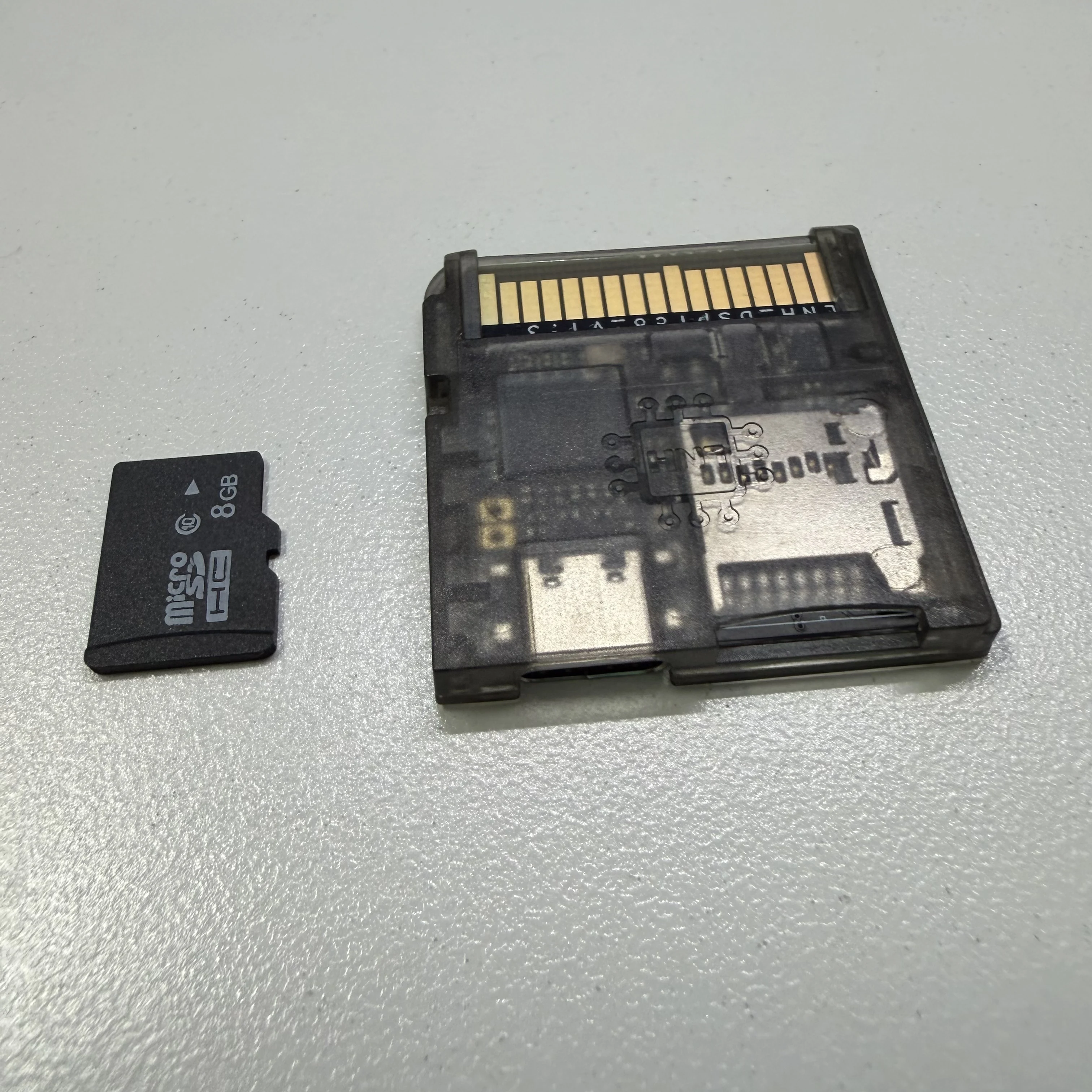
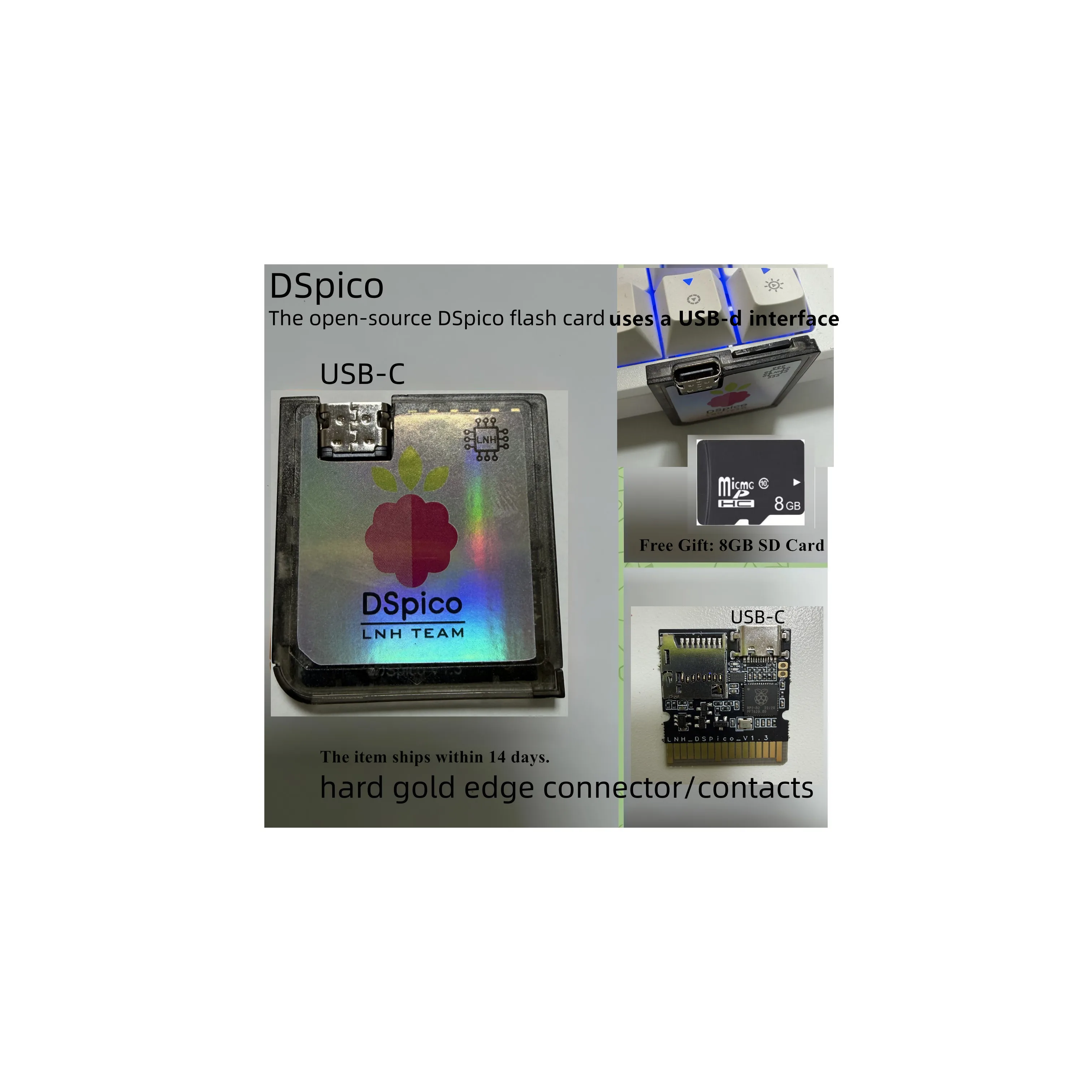
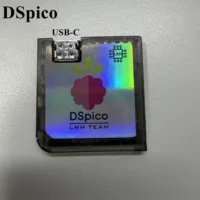
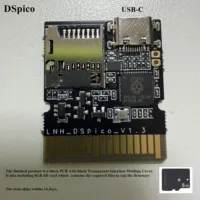
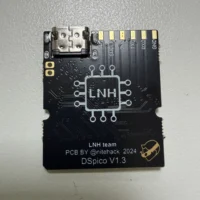
Open-source DSPico flashcart with a USB-C female connector and an injection-molded black transparent shell.
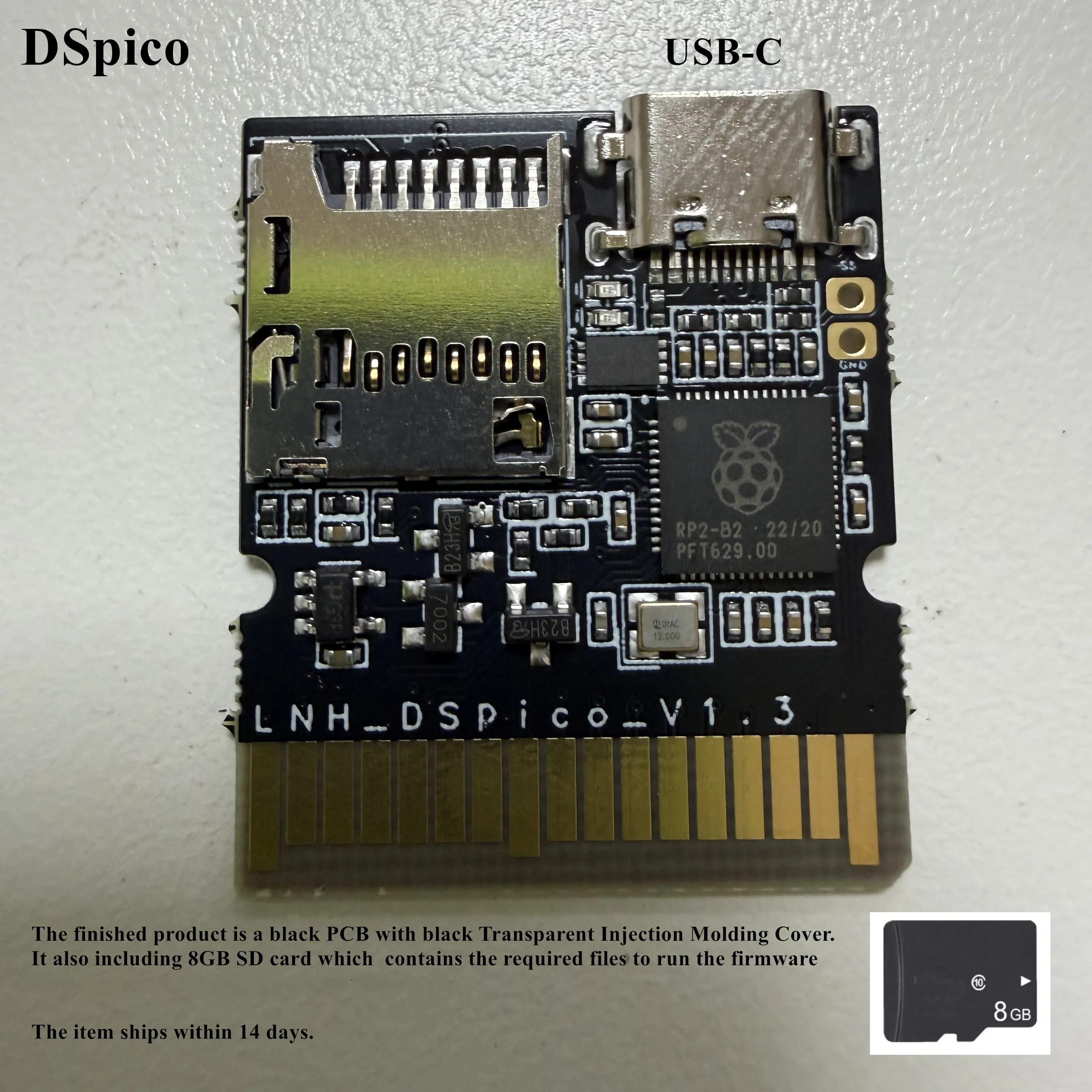
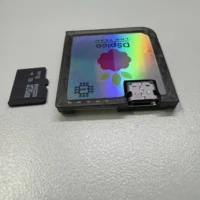
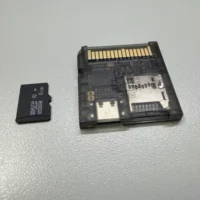
1. The finished product is a black PCB with black Transparent Injection Molding Cover.
2. Free Gift: 8GB SD Card
3. The item ships within 14 days.
DSpico Product Description
1. Interface & Compatibility
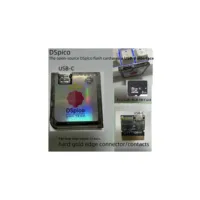
DSpico uses a recessed USB-C female connector, allowing it to be used on 2DS consoles.
It is also compatible with: DS, DSi, DS Lite, DSi LL, 3DS, New 3DS, New 3DS LL, and New 3DS XL.
2. Firmware Flashing Behavior
No buttons are required when flashing DSpico.
Simply connect DSpico to your PC without an SD card inserted and it will enter BOOTSEL mode.
When no SD card is inserted, it is equivalent to holding the BOOT button.
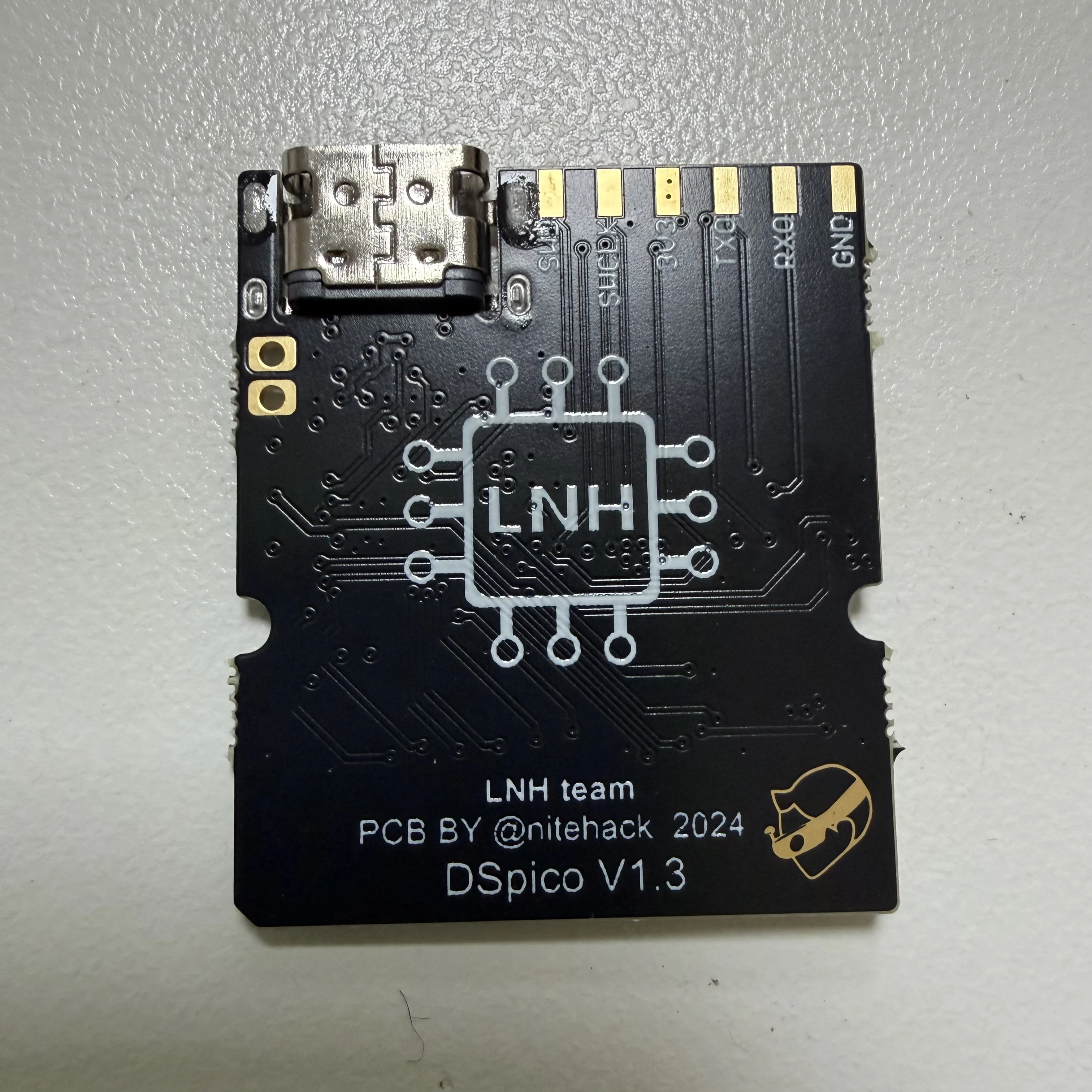
If a non-RP2040 firmware is accidentally flashed or flashing fails, the device may not enter BOOTSEL mode. In this case, short the two pads on the PCB while plugging in the device to force BOOTSEL mode.
This situation is very rare and can be recovered using the method above.
Firmware Flashing Steps
1. Connect DSpico to your computer *without an SD card inserted*.
2. A removable drive named *RPI-RP2* will appear.
3. Drag and drop the selected *.uf2 firmware file* onto this drive.
4. After flashing, the device will automatically reboot and return to its normal state. This is normal.
Firmware Options
For picoboot / NDS usage only
👉 **DSPico – NoNTRBoot.uf2
For picoboot / NDS + NTRBoot (3DS exploit support)
👉 **DSPico + NTRBoot.uf2
SD Card File Placement
Copy the contents of the “SD card files”folder to the root directory of a FAT32-formatted SD card.
Correct:
X:/_picoboot.nds
Incorrect:
X:/Picoboot/_picoboot.nds
# Preloaded Firmware
DSpico is shipped with firmware pre-installed and ready to use.
You may download the latest DSPico + NTRBoot.uf2 combined firmware and user guide here:
//limewire.com/d/HP5wT#PgBdZPG6zP
Finally, thanks to the DSPico open-source team LNH and DSPICO hardware author @nitehack







Reviews
Clear filtersThere are no reviews yet.