
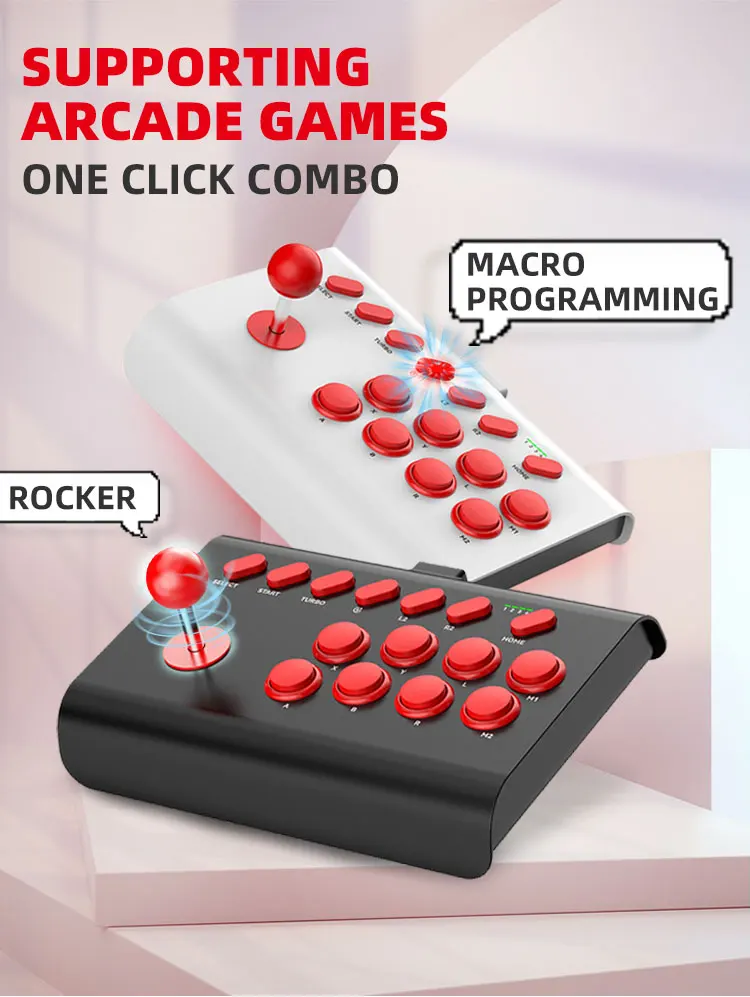
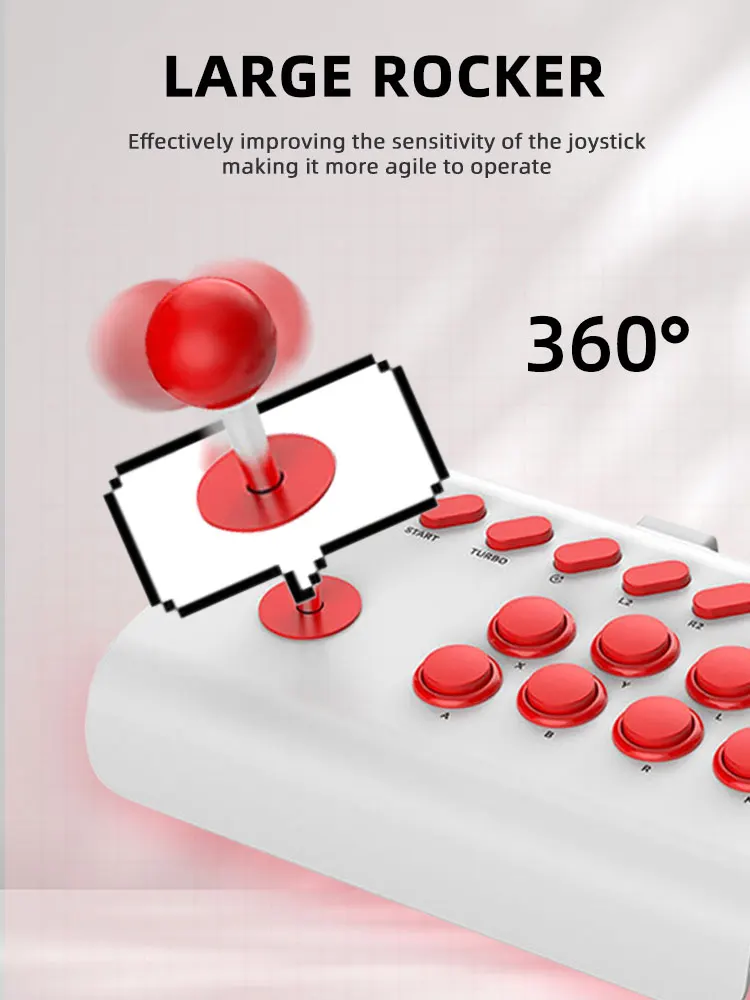
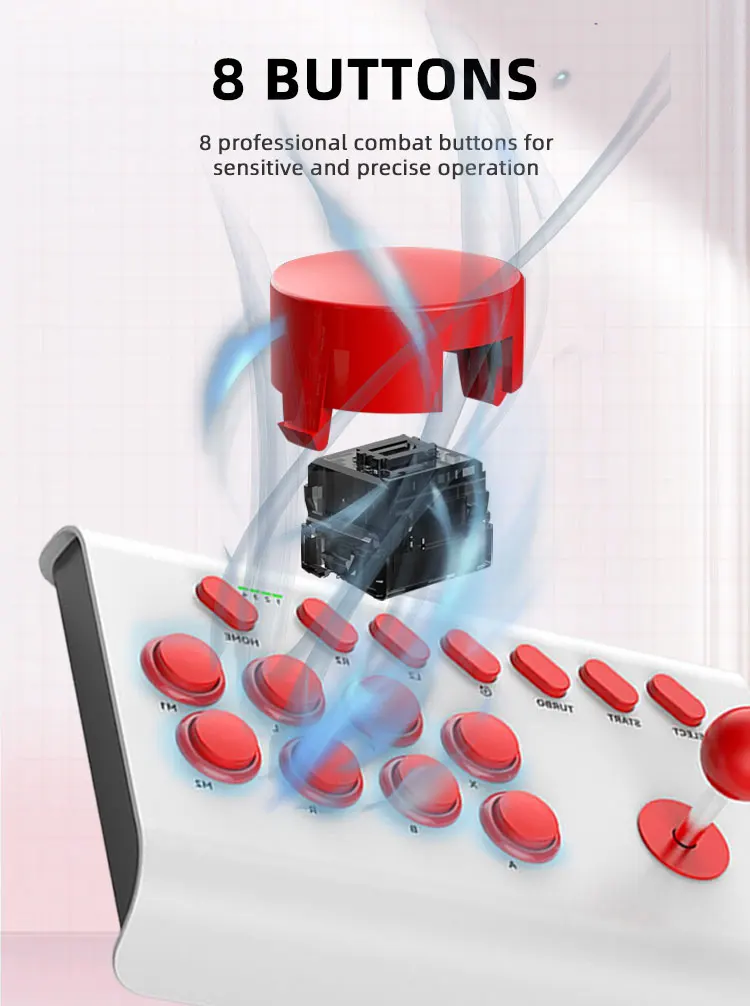
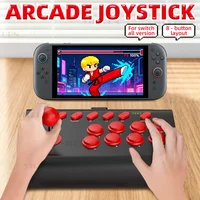
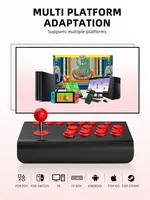
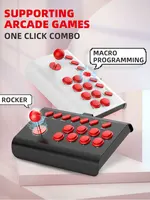
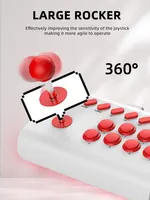

Arcade Game Machine with 40000 Games
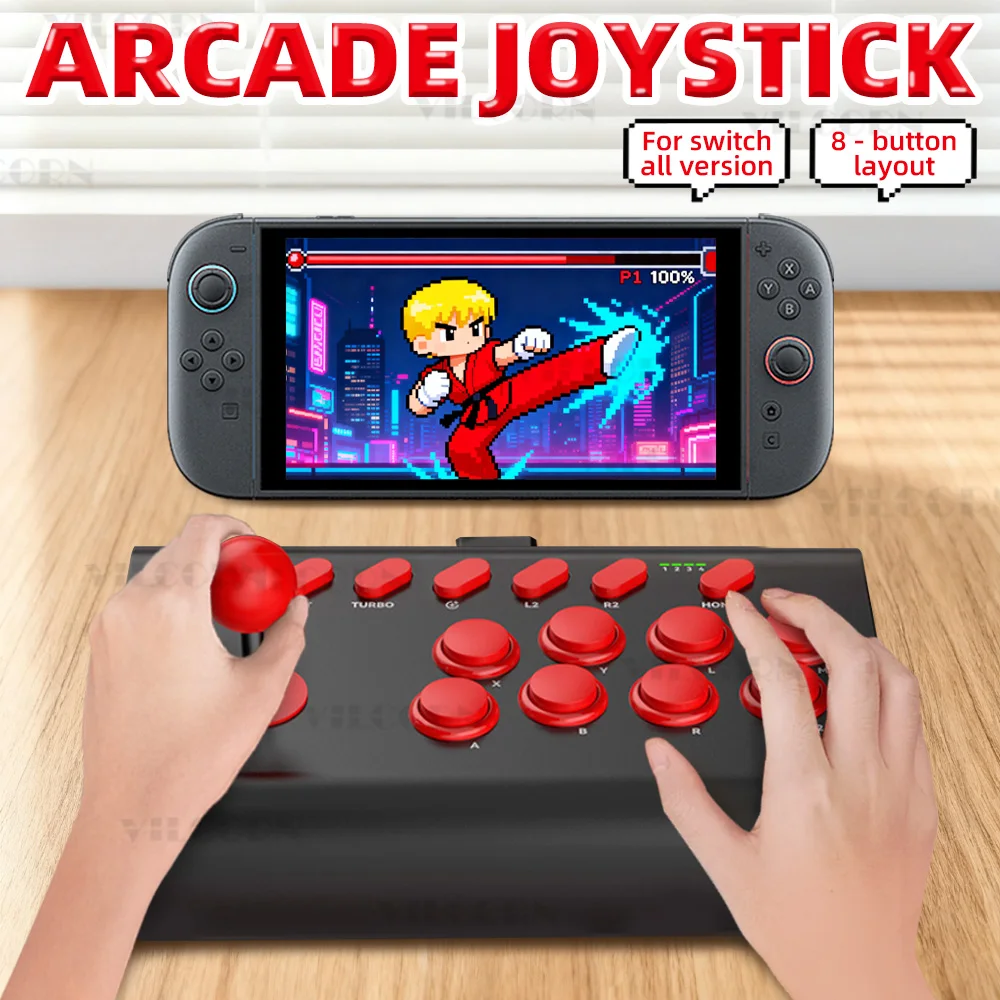
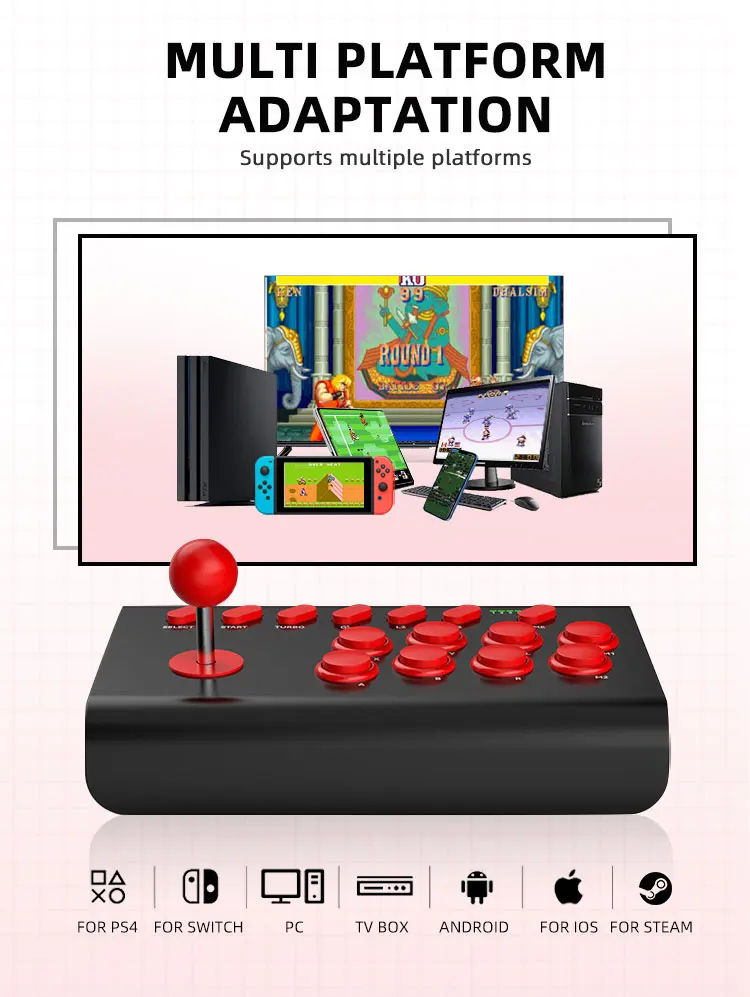
Arcade Controller For switch all version& ps4& pc &android mobile
1. Supports all Switch models via Bluetooth connection using the R2 + HOME button. If connection fails, first delete previous pairings on the Switch console and reconnect.
2. When connecting to a PC for arcade games, ensure titles are downloaded and used through Steam. Pirated games are not supported.
3. Supports Android phones for emulator games such as PPSSPP, MAME, RetroArch, etc.
4. Supports Apple devices in MFI mode for gaming; other games are not supported.
5. Supports wired connection to PS4 and PS3 for gaming.
Note: no suitable for xbox ni game stick!
Due to manual measurement, there might be a slight error of 1-2cm.
Switch Mode!
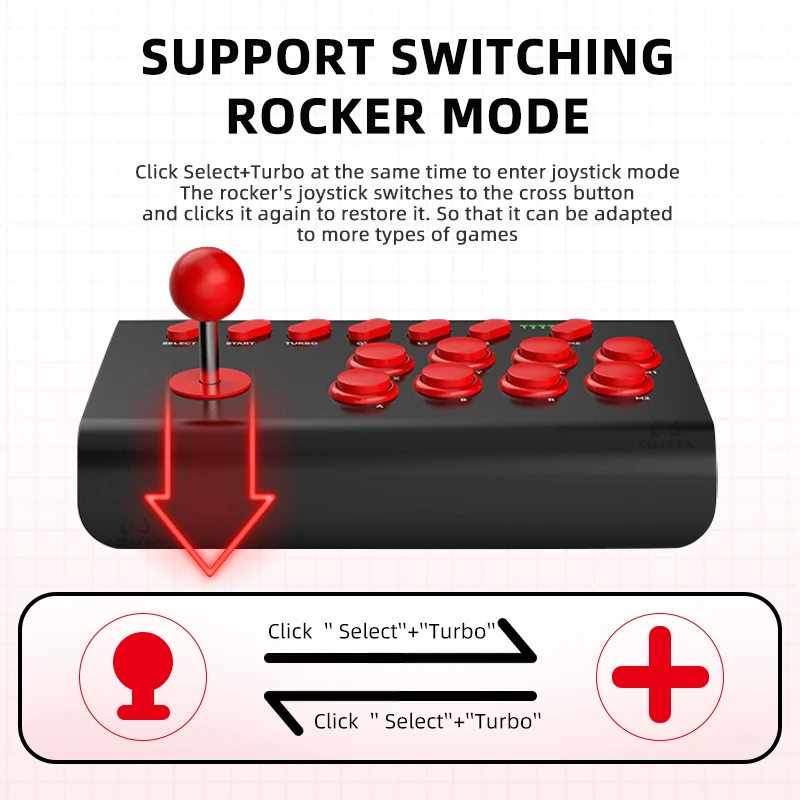
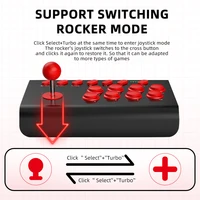
Some games only support D-pad mode, so we need to switch modes to accommodate more titles. First, disconnect the controller. With the controller powered on but not connected to any device, press and hold the “Select” and “Turbo” buttons simultaneously to enter Joystick Mode. The joystick will switch to a D-pad layout. Press both buttons again to revert to the original configuration. This allows it to work with a wider variety of games.







Reviews
Clear filtersThere are no reviews yet.