




Advertisement
3in1 Wireless Bluetooth Gamepad For Switch NS Pro
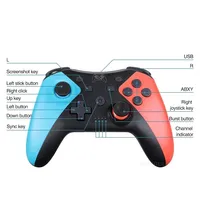
This game controller has superior automatic bluetooth connection for Switch console, The use of high-performance chips, designed 2 vibration motors, support all kinds of android devices and PC windows.
Tempered Glass Film For Switch 2
Our tempered film uses imported high-aluminum materials, It can make your console screen light transmittance higher, giving you a better feeling than the original screen!Sensitive to touch, light and thin.The glass material used in the tempered glass film is processed from high temperature steel.The high-end silicone film we produced is laminated to tempered glass to better protect the console’s screen, even if it breaks, it won’t splash around.
Description:
NOTE
When you connect to the Switch 2 console, the “Search for Controllers” page may display no controller connected, even though the controller is actually connected. But in fact, You can click “Contrellers” on the main menu of the Switch host, will see that the controller was successfully connected, as shown the below picture.
Multiple connection
Connect PC
1) PC 360 mode: Connect the controller to the computer using a USB cable, and when paired, LED1, LED2, LED3, and LED4 flash quickly. After successful connection, LED1, LED2, LED3, and LED4 remain on, achieving PC XINPUT function.
2) PC mode: When successfully connecting to PC 360 mode, press and hold the “-” and “+” keys for 5 seconds to switch to PC mode. LED2 and LED3 flash quickly, and after successful conversion, LED2 and LED3 remain on, achieving PC DINPUT function.
Connect Switch
Long press “X+HOME”for 3 seconds to enter Bluetooth search mode. The LED light will start flashing,and the controller will enter pairing mode,after 5 seconds,the controller will pair with the console. After successful connection, LED1 remain on.
Connect cellphone
1)Android mode:Long press “A+HOME”for 3 seconds to enter Bluetooth search mode. The Bluetooth name is “Gamepad”. When pairing, LED2 and LED3 flash quickly. After successful connection, LED2 and LED3 remain on.
2)IOS mode:Long press “Y+HOME” for 3 seconds to enter Bluetooth search mode. The Bluetooth name is “DUALSHOCK 4 wireless controller”. When pairing, LED1 and LED4 flash quickly. After successful connection, LED1 and LED4 remain on.
Note
Wired Connection Instructions
1.Switch mode
The gamepad can be used as a wired gamepad when it is connected to the Switch console via USB cable, and the corresponding channel indicator of the gamepad shows the charging status and flashes slowly. Unplug the USB cable, the gamepad becomes Bluetooth mode and the console automatically back to connect.
2 .PC-360, PC mode
First need to download PC 360 driver to Windows computer, after installation, use the USB cable to connect the gamepad to the computer, connected successfully gamepad the corresponding channel indicator light. Press one and ten keys at the same time to convert to PC mode, LED2 and LED3 lights are always on
Support Bluetooth Wireless Controller For Switch
Wireless Switch Controller works compatible Switch, for Switch Pro, for Switch lite ,for PC, Android Devices.This controller includes all of the features you can find in the original controllers, and works just like the original at a great price. Take your game sessions up a notch with more comfortable handheld playing.
High Quality Rechargerable Battery
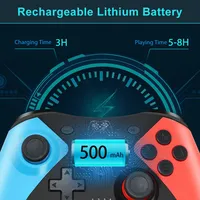
It built with High Quality Rechargerable Battery to offer a long time playing.3 hours of charging, up to 8 hours of use.
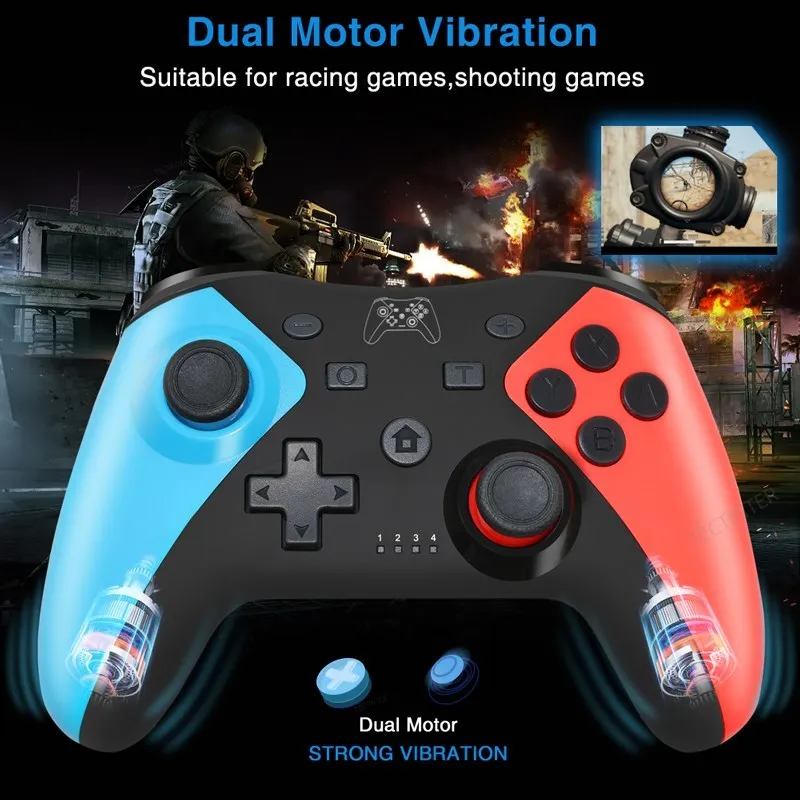
Built-in Dual Vibration Motors
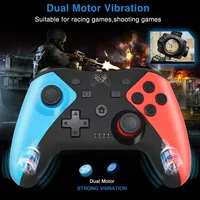
The controller has dual vibration motor function, allowing you to have a better gaming experience.It’s suitable for racing games and shooting games.
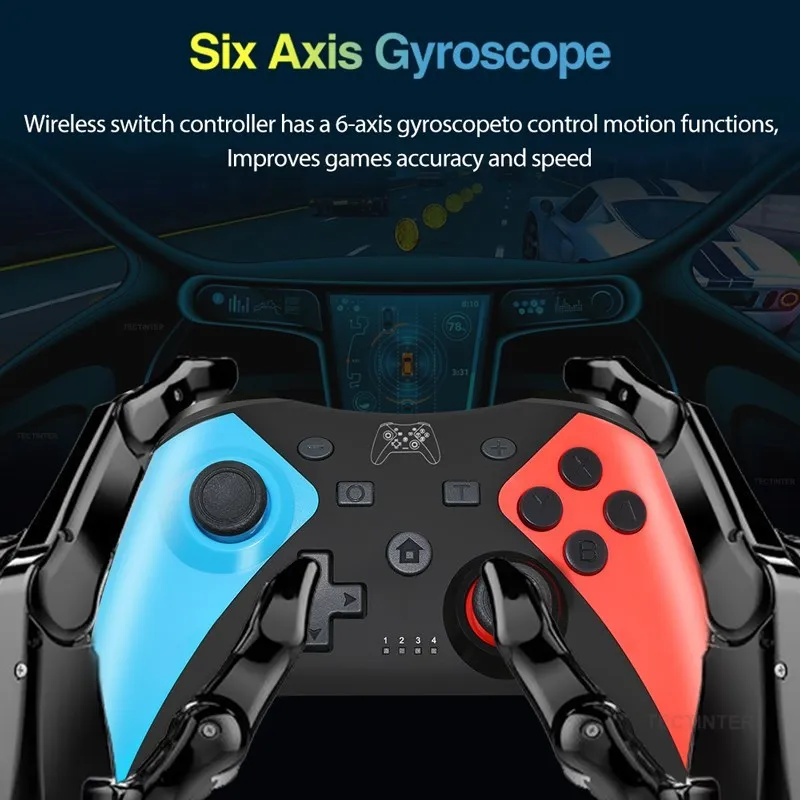
Built-in Turbo and 6 Axis-gyroscope Function
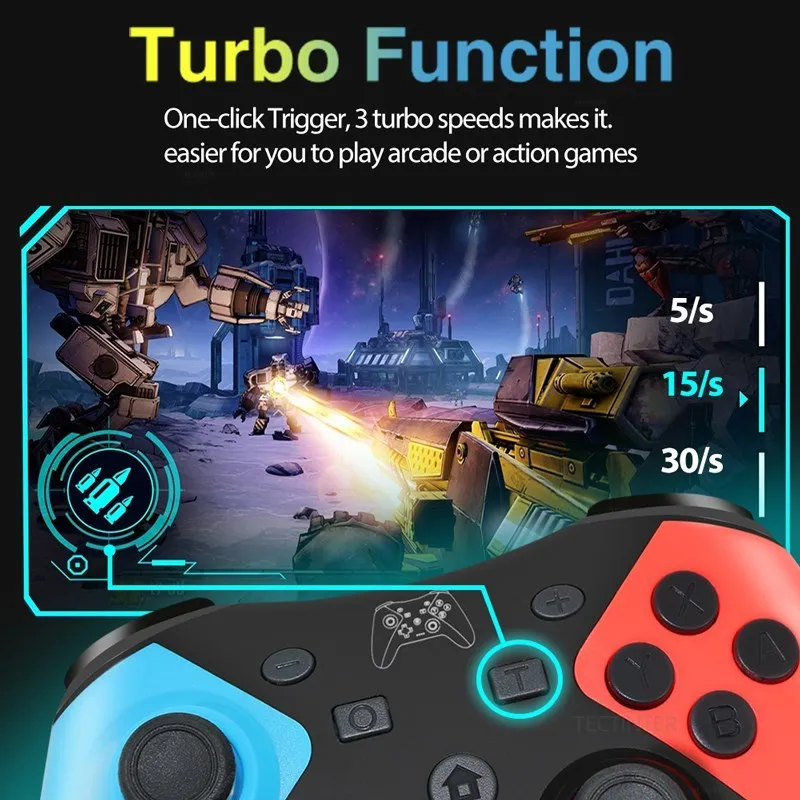
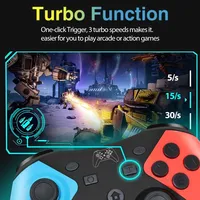
Adjustable 3 kinds of turbo speed function in this switch wireless controller. 5 shoots, 115 shoots and 30 shoots. Select any one according to your gaming experience.
High Sensitivity Button
High-quality pressure-sensitive arrow keys, 360° joystick without dead zone, high sensitivity and accurate action buttons, give you the fastest gaming experience.
Product List
1 X Gamepad
1 X Charging Cable
1x Instruction







Reviews
Clear filtersThere are no reviews yet.