
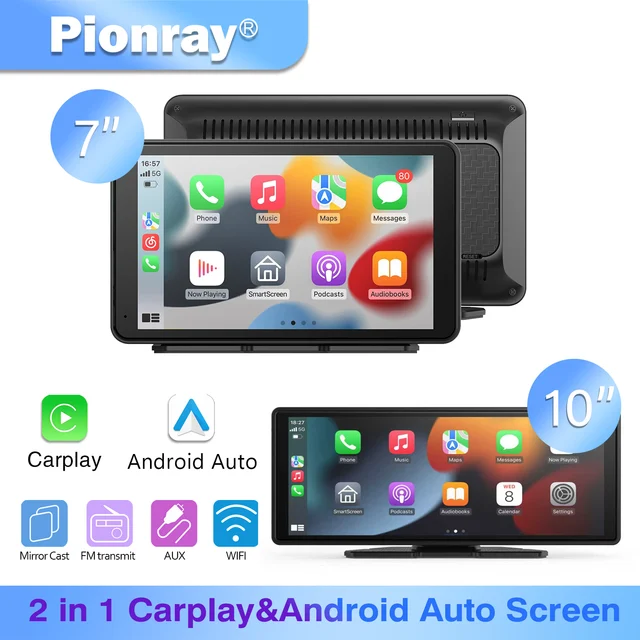
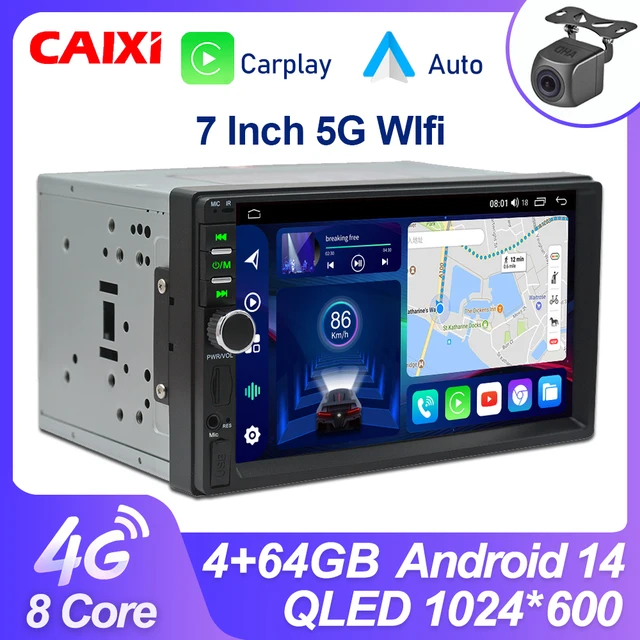
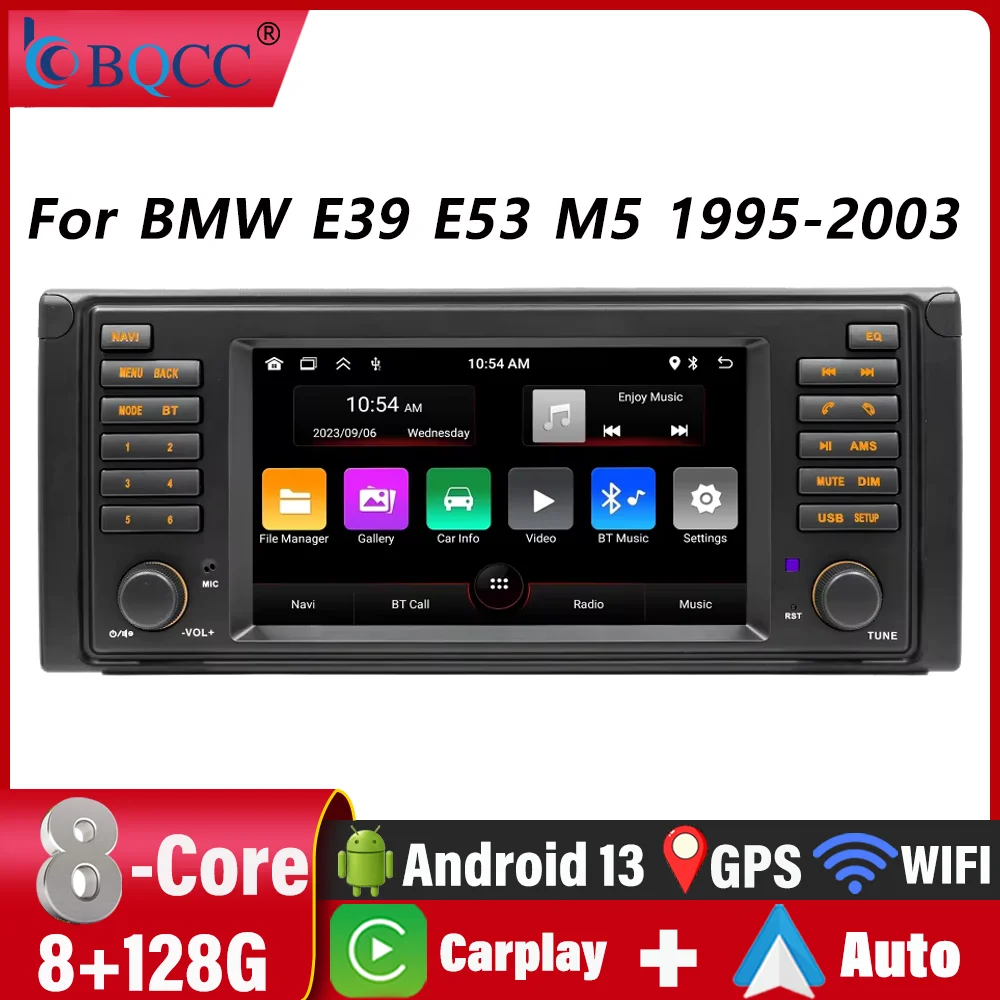

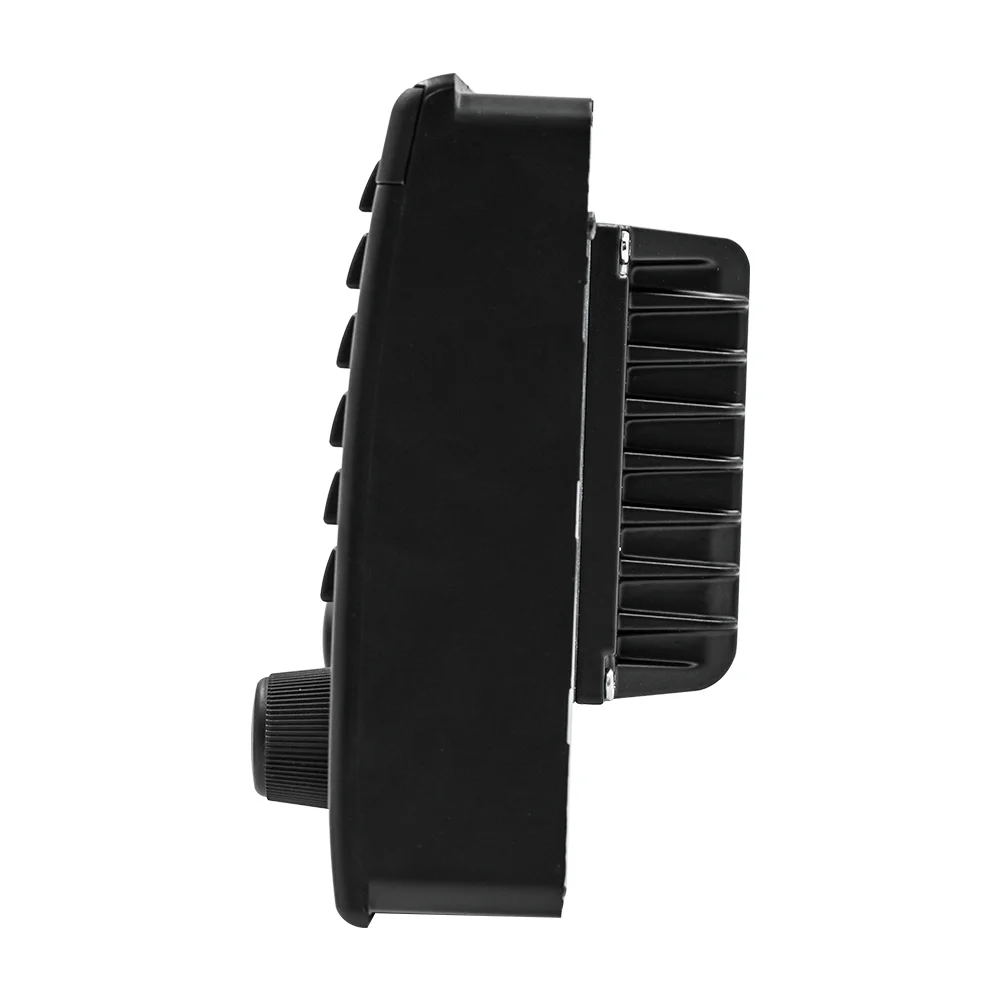
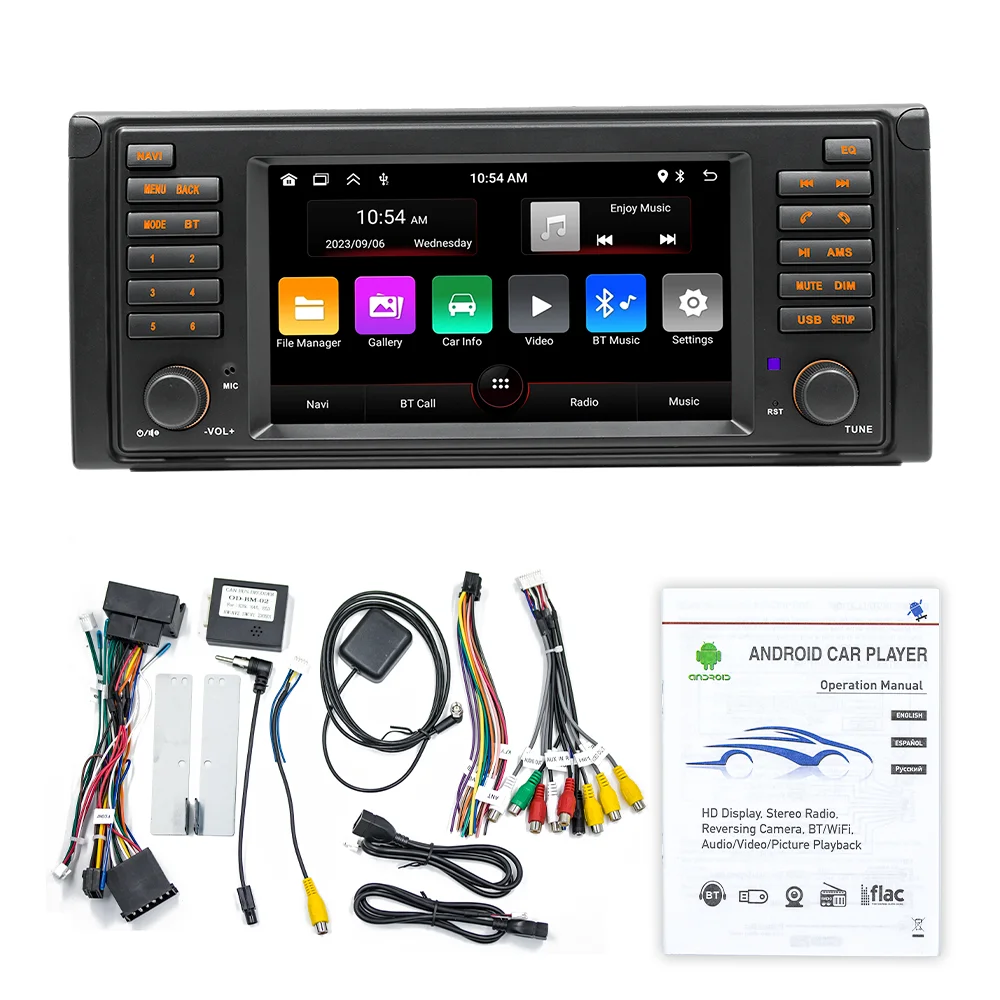
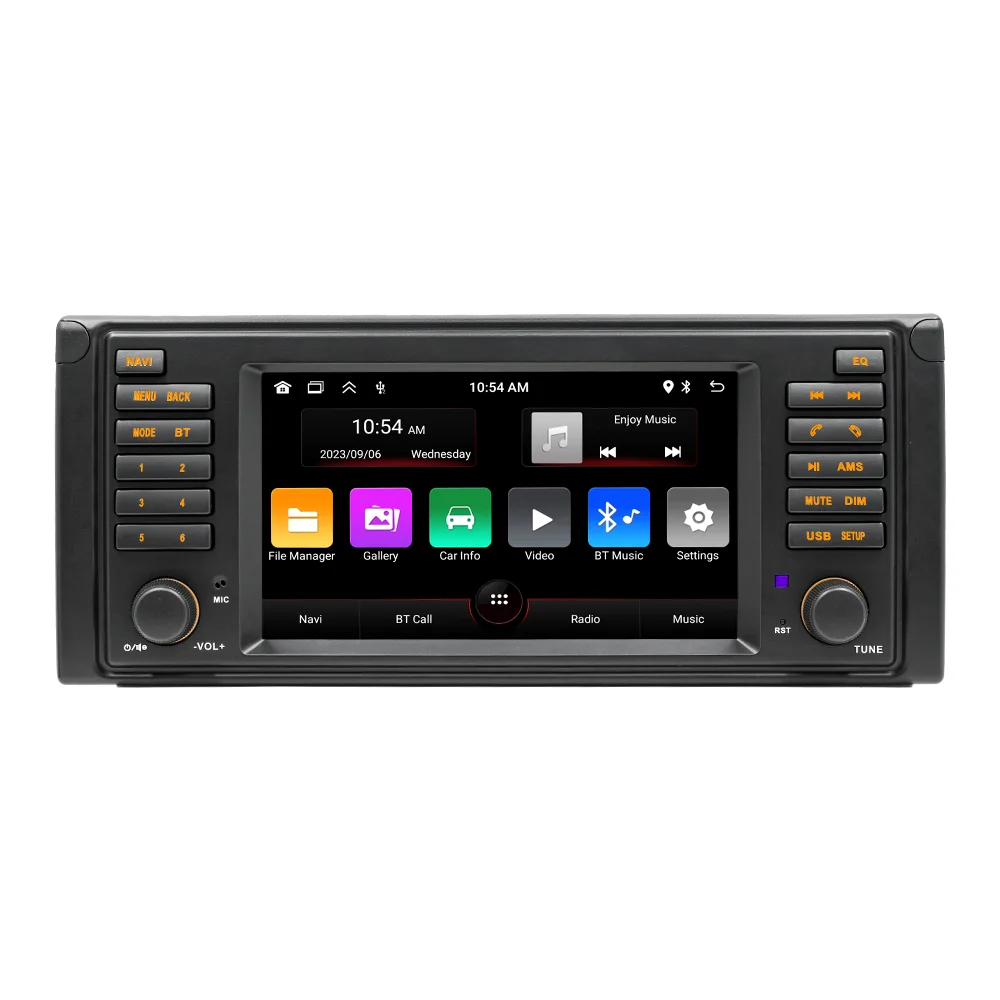
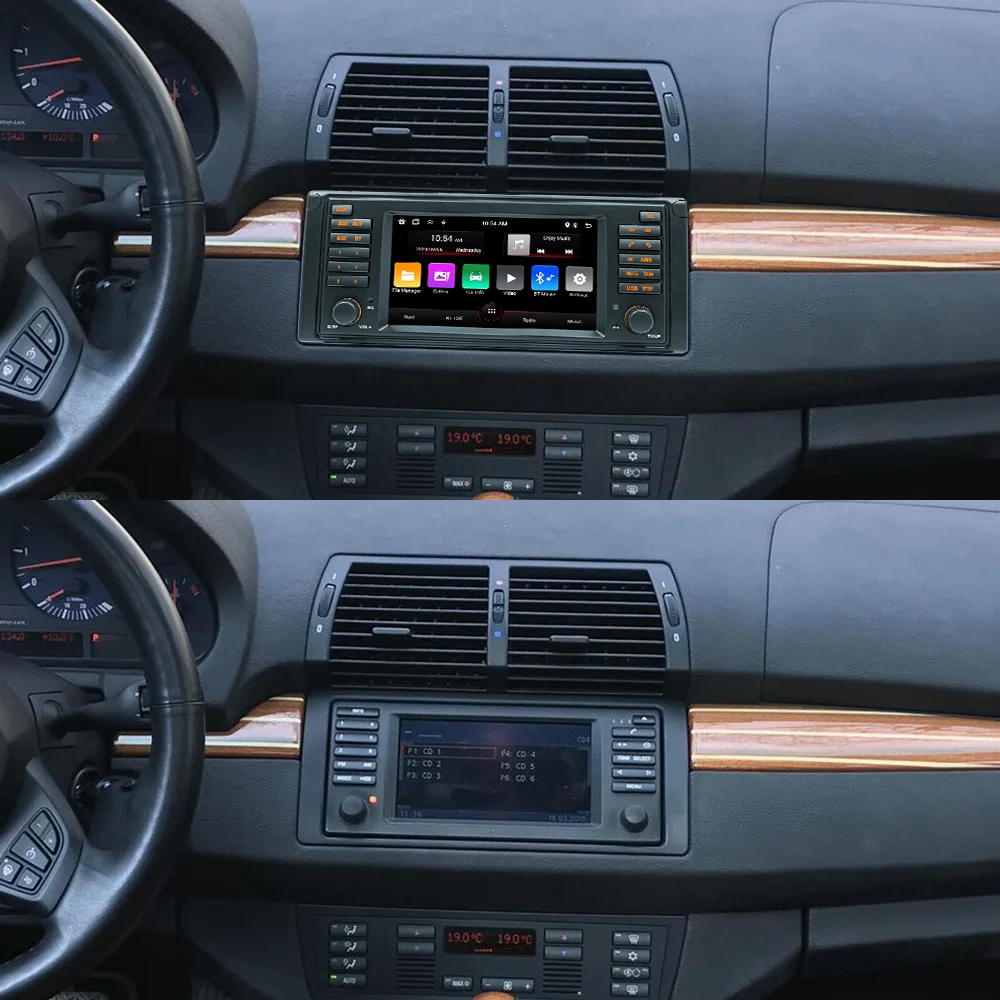
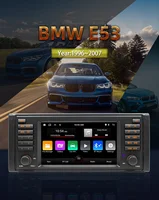
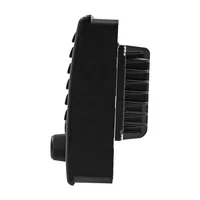
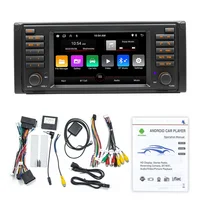
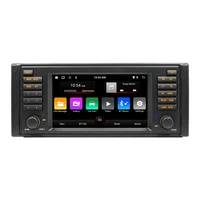
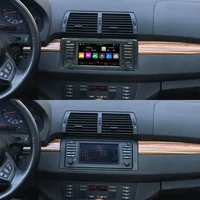

BQCC Car Navigation Car Radio Multimedia Player BMW E53 Dedicated GPS WIFI
CarPlay Car Reversing Image Audio Bluetooth
Welcome to my store ! Have a good shopping time !
Loving life, loving shopping.
100% brand new and high qualit
☆ Why choose BQCC?
1. Fast Delivery
After your payment is verified, our local European and American stores will ship from our local warehouses in the EU and the US within 24 hours. Whether you are in Europe or the US, our delivery service can meet your needs!
2. Quality Assurance
All our products go through strict quality checks before shipping. You can rest assured that the quality is top – notch!
3. Caring After – sales Service
If your product malfunctions within one year of receipt, don’t worry. Just reach out to our 24 – hour customer service team first. Once verified, we’ll send you a replacement right away!
4. BQCC Brand Introduction: BQCC is one of the top ten brands with more than 2 million fans. In the past ten years, we have served more than 5 million users worldwide and are deeply loved by customers. We are constantly committed to the innovation of car multimedia player radio hardware and software, aiming to bring you a unique and personalized experience. We also continue to update firmware, software, user interface and navigation map. If you encounter any product quality issues, please feel free to send an email to bqcc.cpyu@gmail.com. We will respond promptly and help you!
Powerful performance
GPS navigation
Real-time traffic conditions to avoid congestion
WIFI connection
Connect to wifi and you can download the software you want
CarPlay& Android Auto
Mobile phone car mode, after connection, your machine can use some functions of the mobile phone
Wireless Mirrorlink
Compatible with Apple/Android phones
Wiring protection
Incorrect wiring will automatically shutdown the power supply
Reversing video
Automatically switch to full-screen reversing image when in reverse gear
Driving recorder
When encountering porcelain, the video can be played back on site
Steering wheel controls
Set the steering wheel buttons as function keys of the machine
BT hands-free
Using version 5.1 BT chip
RDS radio
Built-in RDs module, listen to traffic radio stations in real time
Basic parameters
No.: SWL-BM00002
Model: BMW E53 Suitable for 1996-2007 models
System: Android 13
Software solution: Jinganchi 8227
Radio frequency: FM 87.5~108.0MHz (switchable Europe, Eastern Europe, North America, South America, Africa, Australia, Japan regional radio frequency)
Radio chip: 6625
Amplifier chip: YD7388
Output power: 60Wx4
Working voltage: 12~14.4V
Working temperature: -10~60℃
Bluetooth version: Version 5.1 (default name: SWL-BT)
wifi frequency: 2.4GHz, 5GHz
GPS signal: Beidou/GPS+GLONASS
Panel light: orange light
Performance parameters
CPU: AC8227L Cortex-A7 quad-core processor Main frequency 1.1GHz
Running memory: 1G
Storage memory: 32G
Display resolution: 1024*600 HD
Screen size: 7 inches
Dimension parameters
Installation size: BMW E53 suitable for 1996-2007 models
Case size: BMW E53 suitable for 1996-2007 models
Host depth: BMW E53 suitable for 1996-2007 models
Color box size: 300x150x190mm (cowhide box)
Weight parameters
Single unit weight: 1.25KG
Function parameters
Mobile phone interconnection: support
Reversing image: support (camera optional)
Play video warning: support
Steering wheel control: support button learning
USB interface: rear USB2.0
Driving recorder: support (USB signal input, recorder optional)
Reset button: Supported
RCA port parameters
Audio output: 2 channels (left channel + right channel)
Video output: 1 channel
Video input: 1 channel
Reversing video input: 1 channel
Subwoofer output: 1 channel
Format parameters
Audio format: MP3/WMA/WAV/APE/FLAC/AAC/OGG/RM
Video format: MPEG/AVI/RM/FLV/ASF/WMV/MP4/MKV/OGM/TS/DivX/RMVB/VOB
Image format: JPG/BMP/PNG/JPEG/GIF
Language parameters
Chinese/Traditional/Chinese/English/Russian/Greek/Polish/Turkish/Arabic/Persian/Romanian/French/Hungarian/Italian/Thai/German/Ukrainian/Spanish/Portuguese/Czech/Vietnamese/Japanese/Malaysian/Dutch/Indonesian/Korean
Other parameters
Factory password: 1234
Q&A:
Q1:How do I connect carplay and Android Auto?
A: Search for the Bluetooth device ”carplay” on your mobile phone. When you connect it for the first time, the mobile phone will pop up a prompt, please click to use or trust the device.
Q2.:How do I connect a mirror link?
A: Before the phone is connected, click on phone Link function of the device, change the automatic connection option under the corresponding phone type to mirror, then connect the phone data cable, and click the corresponding authorization on the phone end to connect.
Q3:How do you get the sound through the car horn?
A: There are three points about the sound problem:
2. Transmit the sound to the original car radio through the FM transmission function of the device (for example, select 86.3MHZ on the device, and then play the U disk music, then search 86.3MHZ on the car radio);
Q4:The Bluetooth connection fails, or some functions are abnormal after connection?
A: Please use your mobile phone to search for Bluetooth of the machine, and the name is ”carplay”; Delete the devices that have been paired with but are not connected to the phone. Some Bluetooth devices that have been paired with each other may cause the phone’s Bluetooth cannot be paired with other devices or its function is abnormal.
Q5:Will Bluetooth connection not automatically connect to car paly or Android auto?
A: Some connected Bluetooth devices will cause our device to fail to jump automatically. Please clear all paired Bluetooth devices on the mobile phone, restart the Bluetooth of the mobile phone and the vehicle device, and re-establish the Bluetooth connection.
Q6: Playing music and talking on the phone too quietly?
A: Hold down the top of the screen with your finger and slide down. You can adjust the playing volume after pulling down the status bar; When you return to the home screen during a call, you can adjust the call volume in the status bar.
Q7: Can’t read or play SD, USB music and videos?
A: Please use 16G or 32G storage card or USB flash drive. Some large-capacity storage devices may not support it. Format the storage device to ensure that the storage device’s file system is the default value; Partially encoded video or music may not be recognized by the machine, please use common format media files.







Reviews
Clear filtersThere are no reviews yet.