

⚠️ Important Pre-purchase Warnings & Usage Notes
Before purchasing, please read the following key points to ensure this product meets your needs and is compatible with your device.
1. 📱 Device Compatibility (CRITICAL)
Incompatible Phones: This unit is NOT compatible with Samsung S22 Ultra, Galaxy A20 (SM-A205g), A54, Huawei P40 Pro, or P30 Pro.
Android Auto Limitation: Most Xiaomi, Huawei, and Samsung phones do NOT support Android Auto. If you require Android Auto, please verify your phone’s compatibility first to avoid disappointment.
2. ⚙️ Product Configuration & Essentials
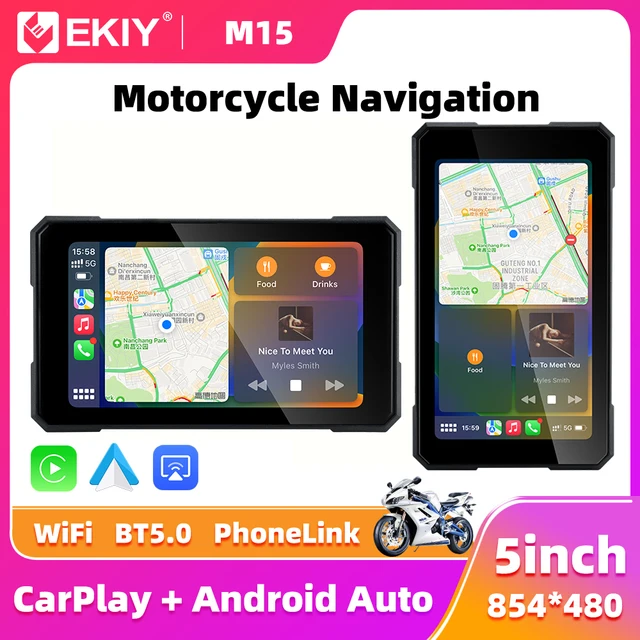
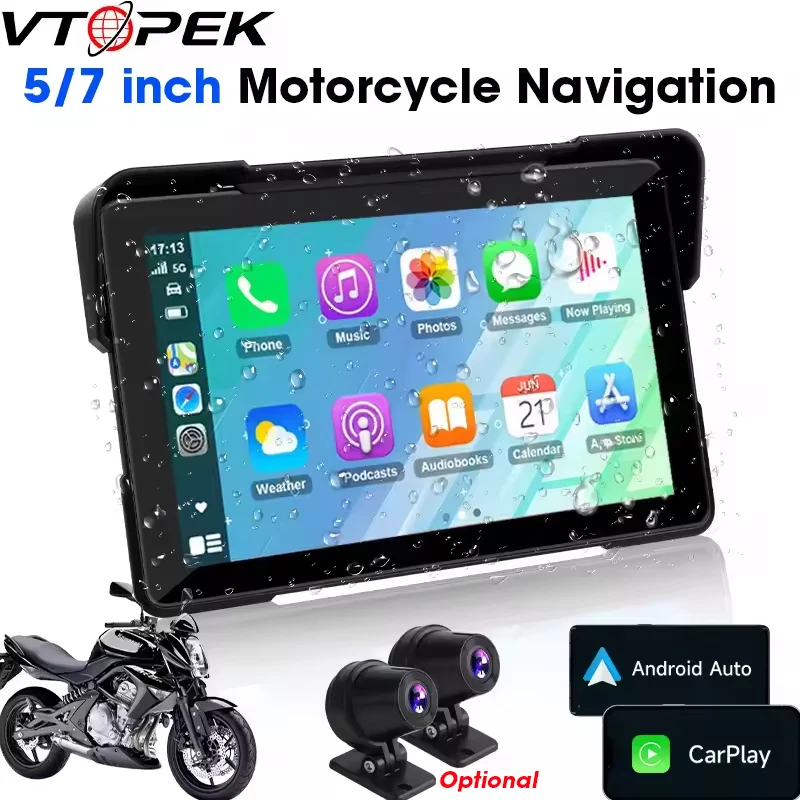
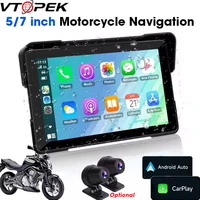
Model Difference: 5-inch model has no camera. For the 7-inch model, the camera is optional (please confirm your selection).
Cables & Cards: Use only the original power cable provided. The Type-C port is sealed (waterproof) and cannot be used. You must use a Class 10 or higher SD card (Class 9 or lower will not work).
3. ⚡ Electrical Safety Warning (MUST READ)
NEVER connect the power cables directly to the motorcycle battery terminals, as this will cause a short circuit and permanent damage.
Correct Connection: Connect the screen’s positive (red) wire to the positive terminal of your bike’s power lock (ACC), and the negative (black) wire to the negative terminal or frame ground.
4. 📞 After-Sales Support Commitment
If you encounter any issues, please contact JMCQ Store via our official store:
//www.aliexpress.com/store/1101399813
We guarantee a response within 12 hours to provide solutions, including troubleshooting, free replacements for quality issues, or refunds.
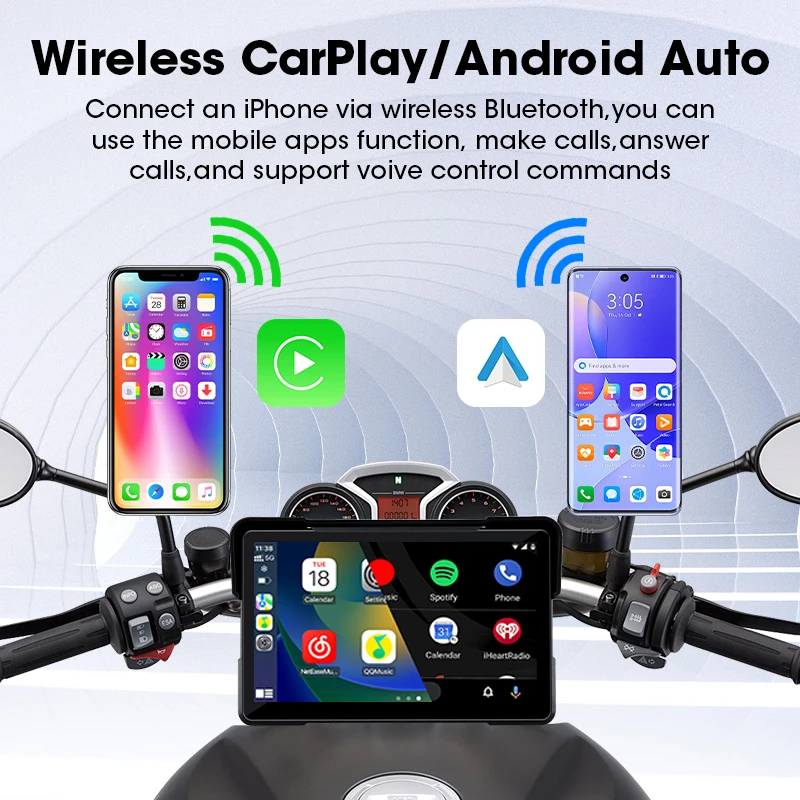
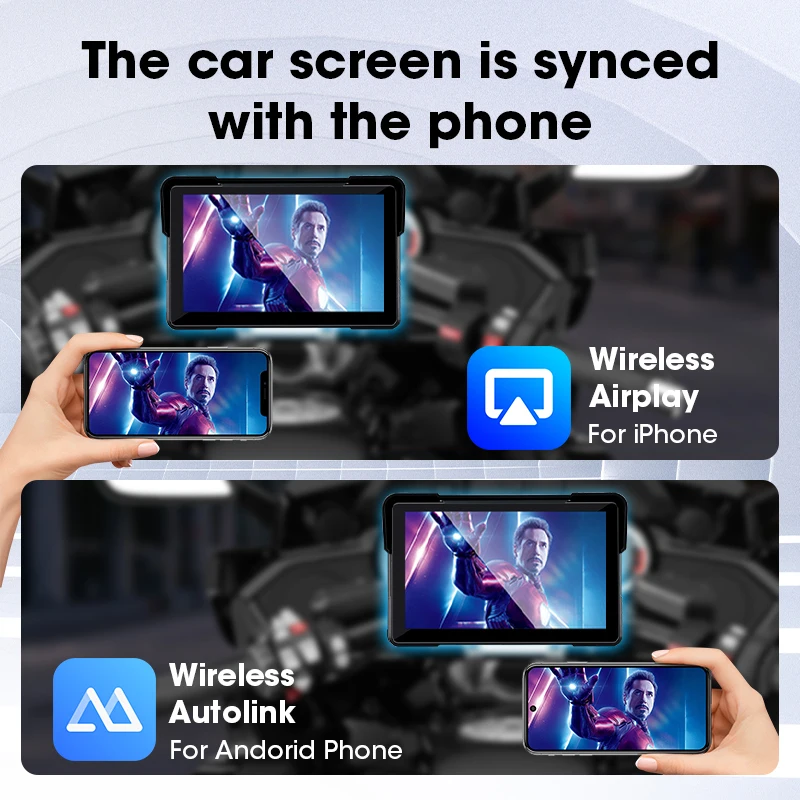
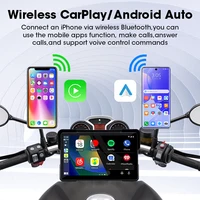
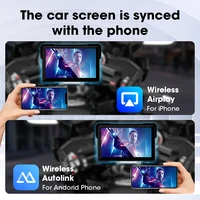
Supports Wireless CarPlay & Wireless Android Auto connection, wireless connection more convenient than wired connection, take what you want to do on your phone and put them on the touchscreen while riding – make calls, use maps, listen to music and access messages, with Siri/Google assistant voice control, the smarter, safer and more fun way to use your phone on a motorcycle.
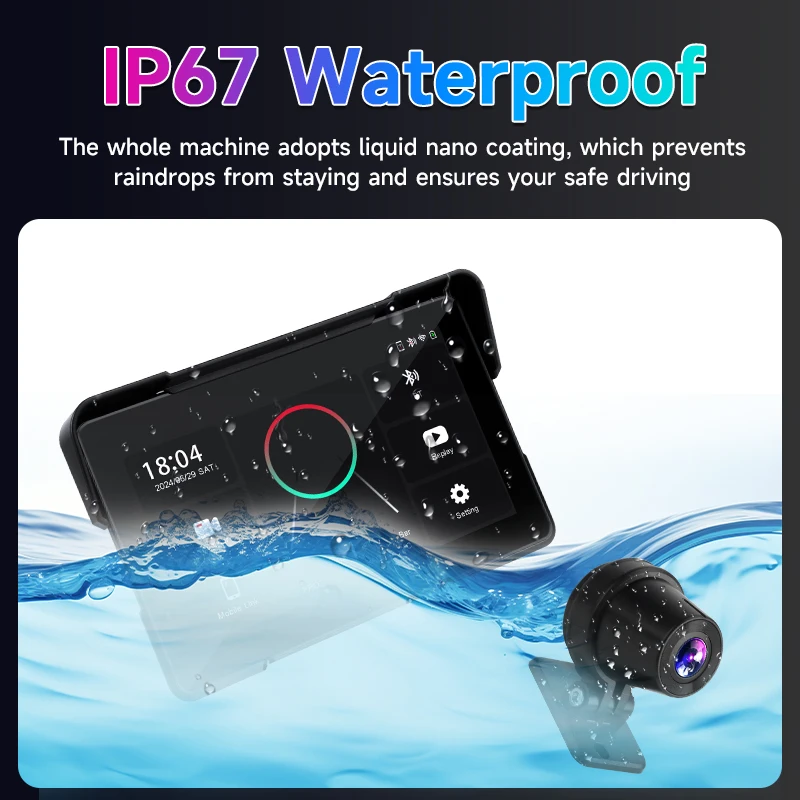
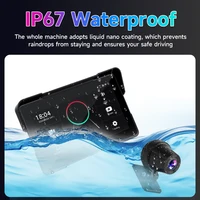
Waterproof & Anti-Theft Design: the motorcycle GPS unit with IP67 waterproof design and thief-proof detachable capacitive touchscreen remain under your control.
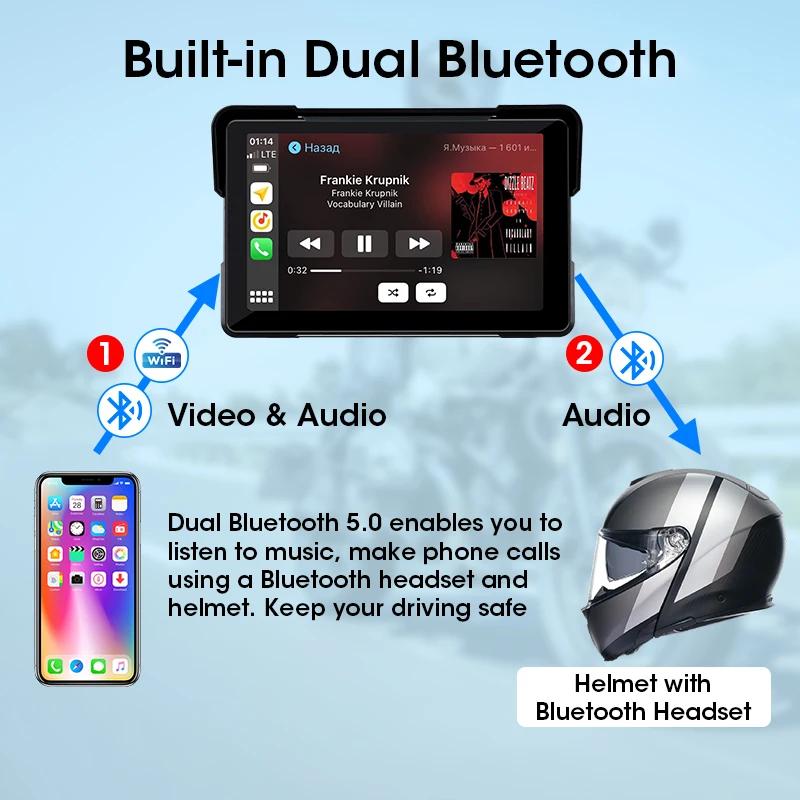
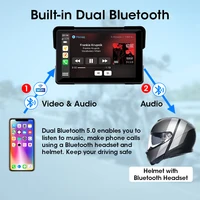
Built-in Dual Bluetooth: pair your phone to the carplay touch screen via Bluetooth, pair the unit to your Bluetooth helmet/earphone, then you can adjust the volume/switch songs and make hands-free calls by your helmet or earphone, so easy.
GPS Navigation by CarPlay or Android auto, use your smartphone built-in map apps such as Waze, google maps, maps etc.
After receiving the product, if you have any questions, we will provide you with professional instructions for use.
How to Connect Carplay & Android Auto:
Step 1: Click on “Carplay/Android Auto” to enter the connection page.
Step 2: Turn on the Bluetooth function of your phone, search for the Bluetooth device with the name “CAR-BT xxx”, pair it and click “Use Carplay/Android Auto”.
Connection video: //video.aliexpress-media.com/seller/play/5000217050064.mp4
If the connection fails, you can try going to the general settings of your phone, find the Carplay settings section, delete all device connection records, and then try reconnecting.
Helmet connection method:
① Connect your phone to the Carplay machine via Bluetooth, and connect to Carplay or Android Auto.
② After successful connection, use your phone’s Bluetooth to connect to the helmet’s Bluetooth.
Note on SD Card Slots & DVR Cover:
This device includes two card slots: the DVR slot for video recording and the CARD slot for multimedia playback. To use the DVR function, insert your SD card into the DVR slot; for playing music or videos, insert it into the CARD slot.
Please note: The DVR slot cover is screw-fixed (waterproof design). Before inserting or removing a card, first unscrew the cover. Do not force it open, as this may damage the housing or screws.
GPS Navigation:
Supports online real-time map navigation when connecting to Carplay or Android Auto, which helps toavoid traffic jams and prevent you from getting lost.
FAQ:
If you are satisfied with our product, you can give us a 5 star review. Your support is the driving force for us to continuously improve our products and services! Thank you very much!







Reviews
Clear filtersThere are no reviews yet.