
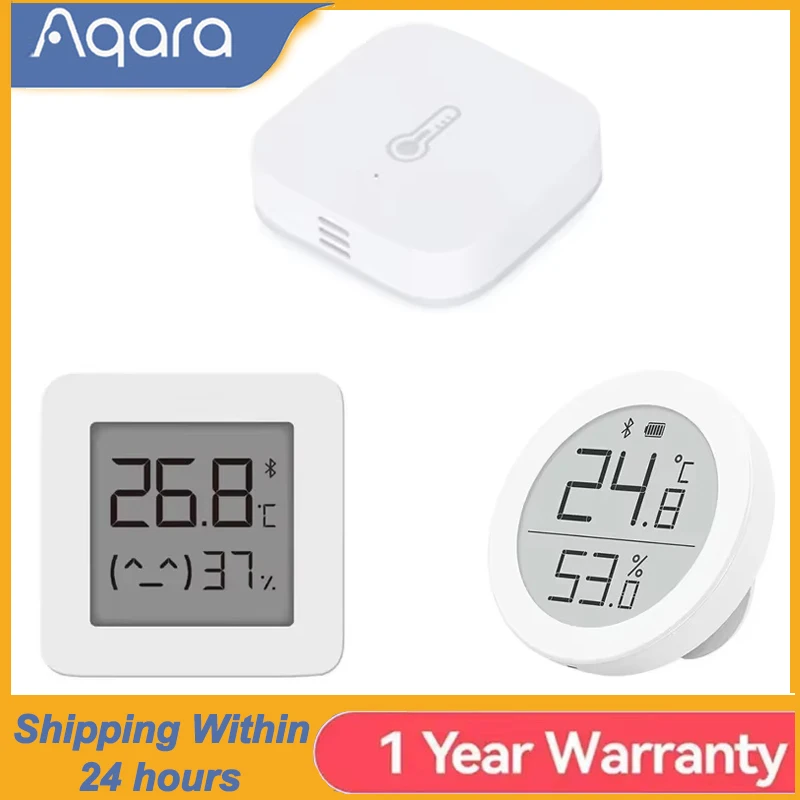
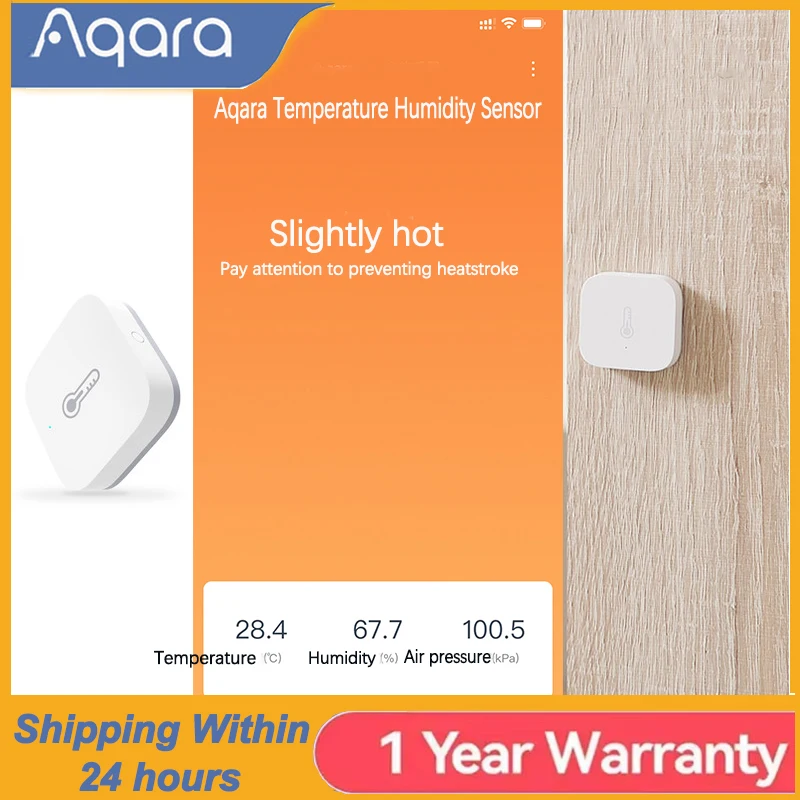
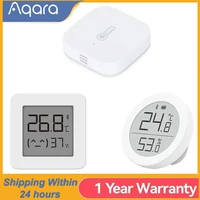
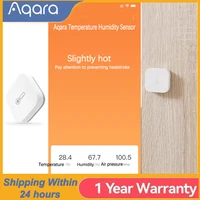

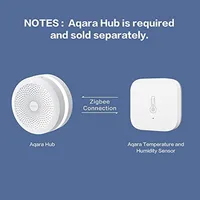

Aqara Temperature Sensor Smart Air Pressure Humidity Environment Sensor Smart Control Zigbee Smart Home For Xiaomi Mi Home APP
1:this is original aqaraSmart Air Pressure Temperature For Xiaomismart home ,Can works with mijia offical APP mi home .
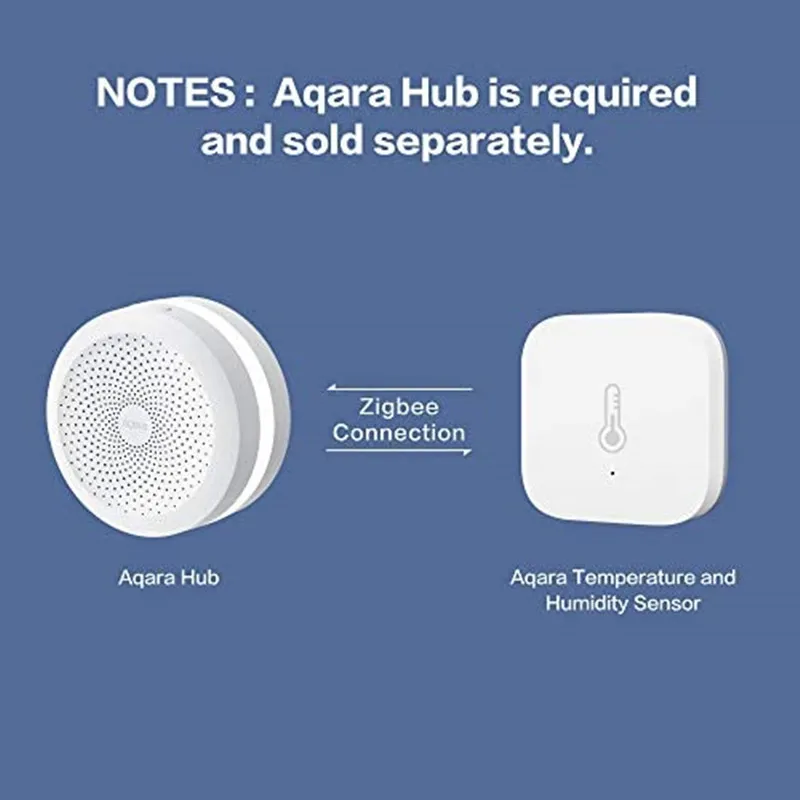
2: This item must match the ZIGBEE gateway to use. ( like xiaomi gateway 3 / aqara HUB etc..)
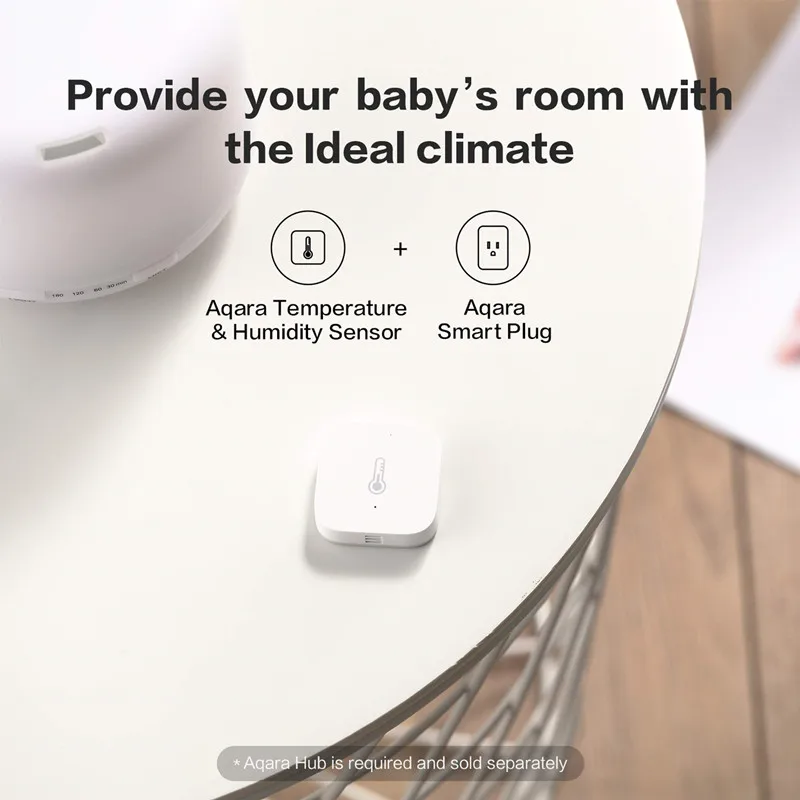
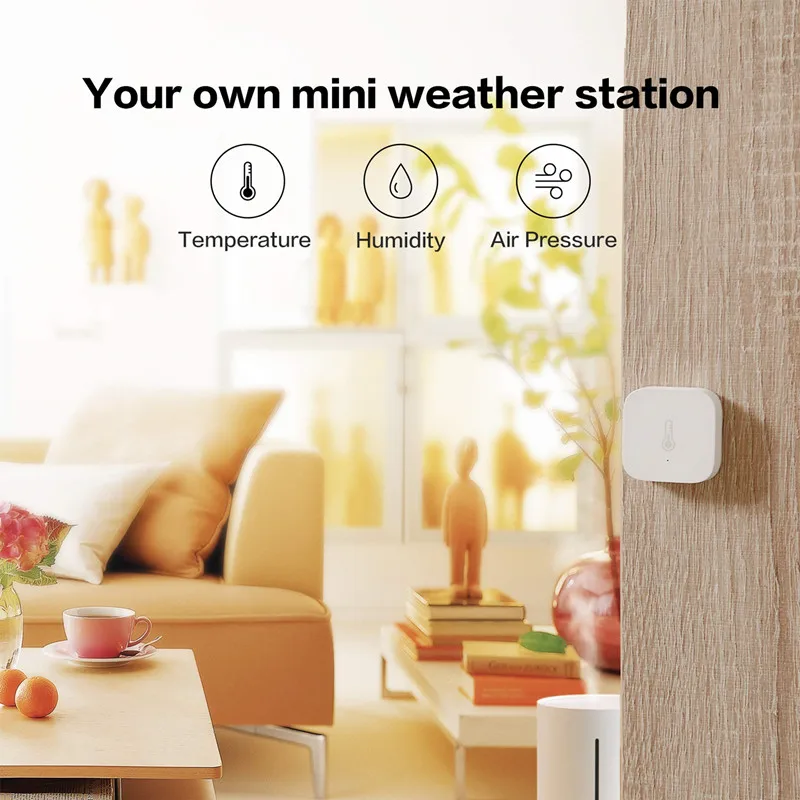
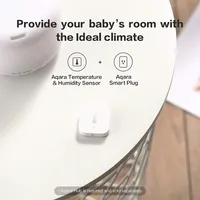
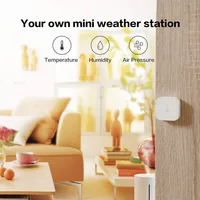
The Aqara temperature humidity sensor can monitor the temperature, humidity and atmospheric pressure, and can either then make changes to the environment of sending a notification to your phone via the APP. With the ability of matching with other Xiaomi smart devices such as gateway remote control, smart outlet, versatile controller, etc. this sensor is able to help you create a smart home. What is more, this smart sensor is easy to control the temperature and humidity change by viewing the data according to historical records.
Features:
Wireless connection: ZigBee
Real-time and historical records
Multiple application: can connect to Aqara smart devices or other ZigBee devices
Automatically alarmif the temperature, humidity and atmospheric pressure are abnormal
Detects the temperature, humidity and atmospheric pressure condition
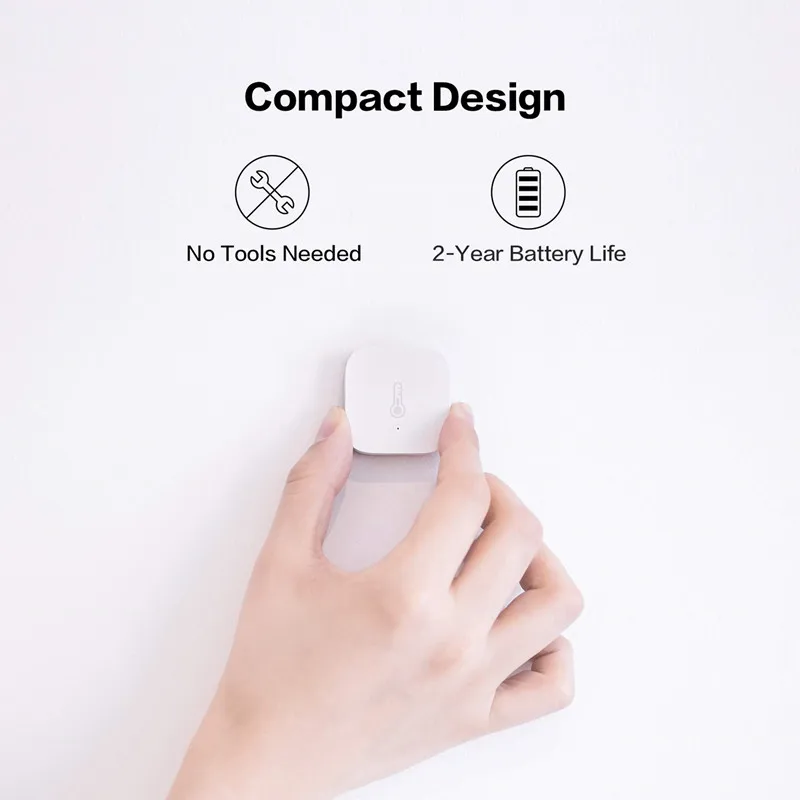
Powered by a CR2032 button cell ( included )
Please download APP “Xiaomi Smart Home” from the Apple Store or Google Play
Temperature detection range: -20 – 60 Deg.C ( + / – 0.3 Deg.C )
Humidity detection range: 0 – 100pct RH ( + / – 0.3pct )
Atmospheric pressure detection range: 30 – 110KPa ( + / – 120Pa )







Reviews
Clear filtersThere are no reviews yet.