

NOTE:
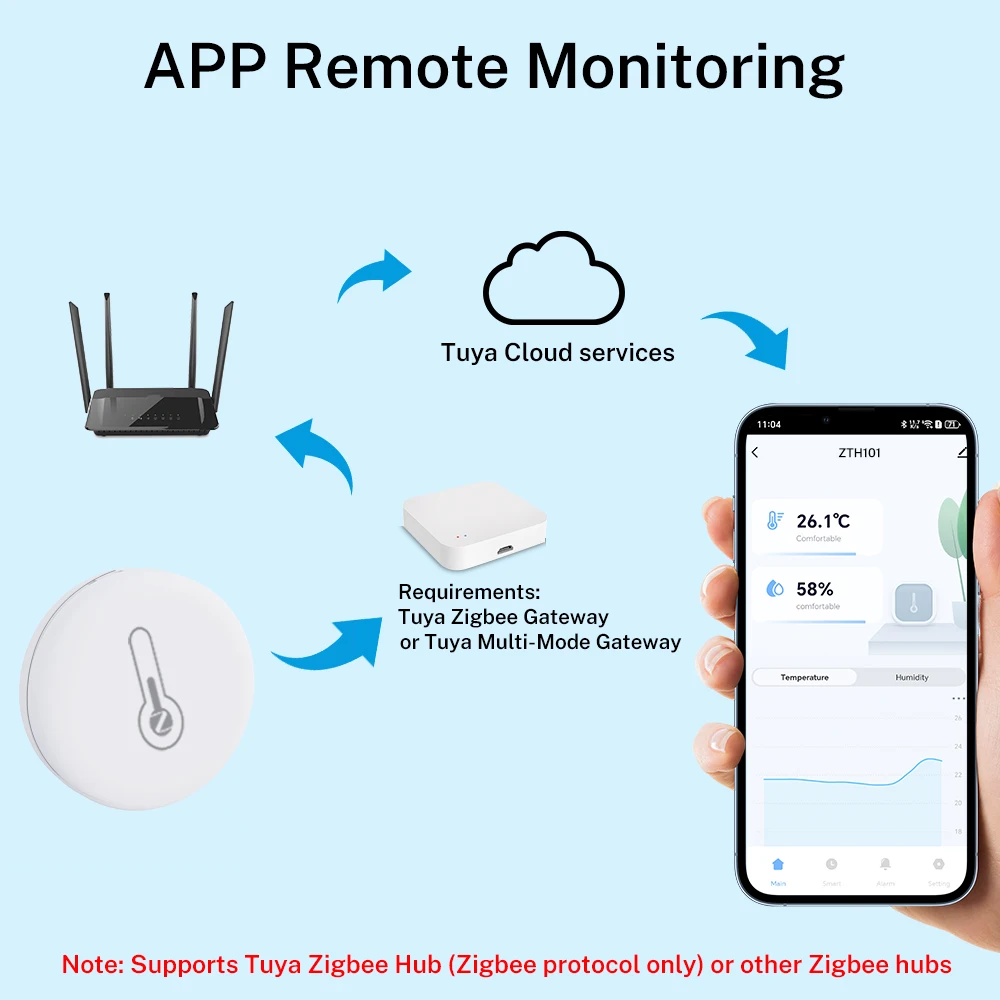
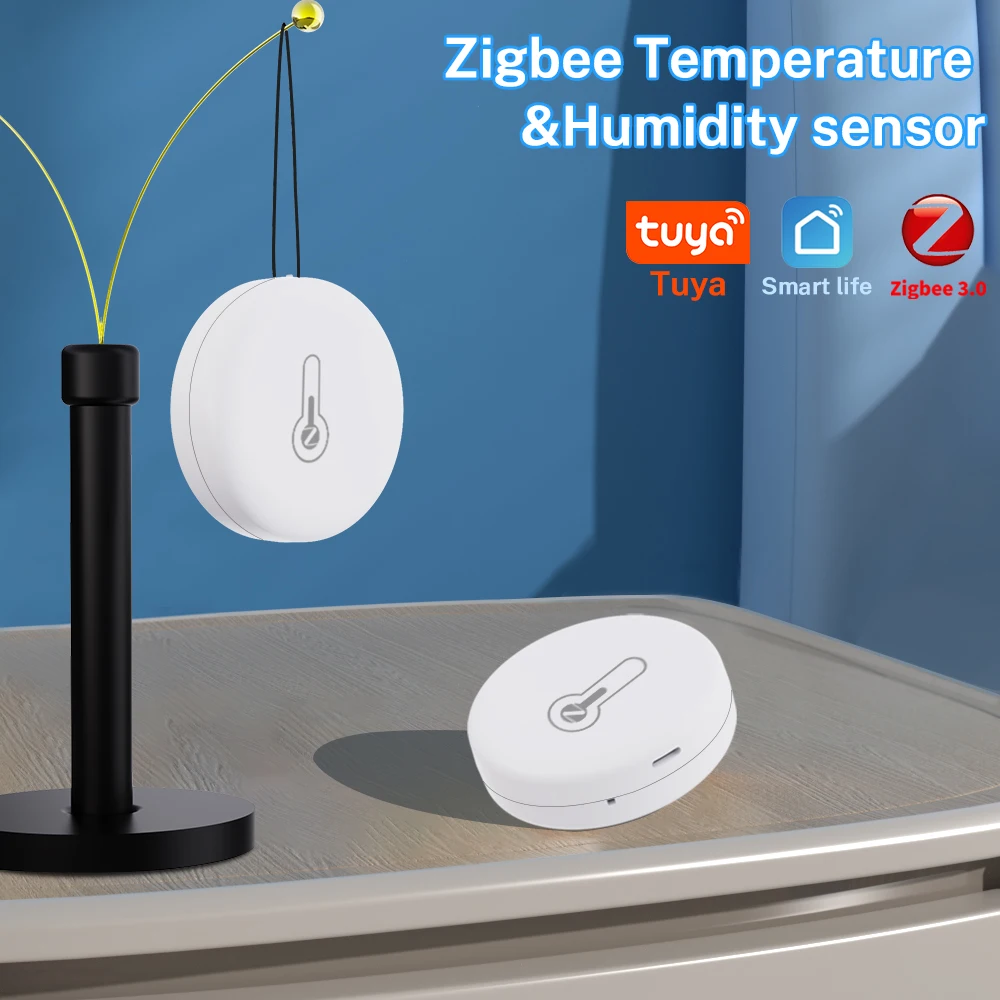
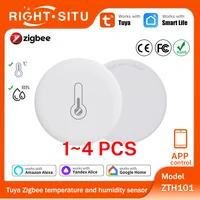
1. This sensor is a Tuya Zigbee solution. It can’t connect to WiFi.
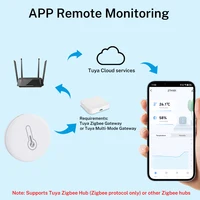
2. It doesn’t work alone. It needs to work with Tuya Zigbee hub or Tuya Multi-Mode Gateway.
Product Features:
1. High precision.
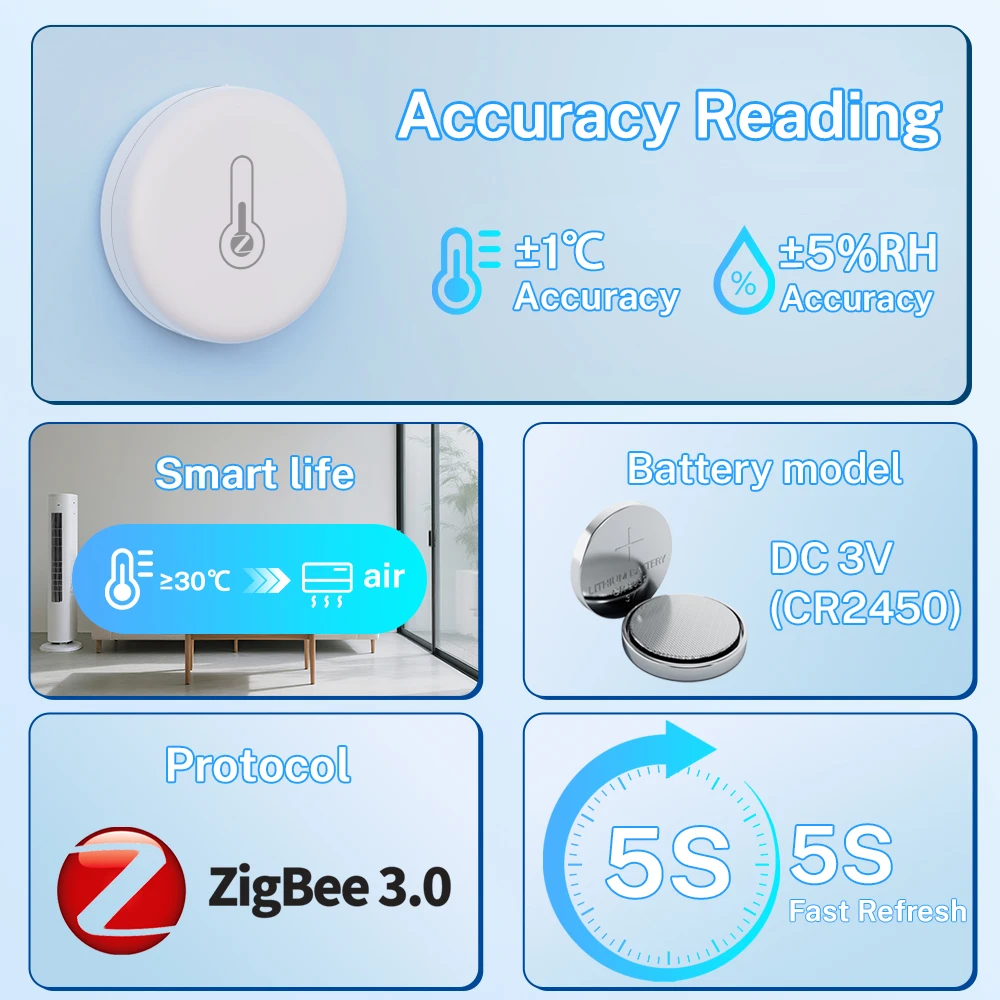
The sensor uses top suppliers. It can guarantee the high precision of the measurement data.
2. Real-time monitoring and recording.
The sensor will report when the temperature and humidity changes very little. You can view the changes in the value on the APP or display screen.
Record the temperature and humidity changes on the APP, and use the graphics to show you.
3. Scene linkage
The sensor can be used as the temperature and humidity data source of Tuya Smart, Smart Life, Alexa, Google Home. You can do many automated processes based on the data source.
4. Temperature Unit Switch
Built-in Celsius and Fahrenheit display switching function, allowing you to freely select the preferred unit in the app according to your needs.
5. Third-party voice support.
The sensor supports Alexa, Google Home Asistant. You can check the current temperature and humidity by voice.
APP Remote Monitor
Monitor indoor environment temperature and humidity, creating a comfortable home living environment.
Temperature & Humidity Records
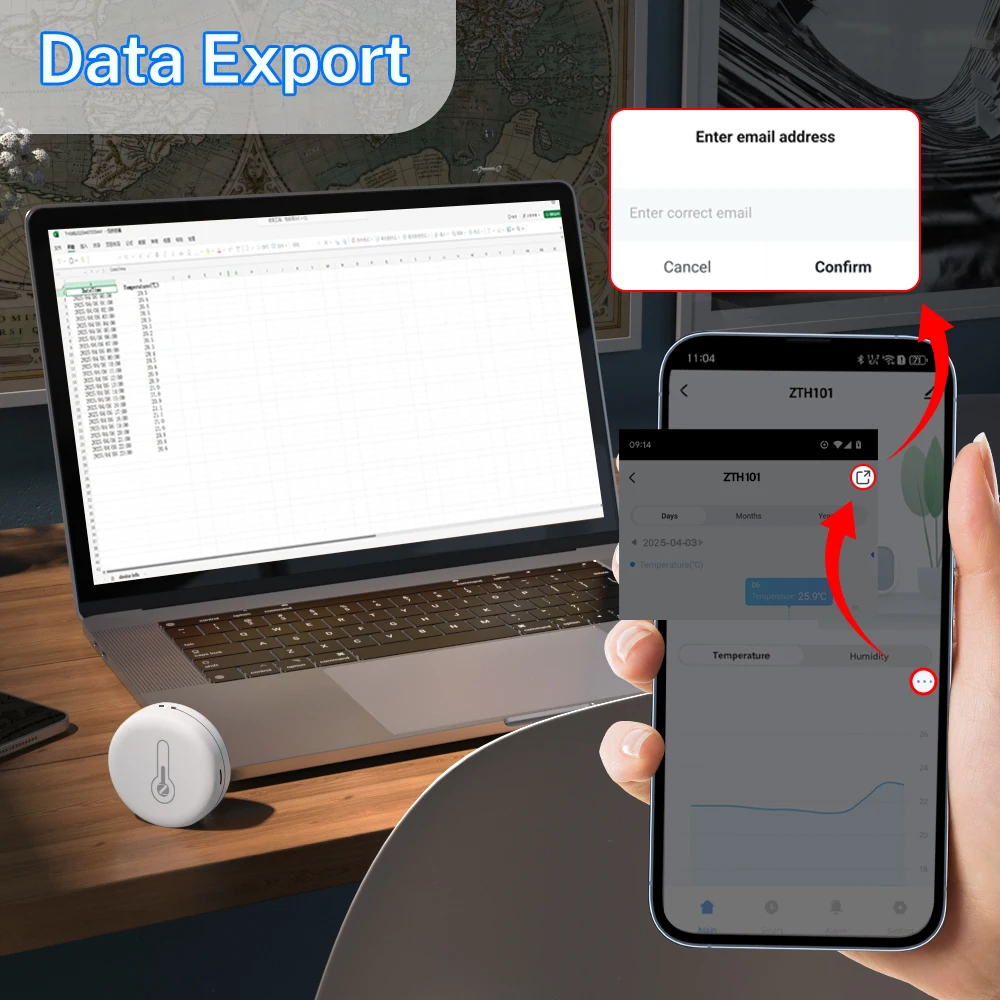
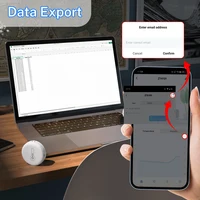
You can view the historic curve of the temperature and humidity in the APP, and export to your email address.
Low Battery Reminder
When the battery power is low, it will push alarm message via APP, remind you to change the battery.
Intelligent linkage
Automatically turn on or off the air conditioner or humidifier when a specific temperature or humidity pre-set in the application is reached.
NOTE: Other products must also be Tuya’s products and managed under the same account
Work with Alexa, Google Home
After connecting Alexa and Google home, you can query the current temperature and humidity by voice.
NOTE:
1. Because Alexa and Google home do not provide corresponding development interfaces, the temperature and humidity cannot be displayed correctly or not displayed on them.
2. It is not possible to create a Route or an automated process on Alexa or Google Home by temperature or humidity. (Only support to create an automated process in Smart Life or Tuya Smart).
3. But you can query the current temperature and humidity by voice.
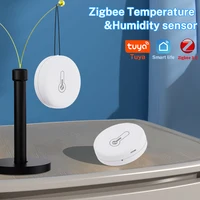
Multiple Usage Options
NOTE: The hanging rope is not inside the package.
Device sharing function
You can share the device and control the temperature and humidity meter with your family
Installation steps
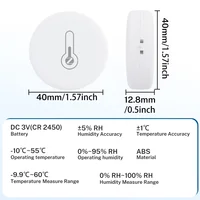
Product parameters
Technical characteristics
About Update Frequency
1. The sensor uses a trigger mechanism. When the temperature or humidity changes to the set value, the sensor will report the data immediately. Generally, the data is updated once an hour.
2. The sensor cannot set the update report data frequency.
3. The sensor cannot set alarm. The alarm function is set on the APP.
If you need to update data in real time, please purchase a USB powered version(TH06/TH16).
About Network Testing
Devices using the network consume a lot of power. To ensure the service life of the battery, the device will stop using the network when it does not need to report data. Therefore, it is meaningless to test the network signal of sensors in APP.
Error on temperature and humidity
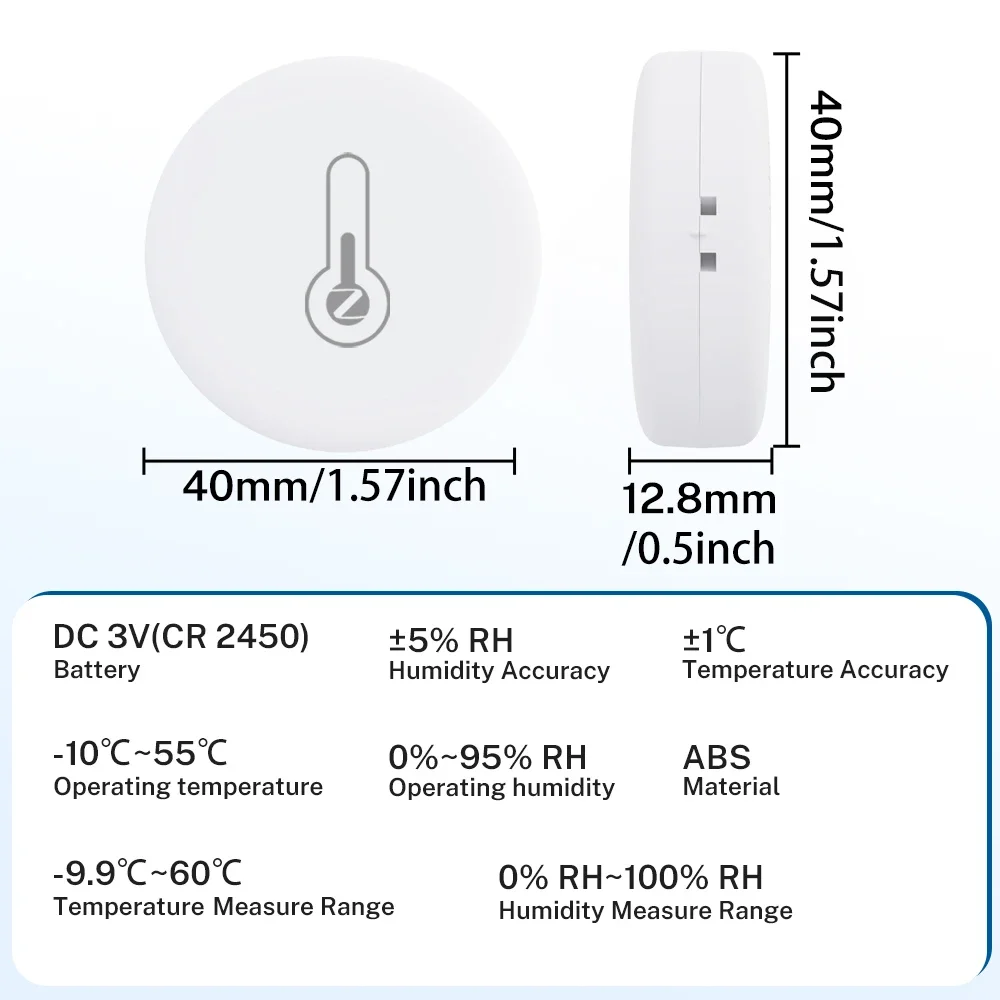
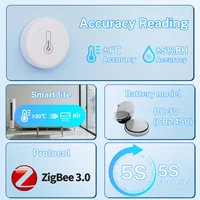
1. All temperature and humidity sensors will have certain errors, please note. The temperature error of this sensor is ± 1 ℃, and the humidity error is ± 5% RH. Any value within this range is normal.
2. The sensor error and manufacturing process will meet, and there will also be some errors between products of the same model.
3. According to Newton’s third law, heat conduction takes a certain time. The sensor needs 30 minutes or 1 hour to be consistent with the room temperature, and the measurement will be accurate.
Historical curve of temperature and humidity
1. The minimum granularity of historical data (daily chart) is 1 hour, and the minimum granularity of exported data is also 1 hour.
2. Days of historical data are stored for 7 days.
3. The value of historical data is the average value. That is, the average value of a minimum granularity time.
Support for third-party smart speakers
1. Because the third-party smart speakers (Google Home/Alexa) do not have control panels corresponding to temperature and humidity sensors, Therefore, the APP of third-party smart speakers may not display the temperature and humidity correctly.But we have developed voice query function. Therefore, the current temperature and humidity can be queried by voice.
2. Route or automatic process related to temperature and humidity cannot be established on the third-party smart speakers.
Trigger mechanism of temperature and humidity in automatic process
We used Edge Triggered (ET)
That is, the action can only be triggered if the condition crosses the set condition.
A: For example, turn on the light when the automatic setting temperature is greater than 25 ℃.
A.1. When the temperature rises from below 25 ℃ to 25 ℃, the automatic process can trigger the ON light.
A.2. After the automatic process is set, the temperature is always above 25 ℃, and the lamp is not turned on.
B: For example, when the automatic setting temperature is less than 20 ℃, turn on the light.
B.1. When the temperature drops from above 20 ℃ to 20 ℃, the automatic process can trigger the start lamp.
B.2. After the automatic process is set, the temperature is always below 20 ℃, and the lamp is not turned on.
FQA
Q: What are the necessary conditions for using it?
A: Firstly, you must have a smartphone to install the app. The most important thing is that you need a Zigbee Hub.
Q: What are the suggestions for the installation location?
A: We suggest installing it in an open location. Do not install it in a closed iron box as it will affect signal transmission.The Zigbee signal at the installation location must be normally.
Q: Why does the network testing function on the device properties page always fail?
A: In order to save power, the sensor will shut down the network for sleep when it is not necessary. The network testing function requires the device to be online and requires power consumption for long-term testing, and the battery of the sensor cannot guarantee long-term operation. When testing the network, the sensor is sleeping, so it will fail, and we believe it is also meaningless. Of course, the sensor will start reporting data at a fixed time, or when the temperature or humidity changes exceed the set value, the triggering mechanism will wake up the sensor to start the network and send data.
Q: How should I configure my Smart Speaker / Alexa / Google Home / Yandex Alice ?
A1: (Smart Speaker With out Zigbee Hub): . They need to provide account links and support through the “Skill” function. You can use the following methods: Smart Life ->Me ->Third Party Services. But the necessary condition for these is that you have already configured the sensor to Tuya Zigbee Hub and Smart Life.
A2: (Smart Speaker With Zigbee Hub): In this case, you can configure it through A1. But it can be directly linked to smart speakers or third-party Zigbee Hubs. But the page is displayed by a third party. We cannot control the content displayed by third parties.
Q: Why does the device display ‘Device is unresponsive’ when I configure it directly connect to Alexa With Zigbee Hub?
A: To be precise, this is a bug on Alexa. Because the sensor is a battery version, it is necessary to balance the battery life. Alexa requires the sensor to send a message to activate the device every 10 minutes, which corresponds to a very high frequency for battery products. This is the problem. But other Zigbee 3.0 gateways do not have this issue.
Q: Why do other third-party gateways display very simply?
A: The display of third-party gateways relies on third-party apps, and we cannot control their display and content So we recommend using Tuya’s Zigbee gateway.







Reviews
Clear filtersThere are no reviews yet.